Smartphone integration has become a key feature in modern vehicles, with Apple CarPlay and Android Auto allowing drivers to access navigation, music, and communication safely while on the road.
Some vehicles excel at providing a seamless and intuitive experience, with responsive touchscreens, quick pairing, and reliable connectivity that enhance convenience and usability. Others struggle with sluggish interfaces, glitches, or compatibility issues, turning what should be a helpful tool into a source of frustration.
This comparison highlights the difference between vehicles that deliver smooth and user-friendly infotainment experiences and those that are notorious for tech problems.
Factors such as interface design, software updates, and connectivity reliability play a major role in determining whether a system will be enjoyable to use or require extra patience and workarounds. Understanding these differences is essential for drivers who prioritize technology in their next vehicle and want to make a confident choice.
5 Rides With Best Apple CarPlay/Android Auto UX
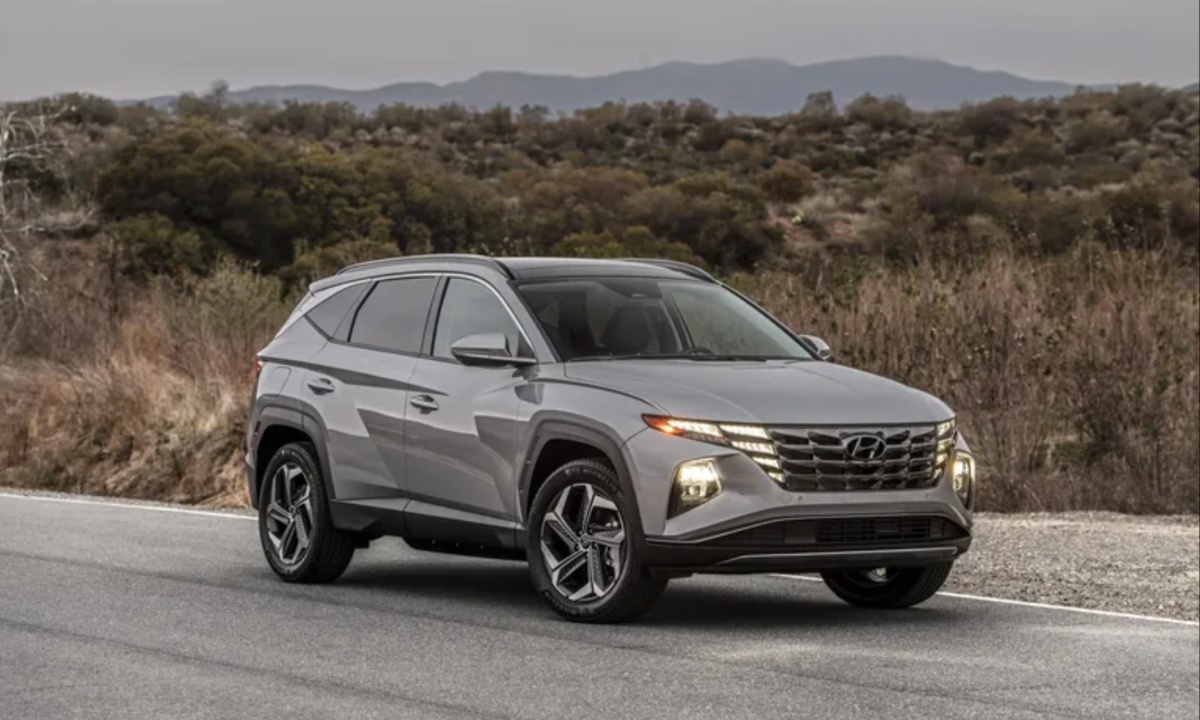
1. Hyundai Tucson: A Well-Rounded Compact SUV with Everyday Practicality
The Hyundai Tucson stands out in the compact SUV segment, especially in used models equipped with modern conveniences like Apple CarPlay and Android Auto. Known for its spacious interior, attractive pricing, and strong feature set, it’s a popular choice among Saskatchewan families and commuters, especially those browsing 306 Deal’s inventory, where connectivity-rich models are commonly available.
On the road, the Hyundai Tucson prioritizes comfort over speed. Its standard gas engine delivers modest acceleration, taking 10.2 seconds to reach 60 mph, making it slower than many rivals. Around town and on the highway, it performs adequately, though quick bursts of speed reveal its lack of urgency.
Despite this, the Tucson impresses with easy, direct steering and stable cornering. Its suspension is a standout, soaking up bumps and potholes with a ride quality that rivals class leaders. Visibility is excellent thanks to a wide windshield and slim pillars, while useful driver aids like blind-spot warning, adaptive cruise control, and front/rear parking sensors enhance confidence, even if the constant sensor beeping can be tiring.
Inside, the Tucson flirts with near-luxury comfort. Front seats, especially in higher trims, provide plush cushioning, strong support, and power lumbar adjustments. The seating position feels more car-like than SUV-like, though still elevated enough for a good view.
The cabin is spacious, offering generous headroom, legroom, and shoulder space for both front and rear passengers. Rear seats recline, and wide door openings make entry easy. Families benefit from excellent space for child seats, with accessible LATCH anchors. The only drawback is Hyundai’s heavy reliance on touchscreen controls without physical feedback.
Tech is a Tucson strength. A sharp 12.3-inch touchscreen with wireless Apple CarPlay and Android Auto comes standard, supported by responsive voice commands and clear native navigation. Cargo space is among the best in the segment, 38.7 cubic feet behind the rear seats and 74.8 cubic feet with them folded. The low liftover height and flat floor further boost usability.
Priced competitively against the Honda CR-V and Toyota RAV4, the Tucson offers superior interior quality and more standard features. Its industry-leading warranty (5-year/60,000-mile basic and 10-year/100,000-mile powertrain) adds long-term value. Fuel economy is decent at 26 mpg combined for AWD models, respectable, though not class-leading.
The Hyundai Tucson blends comfort, tech, and value exceptionally well, even if its engine performance keeps it from being truly exciting to drive.
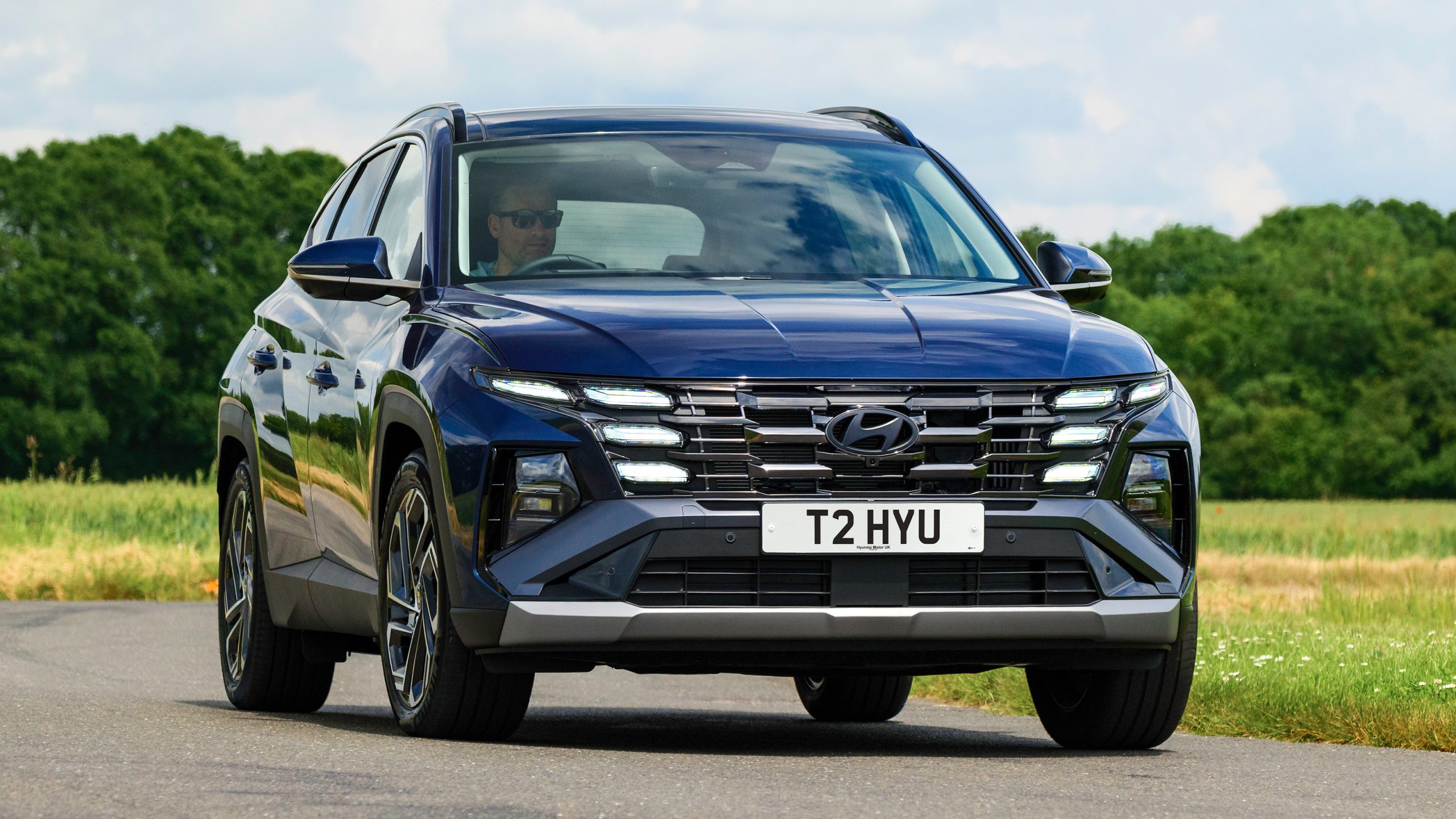
2. Kia Sportage: A Feature-Rich Compact SUV with Comfort and Modern Tech
The Kia Sportage is a standout choice in the compact SUV market thanks to its strong safety ratings, solid comfort, and impressive technology features. Many recently used Sportage models found at 306 Deal include Apple CarPlay and Android Auto, giving drivers an easy way to stay connected during daily commutes and longer trips.
The Sportage delivers a mixed driving experience. The X-Pro trim that was tested uses all-terrain tires that soften handling, but the more notable issue is the engine’s limited power. It takes more than 9.5 seconds to reach 60 mph, placing it behind many competitors and requiring drivers to plan highway merges and passes with care.
The Sportage Hybrid is a better choice for shoppers looking for quicker acceleration. On the positive side, the steering feels accurate, the brakes are smooth, and the soft suspension absorbs bumps effectively, although it can bounce slightly on rolling pavement.
Visibility is excellent thanks to large windows, and higher trims offer an impressive surround-view camera system. Helpful driver aids such as adaptive cruise control, blind-spot warning, parking assist, and a surround-view monitor work well in daily use.
Comfort is a major strength for the Sportage. The seats provide excellent support and cushioning, even if they offer fewer adjustments than some rivals. Upper trims provide heated and ventilated front seats that enhance long-distance comfort. Rear passengers benefit from generous recline adjustments.
The cabin remains quiet on the road, and the interior build quality feels solid with no rattles. Kia’s climate control panel that switches between climate and media controls looks modern, although some drivers may prefer dedicated controls. Large door openings make entry and exit easy, and the back seat can easily accommodate child seats with accessible anchors.
The Sportage offers strong in-cabin technology. Standard wireless Apple CarPlay and Android Auto provide quick device integration. USB-C ports in both rows and a convenient wireless charging pad add to the practicality.
Upper trims include dual 12.3-inch screens for the instrument cluster and infotainment system. The built-in navigation feels dated, and touchscreen inputs lock while driving, but smartphone mapping solves this concern.
The Sportage offers generous cargo space with 39.6 cubic feet behind the second row and 74.1 cubic feet when the seats are folded. A two-level load floor adds flexibility, and the rear seats can be folded directly from the hatch. Interior storage is useful, with flexible cupholders and a well-sized center bin. The Sportage can tow up to 2500 pounds when properly equipped.
The model provides strong value because of its long feature list, attractive interior design, and Kia’s excellent warranty that includes five years or 60000 miles of basic coverage and ten years or 100000 miles of powertrain protection.
Fuel economy for the AWD X Pro trim is rated at 26 mpg combined, which is acceptable but not impressive compared with rivals. The Sportage stands out for comfort, technology, and practicality, even though its powertrain limits how engaging it feels to drive.
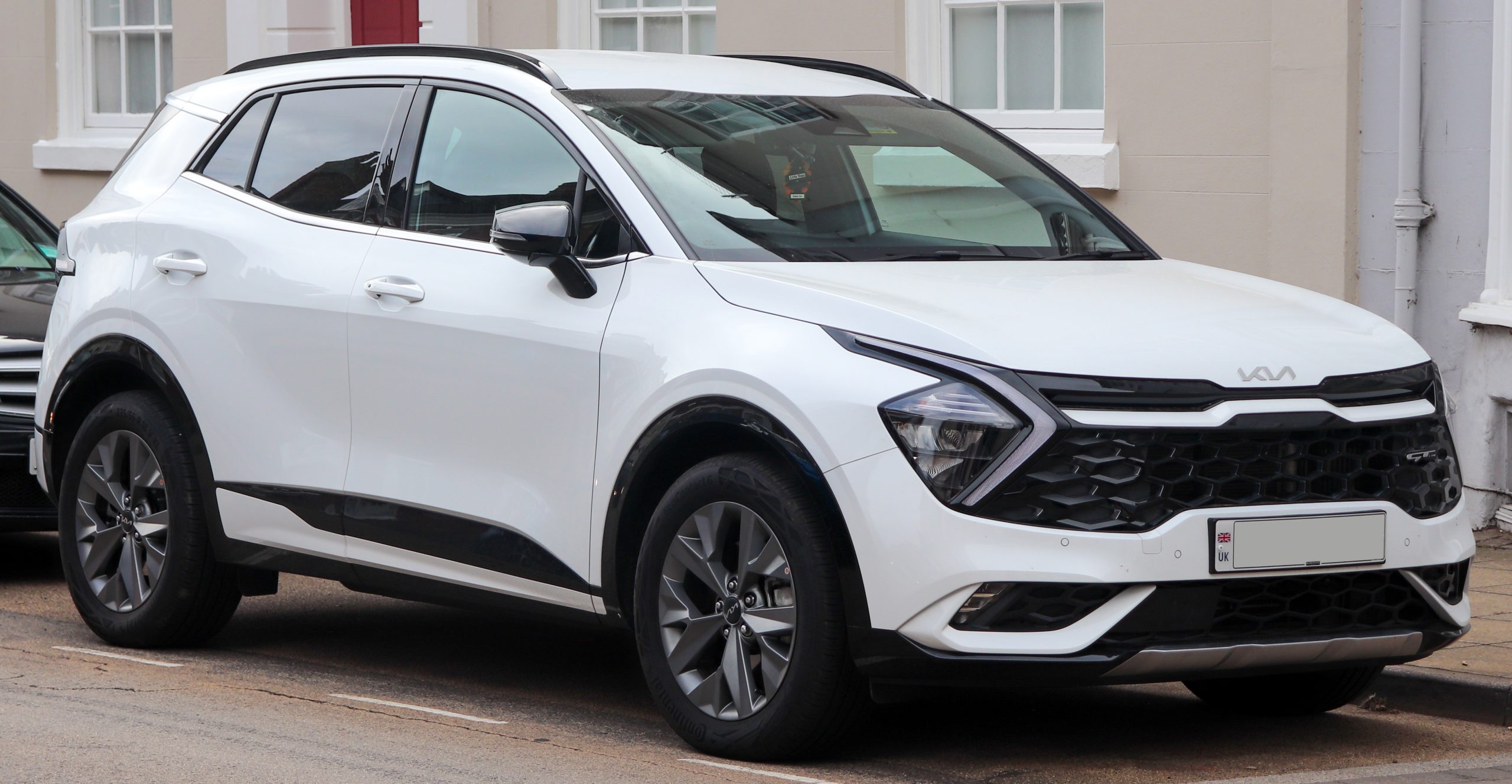
3. Mazda3: Sporty Performance with Modern Tech and Premium Refinement
The Mazda3 is well known for its engaging driving experience, but it also delivers modern connectivity and a refined cabin. Many used Mazda3 models available at 306 Deal come equipped with Apple CarPlay and Android Auto, making the vehicle a strong match for drivers who want sporty handling and intuitive technology.
The Mazda3 performs impressively on the road. The standard 2.5-liter four-cylinder delivers smooth and confident power, while the optional turbocharged engine offers significant performance gains. In testing, the turbo model accelerated to 60 mph in 6.5 seconds, making it one of the quickest compact cars available.
Both the manual and automatic transmissions shift cleanly, and the suspension provides a smooth and stable ride at highway speeds. Handling is confident, and the car feels composed over larger dips and road imperfections.
Visibility is a weak point because of the small rear window and thick roof pillars, and some driver assistance systems, such as lane keeping, are less effective than those from competitors like Honda.
Comfort inside the Mazda3 is impressive thanks to its premium interior design. Even without the upgraded leather, the seats offer solid support and a driver-focused layout. The cabin is quiet with well well-isolated engine and road noise, giving it a more upscale feel than many rivals.
Climate controls are simple physical buttons that are easy to use. Rear seat space is limited, and the narrow entry makes it difficult for adults to access. Larger rear-facing child seats may require moving the front seat forward, which reduces comfort for the front passenger.
The Mazda3’s tech layout is clean and minimal. The standard display screen is smaller than some competitors’ but integrates neatly into the dash. The system is primarily controlled using a rotary knob behind the shifter, which works well for most functions.
Touch capability becomes available when using Apple CarPlay or Android Auto, although the screen is placed too far away for easy reach. Wireless phone integration is optional, while many rivals include it as standard. The available Bose audio system provides excellent sound quality.
Storage space is adequate, although not class-leading. The sedan offers 13.2 cubic feet of trunk space, which is less than what the Honda Civic and Hyundai Elantra provide. Interior storage areas are limited with shallow cupholders, small door pockets, and a compact center console.
The Mazda3 delivers strong value in terms of quality and refinement. It costs more than some competitors at the entry level, and fully loaded models approach premium pricing, but the craftsmanship feels appropriate for the cost.
Warranty coverage includes three years or 36000 miles of bumper-to-bumper protection and five years or 60000 miles of powertrain coverage. Fuel economy ranges from 31 mpg combined for the most efficient sedan to 27 mpg combined for the turbo model. The Mazda3 stands out for its elegant design and powerful performance and appeals to drivers who want something more refined than the typical compact car.
4. Honda Civic Hybrid: Efficient, Tech-Friendly, and Engaging to Drive
The Honda Civic continues to be a favorite compact car for drivers seeking reliability, efficiency, and modern technology. Many used Civics at 306 Deal come equipped with Apple CarPlay and Android Auto, making them ideal for students, commuters, or anyone who wants a tech-friendly vehicle on a budget.
The Civic hybrid delivers lively performance with a balanced and enjoyable ride. Its hybrid powertrain accelerates from 0 to 60 mph in just 6.6 seconds, faster than most small sedans and even some sport-oriented trims. Steering is precise, and the car maintains composure on both smooth and rough roads.
Narrow front roof pillars and door-mounted mirrors improve outward visibility, though the sloping roofline and shorter rear window require extra attention. Standard driver aids, while not the most advanced in the class, function consistently and enhance safety.
The Civic hybrid’s cabin is attractive and user-friendly. Controls are intuitive and within easy reach, and the front seats accommodate passengers of varying sizes comfortably. Rear seat space offers generous shoulder and legroom, but taller passengers may notice reduced headroom due to the sloping roof.
Installation of most car seats is straightforward, although larger rear-facing units may require moving the front passenger seat forward. The cabin is relatively quiet, with minimal wind noise and manageable road noise. Climate controls are traditional and easy to use, though the rear seat lacks dedicated vents.
Honda equips the Civic with straightforward and functional technology. A 9-inch touchscreen is available on the highest trim, featuring Google Built-In with voice commands and navigation.
Standard Apple CarPlay and Android Auto are included across all trims, with wireless connectivity reserved for the top model. The Bose audio system is also limited to the Sport Touring trim, adding a premium audio experience for those who choose it.
The Civic sedan offers 14.8 cubic feet of trunk space, and the hybrid powertrain does not reduce capacity. Storage for small items is practical with a large armrest and removable tray. The hatchback version adds 24.5 cubic feet of cargo space and a fold-flat rear seat for larger items, exceeding many competitors in versatility.
The Civic hybrid is priced slightly above rivals like the Hyundai Elantra and Toyota Corolla, but it justifies the cost with stronger performance, a refined interior, and excellent fuel economy. EPA estimates for combined driving reach 49 mpg, a figure that is realistic in real-world use. Warranty coverage includes three years or 36,000 miles for basic coverage and five years or 60,000 miles for the powertrain.
The Civic hybrid combines engaging performance, fuel efficiency, and modern technology, making it a compelling option for those seeking a fun and practical compact car.
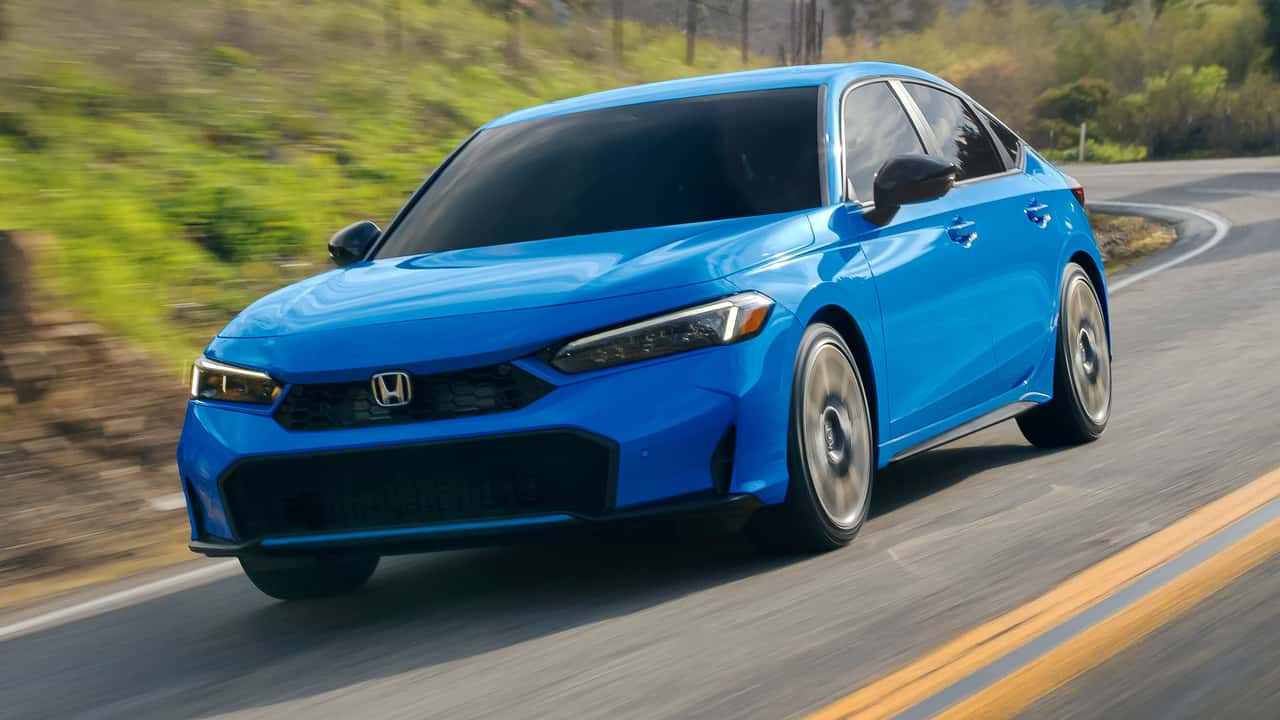
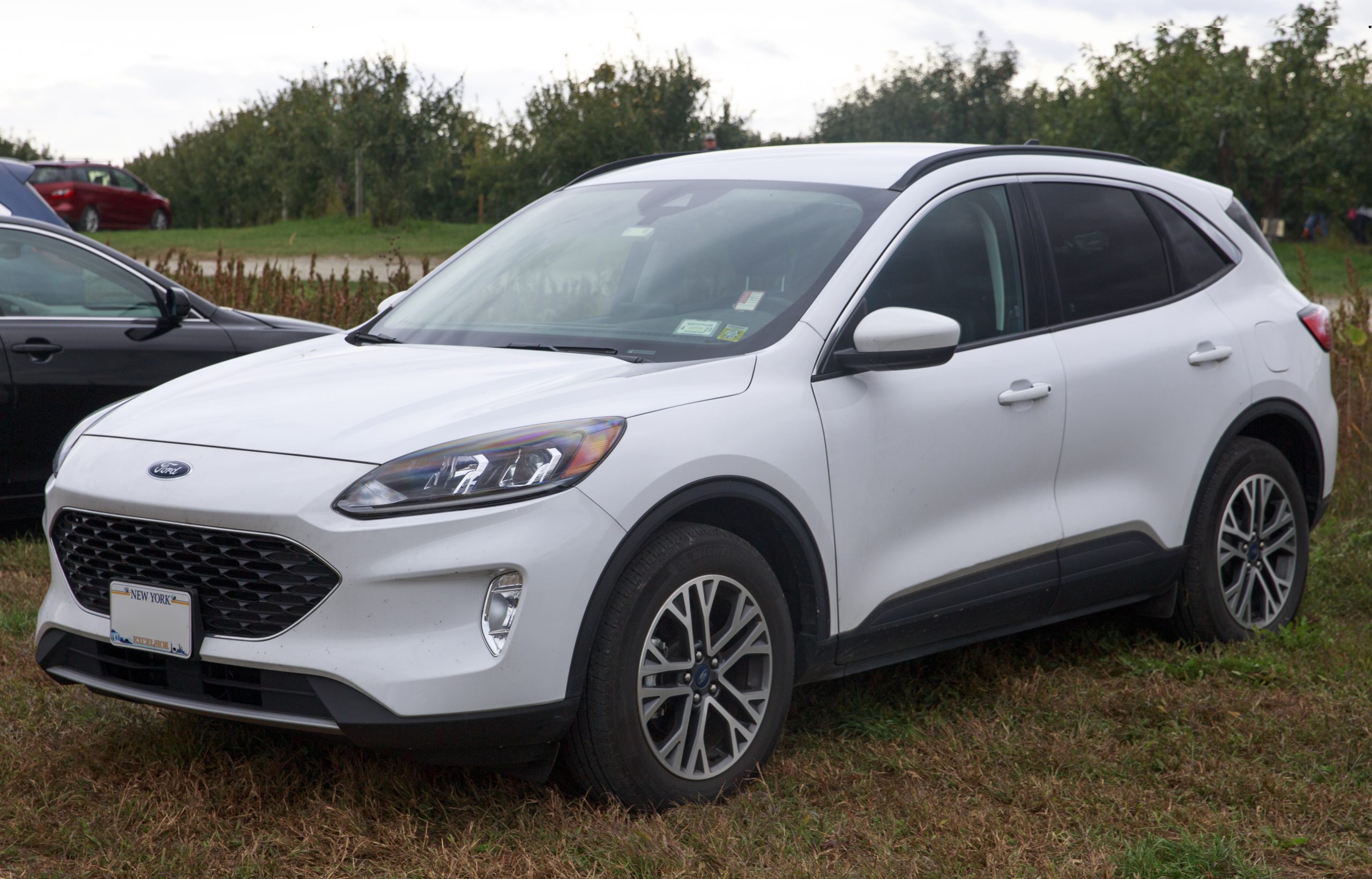
5. Ford Escape: Tech-Savvy Compact SUV with Practical Comfort
The Ford Escape is a versatile compact SUV that combines modern technology with practical usability. Many used Escape models at 306 Deal feature Ford’s SYNC infotainment system with Apple CarPlay and Android Auto, making it an appealing option for drivers who want convenience and connectivity in a small SUV.
The Escape ST-Line Elite with the turbocharged 2.0-liter engine delivers strong acceleration, reaching 0-60 mph in 6.8 seconds, faster than many competitors with upgraded engines.
Despite this, the eight-speed automatic transmission shifts slowly and can feel jerky, especially during deceleration and engine restart with the stop-start system. Handling is another weak point, with noticeable body roll and a ponderous feel around corners. Advanced driver aids perform reliably, and the lane centering feature works well on highways, preventing the “ping-ponging” effect seen in some rivals.
Comfort is a highlight for the Escape. Front seats are well-shaped and cushioned, while the rear seats offer decent thigh support for adults. Cabin noise is mostly road noise, with dual-zone climate control available on some trims.
Ventilated front seats and heated rear seats are not offered, but the LATCH system for child seats is well-positioned and easy to use. Rear-facing child seats fit comfortably, making it practical for families.
The Escape’s infotainment system is intuitive and responsive. The base six-speaker audio system provides clear sound, while the optional 10-speaker B&O system elevates the cabin experience. All trims include wireless Apple CarPlay and Android Auto, along with multiple power points. Navigation works well, though the latest version lacks directional cues for multiple search results, a step back from previous models.
Cargo capacity is 33.5 cubic feet, slightly smaller than many rivals, but the low floor and tall seatbacks provide ample vertical storage. Rear seats do not fold completely flat, but outboard seat belts can be disengaged for easier loading. Interior storage is strong, with large front cubbies, spacious rear door pockets, and anti-tip cupholders throughout.
The Escape’s interior combines soft-touch plastics and convincing synthetic leather, though some materials feel cheap, like interior door handles. Pricing is competitive with other compact SUVs.
Warranty coverage includes three years/36,000 miles basic and five years/60,000 miles for the powertrain and roadside assistance. Fuel economy for the turbo 2.0-liter engine is rated at 26 mpg combined, though real-world testing showed closer to 20.2 mpg.
The Escape stands out for its tech, comfort, and usability, while the turbo engine and transmission may feel less refined. Hybrid trims may provide the best balance of performance and efficiency.
Also Read: 10 Cars That Still Look Brand-New With a Simple Wash
5 Glitchy Setups
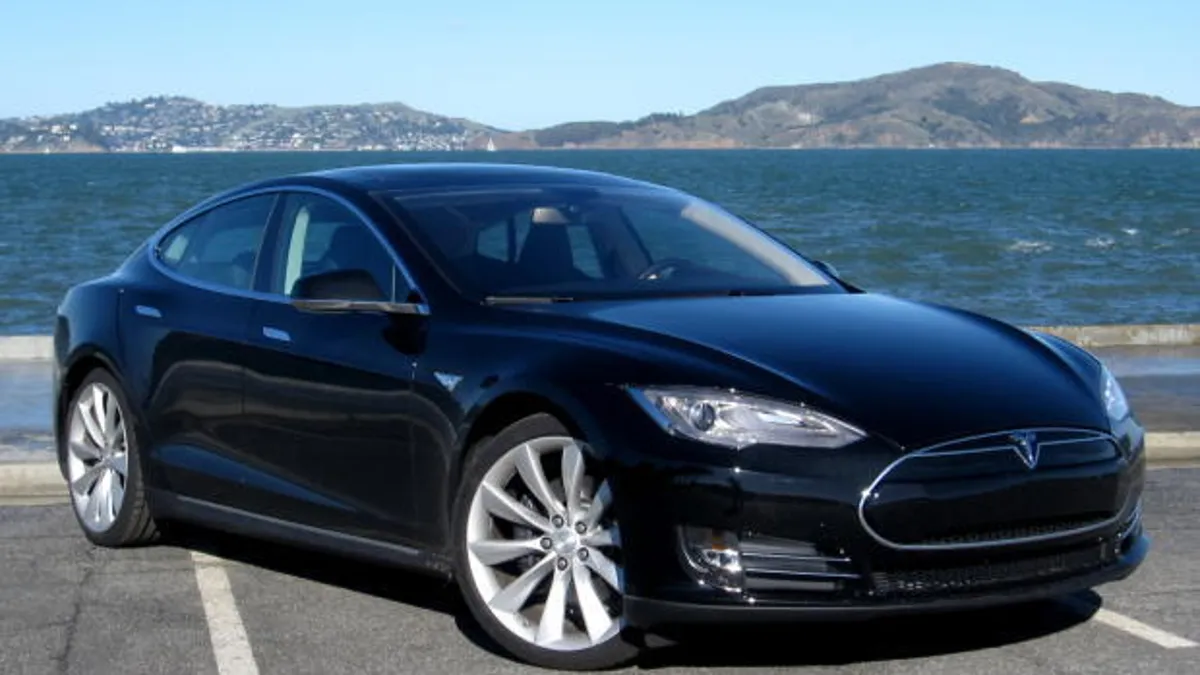
1. Tesla Model S (2012–2018): Infotainment Challenges and Workarounds
The Tesla Model S from 2012 to 2018 is a groundbreaking electric vehicle, but its infotainment system has faced notable issues. The NHTSA recalled over 135,000 Teslas due to failing embedded memory, which disabled critical functions like climate controls and rearview cameras. For a brand built on advanced technology, this defect directly impacted safety and driver confidence.
Unlike many modern vehicles, the early Model S does not natively support Apple CarPlay or Android Auto. The primary obstacle is its vertical touchscreen, whereas these systems are designed for horizontal displays. Owners seeking these integrations must rely on third-party devices or software, which introduces complexity and increases the likelihood of glitches.
Common causes of problems include device and connection issues, such as outdated phones, damaged USB cables, or unreliable Bluetooth or Wi-Fi connections. Additionally, third-party solutions can conflict with Tesla’s native systems, causing freezing, lag, or unexpected disconnections. Environmental factors, including extreme temperatures, can further impair touchscreen performance and system stability.
To troubleshoot, owners can restart both the Tesla infotainment system and their phone, ensure the phone’s operating system is updated, and verify all settings are correctly enabled. Using genuine, undamaged USB cables for wired connections is essential.
Resetting connections by forgetting the car in the phone’s settings and reconnecting from scratch can also resolve many issues. While workarounds allow some integration, users should be prepared for occasional instability due to the inherent limitations of retrofitting CarPlay or Android Auto onto older Tesla systems.
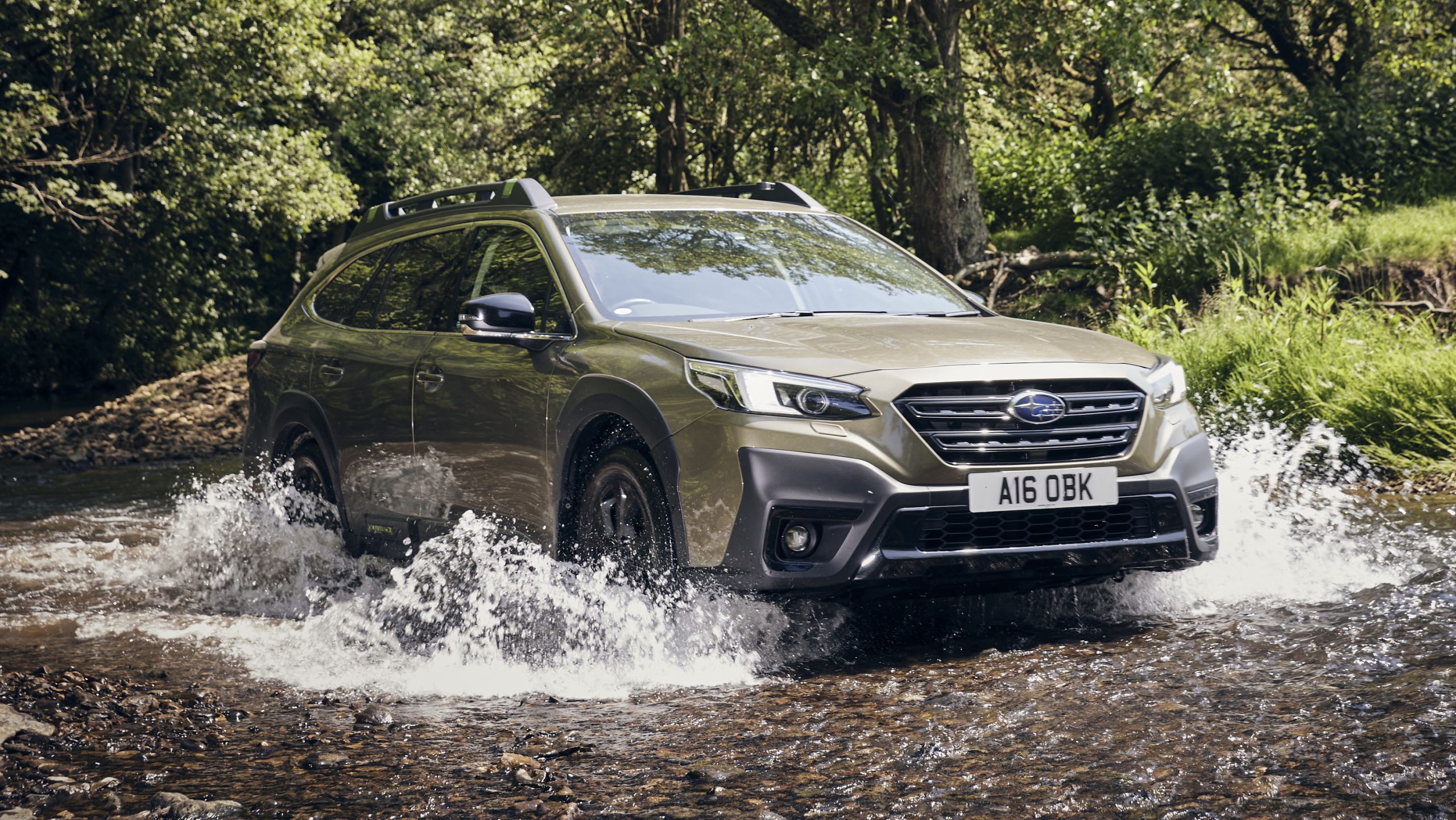
2. Subaru Outback: Infotainment Glitches and Connectivity Issues
The Subaru Outback features an 11.6-inch Starlink touchscreen that initially promised a modern and intuitive interface. However, thousands of owners have reported persistent issues, including ghost touches and unresponsive climate and radio controls. Despite multiple software updates and Technical Service Bulletins, the touchscreen continues to be a major source of frustration.
Apple CarPlay and Android Auto are particularly affected by these glitches. The large touchscreen can be slow to respond, freeze, or restart unexpectedly, causing apps to disconnect or lag. Bluetooth and USB connections are also impacted by software bugs, which can make switching between devices or apps unreliable. Running multiple features simultaneously may further destabilize the system, amplifying the interruptions.
While Subaru has addressed some issues through updates, the Starlink interface remains less consistent than competing infotainment systems. Drivers using CarPlay or Android Auto may experience disconnections or delays, highlighting the Outback’s ongoing struggle to provide a seamless tech experience.
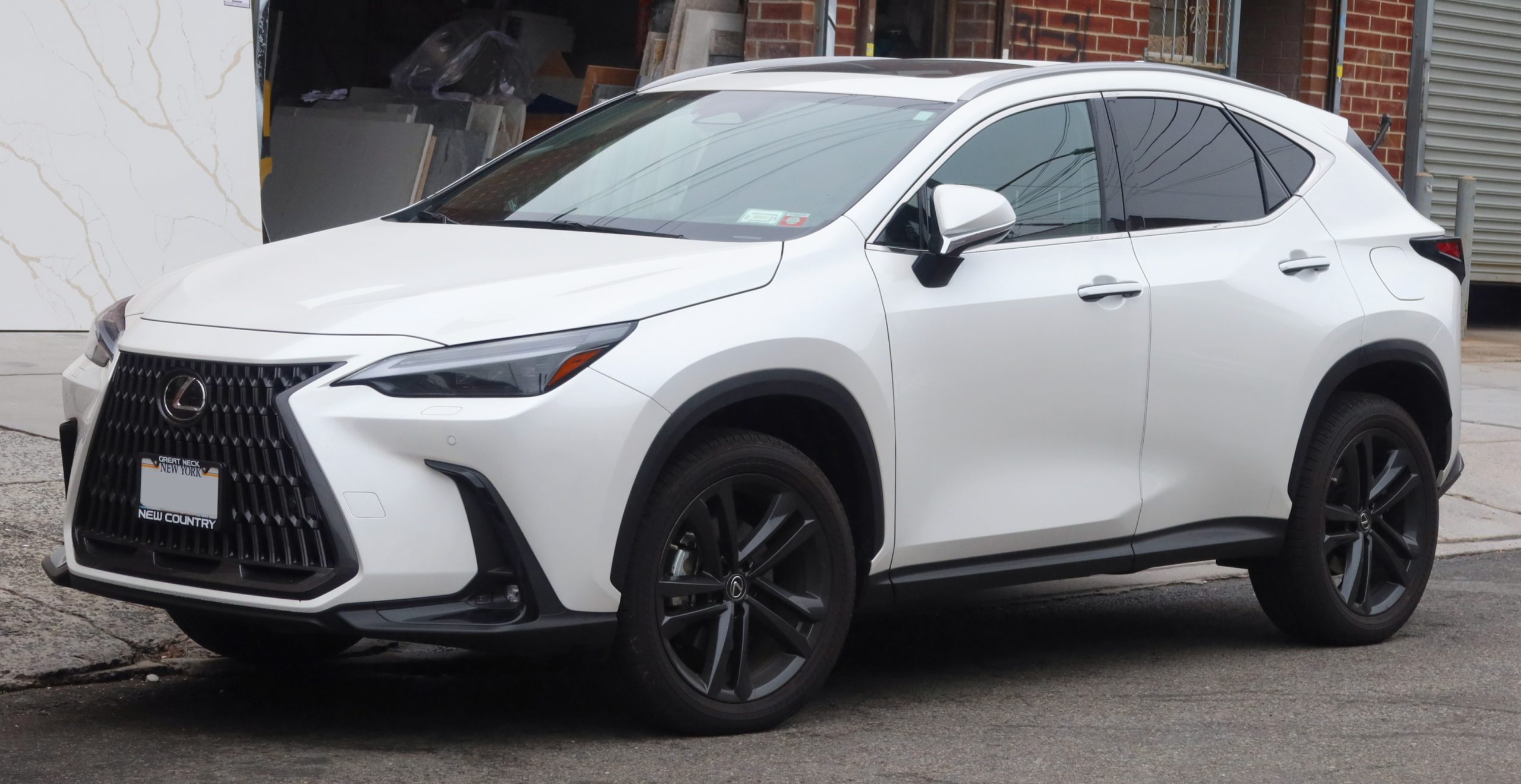
3. Lexus NX: Luxury Comfort Meets Infotainment Challenges
The Lexus NX delivers premium design and comfort, but its infotainment system struggles to meet expectations for ease of use. The interface, modeled after a laptop touchpad, requires precise input for even simple tasks, forcing drivers to attempt selections multiple times. This makes the system one of the most difficult to operate among luxury crossovers, particularly when using Apple CarPlay or Android Auto.
Connectivity problems often stem from outdated software, faulty USB cables, and conflicting phone settings. Keeping both the infotainment system and smartphone up to date can resolve many issues, as software updates frequently fix bugs. Using a certified, high-quality USB cable is essential, since worn or low-quality cables can disrupt connections.
Wireless CarPlay may also encounter problems if Bluetooth or Wi-Fi signals are weak. Some Lexus features, such as the digital key, can interfere with CarPlay, requiring users to disable or adjust certain phone or vehicle settings.
Simple system glitches can also disrupt performance. Restarting both the car and the phone often resolves temporary issues, and performing a hard reboot on the phone can address persistent problems. Resetting connections by “forgetting” the device on both the car and the phone and reconnecting it can also improve stability.
While the Lexus NX offers excellent comfort, style, and luxury features, the infotainment system and its integration with CarPlay and Android Auto remain challenging for users. Drivers may experience frustration due to the touchpad interface, connectivity glitches, and software limitations, which highlight a gap between the NX’s high-end design and its user-friendly functionality.
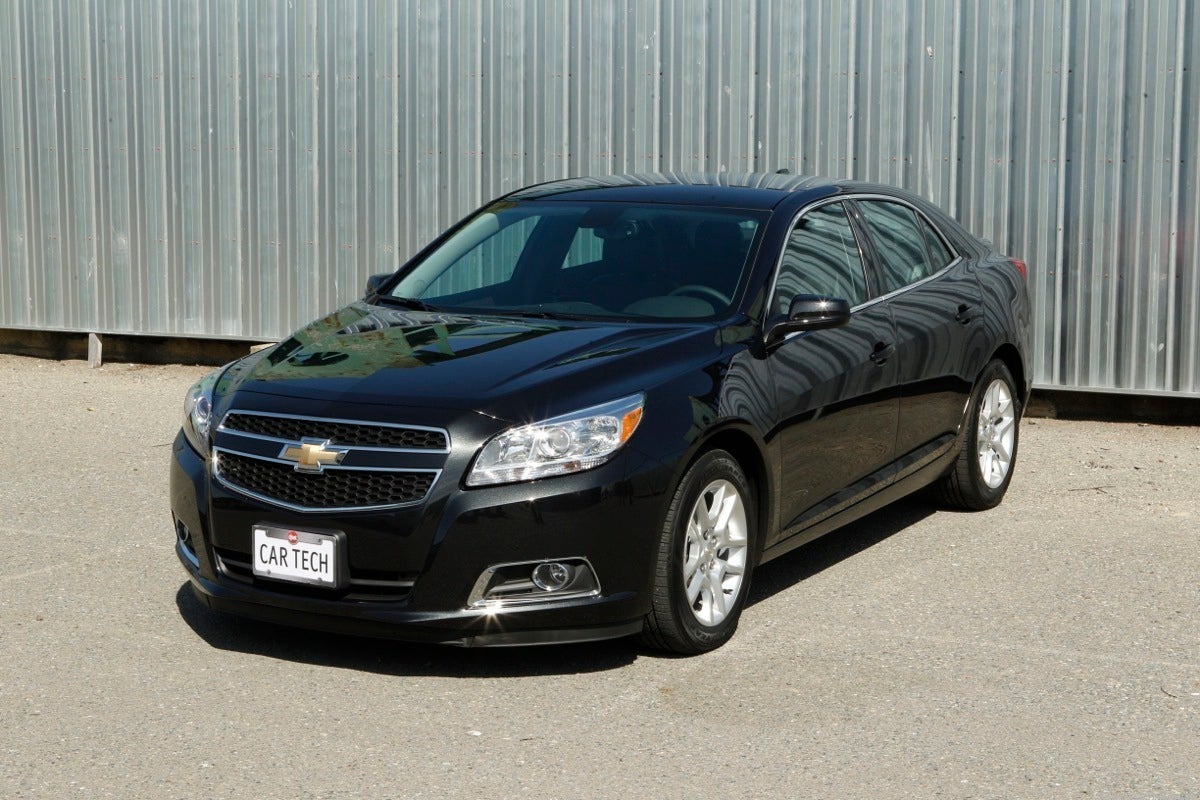
4. Chevrolet Malibu: Infotainment Glitches and CarPlay/Android Auto Issues
The Chevrolet Malibu offers standard infotainment features, including Apple CarPlay and Android Auto through its MyLink system, but many owners report that the interface feels sluggish compared to modern smartphones. Common complaints include slow boot times, screen freezes, input delays, and occasional connectivity failures, which make even basic functions frustrating to use.
CarPlay and Android Auto glitches in the Malibu often result from outdated software, connection problems, or temporary system errors. Keeping both the smartphone and the vehicle’s infotainment software updated is a key step in preventing issues.
Slow performance or disconnections can also occur due to faulty or low-quality USB cables or using the wrong USB port that only provides power instead of data transfer. Using a high-quality certified cable and switching to the proper port can improve reliability.
Sometimes the infotainment system enters a glitchy state that a simple restart of the car will not fix. Performing a soft reboot by holding the phone or end call button on the steering wheel for 10 to 12 seconds or a full factory reset can restore normal function, although the latter will erase saved settings.
Other issues may arise from phone-specific settings, such as active VPNs or restricted app permissions, which can interfere with CarPlay or Android Auto. Resetting connections by forgetting the vehicle in the phone’s Bluetooth settings and re-pairing it often resolves persistent connectivity problems.
Wireless CarPlay may be affected by older devices or weak Wi-Fi signals. Switching to a wired connection can improve stability.
With proper updates, cables, and system management, the Malibu’s infotainment system can function reliably, but users should expect occasional glitches due to the limitations of the MyLink interface. Despite these issues, the Malibu remains a capable midsize sedan with tech features suitable for most daily driving needs.
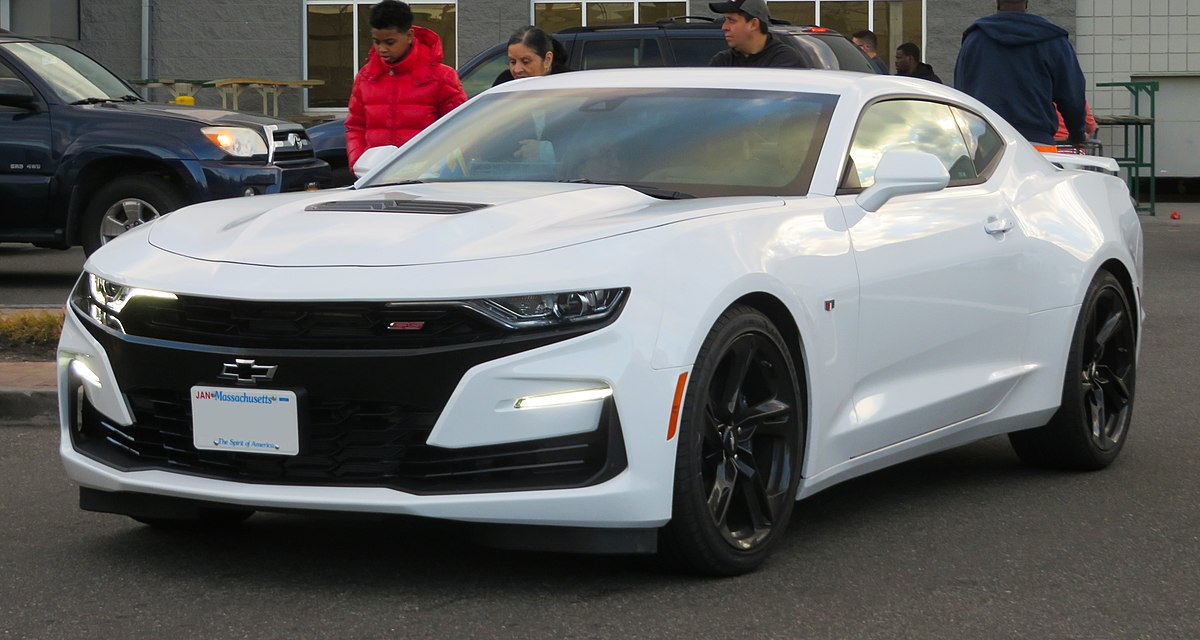
5. Chevrolet Camaro: Infotainment Issues in a Performance Car
The Chevrolet Camaro delivers a thrilling driving experience, but its infotainment system can create distractions that compromise usability. The screen placement requires drivers to look away from the road, while complaints about screen flicker, delayed Bluetooth pairing, and limited customization further undermine the tech experience.
Apple CarPlay and Android Auto can be particularly prone to glitches in the Camaro, caused by a variety of factors, including faulty USB cables, outdated phone or vehicle software, weak electrical connections, or issues with the infotainment system itself.
Connection and cable problems are common. Damaged or non-certified USB cables can disrupt CarPlay or Android Auto. Using a high-quality certified cable and ensuring the connections are secure and debris-free can often resolve these issues. Bluetooth and Wi-Fi settings must also be properly enabled on the phone to maintain stable wireless connections.
Software-related issues frequently contribute to problems. Both the vehicle’s system and the phone should be updated to the latest software versions. Temporary glitches in the infotainment system can often be fixed with a soft reboot by holding the steering wheel call button for 10–12 seconds. If the issue persists, a factory reset through the system’s settings may be necessary.
Electrical and hardware issues, including loose connections, a weak car battery, damaged screens, or blown fuses, can also affect performance. These may require professional inspection or replacement of components.
Other troubleshooting steps include restarting both the phone and the vehicle, checking that CarPlay or Android Auto is enabled in phone settings, and consulting a dealer for firmware updates.
Dealers can often address persistent issues such as flickering screens, especially if the vehicle is under warranty. While the Camaro excels as a sports car, owners should be aware that its infotainment system may require maintenance and careful setup to function reliably.
A well-implemented Apple CarPlay or Android Auto system can significantly improve driving comfort and safety by providing easy access to essential smartphone functions. Vehicles with responsive interfaces, clear menus, and consistent connectivity allow drivers to focus on the road while staying connected and entertained.
Conversely, glitchy systems with slow responses, frequent disconnects, or complicated setups can frustrate drivers and increase distractions. Comparing the best and worst systems demonstrates how design, software quality, and hardware reliability directly affect the user experience. Choosing a vehicle with seamless integration ensures technology enhances rather than hinders everyday driving.
Also Read: 5 Cars That Last with Minimal Maintenance vs 5 Needy Machines