Modern family cars are packed with technology from touchscreen infotainment systems and navigation to Bluetooth and digital climate controls. These features make driving more comfortable and connected, but they also bring one big worry: how long will the tech actually last?
Some cars keep their electronics running smoothly for years, while others start freezing, lagging, or disconnecting after just a few seasons. Here’s a look at five family cars known for durable cabin tech and five that often frustrate owners with glitches.
Also read:5 Cars That Are Perfect for Weekend Drives vs 5 That Ruin Them
5 Family Cars That Keep Cabin Tech Working for a Decade
When it comes to family cars, reliability isn’t just about engines and brakes, it’s also about the technology inside. Infotainment systems, navigation, climate controls, and connectivity features can quickly become outdated or glitchy, leaving parents frustrated and kids bored.
But some vehicles stand out for keeping their cabin tech functional, intuitive, and compatible long after the initial purchase. In this article, we highlight five family cars that have earned a reputation for maintaining their tech systems reliably over a decade, making them smart choices for families who want both comfort and convenience without constant upgrades or headaches.
1) Toyota Highlander
The Toyota Highlander has become one of the most trusted family SUVs, not just for its comfort and reliability, but also for its durable cabin technology. Toyota designed the Highlander’s tech features to stay smooth, simple, and dependable even after many years of use.
One of the key strengths of the Highlander’s technology is its user-friendly design. Toyota doesn’t overload drivers with flashy animations or complicated menus. The infotainment system uses clear icons, quick responses, and logical layouts, so anyone can use it without confusion.
Even older Highlander models from ten years ago still have working touchscreens and backup cameras. Many owners report that their displays continue to function properly without freezing or lagging. This shows Toyota’s focus on software stability over unnecessary fancy features.
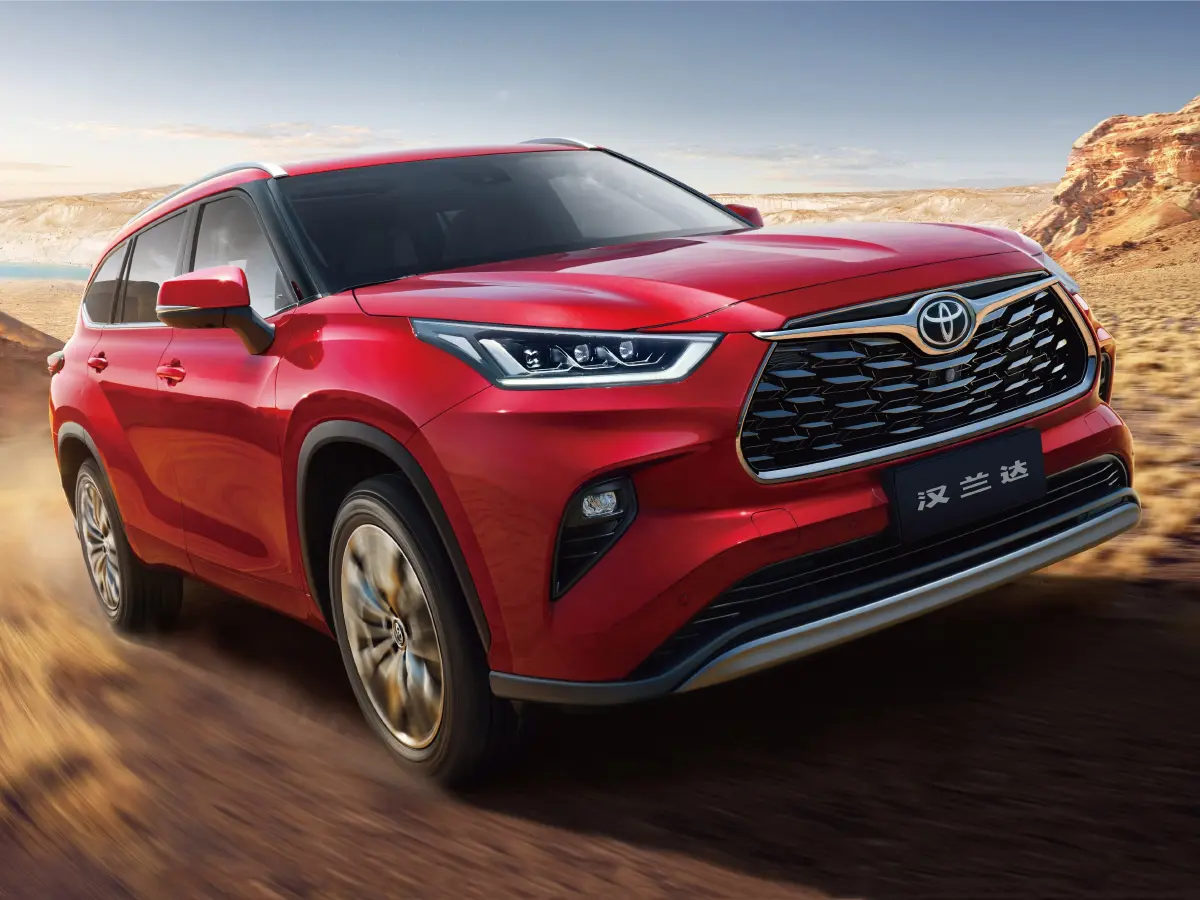
The infotainment system, often paired with Toyota’s Entune software, connects easily to smartphones for music, calls, and navigation. It may not have the sharpest graphics, but it stays responsive. Toyota ensures that Bluetooth and USB connectivity work reliably, even in vehicles with high mileage.
Over the years, Toyota has updated the Highlander’s cabin tech carefully, without rushing to adopt untested features. Voice recognition, climate controls, and navigation systems have all improved slowly, ensuring each update remains stable. This steady approach keeps glitches to a minimum.
Another reason the Highlander’s tech lasts long is the quality of its hardware. The touchscreens, buttons, and sensors are built with durable materials. Unlike some competitors, they don’t wear out quickly or lose sensitivity after years of use.
2) Honda Accord
The Honda Accord has always been known for its balance of comfort, performance, and long-lasting quality. But one area where it especially shines is its cabin technology. Honda has mastered the art of combining modern features with simple, reliable software that doesn’t age quickly.
The Accord’s infotainment system is designed with durability in mind. Even after years of use, the touchscreen remains responsive, and the menus continue to run smoothly. Honda focuses on keeping things intuitive and practical, avoiding features that might cause slowdowns or software crashes.
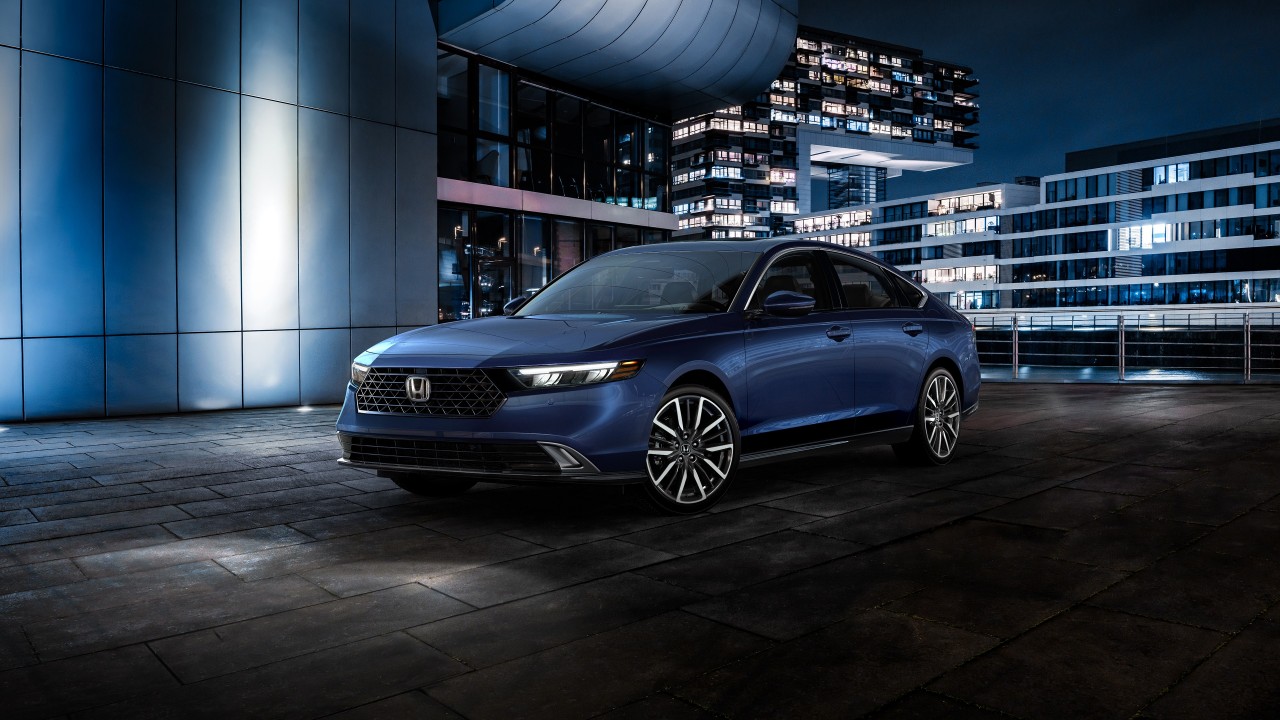
Older Accords, even from a decade ago, still have functional touchscreens, working Bluetooth, and reliable backup cameras. Many owners praise how the system continues to connect easily to phones without issues like freezing or sudden restarts, which are common in some other brands.
Honda’s software team keeps the interface clean and efficient. There’s no unnecessary animation or overloaded design just simple icons and straightforward functions. This makes the system easy to use for all family members, whether they’re tech-savvy or not.
The Bluetooth connection is one of the Accord’s strongest points. Once paired, devices stay connected seamlessly for calls and music streaming. This reliability continues year after year, showing how well Honda engineered its communication systems.
3) Subaru Outback
The Subaru Outback is known for its rugged design and all-weather capability, but it’s also impressive for something less obvious its long-lasting cabin technology. Subaru built the Outback’s tech to be reliable, straightforward, and easy to use, even after years of ownership.
One of the main reasons the Outback’s cabin systems last so long is their simplicity. Subaru doesn’t overload its cars with overly complex interfaces or experimental software. Instead, it focuses on clear menus, quick touch response, and functions that actually work.
The Outback’s Starlink infotainment system has earned a reputation for being steady and predictable. It might not have flashy graphics, but it rarely freezes or lags. The touchscreen stays responsive, and most owners say the system remains functional even after a decade of use.
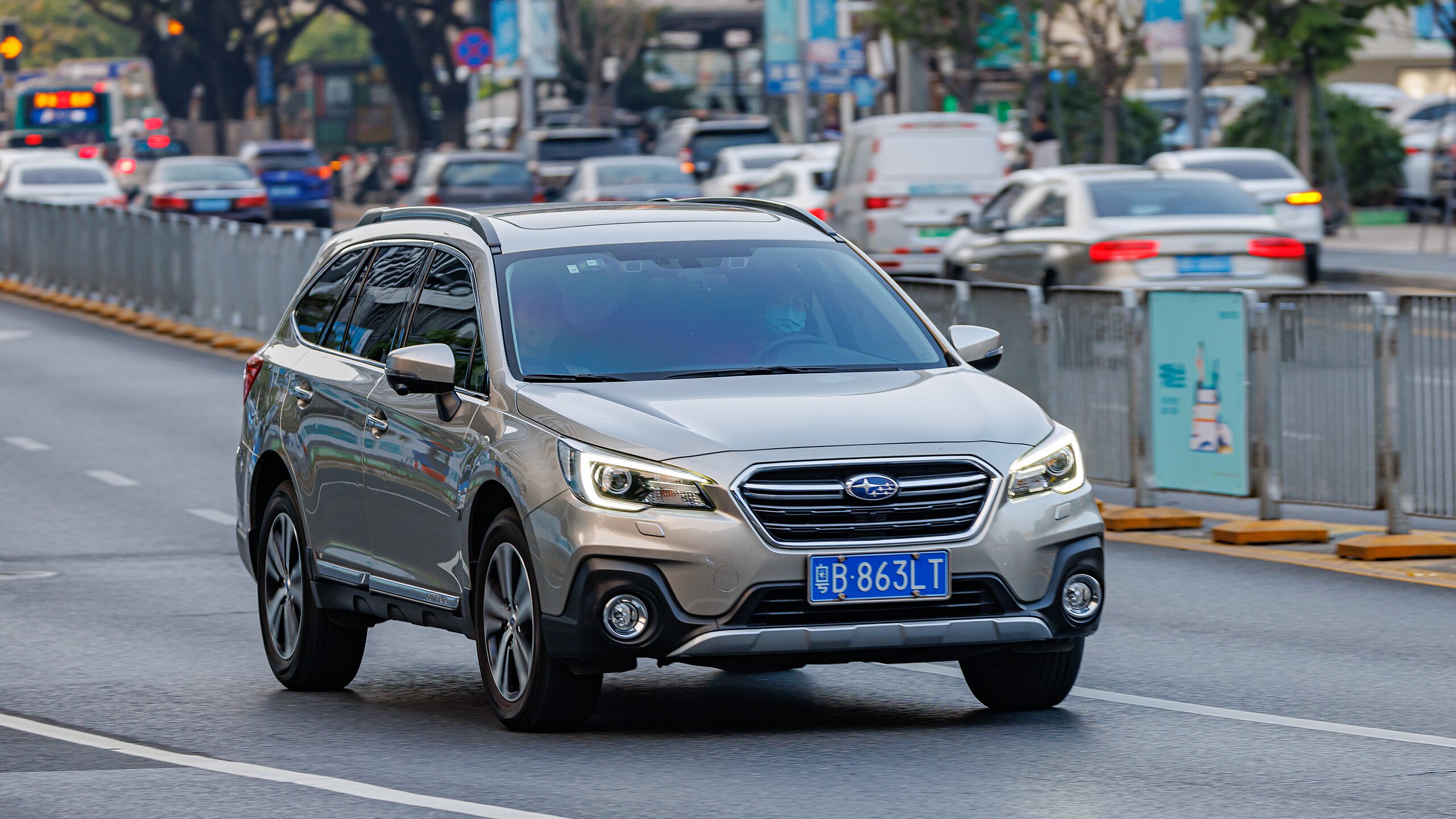
Bluetooth and smartphone integration are also dependable in the Outback. Once devices are paired, the connection remains strong for calls, navigation, or music. Unlike some competitors, Subaru’s systems don’t require constant re-pairing or suffer from random disconnects over time.
Subaru also ensures that its hardware like touchscreens, cameras, and sensors is built to last. The materials feel sturdy, and even in harsh climates, they resist fading, cracking, or malfunctioning. The cameras and parking sensors remain accurate year after year.
4) Lexus RX
The Lexus RX stands as one of the most dependable luxury SUVs on the market, not only for its comfort and build quality but also for its cabin technology. While many luxury brands struggle with complex systems that age poorly, the RX’s tech remains smooth and dependable over time.
Lexus designed its cabin systems with the same care it puts into its engines and interiors. The infotainment, climate controls, and driver-assist features are all built for longevity. Even models that are eight to ten years old often have perfectly functioning screens and controls.
One major advantage of the Lexus RX is the quality of its materials and components. The buttons, knobs, and screens feel solid and well-made. Unlike in some other luxury SUVs, the electronics don’t wear out quickly or lose sensitivity after years of daily use.
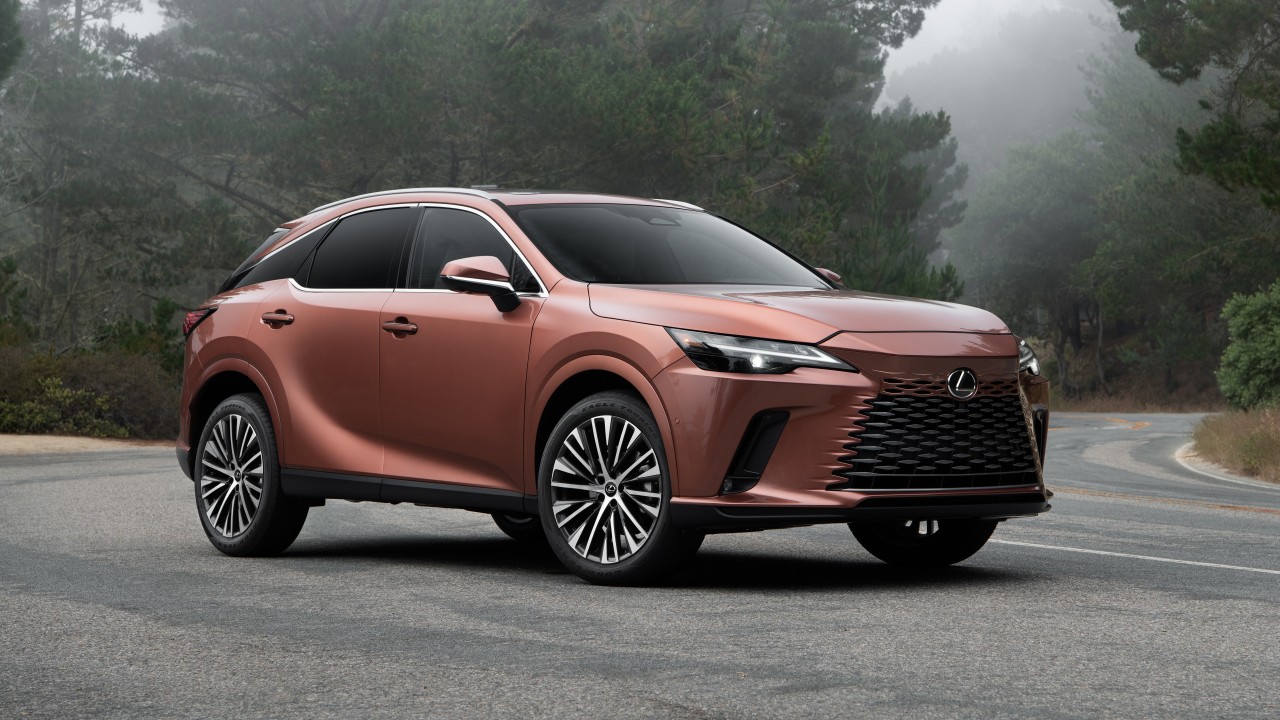
The RX’s infotainment system is known for its steady performance. While the early touchpad interface received mixed reviews for being a bit tricky, it rarely fails or freezes. Lexus prioritizes smooth operation and reliability over unnecessary complexity or gimmicky features.
Bluetooth and smartphone connectivity are also consistent in the RX. Once paired, devices stay connected for calls and music without interruptions. Many long-term owners praise the system’s stability and its ability to handle updates without creating new issues.
Navigation in the Lexus RX remains accurate and fast, even in older models. The maps load quickly, and the voice-guided directions work well. The system doesn’t rely heavily on internet-based functions, which helps it continue performing efficiently for years.
5) Mazda CX-5
The Mazda CX-5 has earned a reputation for blending sporty performance with everyday practicality. But what truly stands out is how well its cabin technology holds up over time. Mazda’s approach to in-car tech is focused on simplicity, reliability, and ease of use rather than unnecessary complexity.
Unlike many brands that rely heavily on touchscreens, Mazda uses a rotary controller to navigate menus. This design reduces wear and tear on the screen and keeps the system working smoothly for years. Even in older CX-5 models, the infotainment remains quick and dependable.
The Mazda Connect system is known for being straightforward and efficient. It offers all the essentials Bluetooth, navigation, and smartphone integration without overloading the interface. The menus are clear, the response time is fast, and the system rarely freezes or lags.
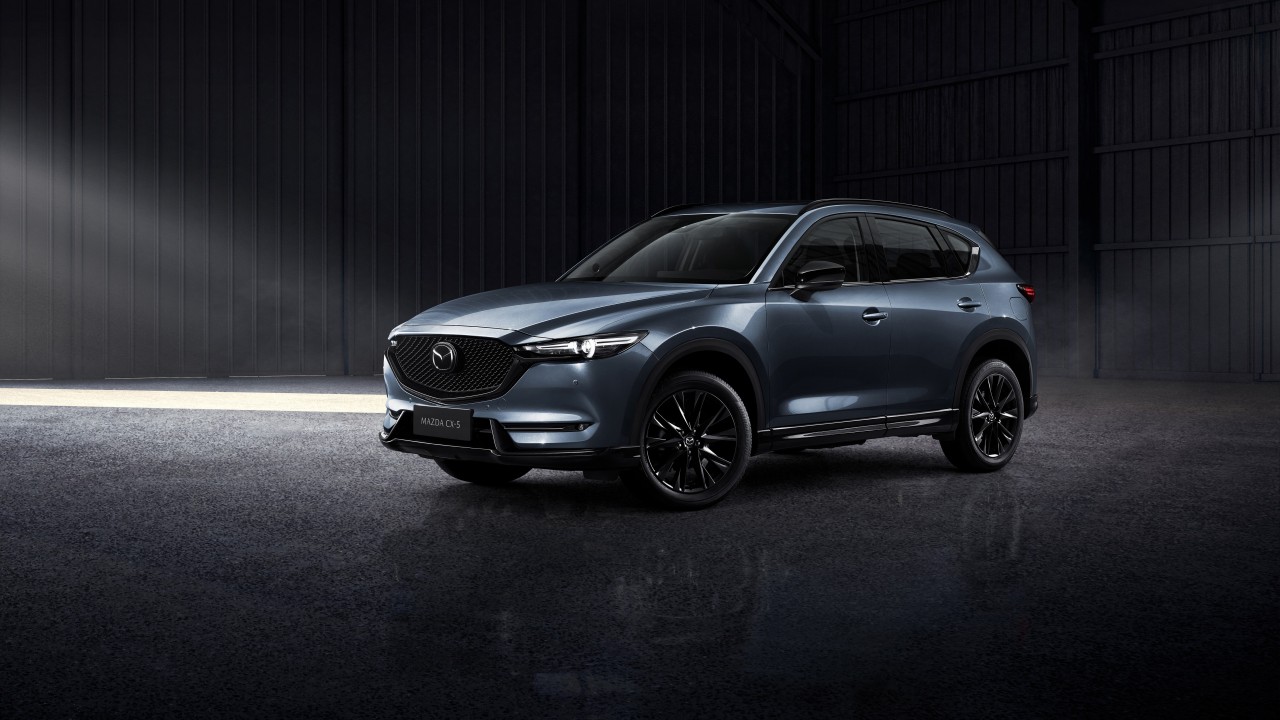
One of the biggest advantages of Mazda’s setup is its durability. The infotainment hardware is built from high-quality materials, ensuring that the screen stays sharp and the controls remain solid even after a decade of use. Everything feels well-engineered and made to last.
Bluetooth connectivity in the CX-5 is another strong point. Pairing is simple, and once a phone is connected, it stays stable throughout the drive. The system rarely drops calls or loses signal, making it perfect for families who use multiple devices.
Mazda’s careful balance between technology and driving experience also contributes to its long-term reliability. By avoiding overly complex systems, Mazda minimizes bugs and software errors that can appear in cars with more advanced but fragile tech setups.
Also read:5 Cars That Rarely Cause Regret vs 5 That Constantly Do
5 Family Cars That Glitch Constantly
Not all family cars are created equal when it comes to technology. While some models keep infotainment, climate control, and connectivity features running smoothly for years, others seem to develop glitches almost as soon as they leave the dealership.
From unresponsive touchscreens to connectivity issues and software bugs, these recurring tech problems can turn everyday drives into a source of frustration for parents and kids alike. In this article, we explore five family cars that are notorious for cabin tech that doesn’t quite stand the test of time, helping you avoid costly headaches and daily annoyances.
1) Ford Explorer
The Ford Explorer is one of the most popular family SUVs in America, known for its power, size, and comfort. However, when it comes to cabin technology, the Explorer has often struggled with reliability. Many owners have reported issues with its infotainment system as the vehicle gets older.
Ford’s SYNC infotainment system was designed to bring modern features like touchscreen controls, voice commands, and smartphone connectivity. Unfortunately, early versions, especially SYNC 2 and SYNC 3, were notorious for software bugs, lagging screens, and random system restarts.
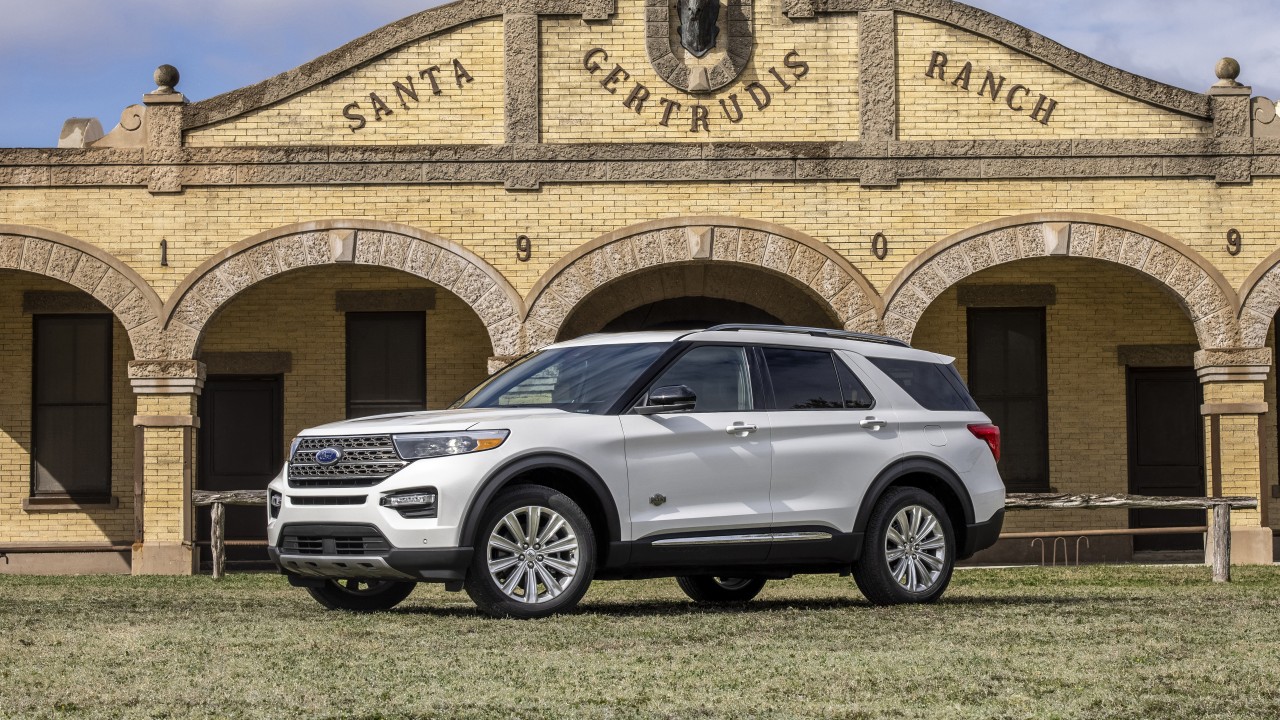
As the vehicle ages, these problems tend to become more frequent. Many Explorer owners experience frozen screens, unresponsive touch controls, or Bluetooth that disconnects suddenly. These glitches can be especially frustrating during long trips or when using navigation.
The system’s voice command feature, though innovative for its time, often struggles to recognize basic instructions. Even after updates, it remains inconsistent, requiring drivers to repeat commands multiple times something families find annoying during daily drives.
Bluetooth connectivity, another key feature, tends to become unstable over the years. Phones may fail to pair or disconnect mid-call. Software updates help temporarily, but they rarely eliminate the issue entirely, leaving many users dissatisfied.
Ford has tried to improve the experience by releasing updates and newer versions of SYNC, but earlier Explorers still suffer from outdated interfaces and sluggish performance. The touchscreen often become
2) Jeep Grand Cherokee
The Jeep Grand Cherokee is admired for its rugged looks and strong performance, but when it comes to cabin technology, it often falls short. While its infotainment system looks modern and attractive, many owners have experienced problems with reliability as the years go by.
The Grand Cherokee uses Jeep’s Uconnect system, which is packed with features like touchscreen navigation, smartphone pairing, and voice controls. When new, it feels smooth and impressive. However, as the vehicle ages, the system becomes less stable and more frustrating to use.
Many owners report random reboots or black screens while driving. The system sometimes freezes for several minutes before restarting, leaving drivers without navigation or audio controls. These glitches often become more frequent after years of use or after software updates.
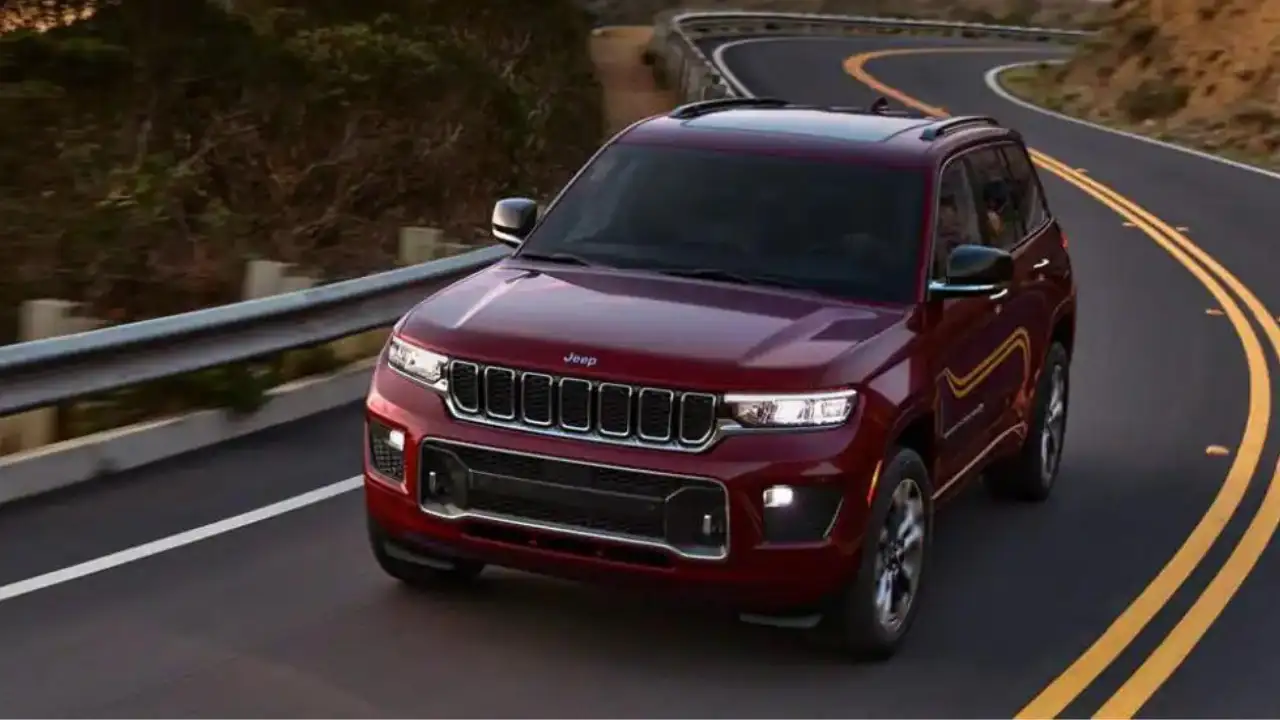
Touchscreen responsiveness is another weak point. The display can start lagging or miss touches altogether, especially in older models. This makes it difficult to control basic functions like climate settings or media playback while on the road.
Bluetooth connectivity also tends to weaken over time. Devices may connect inconsistently or drop calls unexpectedly. Some users have found that the system struggles to remember paired phones, forcing them to reconnect repeatedly.
The built-in navigation, while clear, sometimes loads slowly or gives inaccurate directions. These issues often appear after several years, and updates don’t always fix them completely. This can be frustrating for families relying on GPS for road trips.
The Uconnect system’s software updates are another source of trouble. While meant to improve performance, some updates introduce new bugs or slow the system further. As a result, older Grand Cherokees often feel outdated despite their strong engines and comfort.
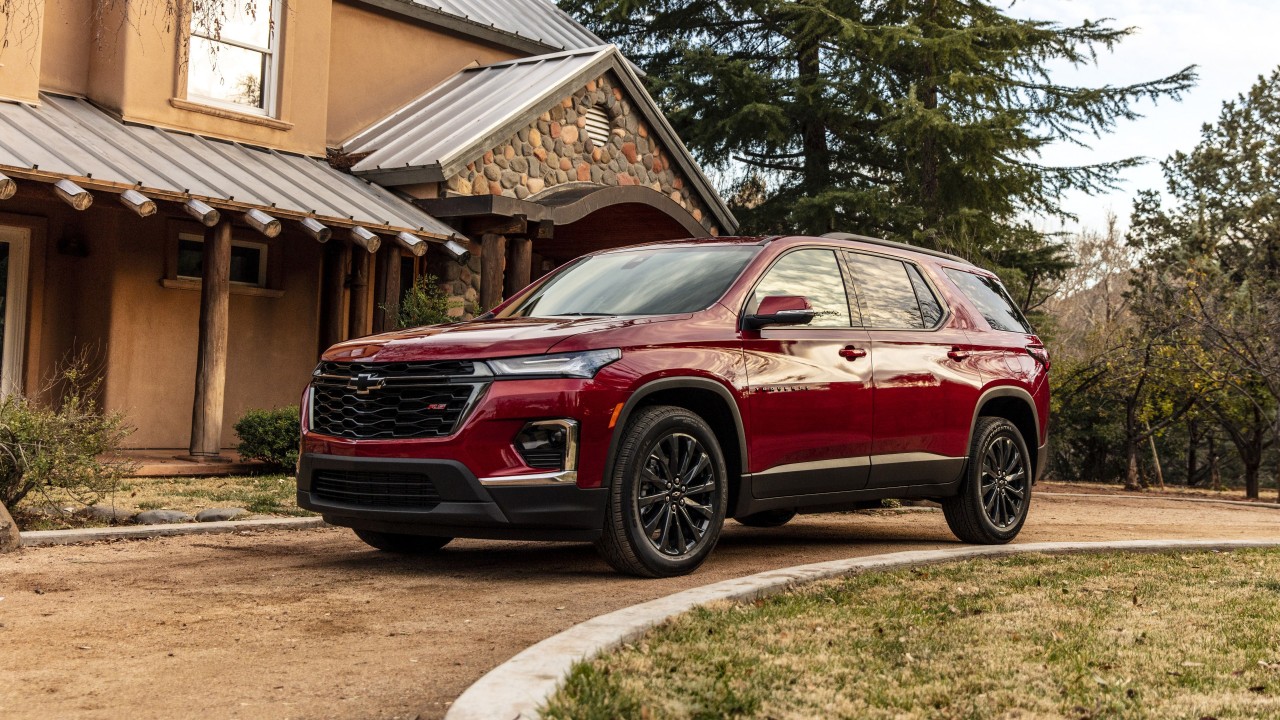
3) Chevrolet Traverse
The Chevrolet Traverse offers plenty of space and comfort for families, but its cabin technology hasn’t always kept up with its strong design. While the SUV feels advanced when new, its infotainment systems often lose speed, stability, and reliability as the years go on.
Chevrolet’s MyLink and newer infotainment systems include touchscreen controls, smartphone connectivity, and built-in navigation. They’re attractive and easy to use initially, but long-term owners have noticed slow performance and system bugs appearing over time.
One common complaint is lag. The screen often takes several seconds to respond, especially when switching between maps, phone, and media. Over time, this delay becomes worse, making it harder for drivers to operate features smoothly while driving.
Bluetooth connection issues are also frequent in older Traverses. Devices can disconnect unexpectedly or fail to pair at all, especially after software updates. Families relying on Bluetooth for calls or music often find themselves reconnecting multiple times during a trip.
Another area that struggles is system startup time. When the car is started, the screen can take too long to boot up. In some cases, the backup camera doesn’t activate right away, which can be frustrating when parking or reversing.
Software updates from Chevrolet help for a while but don’t fully solve the issues. As the system ages, new bugs appear from frozen screens to audio cutting out. These glitches make the once-modern system feel outdated and unreliable.
Hardware durability also leaves room for improvement. Some users report fading or unresponsive touchscreens after years of use. The physical buttons around the display can become sticky or lose sensitivity, especially in hot or humid climates.
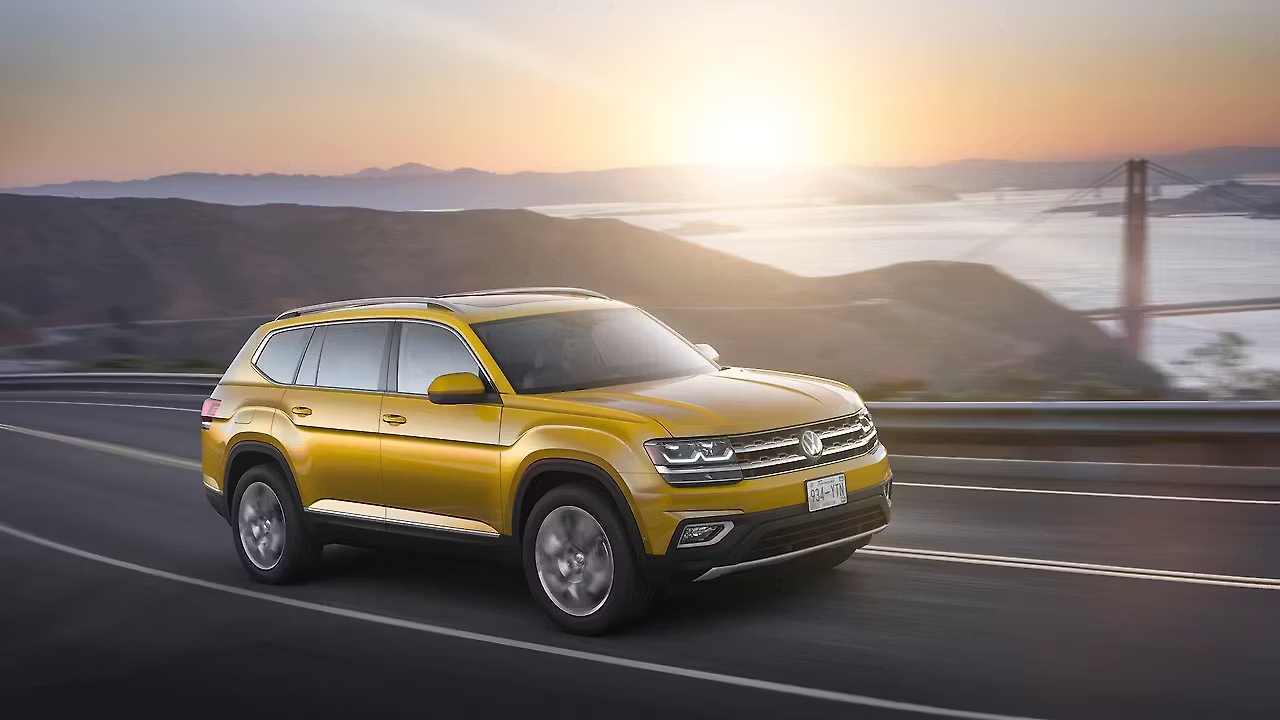
4) Volkswagen Atlas
The Volkswagen Atlas is a large, comfortable SUV built with families in mind. It offers a refined cabin and stylish design, giving a sense of modern luxury. However, behind the sleek screens and glossy dashboard, the Atlas often struggles with long-term technology reliability.
When new, the Atlas feels impressive. Its infotainment system has sharp graphics, a responsive touchscreen, and easy smartphone integration through Apple CarPlay and Android Auto. But as the years pass, owners start noticing slow performance, frozen screens, and random restarts.
One of the most common complaints about the Atlas’s tech is screen lag. After just a few years, the touchscreen can take several seconds to respond or may fail to register touches altogether. This delay becomes especially annoying when adjusting settings or using navigation.
The infotainment software sometimes freezes or reboots in the middle of use. This can interrupt music, maps, or phone calls a major inconvenience on family trips. Even after multiple software updates, these glitches tend to return, frustrating long-term owners.
Bluetooth connectivity is another weak spot. While pairing devices is simple at first, the connection often drops randomly during drives. Over time, some owners report that their phones stop connecting altogether, forcing them to rely on cables instead.
The digital driver display, one of the Atlas’s most appealing features, isn’t immune to issues either. Some older models develop flickering or display errors after several years, especially when exposed to high heat or humidity.
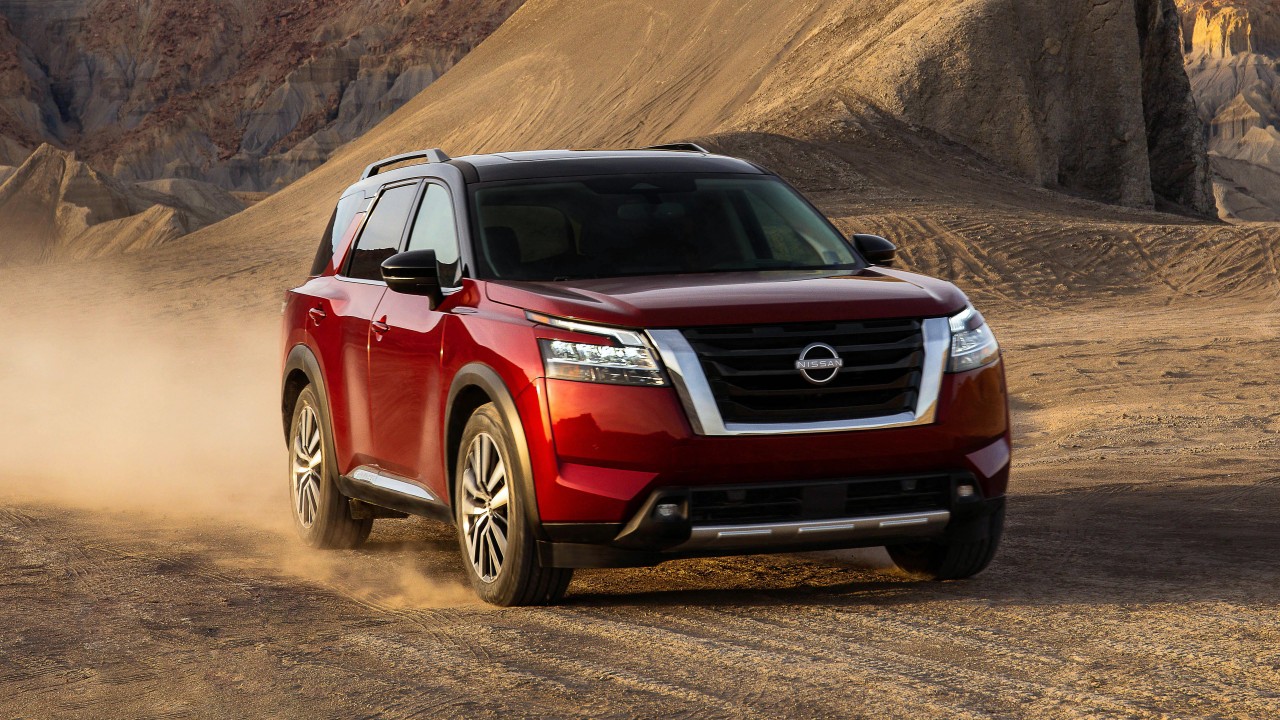
5) Nissan Pathfinder
The Nissan Pathfinder has long been a favorite among families for its size, comfort, and versatility. However, while the SUV delivers on space and practicality, its cabin technology tends to age poorly. What starts as a well-equipped interior often turns glitchy and slow within just a few years.
The Pathfinder’s infotainment system looks appealing at first glance. It includes touchscreen controls, Bluetooth connectivity, voice commands, and navigation. But as time passes, owners often experience issues such as lagging screens, unresponsive controls, and software crashes that make daily use frustrating.
The touchscreen is one of the first components to show wear. After years of use, it can lose sensitivity or develop slow response times. Simple actions like switching from radio to navigation may take several seconds, which can be distracting while driving.
Bluetooth performance also declines noticeably over time. Devices that once paired instantly begin to drop calls or disconnect unexpectedly. In some older Pathfinders, the system even forgets paired phones, forcing drivers to re-pair devices repeatedly.
The built-in navigation system, while useful when new, quickly becomes outdated. Without regular updates, it may display incorrect routes or fail to recognize newer roads. Many owners eventually rely on their phones instead of the built-in system for directions.
Also read:5 Cars Cheap To Keep Past 150k Vs 5 That Get Pricey After Warranty