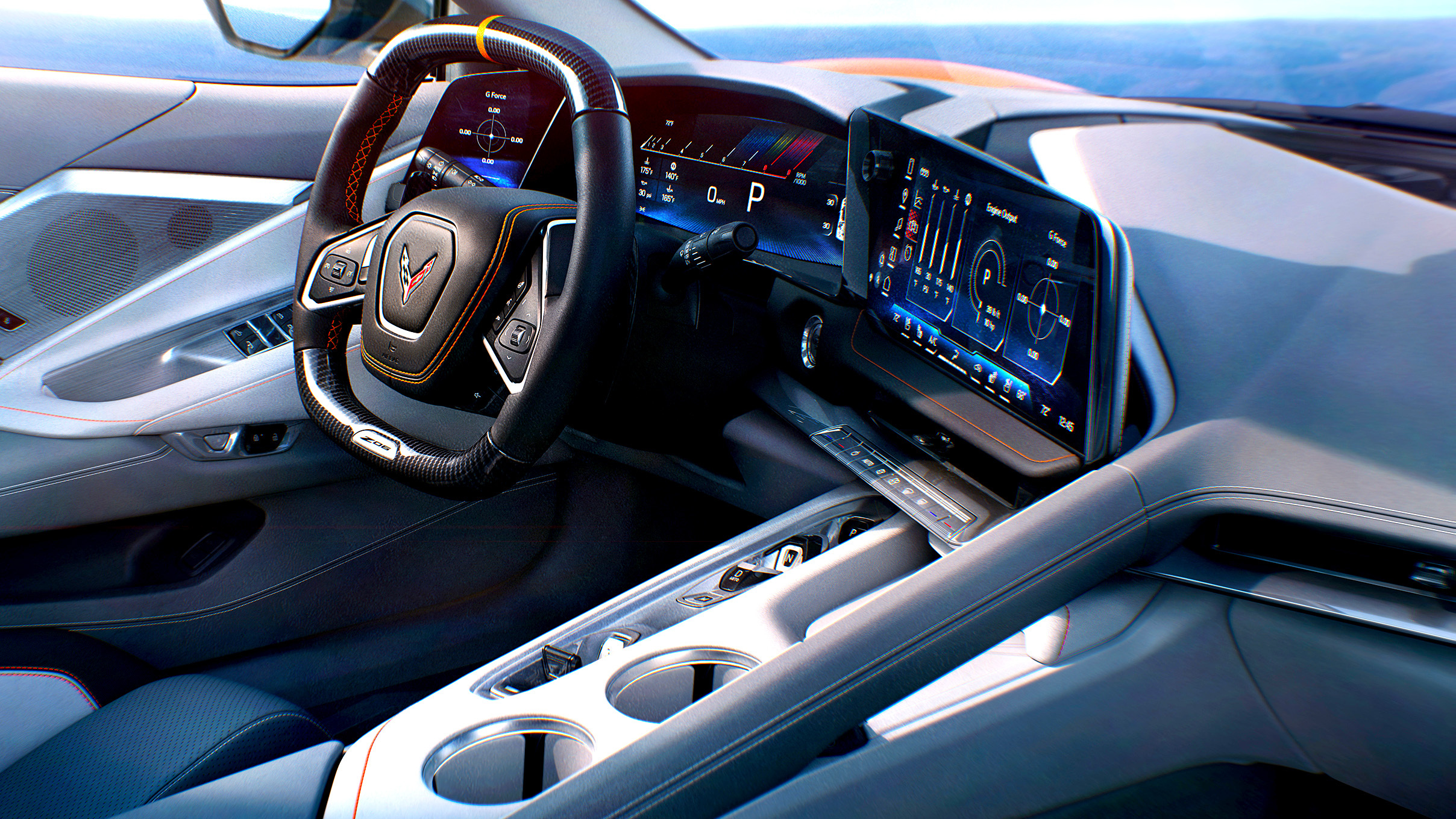
Many drivers today face a big choice when picking a car. Some crave the tactile pleasure of pressing buttons, twisting knobs, and feeling immediate control. Others are drawn to futuristic dashboards with massive touchscreens that seem to do everything except drive the car for you.
There is no right or wrong answer, but the difference matters more than most people realise. Cars that keep buttons in reachable, logical places tend to reward drivers with simplicity, less distraction, and a more intuitive experience.
On the flip side, cars that bury functions in large digital screens can impress at first glance, but they sometimes create frustration when you want something quickly while on the road. Imagine trying to change the temperature while going through traffic, or fiddling with an infotainment system while merging onto a busy highway.
This is where the ergonomics of buttons versus touchscreens really matter. Drivers with an appreciation for hands-on controls often find themselves smiling at a neatly arranged cluster of buttons and knobs.
Meanwhile, tech enthusiasts may delight in swiping and tapping on giant displays that promise endless customization. Each approach has its audience, and carmakers continue experimenting with different layouts to attract both groups.
This page will serve as a friendly guide for readers who are curious about which cars prioritize straightforward controls and which ones rely heavily on screens.
We’ll list eight cars where buttons are thoughtfully placed, making life easy for the driver, and eight cars that are digital-heavy, sometimes complicating simple tasks. By the end of this guide, readers will have a clear understanding of which vehicles best align with their style and driving preferences.
8 Cars With Buttons in the Right Places
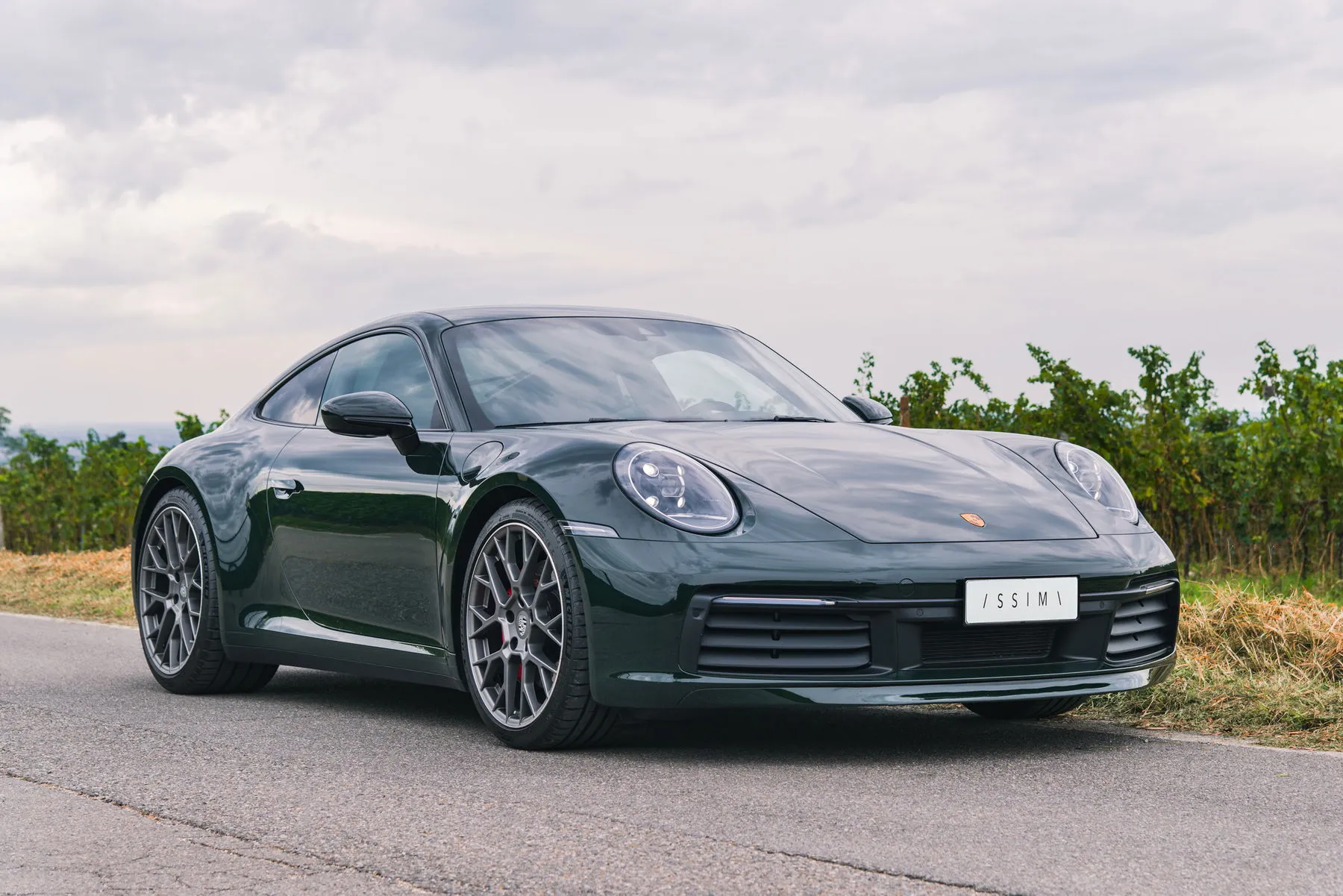
1. Porsche 911 Carrera S (992)
Stepping into the cabin of the Porsche 911 Carrera S (992) gives an immediate sense of purpose. Controls fall naturally under the fingers without needing to look away from the road.
Climate settings, drive modes, and audio controls are organized around the driver, avoiding the endless scrolling that plagues many touchscreen-heavy designs.
Inside, the centre console is equipped with a mix of tactile buttons and a small, intuitive display that shows essential information. Even features like sport suspension adjustment or the launch control system are accessed through dedicated buttons rather than buried menus. This setup benefits drivers who enjoy keeping their hands on the wheel and their eyes on the road.
For long drives or spirited weekend runs, the feel of each button enhances engagement. It is a small, subtle pleasure, but it keeps the driver connected to the car.
Some modern vehicles risk making the driver feel distant from the car, but the 911 Carrera S avoids this. You touch, press, and adjust with immediate feedback, and this fosters a sense of mastery over the machine.
Beyond usability, Porsche’s choice to combine buttons with minimal screens avoids cognitive overload. Drivers don’t need to scroll through layers of software to change essential settings.
Buttons are grouped logically, ergonomically placed, and provide instant feedback. While touchscreens are present for navigation and multimedia, they complement rather than dominate the driving experience.
Comfort and luxury are not sacrificed either. Leather surfaces, well-contoured seats, and high-quality materials surround every control, giving tactile satisfaction at every press. For drivers who want precision and clarity in their controls, the Porsche 911 Carrera S is an example of how buttons can remain relevant even in a modern sports car.
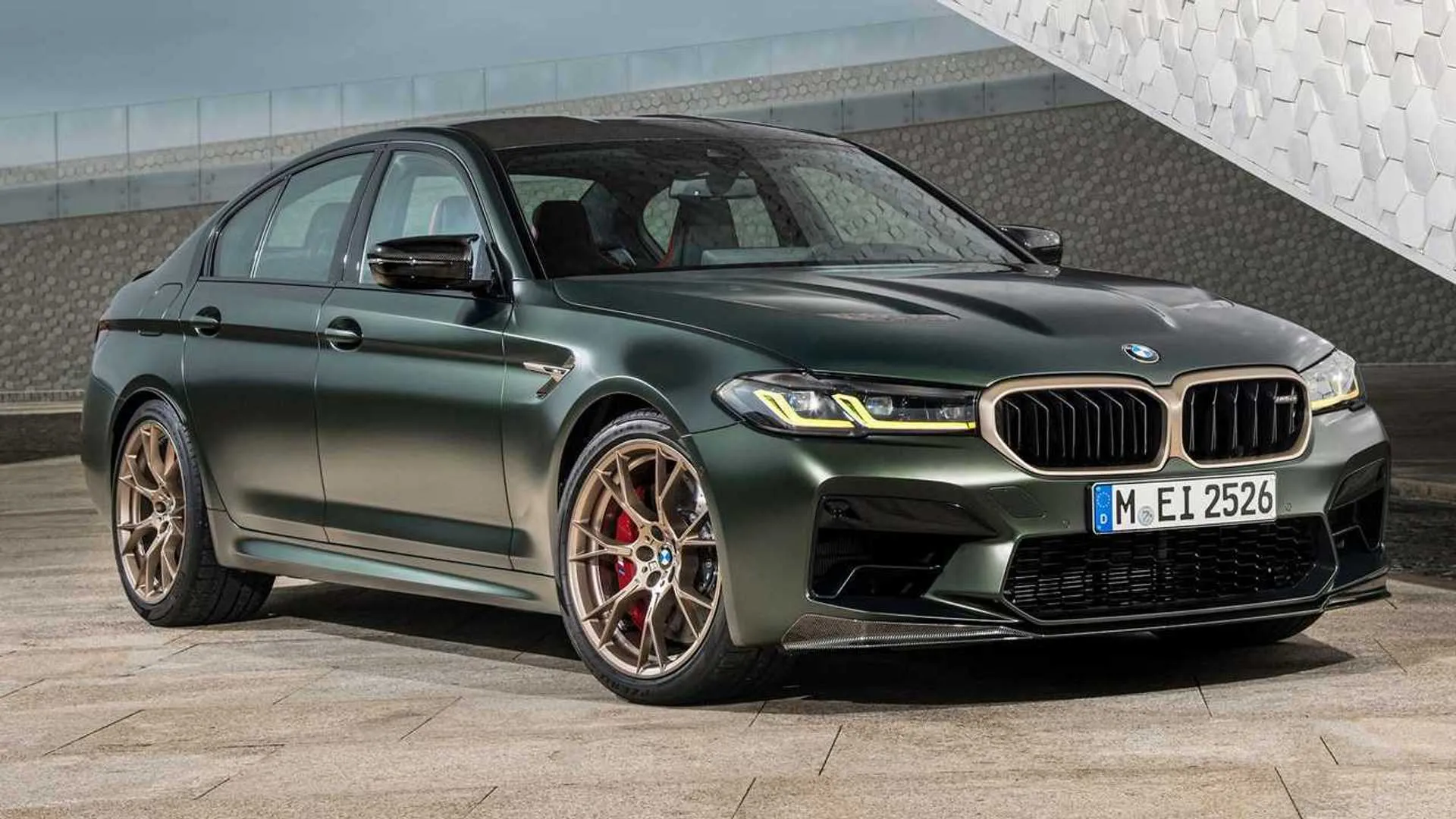
2. BMW M5 Competition (G80)
BMW’s M5 Competition (G80) demonstrates that high performance does not require touchscreen reliance. Buttons for driving modes, traction control, and climate are all positioned within reach without needing to go through nested menus. Even gear selection offers a tactile, mechanical feel rather than forcing the driver to use touchscreen shortcuts.
Every control in the M5 has been thought through to enhance the driving experience. For example, the iDrive controller sits comfortably on the centre console, allowing rotation, pressing, or swiping without stretching or looking away from the road. Audio volume and media selection buttons are located near the steering wheel, making adjustments almost instinctive.
Performance-focused drivers will appreciate the immediacy of these controls. Switching from comfort to sport mode, adjusting suspension stiffness, or activating launch control can be done with minimal distraction. BMW engineers understand that the driver’s attention must remain primarily on the road, not on a flashy screen.
Even with technology onboard, M5 keeps it simple. A central touchscreen is present for navigation and media, but the most critical functions are always available in physical form. This prioritization separates the M5 from some competitors that push everything to a digital interface, which can feel cumbersome during spirited driving.
Cabin ergonomics extend to material quality and layout. Buttons are backlit for night visibility, logically grouped, and easy to identify without removing hands from the wheel. It’s a balance of sporty engagement and luxury convenience, giving drivers the best of both worlds. Every press, bend, or press of a button feels satisfying, deliberate, and precise.
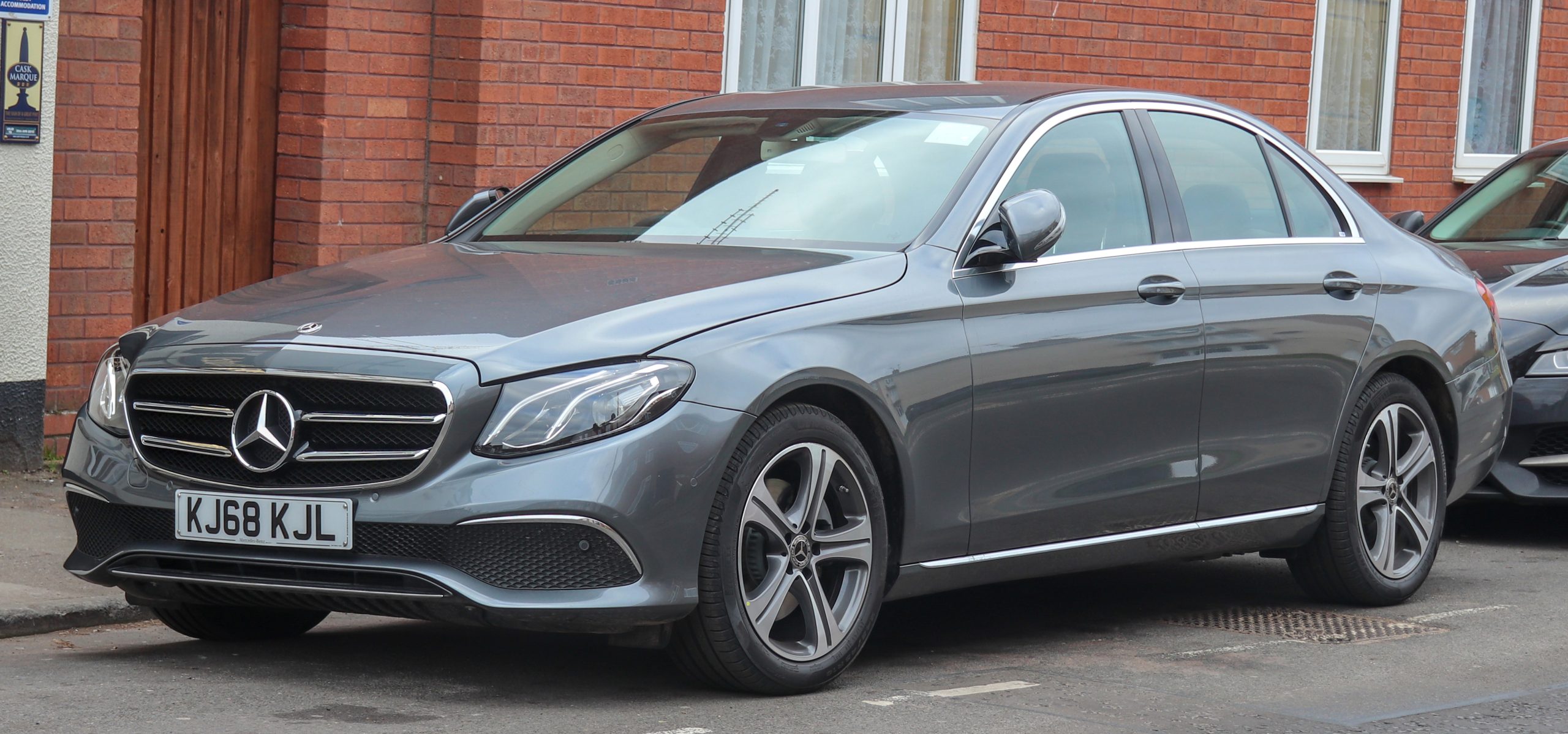
3. Mercedes-Benz E-Class (W213)
Mercedes-Benz E-Class W213 shows that a luxury sedan can remain driver-friendly without surrendering to screens. Climate, audio, and driving settings have dedicated knobs and buttons, reducing the need to fumble through digital menus. The design communicates purpose and practicality alongside elegance.
Ergonomics are central to this setup. Buttons on the steering wheel allow volume control, phone handling, and cruise control without ever reaching for the centre display. On the console, additional physical controls handle critical systems such as suspension adjustments, parking sensors, and seat heating.
Driving in heavy traffic or long distances demonstrates the benefit of these controls. Quick adjustments can be made instantly, providing a smoother experience for both driver and passengers. Mercedes intentionally avoids overloading the touchscreen with everything, keeping its functionality as an enhancement rather than the main interface.
Luxury and practicality converge in how these controls feel. Button feedback is firm but refined, reinforcing the sense that each function is accessible and reliable. Even when engaging advanced features like adaptive cruise control, the tactile buttons make operation intuitive.
The E-Class W213 shows that high-tech interiors do not always have to replace physical interfaces. By thoughtfully placing buttons, Mercedes ensures drivers feel in command of the vehicle, reducing distractions and maintaining a satisfying driving experience.
Also Read: 5 Cars With Strong Defrosters Vs 5 That Crawl Slowly
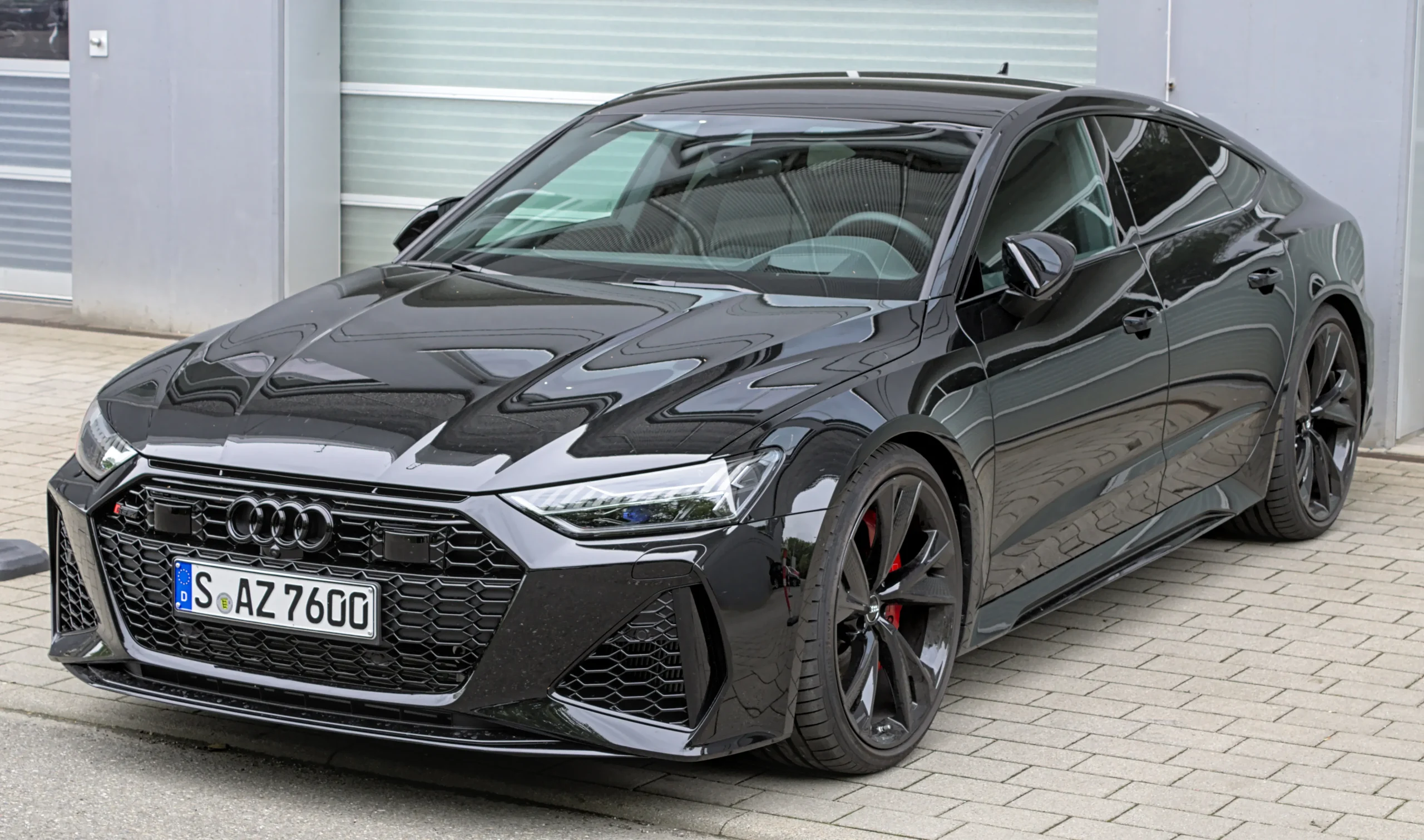
4. Audi RS7 (C8)
Audi’s RS7 C8 prioritizes driver engagement through well-positioned controls. Climate settings, infotainment shortcuts, and drive modes have their own buttons, meaning the driver does not need to swipe through screens while moving. It is performance-focused yet user-friendly.
Button layout in the RS7 feels purposeful. Functions like sport differential activation, suspension control, and steering mode selection are all clearly marked and reachable. Audi’s approach minimizes the cognitive load that comes with going through layered digital menus, especially during spirited driving sessions.
Media and navigation functions benefit from touchscreen technology, but the primary driving adjustments remain tactile. Steering wheel-mounted buttons allow for instant adjustments without losing focus on traffic conditions. Even lesser-used controls like rear spoiler deployment are placed logically, showing thoughtfulness in design.
In day-to-day driving, this arrangement proves valuable. Quick changes to temperature or volume are possible without hesitation, which adds to convenience and safety. Buttons provide a satisfying click or feel when activated, giving drivers a sense of command.
Audi pairs this functionality with premium materials. Soft-touch plastics, leather-wrapped controls, and metallic accents enhance the tactile experience. RS7 is a showcase of how physical interfaces can coexist with digital elements, balancing modern tech with hands-on usability.
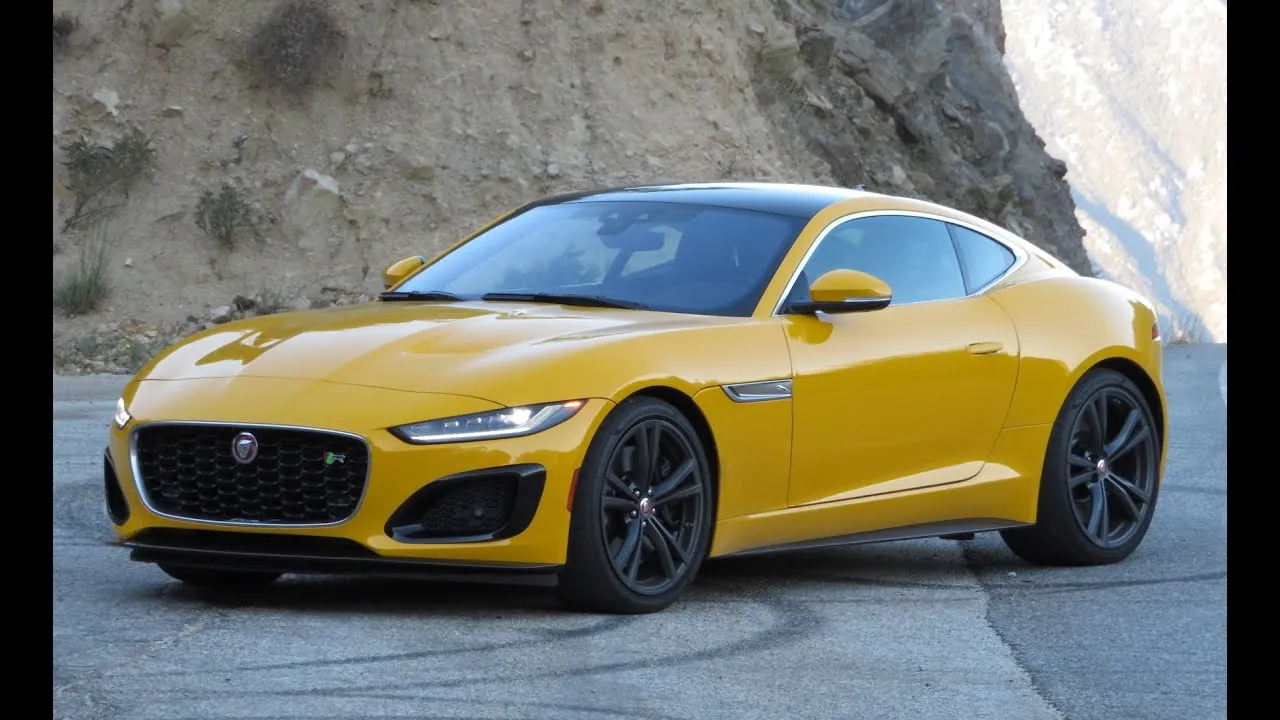
5. Jaguar F-Type R (2021)
Jaguar F-Type R from 2021 keeps drivers grounded with straightforward button placement. Engine start, drive mode selection, and climate control are all within immediate reach. This design reduces the need to go through menus while driving, which can be distracting in high-performance situations.
Interior controls focus on ergonomics. The rotary gear selector rises from the console, creating a tactile connection with the vehicle. Surrounding buttons handle audio, traction control, and suspension settings. These placements allow the driver to make instant adjustments, enhancing the driving experience during spirited runs or daily commutes.
Even as the F-Type R integrates digital technology, tactile feedback remains central. Touchscreens are used primarily for navigation and media, allowing the driver to interact when convenient rather than constantly. Steering wheel-mounted buttons enhance control over volume, cruise control, and infotainment without diverting attention from the road.
Luxury and performance merge in the feel of every button press. Materials are chosen not just for aesthetics but for comfort and durability. The driver experiences a sense of immediacy and engagement that is harder to replicate in fully touchscreen-dependent cars. Jaguar demonstrates that analog controls still have relevance, even in vehicles brimming with technology.

6. Lexus LC 500
Lexus LC 500 exemplifies how a luxury coupe can embrace physical controls. The cabin features clearly labeled buttons for audio, climate, and drive settings, reducing distractions and creating a user-friendly experience. The design encourages intuitive operation without scrolling through digital menus.
Ergonomics are carefully considered. A joystick-like touchpad for the infotainment system allows precise selection without searching endlessly on a touchscreen. Surrounding buttons handle frequently used functions, ensuring essential controls remain accessible.
High-speed driving or city commuting both benefit from this layout. Quick adjustments to temperature, driving mode, or volume are achievable without hesitation. The feel of each button press is firm and responsive, giving drivers confidence in their actions.
Lexus combines functionality with aesthetics. Metallic trims, leather surfaces, and thoughtful illumination reinforce a premium feel while making controls easy to find at night. The LC 500 shows that drivers can enjoy cutting-edge styling and luxury while keeping tactile interfaces at the heart of the experience.
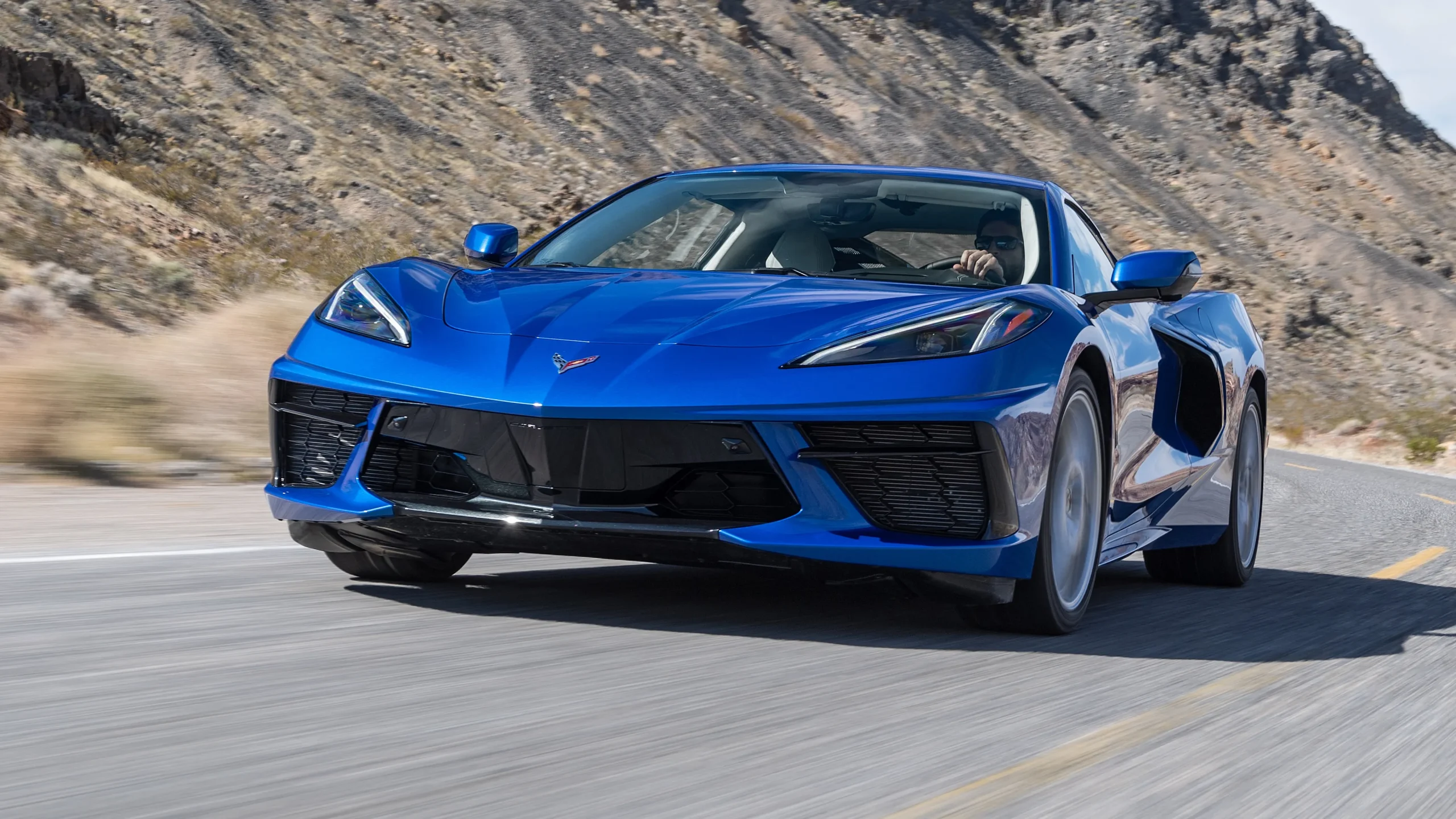
7. Chevrolet Corvette Stingray C8
Chevrolet Corvette Stingray C8 prioritizes driving enjoyment with its control layout. Buttons for climate, driving mode, and performance features are intuitively placed on the centre console and steering wheel. This setup allows drivers to make adjustments quickly and safely.
Performance-oriented drivers appreciate the immediacy of tactile controls. Switching between modes, adjusting suspension stiffness, or altering traction settings requires minimal effort. Even minor adjustments feel precise thanks to thoughtful ergonomics and clear labeling.
Screens are present but serve as enhancements rather than the main interface. Infotainment, navigation, and secondary features occupy the digital display, leaving primary driving controls in physical form. This balance keeps drivers connected to the car while offering modern conveniences.
Materials and construction complement usability. Controls are solid, with a satisfying tactile response. The Corvette demonstrates that driver engagement can remain strong even in modern, high-tech sports cars. The Stingray C8’s approach to buttons ensures confidence, comfort, and control are never compromised.
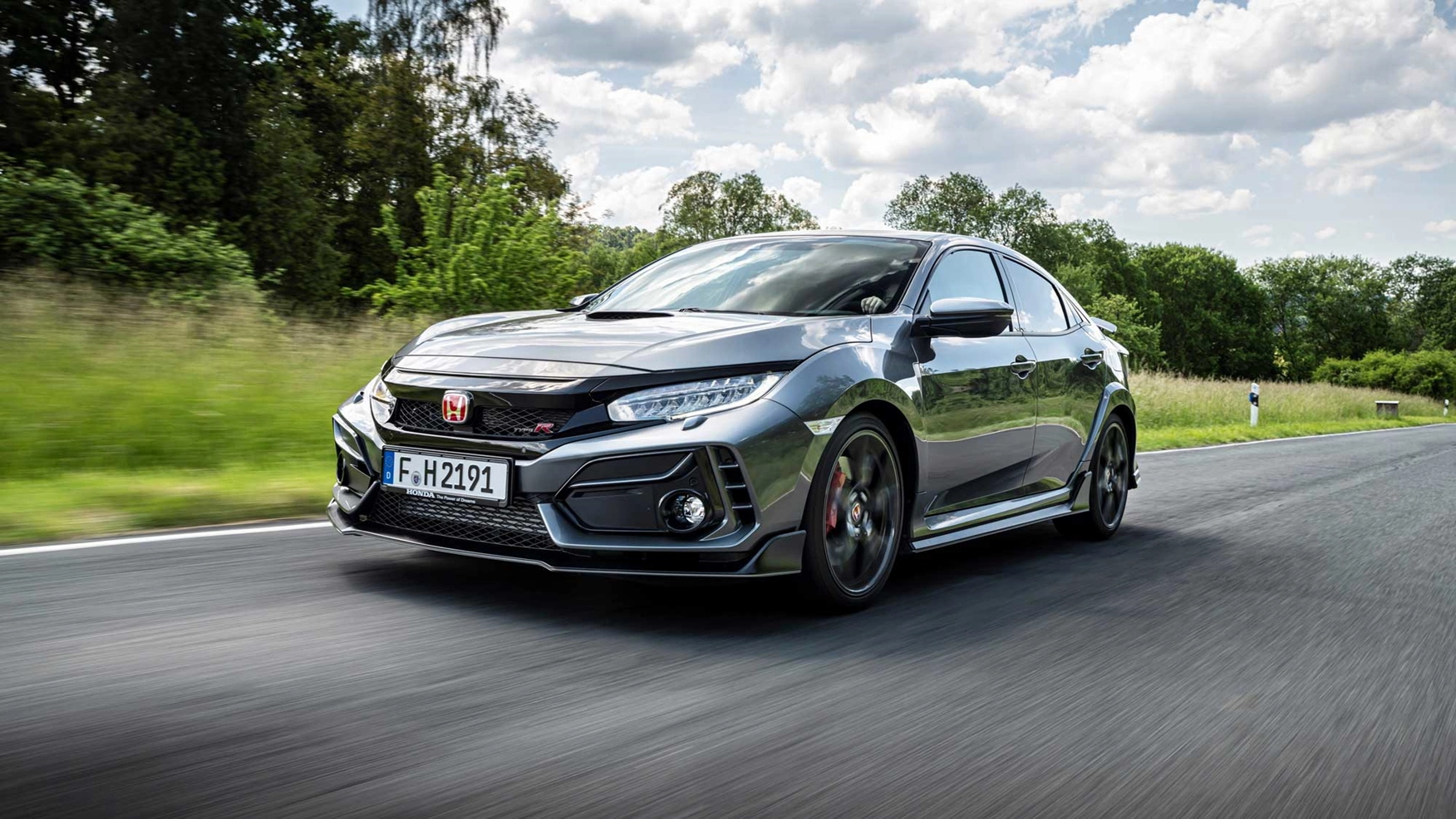
8. Honda Civic Type R (FK8)
Honda Civic Type R FK8 proves that even a hot hatch can benefit from carefully placed physical buttons. Drive mode selection, climate controls, and media adjustments are all within easy reach, allowing drivers to maintain focus on the road.
Performance enthusiasts will notice the immediacy of controls. Rapid adjustments to suspension settings or traction assist can be executed without distraction. Buttons provide direct feedback, a feature often lost in touchscreen-heavy layouts.
Ergonomic design extends to every aspect of the cabin. Steering wheel controls manage volume and cruise control, central buttons handle essential driving features, and secondary functions are logically positioned. This arrangement emphasizes control and simplicity.
The FK8 blends sportiness with practicality. It uses a minimal digital interface to supplement rather than replace tactile controls. Material quality, layout, and button feedback ensure that drivers feel in command at all times. Honda demonstrates that even compact, high-performance cars can benefit from well-designed physical controls.
8 Cars Buried in Screens
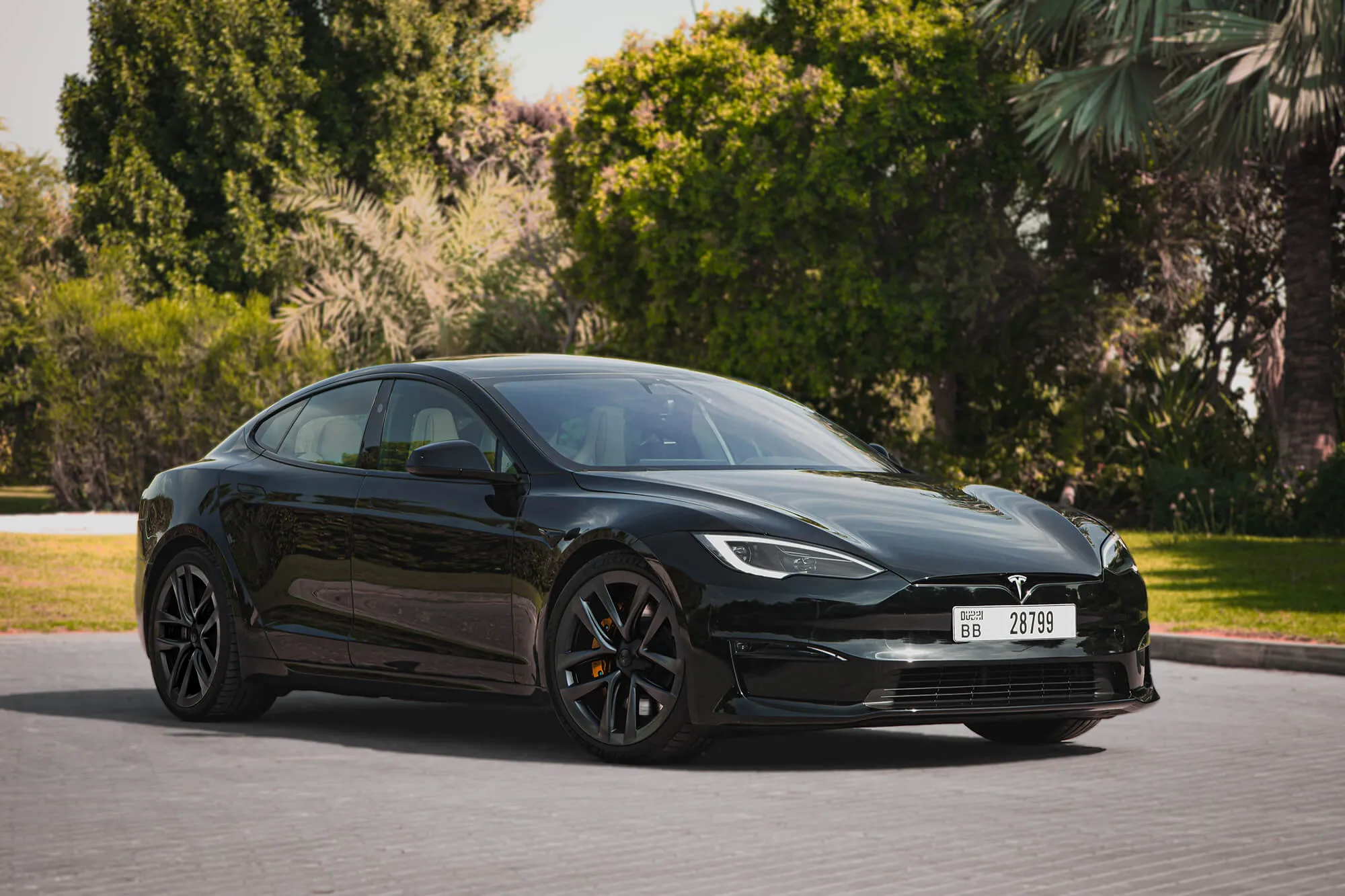
1. Tesla Model S Plaid
Tesla Model S Plaid represents a fully digital approach to driving. Nearly every function is controlled via the massive central touchscreen, including climate, audio, navigation, and even seat adjustments. Physical buttons are almost nonexistent, which gives the cabin a sleek, futuristic appearance but can confuse drivers accustomed to tactile controls.
The 17-inch display dominates the dash, requiring swipes and taps to perform many functions that used to be instantaneous in older vehicles. Driving modes, regenerative braking settings, and autopilot adjustments all live on the screen. Even the hazard lights and defrost controls are buried under menus.
While the minimalism looks impressive, it sometimes creates friction. For instance, adjusting temperature while maneuvering in traffic demands more attention compared to a simple knob or button press. Some drivers love the sense of controlling the car entirely through software, but others find it distracting when multitasking behind the wheel.
Tesla embraces this approach fully. Physical switches are limited to steering wheel paddles and two stalks for basic operations. The rest of the experience relies on software updates that can change functions at any time, making the cabin feel more like a tablet than a traditional vehicle.
Materials and interior quality are premium, but the emphasis is clearly on digital interaction. Haptic feedback from the screen attempts to simulate tactile response, yet it cannot fully replace physical buttons. For tech enthusiasts, the Model S Plaid offers unparalleled connectivity, but drivers who prefer traditional controls may feel disconnected.
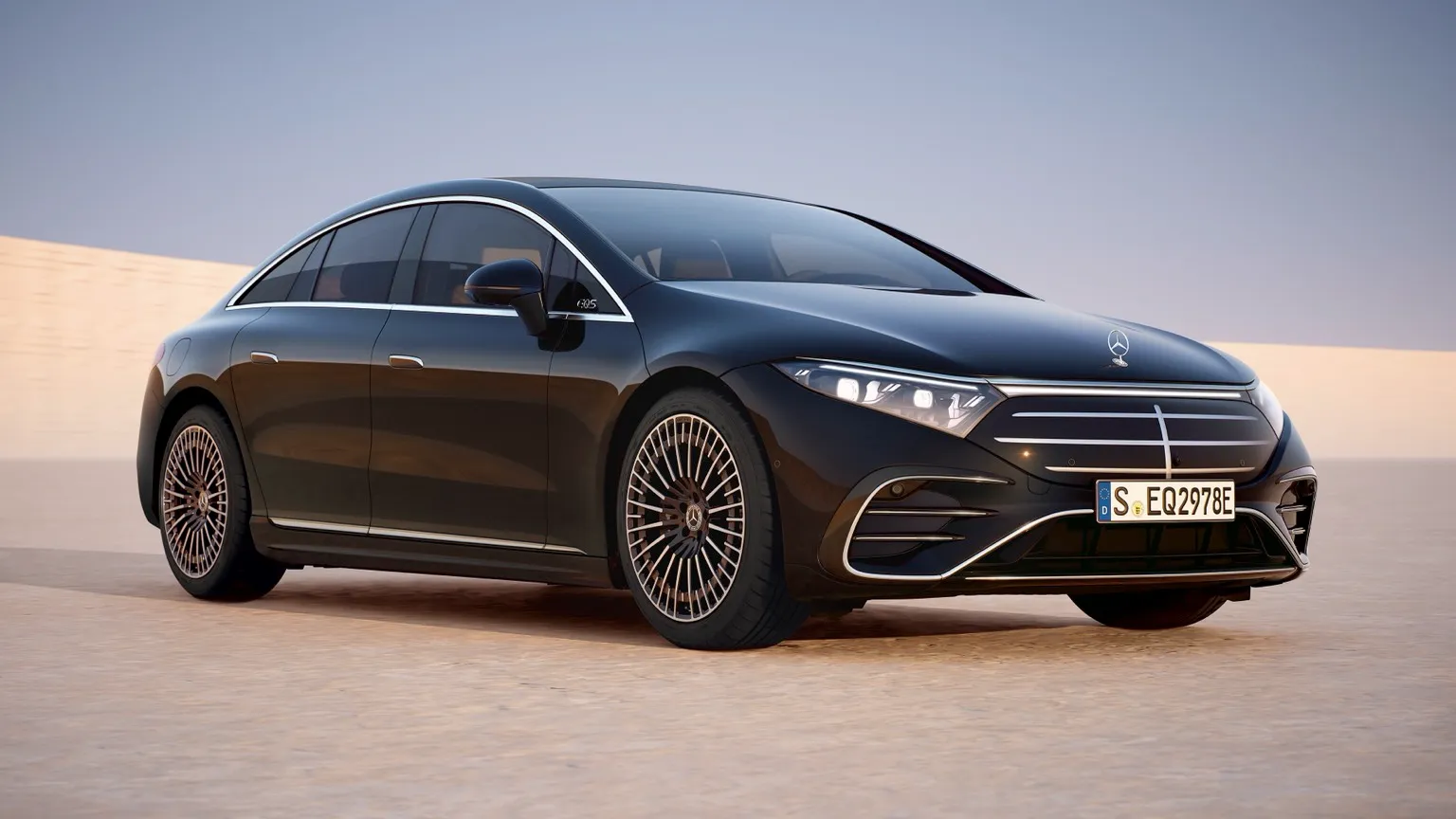
2. Mercedes-Benz EQS 450+
Mercedes-Benz EQS 450+ is a luxury electric sedan that goes heavy on digital controls. The massive MBUX Hyperscreen stretches across the dashboard, offering virtually every control through touch or voice commands. Physical buttons are almost nonexistent, except for steering wheel-mounted shortcuts.
Climate, lighting, infotainment, navigation, and driving modes are all managed through the touchscreen. Even seat ventilation and massage functions require digital navigation, which can be cumbersome for drivers wanting instant access.
The Hyperscreen dazzles with its curved design and high resolution, but it can overwhelm first-time users. Swiping through multiple menus for basic adjustments is not always practical while driving. Voice commands help mitigate this, yet there is a learning curve before a driver feels comfortable.
Mercedes intentionally minimizes tactile controls to maintain a clean, futuristic aesthetic. While this looks impressive in photos or showrooms, it sometimes sacrifices immediate usability. The EQS 450+ is designed for those who enjoy a fully digital experience, valuing form and innovation over classic ergonomics.
The cabin is luxurious, with high-quality materials complementing the tech-heavy layout. Ambient lighting, premium leather, and polished finishes create a futuristic atmosphere. However, drivers accustomed to physical buttons may initially struggle to adapt to a car where nearly every function is screen-dependent.
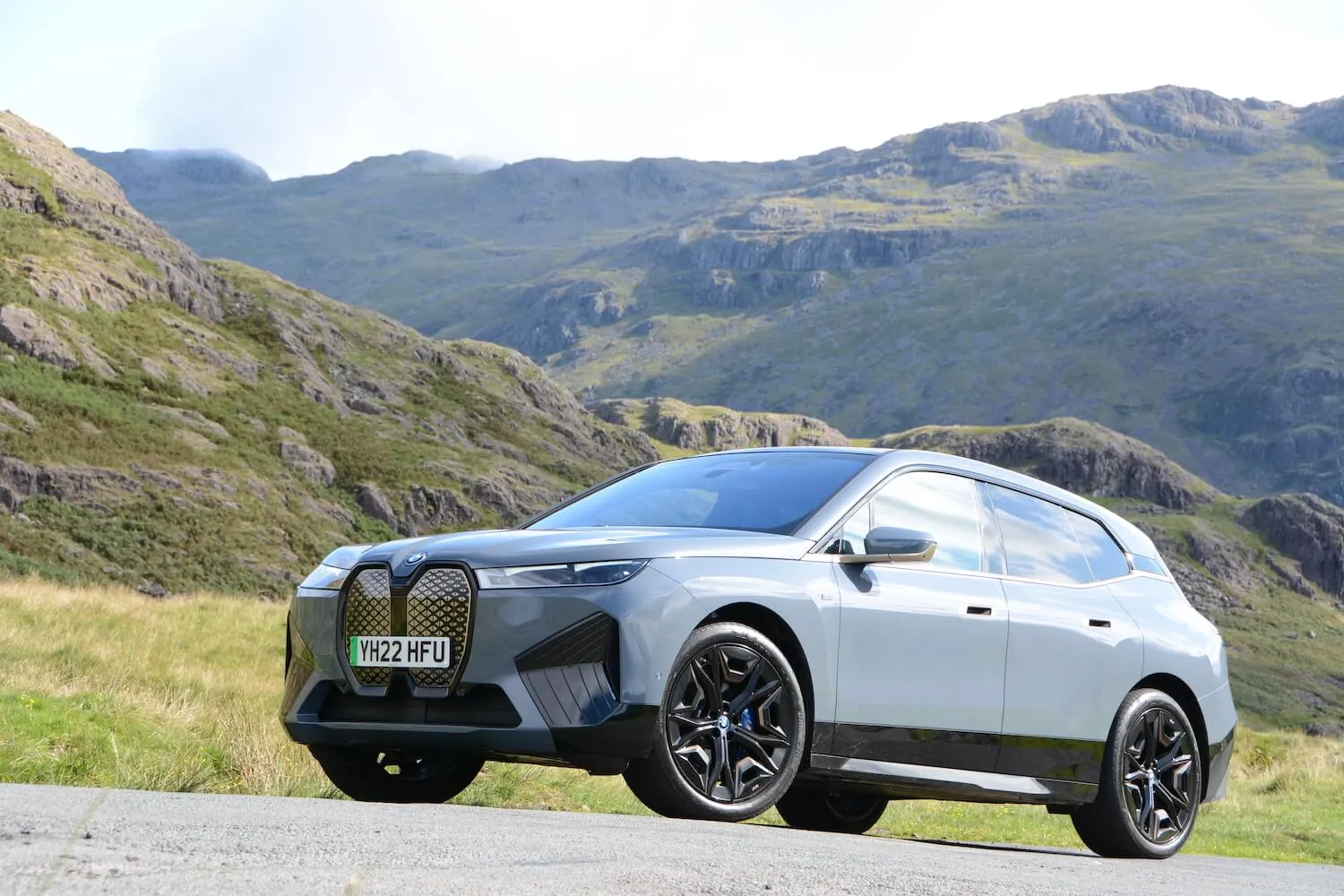
3. BMW iX M60
BMW iX M60 demonstrates the shift towards digital-first interiors in modern SUVs. The cabin features a curved, widescreen display that integrates the instrument cluster, infotainment, and vehicle settings. Physical buttons are minimal, with only a few dedicated to volume and hazard lights.
Drivers must go through menus to adjust driving modes, climate, and suspension stiffness. While BMW provides haptic feedback and voice controls, tactile immediacy is largely absent. Quick adjustments require screen interaction, which can take attention away from the road.
Ergonomically, the layout prioritizes futuristic aesthetics over instant usability. The widescreen display is impressive and luxurious, but drivers may miss the simplicity of knobs or buttons for essential functions. BMW relies on gesture control and touch to replace traditional tactile interfaces.
Despite this, interior quality is top-tier. Soft-touch surfaces, leather upholstery, and metallic accents maintain luxury standards, while the screen serves as the centerpiece. The iX M60 appeals to those who prefer a digital cockpit, but drivers seeking simple, quick control might find it less practical for everyday use.
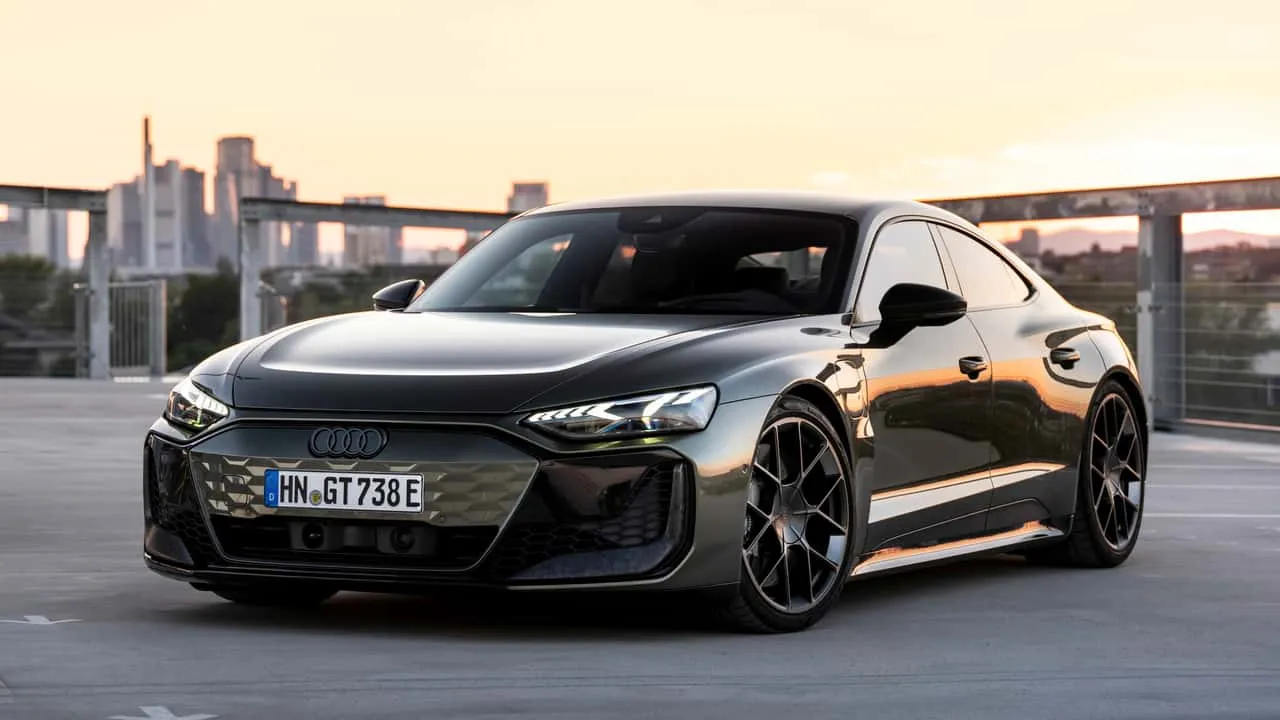
4. Audi e-tron GT
Audi e-tron GT emphasizes screen interaction with minimal physical controls. A large central touchscreen handles climate, navigation, media, and vehicle customization, leaving almost no room for dedicated buttons on the centre console.
Drivers quickly notice that functions like adjusting air conditioning, turning on heated seats, or selecting driving modes require multiple taps. Even the steering wheel-mounted buttons offer limited shortcuts, pushing most control to the touchscreen.
The interface is high resolution and visually appealing, but it demands cognitive attention while driving. For tech-savvy drivers, the system provides endless possibilities for personalization, yet it can feel slower for essential adjustments compared to traditional button layouts.
Audi focuses on a clean, minimalist aesthetic inside the e-tron GT. Materials are luxurious, and the digital interface integrates seamlessly into the design.
Haptic feedback attempts to mimic button presses, but the tactile response is never quite the same. Drivers embracing this all-digital cockpit must adapt to the idea that nearly every action involves a swipe, tap, or menu selection.
5. Lucid Air Dream Edition
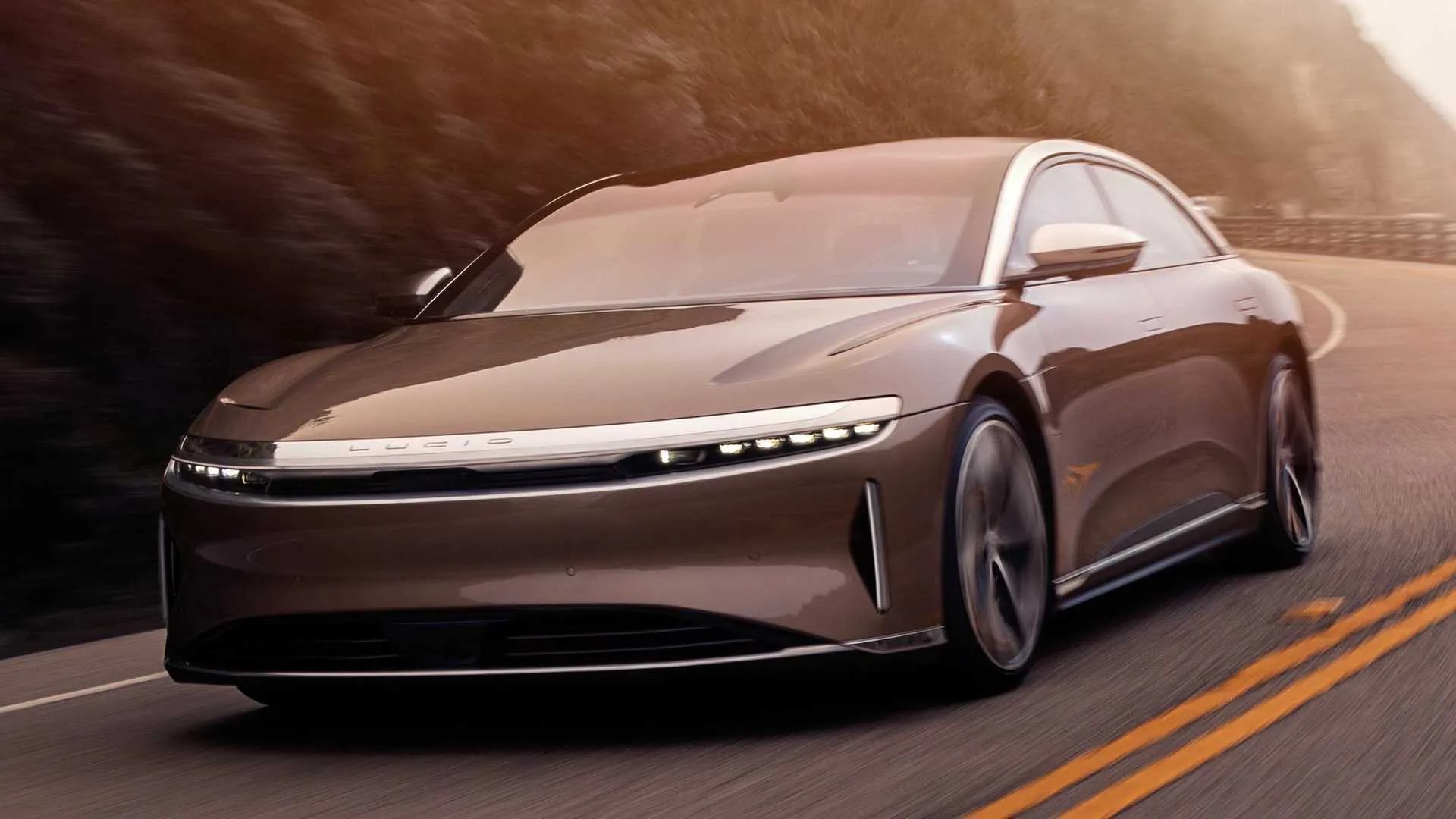
Lucid Air Dream Edition brings a fully touchscreen-controlled environment to the luxury EV segment. With a large curved display spanning the driver’s view, it centralizes everything from navigation and media to suspension and climate control.
Few physical buttons exist beyond volume and hazard lights, meaning functions like seat adjustments, temperature control, and drive mode selection live almost entirely in software. Drivers must learn menu hierarchies to operate the car efficiently.
While visually stunning and feature-rich, the touchscreen reliance can challenge quick responses during driving. For example, adjusting cabin temperature while going through a busy intersection requires more effort than using a dedicated knob. Lucid attempts to compensate with voice commands and intuitive UI design, yet tactile immediacy is reduced.
The cabin emphasizes luxury and minimalism. Premium leather, polished trims, and ambient lighting create an elegant environment, while the focus remains on digital interaction. Drivers who enjoy tech-forward experiences will find the Air Dream Edition exhilarating, but those who prefer tactile control may feel disconnected from basic operations.
6. Polestar 2
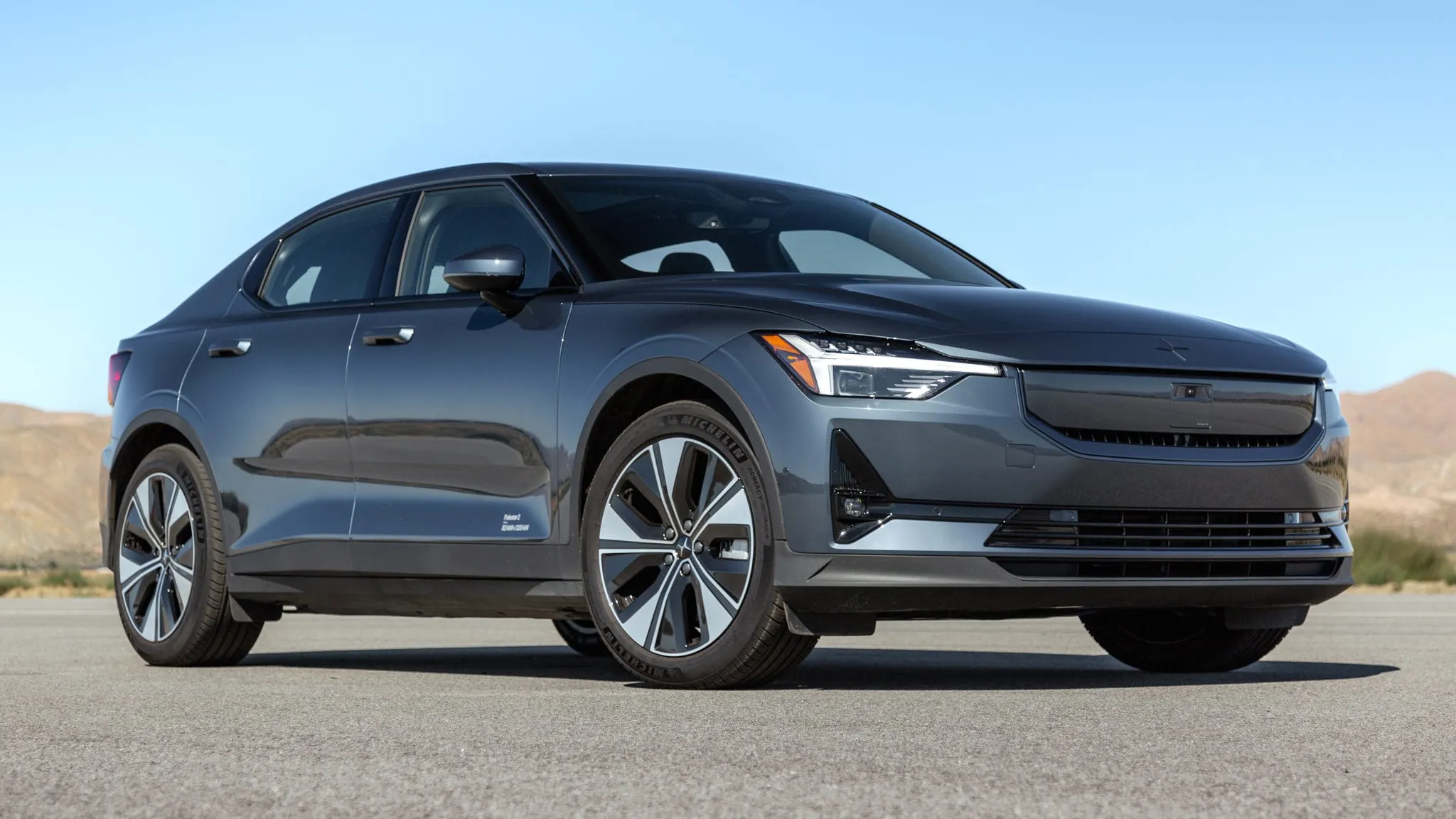
Polestar 2 represents a tech-heavy approach in the compact EV segment. A large vertical touchscreen controls almost all functions, including driving modes, climate, media, and connectivity. Physical buttons are minimal, and most interactions require swiping, tapping, or voice commands.
Even routine adjustments, like fan speed or seat heating, involve multiple screen steps. This can be distracting for drivers used to direct, tactile interfaces. Polestar emphasizes software flexibility and digital customization, but at the cost of instant accessibility.
Interior design is modern and minimalist, with premium materials and thoughtful finishes. However, drivers often report a learning curve before feeling comfortable going through menus while driving. Steering wheel buttons handle only basic tasks like volume and phone calls.
Polestar 2 appeals to those who embrace technology as a central part of driving. For those who value quick, physical interaction with essential features, this all-digital approach may feel cumbersome, particularly in urban driving scenarios where rapid adjustments are needed.
7. Ford Mustang Mach-E
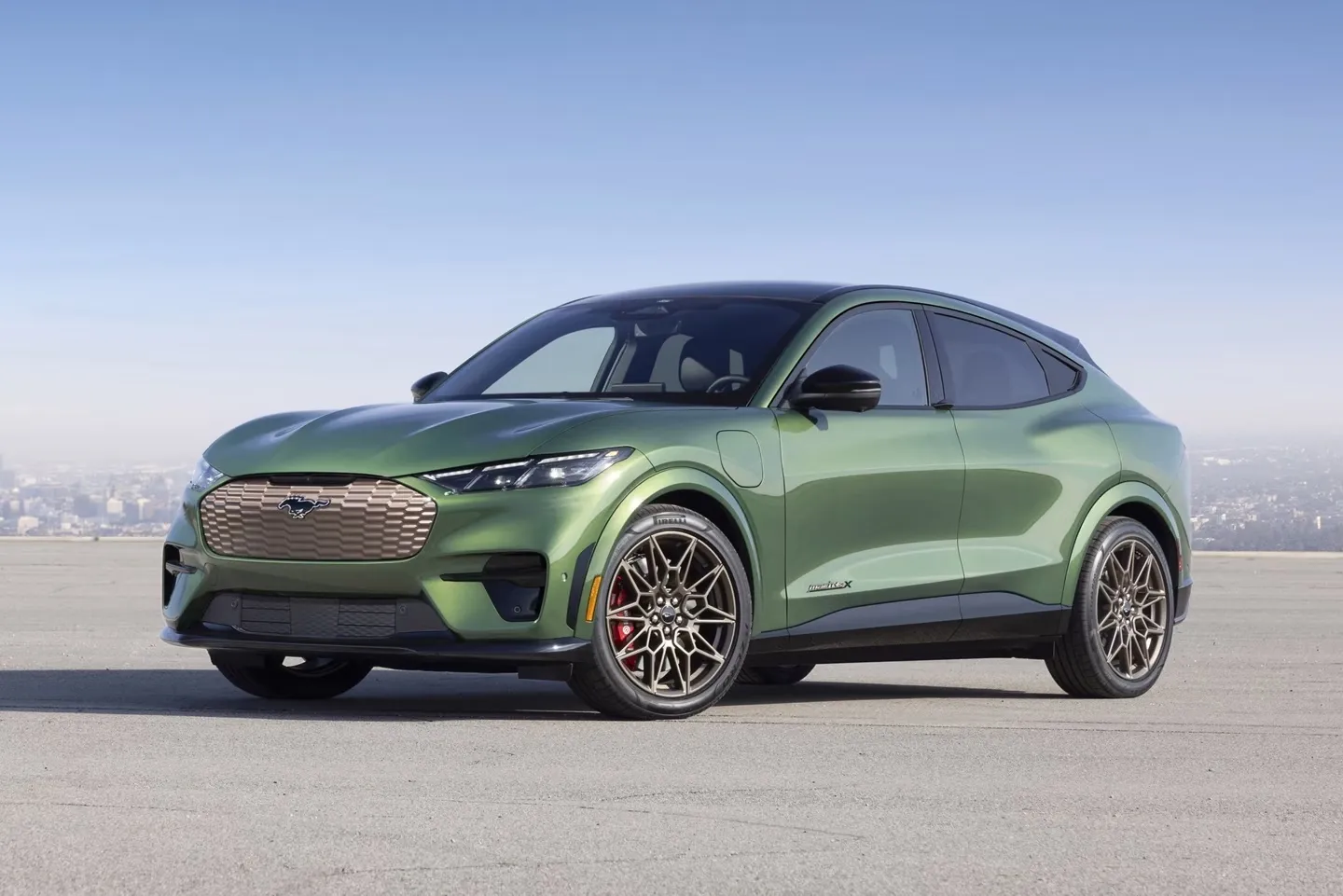
Ford Mustang Mach-E is a modern electric SUV that heavily prioritizes touchscreen controls. Most vehicle functions are handled through a large vertical display, with limited physical buttons for essentials such as volume or hazard lights.
Adjustments to climate, navigation, and drive modes require multiple taps, which can distract drivers in certain situations. Mach-E uses a digital-first philosophy, replacing conventional knobs and switches with an immersive, software-driven experience.
Despite the reliance on touchscreens, the cabin maintains a sense of style. Premium materials, ambient lighting, and ergonomic seating create a comfortable environment, but tactile immediacy is sacrificed. Users often find themselves going through menus for simple functions, contrasting sharply with cars designed around physical controls.
Ford provides voice assistance to compensate, yet the experience still demands more attention than traditional layouts. For drivers who enjoy futuristic, all-digital interfaces, Mach-E is compelling. Those who prefer buttons for essential operations may struggle to adapt.
Also Read: 5 Cars That Feel Steady With A Roof Box Vs 5 That Wobble
8. Rivian R1T
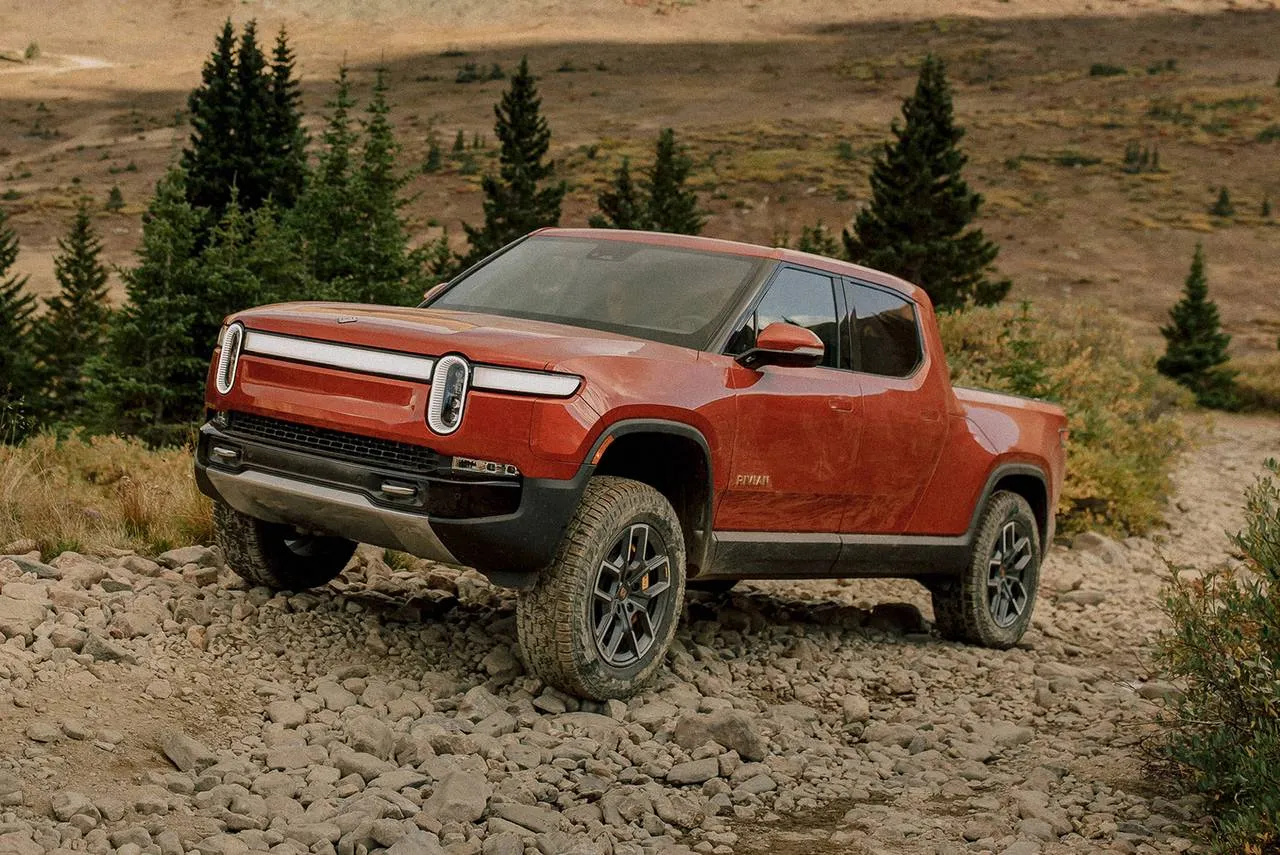
Rivian R1T reimagines the pickup with a technology-heavy approach. It’s large central touchscreen controls media, climate, driving modes, and off-road settings. Buttons are few, mainly for volume and essential vehicle functions.
Off-road enthusiasts or daily drivers must use the screen for most adjustments, which can be challenging during dynamic driving conditions. Even functions like differential lock or suspension height require menu navigation rather than a tactile switch.
The R1T’s interior is modern, with sustainable materials and clean lines. The digital-first design emphasizes innovation and aesthetics, but at the cost of tactile immediacy. Drivers must adjust to relying on software for nearly all vehicle operations.
Rivian attempts to enhance usability through intuitive menus and voice commands, yet the experience still contrasts sharply with traditional, button-focused interiors. For those who embrace fully digital vehicles, the R1T offers a futuristic and adventurous cabin, though traditionalists may miss the simplicity of direct physical controls.
Choosing between cars with well-placed buttons and cars buried in screens depends on personal driving style and priorities. Vehicles with buttons emphasize immediacy, tactile satisfaction, and minimal distraction, ideal for drivers who want to feel directly connected to the car.
However, cars with screens prioritize futuristic aesthetics, digital customization, and tech-forward experiences, appealing to tech enthusiasts but sometimes at the expense of usability.
Drivers should consider how often they adjust climate, drive modes, or media while on the move. For those who value instant control and simple interaction, button-focused cars remain unmatched. For tech-savvy individuals seeking immersive digital experiences, screen-heavy cars provide a look of the future, where software increasingly governs the driving experience.
By examining these sixteen vehicles, drivers can make informed choices that match their preferences, balancing technology, ergonomics, and the joy of driving. Whether you favor buttons or screens, the modern car market offers a range of options to satisfy both approaches.