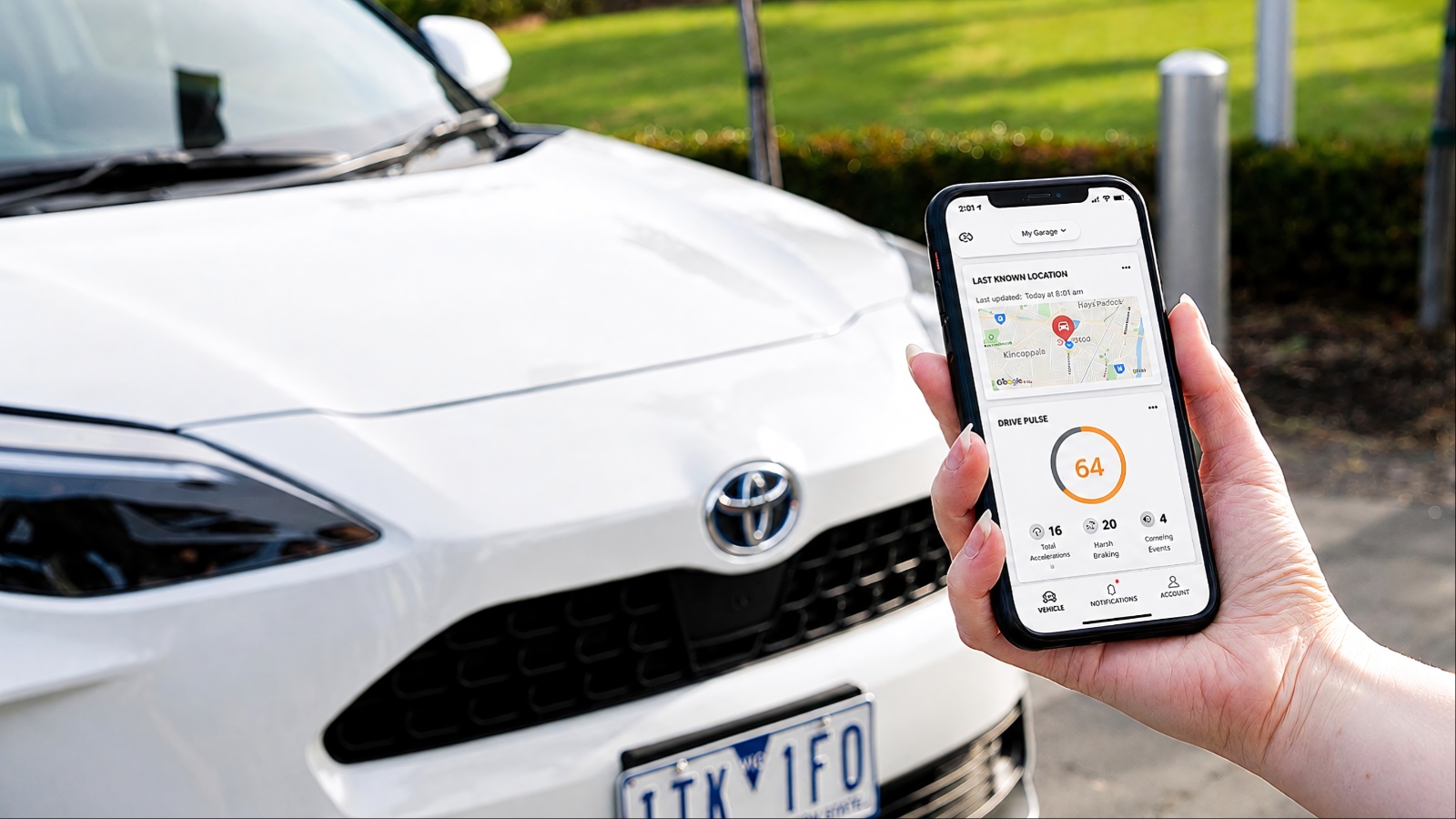
Buying a connected used car requires more than checking the engine, tires, and accident history. Modern vehicles can retain smartphone profiles, manufacturer accounts, location information, subscription details, and remote-access permissions long after the previous owner has handed over the keys.
The FTC has warned that connected vehicles can collect and store personal information, making digital ownership an important part of the buying process. Manufacturer systems also differ in how accounts, subscriptions, and vehicle access are transferred.
Before purchasing, buyers should confirm that the previous owner’s digital access has been removed, connected services can be activated under their own account, cellular connectivity still works, and no important feature depends on an expired subscription or outdated technology.
1. Check Whether the Previous Owner Has Been Removed
One of the first things to verify is whether the previous owner’s manufacturer account has been completely disconnected from the vehicle. This is more important than simply deleting a phone from the infotainment system because Bluetooth pairing and manufacturer-account access are separate things.
A connected vehicle can remain associated with the previous owner’s account even after their phone has been removed. Depending on the manufacturer and vehicle, that account may provide access to remote locking, unlocking, vehicle location, remote starting, charging information, or other functions through a smartphone application.
The safest approach is to ask the seller to demonstrate that the vehicle has been removed from their account. Then determine whether you can register the vehicle under your own account before completing the purchase.
Several automakers have dedicated ownership-transfer procedures because the vehicle’s VIN remains associated with the previous customer’s digital profile until the transfer is completed.
A factory reset can also be useful, but it should not automatically be treated as proof that every connected relationship has disappeared. A reset can remove information stored inside the vehicle, while a separate manufacturer account may still require additional action.
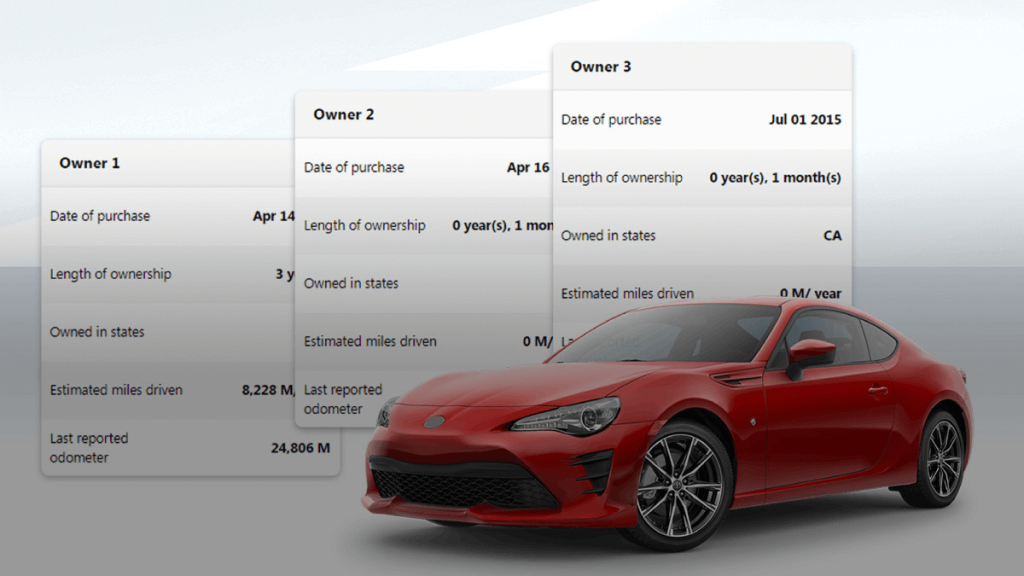
This is also a privacy issue. The FTC recommends clearing personal information from connected vehicle systems before selling a vehicle because stored information can include paired devices and other personal data.
If the seller cannot clearly explain how the digital ownership has been transferred, resolve that issue before handing over the money.
2. Check Whether You Can Activate the Connected Services Yourself
A connected feature being advertised on a used vehicle does not necessarily mean it will automatically work for the next owner. Before buying, confirm that you can register the vehicle under your own manufacturer account and activate the services associated with it.
This distinction matters because connected services can be tied to the vehicle identification number, the owner’s account, a subscription, or a combination of all three. A seller might demonstrate a functioning smartphone application, but that does not guarantee that the same access will transfer to you.
Ask the seller or dealer to demonstrate the registration process. Ideally, the vehicle should be removed from the previous owner’s account and ready for a new owner to establish their own credentials. If the manufacturer requires documentation to complete an ownership transfer, find out exactly what is needed before completing the transaction.
It is also worth checking whether the connected package is included with the vehicle or requires a paid subscription. Some manufacturers provide complimentary service periods, while others have changed their connected-service programs over different model years.
The same vehicle name can therefore have different subscription arrangements depending on its model year and original purchase date.
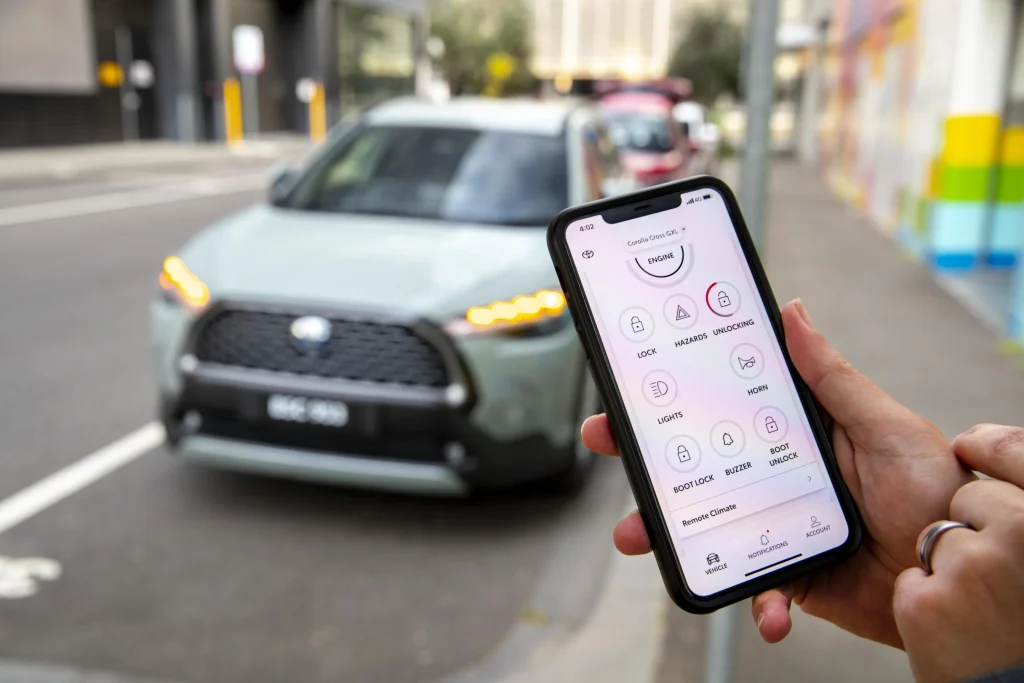
Do not assume that an inexpensive used vehicle automatically means inexpensive connected services. A feature that was included when the car was new may later require payment, while some functions may be unavailable after a trial period expires.
The test should be simple: create or sign into your account, enter the vehicle’s VIN where permitted, and confirm which services are actually available. If activation fails, ask the manufacturer or dealer why before purchasing.
3. Check Which Personal Information Is Still Stored
A used connected car can contain more personal information than many buyers realize. Before taking ownership, inspect the infotainment system for saved phones, contacts, navigation destinations, call histories, text-message information, user profiles, and other stored data belonging to the previous driver.
This check matters for two reasons. First, you do not want someone else’s private information remaining inside your vehicle. Second, you do not want your own information exposed later if you sell the vehicle without properly clearing it.
The FTC specifically advises people selling connected vehicles to remove personal information before handing the vehicle to another owner. Its guidance notes that vehicles can store information from connected devices and recommends checking the owner’s manual or manufacturer instructions for the appropriate deletion process.
During a used-car inspection, look through the infotainment menus rather than assuming everything has already been erased. Check Bluetooth devices, user profiles, navigation history, and connected applications. If the vehicle supports multiple driver profiles, make sure the previous profiles have been removed or reset.
A factory reset is usually the cleanest solution when ownership changes, but buyers should still confirm that manufacturer accounts and smartphone applications have been separately disconnected. Resetting the screen does not necessarily mean every cloud-based account has been deleted.
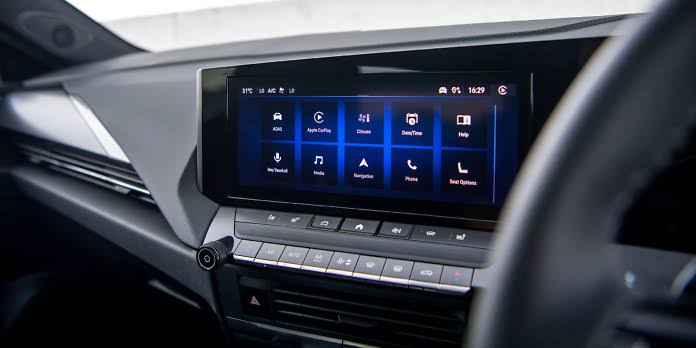
You should also avoid entering your own personal information into the vehicle before confirming that the seller’s account has been removed. Once your phone, contacts, or navigation history is connected, those details become part of the vehicle’s stored data.
A few minutes spent checking the digital cabin can prevent an unnecessary privacy problem later.
4. Check Whether the Cellular Connection Still Works
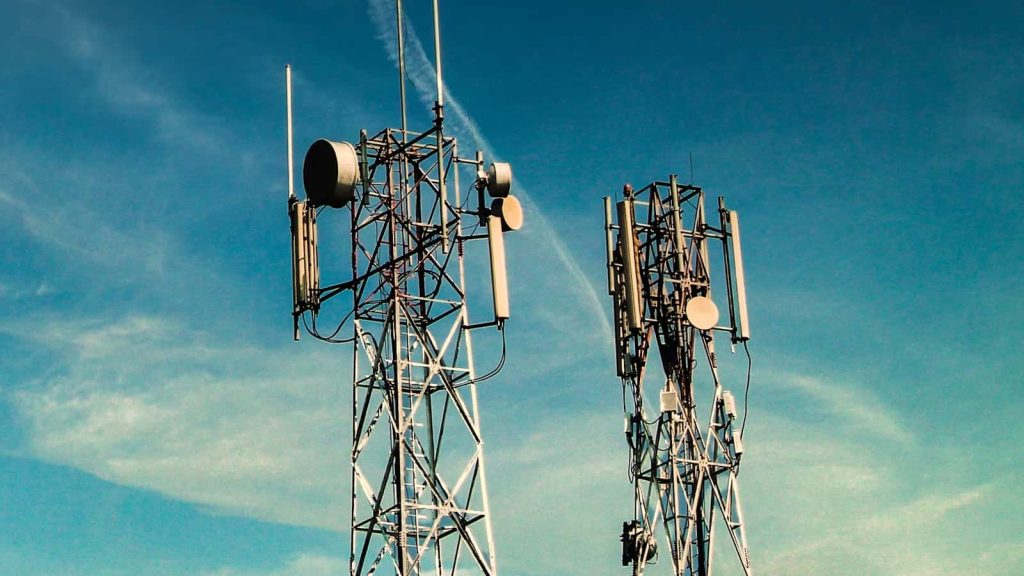
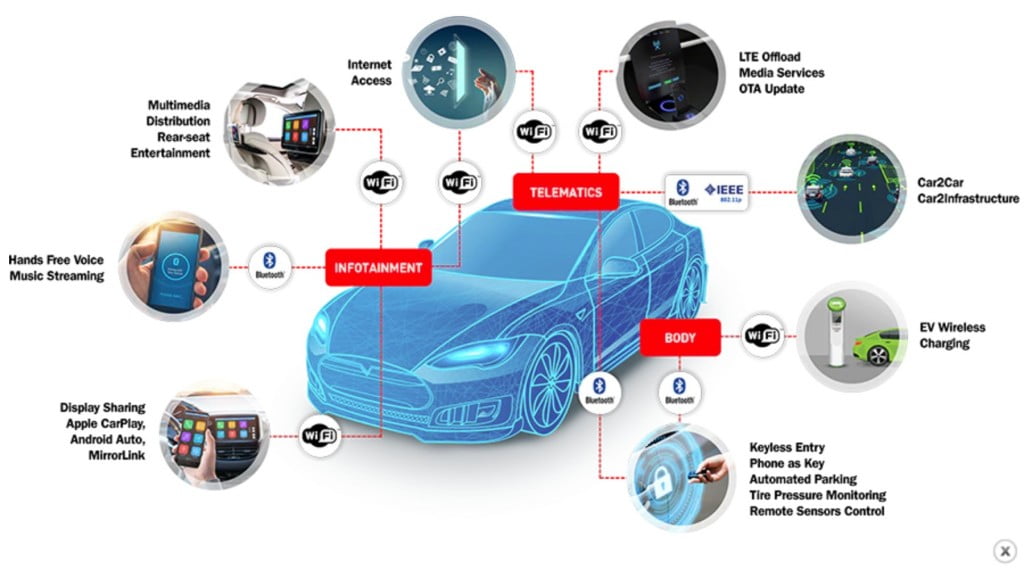
A connected vehicle depends on more than its touchscreen and smartphone application. Many of its remote and online functions rely on an embedded cellular connection, so buyers should verify that the vehicle can still communicate with the manufacturer’s network.
This is particularly important when purchasing an older connected vehicle. Cellular technology has changed substantially over time, and the shutdown of older networks has affected certain connected-car services.
A vehicle may still have a perfectly functional infotainment screen, while some connected functions no longer operate because the hardware depends on a network that is no longer available.
Before purchasing, ask the manufacturer or dealer whether the vehicle’s built-in modem is supported on the current U.S. cellular network. Do not rely solely on the seller saying that the connected application worked previously.
Test the services that matter to you. Depending on the vehicle, that could include remote locking, vehicle status, remote start, emergency assistance, navigation services, or charging information. If a feature fails, determine whether the problem is an account issue, subscription issue, cellular-coverage problem, or obsolete hardware.
The model year alone should not be your only guide. Two vehicles that look almost identical can use different communication hardware depending on their production date and equipment package.
It is also worth asking whether the manufacturer offers a modem upgrade for older vehicles. Some automakers have provided replacement solutions for certain models affected by network changes, while others have not.
A connected car that cannot maintain its cellular connection may still drive perfectly well, but some of the technology you are paying for could effectively become unavailable. Checking connectivity before purchase is therefore just as sensible as testing the air conditioning or power windows.
5. Check What Happens When the Subscription Expires
A connected car can come with impressive technology that looks free during a test drive but may require a paid subscription later. Before buying, determine exactly which connected features are included with the vehicle and which ones depend on an active service plan.
This distinction can be surprisingly important on a used vehicle. Remote start, remote locking, vehicle location, roadside assistance, live navigation information, Wi-Fi, and other online functions may not all follow the same subscription rules.
Some services can have complimentary periods, while others may require a monthly or annual payment after the included period ends.
Ask the seller or dealer to provide the current status of the connected services rather than simply telling you that the vehicle is “connected.” Find out when any trial period ends, whether the service transfers to a second owner, and how much it costs to continue the features you actually want.
It is also worth separating safety-related services from convenience features. Emergency assistance may have different terms from remote-control functions, and the availability of each service can vary according to the vehicle, model year, and equipment.
Manufacturer programs can change as well. A service offered without a separate charge on a newer vehicle does not necessarily mean an older used vehicle has identical terms.
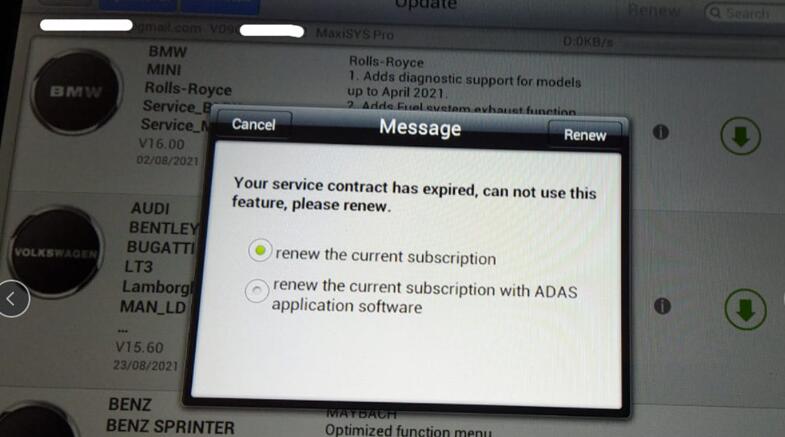
Before buying, make a list of the connected features you consider essential. Then verify whether each one works without a subscription, requires an active plan or has become unavailable because of the vehicle’s age or network technology.
A lower purchase price can lose some of its appeal if you later discover that several features require recurring payments. Knowing the subscription situation in advance lets you calculate the true cost of ownership instead of finding out after the paperwork is finished.
6. Check Whether the Vehicle Still Receives Software Updates
Software has become part of vehicle ownership, so buyers should determine whether a used connected car is still receiving manufacturer-supported updates. An older vehicle may continue driving normally even if its software is several generations behind.
Ask the seller to show the current software version and determine when the vehicle last received an update. Depending on the manufacturer, updates may be delivered through the vehicle’s cellular connection, Wi-Fi, or a dealer visit.
Some manufacturers also use over-the-air updates to improve infotainment functions, connected services, charging behavior, security, and other vehicle systems.
The important question is not simply whether the screen turns on. You want to know whether the vehicle remains within the manufacturer’s current software-support framework.
Check for outstanding software campaigns or updates using the vehicle identification number. If an update is available, ask whether it has already been installed and whether there is any cost involved. A dealer can often confirm the vehicle’s software status during a pre-purchase inspection.
Software history can also reveal how well the previous owner maintained the vehicle’s technology. Repeated failed updates, warning messages, or malfunctioning applications deserve attention before purchase.
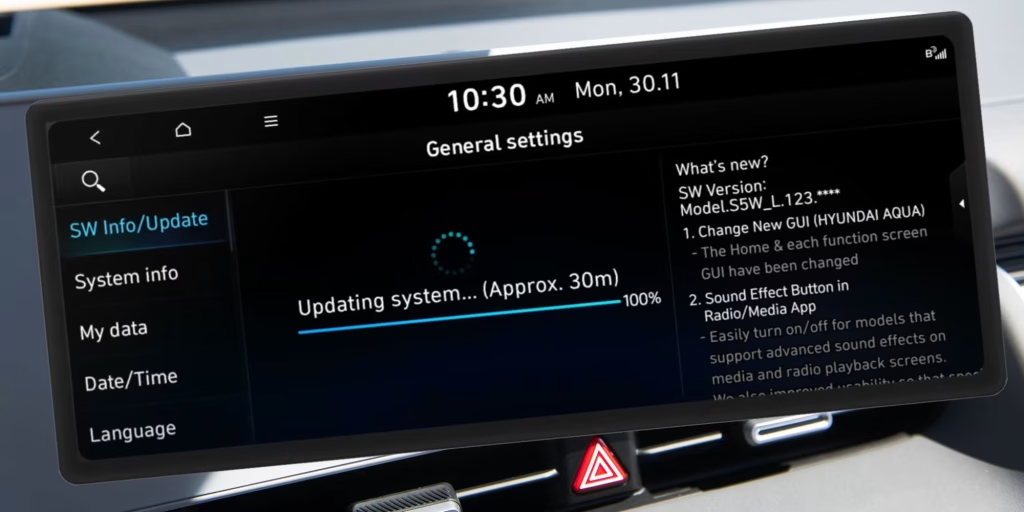
Do not assume that every software update improves every vehicle indefinitely. Manufacturers eventually stop supporting older hardware or particular connected systems, especially when cellular technology changes. That makes the age of the vehicle and its communication hardware relevant to long-term ownership.
A connected vehicle is partly a computer on wheels, and computers require continuing software support. A used buyer who ignores that side of the vehicle can end up with an infotainment system that looks modern but lacks current functionality.
Before signing the paperwork, confirm what updates are available now and whether the manufacturer continues to support the vehicle’s connected technology.
7. Check the Vehicle’s Privacy and Data Settings
Privacy settings deserve a place on the used-car inspection checklist because connected vehicles can collect significantly more information than older cars. The FTC has noted that connected vehicles can store personal information and has advised owners to review and delete personal data when transferring a vehicle.
Start by looking through the vehicle’s privacy menu. Depending on the system, you may find settings related to location services, data sharing, voice recognition, connected applications, and driver profiles. Do not assume that the factory’s default settings represent the level of data sharing you personally want.
The vehicle’s privacy policy should also be reviewed. Manufacturer policies can explain what information is collected, why it is collected, and how connected services use it. This becomes particularly important if you plan to keep the vehicle for several years.
Check whether location history or other driver information has already been stored. If the previous owner’s information remains, perform the appropriate factory reset and account-transfer procedure before establishing your own profile.
Smartphone permissions deserve attention too. If you connect your phone to the vehicle, review which permissions you are granting. Contacts, messages, location information, and other data may become accessible to the vehicle’s infotainment system depending on the connection and operating system.
The same principle applies when selling the car later. Removing your phone is not enough if your manufacturer account remains connected to the vehicle.
Privacy may not affect how quickly the vehicle accelerates or how comfortably it drives, but it is part of modern vehicle ownership. Spending a few minutes reviewing the settings before buying can help ensure that the technology is working for you rather than quietly retaining information you never intended to leave behind.
8. Check Whether Every Connected Feature Actually Works
The final check is simple but easy to skip: test the connected functions yourself. A seller saying that everything works is not enough when the vehicle’s technology is an important part of its value.
Start with the features you would actually use. Try the manufacturer’s smartphone application, where possible, and check whether it can recognize the vehicle. Test remote functions supported by the vehicle, examine the vehicle-status information, and verify that the system communicates successfully with the manufacturer’s servers.
Inside the vehicle, check navigation, voice commands, Bluetooth, smartphone integration, connected apps, and any available Wi-Fi or online services.
If the vehicle is an EV or plug-in hybrid, connected charging functions deserve particular attention because owners may rely on the application to monitor charging or manage charging-related settings.
Do not ignore seemingly minor warning messages. An infotainment system that repeatedly loses its connection, displays modem errors, or fails to synchronize with the manufacturer’s application could indicate a problem that is more complicated than restarting the screen.
Ask the dealer to demonstrate the features rather than accepting a verbal assurance. If you are buying privately, arrange enough time for a proper test instead of making the decision during a rushed viewing.
Also verify whether a feature requires a subscription. A function can appear to work during a demonstration because the seller has an active service plan, only for the buyer to discover later that continued access requires payment.
The best approach is to treat connected technology like any other vehicle component. You would not buy a used car without testing its brakes, lights, and air conditioning. The same standard should apply to the digital systems you are paying for.
A connected car should be evaluated as both a vehicle and a technology product. Testing both sides before purchase can prevent an expensive surprise after the keys change hands.
9. Check Whether the Connected Features Require a Separate Subscription
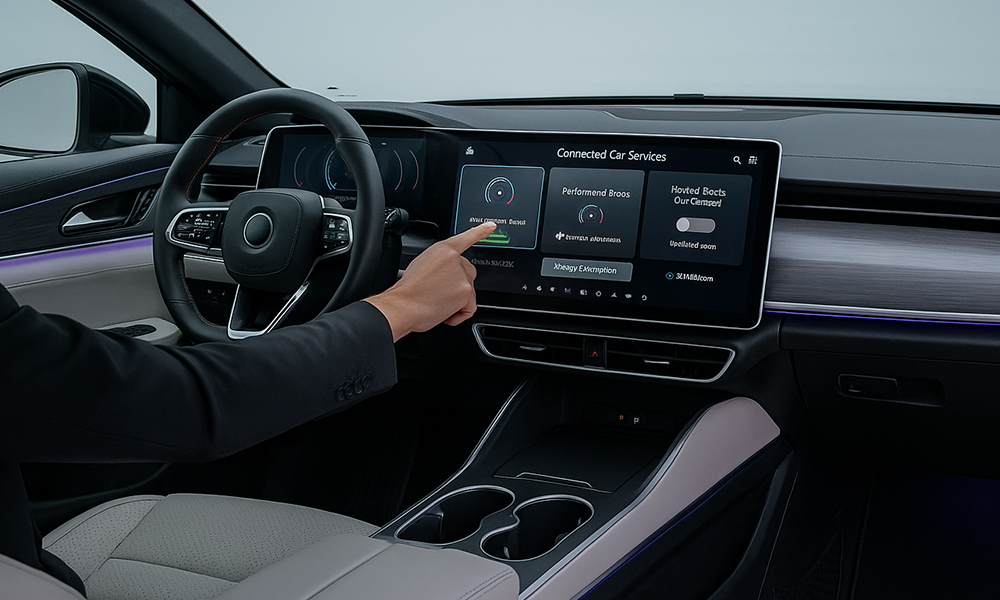
A connected used car can appear fully equipped during a test drive, while some of its advertised technology is actually dependent on a subscription. This is particularly important when the previous owner still has an active plan, because the features you see working today may not remain available after the vehicle changes hands.
Manufacturers use different arrangements for connected services. Some provide complimentary periods, while others include certain features with the vehicle for a defined period and charge for additional services afterward.
Remote locking, vehicle location, remote start, roadside assistance, Wi-Fi, and live navigation can also have different requirements within the same vehicle.
Before buying, ask the seller or dealer to identify exactly which connected services are active. Do not settle for a general statement that the car has “full connectivity.” Ask when the current service period expires and what you would have to pay to continue the functions you actually care about.
It is also worth checking whether the service is transferable. Some manufacturer programs are associated with the vehicle, while others depend on the owner’s account or specific subscription terms. A used-car buyer should never assume that the previous owner’s plan automatically becomes their own.
Try the features yourself where possible. Open the manufacturer’s application, check the vehicle status, and test available remote functions. Then ask what happens if the subscription is cancelled.
This can make a significant difference when comparing two otherwise similar used cars. A vehicle with more connected technology is not necessarily the better buy if maintaining those features requires substantial recurring payments.
The smartest approach is to calculate the connected-car cost just as you would calculate insurance, fuel, and maintenance. Know what is included, what expires, and what you will have to pay for later.
10. Check the Vehicle’s Connected-Service Subscription Status
A connected used car can have impressive technology on paper but still leave the buyer paying for services that are no longer active. Before purchasing, find out exactly which connected services are included with the vehicle, which have expired, and which require a separate subscription.
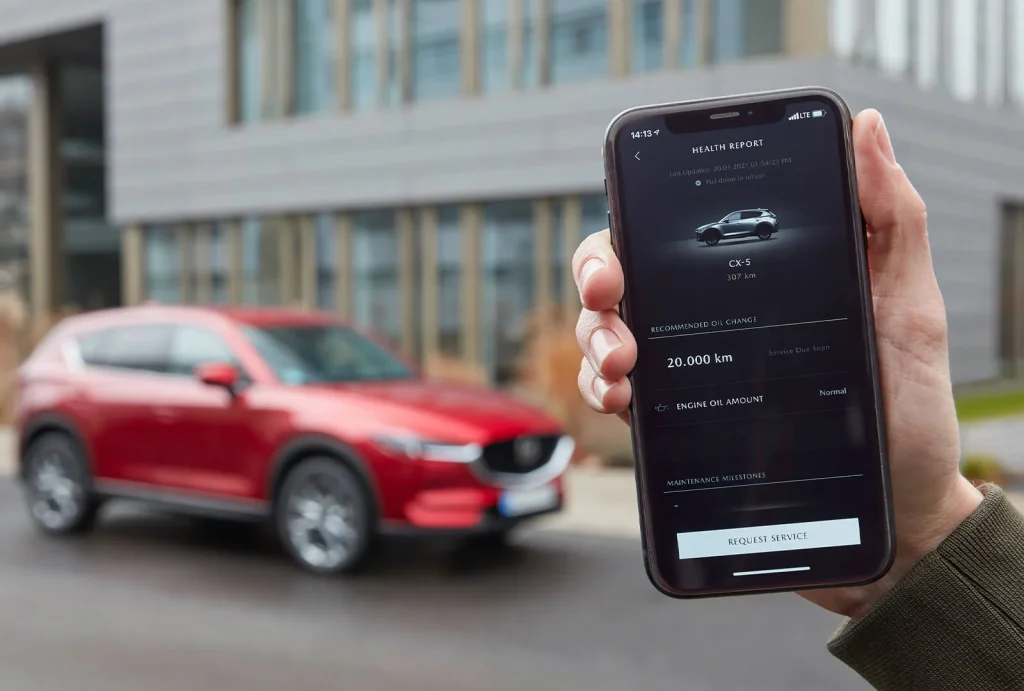
This matters because connected features can depend on services outside the vehicle itself. Remote locking, vehicle-location functions, emergency assistance, Wi-Fi hotspots, navigation updates, and other services may rely on a manufacturer’s account or subscription.
The Federal Trade Commission specifically warns that connected-car services can remain associated with a previous owner and recommends checking whether subscription services need to be canceled or transferred when ownership changes.
Ask the seller to demonstrate the services rather than simply confirming that the vehicle is “connected.” If the car has a manufacturer smartphone app, determine whether the vehicle can be transferred into your account and whether the seller has already removed their account.
Also ask whether a trial period is about to expire. A feature working during the test drive does not necessarily mean it will remain available after the sale.
The distinction is particularly important for used EVs and newer vehicles with extensive cloud-based functions. Losing a subscription may not affect basic driving, but it can remove conveniences that influenced the vehicle’s advertised equipment.
Get the details in writing when possible, especially if the seller claims that a subscription is included for a specific period. The FTC recommends getting important promises from a used-car seller in writing rather than relying on verbal assurances.
A connected vehicle should therefore be evaluated not only for what its hardware can do, but also for which digital services actually transfer to the next owner.