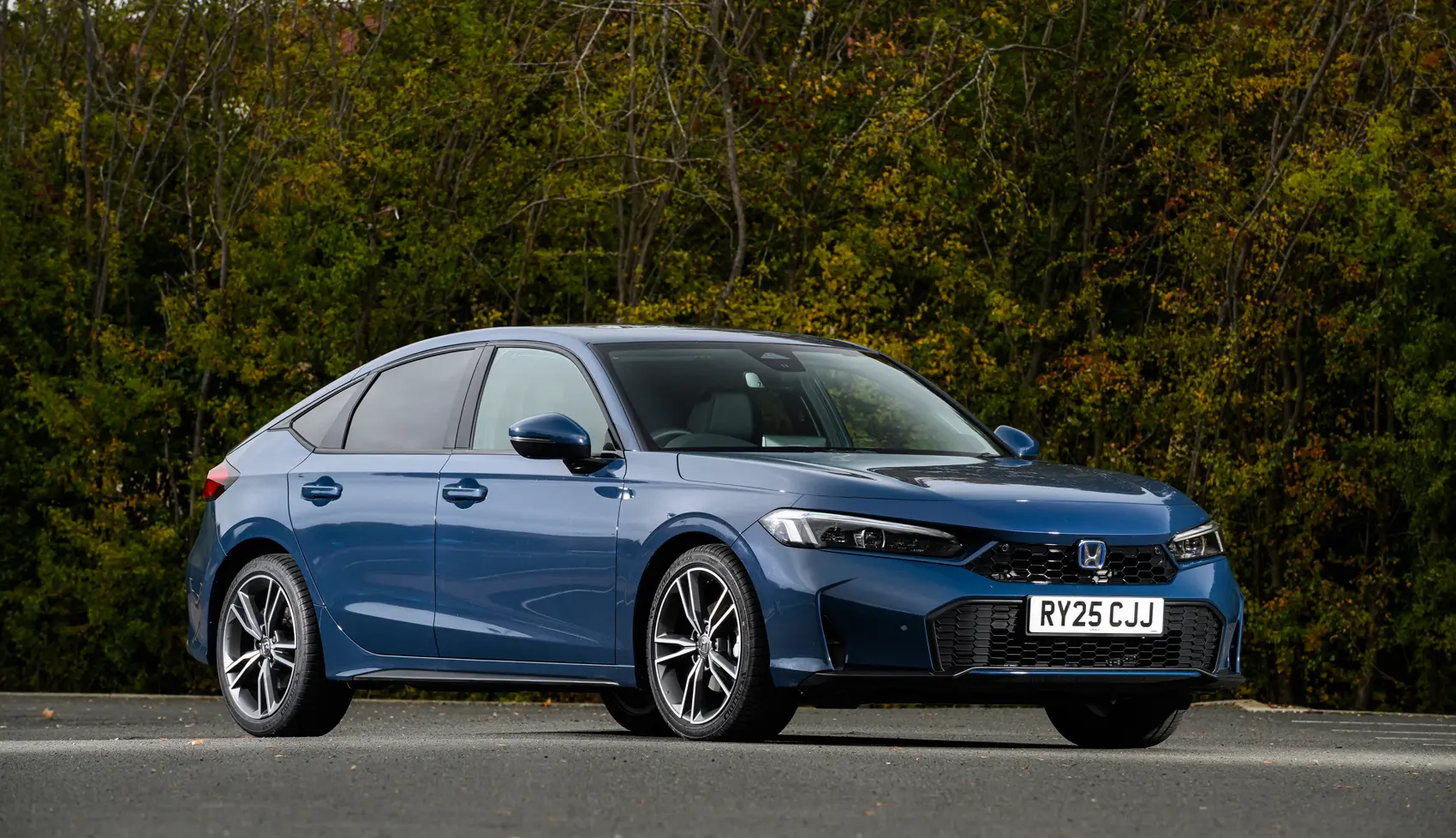
Honda Civic is known for its practical design, comfortable cabin, efficient engines, and useful technology, yet many owners may not notice every feature built into their car. Some functions are tucked away in menus, linked to less obvious controls, or designed to work automatically without drawing attention.
These details can make everyday driving easier, improve convenience, and help owners get more from their Civic. From smart key functions to customizable displays and helpful safety settings, there are several features worth learning. Here are eight useful Honda Civic features that can make regular trips simpler, safer, and more enjoyable for drivers.
1. Walk-Away Auto Lock
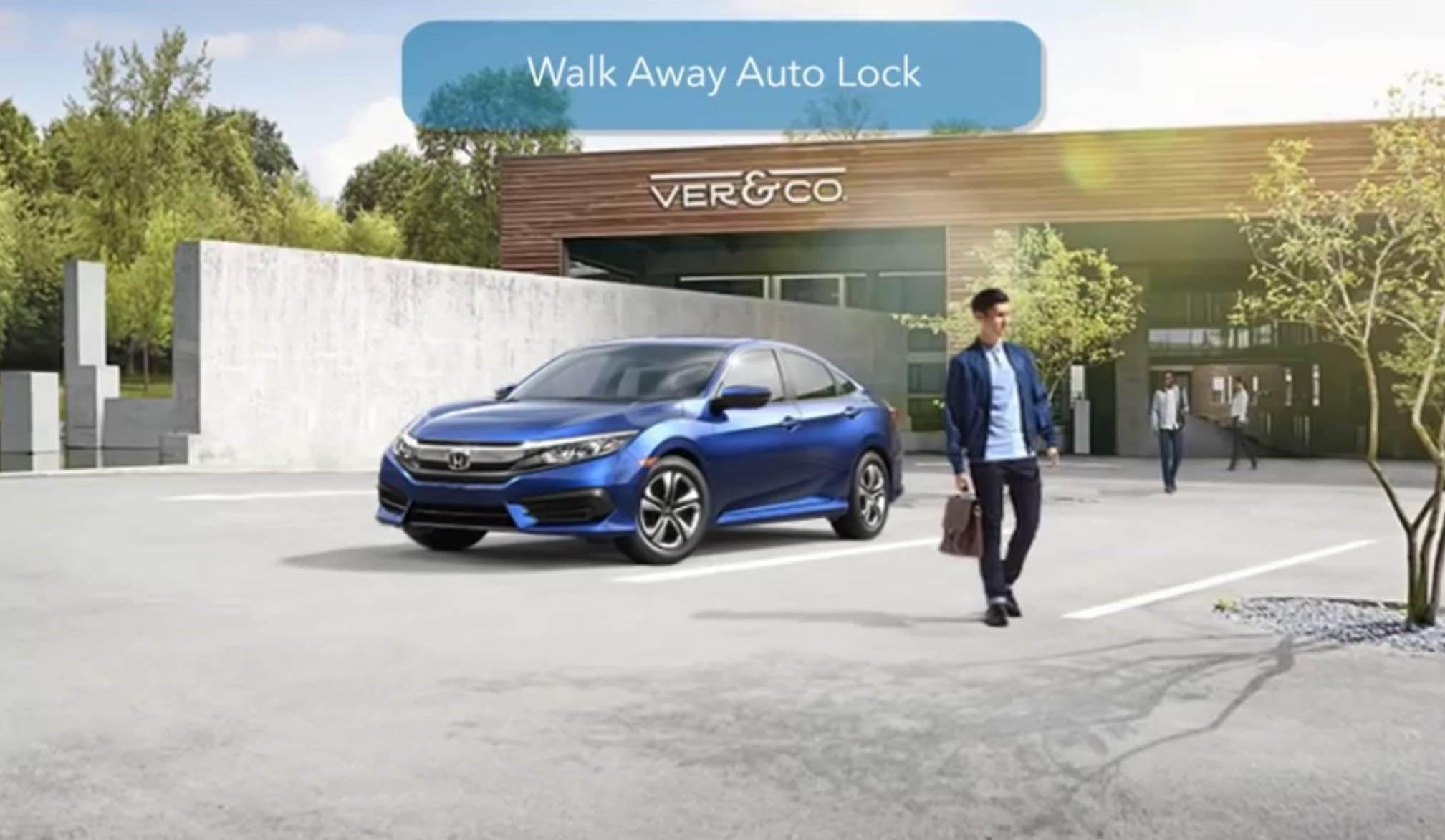
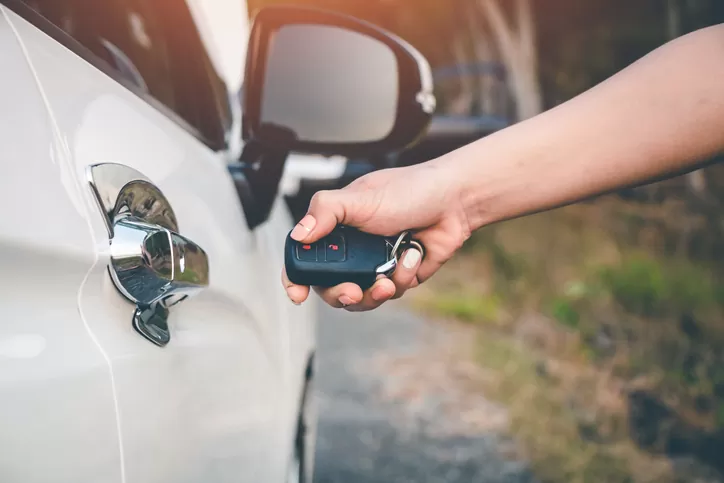
Many newer Honda Civic models offer a walk-away auto-lock function that can lock the vehicle automatically when the driver leaves with the key fob. This is particularly useful when you are distracted after parking or simply forget to press the lock button.
When the system is available and enabled, the Civic detects that the key has moved a suitable distance away from the vehicle and can lock the doors automatically.
This feature can be especially convenient during quick stops. You can park outside a store, switch off the vehicle, take your belongings, and walk away without having to manually lock the doors.
The automatic action reduces the number of small tasks you need to remember during a busy day. It also fits naturally with the keyless entry systems found in many modern Civic variants.
Depending on the Civic generation and trim level, the setting may be controlled through the vehicle’s settings menu. Owners should check the infotainment system or owner’s manual because the exact procedure can vary by model year and equipment level. Some versions may also provide a confirmation sound or visual indication when the doors lock.
There is a practical benefit to understanding how the feature behaves. The system generally relies on the key fob being detected outside the vehicle, so keeping the key close to the car can affect its operation.
If you place the fob inside a bag or leave it very close to the vehicle, the expected locking behavior may not occur.
For Civic owners who frequently wonder whether they locked the car, this function can remove some of that uncertainty. It is not necessarily available on every Civic, so checking your particular model is important. When equipped, walk-away auto lock is a small convenience that can become surprisingly useful once you get accustomed to it.
2. Customizable Driver Information Display
The driver’s information display in many Honda Civic models provides considerably more information than speed and fuel level. Depending on the model year and trim, drivers can use steering-wheel controls to move between screens and view information such as trip data, fuel economy, vehicle settings, warnings, and other driving information.
This can help drivers keep important information available without repeatedly looking toward the center infotainment screen.
The display is positioned within the driver’s normal field of vision, allowing information to be checked with less distraction. Available functions differ according to the Civic’s equipment and generation.
Some models allow the driver to customize what appears on the display. You may be able to select different information screens or arrange certain displays according to your preferences.
A driver who cares about fuel economy may prefer to keep consumption information readily accessible, while another person may find trip distance or range more useful.
The steering-wheel controls are worth learning because they can do more than change the audio volume. Buttons and directional controls may allow you to move through menus, confirm selections, change display information, and access vehicle settings.
Learning these controls can make the Civic feel easier to operate because fewer functions require reaching toward the dashboard.
It is also useful to remember that Honda has changed its display layouts over different Civic generations. A 2022 Civic, for example, does not necessarily use the same interface as an older model. If you are unsure about a particular function, the owner’s manual for your model year is the best reference.
3. Honda LaneWatch and Camera Assistance
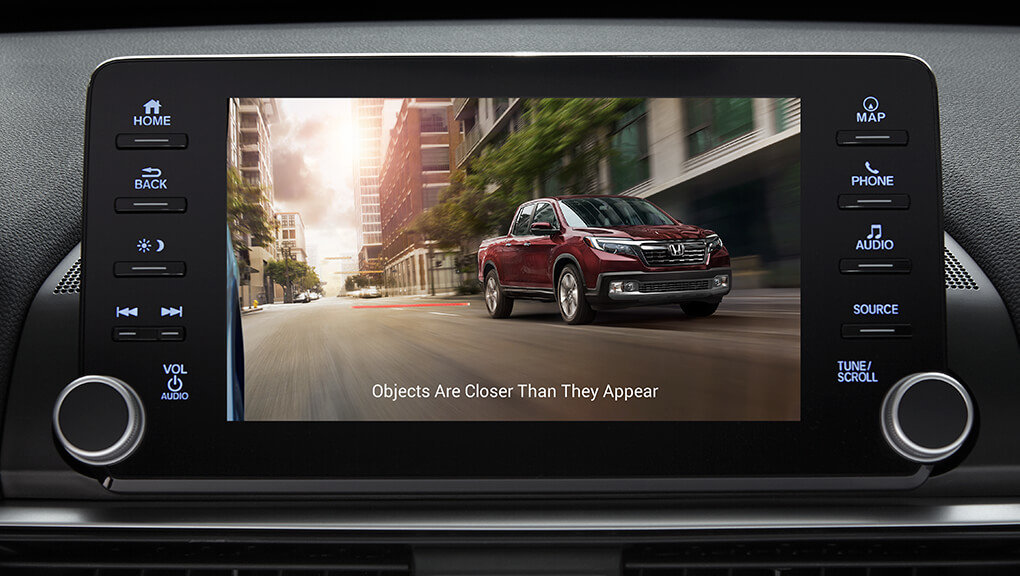
Certain Honda Civic models have been offered with additional camera-based visibility technology designed to help the driver monitor areas that can be difficult to see. Honda LaneWatch, used on selected Honda vehicles, provides a camera view of the passenger-side area when activated, helping drivers check traffic before changing lanes.
The system is particularly helpful on roads with several lanes. A conventional side mirror gives a limited view, while a camera can provide additional visual information. This does not replace checking the mirrors and blind spots directly, but it can serve as an extra source of information.
LaneWatch availability depends heavily on the model year and trim. Honda has also changed its driver-assistance technology over time, so not every Civic equipped with modern safety systems has LaneWatch. Some newer Civics use different camera and sensing arrangements as part of Honda Sensing.
If your Civic has LaneWatch, learning when the camera activates can make it more useful. In equipped vehicles, the display can show the passenger-side camera view when the relevant turn signal is activated.
The screen may include reference lines that help the driver judge the position of nearby vehicles.
Drivers should still treat the system as assistance rather than a replacement for normal observation. Cameras have limitations, and weather, dirt, darkness, or other conditions can affect visibility. Checking the side mirror and surrounding traffic remains essential before changing lanes.

4. Remote Window Operation
Some Honda Civic models with compatible keyless entry systems allow the windows to be operated remotely using the key fob. This can be handy when you return to a vehicle that has been sitting in the sun. Opening the windows before getting inside can help release some of the accumulated hot air.
The exact operation varies according to the Civic’s generation and market. On compatible vehicles, a sequence involving the unlock button can lower the windows. Some versions may also provide remote opening through the key fob without requiring the driver to enter the vehicle first.
This feature is easy to overlook because it is not always prominently advertised as a major technology feature. Many drivers learn about it only after reading the owner’s manual or discovering it accidentally.
Since the feature depends on the specific vehicle configuration, it should not be assumed to work on every Civic.
Remote window operation can also be useful when you are standing near the vehicle and want to improve ventilation before getting into the cabin. It saves the extra step of unlocking the car, opening a door, and then lowering the windows manually.
Owners should use the feature thoughtfully. Leaving windows open while the vehicle is unattended can expose the interior to rain, dust, or unwanted access. It is best suited to situations where you are nearby and can monitor the vehicle.
5. Adjustable Auto Door Lock Settings
Honda Civic models may offer several automatic door-locking options that are easy to overlook. Depending on the generation, owners may be able to configure the doors to lock automatically when the vehicle reaches a certain speed or when the transmission is shifted from Park.
These settings are designed around everyday driving habits. Automatic locking can prevent a situation where the driver forgets to lock the doors after starting a journey. It can also make the locking process feel seamless because the vehicle handles it without requiring repeated input.
The exact options vary by model year. Some Civic generations provide multiple locking choices, while others offer fewer settings. The controls are generally located within the vehicle settings menus or can be configured through a sequence described in the owner’s manual.
Understanding these options can be helpful when a Civic owner notices that the doors behave differently from a previous vehicle.
Automatic locking is not necessarily a mechanical problem. It may simply be a configurable function that has been enabled or disabled.
There is no universal setting that suits every driver. Some people prefer automatic locking as soon as the vehicle begins moving, while others may want greater control over when the doors lock. Checking the available settings allows you to choose the behavior that makes sense for your driving routine.
6. Steering Wheel Controls Beyond Audio
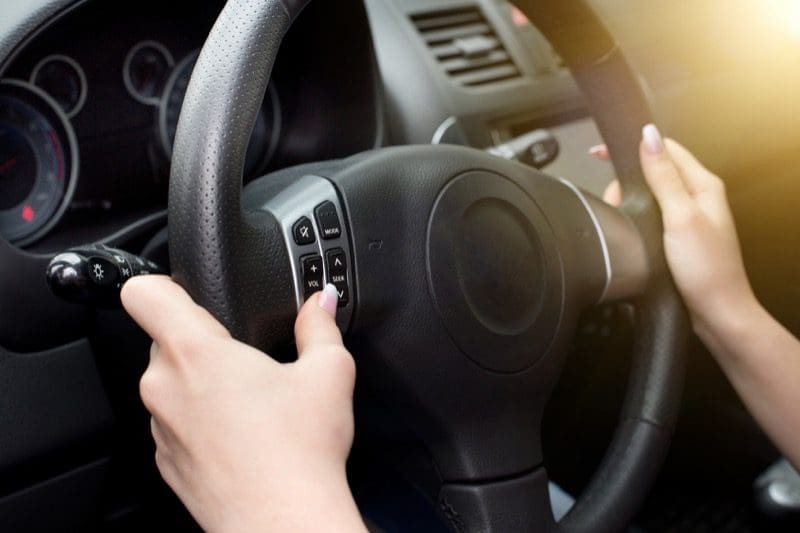
The steering wheel in a Honda Civic can provide access to much more than audio controls. Depending on the model, buttons may operate the driver information display, voice commands, phone functions, cruise control, and other vehicle features.
Learning these controls can reduce the need to reach toward the center console while driving. For example, the driver can change information displayed in the instrument area or adjust certain settings using controls positioned directly on the steering wheel.
Voice-command functionality can also make some tasks more convenient in compatible Civic models. Drivers may be able to use voice commands for phone calls, navigation-related functions, or audio operations. The available commands depend on the infotainment system and smartphone connection.
The buttons can initially seem complicated because several controls are located close together. Spending a few minutes while the vehicle is parked to understand what each button does can make them much easier to use. The owner’s manual can explain the icons and functions specific to your Civic.
These controls are valuable because convenience is not just about having technology. It is also about making that technology accessible without creating unnecessary distractions. Steering-wheel controls help keep commonly used functions within easy reach.
7. ECON Mode and Driving Customization
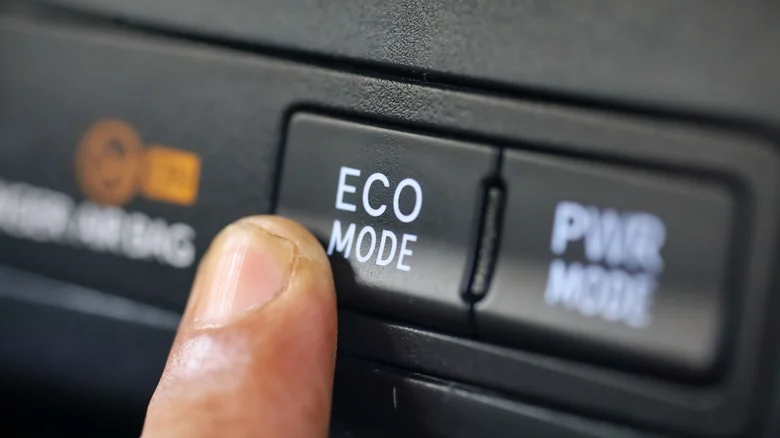
Many Honda Civic models equipped with ECON mode allow drivers to adjust the vehicle’s behavior with a simple button press. ECON mode is designed to support fuel-efficient driving by modifying certain vehicle systems, including throttle response and climate-control operation, depending on the model.
When activated, the Civic may respond more gently to accelerator inputs. The climate-control system can also operate with an emphasis on efficiency. The result may be a driving experience that feels less aggressive, particularly during gradual acceleration.
ECON mode is useful for drivers who want to prioritize efficiency during everyday commuting. It can be especially suitable for city driving, where smooth acceleration and steady speeds can help reduce unnecessary fuel consumption.
Actual fuel economy still depends on traffic, road conditions, driving style, vehicle condition, and other factors.
The button is easy to ignore because it does not create an obvious visual change in the cabin. Once activated, however, a dashboard indicator normally confirms that the mode is operating. Drivers can switch it off when they prefer a more immediate accelerator response.
It is worth remembering that ECON mode does not magically transform the Civic into a significantly more efficient vehicle. Its purpose is to encourage and support efficiency through changes to vehicle operation. Smooth driving habits remain important, and using ECON mode works best as part of a broader fuel-saving approach.

8. Maintenance and Service Information
The Honda Civic can provide useful maintenance information through its maintenance minder system. Rather than relying only on a fixed mileage reminder, the system monitors operating conditions and calculates when particular maintenance services may be due.
The system can display maintenance codes that correspond to different service requirements. Depending on the code, these can indicate items such as an engine oil change, tire rotation, inspection, air filter replacement, or other scheduled maintenance.
This feature is helpful because modern vehicles often require more than a simple oil-change reminder. A maintenance system gives drivers a convenient way to keep track of service requirements without manually calculating every interval.
The maintenance information can normally be accessed through the driver’s information display or infotainment system, depending on the Civic generation. The exact menu path varies, so owners should refer to the manual for their particular vehicle.
The maintenance minder should be treated as a useful guide rather than a substitute for proper vehicle care. Tire pressure, fluid levels, warning lights, tire condition, and other routine checks still deserve attention. Keeping up with scheduled maintenance can help preserve reliability and reduce the risk of avoidable problems.