Modern vehicles are becoming more than transportation. Cameras that once existed mainly for parking and driver assistance can now serve as a rolling security system, documenting what happens around the vehicle while it is being driven or parked.
That can be valuable after a collision, a parking-lot incident, vandalism, or a suspicious encounter. However, there is an important distinction between a vehicle that can record continuously while driving and one that can monitor its surroundings while parked.
The following vehicles stand out because their factory-installed camera systems can capture exterior footage without requiring a conventional aftermarket dashcam.
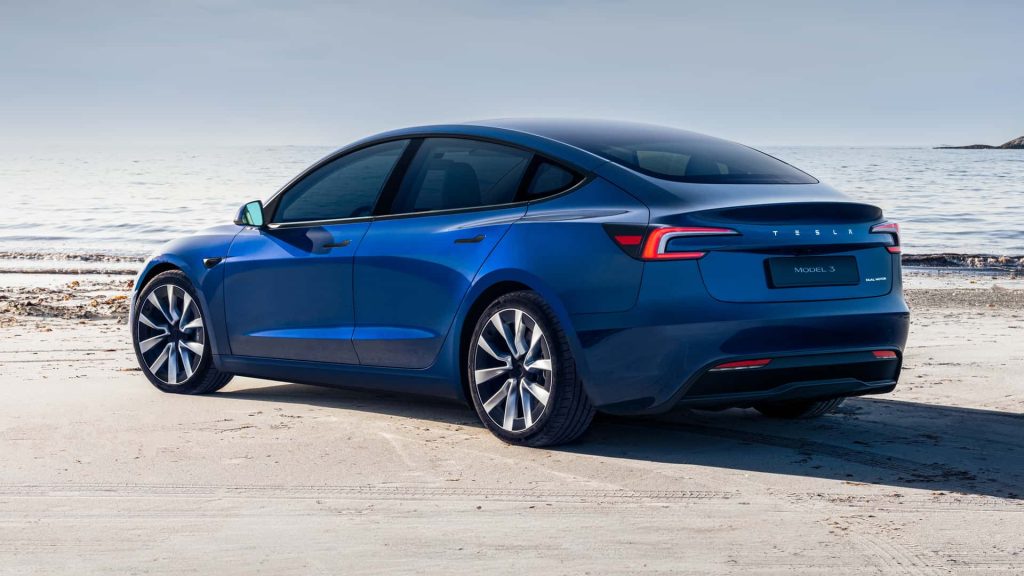
1. Tesla Model 3
The Tesla Model 3 is one of the clearest examples of a vehicle turning its exterior cameras into a security and recording system. Tesla’s Dashcam and Sentry Mode functions use the car’s built-in cameras rather than requiring a separate windshield-mounted camera.
When Dashcam is operating, footage of the vehicle’s surroundings can be recorded, while Sentry Mode is designed to monitor the car after it has been parked and locked. Tesla says Sentry Mode can activate recording when suspicious activity is detected around the vehicle.
That distinction matters because Sentry Mode is not simply a conventional always-running dashcam. It is designed around event detection.
The cameras and sensors remain ready while the Model 3 is parked, and the system can save footage when it determines that a potential security event has occurred. Owners can also receive an alert through the Tesla mobile app when the security system is triggered.
The recording system becomes particularly useful in situations where the driver is nowhere near the vehicle. A person walking close to the car, an attempted break-in, or a significant physical disturbance can cause the vehicle to react and preserve footage.
Tesla also offers Live Camera on supported configurations, allowing owners to remotely view the surroundings of a parked vehicle through the mobile app.
There is a catch: Sentry Mode is not simply recording every second forever. Footage is managed through a rolling recording system, meaning important clips need to be saved before they are overwritten. Tesla also warns that camera features can vary according to model year, configuration, and software.
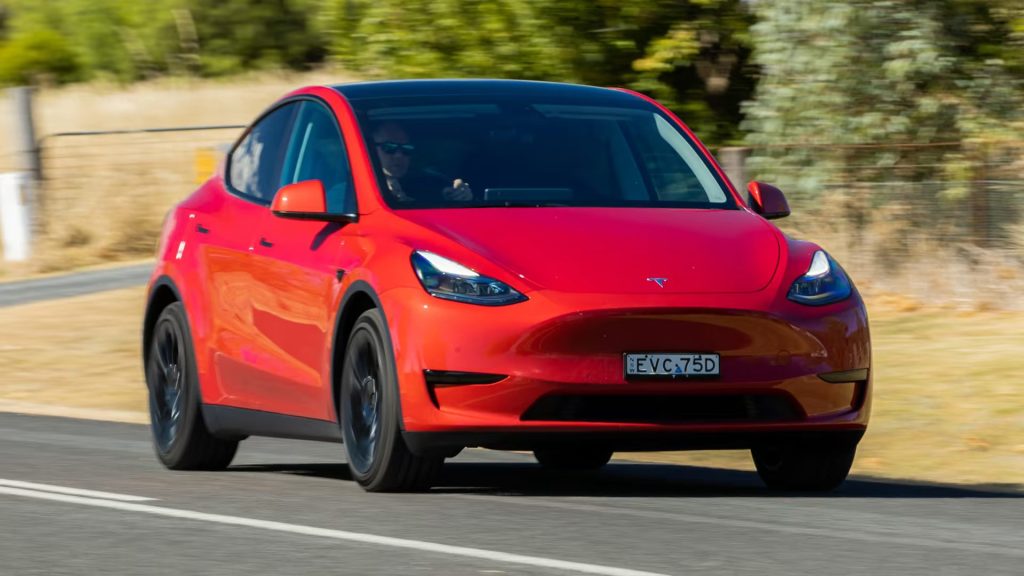
2. Tesla Model Y
The Tesla Model Y takes the same camera-based security philosophy and places it into a taller, more practical crossover body. Its Sentry Mode can monitor the area around the parked and locked vehicle, using the exterior cameras and vehicle sensors to identify suspicious activity.
When the system determines that a security event has occurred, it can record footage and notify the owner through the Tesla app.
For someone who frequently leaves a vehicle in shopping-center parking lots, apartment complexes, workplaces, or public garages, this capability changes the role of the Model Y’s cameras. They are not merely there to assist with parking or driver assistance. With the appropriate settings enabled, they can become part of the vehicle’s security system.
Tesla’s documentation also makes an important distinction between monitoring and recording. Sentry Mode remains ready to detect suspicious activity while the vehicle is parked, but the system does not necessarily save an uninterrupted video archive of every moment.
When an event is detected, the relevant footage can be saved. Without a properly configured recording setup, an owner may receive an alert without having the corresponding video available.
The Model Y can also provide remote viewing through Live Camera on supported configurations. Tesla says this lets an owner view the surroundings of the parked vehicle through the mobile app.
The feature is useful when someone wants to check what is happening around the vehicle without physically returning to it.
Tesla also warns that Sentry Mode consumes energy. The system can eventually switch off when the vehicle reaches its low-battery threshold, so it should not be treated as an unlimited surveillance system.
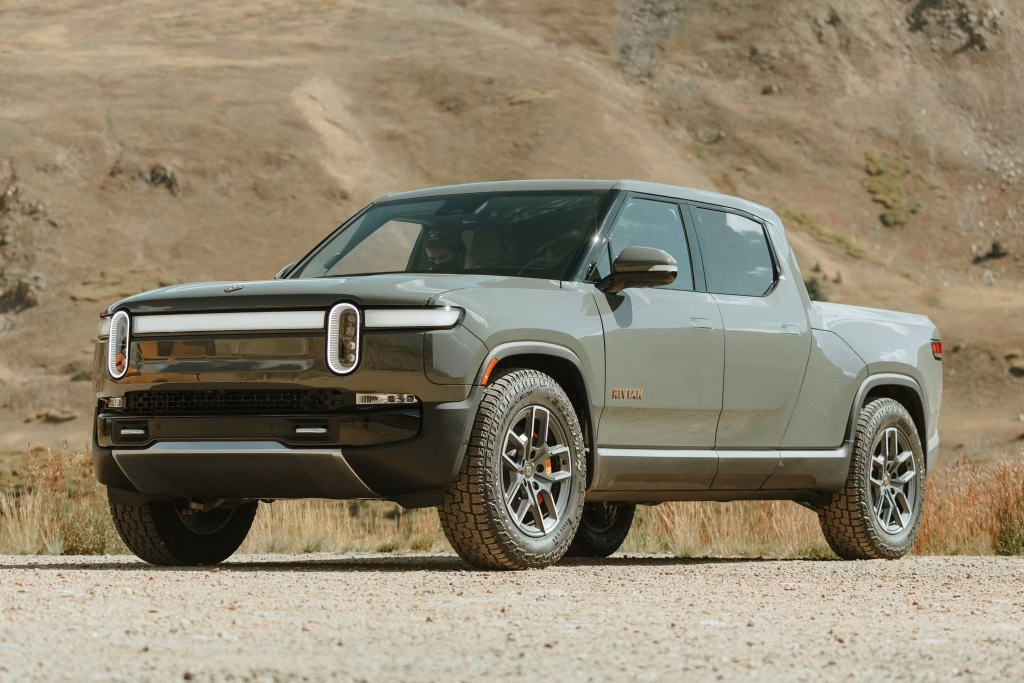
3. Rivian R1T
The Rivian R1T treats exterior video recording as part of the truck’s built-in security architecture rather than as a separate accessory. Its Gear Guard system includes Drive Cam, Incidents, and Motion Cam, giving the pickup different ways to preserve footage depending on what is happening around it.
Rivian’s owner documentation states that Drive Cam can record the entire drive when an external storage device is connected. The truck can also save clips when the driver manually requests one, presses the SOS button, or holds the horn for more than a second.
That makes the R1T particularly useful for documenting unexpected situations on the road. A conventional dashcam normally concentrates on one direction, but Rivian’s system uses the vehicle’s available exterior cameras.
Incident recording adds another layer by automatically saving video associated with certain driving events, including collisions and hard braking. Those recordings are stored on the vehicle’s onboard drive rather than requiring the owner to manually trigger every clip.
The parked-vehicle function is arguably more interesting. Rivian’s Motion Cam can be enabled to record movement around the truck while the owner is away.
The system offers an “Always on” setting, while another option can disable Motion Cam when the truck is at the owner’s home. When the alarm is triggered and Motion Cam is active, the truck can also record video and send an alert through the Rivian mobile app.
Rivian has continued expanding this capability through software. The company’s current technology information says Gear Guard can provide alerts when motion or a threat is detected and supports Live Cam for real-time viewing with a Connect+ subscription.
There is an important storage consideration. Continuous Drive Cam recording requires external storage, while Motion Cam footage is handled separately. Rivian’s documentation also warns that security recordings are supplemental and may not capture every event.
4. Rivian R1S
The Rivian R1S brings the same Gear Guard philosophy to a three-row SUV, making its camera system useful both as a driving recorder and as a parked-vehicle security tool. Rivian specifically identifies Gear Guard as a security system consisting of Drive Cam, Incidents, Motion Cam, and the Gear Guard Alarm.
That combination gives the R1S several different methods of capturing exterior activity instead of relying on one camera function.
Drive Cam is the feature that most closely resembles a traditional dashcam. Rivian’s owner’s guide says the system requires an external storage device and can record the entire drive when properly configured. The driver can then save individual clips, while the vehicle can also preserve footage when the horn is held for more than a second, or the SOS button is pressed.
The R1S does not stop recording duties when the journey ends. Motion Cam can monitor activity around the parked SUV when it is enabled. Rivian provides an Always On setting as well as an Off at Home option.
If Motion Cam detects movement while the vehicle is unattended, it can save footage to the onboard hard drive. The alarm can also trigger recording when the Motion Cam is active.
There is a practical reason owners need to pay attention to these settings. Motion Cam is not designed as an unlimited permanent video archive. Rivian’s documentation says the onboard system automatically deletes Motion Cam videos after 10 days, meaning important footage should be marked for saving if the owner wants to retain it.
The R1S also benefits from Rivian’s newer remote-camera capabilities. The company’s current technology page says Gear Guard can provide alerts for detected motion or threats and allows real-time camera viewing through Live Cam with a Connect+ subscription.
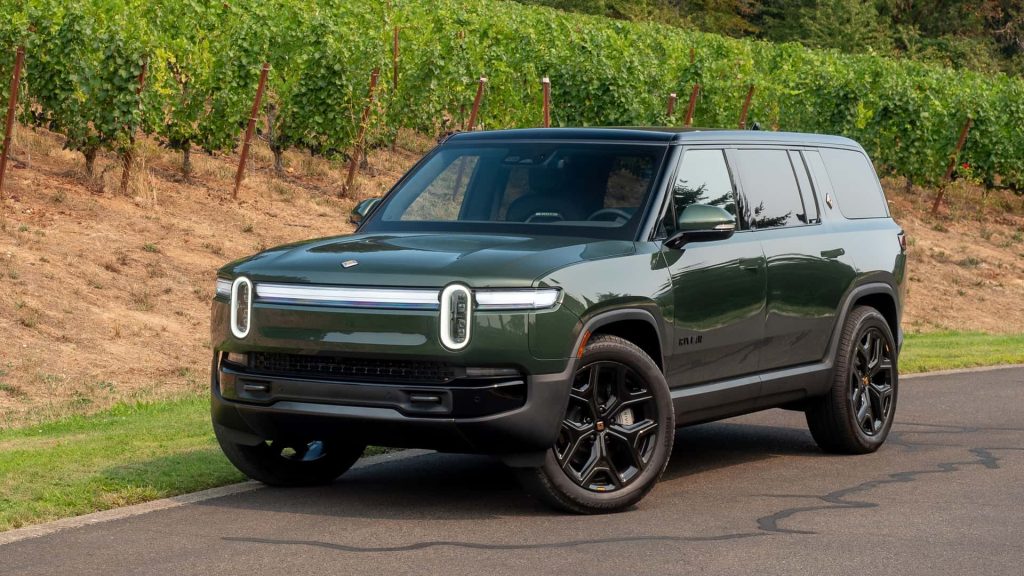
That combination makes the R1S particularly unusual among three-row SUVs. Its cameras can document a trip, automatically preserve certain driving incidents, monitor the vehicle while parked, and, on supported services, provide remote viewing.
It still should not be described as recording every second under every circumstance, because each function has its own activation and storage requirements.
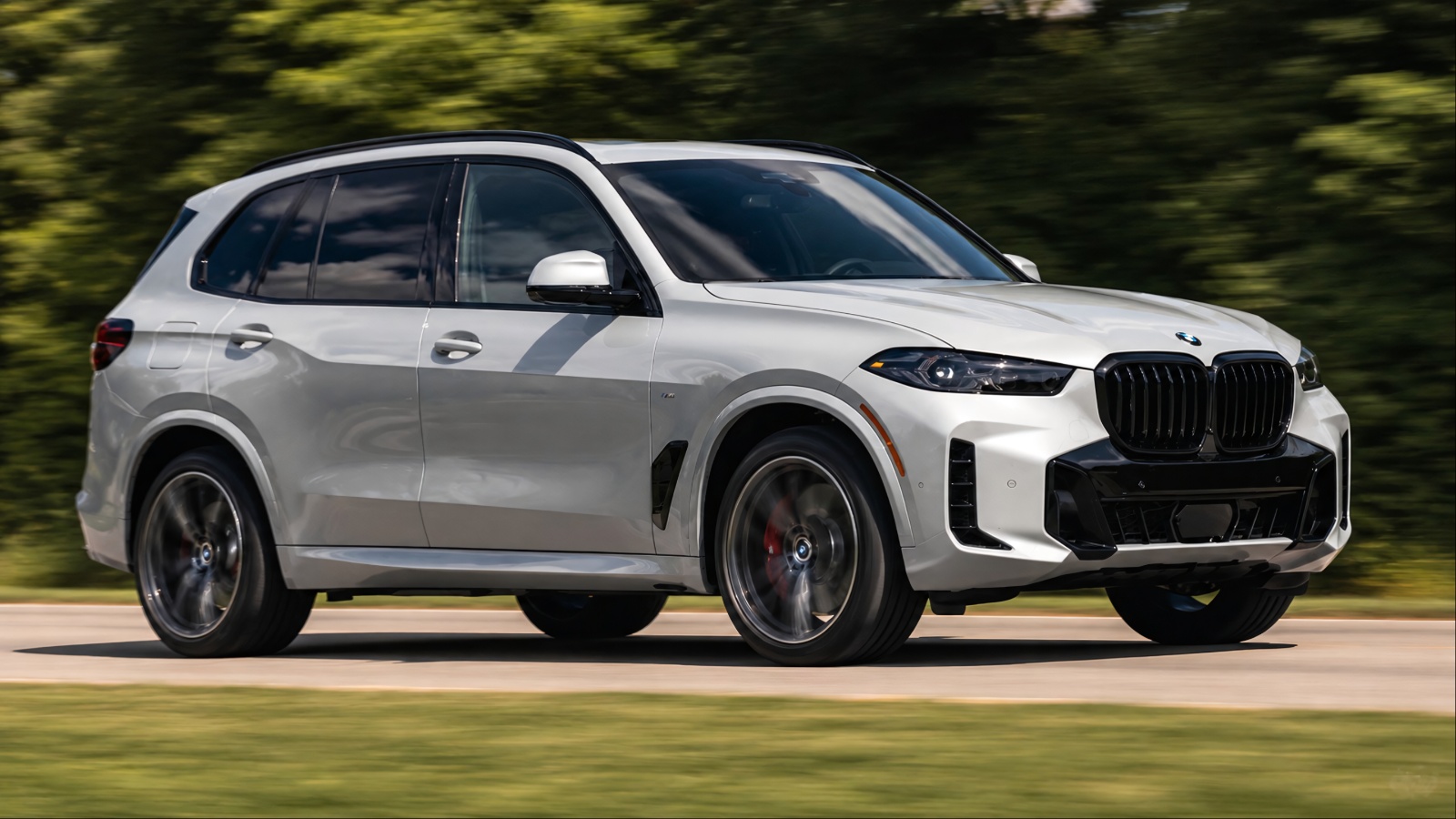
5. BMW X5
The BMW X5 takes a more event-focused approach to exterior video recording, combining its surround-view cameras with BMW Drive Recorder and the Anti-Theft Recorder. Unlike a conventional dashcam that simply runs continuously, BMW’s system is designed to capture specific driving incidents and security events.
On compatible X5 models equipped with the necessary camera and software packages, the Drive Recorder can use the vehicle’s exterior cameras to document traffic situations and accidents.
BMW says its Drive Recorder can capture footage from surround-view cameras, with recordings available for playback through the vehicle’s infotainment system.
The system becomes more useful when something actually happens. BMW’s Drive Recorder can automatically save video when the vehicle detects an accident, while the driver can also manually start a recording.
BMW’s U.S. documentation says compatible versions can use up to four cameras positioned around the vehicle, covering the front, rear, and sides. Depending on the system version, recordings can also be exported for later viewing.
Parking protection is handled separately. On compatible X5 models with the required equipment, BMW’s Parking Collision Notification and Recorder can detect an impact after the vehicle has been parked, switched off, and locked.
When that happens, the exterior cameras automatically record the incident, and the owner can receive a notification through the My BMW app.
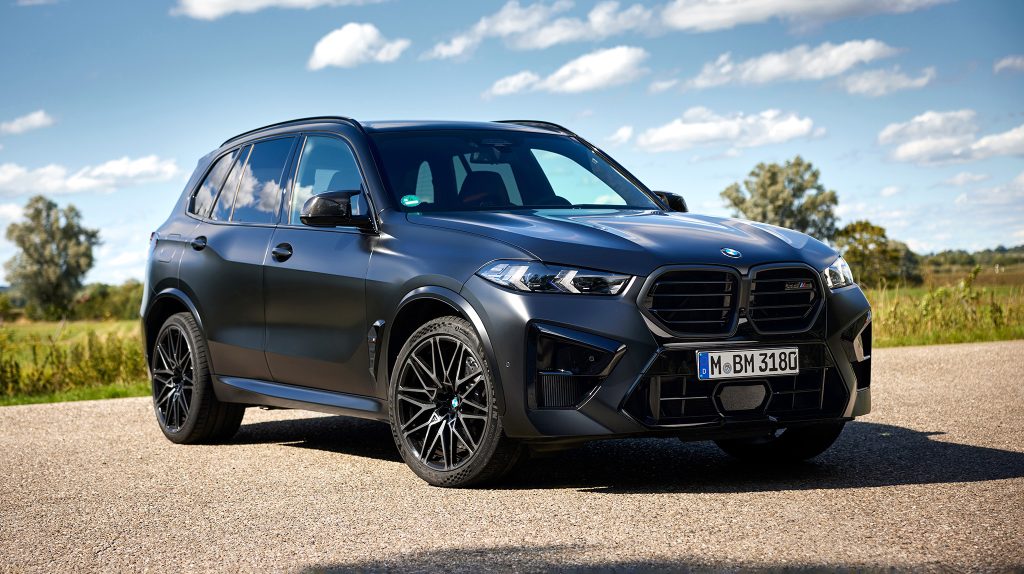
The Anti-Theft Recorder adds another layer. If the alarm is triggered, BMW says the vehicle’s cameras can automatically record and send a notification to the owner’s phone. The exterior anti-theft recorder requires compatible parking assistant equipment and an alarm system.
That makes the X5 a strong example of a vehicle that can document activity around itself without requiring a conventional aftermarket camera. It is important, however, to understand that the system is event-based rather than an unrestricted 24-hour video archive.
6. BMW iX
The BMW iX shows how a luxury electric SUV can turn its extensive camera hardware into something useful beyond parking assistance.
Its optional Parking Assistant Professional package includes BMW Drive Recorder and Anti-Theft Recorder, allowing the vehicle’s exterior cameras to document driving events and certain security incidents. BMW specifically lists these functions as part of the iX’s available technology package in the U.S. market.
Drive Recorder is designed to capture video through the cameras already installed around the vehicle. During normal driving, the driver can manually initiate a recording, while the system can automatically preserve footage when the vehicle detects an accident.
BMW’s U.S. documentation says compatible Drive Recorder systems can use cameras at the front, rear, and side mirrors, giving the footage a much broader perspective than a simple forward-facing dashcam.
The iX also benefits from BMW’s anti-theft recording functions. When the alarm system is triggered on a properly equipped vehicle, the cameras can begin recording automatically. BMW says the owner can receive a My BMW App notification and view recordings associated with the alarm event.
That becomes especially interesting when the vehicle is parked. A parking collision can be documented by the exterior cameras, with BMW’s newer Parking Collision Notification and Recorder system automatically capturing footage after an impact is detected. The system can record from all exterior cameras and send an alert to the owner’s phone.
The iX therefore covers several scenarios that traditionally required separate devices: documenting a crash, recording a memorable drive, capturing an attempted theft, and recording a parking collision.
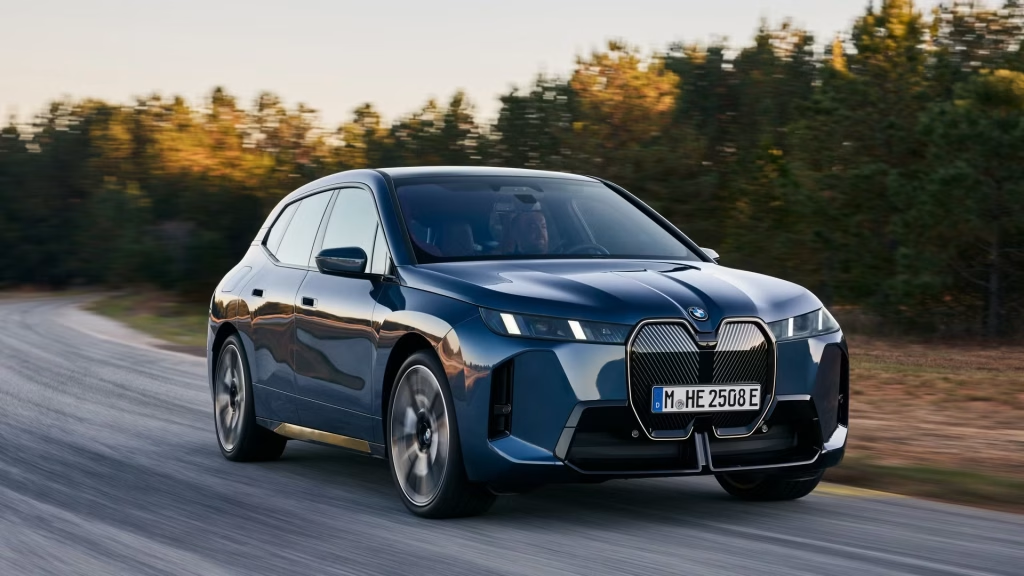
But it would be inaccurate to describe the iX as permanently saving every second of video. BMW’s systems are designed around manual recordings and specific trigger events, and the availability of individual functions depends on the vehicle’s equipment, operating system, and market.
For buyers who want factory-integrated video capability without attaching hardware to the windshield, the iX is one of the more sophisticated choices available.
7. Mercedes-Benz E-Class
The Mercedes-Benz E-Class is another example of a vehicle that can turn its factory camera hardware into a genuine recording tool, although the exact capability depends on equipment and market configuration.
In the United States, Mercedes-Benz lists a Dashcam among the available features for the 2026 E-Class, giving the sedan a factory-integrated way to document events on the road.
What makes the E-Class particularly interesting is that its camera system is not limited to a single forward-facing lens. Vehicles equipped with the appropriate parking package use multiple cameras to monitor the surrounding area.
Mercedes-Benz documentation describes the 360-degree camera system as using four cameras to capture the immediate surroundings and display them to the driver.
The dashcam function can record driving footage to an attached USB storage device. Mercedes-Benz’s operating instructions describe a loop-recording system in which several short video files are created.
Once the storage becomes full, the system can continue recording by replacing the oldest files, allowing the camera to function much like a conventional dashcam rather than stopping when the storage reaches capacity.
Mercedes-Benz also offers an integrated parking-monitoring approach on compatible vehicles. Its factory dashcam system can monitor the vehicle while parked and is designed to help document incidents such as hit-and-run damage and vandalism.
Mercedes-Benz says its parking monitoring can operate for up to six days through intelligent power management on compatible systems.
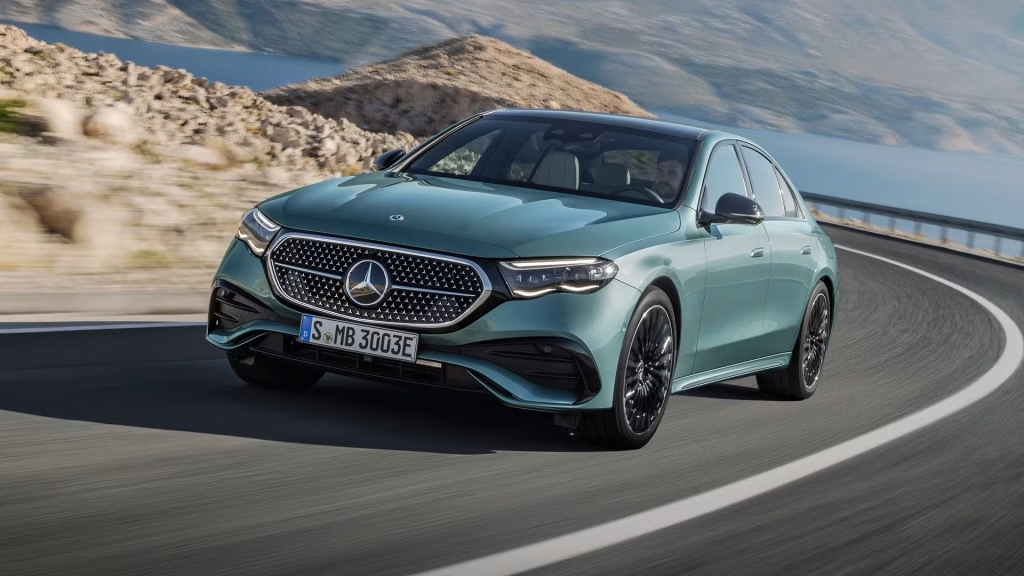
That makes the E-Class unusual because the camera capability can cover both ordinary driving and certain situations after the vehicle has been parked. Still, buyers need to verify the exact equipment fitted to the individual car.
A 360-degree parking camera does not automatically mean the vehicle has continuous recording enabled, and available functions can vary with the selected package and model configuration.
8. Mercedes-Benz EQE SUV
The Mercedes-Benz EQE SUV brings the brand’s integrated camera technology into an electric luxury crossover, with available systems capable of recording video rather than simply displaying camera views for parking. Mercedes-Benz’s MBUX system supports an integrated dashcam function on compatible vehicles, using connected storage to save recorded footage.
The distinction between a camera view and a recorded video is important here. The EQE SUV can be equipped with a 360-degree camera system that uses multiple exterior cameras to provide a view around the vehicle.
That hardware is primarily designed for parking and maneuvering, but Mercedes-Benz’s broader MBUX camera functions can also support dashcam recording on appropriately equipped vehicles.
The recording system works with external USB storage. Mercedes-Benz documentation describes loop recording as a sequence of short video files, with the system automatically continuing once the storage becomes full by overwriting older recordings. This means the driver does not have to manually delete every file before recording can continue.
The setup is especially useful after a traffic incident. Instead of relying solely on a driver’s memory or eyewitness accounts, saved video can provide a visual record of what happened ahead of and around the vehicle.
Mercedes-Benz describes its integrated dashcam technology as being intended to document accidents, critical traffic situations, and potential insurance disputes.
Parking monitoring can add another layer where the required equipment is fitted. Mercedes-Benz’s integrated system has been designed to monitor a parked vehicle and assist with investigating hit-and-run incidents and vandalism.
Intelligent power management is intended to allow monitoring for an extended period without simply leaving the vehicle’s electrical systems running indefinitely.
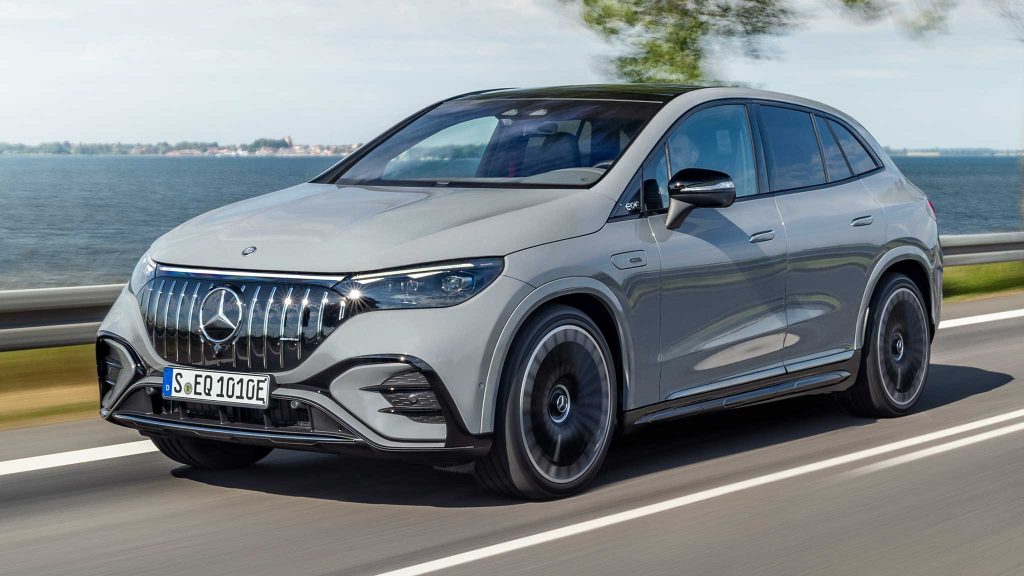
However, the EQE SUV should not be described as a vehicle that saves every exterior camera view continuously under every circumstance.
Equipment, software, and market availability matter. The 360-degree cameras can provide broad coverage around the vehicle, while actual recording depends on the dashcam equipment and storage setup.
9. Genesis GV80
The Genesis GV80 deserves attention for a different reason: its available built-in Dash Cam system is designed specifically to record the vehicle’s surroundings rather than simply provide a live parking view.
Genesis documentation says the Dash Cam records images from cameras mounted at the front and rear of the vehicle, with footage stored locally on an SD card rather than transmitted to an external server.
The system can therefore function much more like a conventional dashcam built directly into the vehicle.
The recording system uses a loop-recording approach. When the SD card becomes full, the oldest recorded files are deleted first, allowing newer footage to continue being captured without requiring the owner to manually clear the card after every drive.
Genesis documentation also describes different recording categories, including normal driving footage and event recordings triggered by circumstances such as an impact.
Parking surveillance is where the system becomes particularly interesting. Genesis documentation describes settings for recording while parked, including parking-event recording and time-lapse recording on applicable versions of the system.
That allows the camera system to continue documenting activity after the vehicle has been left unattended, rather than becoming inactive the moment the engine is switched off.
There is another useful advantage for owners who need evidence after an incident. Genesis says recorded footage can be reviewed through the vehicle system and, on supported configurations, accessed through the Genesis Connected Services application.
The footage can include driving information such as time, speed, gear position, turn-signal status, impact-detection sensitivity and GPS position.
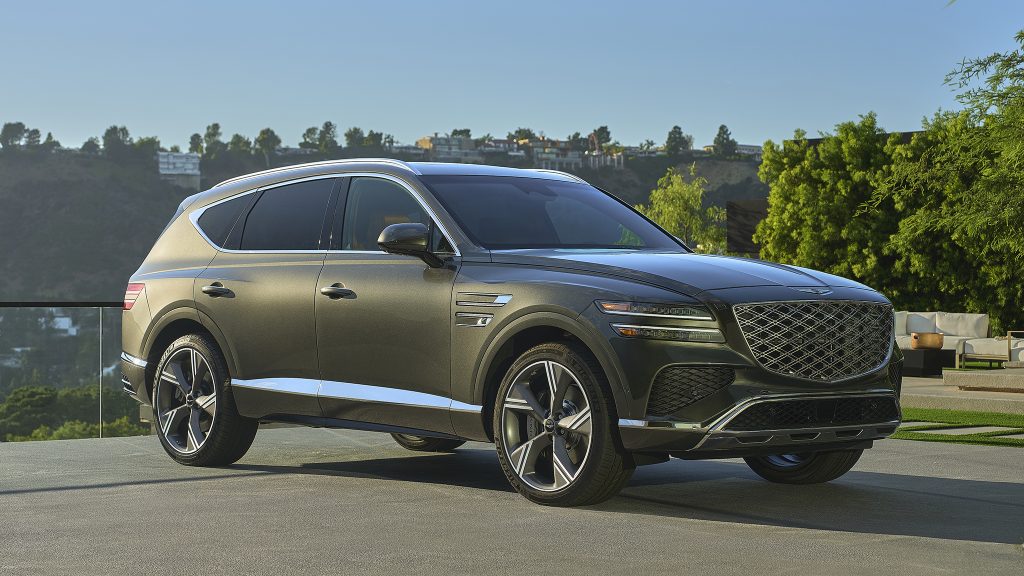
One important caveat is essential for a U.S.-focused article: Genesis does not offer identical camera equipment in every market. The built-in dash cam described in Genesis documentation is not universally available on every U.S.-specification GV80.
Buyers therefore need to verify the exact vehicle’s equipment rather than assuming every GV80 has the recording system. That distinction prevents the common mistake of treating a surround-view camera as a built-in dashcam.
10. Lucid Gravity
The Lucid Gravity stands out among newer electric SUVs because it includes a factory-integrated Drive Recorder that can function as a built-in dashcam. The system allows drivers to manually record and save high-resolution exterior video through the vehicle’s Clearview Cockpit. It can also automatically capture footage when certain events occur, including collisions, honking, and hard braking.
Recorded video can be reviewed through the vehicle’s display and transferred to a computer, making the footage potentially useful when documenting an accident or dealing with an insurance claim.
The system takes advantage of the Gravity’s existing camera hardware, which supports driver assistance and surround-view functions, so owners do not need to install a separate windshield-mounted dashcam for supported recording features.
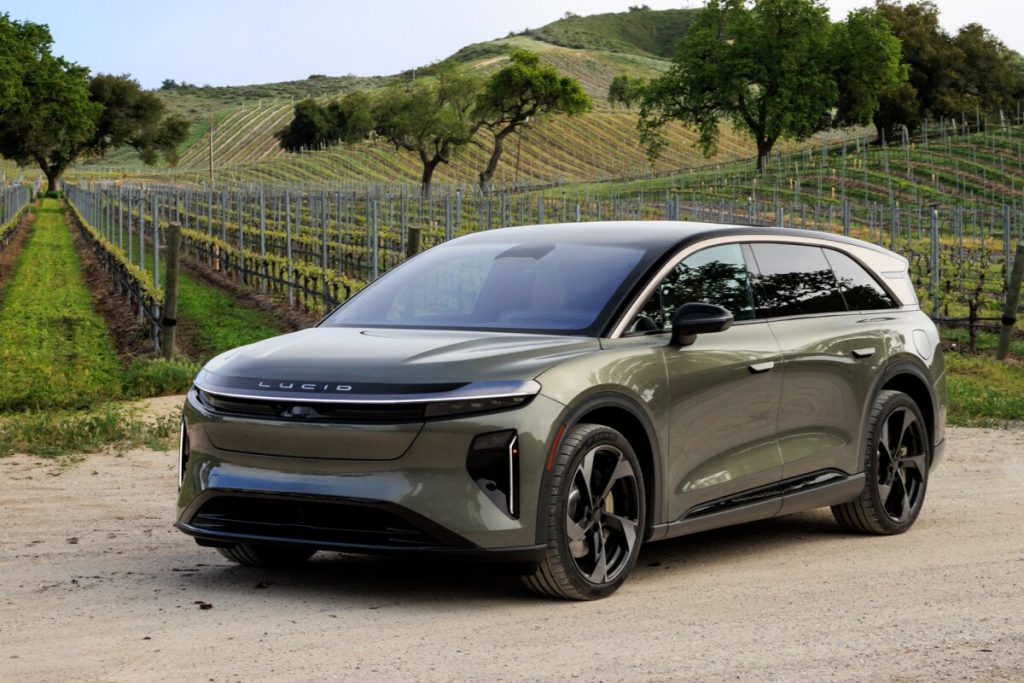
One particularly useful capability is collision recording while the vehicle is parked. Lucid describes Drive Recorder as an active security feature that can preserve footage of parking-lot impacts even when nobody is inside the SUV.
However, the system does not continuously save every camera feed. Instead, it stores manually initiated recordings and selected event-triggered footage, while collision detection remains active as a security function. Owners also need a compatible USB drive, with Lucid recommending high-endurance storage. The Gravity offers a convenient factory-installed approach to vehicle video recording.