
The rise of electric vehicles has reshaped the automotive landscape, offering not only a shift away from fossil fuels but also a transformative approach to connectivity between drivers and their vehicles.
Beyond the mechanics of batteries, charging, and range, modern electric vehicles increasingly rely on mobile apps to enhance the driver experience. These apps provide functionalities that range from checking battery levels and scheduling charging sessions to unlocking doors and controlling climate settings remotely.
For many EV owners, the mobile app becomes an extension of the car itself, offering convenience, control, and insights that make daily driving easier. However, not all automakers have managed to deliver seamless app experiences.
Some have created apps that are intuitive, reliable, and responsive, making them a joy for the user, while others offer systems that frustrate with convoluted logins, slow response times, or features that are difficult to locate. The contrast in user experiences demonstrates that technology integration in vehicles is only as strong as its software interface.
A well-designed app can enhance the ownership experience, saving time and reducing stress. For instance, a driver can start pre-conditioning their car’s climate on a hot or cold day, check whether a charging station nearby is available, or receive real-time updates on vehicle health.
The convenience factor of such apps cannot be overstated; it transforms the car from a simple mode of transport to a connected device that interacts with its environment and user. Conversely, apps with poor interfaces or confusing login systems can have the opposite effect, creating frustration and even reducing the perceived value of the vehicle.
A system that requires multiple passwords, frequent re-authentication, or unintuitive navigation can become a source of irritation, especially for drivers accustomed to frictionless experiences on their smartphones. This issue is increasingly important as EV adoption grows, with drivers expecting the same level of usability from car apps as they experience in other areas of daily life.
Beyond usability, the app experience can also influence perceptions of reliability and brand trust. A responsive, intuitive app suggests a manufacturer that prioritizes the user experience and invests in long-term support for their products.
Conversely, a poorly functioning app may lead users to question the quality of the vehicle, even if its mechanical performance is excellent.
The mobile interface has therefore become a crucial touchpoint in the customer journey, affecting satisfaction, loyalty, and brand reputation.
With so many options in the electric vehicle market, the presence of a well-designed, user-friendly app can become a deciding factor for buyers evaluating comparable models. As EV technology continues to advance, the distinction between apps that empower users and those that frustrate them will grow even more important.
This article will compare five electric vehicles with particularly friendly, user-focused app experiences against five vehicles whose apps are known for confusing login processes and complex navigation.
By examining the strengths and weaknesses of each, it becomes clear how integral software integration has become in shaping modern EV ownership. Readers can gain insights into which manufacturers are successfully merging technology and transportation, and which still have work to do in making their digital ecosystems as efficient as their electric drivetrains.
Through this comparison, the significance of a well-designed mobile interface becomes evident, highlighting how it contributes to convenience, satisfaction, and driver experience in the evolving landscape of electric mobility.
5 EVs with User-Friendly App Features
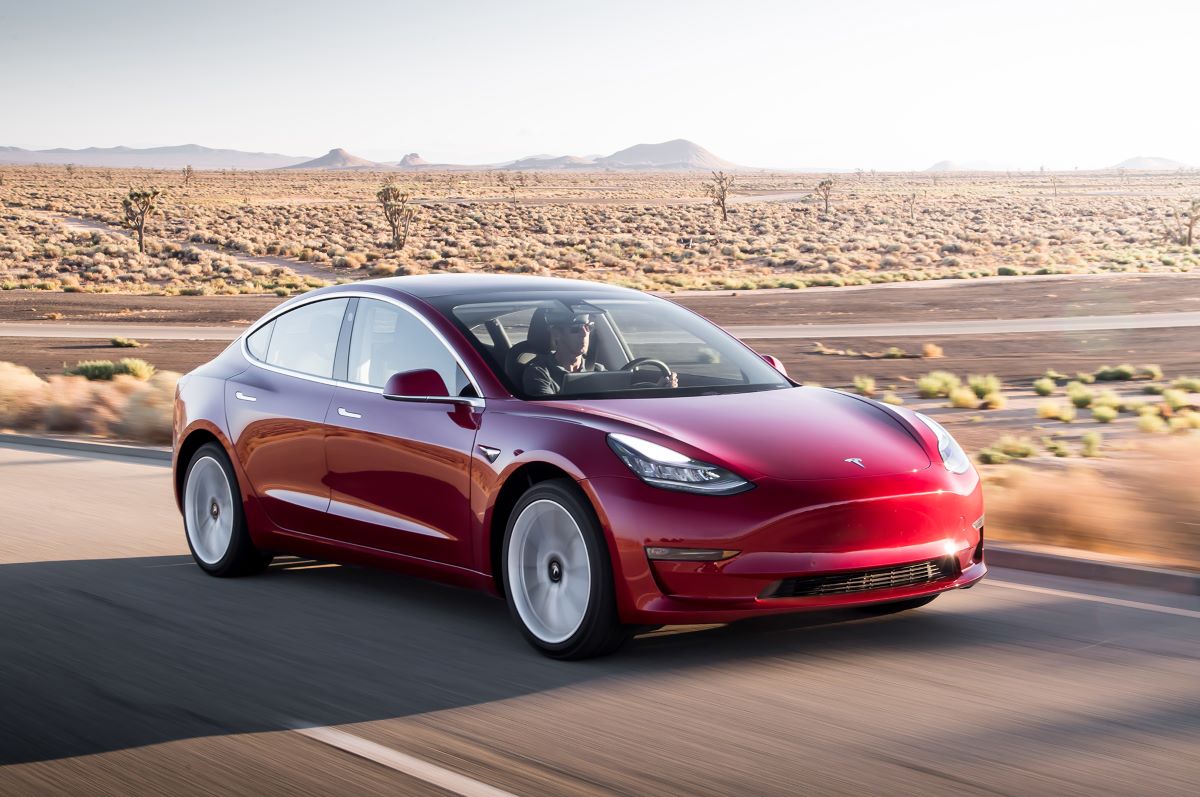
Tesla Model 3
The Tesla Model 3 is widely regarded as a benchmark for electric vehicles, not only because of its performance, efficiency, and sleek design, but also for the sophistication and usability of its mobile app.
Tesla has clearly invested significant resources in designing an app that complements its vehicles, turning a car into a connected, responsive extension of the driver’s daily routine. With the app, users can monitor the battery in real time, view detailed range estimates, and plan trips efficiently by locating nearby charging stations.
Remote access allows owners to control the climate system, lock or unlock doors, flash lights, and even summon the vehicle in some cases, all through a clean and intuitive interface. This high level of integration ensures that drivers have access to the most important functions without needing to physically interact with the car, making everyday use more convenient and stress-free.
Beyond simple access to essential functions, the Tesla app offers advanced capabilities that cater to more tech-savvy users. Owners can schedule charging sessions during off-peak electricity hours to reduce costs, track energy consumption over time, and adjust autopilot or navigation preferences remotely.
The app handles these features without overwhelming the user, presenting them in a logical, easy-to-navigate structure. Notifications are timely and informative, alerting drivers when charging is complete, when software updates are available, or when maintenance is due.
Even for someone unfamiliar with electric vehicle technology, the app minimizes learning curves, making advanced features accessible and understandable. This combination of simplicity and depth contributes to Tesla’s reputation for prioritizing both performance and user experience.
Another aspect of Tesla’s app is the integration of customer support and vehicle management functions. The app includes direct channels for contacting support, troubleshooting common problems, and even scheduling service appointments without leaving the interface.
Software updates are delivered seamlessly, often automatically applied to the vehicle after notification, which keeps the car current without any manual intervention. By centralizing control, monitoring, and support in one platform, Tesla reduces friction points for users, creating a digital ecosystem that feels reliable, modern, and purposeful.
This design philosophy demonstrates a commitment to the user that goes beyond hardware, positioning Tesla as a company that views software as a critical part of the ownership experience.
Finally, the Tesla app benefits from a consistent and thoughtful design language. All menus are logically organized, with frequently used functions placed prominently, while secondary features are accessible but do not clutter the interface. The app is responsive, with commands executed promptly even from a distance, enhancing user confidence.
Owners consistently report a high level of satisfaction because the app works intuitively and reliably, allowing them to focus on enjoying the driving experience rather than navigating technology. Tesla’s approach sets a clear standard, showing that a well-designed app can transform an electric vehicle into a seamlessly connected extension of its owner’s daily life.
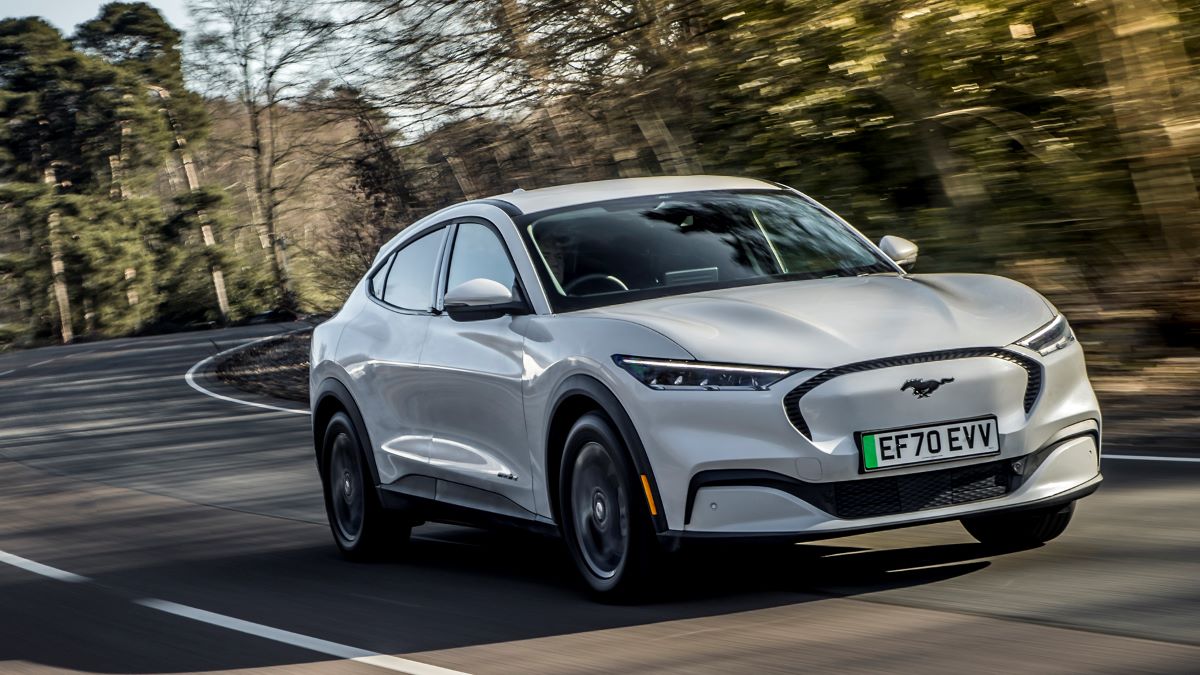
Ford Mustang Mach-E
The Ford Mustang Mach-E is another electric vehicle whose app experience has earned widespread praise. The FordPass app offers a robust set of features designed to make ownership convenient, intuitive, and stress-free. Users can remotely start and stop charging, lock or unlock doors, and adjust the climate inside the cabin before entering the vehicle.
The app’s interface is clean and visually organized, prioritizing information that is most relevant to the driver, such as battery status, range estimates, and estimated charging times. By simplifying these essential functions, Ford ensures that the app enhances, rather than complicates, the daily experience of owning an EV.
In addition to remote control features, the Mustang Mach-E app provides strong integration with navigation and charging infrastructure. Drivers can locate compatible charging stations, view real-time availability, and schedule charging sessions in advance, which is particularly useful for long trips or travel in unfamiliar areas.
Notifications about charging progress or vehicle status are timely and actionable, helping drivers manage their vehicle efficiently without needing to check multiple screens or systems. These capabilities reflect a broader focus on convenience and practicality, demonstrating that the app is designed to support both day-to-day use and longer journeys.
Ford has also prioritized connectivity and integration with other technologies. The Mustang Mach-E app is compatible with voice assistants, smart home systems, and other connected platforms, enabling remote access, updates, and control as part of a broader digital ecosystem.
In-app tutorials and guidance further help drivers, especially those who may be new to electric vehicles, navigate features without confusion. The app balances depth with usability, ensuring that complex functions are accessible but not overwhelming, which is a hallmark of thoughtful design in automotive software.
Regular updates and improvements make the FordPass app particularly noteworthy. Ford consistently refines the interface, introduces new features, and resolves bugs, reflecting a commitment to maintaining a positive user experience over time.
Reliability and responsiveness are key strengths, with login processes and commands functioning smoothly, avoiding the frustration that can accompany poorly designed systems. For drivers, the combination of intuitive design, robust features, and ongoing improvements reinforces the appeal of the Mustang Mach-E, making it a modern electric vehicle that prioritizes user-friendly digital experiences as much as driving performance.
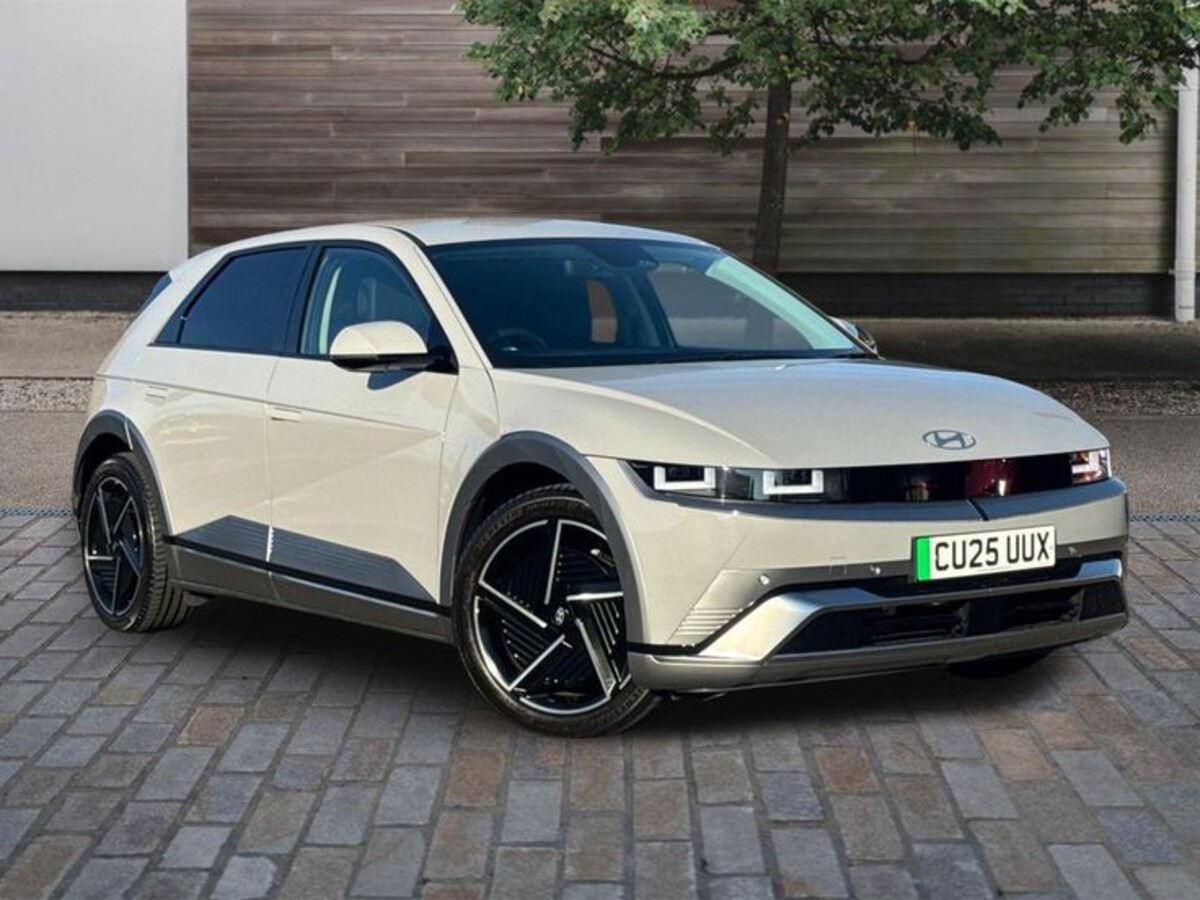
Hyundai Ioniq 5
The Hyundai Ioniq 5 offers an app experience that combines simplicity, clarity, and functional richness, making it a standout in the growing electric vehicle market. The Hyundai app provides essential features such as real-time battery monitoring, charging status updates, and range calculations, alongside remote control for cabin climate and door locking.
The interface is visually clean, with key functions easily accessible, allowing drivers to manage their vehicles efficiently without needing to navigate multiple menus. This design approach ensures that even first-time EV owners can quickly understand and make use of the app’s features.
The Hyundai app is designed to strike a balance between accessibility and functionality. While it provides advanced options, it avoids overwhelming the user with cluttered menus or excessive technical details. Key features are presented logically, with intuitive icons and labels that make navigation straightforward.
This simplicity does not come at the expense of functionality; users can access detailed information about battery usage, trip statistics, and vehicle status quickly and easily. The emphasis on clarity and ease of use positions the Hyundai Ioniq 5 as a highly approachable option for drivers who value a smooth digital experience.
Integration with smart home devices further enhances the app’s usefulness. The Ioniq 5 app can communicate with compatible systems to manage charging, monitor vehicle status, and even control climate remotely. Combined with its responsive interface and clear layout, these capabilities create a seamless digital ownership experience.
Users frequently highlight the app’s reliability and intuitive design as major factors in their satisfaction with the vehicle. By providing a thoughtful, user-focused interface, Hyundai demonstrates how digital tools can enhance convenience, confidence, and enjoyment for electric vehicle owners.
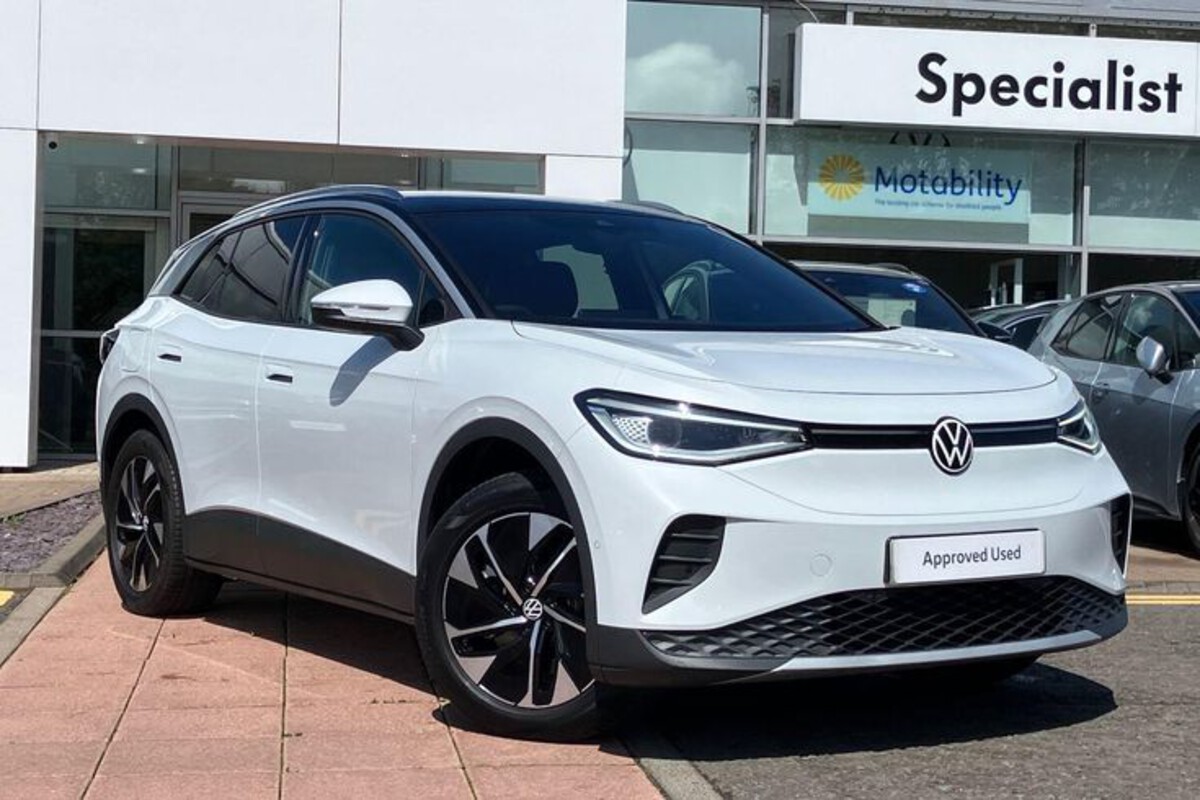
Volkswagen ID.4
The Volkswagen ID.4 electric SUV comes with an app designed to provide clear, reliable, and accessible control over the vehicle. The app offers basic yet essential features such as battery monitoring, range estimation, and remote locking or climate control.
Menus are logically structured, icons are easy to interpret, and frequently used functions are prioritized for quick access. The emphasis on simplicity allows drivers of all experience levels to interact with the app without confusion, while notifications provide timely updates on charging progress, vehicle location, and upcoming maintenance needs. This focus on clarity and reliability makes the ID.4 app a strong example of effective automotive software design.
Volkswagen’s app emphasizes a consistent and intuitive user interface. Functions are grouped logically, frequently used features are easily accessible, and less common options are available without cluttering the main interface. This reduces the learning curve for new users and ensures that interactions feel straightforward and predictable.
The app is also highly reliable; commands executed through the interface, such as climate adjustments or remote locking, are completed promptly without errors, which helps reinforce user trust and satisfaction.
The ID.4 app further enhances the ownership experience through its real-time monitoring and control capabilities. Drivers can start charging remotely, adjust cabin temperature before departure, and track battery usage over time, all from their smartphone.
These functions, combined with the app’s clear design and responsive performance, provide a seamless and reassuring experience for users. The Volkswagen ID.4 app demonstrates how thoughtful software can complement an electric vehicle’s hardware, improving convenience, usability, and satisfaction for owners.
Nissan Ariya
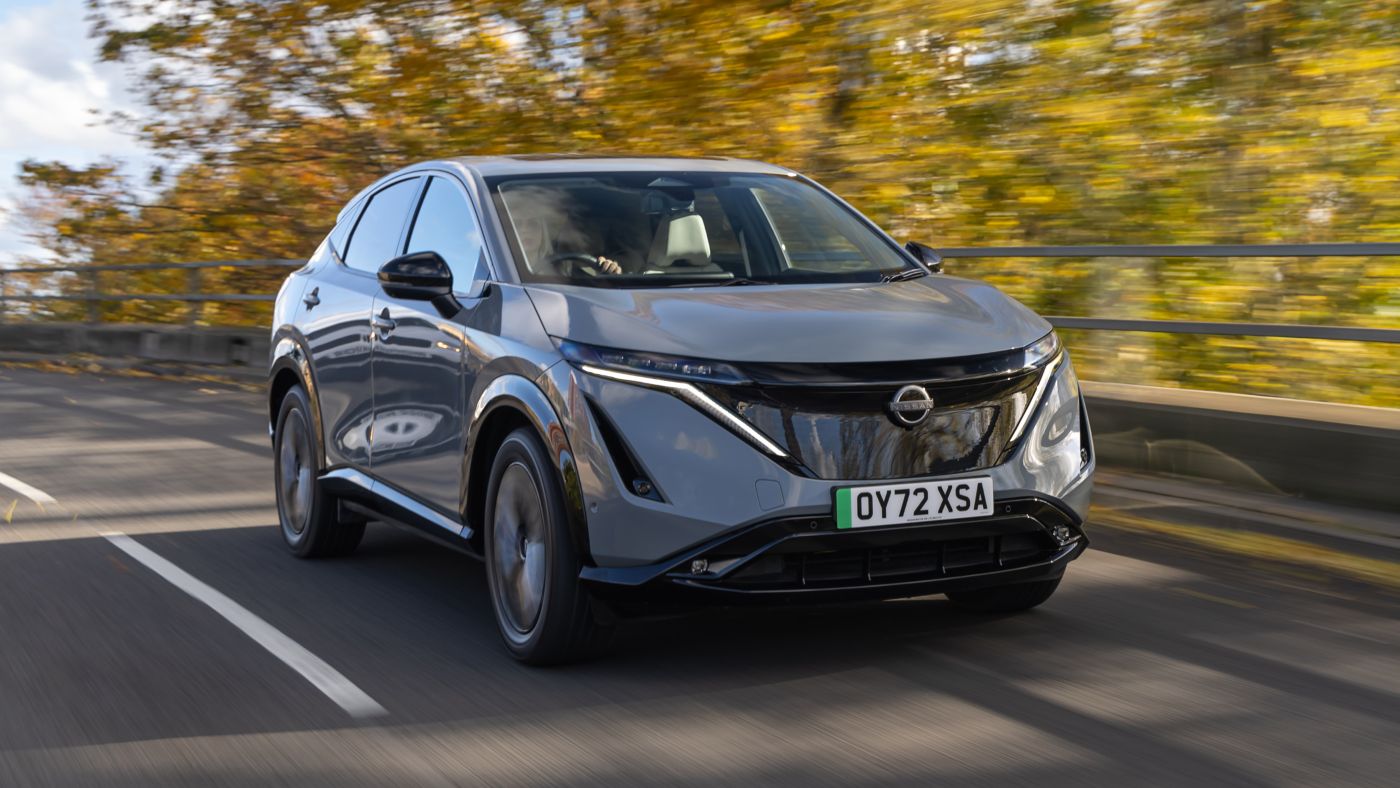
The Nissan Ariya is equipped with an app that balances functional depth with ease of use, creating a positive ownership experience for electric vehicle drivers. The NissanConnect EV app allows users to monitor battery levels in real time, manage charging sessions, control cabin climate, and lock or unlock doors remotely.
Its interface is clean, modern, and visually organized, providing quick access to the most frequently used functions while still offering advanced features for those who wish to explore them. Notifications keep drivers informed about important events such as charging completion, vehicle movement, and scheduled maintenance, helping them manage their EV efficiently.
Reliability is another strength of the Ariya app. Commands sent through the app, whether to precondition the cabin or unlock doors remotely, are executed promptly, providing confidence in the vehicle’s responsiveness. The app also supports software updates and remote troubleshooting, adding an extra layer of convenience for owners.
By grouping similar functions together and using intuitive icons, Nissan minimizes confusion and streamlines interaction, making the app a practical tool for everyday use.
Integration with smart devices and home systems enhances the app’s utility further. Owners can remotely control charging, monitor vehicle status, and adjust climate settings from compatible devices, creating a connected ecosystem that simplifies daily routines.
The combination of a clear, intuitive interface, responsive performance, and advanced features makes the Nissan Ariya app an excellent example of how software can enhance the electric vehicle ownership experience. Drivers frequently cite the app as a highlight of Ariya ownership, appreciating how it combines convenience, reliability, and digital sophistication.
5 EVs with Confusing Logins

BMW i4
The BMW i4 is a highly praised electric vehicle for its performance, range, and design, but its companion app has received criticism for its complex and sometimes frustrating login process.
Many users report having to enter multiple credentials or verify their identity repeatedly before gaining access to features. Unlike apps that rely on a single authentication method, BMW’s app often requires a combination of email, password, and vehicle-specific codes, which can lead to delays and confusion.
For new owners, this steepens the learning curve, as they must navigate through multiple prompts just to access basic functions such as checking battery status or starting a charging session. Such obstacles can quickly turn a seemingly convenient tool into a source of stress.
The login difficulties are further compounded by synchronization issues. Some users report that even after successfully logging in, the app struggles to connect to the vehicle or displays outdated information about battery levels and charging progress.
These inconsistencies undermine trust in the system and make remote management of the car less reliable. For drivers who rely on the app to precondition the cabin or verify charge levels before a trip, these glitches can lead to inconvenience and even anxiety about planning journeys.
Such experiences highlight the importance of seamless connectivity in electric vehicles, especially when drivers expect instant, real-time access.
Finally, while BMW continuously updates the app to address these issues, the underlying complexity of authentication remains a persistent challenge. Users often find that minor updates can introduce new bugs or require reauthentication, which reinforces the perception that the app is more of a technical hurdle than a convenience.
The i4’s app demonstrates that even high-quality vehicles can suffer in ownership experience if the digital interface is not designed with simplicity and usability in mind. Frustrating login processes and inconsistent connectivity can overshadow the benefits of advanced electric vehicle technology.
Audi e-tron GT
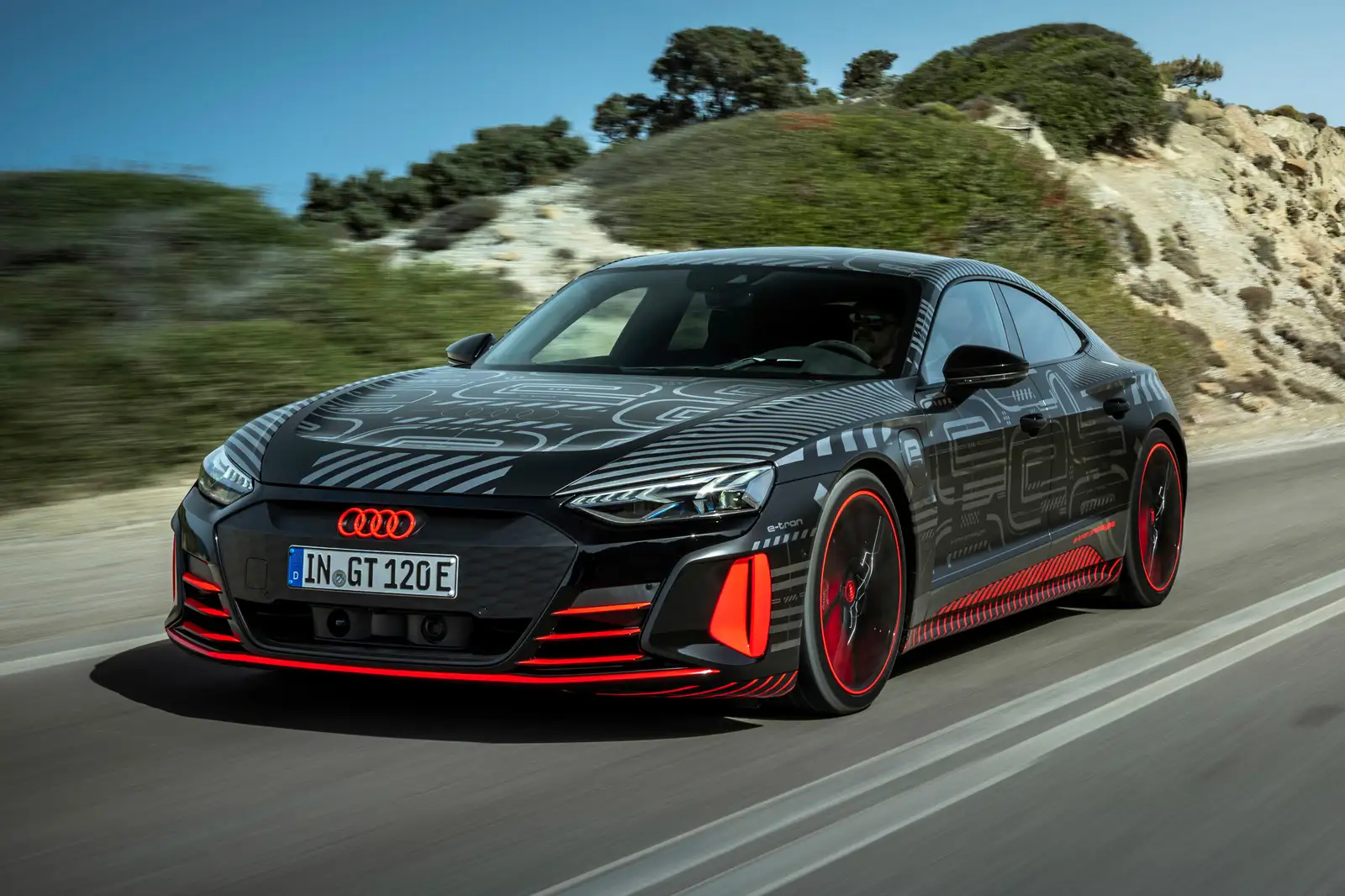
The Audi e-tron GT is known for its luxury, acceleration, and refined design, yet its mobile app has generated frustration for drivers due to confusing login procedures. The app often requires users to create an account that is separate from their main Audi profile, and authentication may involve multiple passwords and two-factor verification.
Users have reported that attempts to access key features such as pre-conditioning the cabin or starting a charging session can fail if any step of the login process is slightly delayed or misconfigured. For drivers expecting a seamless digital experience, this process can be discouraging, especially when compared to the smooth functionality of competing EV apps.
Synchronization issues add to the complexity. In some cases, the app may display outdated information about vehicle location or battery charge, requiring repeated refreshes or even logout and re-login procedures to correct the data.
These interruptions create frustration for drivers who expect reliable remote control capabilities, such as starting a pre-conditioning session before entering the vehicle. When notifications or commands do not execute as expected, trust in the digital system erodes, affecting the perception of the vehicle as a whole.
Audi has attempted to address these issues through periodic software updates, but challenges persist. Many users still report the need for repeated authentication and occasional connectivity failures.
For a premium EV, the expectation is a frictionless and responsive app, yet the e-tron GT demonstrates how overly complicated login procedures can detract from a vehicle’s technological appeal. Even with excellent driving dynamics and luxurious design, the app’s shortcomings can overshadow these strengths in the eyes of owners.
Jaguar I-PACE
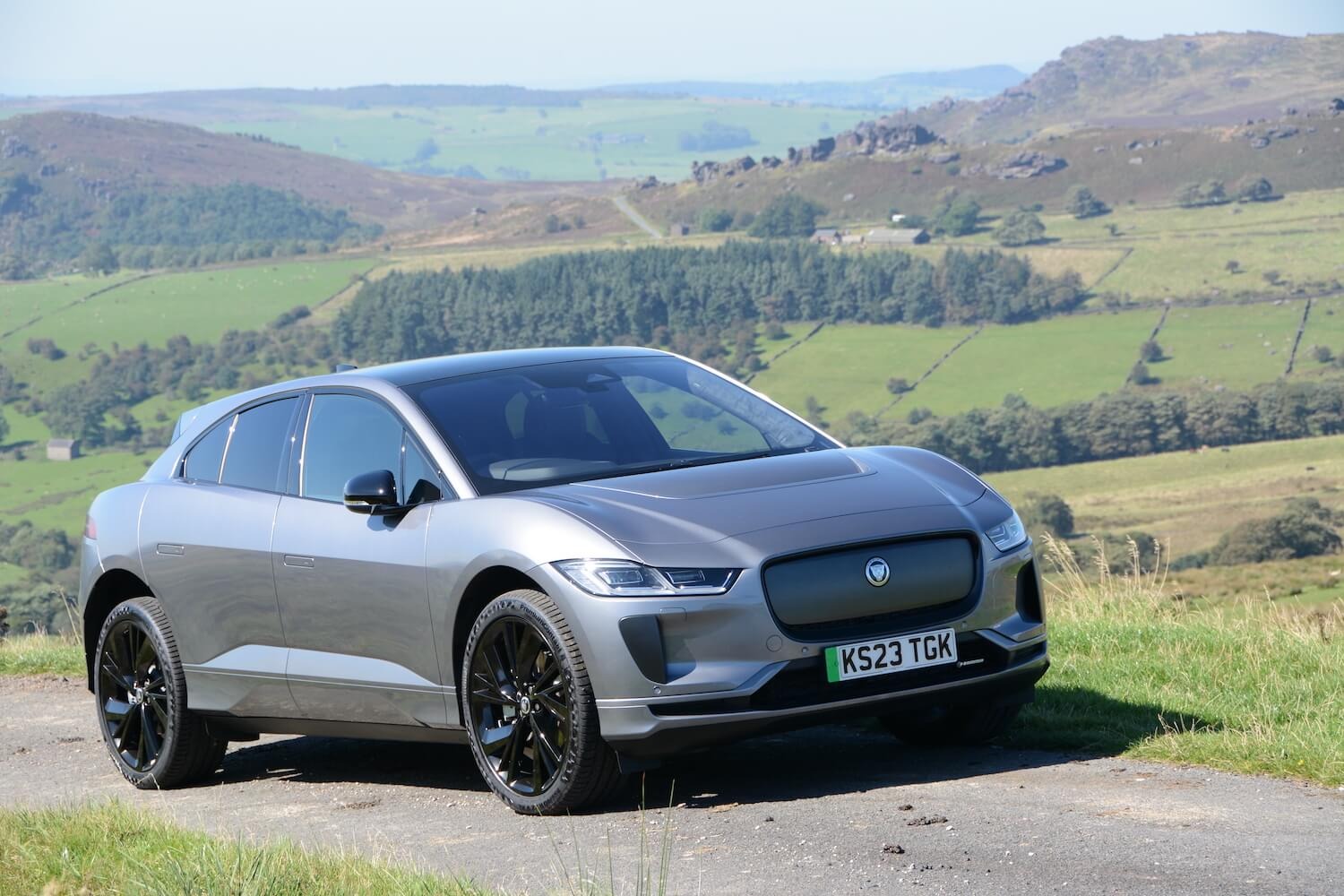
The Jaguar I-PACE, a stylish and high-performance electric SUV, is another example where app functionality can be overshadowed by frustrating login requirements. The Jaguar InControl Remote app often requires multiple steps for authentication, including email verification, password entry, and additional security checks.
This process can feel cumbersome, especially when users are attempting to access the app quickly to check battery status or remotely precondition the cabin. The repeated login prompts can create a perception that the system is overly complex, undermining the convenience that is expected from an electric vehicle companion app.
Synchronization problems further complicate the experience. Even after completing the login process, the app may fail to communicate reliably with the vehicle, resulting in delayed or incorrect data about charge levels, location, or system status.
These inconsistencies make planning trips or managing the vehicle remotely more difficult than intended. Drivers who expect a smooth, instantaneous connection may find that the app does not meet modern usability standards, highlighting the importance of software design in the EV ecosystem.
Although Jaguar continues to update the app in an effort to improve functionality, many users report persistent login issues and inconsistent connectivity. For an electric SUV positioned as a premium product, this creates a disconnect between expectations and reality.
The I-PACE demonstrates that even vehicles with excellent performance and luxury features can be hampered by poorly executed digital interfaces. Frustrating login procedures, inconsistent notifications, and difficulty accessing core functions all contribute to a diminished ownership experience.

Mercedes-Benz EQC
The Mercedes-Benz EQC is celebrated for its luxurious interior, smooth ride, and advanced safety features, but the accompanying mobile app has been a source of frustration for many owners due to convoluted login processes. To access the EQC app, users must navigate multiple authentication steps, including account setup, password verification, and two-factor authentication.
This process can be particularly cumbersome for users attempting to quickly manage vehicle functions, such as starting a charging session or remotely adjusting cabin temperature. The repeated authentication requirements can turn a seemingly simple task into a time-consuming challenge, undermining the convenience that is expected from a connected EV.
These interruptions make the app less reliable for daily use, particularly for drivers who rely on remote features for comfort and convenience. For example, pre-conditioning the cabin before a trip may not work as expected, leaving users frustrated and diminishing trust in the system’s reliability.
Mercedes-Benz continues to provide updates for the EQC app, attempting to address login complexity and connectivity issues. Despite these efforts, many users still experience repeated authentication prompts, inconsistent notifications, and slow synchronization with the vehicle.
For a premium EV, these obstacles can undermine the ownership experience, demonstrating that even top-tier manufacturers must prioritize usability in addition to hardware excellence. The EQC highlights how app design can significantly affect customer satisfaction, regardless of a vehicle’s performance or luxury features.

Porsche Taycan
The Porsche Taycan is widely recognized for its performance, handling, and craftsmanship, yet the Taycan app presents challenges that affect usability, particularly in its login system. Users frequently encounter multi-step authentication processes, requiring account creation, email verification, passwords, and sometimes even vehicle-specific PINs to access key features.
This cumbersome process can be frustrating for owners who expect instant access to information such as battery level, range, or charging status. The requirement for repeated logins can diminish the sense of convenience that a mobile app is intended to provide.
Synchronization issues further complicate the Taycan experience. Even after successful login, the app may fail to update vehicle status in real time, requiring repeated refreshes or additional logins to correct displayed information. This can impact planning, especially for trips that rely on accurate battery levels and charging station availability.
For drivers who prioritize digital convenience as much as driving performance, these obstacles can be particularly discouraging.
Despite ongoing updates from Porsche, many users continue to report login challenges and connectivity inconsistencies. For a vehicle positioned as a premium sports EV, these difficulties highlight the importance of seamless app design.
Even with exceptional engineering and driving dynamics, the Taycan’s app shortcomings demonstrate how frustrating login processes and unintuitive navigation can negatively affect the ownership experience, emphasizing that software usability is now a critical component of EV satisfaction.