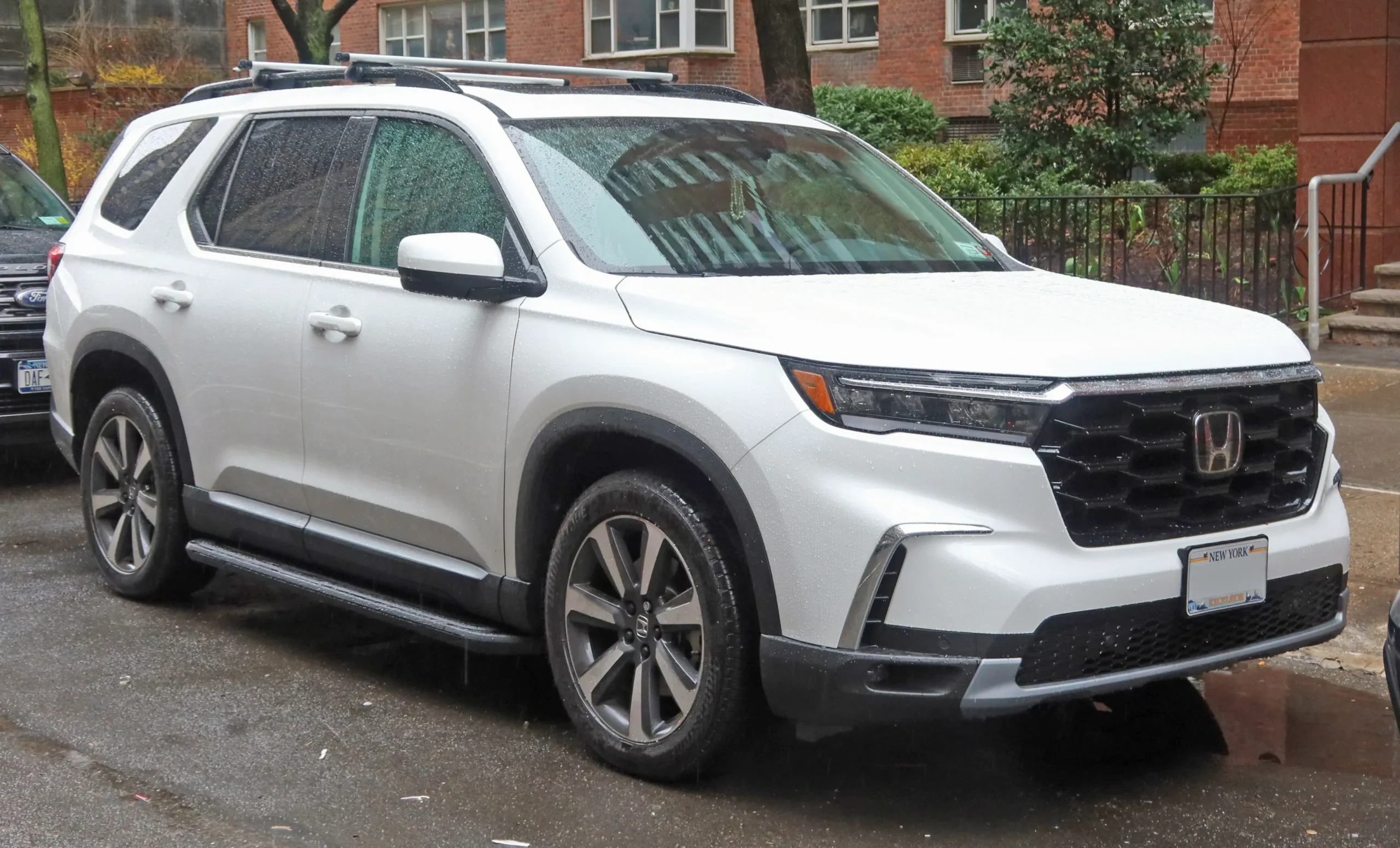
Many people enjoy a peaceful ride when their phone connects to the car without stress. When a vehicle allows quick pairing, calls sound clearer, music starts without delay, and directions from apps come through smoothly.
Those moments make driving feel lighter, especially when you are in a hurry. People now expect cars to connect without fuss, so anything less becomes frustrating.
Some vehicles handle this process very well, giving drivers a system that responds fast, even when the phone is older or heavily used. A friendly layout on the screen, menus that make sense, and Bluetooth that remains stable during long journeys all help to create easy driving moments.
Many motorists describe this convenience as a small relief after dealing with heavy traffic or loud environments. When the system works on the first try, the trip begins with confidence. Others are not that smooth, and anyone who has sat inside a car that struggles to sync a phone knows how annoying it can be.
Sometimes the phone keeps searching endlessly, sometimes the audio stutters, and some systems refuse to reconnect after shutting off the engine. These issues can spoil the start of a journey. This guide brings together vehicles that handle pairing with grace and those that create extra work for drivers.
8 Models With Easy Phone Pairing
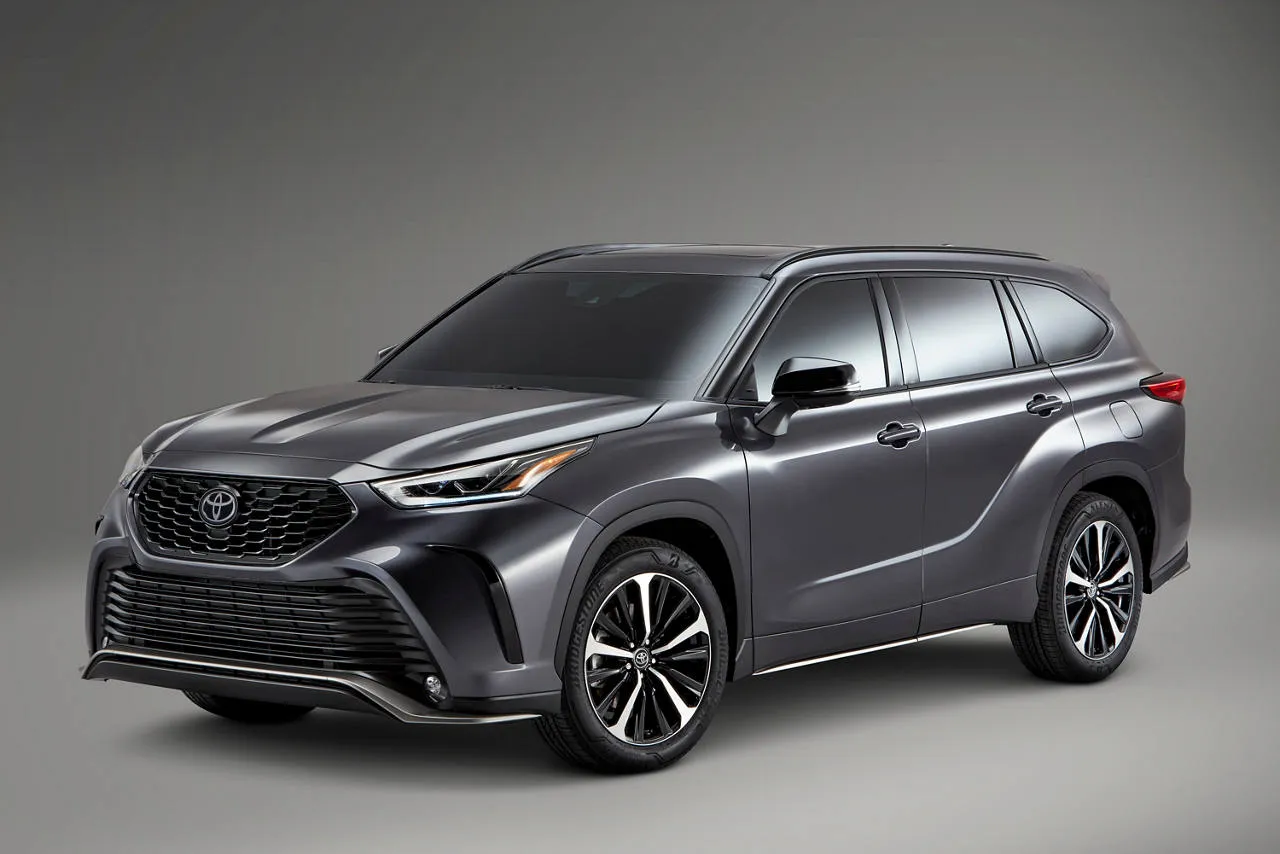
1. Toyota Highlander XLE
Many drivers appreciate the Toyota Highlander XLE for more than its comfort. It has a reputation for fast and cooperative phone pairing that works even during busy mornings. Once the engine starts, the vehicle’s multimedia system wakes up quickly and begins searching for any phone that has been used before.
For many people, the reconnection happens while the seatbelt is still being fastened. That kind of response makes short trips easier and long journeys more enjoyable. Owners who rely heavily on hands-free calling often speak about the steadiness of the Bluetooth link.
They can talk for a long time without losing sound quality, which helps when discussing work plans, family arrangements, or directions. The Highlander XLE makes it simple to switch from music to calls without freezing, and that smooth behaviour builds trust between the driver and the system.
The menus inside the infotainment unit are arranged in a manner that encourages quick learning, so even people who resist new gadgets adjust easily. Another thing people admire is how it handles multiple phones. Some households share the vehicle between partners or siblings, and the Highlander XLE can store many devices without forgetting them.
It even picks the most recently used phone automatically, saving time for whoever is driving. When a new phone needs pairing, the system guides the user with simple words on the screen, and the process finishes in a short period.
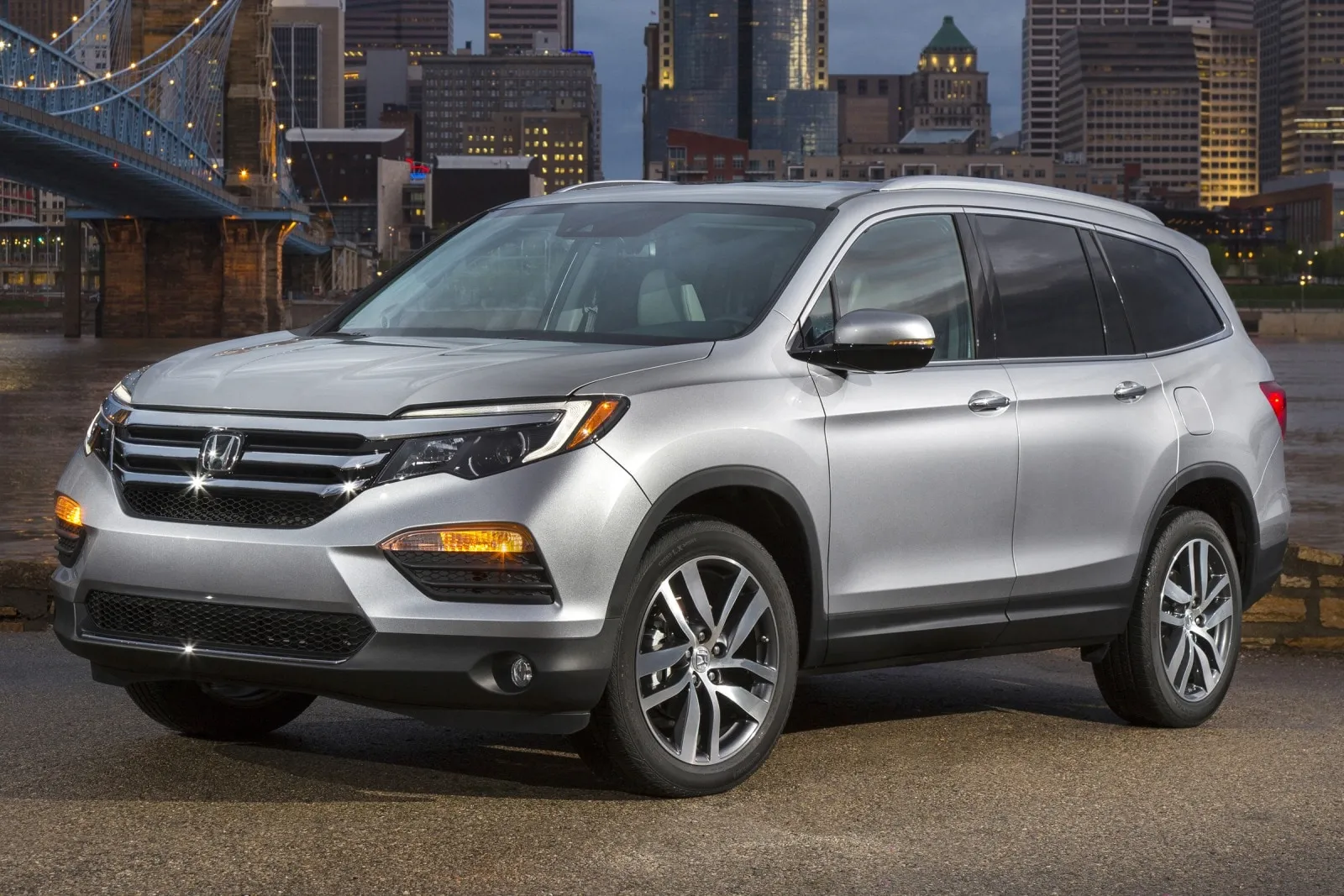
2. Honda Pilot Touring
A vehicle like the Honda Pilot Touring offers families comfort and space, yet its digital friendliness also plays a major role in daily movement. Its pairing system is widely praised for reacting fast each time the car starts.
Many owners enjoy how the screen lights up with clear icons that direct them gently through the wireless setup. People who dislike long manuals or confusing menus feel at ease when they see how the pairing steps appear one at a time.
One aspect that many highlight is the consistency of the link. The Pilot Touring avoids sudden interruptions that sometimes happen in other SUVs.
Drivers can move through heavy urban traffic, take trips through broad countryside roads, or stop frequently during errands without losing their audio link. Once a person enters the vehicle, their phone tends to reconnect automatically without any delay.
The calling experience benefits from this steadiness. People working from their car or those who often need to coordinate with family members appreciate how the Pilot Touring delivers clean voices without distortion.
Riders who enjoy long road trips say the connection holds firm through different weather conditions and unique locations. This consistency keeps the Honda Pilot Touring firmly among vehicles that understand the importance of stable phone pairing for regular movement.
Also Read: 10 Compact SUVs With Front Seats Taller Drivers Love
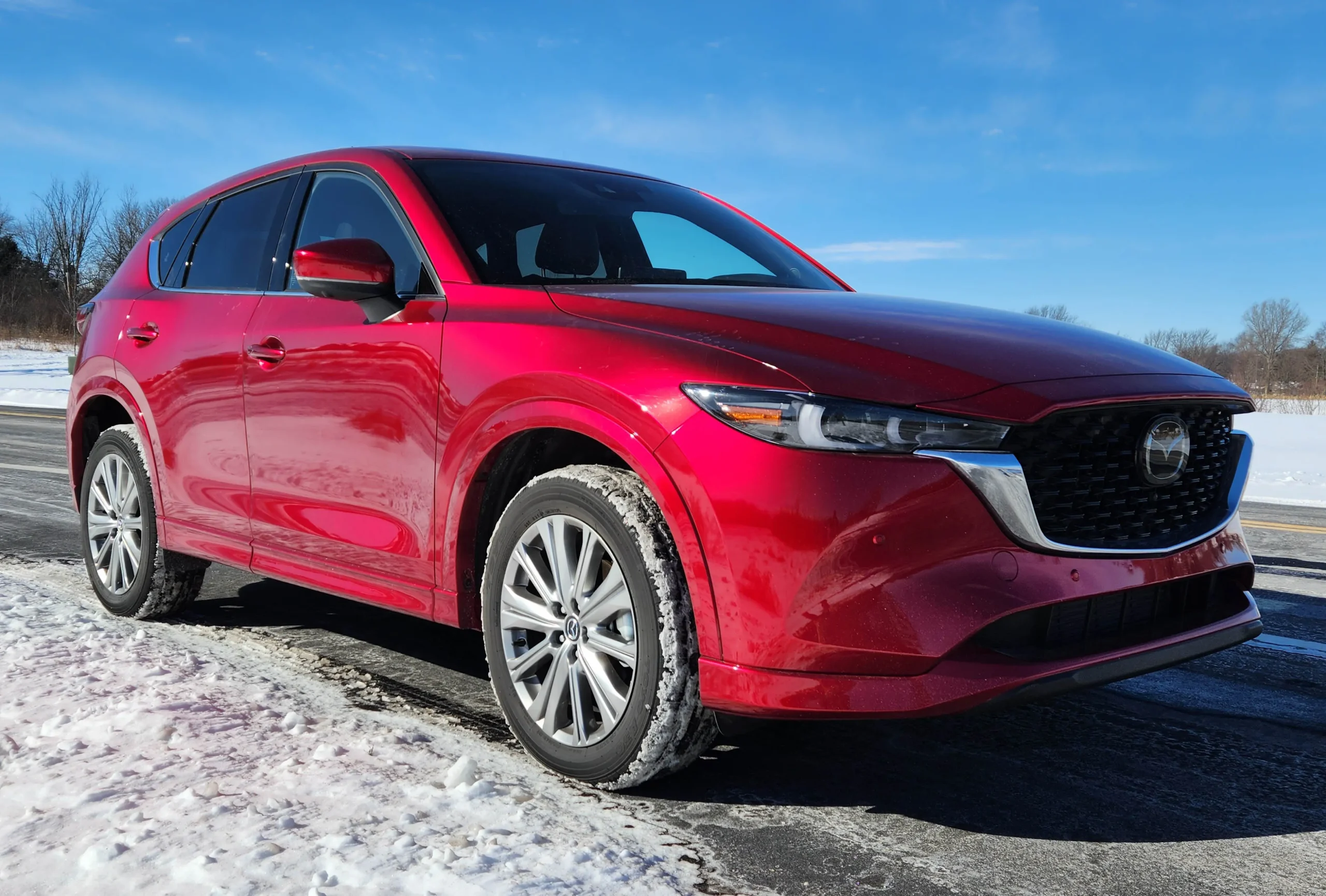
3. Mazda CX-5 Signature
Many people admire the Mazda CX-5 Signature because it blends sharp styling with responsive controls, and its phone-pairing feature strengthens the experience.
As soon as the ignition is turned on, the car begins checking for familiar devices. The system takes only a short period to recognise a paired phone, which saves drivers from waiting. Those who frequently jump in and out of their car during errands praise this quick reaction.
Mazda pays close attention to user comfort, so the menus inside the CX-5 Signature are arranged in a way that feels natural. The rotary controller in the centre console allows drivers to move through screens without stretching their hand toward the display.
Streaming apps work properly as well. Songs change smoothly, the pause and play buttons respond without delay, and the system shows track information neatly on the display. People who enjoy rotating between multiple devices also find comfort here. The car can save many phones, so switching between drivers becomes easy.
Passengers joining a journey can pair their phone quickly for music sharing without disrupting the main driver’s device. With these qualities, the Mazda CX-5 Signature positions itself as a well-rounded SUV that handles phone pairing with care and calmness.
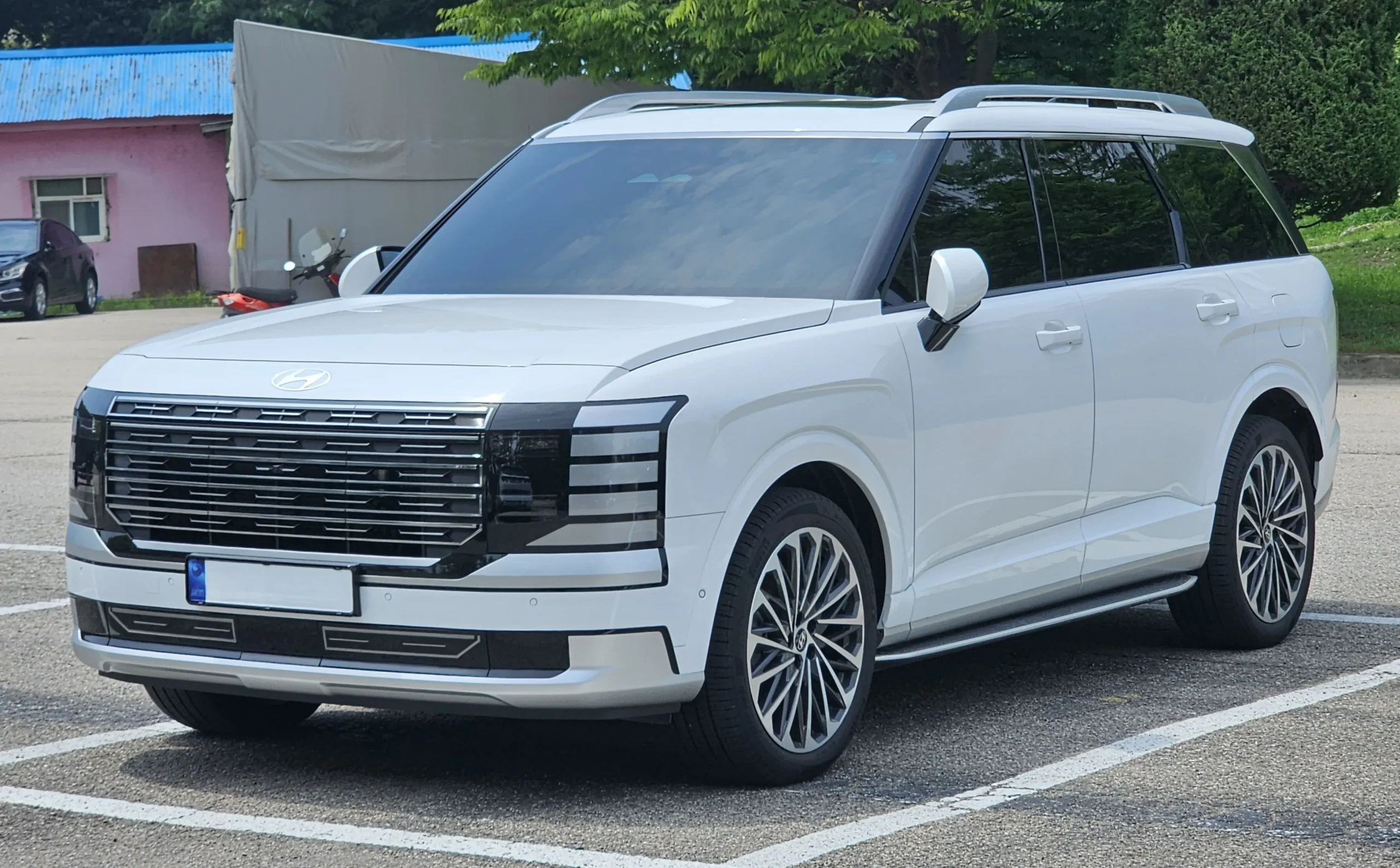
4. Hyundai Palisade Calligraphy
Many families choose the Hyundai Palisade Calligraphy because it carries people with comfort and style, but its tech performance also brings extra joy. The pairing process inside this model runs with surprising ease. New drivers often mention that the first connection takes just a few simple steps.
After the first pairing, the Palisade Calligraphy shows even more convenience. Each time the car starts, it quietly reconnects to the last used phone without asking for permission or repeating the setup procedure.
This quiet efficiency helps morning drives go smoothly, especially when children are getting ready in the back seats or luggage needs arranging. Drivers enjoy how the system simply gets to work while they focus on the road.
Audio behaviour stands out as well. The system handles streaming from many apps without hesitation. Podcasts, music tracks, and voice notes all flow with clarity, even during longer drives.
The cabin remains peaceful because the audio link stays steady, and the system rarely loses contact with the phone. People who spend long periods driving appreciate how this reliability reduces stress.
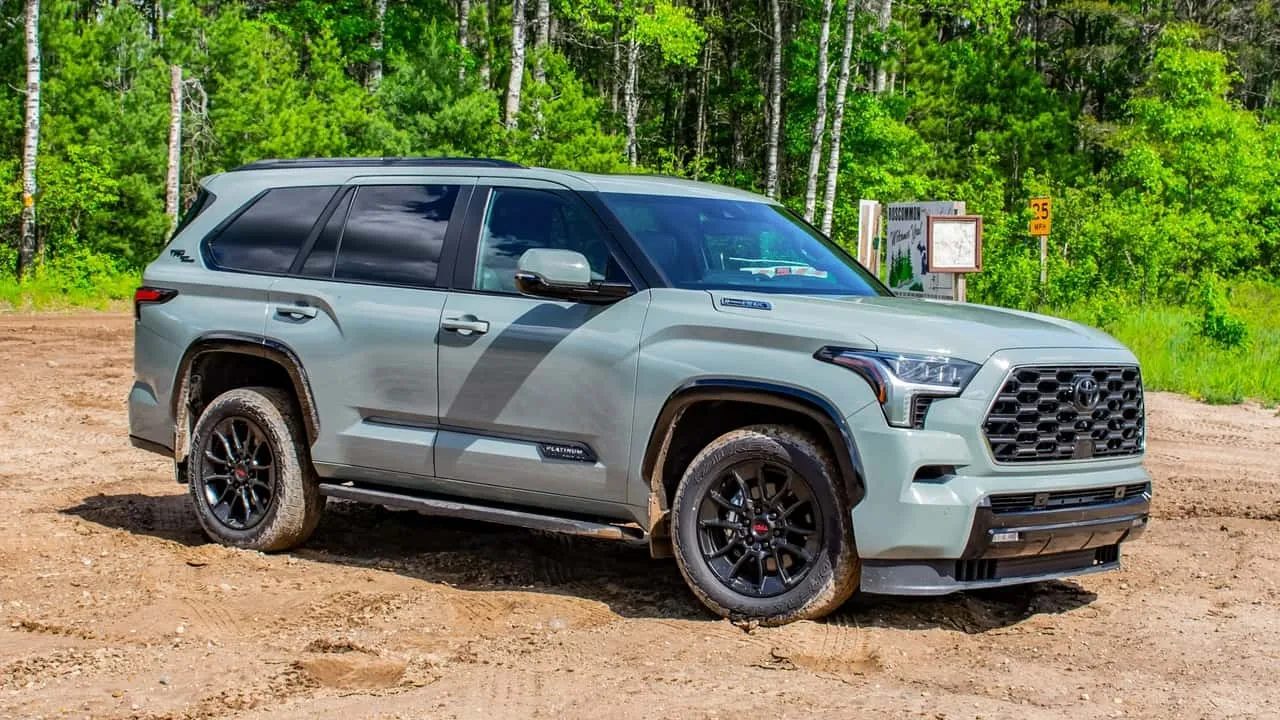
5. Toyota Sequoia
When drivers consider large SUVs that maintain consistent audio behaviour even when paired with older or newer phone models, the Toyota Sequoia often earns a favourable position because of the way it balances its communication modules with the rest of the electrical system.
The steady manner in which it handles phone calls and streaming makes it appealing for people who regularly move between multiple devices or who use a roof box on longer family journeys. The main explanation behind this steadiness stems from the way the SUV’s systems share tasks across different modules.
Toyota placed emphasis on ensuring that the infotainment processor does not get overwhelmed when navigation, climate adjustments, and audio requests all happen at once. This reduced load prevents sudden Bluetooth dropouts that can occur in some other large vehicles.
Even in the older Sequoia years, the structure of the audio head unit allowed for reasonable consistency, although the introduction of updated software in more recent models made the pairing process smoother and quicker.
For many drivers, once the phone is connected, the SUV tends to remember previous settings without forcing them to repeat setup each time they enter the cabin.
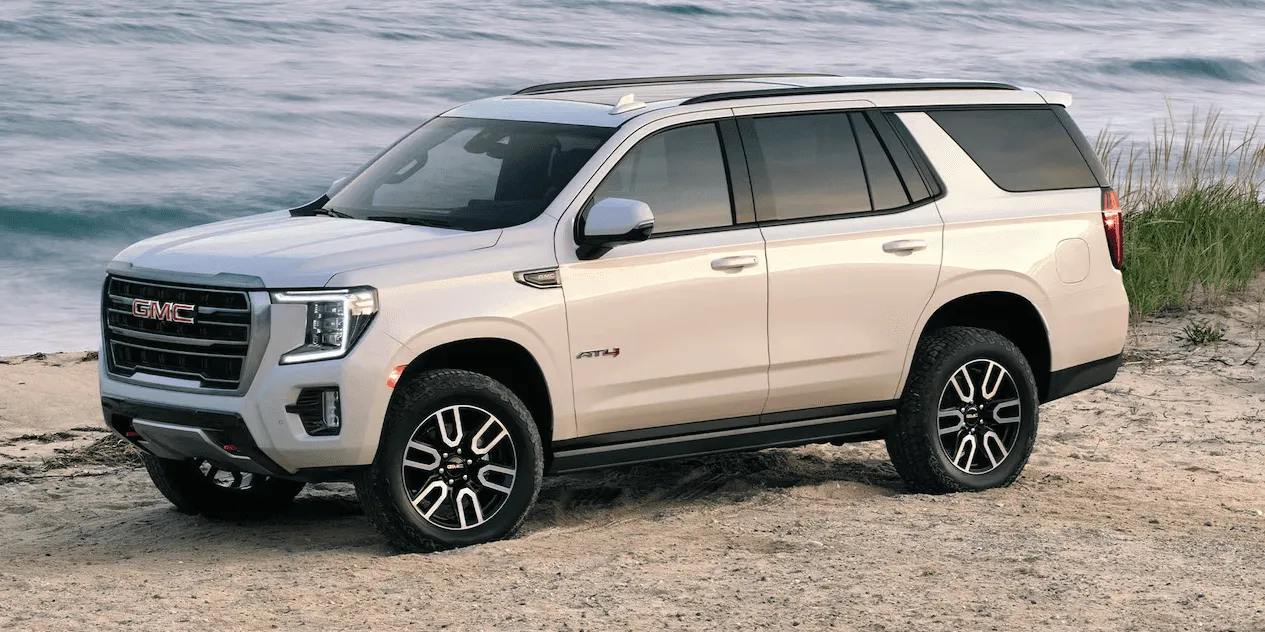
6. GMC Yukon
Among full-size SUVs, the GMC Yukon has earned a reputation for offering a well-balanced blend of cabin technology and dependable connectivity. Many users appreciate that the SUV rarely presents the unpredictable pairing loops sometimes noticed in more experimental infotainment setups.
From the moment a phone is added to the system, the Yukon handles the connection with a straightforward structure that does not overwhelm new users. This makes it a comfortable choice for families or individuals who share the vehicle and often switch between different smartphones.
GMC designed the electrical system so that power distribution to the infotainment module remains unaffected even when the vehicle handles heavy loads. For drivers who mount roof boxes for long trips with camping gear or sports equipment, the SUV maintains its Bluetooth functionality without reacting to extra wind pressure or structural noise.
Inside the cabin, the Yukon’s seating arrangement and insulation support an organised and calm interior atmosphere. The microphone placement is positioned in a way that captures voice commands without interference.
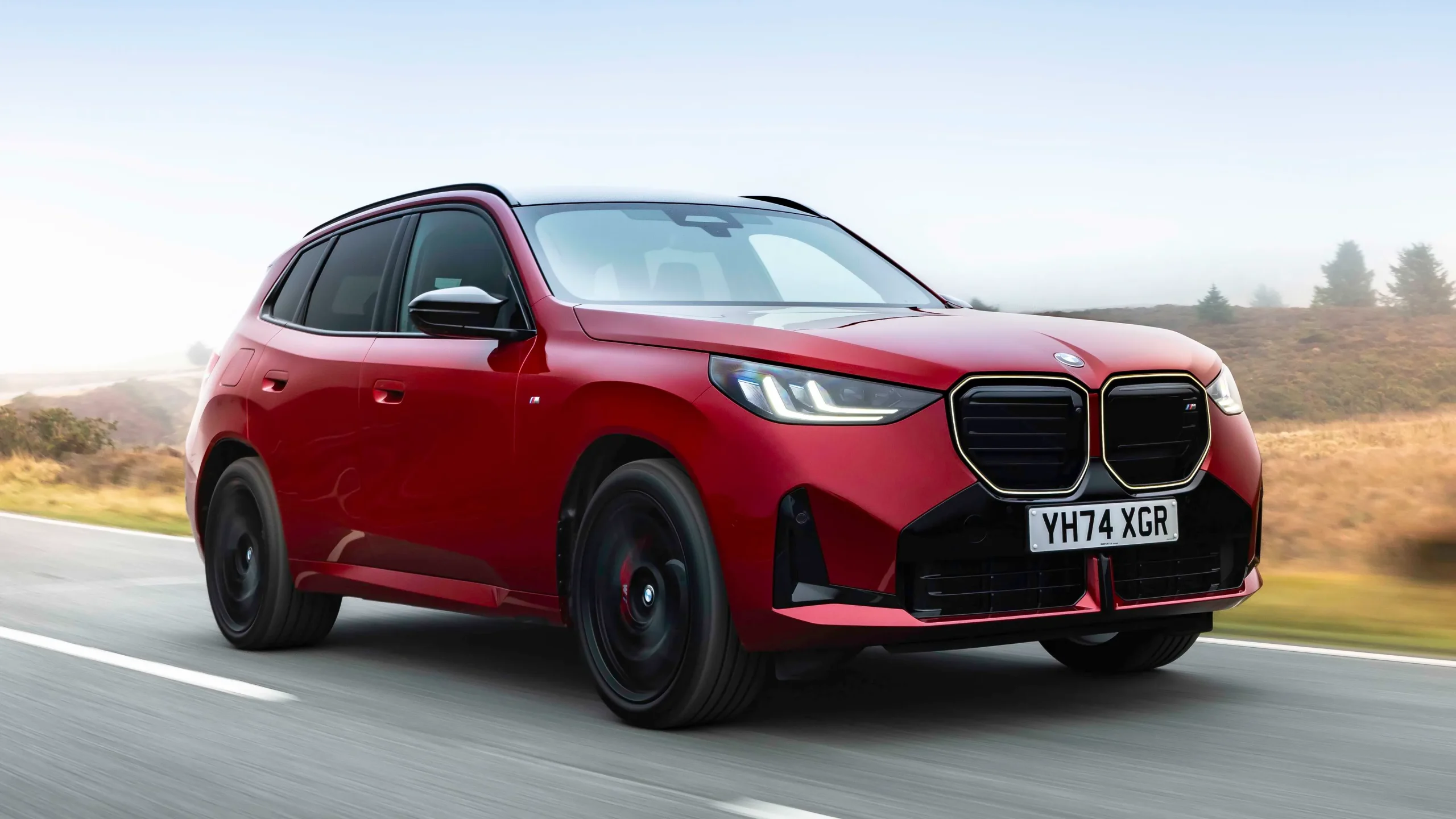
7. BMW X3
The BMW X3 presents a thoughtful blend of agile driving and structured cabin technology that many drivers find appealing. Its Bluetooth system, even in earlier model years, typically handles device pairing with a level of order that avoids the unnecessary complications some luxury vehicles introduce.
BMW positioned the microphones, speakers, and control buttons in a manner that supports clear voice transmissions and responsive command recognition. For individuals who attach roof boxes for trips involving skiing, cycling, or extended travel, the X3 maintains its Bluetooth performance without being affected by additional wind noise.
The handling of the SUV remains composed, meaning the cabin does not experience excessive vibration or turbulence. This steadiness helps the audio system maintain its balance, which keeps Bluetooth signals stable even when driving at higher speeds.
Whether browsing contacts, switching between songs, or receiving navigation instructions, the system does not overwhelm the driver with steps that might interrupt the flow of driving. Many X3 owners appreciate that once a phone connects, the SUV rarely forgets previous settings or forces a new setup.
8. Nissan Armada
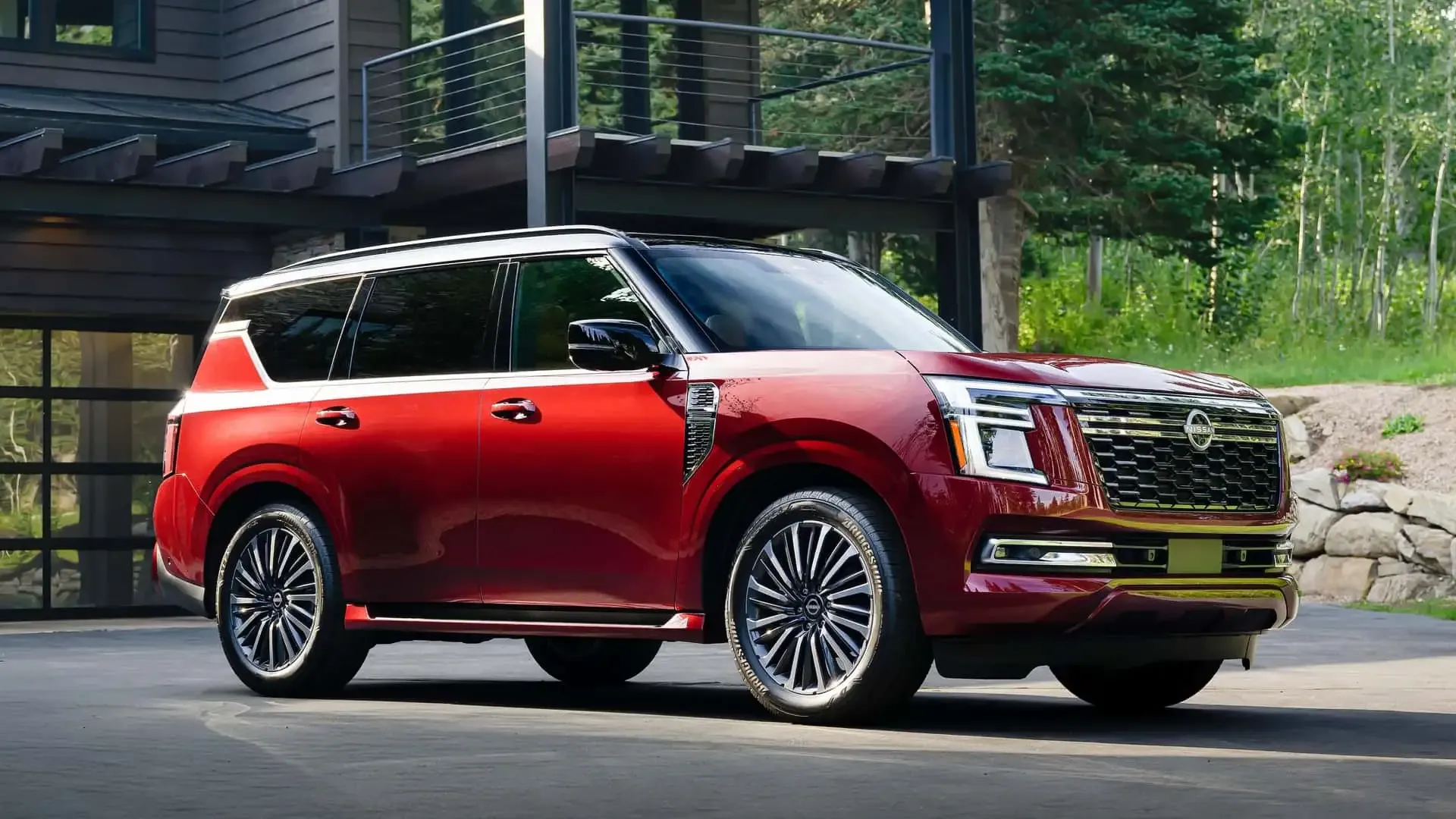
The Nissan Armada stands out for offering a stable blend of cabin space, driving comfort, and dependable connectivity. Across different model years, the Bluetooth structure in the Armada is designed to handle device pairing with a simplicity that appeals to drivers who want a predictable system.
From the moment a phone is paired, the SUV takes note of the device without introducing complications when reconnecting on subsequent drives.
This reduces the need for repeated manual adjustments and helps maintain a steady environment for phone calls or music streaming. The Armada’s infotainment setup may not push experimental boundaries, but it prioritises consistency and ease of use.
The construction of the SUV plays a role in its wireless dependability. Nissan designed the Armada with a sturdy frame and a well-insulated cabin that limits unnecessary vibrations and wind interference.
For individuals who use roof boxes to store luggage or outdoor gear, the Armada retains its Bluetooth connection without responding negatively to the added wind flow.
Even when the vehicle is fully loaded with passengers and equipment, the connectivity module remains stable, offering uninterrupted audio quality. Navigation prompts, playlist changes, and call functions all operate with a balance that suits drivers who spend long hours on the road.
8 Bluetooth-Headache Models
1. Jeep Grand Cherokee
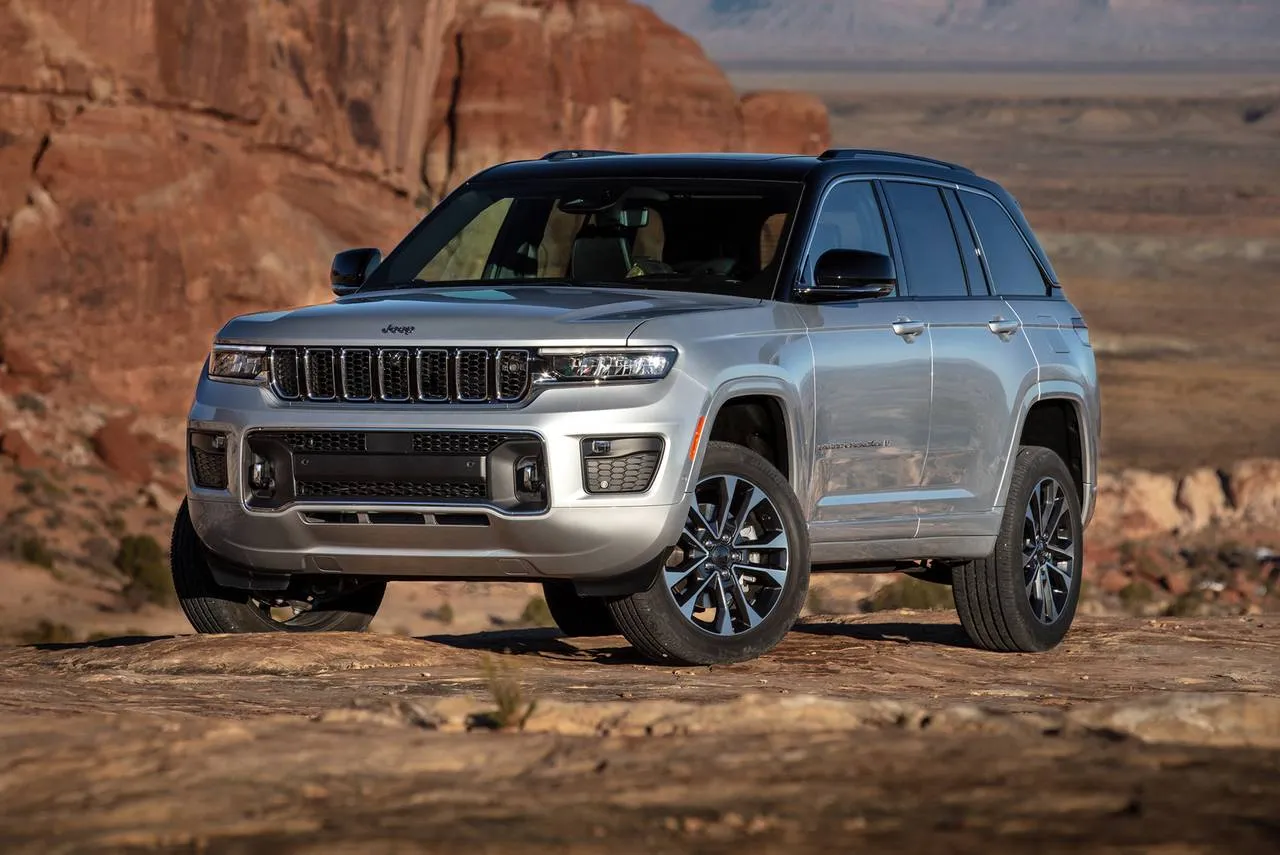
The Jeep Grand Cherokee delivers a strong presence on the road, and many drivers appreciate its balance of capability and interior comfort. However, when evaluating how it handles Bluetooth functions, certain patterns emerge that place it among models that can frustrate users who depend heavily on smooth wireless communication.
Across different model years, the Grand Cherokee’s infotainment system tends to show occasional inconsistency, especially when switching between devices or reconnecting after short stops.
Some users report that the SUV sometimes forgets previously paired phones, forcing them to repeat the pairing process even when the device had been recognised earlier.
This type of behaviour can interrupt the flow of everyday driving, especially for those who use hands-free calling during busy schedules. One of the reasons behind these interruptions relates to how the SUV’s electrical structure handles multiple tasks at once.
Drivers may need to repeat instructions or adjust the settings manually, which reduces the convenience of hands-free functions. Although the Grand Cherokee has many strengths, its wireless behaviour tends to require extra patience from users who expect consistent and quick connectivity. For this reason, it is often classified among SUVs that introduce occasional Bluetooth difficulties during daily use and extended travel.
2. Ford Expedition (Certain Years)
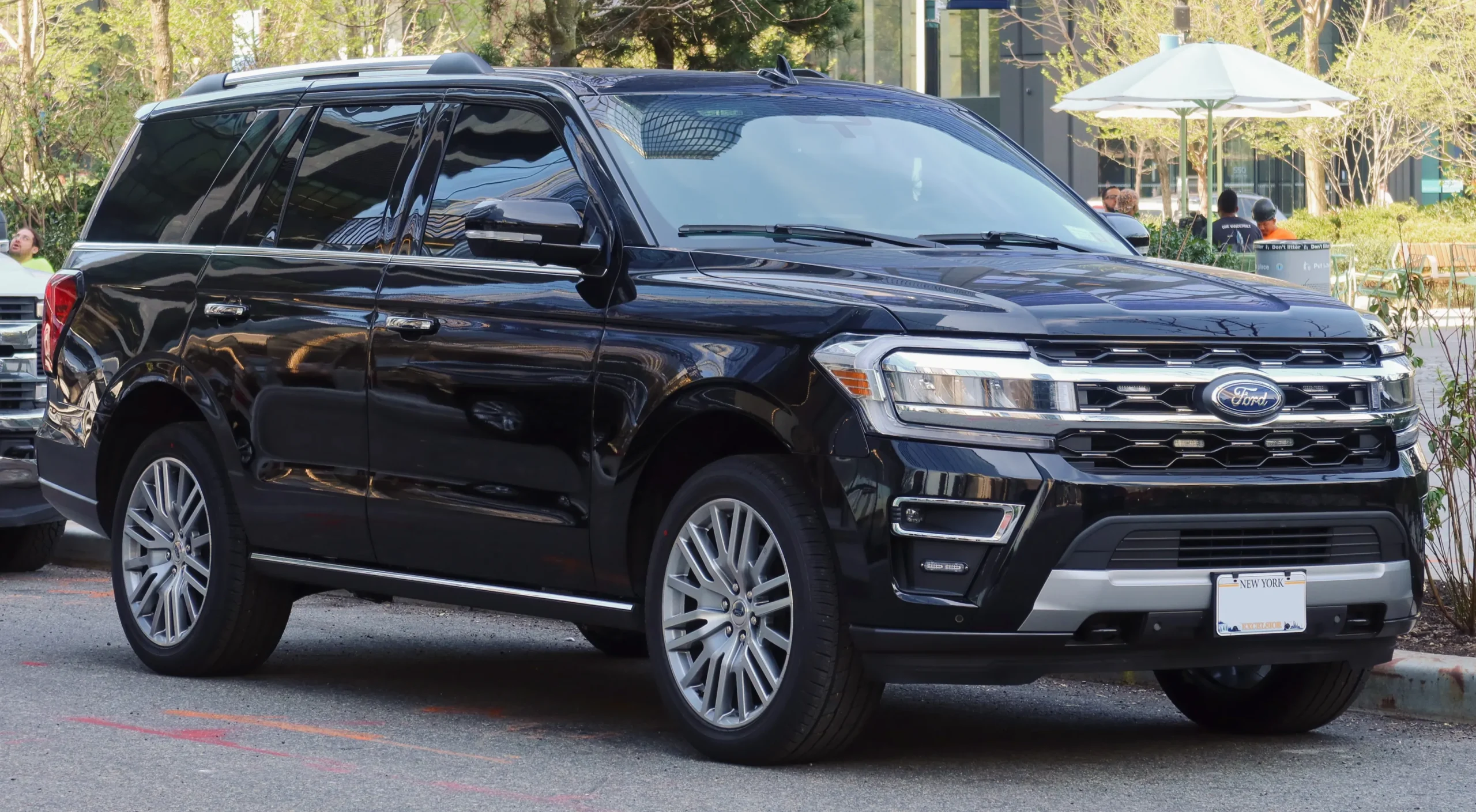
The Ford Expedition remains one of the most recognisable large SUVs, especially among families that require expansive seating, towing strength, and a broad range of comfort features. In many respects, the Expedition performs well, but depending on the model year, its Bluetooth system can create challenges that may interrupt routine driving activities.
Some users notice that the system occasionally takes longer than expected to detect a previously paired phone, leading to delays in receiving calls or accessing music.
This slow recognition process tends to happen more frequently in older model years, although certain newer versions have also shown similar patterns when the infotainment software becomes overloaded.
When a roof box is installed, the Expedition remains stable in its physical performance, but the increase in wind noise can affect voice clarity during phone calls. The Bluetooth microphone may struggle to accurately capture commands at highway speeds, especially when the cabin experiences additional background sound.
Some drivers report that voice assistants do not respond correctly or need repeated statements. Although these issues are not severe enough to limit the use of the SUV, they contribute to a classification where the Bluetooth experience feels less dependable than the rest of the vehicle.
3. Chevrolet Tahoe
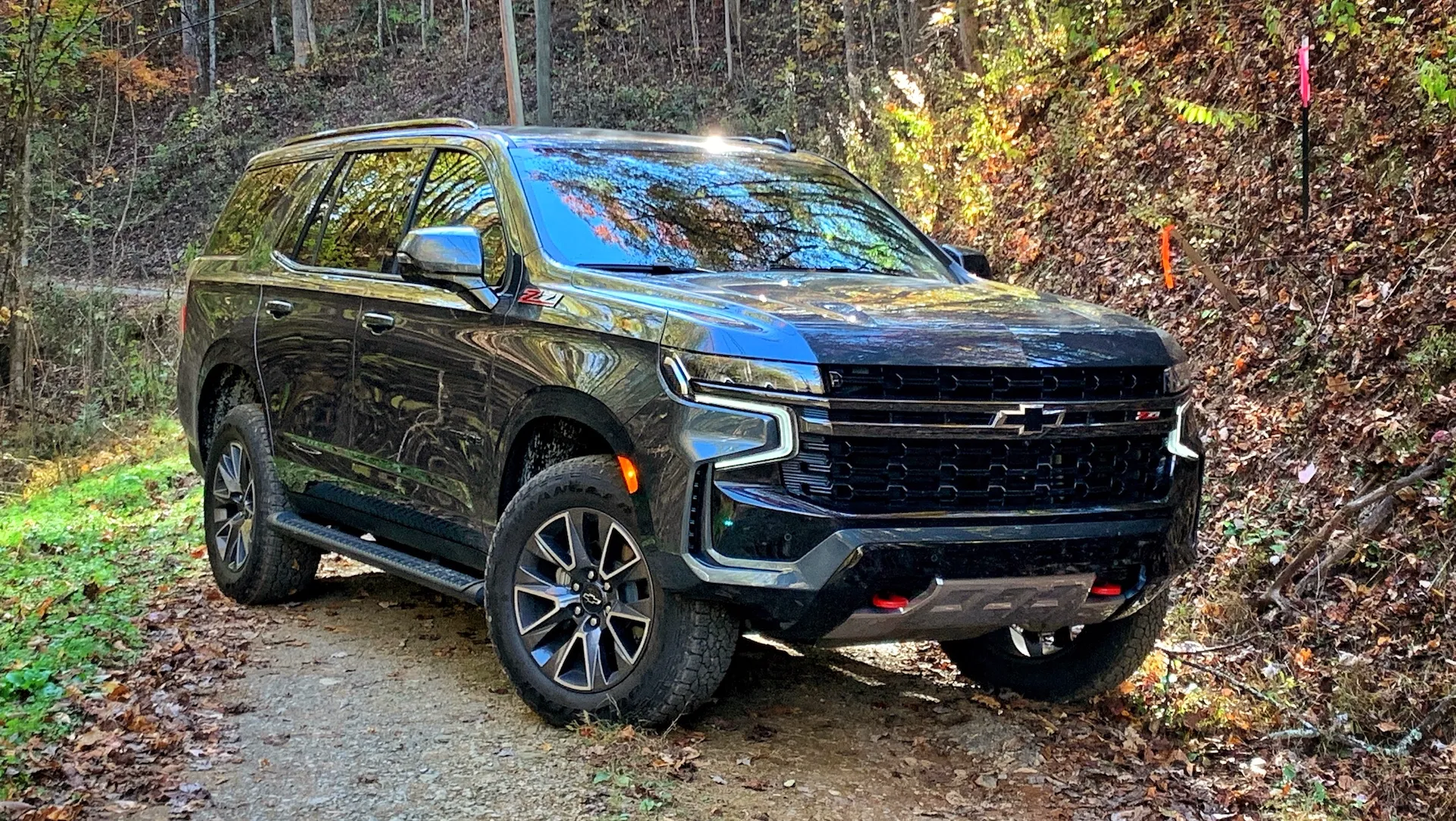
The Chevrolet Tahoe is widely regarded for its strong towing ability, large cabin, and balanced ride quality. However, when it comes to Bluetooth reliability, certain owners have highlighted challenges that place the SUV among models with inconsistent wireless behaviour.
One of the most common issues involves repeated pairing attempts when switching between drivers. The Tahoe sometimes struggles to automatically detect the last connected phone, especially when multiple devices are stored in the system’s memory.
This can lead to situations where the driver needs to manually select the device each time the engine starts, which reduces the convenience of a hands-free setup.
Another frequently mentioned complication concerns sound stability during calls. Some Tahoe users report that the audio may momentarily dip or distort, particularly when the vehicle transitions between different driving conditions.
This can happen when climbing hills, overtaking, or entering areas with variable network quality. The infotainment module occasionally reacts to these changes with slight interruptions, causing the Bluetooth signal to re-stabilise. While not dangerous, it can become irritating during conversations or when following voice-guided directions on long trips.
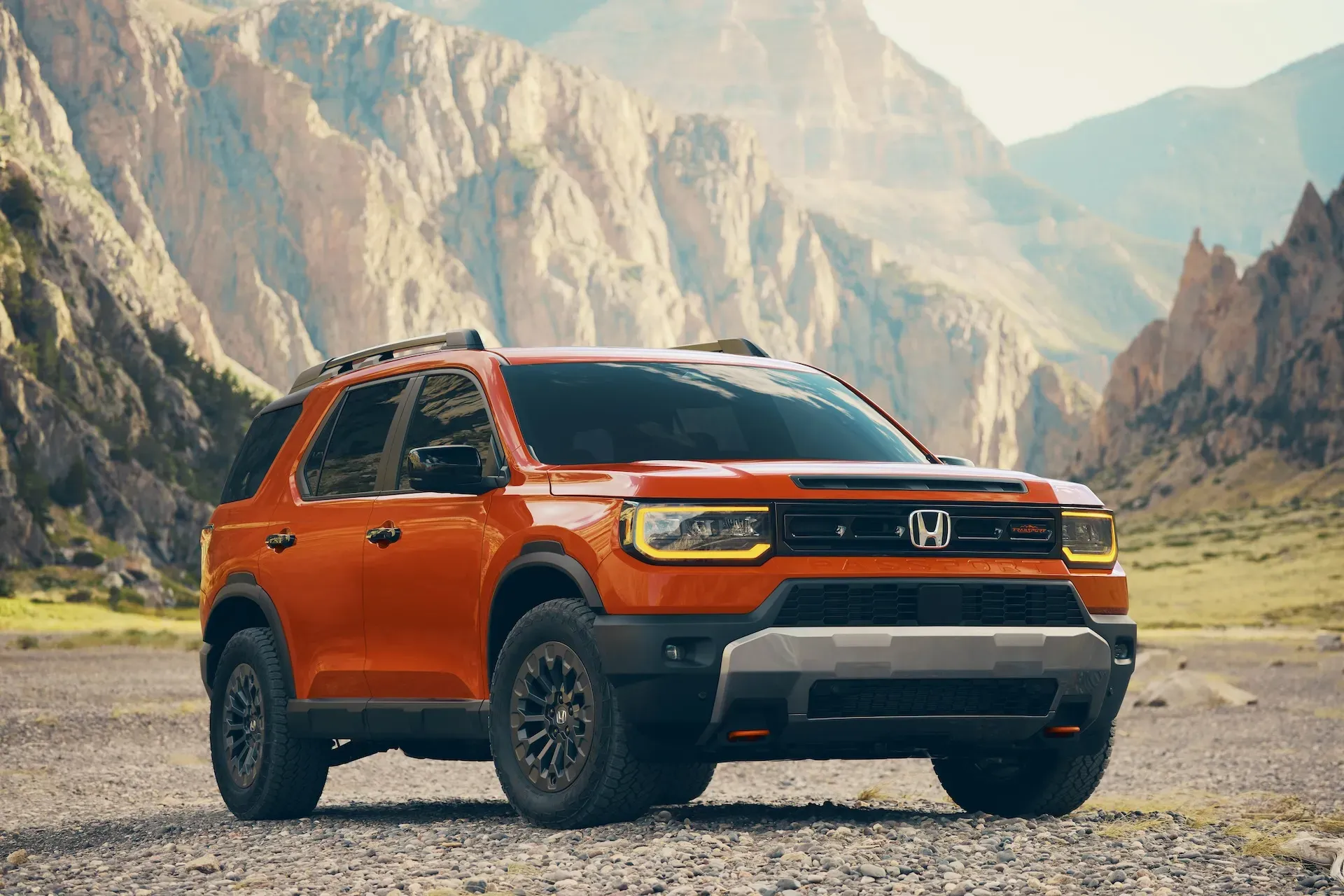
4. Honda Passport
The Honda Passport is respected for its comfortable ride, capable suspension, and strong build quality, but when analyzed through the lens of Bluetooth performance, certain patterns justify placing it among the SUVs that show inconsistency.
Many drivers appreciate the Passport’s interior layout and intuitive controls, but some report that the Bluetooth system occasionally fails to reconnect smoothly after short stops. This inconsistency may force the driver to manually trigger the connection, which interrupts the otherwise streamlined experience that Honda aims to deliver.
In some model years, the Passport also exhibits slight delays when handling voice commands. When drivers attempt to place calls or switch audio sources through the Bluetooth interface, the system might pause briefly before responding.
When a roof box is mounted, the Passport continues to deliver a stable driving feel, but increased wind noise at highway speeds makes Bluetooth-based conversations less clear. The microphone occasionally picks up background movement, and this can affect call quality for both the driver and the listener.
Voice assistants may also require repeated statements to register commands correctly. Although the Passport remains a well-rounded SUV in many categories, its Bluetooth performance does not consistently achieve the stability found in certain competitors.
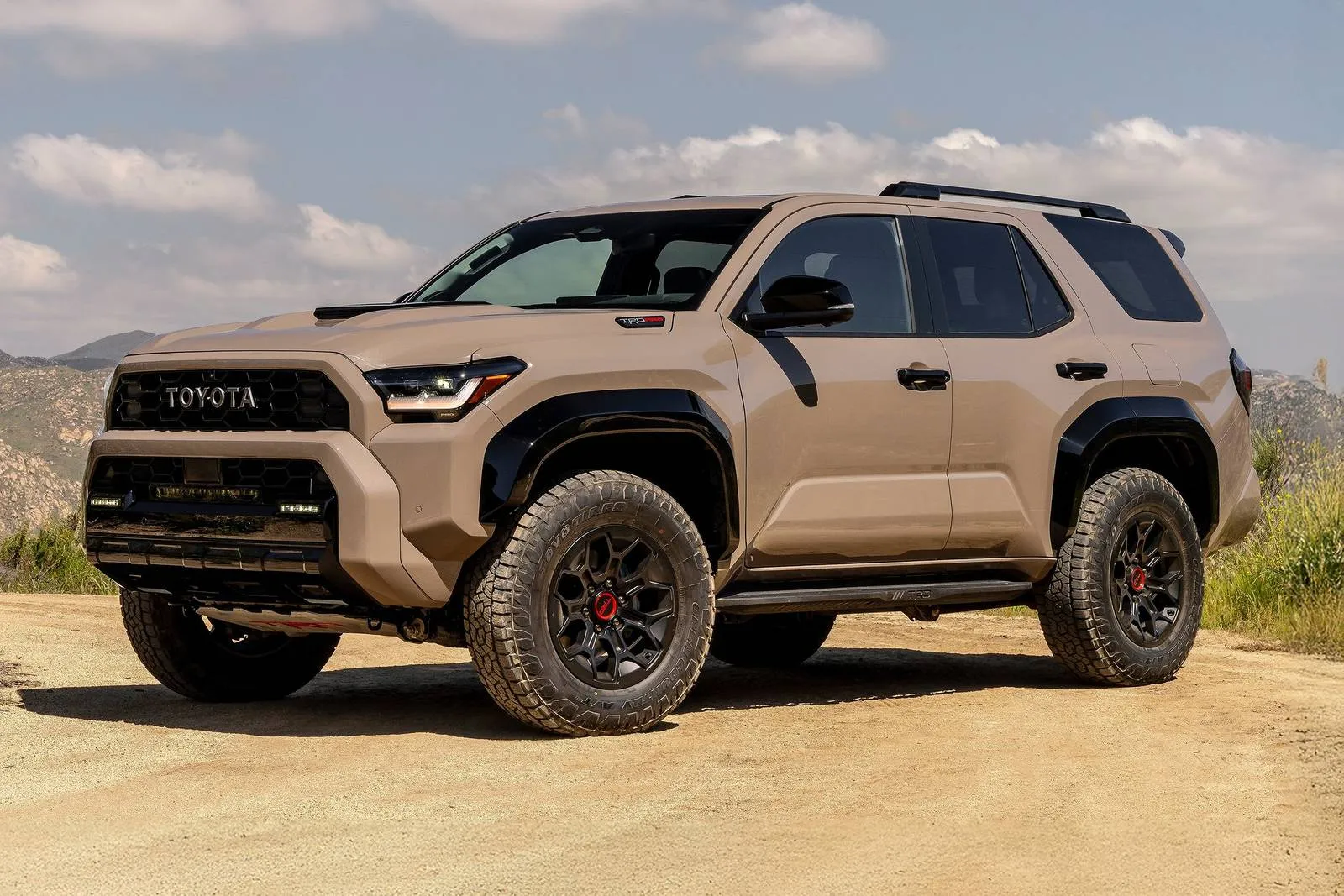
5. Toyota 4Runner
Toyota 4Runner owners appreciate how rugged and dependable the vehicle feels, especially for long trips and outdoor use. Yet when shifting attention toward Bluetooth behaviour, the experience can become quite uneven.
Several users point out that the pairing process sometimes takes longer than expected, especially during cold mornings or after the battery has been disconnected.
When the 4Runner’s infotainment system restarts after such conditions, the Bluetooth module occasionally hesitates before recognising a paired phone, leaving the driver waiting longer before hands-free features become available.
Another recurring pattern involves call audio stability. Some drivers mention that while music streaming remains steady most of the time, phone calls sometimes produce crackling or momentary dropouts. This tends to happen when moving through areas with inconsistent mobile reception or when multiple devices have been paired previously.
The system may appear confused about which phone to prioritise, especially when different passengers have Bluetooth active at the same time. This introduces unnecessary delays during call transfers, causing frustration for users who expect a smoother transition.
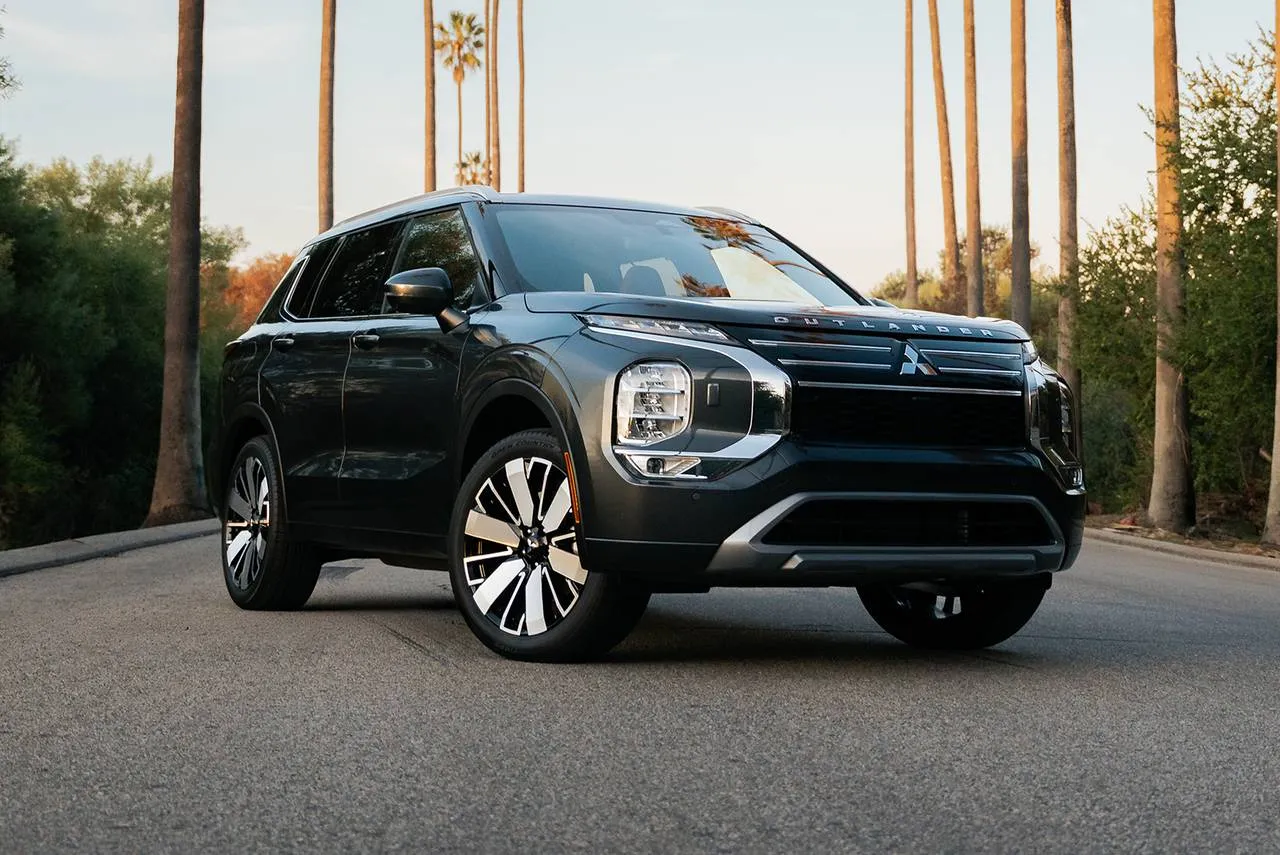
6. Mitsubishi Outlander (Selected Years)
Mitsubishi Outlander models across different years show varying levels of Bluetooth reliability, and several users have expressed challenges that make it part of this category. Some model years feature slower processors within the infotainment system, and this affects how quickly Bluetooth responses occur.
When drivers attempt to pair their devices, the system might take an unusually long time to confirm the connection. This becomes more noticeable when starting the vehicle in a hurry or when sharing the SUV between family members who frequently switch devices.
Music streaming in the Outlander can also demonstrate uneven behaviour in certain older versions. Drivers occasionally report that audio pauses for a moment without warning, only to resume once the system stabilises. This may occur during long drives when the infotainment unit has been active for extended periods.
Call quality may also fluctuate, especially during highway speeds, where outside noise competes with the microphone input. While more recent models offer improved screen interfaces, some still retain a Bluetooth setup that lacks the predictability found in competing SUVs.
When using a roof box, the Outlander still maintains its balanced physical ride, but the Bluetooth microphone becomes more vulnerable to sound interference. High-speed wind pressure can reduce the accuracy of voice commands, and callers on the other end may hear faint whistling or background movement.
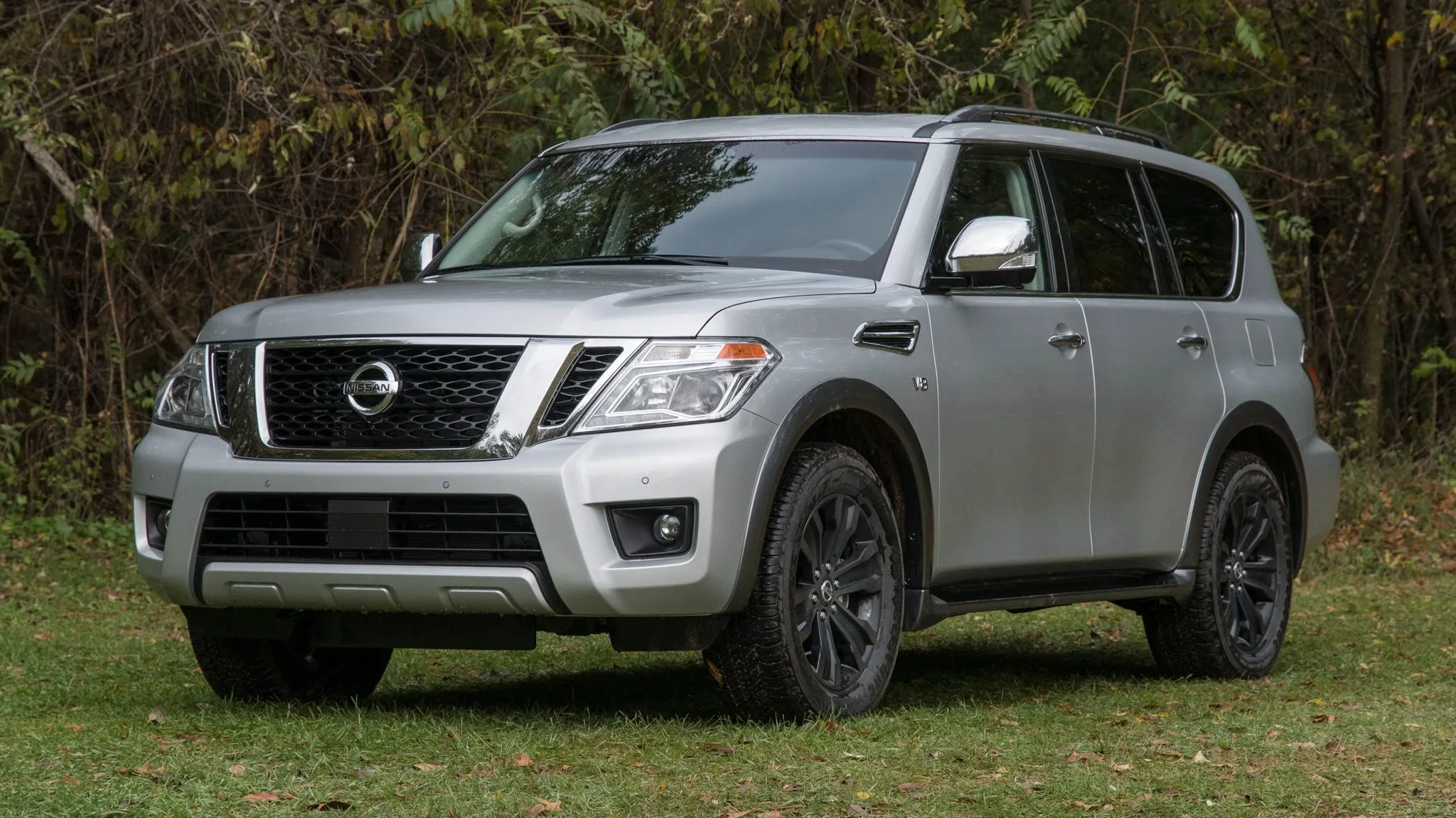
7. Nissan Armada
The Nissan Armada delivers strong power and a spacious cabin, yet its Bluetooth performance has received mixed reactions from drivers. In certain models, the pairing process behaves unpredictably, especially when multiple phones are stored in the memory.
Call stability presents another area where users report inconveniences. Some drivers mention that calls occasionally sound muffled or carry faint interference, which becomes more noticeable during long trips.
The Armada’s large cabin can sometimes create an acoustic effect that affects microphone pickup, especially when passengers speak from the second or third row.
This makes Bluetooth calls sound less crisp compared to smaller SUVs. Music playback over Bluetooth also shows mild lag in certain moments, particularly when switching apps or when multiple phone functions load at the same time.
Roof box usage does not affect the Armada’s solid road feel, but it does influence Bluetooth clarity. Wind pressure near the front area of the vehicle increases as speed rises, causing extra noise that the microphone occasionally registers. Drivers must project their voices more clearly or repeat voice prompts that the system initially misinterprets.
Also Read: 10 Small SUVs Perfect for First-Time Owners
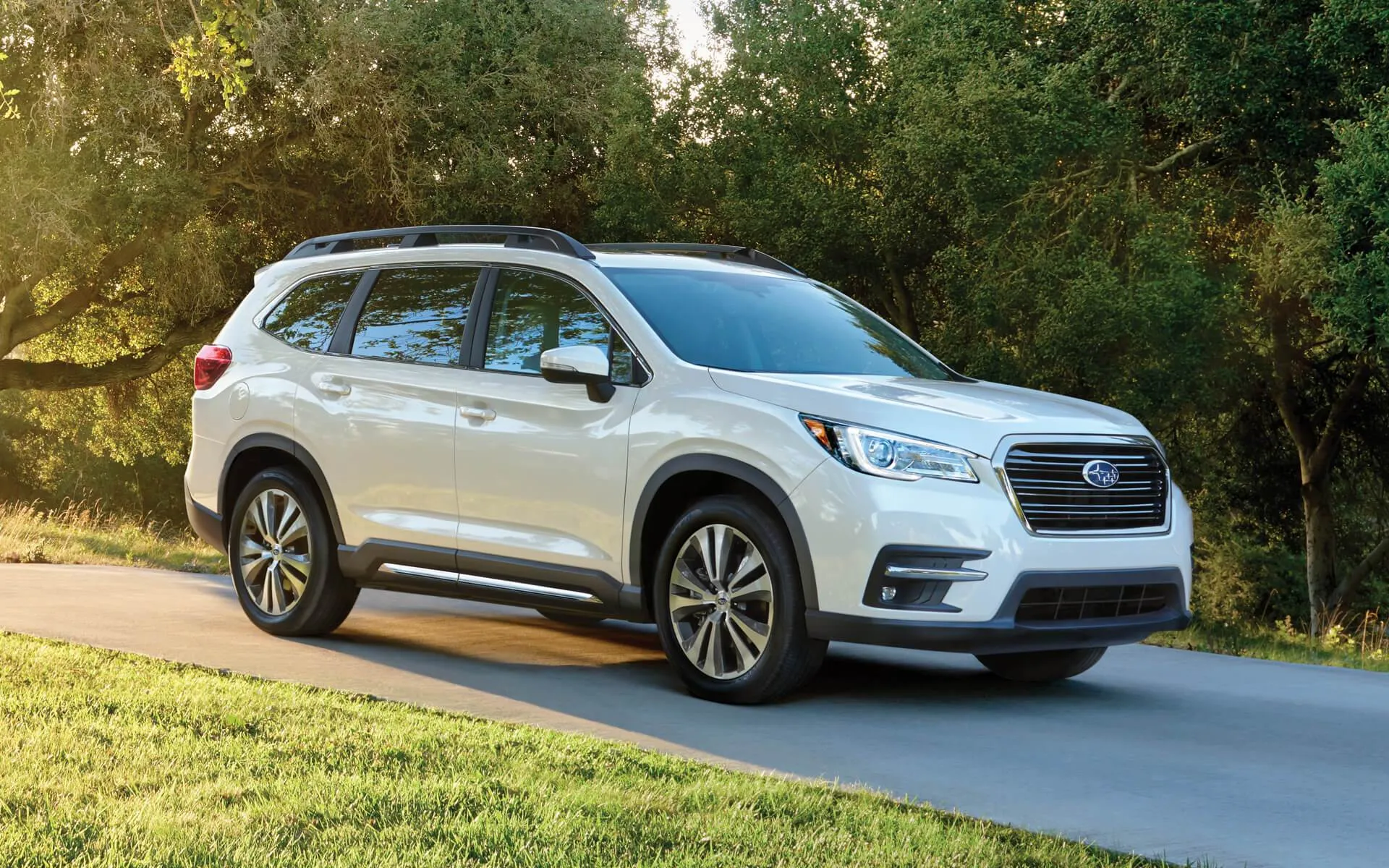
8. Subaru Ascent
Subaru Ascent owners enjoy the security features, spacious interior, and confident driving behaviour, especially in challenging weather. However, Bluetooth consistency has been an area of concern for several drivers, leading to its placement on this list.
Some users point out that the Ascent occasionally struggles to reconnect automatically after short stops. This becomes inconvenient for individuals who frequently run brief errands or make multiple stops in a single trip. When the system does not resume the connection automatically, the driver must intervene manually, interrupting hands-free convenience.
Audio transfers between different applications sometimes introduce slight pauses in the Ascent’s older model years. When switching from a messaging alert to music playback or moving from one streaming service to another, the infotainment module may hesitate momentarily.
While the delay is short, it becomes noticeable during longer drives when passengers interact with the system frequently. In certain cases, the Bluetooth system may even disconnect briefly and reconnect once the internal processor catches up, creating an inconsistent listening experience.
Installing a roof box adds more wind activity around the cabin, and this increases the noise captured by the Bluetooth microphone. Call quality may drop slightly at higher speeds, and voice-command accuracy tends to decrease as the system struggles to accurately detect the driver’s speech.