Infotainment systems have become one of the most important parts of the modern driving experience. Long gone are the days when a simple radio and a few buttons were enough. Today, these systems control everything from navigation and climate settings to smartphone integration and vehicle functions.
When done right, good infotainment fades into the background, making driving easier, safer, and more enjoyable. When done wrong, it becomes a daily source of irritation that distracts from the road and undermines even the best-engineered vehicles.
This comparison, “5 Vehicles With User-Friendly Infotainment vs 5 That Frustrate,” highlights how dramatically execution matters. On one side are vehicles that balance touchscreens with physical controls, fast software, and intuitive layouts.
On the other are models where over-minimalism, laggy software, or poor ergonomics turn simple tasks into chores. Together, these examples show that infotainment design is no longer a minor feature. It can define how satisfying or stressful a vehicle feels every single day.
5 Vehicles With User-Friendly Infotainment
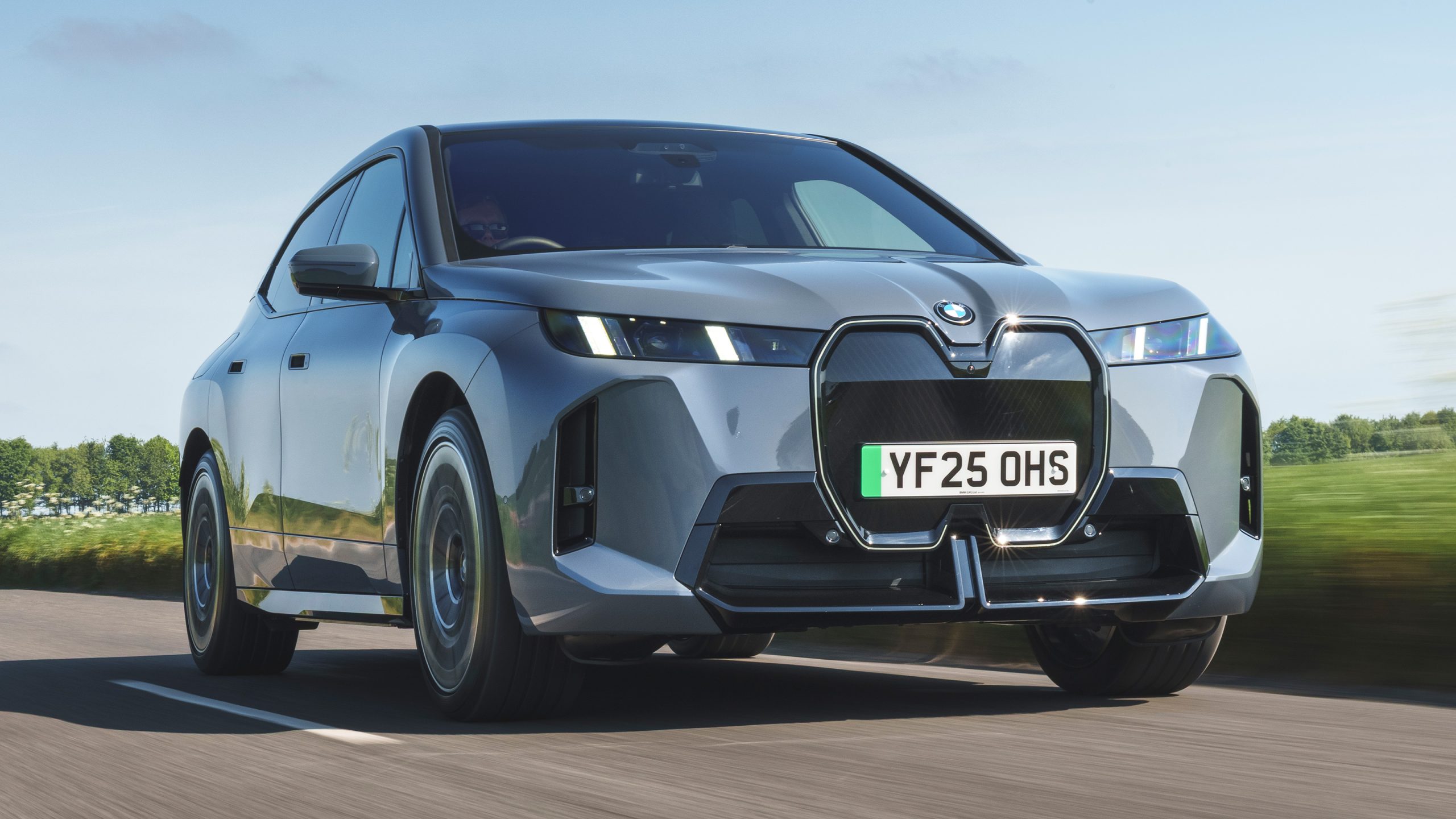
1. BMW iX: Technology, Performance, and Comfort
The 2026 BMW iX combines advanced technology, high-performance electric powertrains, and a luxurious, comfortable interior. Its standout feature is the iDrive 8.5/9 infotainment system, which integrates a 12.3-inch digital gauge cluster and a 14.9-inch curved touchscreen into a single, seamless display.
BMW retains the classic rotary controller for tactile input, while touch, voice, and gesture controls are fully supported. The system’s QuickSelect function allows instant access to navigation, media, and phone functions, while a permanent climate bar reduces unnecessary menu diving.
iDrive 9, based on Android Automotive OS, enhances app integration and personalization with widgets, augmented reality navigation, and over-the-air updates. Connectivity is comprehensive, with standard wireless Apple CarPlay, Android Auto, and a 5G Wi-Fi hotspot.
The iX is offered in three variants: the xDrive45 with 402 hp, xDrive60 with 536 hp, and the high-performance M70 xDrive delivering 650 hp. All models feature all-wheel drive, optional or standard adjustable air suspension, and rear-wheel steering.
Acceleration ranges from 0–60 mph in 4.6 seconds for the xDrive45 to a claimed 3.6 seconds for the M70. Test drives highlight agile handling, smooth ride quality, and a quiet cabin, though the M70’s firmer suspension slightly compromises comfort. Towing capacity reaches 3,500 pounds with an optional hitch.
Battery range varies by model, with the xDrive60 rated at 364 miles, the xDrive45 at 312 miles, and the M70 at 303 miles.
DC fast charging allows a 10–80% recharge in 35 minutes using a 200-kW connection, and real-world highway testing shows impressive efficiency, with the xDrive45 achieving 290 miles at 75 mph. EPA ratings range up to 99 MPGe city and 94 MPGe highway for the xDrive60, while the M70 is rated at 75 MPGe combined.
Inside, the iX offers space comparable to the X5/X6, with a modern, minimalist design featuring a hexagonal steering wheel, optional panoramic sunroof with electrochromic shading, heated power seats with integrated speakers, and upholstery choices including leather, faux leather, or microfiber fabric.
Standard safety features include automated emergency braking, lane-keeping assist, adaptive cruise control, and parking sensors. BMW provides a four-year/50,000-mile warranty, eight-year/100,000-mile coverage for EV components, and three-year/36,000-mile complimentary maintenance.
The BMW iX delivers an intuitive, high-tech driving experience with strong performance, long-range capability, premium comfort, and comprehensive safety and connectivity, making it one of the most advanced electric SUVs on the market.
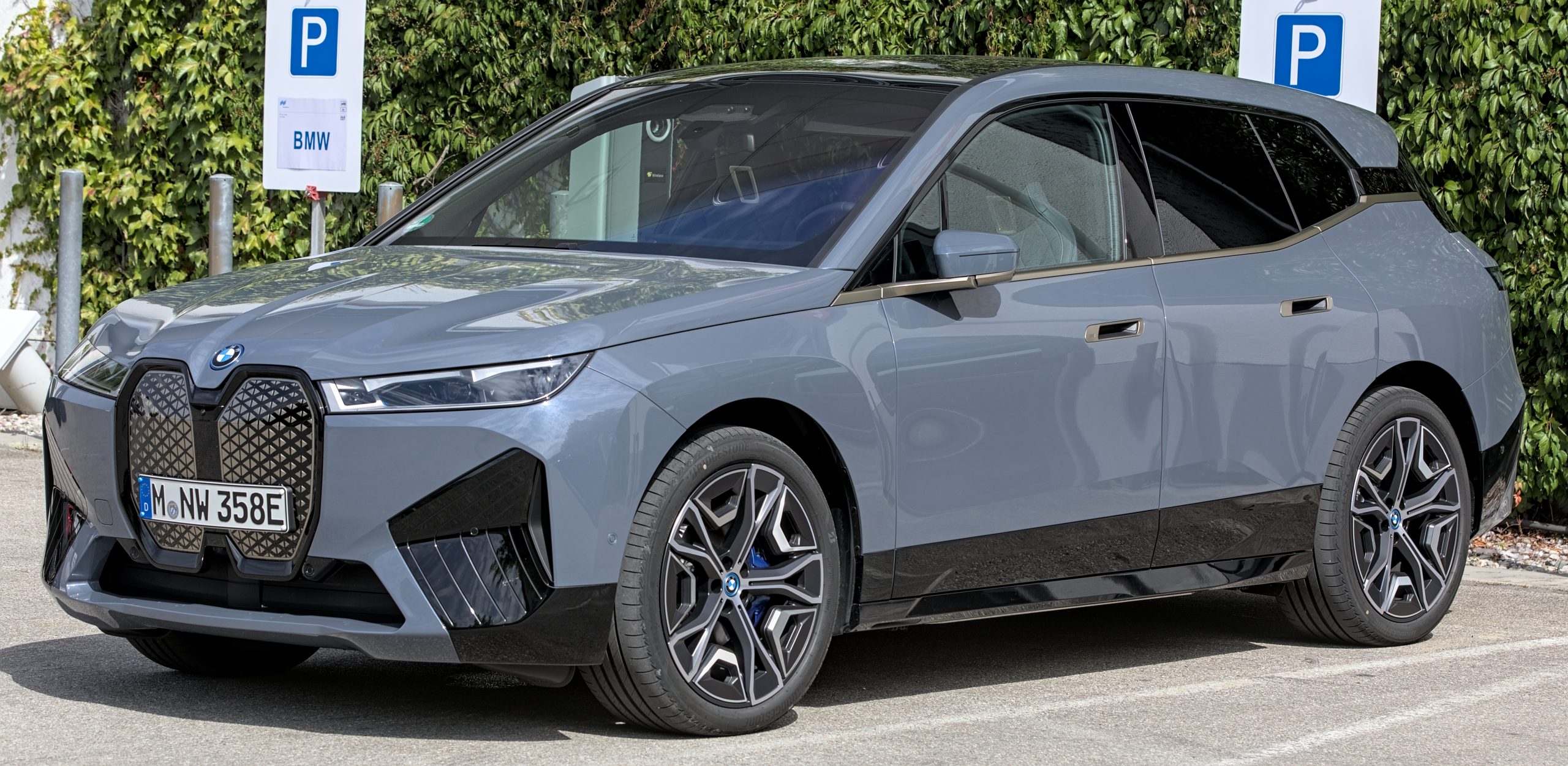
2. Ford Mustang Mach-E (SYNC 4A): Smart Design Meets Everyday Usability
The Ford Mustang Mach-E is a standout electric crossover that combines engaging performance with a highly user-friendly infotainment experience. Central to this is Ford’s SYNC 4A system, displayed on a 15.5-inch vertical touchscreen designed for clarity and intuitive operation. The bottom third of the screen is dedicated to permanent climate controls, making adjustments simple without opening multiple menus. A physical volume knob integrated into the screen provides tactile feedback, addressing a common frustration of digital-only interfaces.
SYNC 4A uses adaptive “dash cards” to prioritize frequently used functions like navigation, media, and phone controls. The system learns driver habits, bringing relevant routes or features to the forefront automatically. Split-screen functionality allows multiple applications to be accessed simultaneously, while swipe-and-tap gestures mimic the familiarity of a smartphone. Wireless Apple CarPlay and Android Auto are standard, ensuring seamless smartphone integration.
Cloud-connected navigation supplies real-time traffic updates, route suggestions, and points of interest. Ford’s Phone As A Key feature recognizes the driver and preloads personal settings before entry. Voice commands utilize natural language processing, enabling requests such as finding nearby coffee shops or playing playlists without memorizing specific prompts.
EV-specific features enhance convenience, including trip planning based on battery status and integrated one-pedal driving controls for smoother city travel. Powertrains range from a 264-hp rear-wheel-drive model to 480-hp dual-motor GT Performance versions producing up to 700 lb-ft of torque. Acceleration is brisk, the cabin is quiet, and ride quality is refined. EPA-rated range spans 265–320 miles, with DC fast charging up to 150 kW and Tesla Supercharger compatibility via adapter.
The interior is spacious, offering ample cargo room, comfortable seating, and modern materials. Combined with advanced driver-assistance features and over-the-air updates, the Mustang Mach-E demonstrates how thoughtful infotainment design can enhance driver convenience, comfort, and confidence in an electric vehicle.
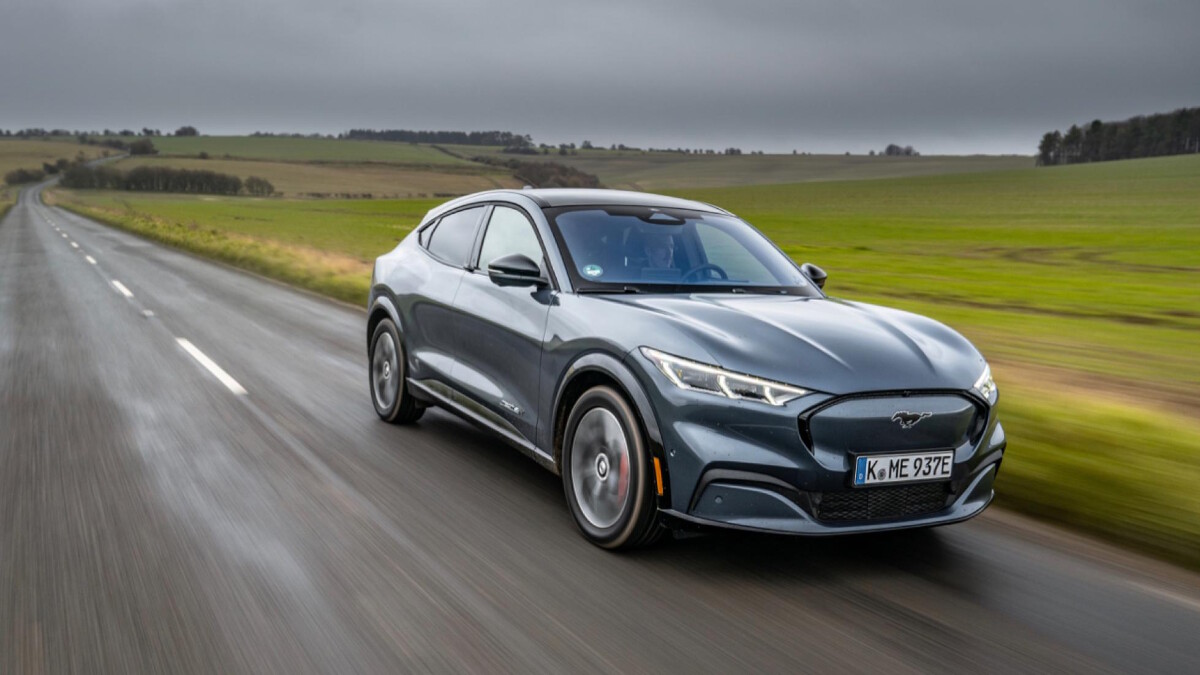
3. Hyundai IONIQ 6: Efficient, Comfortable, and Tech-Savvy
The Hyundai IONIQ 6 is designed as a long-range, efficient electric sedan that balances performance, comfort, and advanced technology. At the heart of its cabin is the Connected Car Navigation Cockpit (ccNC) system, featuring dual 12.3-inch panoramic displays and a clean, intuitive “Seon” design with horizontal lines for high legibility.
The interface is complemented by physical knobs for volume and tuning, a dedicated touch panel for climate control, and natural language voice recognition. ccNC runs on faster processors, enabling smoother navigation, responsive menus, and colorful, easy-to-tap icons.
The system also supports wireless Apple CarPlay and Android Auto, biometric user profiles, in-vehicle payments, third-party app integration, and over-the-air updates, all aimed at minimizing driver distraction and maximizing convenience.
Built on Hyundai’s E-GMP platform, the IONIQ 6 prioritizes aerodynamic efficiency with a drag coefficient of 0.21. It offers two powertrain options: a rear-wheel-drive single motor (226 hp/258 lb-ft) delivering up to 338 miles WLTP range, and an all-wheel-drive twin motor (320 hp/446 lb-ft) offering 322 miles WLTP but higher performance.
The rear-drive model accelerates 0–62 mph in 5.1 seconds, while both variants use a 77.4 kWh battery and 20-inch wheels. Hyundai’s 800-volt architecture enables ultra-fast DC charging at 350 kW, achieving 10–80% recharge in just 18 minutes under ideal conditions.
The IONIQ 6 emphasizes a quiet and refined ride. Its low-slung, sedan-like proportions provide excellent rear legroom, while boot usability is slightly compromised due to the sleek design. Suspension is well-damped, minimizing road noise and cabin vibration, even on larger wheels. Driving modes include Eco, Normal, and Sport, with adjustable regenerative braking across five levels for one-pedal driving.
Visually, the IONIQ 6 departs from the 1970s-inspired aesthetic of the IONIQ 5, opting for a wind-tunnel-driven design with distinctive pixel lighting, transparent plastics, and clean rear detailing. While some styling elements are less immediately striking, its individuality and aerodynamic efficiency set it apart.
Compared to rivals like the Tesla Model 3, Polestar 2, and BMW i4, the IONIQ 6 delivers a combination of efficiency, reliability, and comfort.
It’s a “long-distance cruiser” that soaks up miles effortlessly, mitigates range anxiety, and maintains smooth, efficient performance, all at a competitive price starting around £47,000. Hyundai has created an electric sedan that is technologically advanced, driver-friendly, and engineered for real-world efficiency.
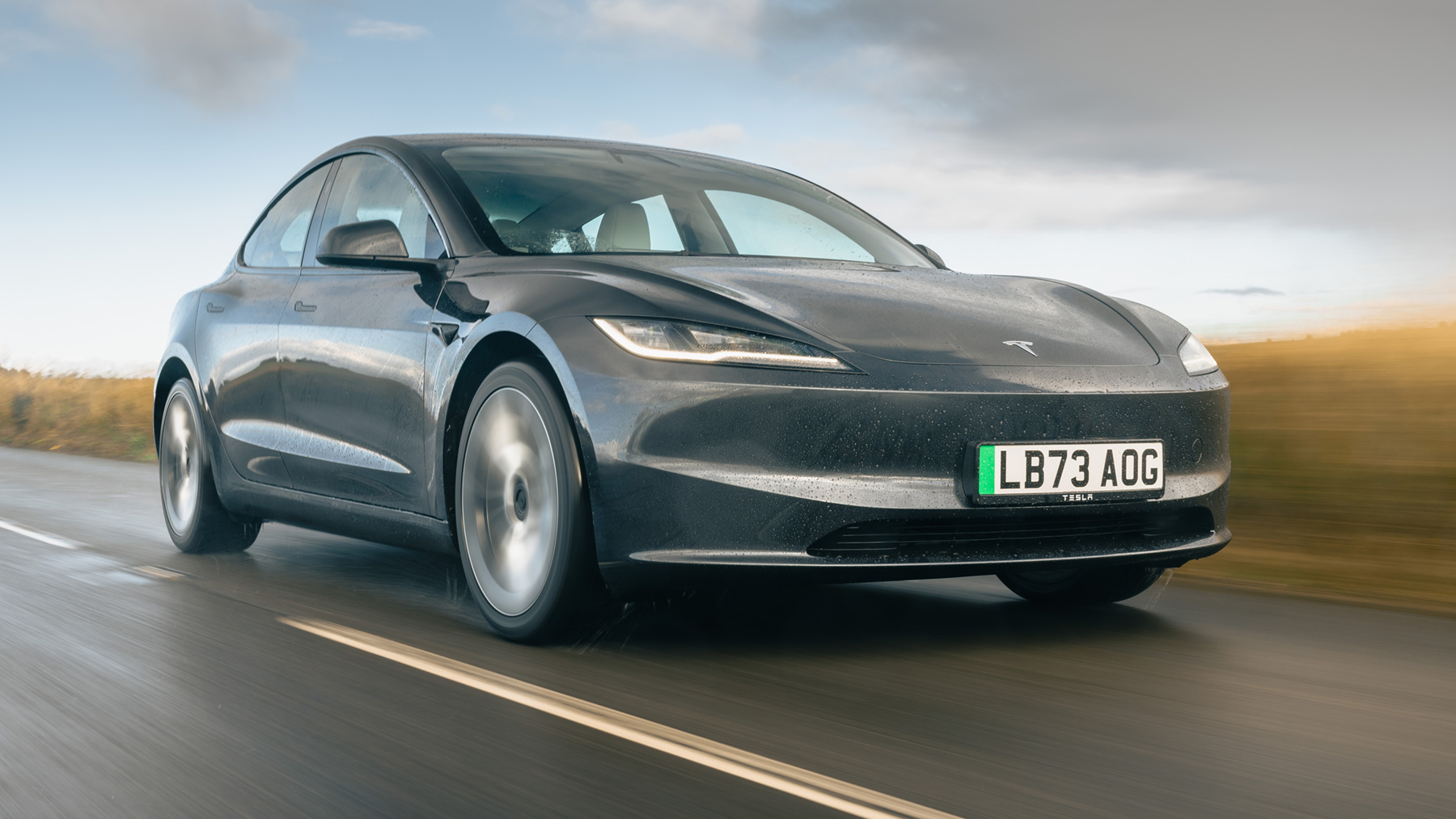
4. Tesla Model 3: Digital-First, Efficient, and Benchmark-Setting
The Tesla Model 3 is a digitally focused electric sedan that continues to define user-friendly EV technology. Its minimalist interior removes almost all physical buttons, placing controls on a single 15- to 15.4-inch touchscreen that responds like an iPad with no lag. The interface is intuitive, logical, and smartphone-like, with essential functions such as climate control, navigation, and media accessible from a fixed bottom dock.
Recent hardware upgrades, including AMD Ryzen processors, ensure smooth multitasking. Over-the-air updates continuously improve software features and performance. Advanced voice commands, natural language recognition, and deep vehicle integration, including a 3D rendering of surrounding traffic, enhance the digital driving experience.
The infotainment ecosystem extends beyond the cabin. The Tesla smartphone app functions as a digital key and allows remote control of cabin climate, charging, and vehicle monitoring.
Driver profiles are stored in the cloud, preserving seat, mirror, and navigation settings. Entertainment features, including Netflix, YouTube, Spotify, and arcade games, provide amusement during charging stops, while Theater and Arcade modes make waiting times more enjoyable.
Tesla offers a range of powertrains, including a base rear-wheel-drive model with 279 horsepower and a 57.5 kWh battery, Long Range RWD and AWD models with 75 kWh batteries, and a Performance all-wheel-drive model producing 510 horsepower.
WLTP ranges extend from 318 miles in the entry model to 436 miles in the Long Range RWD, with 0-62 mph times from 6.1 seconds to 3.2 seconds in the Performance version. The 2023 facelift includes sharper headlights and subtle rear tweaks that improve aerodynamics and give the car a more refined appearance.
Inside, material quality has improved, though the white seats may not appeal to everyone. The relocation of indicators onto the steering wheel requires some adjustment, and certain features, such as automatic wipers, can struggle in light rain. Tight urban maneuvers remain challenging in the Model 3.
Tesla’s Supercharger network is a major advantage, providing fast, reliable, and convenient charging. Compared to competitors such as the BMW i4, Polestar 2, Hyundai IONIQ 5, Ford Mustang Mach-E, and Kia EV6, the Model 3 excels in software sophistication, efficiency, and EV infrastructure.
While it has minor flaws, it remains one of the most compelling and influential electric cars in the world, setting a global benchmark for digital-first driving and performance.
5. Chevrolet Tahoe: Family-Friendly Technology with Full-Size Capability
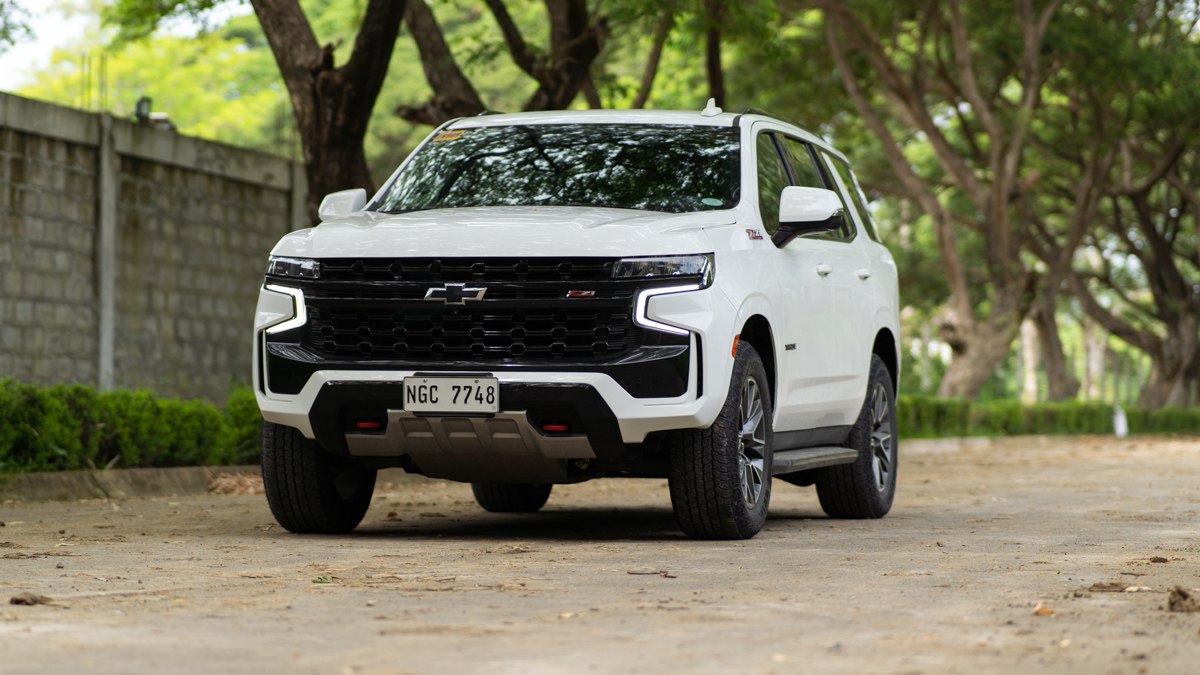
The Chevrolet Tahoe with Google Built-In blends large-SUV practicality with one of the most intuitive infotainment systems in the segment. By integrating Google Maps, Google Assistant, and Google Play directly into the dashboard, Chevrolet removes the need for constant smartphone connectivity while delivering familiar, high-quality navigation and voice control.
The system behaves much like a modern tablet, with crisp graphics, fast response times, and a logical menu structure that minimizes distraction.
Google Assistant allows hands-free control of navigation, calls, texts, and climate functions, making it especially convenient for families on the move. Wireless over-the-air updates ensure the software remains current, while wireless Apple CarPlay and Android Auto remain available for users who prefer them.
The infotainment system is displayed on a large 17.7-inch touchscreen that is angled slightly toward the driver. Physical volume knobs and a home button remain in place, striking a balance between digital convenience and tactile usability.
Personalized driver profiles store preferences such as music, contacts, and navigation history, while the Tahoe’s built-in OnStar data connection often provides a stronger and more reliable signal than a paired smartphone.
Under the hood, the Tahoe offers a range of powertrains to suit different needs. Most models come with either a 5.3-liter V8 producing 355 horsepower or a 6.2-liter V8 with 420 horsepower, both paired with a 10-speed automatic transmission.
A 3.0-liter inline-six diesel is also available, delivering 305 horsepower and an impressive 495 lb-ft of torque. Rear-wheel drive is standard, with all-wheel drive optional. The off-road-focused Z71 trim adds traditional four-wheel drive, all-terrain tires, underbody protection, and available air suspension with adjustable ride height.
The Tahoe is capable of towing up to 8,400 pounds when properly equipped, making it competitive with some full-size pickup trucks. Fuel economy varies by engine, with the diesel offering the best efficiency at up to 26 mpg highway.
Inside, the Tahoe provides generous space across three rows, flexible second-row seating, and a maximum cargo capacity of 123 cubic feet. Higher trims add premium materials, power-adjustable features, and upscale finishes.
Standard safety features include automated emergency braking, lane-keeping assist, and pedestrian detection, while optional Super Cruise enables hands-free highway driving. With strong technology integration, impressive towing ability, and a spacious, comfortable interior, the Chevrolet Tahoe delivers a well-rounded full-size SUV experience that is both powerful and user-friendly.
Also Read: 5 Cars That Feel Comfortable on Long Days vs 5 That Don’t
5 That Frustrates
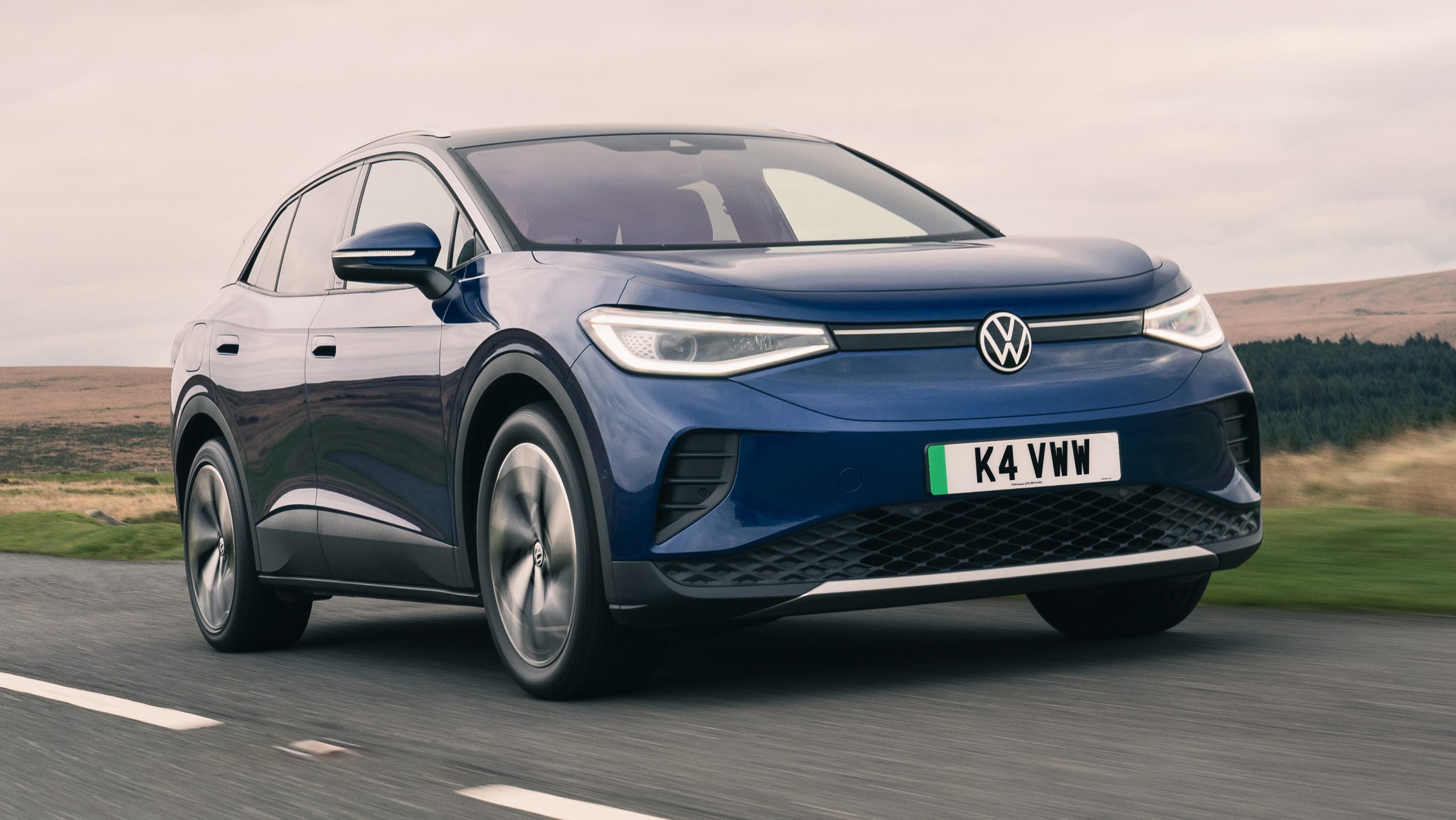
1. Volkswagen ID.4: Minimalist Design That Missed the Mark
The Volkswagen ID.4 infotainment system has become one of the most criticized examples of how minimalist design can undermine everyday usability. Rather than presenting a simple learning curve, the system reflects a deliberate shift away from traditional ergonomics toward a fully digital interface that many drivers find frustrating in real-world use.
The most common complaint centers on the removal of physical controls. Functions that drivers adjust frequently, such as volume and climate settings, are handled almost entirely through the central touchscreen.
This forces drivers to look away from the road to navigate menus that were once controlled by instinctive knob turns or button presses. What was meant to feel modern instead feels less safe and more distracting during daily driving.
One of the most widely criticized features is the capacitive touch slider located beneath the screen. Used for both temperature and audio volume, the slider is not backlit on earlier models, making it effectively invisible at night. Drivers are left guessing where to place their finger or relying on voice commands that can be inconsistent. This single design choice has become symbolic of the system’s poor attention to usability.
Performance issues further compound the frustration. Early software versions suffered from slow boot times and noticeable lag, sometimes leaving drivers waiting for the rearview camera or climate controls to load after starting the car. Compared to smoother systems from competitors such as Tesla and Hyundai, the ID.4 feels unfinished and sluggish.
The interface is also criticized for over-complex menu structures that require multiple taps for basic actions. Capacitive touch buttons on the steering wheel add to the problem, as they are prone to accidental activation when resting a hand on the wheel, leading to unintended inputs. In more serious cases, software glitches have caused screens to freeze or go blank entirely, prompting recalls due to safety concerns.
Volkswagen has acknowledged these shortcomings. Newer models introduce faster processors, updated software, a larger display, and illuminated sliders. While these changes are improvements, the ID.4 remains a cautionary example of how digital minimalism can come at the cost of everyday usability.
2. Subaru Outback: Big Screen, Big Trade-Offs
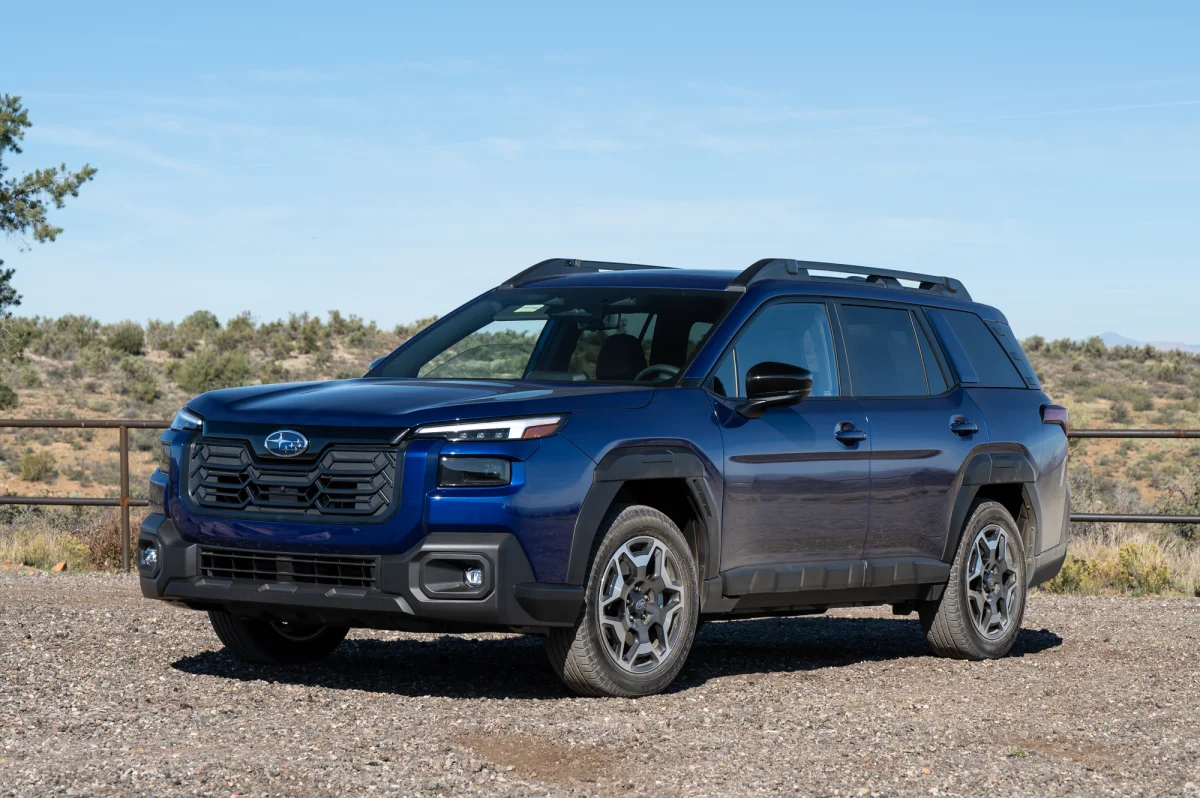
The Subaru Outback’s infotainment system represents a clear shift away from traditional physical controls toward a large, touchscreen-centric interface. Dominated by an 11.6-inch vertical display, the system looks modern and impressive at first glance, but everyday usability has proven frustrating for many owners. The core issue is not the size of the screen itself, but how many essential vehicle functions have been buried within it.
Key controls such as climate settings, seat heaters, and vehicle preferences are integrated into on-screen menus rather than dedicated buttons. Simple adjustments often require multiple taps, forcing drivers to divert their attention from the road. Tasks that once relied on muscle memory now demand visual confirmation, reducing ease of use and increasing distraction during driving.
Performance concerns further compound these frustrations. Many drivers report system lag, particularly during startup, when the screen can take several seconds to fully load and respond. Touch inputs may register slowly or inconsistently, leading to accidental double-taps or missed commands. While later software updates have improved responsiveness, the system still feels less fluid than key competitors.
Visibility is another commonly cited issue. The glossy screen finish and vertical orientation make the display prone to glare in direct sunlight. Drivers wearing polarized sunglasses often report that parts of the screen appear dim or unreadable, which can make navigation and climate adjustments difficult in bright conditions.
Connectivity problems also affect the experience. Owners frequently report unstable connections with Apple CarPlay and Android Auto, including unexpected disconnections and Bluetooth pairing failures.
Earlier software versions limited smartphone mirroring to a smaller portion of the screen, wasting available display space. Although updates have largely corrected this on newer models, frustration remains among owners of older vehicles.
Hardware reliability has also been a concern. Some earlier Outback models experienced “ghost touch” issues, where the screen registers inputs without being touched, as well as screen delamination, causing bubbling or peeling of the display. Subaru has acknowledged many of these problems through recalls, warranty extensions, and over-the-air updates.
Looking ahead, Subaru plans to introduce a new 12.1-inch infotainment system for the 2026 Outback. While improvements are underway, the current system stands as an example of how screen-heavy design can compromise usability when functionality and visibility are not carefully balanced.
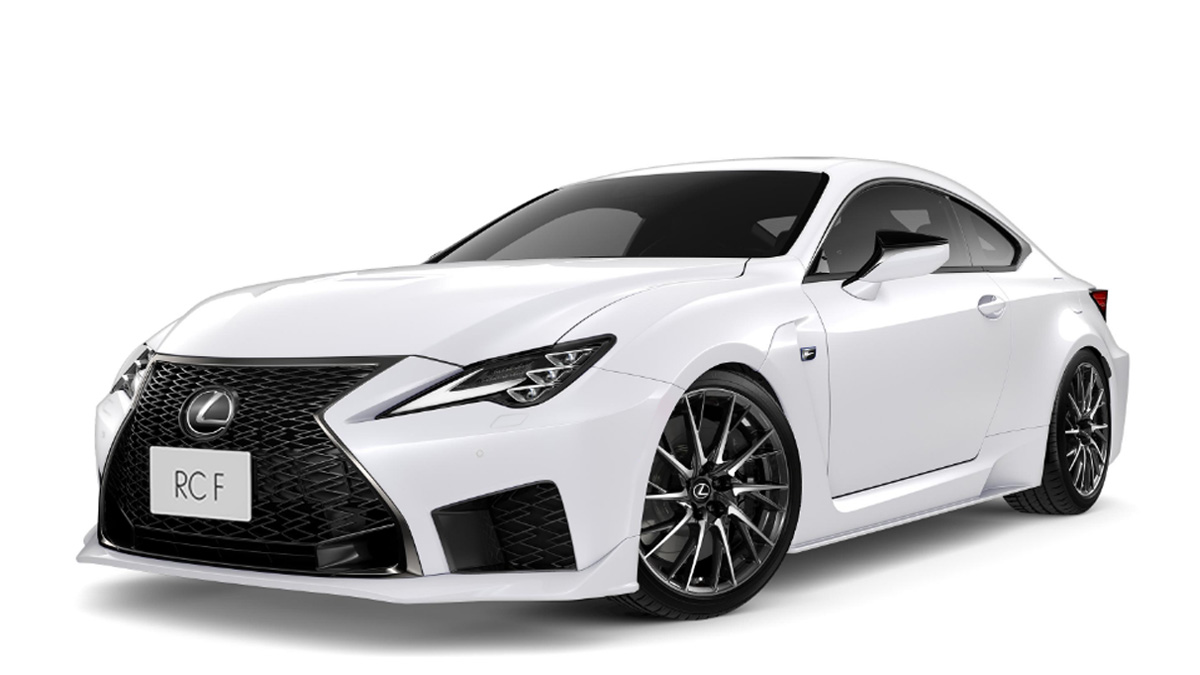
3. Lexus RC (Older Generations): Premium Build, Problematic Interface
The older-generation Lexus RC infotainment system used between 2015 and 2022 is often cited as a clear example of design prioritizing style over everyday usability.
While Lexus maintained its reputation for build quality and mechanical reliability, the infotainment experience lagged behind competitors and became a frequent source of owner frustration. The system’s shortcomings can be traced to three main areas: interaction, integration, and ergonomics.
At the center of the criticism is the Remote Touch Interface (RTI). Instead of adopting a rotary controller or touchscreen, Lexus relied on a laptop-style trackpad located on the center console. In theory, it offered precise cursor control with haptic feedback that “snapped” the cursor onto menu icons.
In practice, it proved extremely difficult to use while driving. Road vibrations often caused the cursor to overshoot icons, forcing repeated attempts to select basic functions. Because the system demanded fine motor control and constant visual attention, drivers often spent longer looking at the screen than with simpler interfaces, raising safety concerns.
Technology integration further exposed the system’s limitations. For many years, Lexus resisted adopting Apple CarPlay and Android Auto, leaving owners reliant on the native Lexus Enform software. Enform’s navigation maps and menus felt dated even at launch, and the lack of smartphone mirroring made the system feel behind the times.
When CarPlay was eventually introduced around 2019 or 2020, it was still controlled through the trackpad. Since smartphone interfaces are designed for direct touch input, using them via a cursor felt awkward and unintuitive.
Ergonomics and hardware also worked against usability. The infotainment screen was mounted deep within the dashboard to reduce glare, making it unreachable without leaning forward. This placement eliminated the possibility of touch input altogether. The display itself suffered from relatively low resolution and dated graphics, especially when compared with contemporary systems from Audi or Mercedes-Benz.
Lexus finally addressed these issues in 2023 by introducing a true touchscreen and moving the display closer to the driver. This update effectively sidelined the trackpad, marking a long-overdue shift toward a more intuitive and modern infotainment experience.
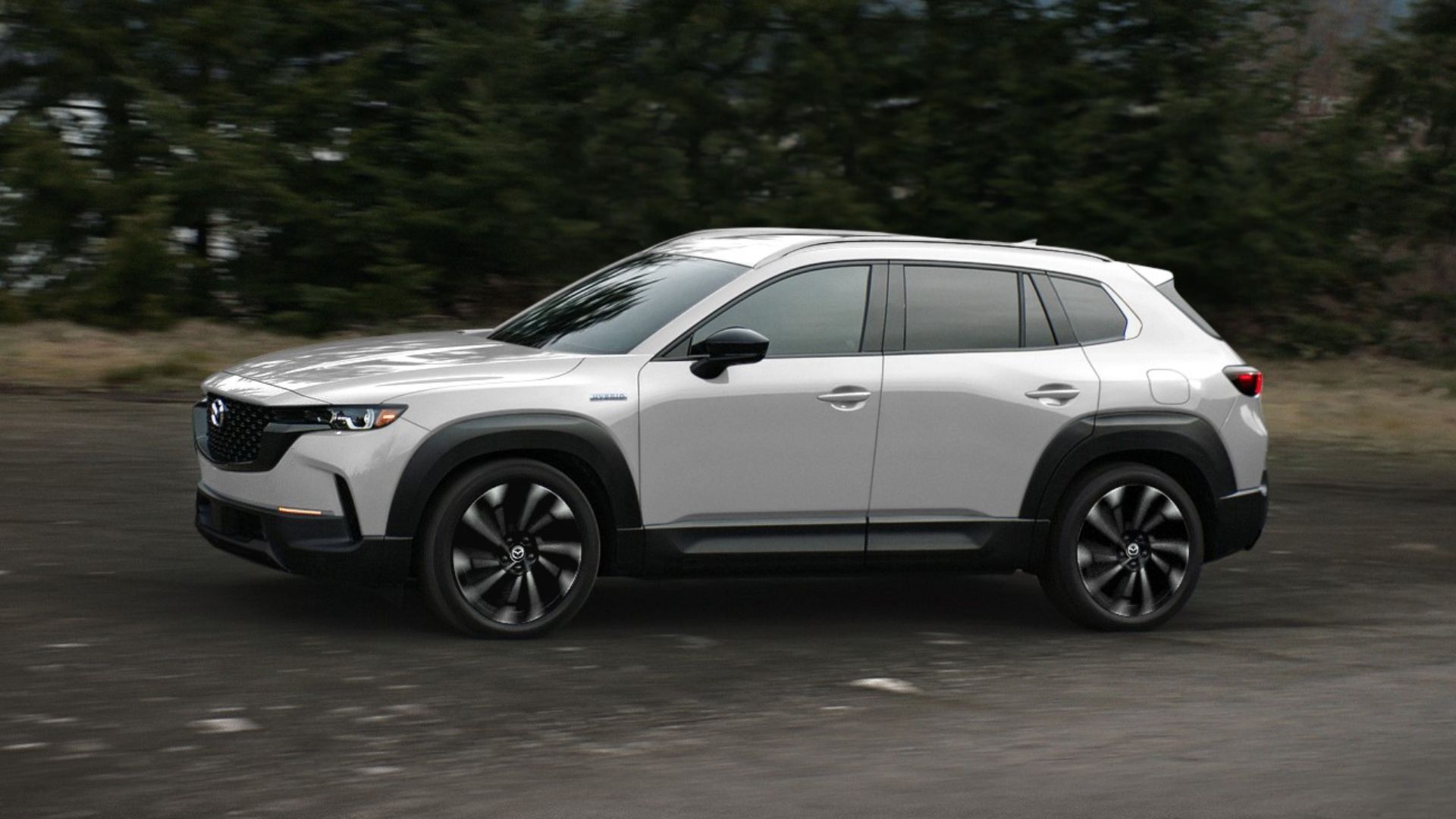
4. Mazda CX-5: Safety-Driven Design with Everyday Friction
The Mazda CX-5 infotainment system has long drawn mixed reactions due to a combination of intentional design philosophy and recurring technical problems. Mazda’s belief that touchscreens can distract drivers led to the decision to disable touch input while the vehicle is in motion.
Instead, drivers must rely on a rotary dial and physical buttons to control the system. While this approach is rooted in safety, it often clashes with how modern in-car technology is meant to function.
The primary frustration comes from the dial-only control layout. Apple CarPlay and Android Auto are designed around direct finger input, with large icons and swipe-based interactions.
Using these systems through a rotary controller can feel slow and awkward, particularly when scrolling through music libraries, contact lists, or map menus. Simple actions that would normally take a quick tap can require several rotations and presses of the dial, making everyday use feel cumbersome.
Reliability issues further undermine the experience. Many CX-5 models built between 2017 and 2020 suffered from a widespread “ghost touch” defect, where the screen would register inputs on its own.
This could trigger random audio changes, unintended menu selections, or sudden system interruptions. Owners have also reported instability problems, including freezing, unexpected reboots, and repeated restart loops that temporarily disable infotainment functions.
Connectivity concerns add another layer of frustration. Bluetooth connections are frequently described as unreliable, with phones disconnecting without warning or failing to reconnect automatically. These issues can disrupt phone calls, music playback, and smartphone integration, detracting from an otherwise refined driving experience.
Mazda has begun addressing these shortcomings in recent models. From 2024 onward, the CX-5 reintroduces touchscreen support for Apple CarPlay and Android Auto, acknowledging that these platforms work best with touch-based interaction.
Additionally, a class action settlement has provided extended warranties and reimbursement options for eligible owners to cover software updates and hardware repairs. While improvements are underway, the CX-5 remains a clear example of how safety-first design decisions can create friction in daily infotainment use.
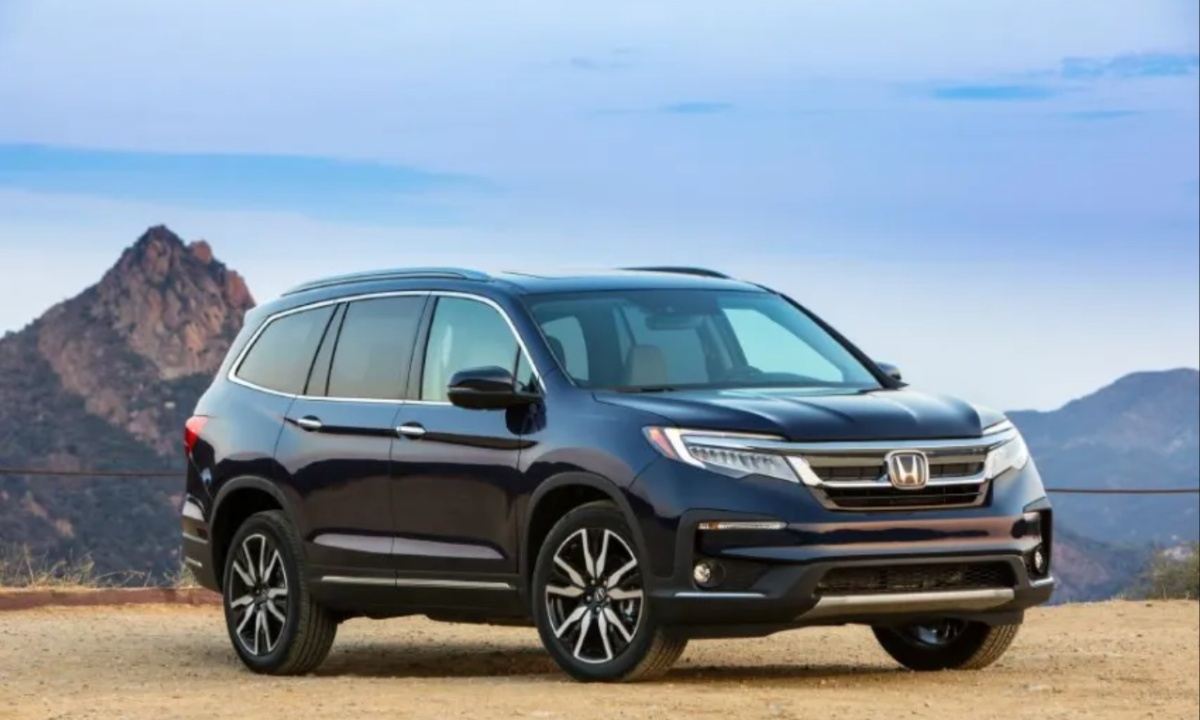
5. Honda Pilot (Previous Generation): When Technology Undermined Usability
The previous-generation Honda Pilot (2016 to 2022) is often remembered as a case where infotainment design worked against an otherwise capable family SUV.
While the Pilot remained mechanically reliable and practical, its HondaLink infotainment system became a major source of frustration for owners, drawing widespread criticism and even class-action lawsuits. The problems stemmed from poor ergonomics, unstable software, and serious hardware defects.
The most notorious issue was Honda’s decision to eliminate physical volume and tuning knobs. In their place, the system relied on a touch-sensitive slider integrated into the screen bezel. Without tactile feedback, adjusting audio levels required drivers to look away from the road.
The slider was also inconsistent, sometimes failing to register input or responding too aggressively, resulting in sudden volume changes. Honda eventually reversed course and restored the volume knob in later refreshes, but early owners were left with the flawed touch-only setup.
Software performance further weakened the experience. The infotainment system ran on an outdated version of Android and was widely criticized for slow response times.
Touch inputs often lagged by several seconds, and the system frequently froze or restarted while driving. Smartphone integration was equally problematic, with Apple CarPlay and Android Auto connections often failing to initialize or dropping unexpectedly during use.
More troubling were the hardware failures tied to faulty FAKRA coaxial cable connectors. This defect caused loud popping or crackling noises through the speakers, even when the audio was turned off.
In more severe cases, the infotainment screen would go completely black, disabling the rearview camera and raising serious safety concerns. These issues eventually led to a large recall and an extended warranty covering the infotainment system.
For many owners, frustration came from the cumulative effect of clumsy controls, unreliable software, and hardware breakdowns. In a family-focused SUV designed for comfort and long journeys, the Honda Pilot’s previous infotainment system became an ongoing source of stress rather than a helpful feature.
Looking across these ten vehicles, it becomes clear that infotainment design plays a major role in how a car feels to live with every day.
Systems found in vehicles like the BMW iX, Hyundai IONIQ 6, Tesla Model 3, and Chevrolet Tahoe show how thoughtful layouts, quick response times, and a smart mix of touch and physical controls can make daily driving easier and less distracting. These interfaces feel considered, consistent, and aligned with real-world use.
By contrast, the more frustrating examples reveal how quickly confidence is lost when technology feels unfinished or awkward to use. Missing knobs, slow software, confusing menus, and hardware faults turn routine interactions into ongoing annoyances. Even strong updates and later fixes cannot fully undo first impressions for many owners.
In the end, this comparison highlights a simple lesson: the best infotainment systems respect the driver’s attention. When usability comes first, technology becomes a helpful companion rather than a constant challenge.
Also read: Top 10 Cars That Changed Automotive Engineering Forever