Modern cars are more advanced than ever before. Large touchscreens, digital dashboards, voice assistants, and layered menus have transformed the driving experience into something closer to operating a smart device.
While these innovations bring convenience and features, they have also introduced a new problem that many drivers quietly struggle with. Complexity has increased distraction.
In older vehicles, most essential functions were controlled through physical buttons and knobs that could be operated by feel. Drivers could adjust temperature, change radio stations, or control airflow without taking their eyes off the road.
Many newer vehicles have replaced these simple controls with touchscreen interfaces that require visual attention, menu navigation, and precise finger inputs.
This shift has created a divide in automotive design philosophy. Some manufacturers continue to prioritize usability and driver focus, while others emphasize futuristic interiors that sometimes sacrifice ease of use.
The difference becomes obvious during everyday driving situations such as adjusting climate controls in traffic, changing music on a highway, or quickly defogging windows during bad weather.
Intuitive control design is not about avoiding technology. It is about how technology is integrated. The best systems reduce cognitive load instead of increasing it.
This can include physical shortcut buttons, logical menu layouts, clear instrument displays, well placed rotary dials, and steering wheel controls that make sense without requiring a learning curve.
Driver distraction is not only about phones. Studies increasingly show that poorly designed infotainment systems can pull attention away from the road for dangerous amounts of time.
Because of this, some automakers are now reintroducing physical controls or combining digital and tactile interfaces to improve safety and usability.
The vehicles in this list stand out because they manage to balance modern features with practical usability. Some achieve this through excellent ergonomics. Others succeed through smart software design. A few simply refuse to abandon physical controls that drivers still prefer.
This list focuses on vehicles known for interfaces that make driving easier rather than more complicated. The goal is to highlight models where controls feel natural, responses feel predictable, and drivers spend less time searching through menus and more time focused on the road ahead.
Understanding which vehicles get this balance right can help buyers choose cars that reduce stress, improve safety, and make everyday driving feel simpler instead of more complicated.
Also Read: 5 Compact SUVs With Quiet Cabins vs 5 With Too Much Road Noise
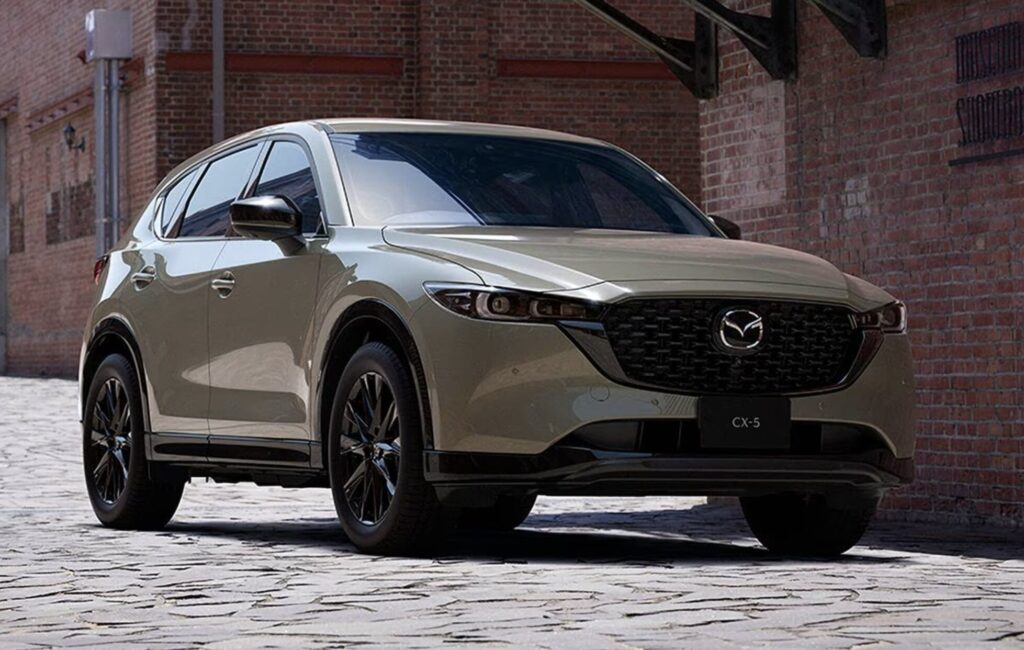
1. Mazda CX 5
Some vehicles impress with technology. Others impress with how little you have to think about using that technology. The Mazda CX 5 belongs firmly in the second category because its interior design focuses on reducing mental workload rather than showing off digital complexity.
The first thing many drivers notice is that the infotainment system is not primarily touch dependent while driving. Instead of forcing interaction through fingerprints on glass, Mazda uses a central rotary controller placed naturally near the driver’s hand.
This placement allows adjustments without leaning forward or shifting posture. The driver can keep their back against the seat and their eyes closer to the road.
This decision reflects something important about distraction. The problem is not technology itself.
The real issue is how much attention that technology demands. Mazda’s approach reduces this demand by allowing muscle memory to develop. After a short period of ownership, many drivers can navigate menus purely through feel.
Climate controls also show thoughtful design. Instead of hiding temperature adjustment inside screens, Mazda keeps physical knobs and buttons. These controls are separated clearly and sized properly so they can be used quickly. In stressful driving conditions, this simplicity becomes a real safety advantage.
Another strong point comes from the instrument cluster design. Information is presented clearly without unnecessary animation or clutter. Speed, fuel data, and alerts are easy to interpret at a glance. This reduces the time drivers spend trying to interpret what they are seeing.
Steering wheel buttons also follow a logical layout. Volume, driver assistance settings, and information toggles are grouped in ways that feel predictable rather than experimental. Some modern vehicles try to reinvent control layouts. Mazda instead refines what already works.
There is also restraint in how alerts are delivered. Instead of constant chimes and visual interruptions, notifications appear with subtlety. This helps prevent alert fatigue, which is becoming a growing issue in technology heavy vehicles.
Material design also contributes to usability. Buttons have distinct tactile feedback. Knobs turn with resistance that feels deliberate. Even small details like this reduce uncertainty when making adjustments while moving.
The CX 5 demonstrates that intuitive design often comes from understanding human behavior rather than chasing trends. By combining physical controls with carefully implemented digital features, it manages to feel modern without becoming overwhelming.
Drivers who prefer systems that feel predictable instead of experimental often find this approach refreshing. The result is a driving environment where controls fade into the background instead of competing for attention.
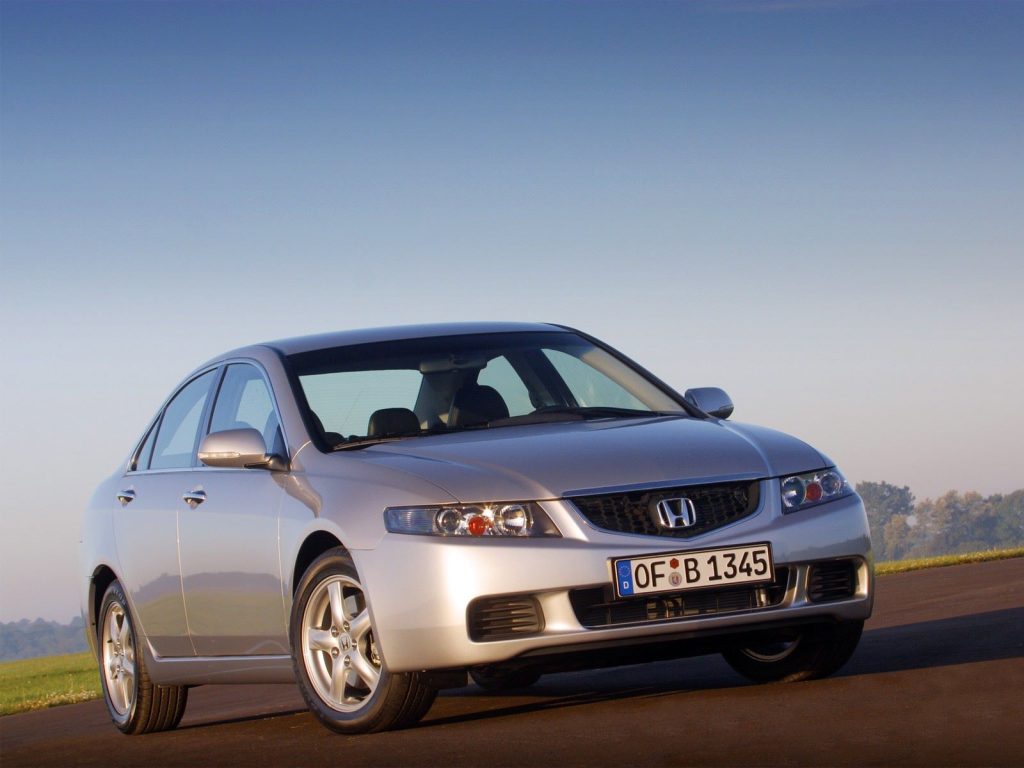
2. Honda Accord
Where some vehicles aim to impress immediately, the Honda Accord succeeds through familiarity. It is a car that rarely forces the driver to learn new habits. Instead, it builds confidence through clear logic and straightforward control placement.
The dashboard design follows a horizontal layout that naturally guides the eye. Screens are positioned at a height that reduces the need to look down. This may sound minor, but even small eye movements away from the road increase reaction time.
One of the Accord’s strengths is its balance between touchscreen and physical inputs. Frequently used features such as volume and tuning still have dedicated knobs. This is a deliberate choice that recognizes how often these functions are used during real driving rather than during demonstrations.
Another interesting strength is how the vehicle handles menu depth. Many modern infotainment systems hide simple adjustments inside multiple layers. The Accord keeps commonly used features close to the surface. Fewer steps mean less distraction.
Voice command integration also deserves attention. Instead of requiring exact phrasing, the system responds well to natural requests. This reduces frustration and lowers the chance that a driver will abandon voice input and attempt manual adjustments while driving.
The climate control layout also deserves mention because it prioritizes separation. Temperature, fan speed, and airflow direction each have clear controls rather than shared multifunction inputs. This reduces confusion and prevents accidental adjustments.
Honda also pays attention to visibility of information. Warning messages are brief and readable. Driver assistance displays are informative without being overwhelming. The goal appears to be clarity rather than visual drama.
Another overlooked advantage is consistency. Drivers familiar with previous Honda models often adapt instantly because control philosophy evolves gradually rather than changing dramatically. This reduces the learning curve for repeat customers.
Ergonomics also play a major role. Arm reach, button spacing, and screen angles feel tested for real world use rather than showroom appearance. The result is a cabin that feels practical during long drives rather than just impressive during short test drives.
The Accord shows that intuitive design is often about discipline. By resisting unnecessary complexity and focusing on real driver behavior, it creates an environment where technology supports the driver instead of competing for attention.
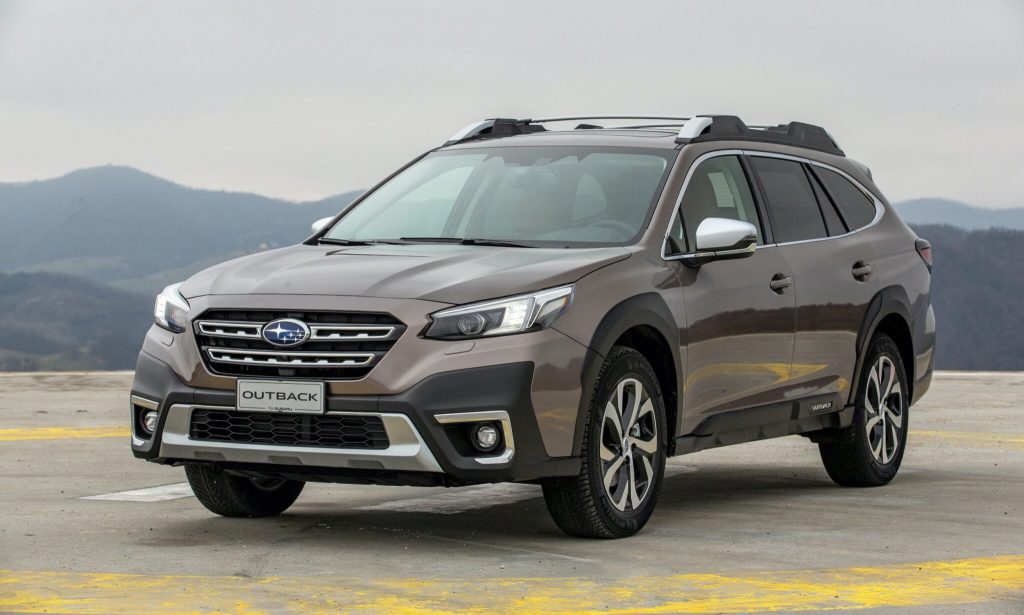
3. Subaru Outback
There is a certain type of vehicle design that reveals its strengths not in the first five minutes of driving but after several weeks of daily use. The Subaru Outback fits into this category because its control layout is built around long term usability rather than immediate visual impact.
One of the biggest advantages of the Outback is how it separates critical driving functions from secondary digital features. Even though newer versions include a large central display, Subaru still keeps key functions accessible without forcing deep menu interaction.
Defrosters, temperature adjustments, and safety toggles remain relatively straightforward to access compared to many competitors that bury these controls.
What makes the Outback particularly effective at reducing distraction is its predictability. Controls behave the way most drivers expect them to behave.
There are very few surprises in how systems respond. This matters more than many people realize because unexpected system behavior forces drivers to double check their actions.
The Outback also benefits from a clear information hierarchy. Important information always takes visual priority.
Speed and warnings remain dominant while secondary data stays secondary. Some vehicles overload the driver with equal sized information blocks. Subaru avoids this mistake by guiding the driver’s attention naturally.
Another strength comes from how driver assistance features are introduced. Instead of overwhelming the user with complicated setup steps, the Outback allows gradual familiarization.
Owners can learn features progressively rather than all at once. This reduces the intimidation factor that sometimes causes drivers to ignore safety technology altogether.
Button shape and spacing also deserve attention. Physical switches feel different from one another, making them easier to identify without looking. This tactile differentiation helps drivers make adjustments by touch alone, something that purely digital interfaces cannot replicate.
There is also a philosophy of durability behind the design. Subaru knows many Outback owners use their vehicles for travel and outdoor driving. Controls are designed to work reliably even when drivers are wearing gloves or dealing with rough conditions. This practical thinking naturally reduces distraction because usability remains consistent.
The steering wheel layout follows a practical grouping method. Information controls sit on one side while driver assistance adjustments sit on the other. This separation prevents accidental presses and builds intuitive understanding through repetition.
Even the alert systems show restraint. Notifications appear when necessary but rarely feel excessive. This balance helps maintain trust between driver and machine. Too many warnings can cause drivers to mentally tune out alerts. Subaru seems aware of this risk.
The Outback succeeds not because it avoids technology but because it organizes technology carefully. It represents a design philosophy that values clarity, consistency, and trust over novelty. For drivers who want their vehicle to feel like a reliable tool rather than a digital experiment, this approach can feel reassuring.
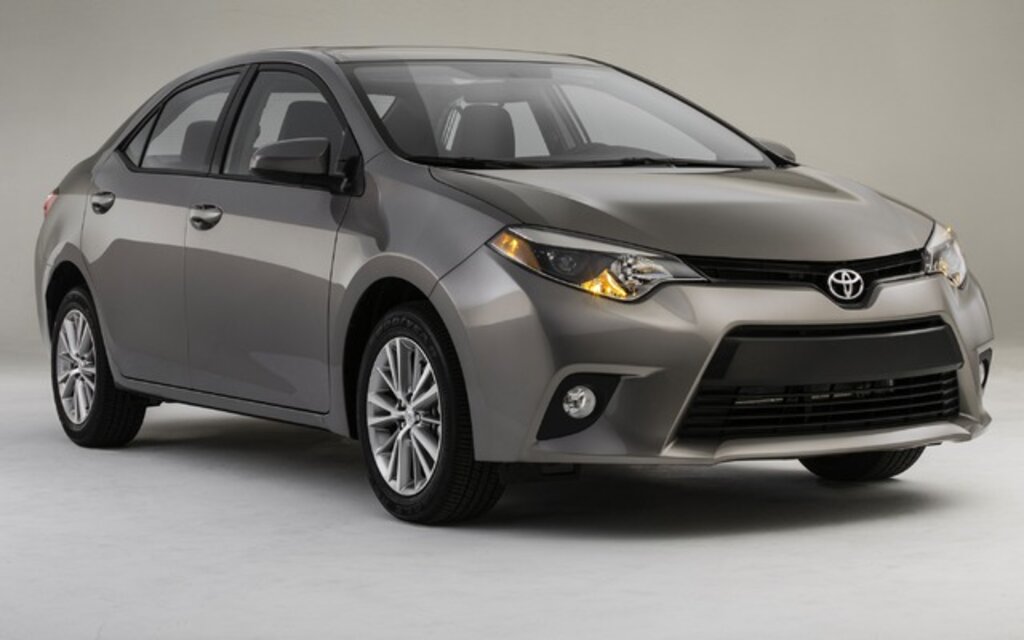
4. Toyota Corolla
If there is one word that defines the Toyota Corolla’s control philosophy, it would probably be clarity. This is not a car that tries to surprise the driver. Instead, it tries to make every interaction obvious from the start.
Sit inside and the first thing that becomes noticeable is how little explanation the interior needs. Most drivers can understand the layout within minutes. This is not accidental. Toyota has spent decades refining control layouts based on driver feedback rather than design trends.
The Corolla continues this tradition by keeping frequently used controls within immediate reach. Temperature adjustment remains simple. Audio adjustments remain direct. Even small things like hazard light placement follow conventions drivers already understand.
What makes this vehicle particularly effective is how it avoids over integration. Some manufacturers try to combine multiple functions into single controls to create a cleaner look. While visually appealing, this can increase confusion. The Corolla instead accepts that separate controls sometimes improve usability.
Another important strength is response time. Touchscreen lag can be a hidden source of distraction because drivers often repeat inputs when systems respond slowly. The Corolla’s system reacts quickly, reducing repeated interactions and allowing faster task completion.
The digital display also shows careful restraint. Instead of filling the screen with constant motion graphics, the interface focuses on legibility. Text is clear. Icons are recognizable. Important alerts do not compete with decorative elements.
Toyota also pays attention to error prevention. Many adjustments require deliberate input rather than accidental brushes. This reduces unintended changes while driving. Small engineering decisions like this often go unnoticed but contribute strongly to overall safety.
The Corolla also demonstrates the value of incremental improvement. Rather than redesigning everything each generation, Toyota refines what works. This results in controls that feel familiar even to drivers switching from older models.
Another advantage is how the vehicle handles secondary features. Settings that are rarely adjusted are placed deeper in menus, while daily functions remain immediately available. This prioritization reflects real driving habits rather than marketing demonstrations.
Practical visibility also plays a role. Screen brightness adjusts well. Glare is controlled. Information remains readable in different lighting conditions. These details reduce the need for drivers to refocus their vision repeatedly.
The Corolla proves that intuitive design does not require luxury pricing or complex innovation. Sometimes the best solution is careful refinement of proven ideas. By focusing on clarity instead of complexity, it creates an environment where drivers spend less time figuring things out and more time simply driving.
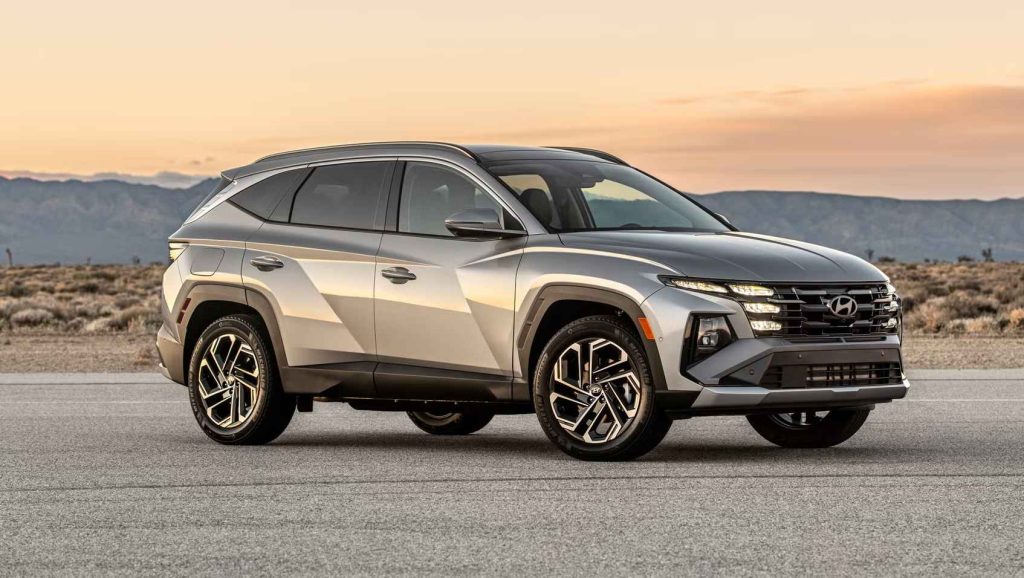
5. Hyundai Tucson
Step into the Hyundai Tucson and the first impression is modernity. Clean surfaces, integrated displays, and a minimalistic look suggest a technology focused experience. But what becomes interesting after spending time inside is how Hyundai attempts to balance this modern appearance with usability choices that prevent the interior from becoming overwhelming.
Instead of relying purely on visual simplicity, the Tucson attempts to reduce distraction through logical grouping. Controls that belong together are physically or digitally grouped together. Climate adjustments remain in one consistent area.
Drive related settings stay separated from entertainment features. This organizational discipline helps drivers build familiarity faster.
A different strength appears in how the vehicle handles learning curves. Some cars require long adaptation periods because they abandon traditional layouts. The Tucson instead mixes familiar control logic with new presentation. A driver switching from an older vehicle does not feel lost, which reduces the mental adjustment period.
One notable design decision is the consistency of interface behavior. Menu transitions follow predictable patterns. Icons remain in fixed positions. Returning to previous screens feels natural instead of confusing. When systems behave consistently, drivers stop thinking about how to operate them.
Another advantage comes from how the vehicle handles steering wheel interaction. Controls are shaped distinctly and positioned with enough spacing to reduce accidental inputs. Even during rough road conditions, this spacing helps maintain accuracy.
The Tucson also benefits from clear visual contrast. Text stands out well against backgrounds, making quick glances sufficient instead of long looks. This is important because even half second differences in glance duration affect reaction time.
Hyundai also seems to understand that customization can reduce distraction. Drivers can often rearrange certain display preferences to match personal habits. When frequently used information appears exactly where the driver expects, interaction becomes faster and more instinctive.
A less obvious strength comes from feedback clarity. When a control is pressed, the system provides clear confirmation through visual or tactile response. This reduces the need for drivers to double check whether an action was registered.
There is also attention given to reducing unnecessary interaction. Some automatic functions such as lighting and wiper sensitivity reduce the need for manual adjustments. While automation must be implemented carefully, when done correctly it removes small repetitive tasks that otherwise divide driver attention.
The Tucson represents a different philosophy compared to more traditional interiors. Instead of avoiding modern interfaces, it attempts to make them easier to understand through structure and predictability. This approach appeals to drivers who want current technology without feeling like they must constantly study their dashboard.
Rather than focusing on nostalgia, Hyundai focuses on making modern controls feel manageable. That difference defines the Tucson’s approach to distraction reduction.
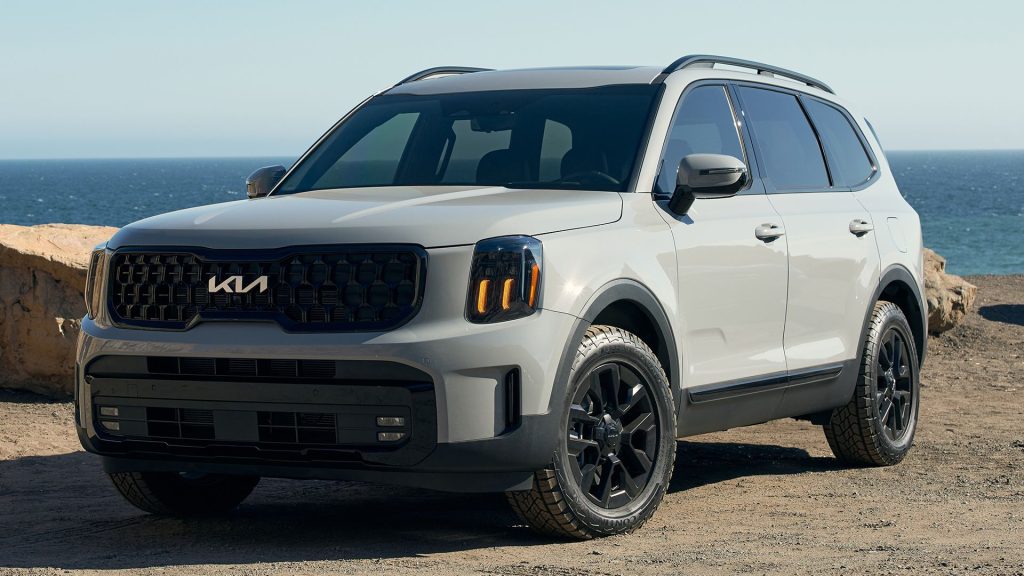
6. Kia Telluride
The Kia Telluride takes a different path toward intuitive design. Instead of focusing primarily on technology presentation, it emphasizes physical accessibility and command clarity. This becomes obvious the moment a driver begins interacting with the cabin.
In the Telluride, the philosophy appears to be based on reducing hesitation. Controls are placed where drivers instinctively reach. There is very little second guessing involved. This reduces the mental pauses that sometimes happen when drivers must search for functions.
A particularly strong feature is the continued use of clearly defined physical controls for major adjustments. Temperature, airflow, and audio functions remain easy to identify. This decision acknowledges something many manufacturers are rediscovering. Physical interaction often requires less attention than digital navigation.
Another interesting detail is how the Telluride handles multi function tasks. Instead of combining too many operations into single inputs, it often assigns dedicated controls. While this may use slightly more space, it dramatically reduces confusion during real driving situations.
The vehicle also benefits from strong labeling clarity. Symbols are easy to interpret. Text is readable. Even drivers unfamiliar with the vehicle often understand functions quickly. This accessibility matters especially in family vehicles where multiple drivers may share one car.
Telluride also shows awareness of cognitive load. Information is displayed in layers that make sense. Critical alerts appear prominently. Secondary information remains available but does not compete visually. This structured approach prevents information overload.
Another advantage appears during night driving. Interior lighting is designed to illuminate controls without causing glare. Backlit buttons remain visible but not distracting. This subtle design element reduces the need for drivers to search in low light conditions.
The Telluride also performs well in what could be called control stability. Buttons do not feel overly sensitive. Touchpoints require intentional input. This prevents accidental changes, something that can easily happen in vehicles that prioritize touch sensitivity over deliberate interaction.
Passenger usability also contributes to distraction reduction. Front passengers can easily operate secondary controls without requiring driver involvement. This reduces situations where the driver must manage entertainment or comfort adjustments.
There is also a sense of logical hierarchy in how features are introduced. Frequently used controls remain simple while advanced features remain available without interfering with daily driving tasks. This separation respects the difference between occasional use and constant interaction.
The Telluride demonstrates that reducing distraction does not require radical redesign. Sometimes the best solution is thoughtful placement, clear labeling, and respecting how people naturally interact with machines.
It succeeds because it focuses less on appearing futuristic and more on being immediately understandable. That clarity is what makes it effective at keeping driver attention where it belongs.
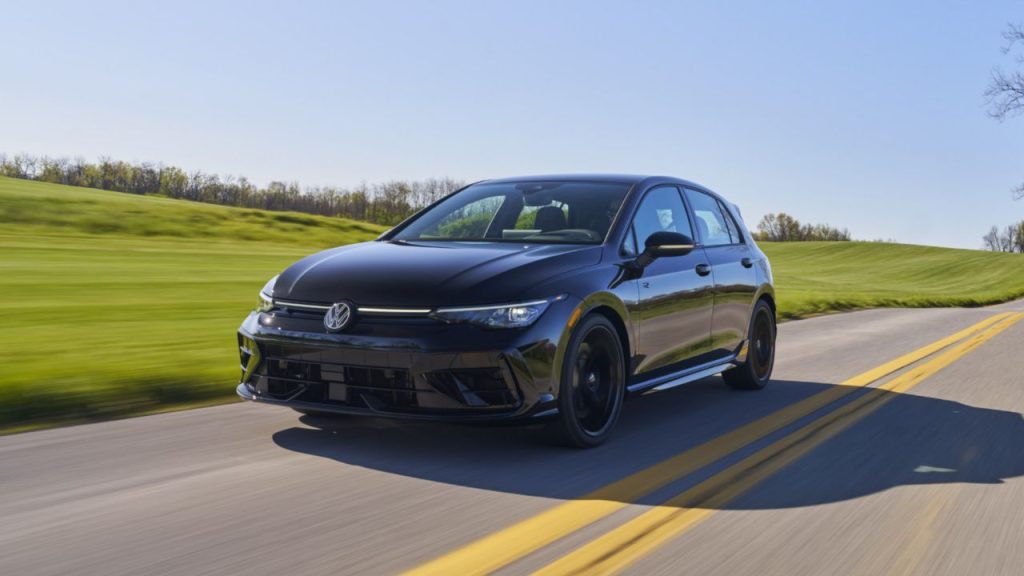
7. Volkswagen Golf
Not every intuitive car interior relies on large buttons or traditional layouts. The Volkswagen Golf takes a more engineering focused approach where the goal is efficiency of interaction rather than visual simplicity alone.
What makes the Golf interesting is how it attempts to reduce distraction through precision of design rather than quantity of controls.
One of the most noticeable characteristics is the driving position itself. Volkswagen has always placed strong emphasis on ergonomics, and the Golf reflects this through seat positioning, steering wheel reach, and screen alignment.
When posture feels natural, interaction with controls becomes easier because the driver does not need to stretch or adjust position frequently.
The Golf also focuses heavily on driver orientation. Displays are slightly angled toward the driver, reinforcing the idea that information should support driving rather than entertain passengers. This subtle positioning reduces eye travel distance, which directly affects how long attention leaves the road.
Unlike vehicles that try to simplify by reducing controls, the Golf attempts to simplify through organization. Functions follow a structured logic that becomes predictable once learned. Drivers begin to anticipate where features will be located because the system follows internal consistency.
Another defining strength is how the car presents driving data. Performance information, navigation prompts, and assistance alerts are displayed with strong hierarchy. Important information appears bold and central while less critical data remains accessible but visually quieter.
Volkswagen also emphasizes steering wheel functionality. Many daily adjustments can be handled without reaching toward the center display. This includes media control, display navigation, and assistance settings. Keeping hands closer to the wheel naturally reduces distraction time.
The Golf also introduces another important factor in distraction reduction which is input efficiency. Tasks often require fewer steps compared to more complex systems. Reducing the number of actions required to complete a task reduces the chance of prolonged distraction.
Another advantage is how the vehicle handles repetition. Once a driver sets preferences, the system tends to remember behavior patterns. This reduces the need to repeatedly configure the same features. Fewer repeated adjustments mean fewer reasons to interact with menus.
Visual cleanliness also plays a role. Even though the Golf uses digital displays, it avoids excessive animation. Movement on the screen is purposeful rather than decorative. This helps the driver focus on meaning instead of motion.
Volkswagen also pays attention to steering feedback and control weighting. While this may seem unrelated to interface design, good steering feel reduces the need for constant correction. A vehicle that tracks predictably requires less micro attention, which indirectly reduces cognitive fatigue.
The Golf demonstrates that intuitive design can also come from precision. When every control behaves consistently and information appears exactly where expected, the driver spends less effort thinking about the vehicle and more effort observing the road.
This approach may appeal most to drivers who value structured design and consistency over visual drama. Instead of trying to impress through novelty, the Golf succeeds through methodical usability.
Also Read: 5 Brands With Cheap Replacement Parts vs 5 That Charge a Premium