The evolution of automotive cruise control technology represents a fascinating study in design philosophy and user experience. What began as a straightforward mechanical system to maintain highway speeds has transformed into a sophisticated array of adaptive features, sensors, and controls.
Today’s car buyers face a fundamental choice: embrace simplicity with traditional cruise control systems that offer intuitive, no-nonsense operation, or opt for feature-rich alternatives packed with advanced capabilities and correspondingly complex button arrays.
This dichotomy reflects a broader tension in automotive design between accessibility and innovation. Simple cruise control systems appeal to drivers who value straightforward functionality set your speed, maintain it, and disengage when needed. These systems typically feature just three or four clearly labeled controls that anyone can master within minutes.
Conversely, modern vehicles increasingly feature cruise control interfaces with ten or more buttons, offering adaptive speed matching, distance controls, lane-keeping integration, and customizable parameters that promise enhanced safety and convenience.
Neither approach is inherently superior; rather, each serves different driver preferences and use cases. Some motorists find peace of mind in minimalist controls that eliminate decision fatigue, while others embrace the granular control and advanced safety features that complex systems provide.
This comparison examines five vehicles exemplifying each philosophy, exploring how their cruise control designs impact the daily driving experience, learning curves, and satisfaction for different types of drivers.
5 Models with Simple Cruise Control
These exceptionally intuitive vehicles feature straightforward cruise control interfaces and clearly labeled stalks that allow immediate speed setting without consulting owner’s manuals, providing reliable functionality through simple on-off-set-resume operations that any driver understands instantly.
Their thoughtful engineering includes tactile button differentiation and logical control placement that resist the confusion typically associated with multi-function steering wheel buttons requiring specific press sequences or hidden menu navigation for basic speed adjustments.
From quick highway merges requiring immediate activation to simple speed increases needing single button presses, these remarkable systems continue providing effortless operation without the accidental adaptive cruise engagement or unintended braking found in overly complex alternatives.
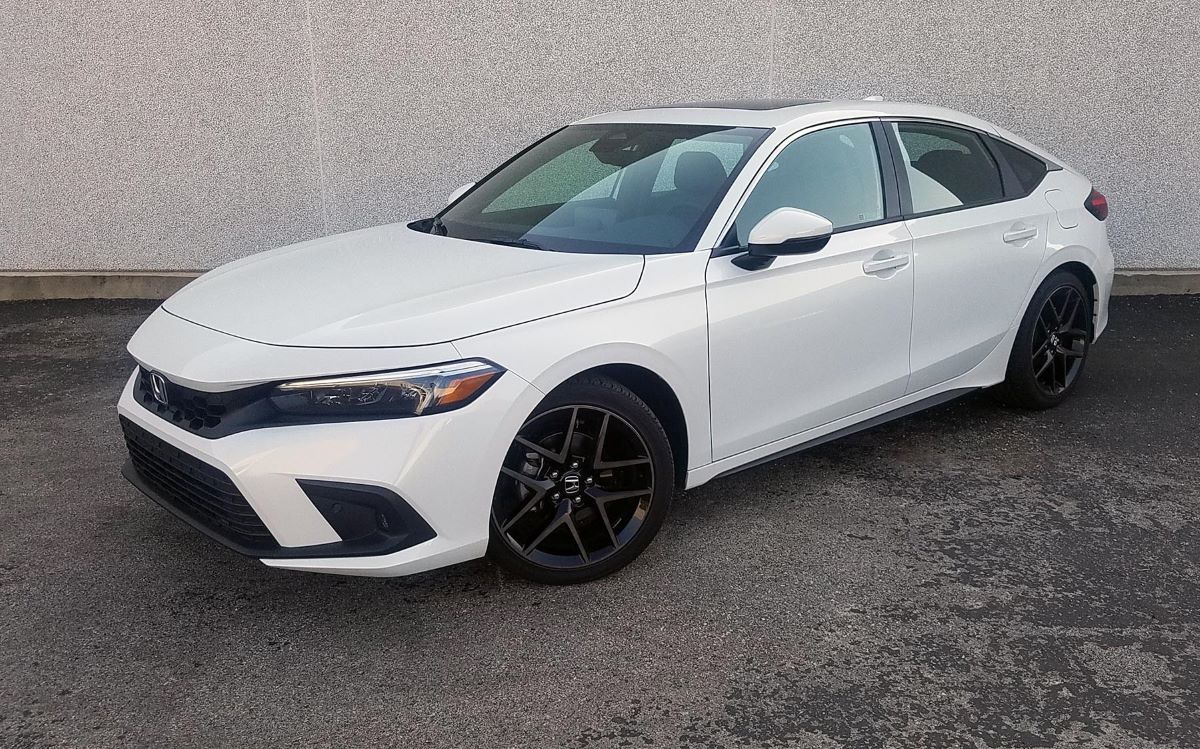
1. Honda Civic (Base Trim)
The Honda Civic’s base trim exemplifies how traditional cruise control can remain relevant and genuinely useful in modern driving. With just four intuitive controls On/Off, Set/Decelerate, Resume/Accelerate, and Cancel the system strips away unnecessary complexity while delivering reliable performance.
The controls are positioned on the right side of the steering wheel, exactly where your thumb naturally rests during highway driving. This ergonomic placement means you rarely need to look down or fumble for buttons while maintaining your speed.
What makes the Civic’s approach particularly effective is its predictability. Press Set while driving, and your current speed becomes locked in.
Tap the Resume button once, and you accelerate by exactly one mile per hour. Hold it down, and acceleration continues smoothly until you release.
There’s no ambiguity about what each button does, no hidden menus to go, and no need to consult the owner’s manual after a few weeks away from highway driving.
The system responds instantly to inputs, creating a direct connection between driver intention and vehicle behavior that builds confidence.
The simplicity also translates to reliability. With fewer electronic components and sensors involved, there’s less that can malfunction or require recalibration.
Drivers report using this cruise control regularly because it never feels like a burden to engage or adjust. During long road trips, the straightforward interface means you can make speed adjustments while maintaining full attention on traffic conditions and road hazards.
For new drivers or those transitioning from older vehicles, the learning curve is virtually nonexistent. Most people grasp the entire system within their first highway drive, and the tactile feedback from the physical buttons provides reassurance that commands have been registered.
This makes it ideal for families with multiple drivers sharing the vehicle, as no one needs specialized training or repeated instruction. The Civic proves that sometimes the best technology is the technology that gets out of your way and simply works as expected, every single time.
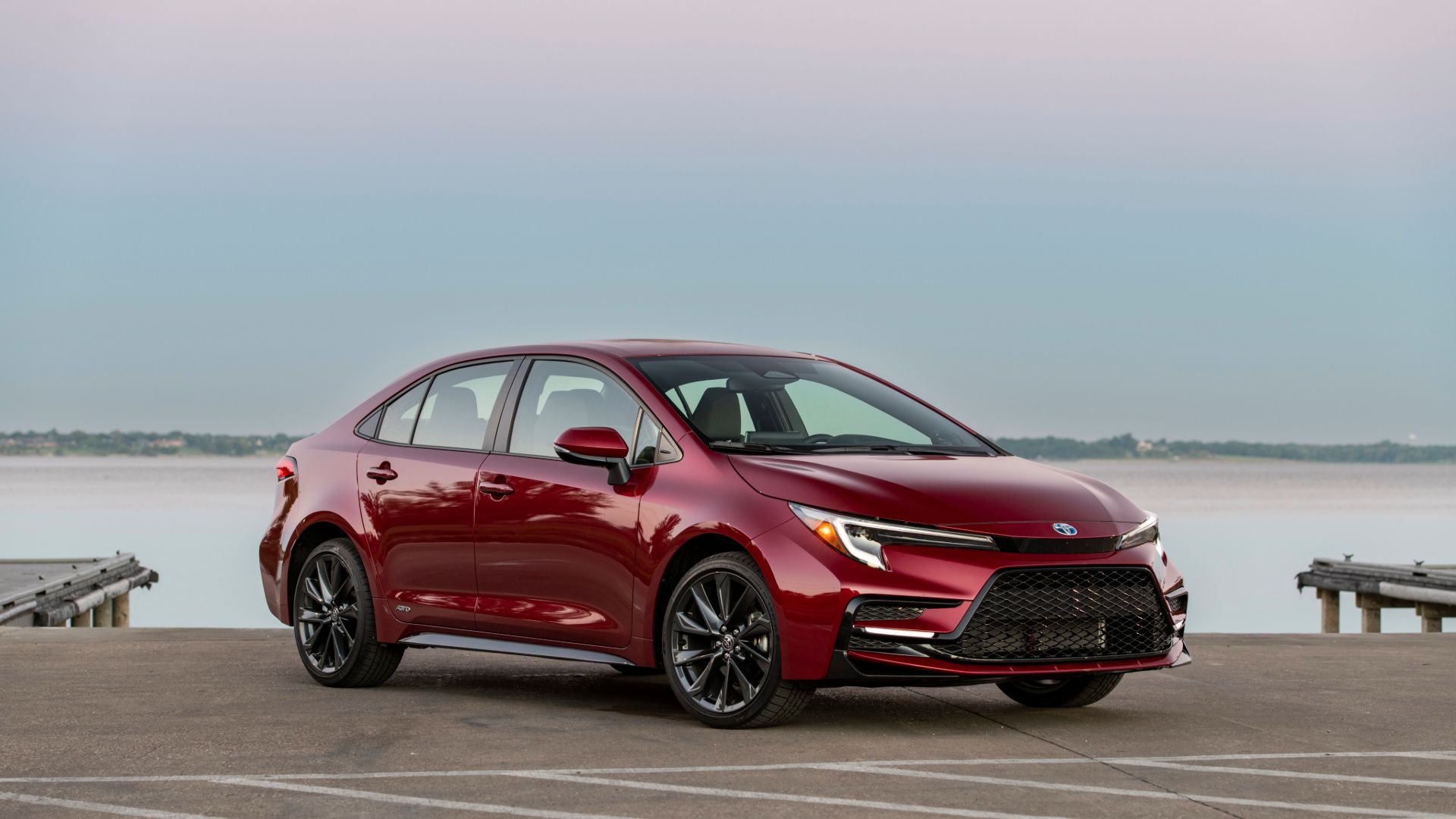
2. Toyota Corolla (Standard Model)
Toyota’s reputation for reliability extends fully into the Corolla’s cruise control implementation, which emphasizes durability and user-friendliness over flashy features.
The system uses a classic stalk-style controller mounted on the steering column, a design that has remained largely unchanged for decades because it fundamentally works.
This traditional approach features a simple mechanical feel; you push the stalk down to set your speed, pull it toward you to resume, and can make incremental adjustments with straightforward up and down movements.
The brilliance of this design lies in its physical feedback. Unlike touch-sensitive or capacitive buttons, the Corolla’s mechanical controls provide distinct clicks and resistance that confirm your inputs without requiring visual confirmation.
You develop muscle memory quickly, allowing speed adjustments to become second nature while your eyes remain fixed on the road ahead.
This tactile interface proves especially valuable during night driving or adverse weather conditions when glancing at controls creates additional risk.
Maintenance simplicity represents another significant advantage. The Corolla’s cruise control system operates independently of advanced driver assistance features, meaning repairs remain affordable and straightforward.
A malfunction doesn’t disable multiple vehicle systems simultaneously, and mechanics at any service center can diagnose and fix issues without specialized diagnostic equipment. This independent operation also means the cruise control continues functioning reliably even as other vehicle electronics age.
For budget-conscious buyers, the Corolla demonstrates that basic cruise control delivers genuine value. The system extends fuel economy on highway trips by maintaining more consistent speeds than manual throttle control typically achieves.
Driver fatigue decreases noticeably on long journeys when your right foot can rest rather than hovering constantly over the accelerator.
These practical benefits don’t require expensive technology packages or subscription services they’re simply included as standard equipment, reflecting Toyota’s philosophy that useful features shouldn’t be luxury options. The Corolla proves that meeting driver needs doesn’t require reinventing fundamental automotive controls.
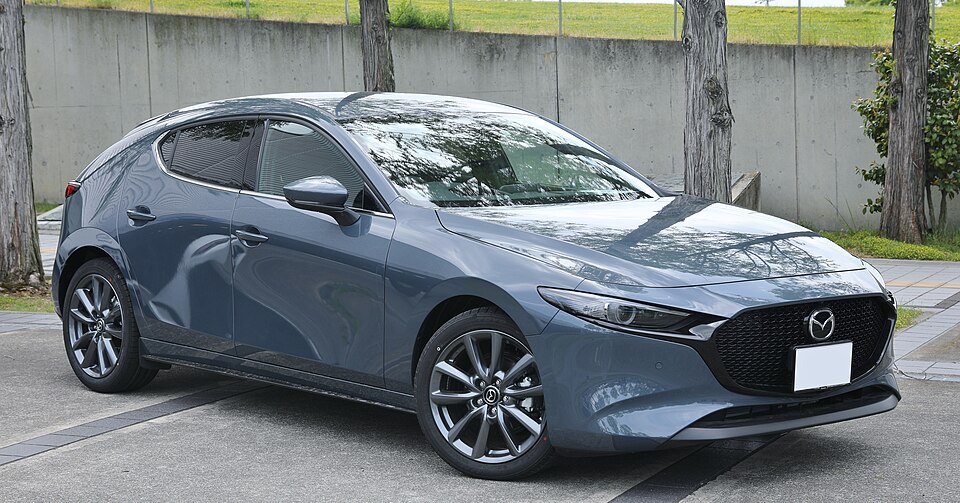
3. Mazda3 (Entry Level)
Mazda’s approach to cruise control in the base Mazda3 reflects the brand’s “driver-focused” philosophy through carefully considered minimalism.
The system features just five buttons arranged in a logical cluster on the steering wheel’s right spoke, with clear iconography that communicates function at a glance.
What distinguishes Mazda’s implementation is the attention to button sizing and spacing each control is large enough to locate by touch alone, with sufficient separation to prevent accidental activation of adjacent functions.
The interface prioritizes driving engagement rather than automation. When you activate cruise control in the Mazda3, you’re enhancing your driving experience rather than delegating it to computers.
The system maintains your selected speed precisely but doesn’t intervene with braking or acceleration adjustments, leaving you fully in command of the vehicle’s behavior.
This creates a more connected feeling between driver and machine, which aligns perfectly with Mazda’s “Zoom-Zoom” brand identity, emphasizing driving pleasure.
Response timing deserves particular mention. The Mazda3’s cruise control reacts immediately to inputs without the slight processing delays sometimes present in more complex systems.
Press the accelerate button, and power delivery begins instantly. Cancel the system, and it disengages in the same fraction of a second.
This instantaneous feedback creates confidence that the vehicle will behave exactly as commanded, eliminating the uncertainty that sometimes accompanies advanced driver assistance features.
The system’s simplicity also contributes to the Mazda3’s relatively affordable price point and excellent reliability ratings. Without expensive radar sensors, cameras, or adaptive algorithms, the cruise control adds minimal cost to the vehicle while providing substantial practical benefit.
Insurance rates remain lower compared to vehicles packed with advanced driver assistance systems, which insurers sometimes view as expensive-to-repair technology.
For drivers who prioritize affordability without sacrificing quality, the Mazda3 demonstrates that basic cruise control remains a smart, sensible choice that delivers real value without unnecessary complication or expense.
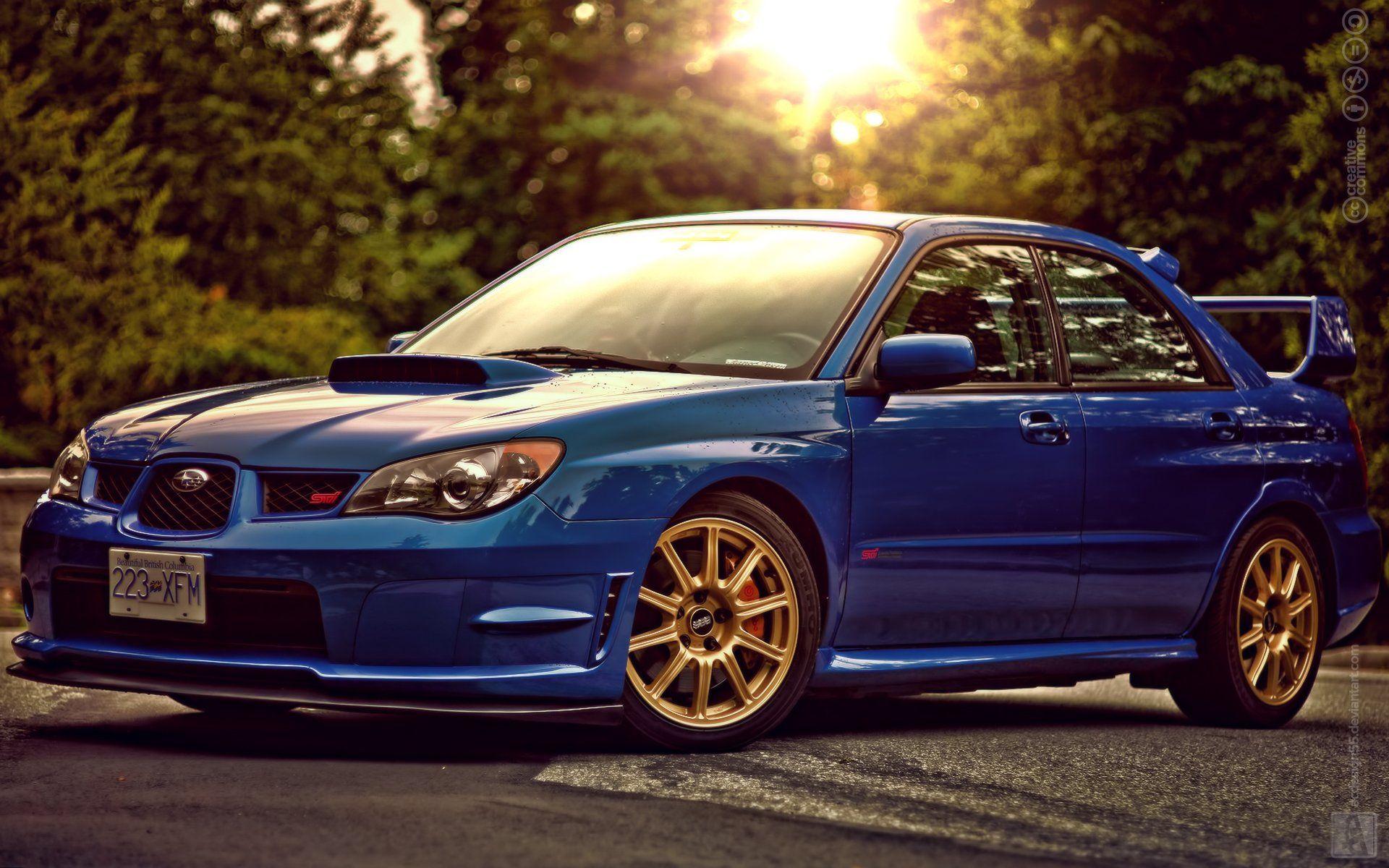
4. Subaru Impreza (Base Model)
Subaru’s entry-level Impreza takes a refreshingly straightforward approach to cruise control that complements the brand’s practical, no-nonsense reputation.
The system uses a stalk-mounted controller with clearly labeled functions positioned for intuitive access. What makes this implementation particularly user-friendly is Subaru’s decision to use full words rather than just icons “Set,” “Resume,” “Cancel” eliminating any ambiguity about button functions, especially helpful for first-time users or elderly drivers who might struggle with abstract symbols.
The cruise control’s integration with the Impreza’s all-wheel-drive system showcases thoughtful engineering. When roads become slippery and the AWD system detects reduced traction, the cruise control automatically disengages to return full throttle authority to the driver.
This safety-focused behavior happens seamlessly without alarming beeps or warning lights that might startle drivers in already challenging conditions.
The system simply hands control back when conditions demand human judgment, demonstrating that simplicity and safety aren’t mutually exclusive concepts.
Durability represents another Subaru hallmark evident in the cruise control design. The mechanical switches use a robust construction that withstands years of repeated use without becoming loose or unresponsive.
Many Impreza owners report their cruise control functioning perfectly well into the vehicle’s second and third hundred thousand miles a testament to components designed for longevity rather than planned obsolescence.
This reliability proves especially important for highway commuters who activate cruise control daily, racking up thousands of engagement cycles annually.
The Impreza proves that simple cruise control remains perfectly adequate and often preferable for drivers who want reliable speed control without electronic complexity.
Also Read: 5 Models With Easy Trunk Pass-Through vs. 5 Models With Blocked Backs
5. Nissan Sentra (Standard Trim)
The Nissan Sentra’s conventional cruise control exemplifies how traditional systems can feel modern and refined through attention to detail and quality execution.
Positioned on the steering wheel with ergonomic precision, the four-button layout feels natural from the first time your thumb finds the controls.
Nissan uses slightly rubberized button surfaces that provide grip and distinct tactile feedback, making operation reliable even with sweaty hands during summer road trips or when wearing winter gloves.
What distinguishes the Sentra’s approach is the thoughtful default behavior. Engage cruise control at any speed above approximately 25 mph, and the system holds that speed with impressive precision, neither creeping gradually upward nor allowing downhill momentum to build excessively.
On level highway stretches, the speedometer needle remains remarkably steady, demonstrating sophisticated throttle management despite the system’s basic interface.
This consistency translates directly into better fuel economy compared to manual speed control, with EPA highway ratings that reflect real-world performance drivers can actually achieve.
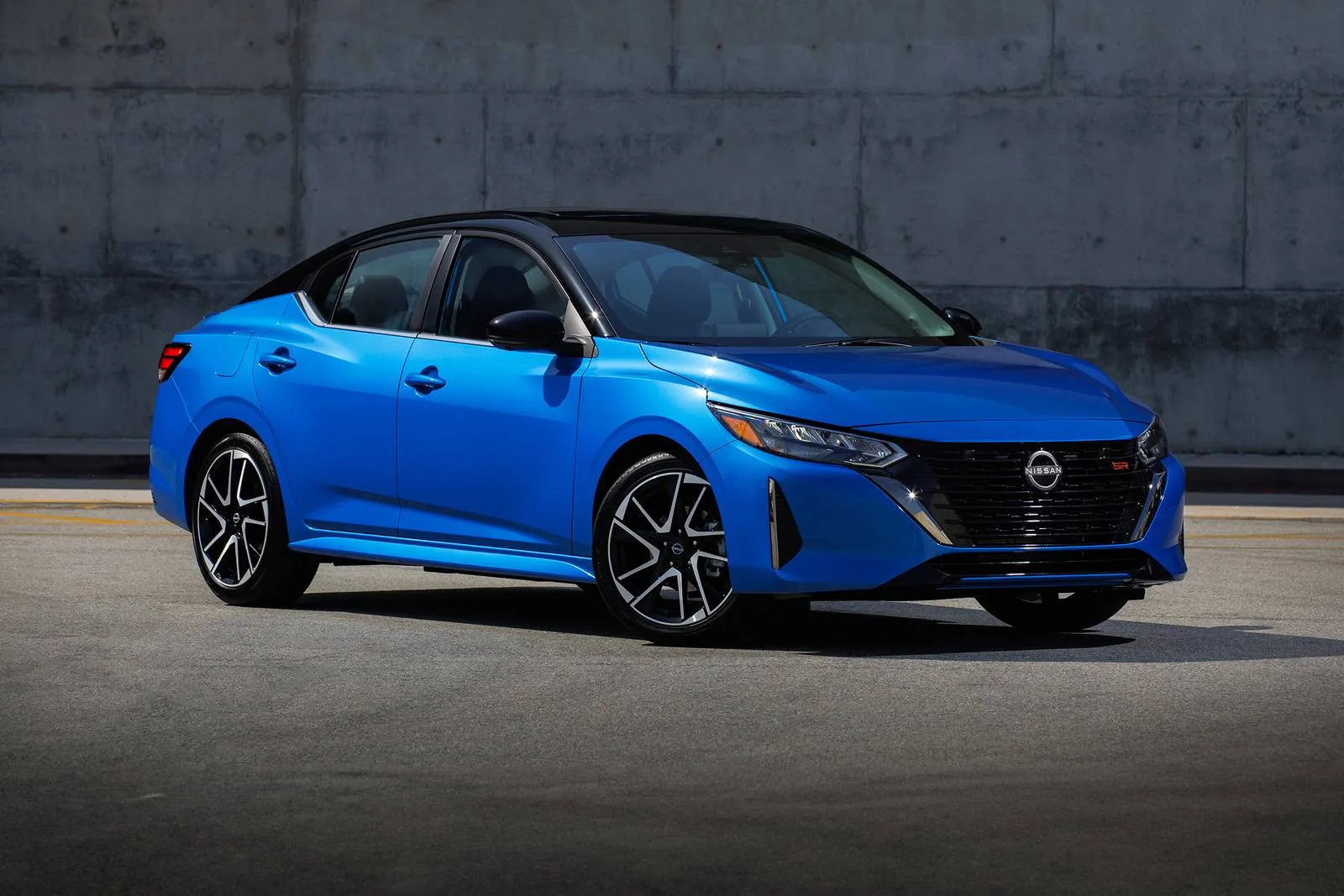
The cruise control also demonstrates intelligent limitations. On steep mountain grades, the system cancels automatically if vehicle speed drops significantly below the set point, recognizing that maintaining speed would require aggressive downshifting potentially damaging to the transmission.
Similarly, if the driver brakes to go through the sharp curves, the system cancels rather than trying to aggressively re-accelerate immediately afterward.
These safety-conscious behaviors happen without complex programming or sensor arrays just sensible engineering that prioritizes driver control in situations where automation might prove problematic.
The Sentra proves that automotive technology doesn’t need to be cutting-edge to be effective, satisfying, and genuinely useful in daily driving situations.
5 Models with Too Many Buttons
These confusing vehicles suffer from overcomplicated cruise control interfaces and cryptic button layouts that require owner’s manual consultation for basic operation, creating frustration through their inability to provide intuitive speed control without memorizing specific button sequences and menu options.
Their problematic design includes identical-feeling steering wheel buttons and multi-function controls that cannot clearly communicate their purpose, leading to accidental system mode changes, unintended following distance adjustments, and complete inability to determine which buttons perform which functions without visual confirmation.
Despite advanced adaptive cruise capabilities and numerous feature options, these systems frustrate drivers through their counterintuitive interfaces, tiny illegible button icons requiring reading glasses, and maddening tendency to activate wrong modes when simple speed setting was intended.
1. Mercedes-Benz S-Class
The Mercedes-Benz S-Class represents the absolute pinnacle of automotive complexity, with a cruise control system so elaborate it requires dedicated sections in the owner’s manual.
The left steering wheel spoke features no fewer than fifteen distinct buttons, switches, and touch-sensitive surfaces related to speed control and driver assistance.
There’s adaptive cruise control, of course, but also adjustable following distances with six different settings, speed limiters, traffic sign recognition with automatic speed adjustment, active steering assist, and customizable acceleration/deceleration curves. Even experienced Mercedes owners sometimes discover new functions months into ownership.
The learning curve proves genuinely steep. New S-Class owners often schedule dealership appointments specifically to receive personalized tutorials on the cruise control system’s capabilities.
The interface includes touch-sensitive surfaces that respond to swipes for adjusting following distance, physical buttons that toggle between different automation modes, and a capacitive thumb rest that enables or disables lane-keeping functions.
The system’s behavior changes depending on which drive mode you’ve selected Comfort, Sport, or Individual adding another layer of complexity to predict how the car will respond when cruise control is engaged.
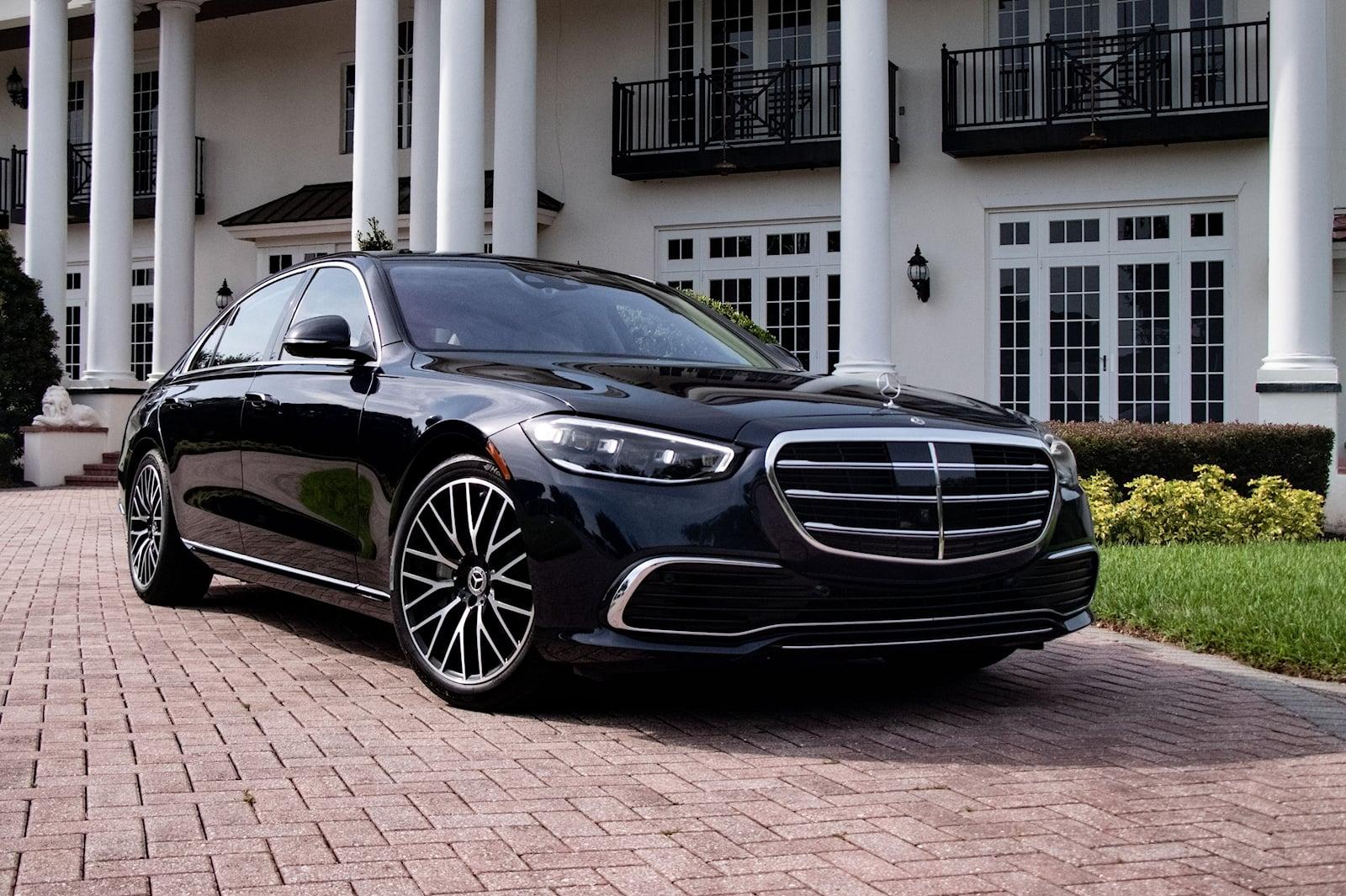
Admittedly, when mastered, the S-Class system offers remarkable capabilities. It can go through the stop-and-go traffic autonomously, automatically slow for curves detected via GPS, and even change lanes with driver confirmation.
The adaptive cruise control responds smoothly to traffic flow, maintaining safe following distances while avoiding the jerky acceleration patterns that plague some competitor systems.
In highway construction zones, it recognizes temporary speed limits and adjusts accordingly genuinely impressive technology that represents the cutting edge of automotive engineering.
For all its technological brilliance, the S-Class cruise control often feels like operating a jetliner’s autopilot when most drivers simply want to maintain 70 mph on the interstate.
The gap between capability and practical usability reveals how more features don’t automatically translate into better user experience.
2. BMW 7 Series
BMW’s flagship 7 Series approaches cruise control as an opportunity to showcase technological prowess, resulting in an interface that overwhelms even technology-savvy drivers.
The steering wheel houses twelve dedicated buttons for speed control alone, complemented by the iDrive controller that accesses dozens of additional parameters through on-screen menus.
The system offers conventional cruise control, active cruise control with stop-and-go, extended traffic jam assist, and active driving assistant each with distinct operational characteristics that aren’t immediately obvious from their similar names.
The button layout attempts to organize functions logically but ultimately creates confusion through sheer density. A small rocker switch adjusts following distance but looks identical to another that controls speed increments. Touch-sensitive surfaces detect gestures but sometimes register accidental brushes as intentional commands.
BMW includes a physical button that toggles between “comfort” and “dynamic” adaptive cruise control modes, but the practical difference between these settings remains mysterious to most drivers who notice minimal behavioral changes despite the system supposedly employing different algorithms.
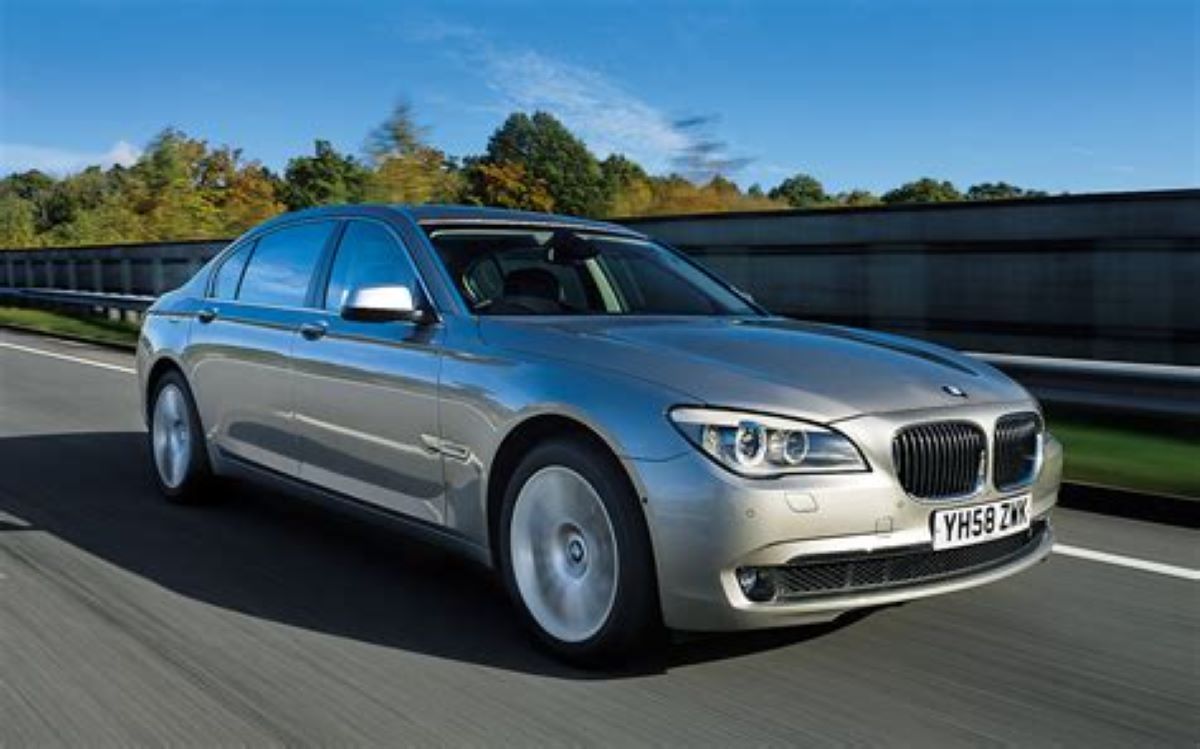
Customization options border on obsessive. Through iDrive menus, owners can adjust how aggressively the adaptive cruise control accelerates after traffic clears, set preferred following distances for different speed ranges, determine whether the system should automatically resume set speed after a stop, and configure how steering assistance intervenes.
There are literally dozens of parameters to adjust, creating a paradox where the system’s flexibility actually reduces usability most drivers never explore these settings, leaving sophisticated technology underutilized because accessing it requires too much effort.
These inconsistencies mean drivers can’t fully relax even with multiple assistance systems engaged, defeating the primary purpose of cruise control: reducing highway driving workload. BMW’s abundance of features ultimately creates complexity without proportional improvement in actual driving experience or comfort.
3. Audi A8
Audi’s A8 luxury sedan demonstrates how feature creep transforms simple cruise control into an intimidating command center requiring extensive familiarization.
The multifunction steering wheel contains eighteen buttons and touch surfaces related to driver assistance, with functions split between physical controls, touch-sensitive areas, and virtual buttons displayed on the instrument cluster.
The system offers predictive adaptive cruise control that uses navigation data to anticipate curves, adaptive cruise assist with lane guidance, efficiency assistant that coaches optimal speeds, and traffic jam pilot capabilities though actual autonomous driving remains legally restricted in most jurisdictions.
The interface tries to be sophisticated but becomes confusing through inconsistent interaction models. Some settings adjust via steering wheel buttons, others through touch screens, and still others through voice commands.
The “adaptive” button doesn’t simply toggle adaptive cruise on and off; instead, it cycles through multiple assistance levels with subtly different behaviors.
A separate button enables lane keeping, but whether it functions depends on other systems being activated in a specific sequence that even dealership staff sometimes struggle to explain clearly.
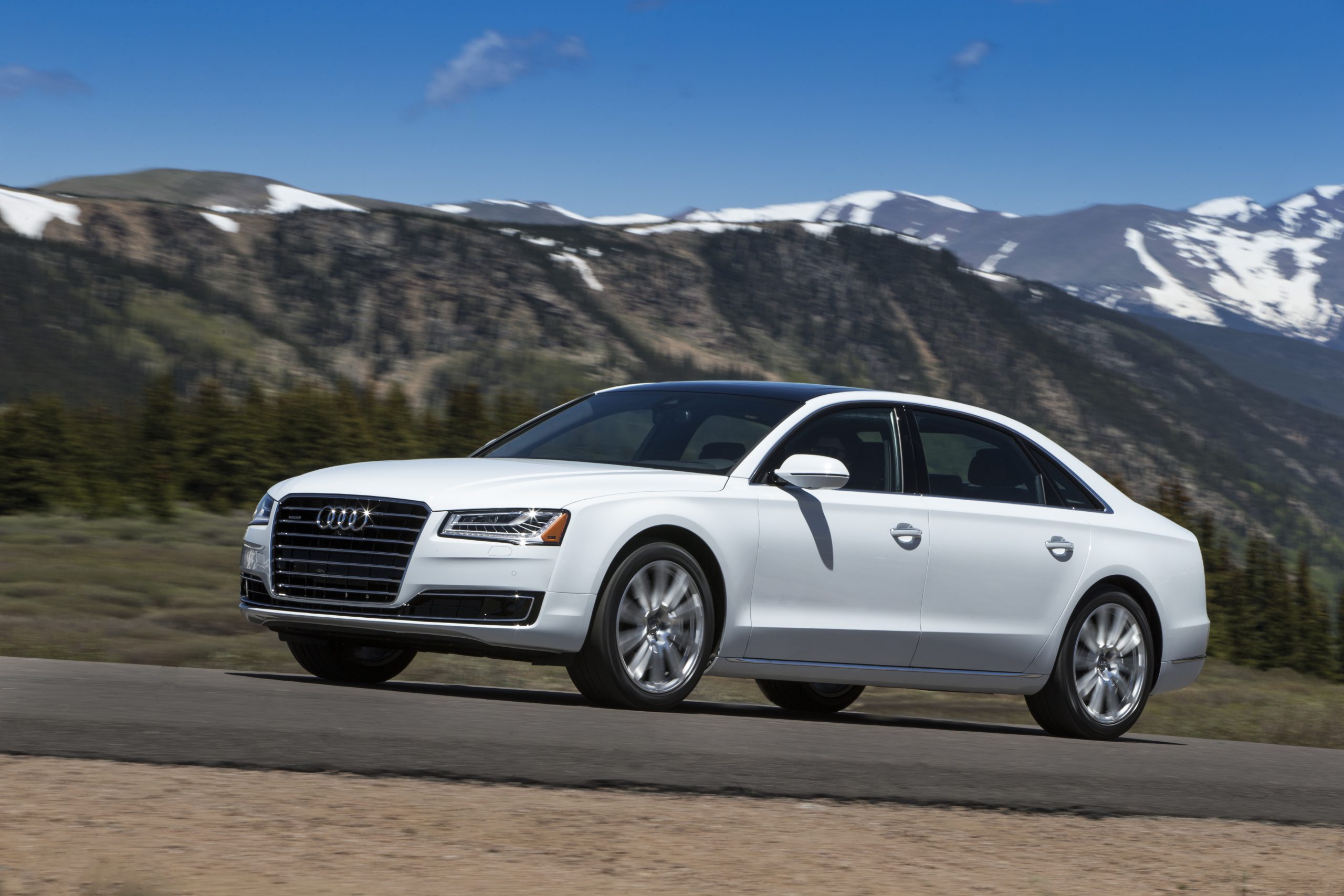
Audi’s engineers included so many safety interlocks and conditional behaviors that predicting system operation becomes nearly impossible.
Adaptive cruise control won’t engage below certain speeds unless traffic jam assist is enabled, which requires different button presses than standard cruise activation.
The system disengages if it detects hands off the steering wheel for more than fifteen seconds, but the sensitivity varies depending on which assistance level is active.
Lane keeping sometimes works on roads with faded markings and sometimes doesn’t, with no clear indication of when the system feels confident about lane boundaries.
The A8 illustrates how automotive technology can become so advanced that it actually increases rather than decreases cognitive load, leaving drivers more stressed than if they’d simply controlled the vehicle manually throughout their journey.
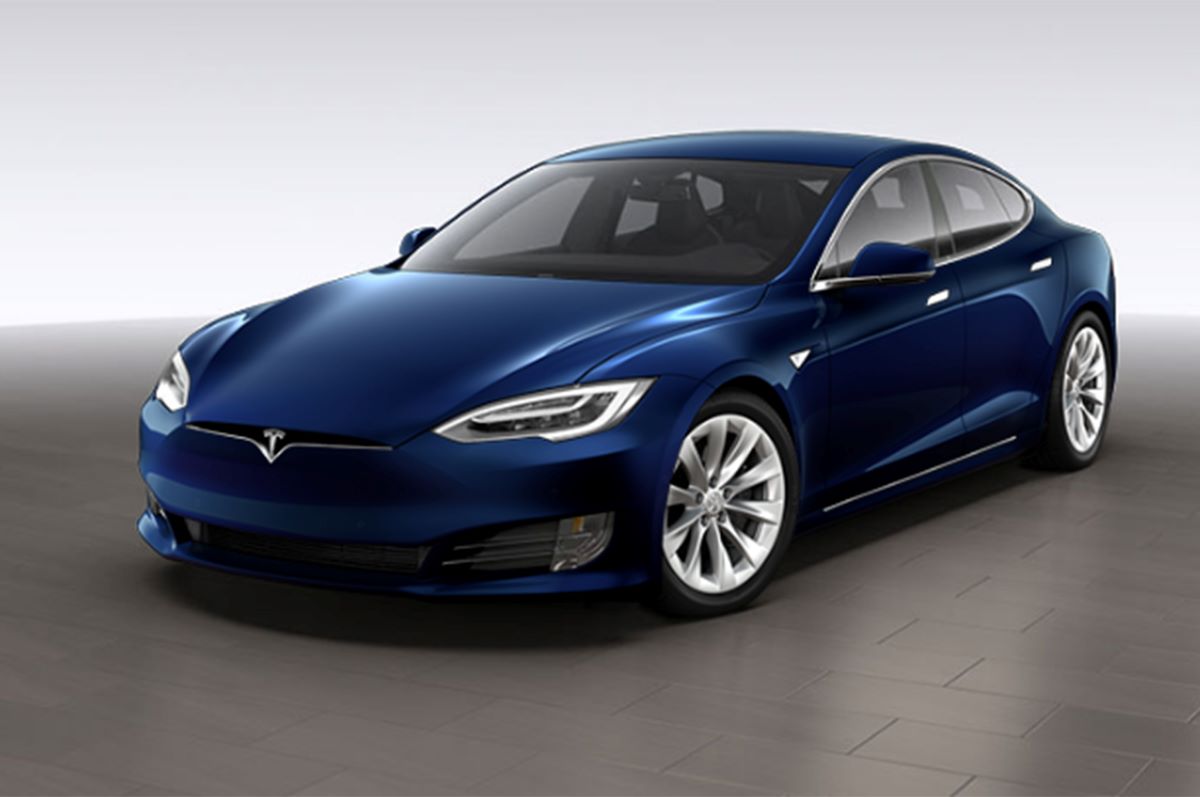
4. Tesla Model S
Tesla’s approach to cruise control through its Autopilot interface represents perhaps the most radical departure from traditional designs, replacing physical buttons with touchscreen controls and voice commands supplemented by only two steering wheel stalks.
The system blends basic cruise control with advanced autopilot features in ways that blur the line between driver assistance and autonomous driving, creating an interface that’s simultaneously minimalist in physical controls yet maximally complex in functionality.
The feature set includes automatic steering, go through the on Autopilot, automatic lane changes, summon functions, and constantly evolving capabilities delivered through over the air updates.
The touchscreen-centric design creates usability problems despite appearing modern and sleek. Adjusting following distance requires looking at the screen, tapping the appropriate icon, and then selecting from options a multi-step process requiring visual attention diverted from the road.
The system’s behaviors change based on which Autopilot version the vehicle has and which features the owner has purchased, creating confusion when discussing capabilities with other Tesla owners whose cars might behave entirely differently despite looking identical.
Software updates sometimes alter how controls work or where functions are located, meaning the interface you master one month might change the next.
Tesla’s confidence in its technology sometimes exceeds the system’s actual capabilities, creating dangerous trust issues. Autopilot markets itself as highly autonomous yet requires constant driver attention and readiness to take control immediately.
This creates cognitive dissonance the system claims to handle driving but simultaneously demands vigilance as though you’re driving manually.
Drivers report difficulty maintaining appropriate attention levels during long Autopilot engagements, either becoming too complacent and disengaged or too stressed from constantly monitoring system performance. Neither mental state represents an improvement over conventional cruise control.
Tesla’s minimalist physical control strategy that seems elegant in marketing materials proves frustrating in practice when you’re traveling 75 mph on a busy highway and need to make immediate adjustments without going through touchscreen menus or remembering which exact stalk movement triggers which function.
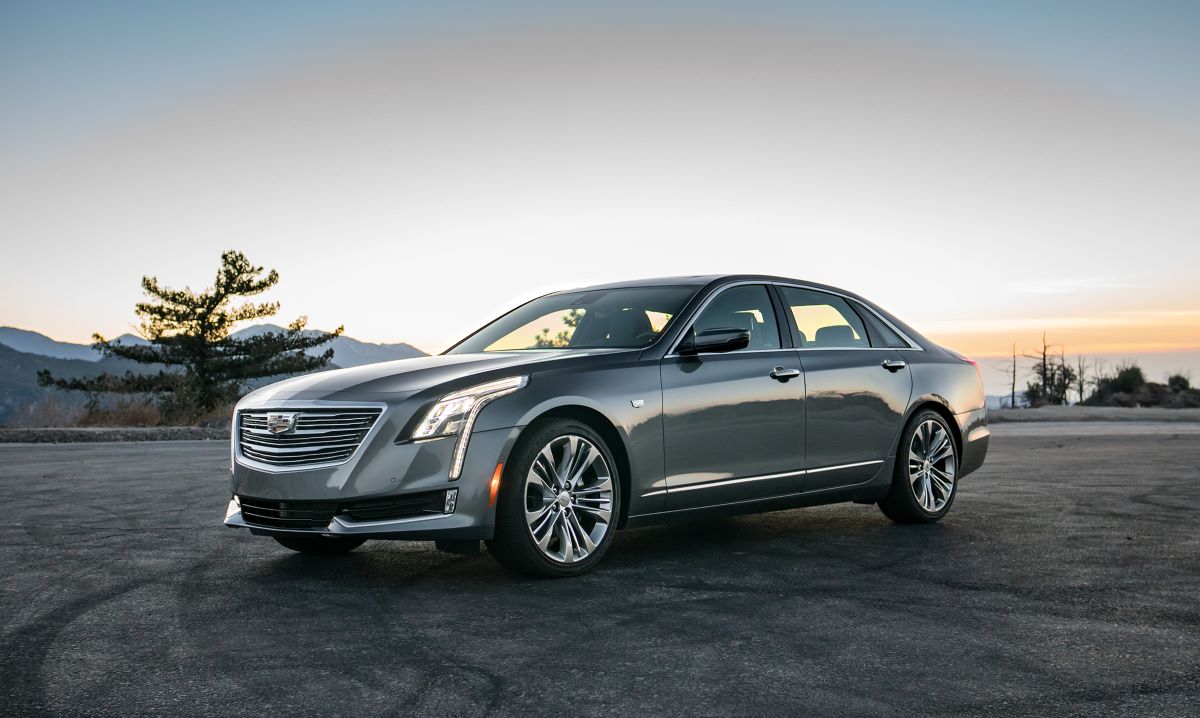
5. Cadillac CT6 with Super Cruise
Cadillac’s Super Cruise represents GM’s answer to semi-autonomous driving, packaging adaptive cruise control, lane centering, and hands-free highway driving into a system that requires nearly twenty different controls and interfaces to operate fully.
The steering wheel contains fourteen buttons related to driver assistance, complemented by a driver attention system using infrared cameras to monitor where you’re looking, and a light bar that communicates system status through color-coded LEDs.
The complexity extends to prerequisite conditions Super Cruise only operates on pre-mapped highways, requires good lane markings, functions only in certain weather conditions, and demands driver attention remain on the road despite not requiring hands on the wheel.
The button array attempts logical organization but overwhelms through sheer quantity. There are separate buttons for enabling adaptive cruise, activating lane keeping, adjusting following distance, setting speed, and toggling Super Cruise mode each with slightly different operational requirements and system states.
The interface includes touch-sensitive areas that accidentally trigger when you’re simply gripping the steering wheel, plus physical buttons so small and closely spaced that accurately pressing the intended control while driving proves challenging.
Cadillac includes a separate button just to cancel all driver assistance at once because disengaging systems individually through proper procedure would require too many button presses in emergency situations.
Super Cruise’s conditional operation creates constant uncertainty about whether the system will engage on any given road. The interface shows whether your current highway is compatible with hands-free driving, but map data sometimes lags behind real-world construction or road changes, meaning the system might disengage unexpectedly.
Bad weather disables functions without always clearly indicating which capabilities remain active. Driver attention monitoring sometimes interprets legitimate road observation as distraction, issuing warnings and threatening system shutdown even when you’re properly supervising the vehicle.
These false alerts condition drivers to distrust the system, reducing willingness to engage features that required such extensive engineering effort.
Cadillac’s attempt to deliver semi-autonomous capability results in a system so complex and conditional that many owners eventually abandon it, returning to basic cruise control that, while less technologically impressive, actually reduces rather than increases driving stress.
Also Read: 5 Car Models With Friendly Key Fobs vs. 5 Fussy Clickers