In today’s fast-paced world, staying connected while on the move has become almost as important as reaching the destination itself. Smartphones are no longer just devices for calls and texts they are our navigation assistants, music libraries, communication hubs, and personal organizers all rolled into one.
For many drivers, integrating their smartphone’s capabilities into their vehicle’s infotainment system has become a necessity rather than a luxury. Apple CarPlay, introduced by Apple in 2014, has emerged as one of the most popular and widely adopted solutions for bringing iPhone functionality into cars safely and intuitively.
By offering a simplified and familiar interface on a vehicle’s infotainment screen, CarPlay allows users to access navigation apps like Apple Maps and Google Maps, stream music from Apple Music or Spotify, send and receive messages, and make phone calls, all while minimizing distractions.
The appeal of Apple CarPlay lies in its ability to seamlessly connect an iPhone to the car’s dashboard system, transforming the vehicle’s screen into an extension of the phone itself. This integration is designed to reduce the need for drivers to handle their phones directly, thereby improving safety and convenience.
However, the success of this integration depends heavily on how well the vehicle’s infotainment system supports and interacts with CarPlay. In some cars, CarPlay functions smoothly and reliably, with quick connections, responsive controls, and clear displays.
In others, the experience can be frustrating due to lag, poor touchscreen sensitivity, frequent disconnections, or limited voice command support.
Not all infotainment systems are created equal, and automakers differ significantly in how they implement Apple CarPlay. The quality of integration can be influenced by a range of factors, including the hardware powering the system, the software design and user interface, ongoing manufacturer support through updates, and how physical controls complement the touchscreen.
While CarPlay itself is a standardized platform developed by Apple, the way it is incorporated into each vehicle’s system varies, resulting in a wide spectrum of user experiences. This means that for iPhone owners, the choice of vehicle can have a significant impact on how useful and enjoyable CarPlay is in everyday driving.
For many consumers, Apple CarPlay has become a key feature that influences purchasing decisions. The ability to connect effortlessly to a vehicle’s infotainment system and use familiar apps in a distraction-minimized way adds considerable value to a car.
On the other hand, poor CarPlay integration can lead to frustration, wasted time, and potential safety hazards. As a result, understanding which vehicles offer the best Apple CarPlay experience and which ones fall short has become increasingly important. This knowledge helps buyers make informed choices that align with their connectivity needs and expectations.
In this article, we will look at five vehicles that integrate Apple CarPlay almost perfectly. These models represent the industry’s best practices in delivering a reliable, user-friendly, and polished CarPlay experience.
They combine fast and stable connections, responsive interfaces, excellent voice control functionality, and thoughtful hardware design to create a system that feels like a natural extension of the driver’s iPhone.
Conversely, we will also examine five vehicles that struggle with Apple CarPlay pairing, often suffering from frequent disconnections, unresponsiveness, or complete incompatibility.
Highlighting the challenges in these vehicles will help prospective buyers avoid potential headaches and ensure they find a car that truly supports their digital lifestyle.
By comparing these extremes, this article aims to provide a clear picture of what good Apple CarPlay integration looks like and why it matters. Whether you are shopping for a new vehicle, considering an upgrade, or simply curious about how technology shapes modern driving, understanding these differences will empower you to choose a vehicle that keeps you connected safely and effortlessly on every journey.
Also Read: 5 Cars With Quick-Release Seats vs 5 With Stuck Latches
Vehicles That Integrate Apple CarPlay Perfectly
1. Honda Accord
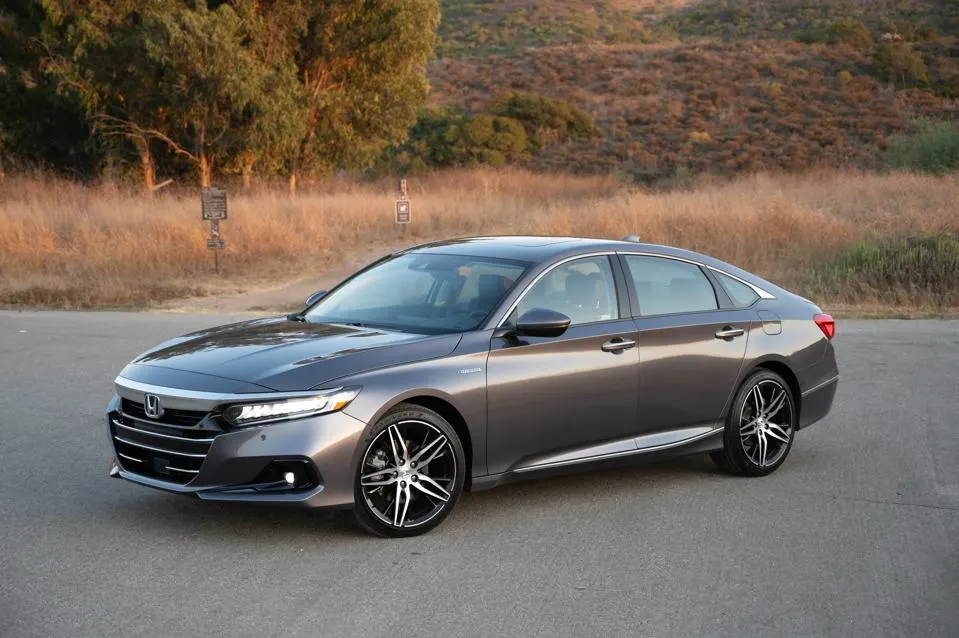
The Honda Accord stands out as one of the most reliable and well-executed Apple CarPlay integrations in the midsize sedan market. Honda has invested considerable resources to ensure that CarPlay is not just an afterthought but a central component of the vehicle’s infotainment system.
From the moment you connect your iPhone via USB or wirelessly in newer models, the system promptly recognizes your device and launches CarPlay without delay. There is virtually no lag, and switching between apps like Maps, Music, or Messages happens smoothly, with crisp and clear graphics.
One of the keys to the Accord’s successful CarPlay experience is the responsiveness of its touchscreen, which accurately registers taps and swipes even on bumpy roads, reducing the risk of frustrating misinputs. Honda has also carefully integrated physical controls like a rotary dial and dedicated buttons around the infotainment screen.
This allows drivers to operate CarPlay without needing to rely solely on the touchscreen, which can be distracting. The combination of tactile controls and touchscreen offers flexibility and safety by letting users keep their eyes on the road.
Voice command functionality via Siri is well-implemented in the Accord. Drivers can easily activate Siri using steering wheel buttons and have confidence that their requests for navigation directions, sending texts, or making calls will be understood and executed reliably.
The voice interface keeps the driver connected while minimizing distractions, an essential aspect of a good CarPlay setup. The Honda Accord’s system also receives regular software updates through dealer visits or over-the-air downloads, which fix bugs and improve compatibility with the latest iOS versions, ensuring the experience gets better over time.
Audio integration in the Accord deserves special mention. Whether streaming music from Apple Music, podcasts from third-party apps, or handling phone calls, sound quality remains clear and distortion-free.
The system supports high-quality audio codecs, and the speakers are tuned to deliver balanced sound. Additionally, wireless CarPlay availability in newer trims removes the hassle of plugging in a cable, making it easy to start a session simply by entering the car and having the phone automatically connect.
In summary, the Honda Accord combines reliable hardware, well-thought-out software, responsive controls, and high-quality audio to deliver an Apple CarPlay experience that feels natural and enhances the driving experience rather than complicating it. It is a standout example of how automakers can prioritize connectivity without sacrificing simplicity or safety.
2. Toyota Camry
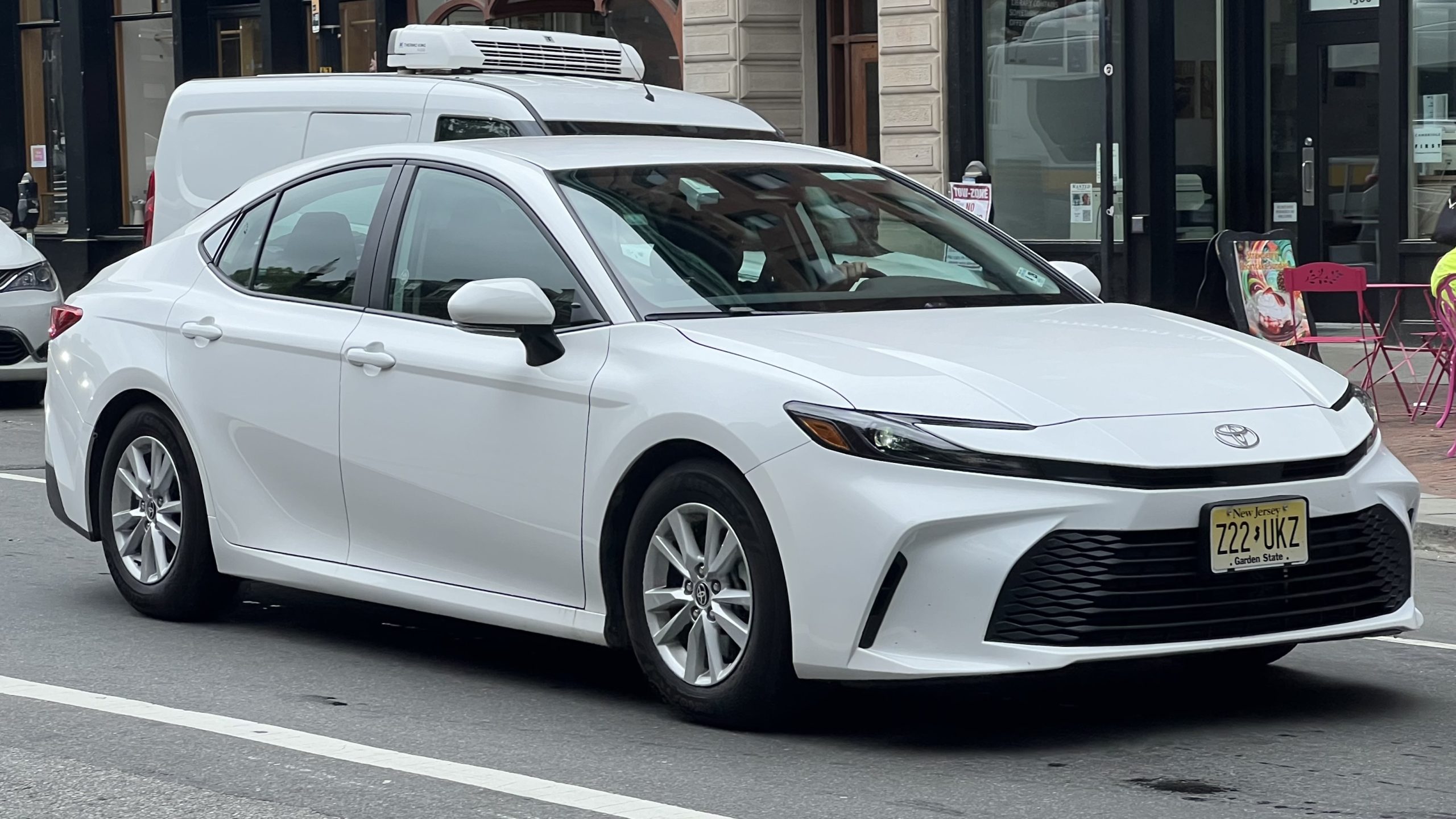
Toyota’s Camry, a consistent best-seller globally, has recently undergone significant improvements in its infotainment system to address past criticisms, particularly in the realm of smartphone integration.
Apple CarPlay now works exceptionally well in the Camry, presenting a stable and fast interface that connects effortlessly with iPhones of many generations. The process is intuitive: connect your phone, and the CarPlay interface appears instantly on the large, high-resolution display.
Toyota’s design philosophy for the Camry’s infotainment system emphasizes clarity and ease of use. The menus are logically organized, and CarPlay apps launch without lag, which minimizes the time a driver’s eyes are off the road.
Touchscreen sensitivity is excellent, registering commands promptly, and the system avoids the sluggish or jittery behavior found in many competing vehicles. In addition to the touchscreen, Toyota retains physical buttons and knobs around the display, allowing for safer operation, especially while driving on winding roads or in busy traffic.
Voice commands play an important role in Toyota’s CarPlay integration. Using Siri through the steering wheel button is quick and accurate, allowing the driver to dictate messages, make calls, or navigate to destinations without breaking concentration.
The system also supports features like reading incoming messages aloud, further enhancing hands-free communication. Toyota’s commitment to software support means CarPlay remains compatible with the latest iPhone updates, an important factor for long-term usability.
The Camry supports both wired and wireless Apple CarPlay, depending on the trim and model year, which is a convenience feature. Wireless CarPlay lets users avoid dealing with cables, creating a more seamless connection experience.
Audio performance through CarPlay in the Camry is excellent, with rich, clear sound reproduction. Whether listening to playlists, podcasts, or audiobooks, the sound quality contributes to a pleasant driving atmosphere.
Toyota has demonstrated that affordability and strong technology integration are not mutually exclusive. The Camry proves that mainstream vehicles can offer reliable, polished Apple CarPlay functionality that meets the needs of modern iPhone users, without compromising ease of use or safety.
3. Ford F-150
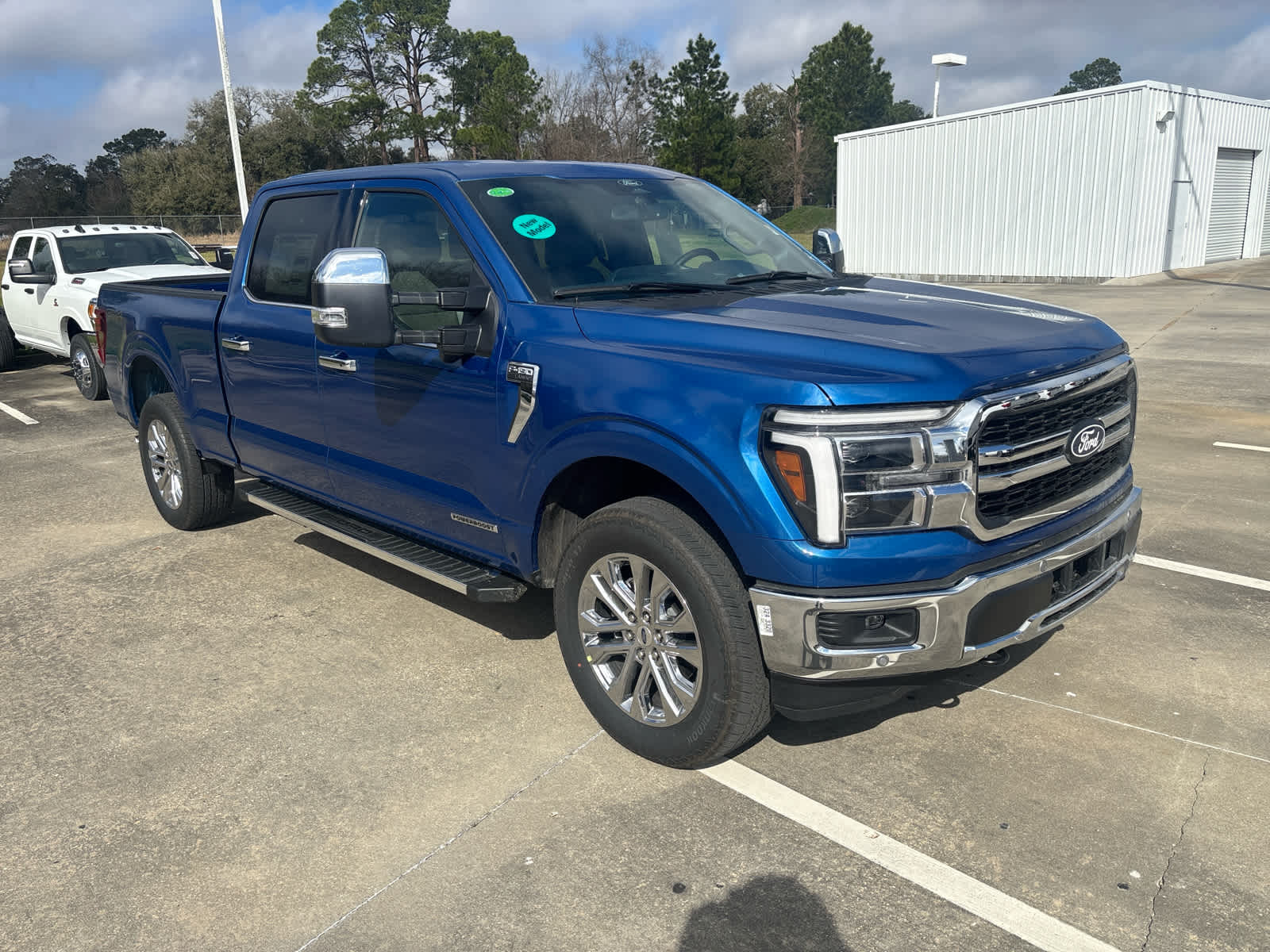
Ford’s F-150 has long been a leader in the pickup truck segment, known for rugged durability and innovation. When it comes to technology, Ford’s recent infotainment platforms Sync 3 and the newer Sync 4 have made significant strides, especially in Apple CarPlay integration.
The F-150 provides one of the most robust CarPlay experiences in the truck category, combining responsive hardware with software optimized to handle the truck’s larger screen and user interface.
Pairing an iPhone with the F-150’s infotainment system is quick and reliable, often requiring no more than a few seconds from connection to the full CarPlay interface appearing on the screen.
The system supports wireless CarPlay on recent models, meaning users don’t need to plug in cables, a useful feature for truck owners who may frequently get in and out of their vehicles. The touchscreen is large and sharp, making it easier to read maps or select music without straining.
One standout feature of Ford’s integration is the support for multi-touch gestures such as pinch-to-zoom in Apple Maps, which is not universally available in all vehicles.
This makes navigation more precise and user-friendly, especially on long trips or when traveling unfamiliar routes. Steering wheel controls and physical buttons around the screen offer alternative ways to navigate CarPlay, allowing users to keep their focus on driving.
Siri voice commands operate smoothly and accurately, enabling hands-free use of phone and navigation functions. The voice system is well-tuned to pick up commands even with road noise or engine sounds, an important consideration in a truck setting.
Additionally, Ford’s audio systems in the F-150 complement CarPlay by delivering clear, well-balanced sound whether streaming music, listening to podcasts, or making calls. The combination of fast response times, ease of use, and quality audio makes the F-150 a top choice for drivers who want reliable Apple CarPlay on the go.
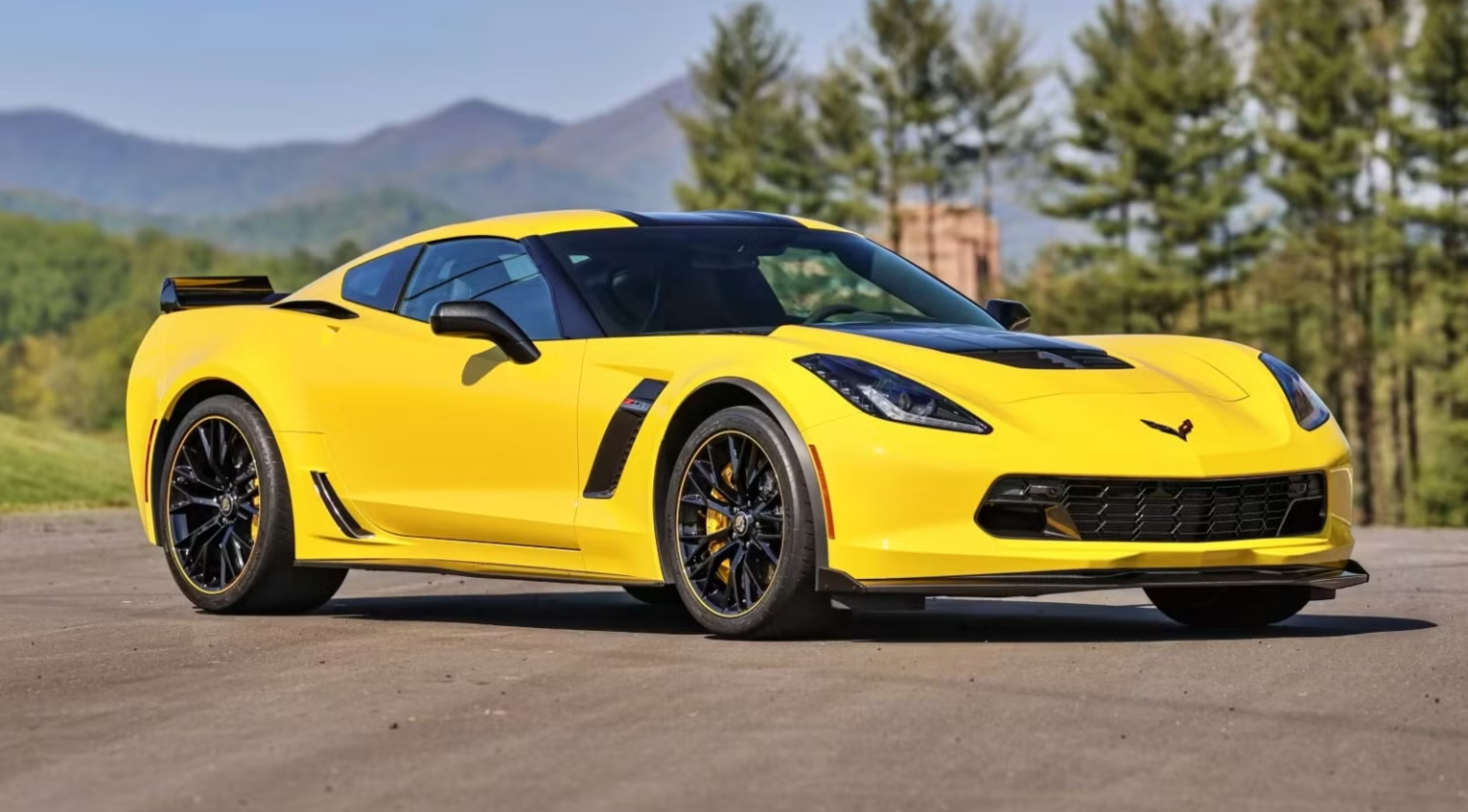
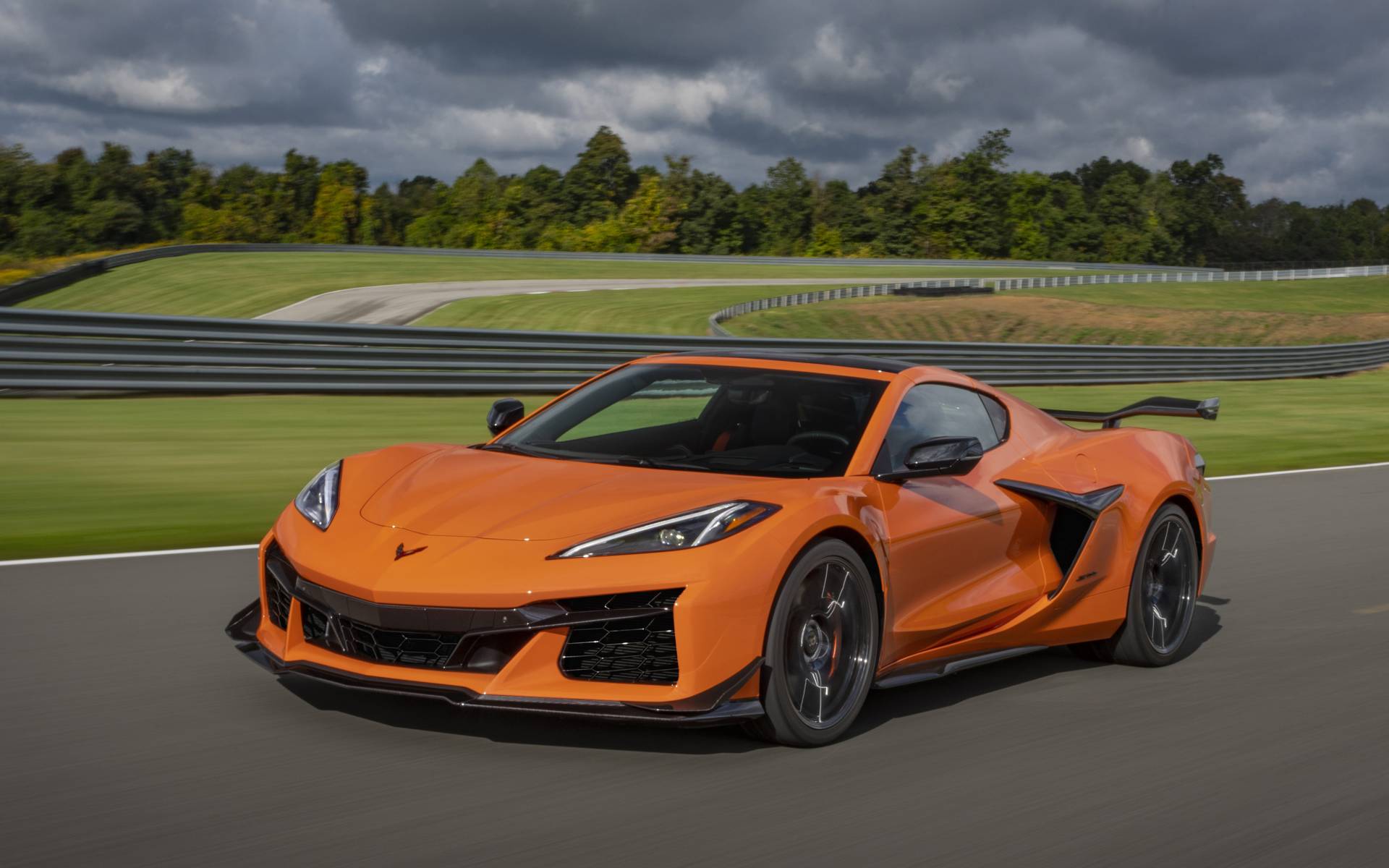
4. Chevrolet Corvette
The Chevrolet Corvette is often seen as a flagship American sports car that marries speed and style with advanced technology. Its Apple CarPlay implementation reflects this balance by providing an infotainment system that feels as sophisticated and high-performance as the car itself.
CarPlay connectivity in the Corvette is swift and dependable, launching as soon as the iPhone is connected and maintaining a smooth operation without lag or stutters.
The touchscreen in the Corvette is high resolution, offering vivid colors and sharp text that make reading maps and messages easy even at a glance. The system’s interface is clean, and apps load quickly, which reduces distraction during driving.
Although the Corvette is a performance vehicle, Chevrolet has ensured that CarPlay’s interface and controls are accessible and straightforward. Physical buttons around the screen give users additional control options, which is helpful for drivers who prefer tactile inputs over touchscreens.
Wireless CarPlay support is included in recent Corvette models, removing the inconvenience of cables and allowing the phone to pair automatically. Voice control via Siri is also well implemented, with quick responses and good accuracy. Drivers can dictate texts, search for locations, or play music hands-free, enhancing safety on the road.
One unique aspect of the Corvette’s infotainment is its ability to integrate with performance modes. Drivers can toggle between different driving settings, such as Sport or Track mode, without interrupting their CarPlay session.
This seamless combination of high-performance features and everyday convenience makes the Corvette an excellent example of how even specialized vehicles can offer premium technology integration.
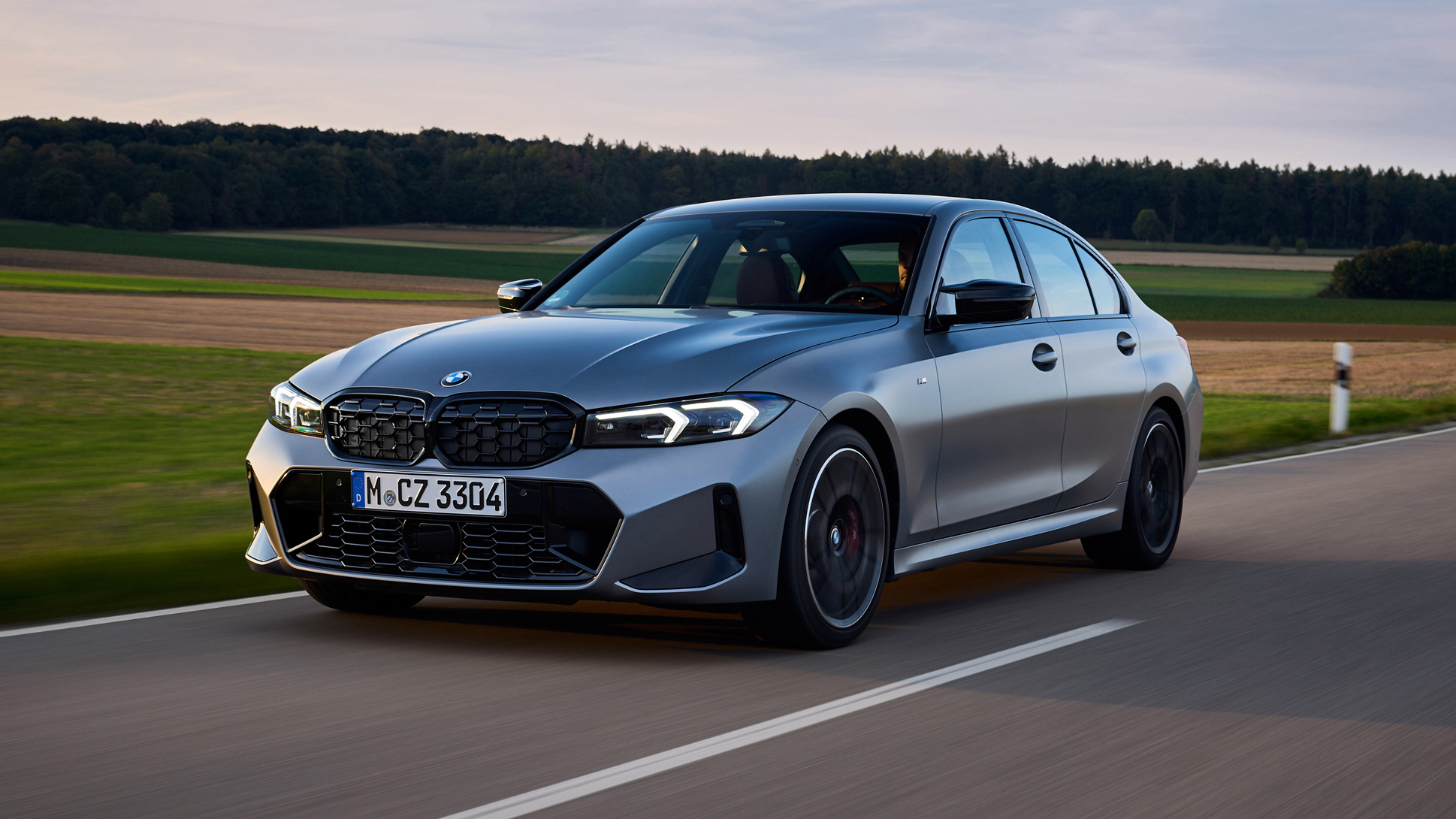
5. BMW 3 Series
BMW’s 3 Series has long been synonymous with driver engagement and luxury, and its Apple CarPlay experience is equally impressive. The iDrive infotainment system, which has undergone several refinements, provides a smooth and polished interface for CarPlay users.
Connecting an iPhone is quick, and CarPlay launches automatically without the need for complicated setups. One of the highlights of the BMW 3 Series is its wireless Apple CarPlay functionality, which is included in most newer models.
This feature allows the phone to connect effortlessly, making it convenient for daily use. BMW’s control system includes a rotary knob, a touchpad, and a touchscreen, offering multiple input methods so drivers can choose what feels most natural. This flexibility also enhances safety by reducing the need to stare at the screen.
The responsiveness of the system is exceptional, with minimal delay between commands and actions. Navigating through Apple Maps, switching between music tracks, or responding to messages all happen fluidly.
Siri voice control is tightly integrated and functions well even with background noise from the engine or traffic. Drivers can maintain focus while using voice commands for navigation or communication.
Display quality is sharp and the interface keeps a consistent design that mirrors Apple’s own apps, making it easy for iPhone users to feel comfortable quickly.
Audio playback is clear and balanced, complementing BMW’s renowned sound systems. The entire setup enhances the premium feel of the 3 Series, making technology a key part of its driving appeal.
Vehicles That Can’t Pair With Apple CarPlay at All

1. Jeep Wrangler (Older Models)
While the Jeep Wrangler is celebrated for its rugged off-road capabilities and iconic design, its earlier infotainment systems have struggled with Apple CarPlay integration.
Many owners of older Wrangler models have reported severe difficulties connecting their iPhones, or simply an inability to pair CarPlay at all. This is largely due to outdated hardware and software that were not designed to handle Apple’s CarPlay protocols effectively.
The pairing process in these Wranglers often involves repeated attempts, with the system either failing to detect the iPhone or dropping the connection unexpectedly.
Even when a connection is established, the system frequently freezes, lags, or crashes, making CarPlay unreliable. The USB ports used for connection in many of these models have also been problematic, sometimes failing to provide sufficient power or data transfer capabilities.
Voice command integration is minimal or completely absent in older Wranglers, meaning that Siri cannot be used effectively to control CarPlay features hands-free. This severely limits the benefits of CarPlay’s hands-free design and can lead to distraction if drivers try to manually operate the system while driving.
Furthermore, software updates from Jeep have been slow or unavailable for these older systems, meaning many Wranglers on the road today continue to suffer from poor CarPlay compatibility.
For Jeep owners who prioritize tech integration, these issues represent a significant drawback. The poor Apple CarPlay experience contrasts sharply with the Wrangler’s otherwise rugged and capable reputation, leaving users frustrated by the lack of modern connectivity features in a vehicle otherwise suited for adventure.
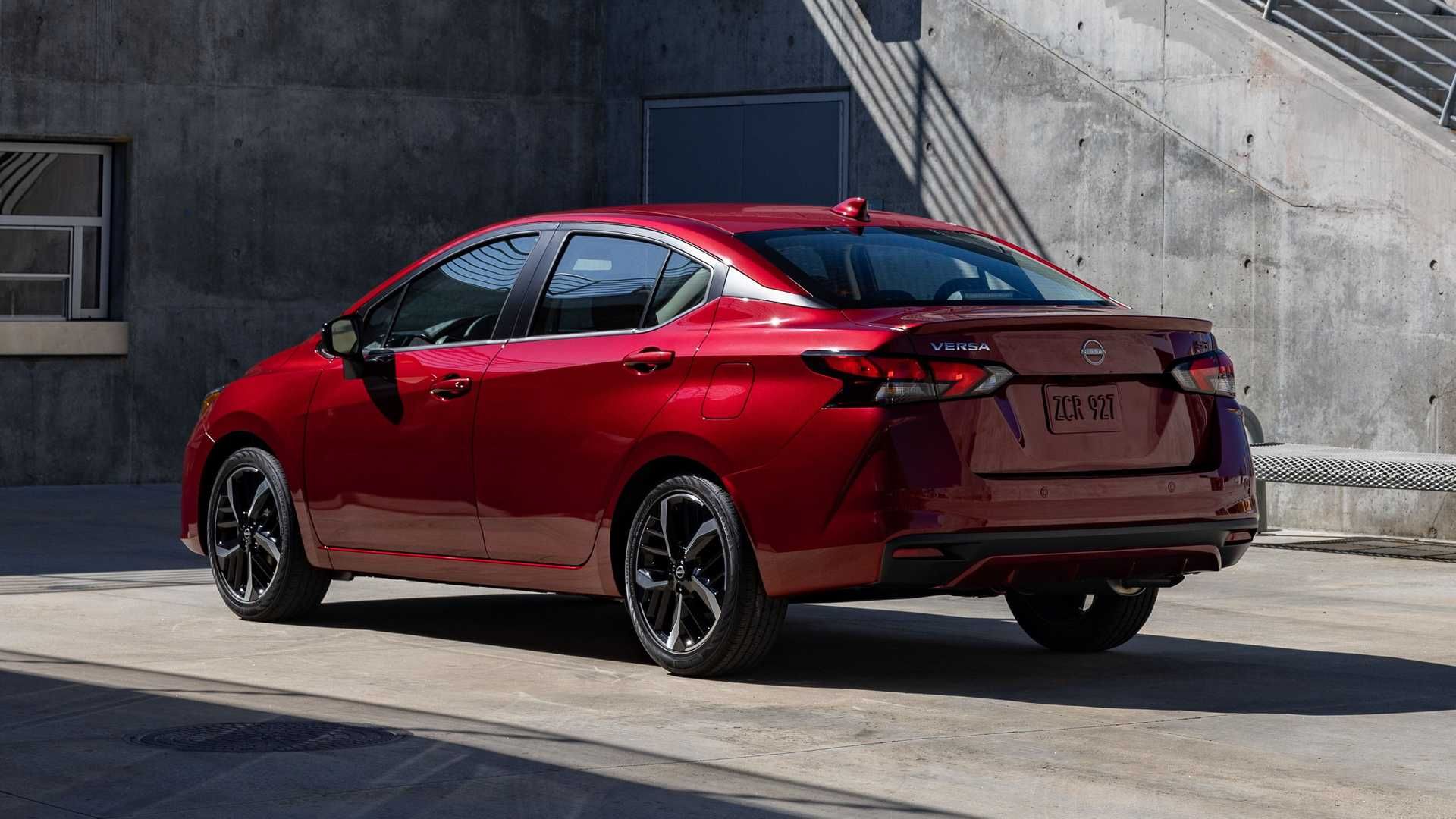
2. Nissan Versa
The Nissan Versa is known for its affordability and simplicity, but these qualities come at the cost of technology sophistication, particularly regarding Apple CarPlay. In many trims, the Versa either does not support CarPlay or offers a subpar experience that frustrates users.
Connecting an iPhone often proves to be an inconsistent process, with the system sometimes failing to recognize the device altogether or disconnecting unexpectedly during use.
The infotainment hardware found in the Versa tends to be basic, and Nissan has been slow to release software updates that might improve CarPlay functionality.
The touchscreen interface is often criticized for being sluggish, with delayed responses to inputs that make switching apps or entering destinations a hassle. These delays increase distraction risk as drivers have to spend more time interacting with the screen.
Voice command support is weak, if present at all. Siri requests may not register correctly, limiting the ability to perform hands-free actions like dictating texts or initiating phone calls. The system also does not effectively read messages aloud, reducing its utility for drivers who want to maintain focus on the road.
USB connection issues further complicate CarPlay usage in the Versa. The phone may fail to charge properly or lose data connection, requiring multiple resets of the infotainment system or disconnections and reconnections.
Given the growing importance of seamless smartphone integration, these issues make the Versa less attractive for iPhone owners who want dependable CarPlay functionality.
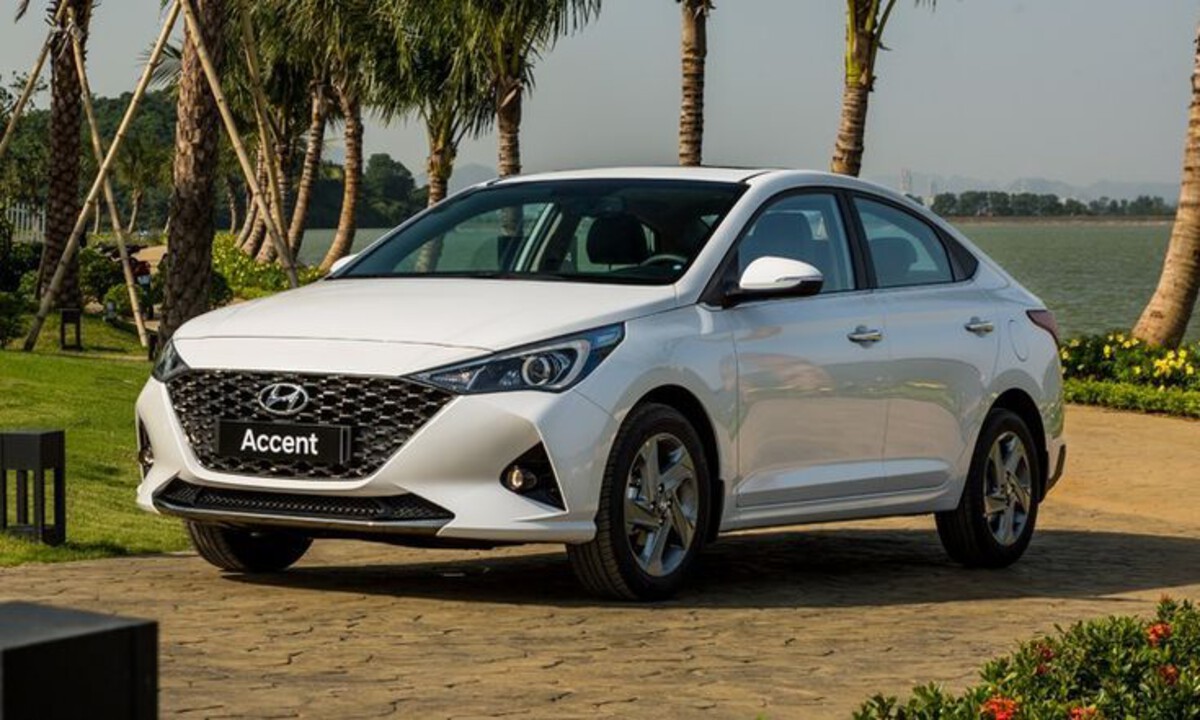
3. Hyundai Accent
The Hyundai Accent, another budget-oriented vehicle, struggles to provide a smooth Apple CarPlay experience despite technically supporting the feature in some newer models.
The system’s responsiveness is inconsistent, often exhibiting delays when connecting the iPhone or during interaction with CarPlay apps. Drivers frequently report having to reboot the infotainment system to restore CarPlay functionality.
Hyundai’s software updates for the Accent have been infrequent and slow to address known CarPlay bugs, leading to persistent stability issues.
The touchscreen itself is sometimes unresponsive or sluggish, frustrating users trying to navigate apps or adjust settings. This can lead to distracted driving as more time is spent trying to get the system to work correctly.
Voice command integration with Siri is limited, and the system does not consistently recognize or execute voice requests accurately. This reduces the benefits of hands-free control, which is one of CarPlay’s primary safety features.
Without reliable voice control, drivers may feel compelled to use the touchscreen more frequently, increasing distraction risk. Physical controls in the Accent’s infotainment system do not effectively compensate for the touchscreen’s shortcomings.
Drivers often need to look away from the road to interact with menus, which contradicts the goal of minimizing distractions. USB port inconsistencies also cause charging and data transfer issues, further complicating the CarPlay experience in the Accent.
4. Fiat 500
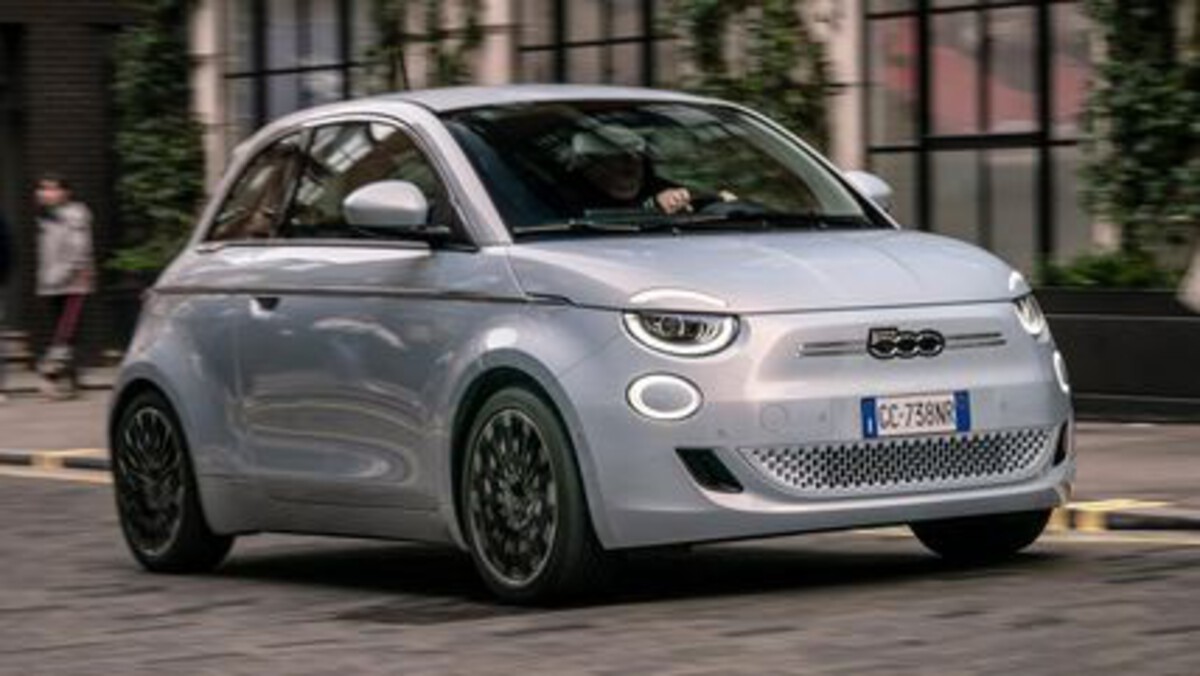
The Fiat 500 is a compact vehicle popular for city driving and its distinctive style, but it has consistently lagged behind competitors in technology integration, especially with Apple CarPlay. Many Fiat 500 models, particularly older ones, do not support CarPlay at all, limiting the options for iPhone users wanting to use their phones safely in the car.
For the models that do offer CarPlay, the experience is often disappointing. Users have reported frequent freezes, crashes, and a generally sluggish interface that makes interacting with CarPlay difficult and frustrating.
The touchscreen responsiveness is poor, and the system can become unresponsive during use, forcing drivers to restart the system while on the road.
Voice control is almost nonexistent in many Fiat 500 infotainment systems, meaning Siri cannot be used effectively for hands-free commands. This significantly reduces the utility of CarPlay’s hands-free features, leaving drivers to operate the screen manually, which can be distracting and unsafe.
Additionally, the Fiat 500 does not support wireless CarPlay, requiring a physical USB cable to connect the phone. This requirement adds inconvenience and can lead to wear and tear on the ports and cables. The combination of these issues results in a CarPlay experience that many users find frustrating and unreliable.
5. Mitsubishi Mirage
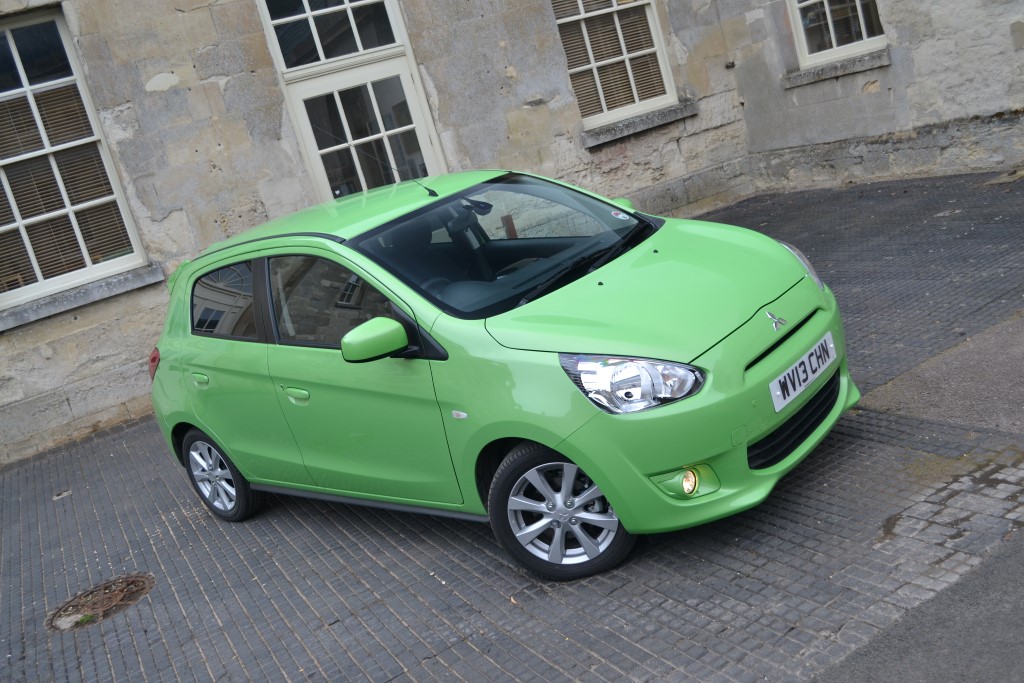
The Mitsubishi Mirage, an economical subcompact car, has significant challenges with Apple CarPlay integration. Many trims either do not support CarPlay or have unstable and unreliable connections. Users trying to pair their iPhones often face frequent disconnects and slow response times that disrupt the intended seamless experience.
The Mirage’s infotainment screen is smaller and less responsive compared to rivals, which makes navigation through CarPlay apps difficult.
Touch inputs can lag or be missed altogether, which increases frustration and risk. Voice command functionality is limited and often fails to respond appropriately to Siri requests, reducing the effectiveness of hands-free operation.
Software updates from Mitsubishi to address these issues have been sparse, leaving many drivers to cope with persistent bugs and compatibility problems. The lack of physical controls that complement the touchscreen means drivers must rely heavily on an underperforming interface, leading to further distraction.
For buyers who prioritize smartphone integration, the Mirage falls short in delivering a reliable, safe, and enjoyable Apple CarPlay experience. This shortcoming can make the vehicle less appealing compared to competitors that offer smoother, more robust connectivity options.
Also Read: 5 Cars With Legendary Owner Satisfaction and 5 With Lawsuit-Level Problems
Apple CarPlay has become an essential feature for many drivers, blending the convenience of their iPhones with the safety and usability of in-car technology. Its ability to bring navigation, communication, and entertainment into a single, integrated system allows drivers to stay connected while keeping their focus on the road.
However, as this article has illustrated, not all vehicles deliver the same quality of Apple CarPlay experience. The differences in hardware, software, design philosophy, and manufacturer support mean that some cars integrate CarPlay almost flawlessly, while others struggle to maintain even a basic connection.
Understanding these distinctions is vital for anyone who relies on Apple devices and expects a smooth, intuitive, and reliable interface in their vehicle.
The vehicles that integrate Apple CarPlay perfectly stand out not only because they support the technology but because they embrace it as a core part of the driving experience. The Honda Accord, Toyota Camry, Ford F-150, Chevrolet Corvette, and BMW 3 Series each offer a comprehensive approach to CarPlay that goes beyond just enabling the connection.
These cars combine responsive touchscreens, supportive physical controls, clear and sharp displays, and robust voice command systems.
Their infotainment systems are fast to recognize iPhones, transition smoothly between apps, and maintain stable connections without frustrating interruptions. Many of these models also support wireless CarPlay, eliminating the need for cumbersome cables and enhancing convenience.
This superior integration reflects manufacturers’ recognition of how critical smartphone connectivity has become to the modern driver.
Automakers who invest in regular software updates, design infotainment interfaces with usability in mind, and ensure hardware responsiveness create an environment where CarPlay can thrive. The result is a safer, more enjoyable, and less distracting driving experience.
Drivers can navigate complex routes with Apple Maps, enjoy their favorite music or podcasts seamlessly, make hands-free calls, and respond to messages safely using Siri. In these vehicles, CarPlay is not a mere add-on; it’s a well-integrated feature that complements the car’s design and functionality.
Conversely, the vehicles that struggle with Apple CarPlay integration serve as cautionary examples of how neglecting technology usability can detract from the driving experience. Older Jeep Wranglers, Nissan Versa, Hyundai Accent, Fiat 500, and Mitsubishi Mirage all face significant challenges when it comes to pairing with Apple CarPlay.
These issues range from total incompatibility to frequent disconnects, sluggish interfaces, unresponsive touchscreens, poor voice command support, and inconsistent software updates.
Many of these vehicles were not initially designed with advanced smartphone integration in mind, and their infotainment hardware often lacks the necessary processing power or software sophistication to handle CarPlay smoothly.
The consequences for drivers are considerable. Frustrations over dropped connections or lagging controls can distract from driving and lead to safety risks. The inability to use voice commands effectively forces drivers to interact manually with the screen, increasing eyes-off-road time.
These problems highlight the critical role of not just offering CarPlay but delivering it in a way that prioritizes ease of use, reliability, and safety.
For budget vehicles, the trade-off between cost and technology can be particularly noticeable, but as consumer expectations evolve, so too must the approach automakers take to integrate these features properly.