Android Auto has become a valued feature for many drivers who want a phone compatible interface that reduces stress and confusion during daily travel. People often want a system that connects quickly, stays stable, and responds without delays, because a smooth setup makes every trip, even a short errand, feel more manageable.
The connection between a smartphone and a vehicle can sometimes be a source of frustration when systems freeze or stall, so a car that supports Android Auto in a simple and predictable way can make driving far more pleasant.
Whether someone relies on maps, music apps, messaging, or voice guidance, a consistent setup is essential, especially for those who spend long hours on the road. Good integration means fewer distractions and a better sense of control, because drivers want technology to support them rather than complicate their attention.
Many models across different price ranges now include support for Android Auto, and some of them are known for very quick pairing, stable links, and intuitive menus that feel natural to use. When a driver starts their car and the connection immediately activates without extra steps, the experience sets a positive tone for the rest of the journey.
The ability to switch between apps without lag helps with navigation tasks and keeps media controls accessible. This is particularly important when a driver is dealing with unfamiliar routes or heavy traffic, since a reliable interface can reduce stress and help them stay focused on the road.
A well-designed infotainment environment should present features clearly so the driver does not need to search through deep menus or press long lists of buttons. When Android Auto is integrated in a sensible layout, the main features appear exactly where many users expect them.
This contributes to safer operation because the user spends less time looking at the screen and more time observing their surroundings.
Many vehicles also include voice controls that work hand in hand with Android Auto, allowing spoken commands to handle calls, messages, and music. This creates a smoother experience because actions can be performed without taking a hand off the wheel.
The following list highlights 10 cars that are recognized for having Android Auto support that functions with minimal hassle. While each model has its own personality and audience, they all have infotainment systems known for simplicity, responsiveness, and consistent performance.
The descriptions are based on general automotive knowledge rather than technical data, focusing on how the systems feel to use from a driver’s point of view. Each section provides a clear sense of why these vehicles offer strong Android Auto compatibility and what makes their systems stand out in daily use.
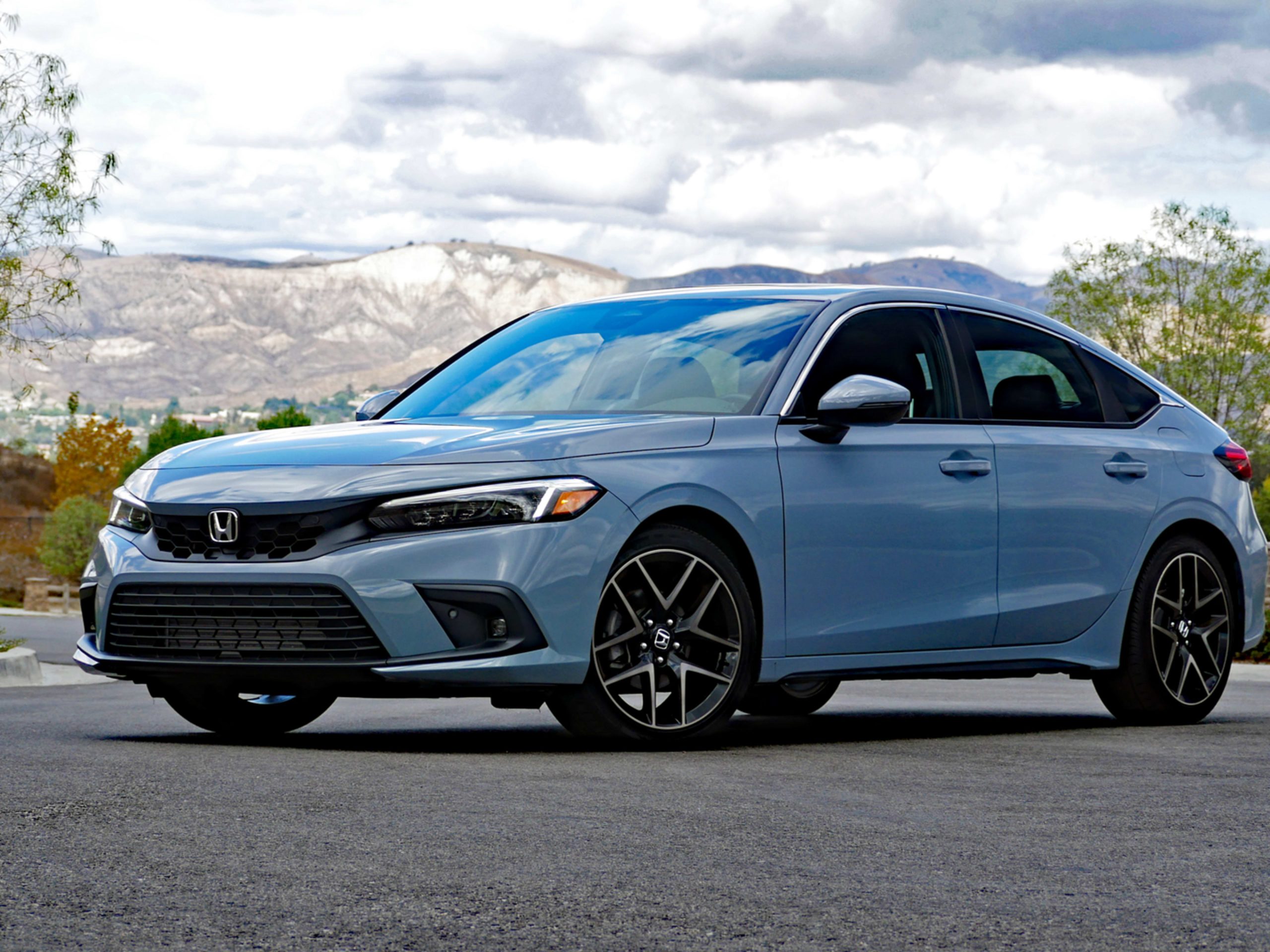
1. Honda Civic
The Honda Civic has a reputation for consistency, and its Android Auto system reflects that dependable character. Many drivers appreciate the way the system responds as soon as the phone is plugged in or connected wirelessly, because it reduces stress during the first moments of a trip.
The interface seems designed for people who want quick access to essentials rather than a flood of options that slow them down. It provides a steady sense of flow from the moment the car starts, which helps keep the driver focused and calm.
Even users who are not skilled with technology usually adapt quickly because the screen presents clear paths to navigation and media, avoiding unnecessary complexities that distract from the actual purpose of driving. With these qualities, the Civic supports routines ranging from daily commutes to longer weekend rides without making the driver work too hard.
The touch screen in the Civic balances size, clarity, and layout in a way that makes Android Auto feel natural. Icons are placed in familiar positions that guide the eye smoothly from one feature to another. This helps reduce fumbling during moments when quick inputs matter, such as switching songs or checking the next turn.
The display maintains strong visibility during daytime driving, preventing glare from washing out key details. At night, the brightness adjusts gently so the user is not overwhelmed by harsh light. The responsiveness of the touch controls adds to this comfort since the system does not lag when handling taps or swipes. This keeps transitions fluid and reduces the irritation that comes from waiting for slow interfaces to catch up.
Connection stability is one of the strongest qualities of the Civic’s setup. Android Auto holds the link firmly whether the user is traveling through a busy city or along rural highways. Maps load with dependable speed and audio apps continue running without unnecessary pauses.
This reliability matters greatly for those who rely on real-time traffic shifts or step-by-step route instructions, because even brief interruptions can cause missed turns or hurried corrections.
The system supports the user by remaining consistent, which helps the driver maintain confidence in their phone’s guidance. For frequent travelers or long-distance drivers, this consistent performance becomes even more meaningful because it minimizes the number of small irritations that accumulate over time.
The cabin layout of the Civic contributes significantly to the comfort of Android Auto usage. The screen sits at a height that requires only glances, reducing strain on the neck and helping maintain attention on the road. Physical controls below the screen are placed where the hand naturally falls, allowing the driver to adjust climate or audio settings without losing awareness.
The seats support a posture that keeps the driver aligned with the display, which makes it easier to operate the system for extended periods. These physical details work together to make the entire experience smoother. Instead of feeling like an add on or a complicated device the driver must actively manage, Android Auto becomes a straightforward tool that blends into the daily routine.
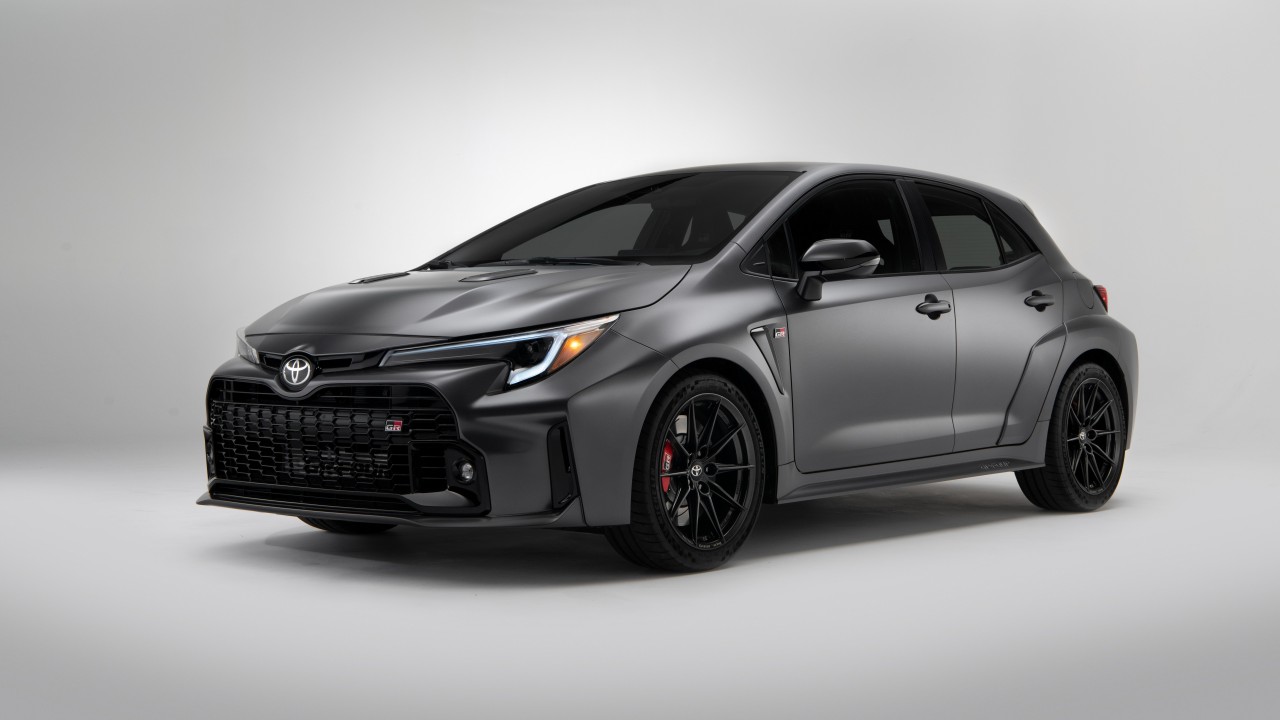
2. Toyota Corolla
The Toyota Corolla carries a long standing reputation for dependability, and its Android Auto compatibility fits neatly within that identity. The system starts quickly and presents a clean structure that reduces confusion for those who want direct access to maps, music, and calls.
Drivers who prefer a no nonsense interface appreciate how the Corolla keeps unnecessary animations and distractions to a minimum. Android Auto boots reliably even after several short trips within the same day, which helps users avoid repeated setup steps. This sense of predictability makes the Corolla a strong companion for people who prioritize simplicity and prefer their car technology to work quietly in the background without demanding attention.
The display in the Corolla stands out due to its tidy arrangement and balanced spacing. Icons follow a layout that feels intuitive rather than scattered. This makes it easier for drivers to reach the correct option during high traffic moments or while merging lanes.
The touch screen responds with enough firmness to prevent accidental taps while still capturing deliberate presses accurately. Drivers note that the sensitivity feels neither overly jumpy nor sluggish, which is useful when selecting apps during motion. The system provides steady visual clarity under bright sunlight, and its automatic dimming at night keeps the view comfortable without draining focus from the surroundings.
Android Auto in the Corolla maintains a consistent connection that users find reassuring. Phone pairing remains stable even when switching between wired and wireless modes, reducing the need for repeated troubleshooting. Navigation updates continue without freezing, which is vital during time-sensitive travel.
Media playback stays clear, lacking the skips or buffering pauses that interrupt the rhythm of a drive. This consistency reflects Toyota’s approach of creating trustworthy technology that does not require constant supervision. Whether a driver is navigating a familiar route or adjusting to an unfamiliar destination, the system supports each task with steady performance.
The Corolla’s interior contributes to the ease of using Android Auto by providing an environment structured around comfort and clarity. The placement of the screen offers good visibility from various seating positions, including for those who sit higher or lower than average.
Buttons surrounding the display reinforce the layout, giving the driver an alternative method for making adjustments when needed. The cabin remains quiet enough that voice commands register without strain, making hands free operation smoother. Together, these characteristics allow the Corolla to support Android Auto in a steady, predictable manner that enhances the driving experience without adding unnecessary complications.
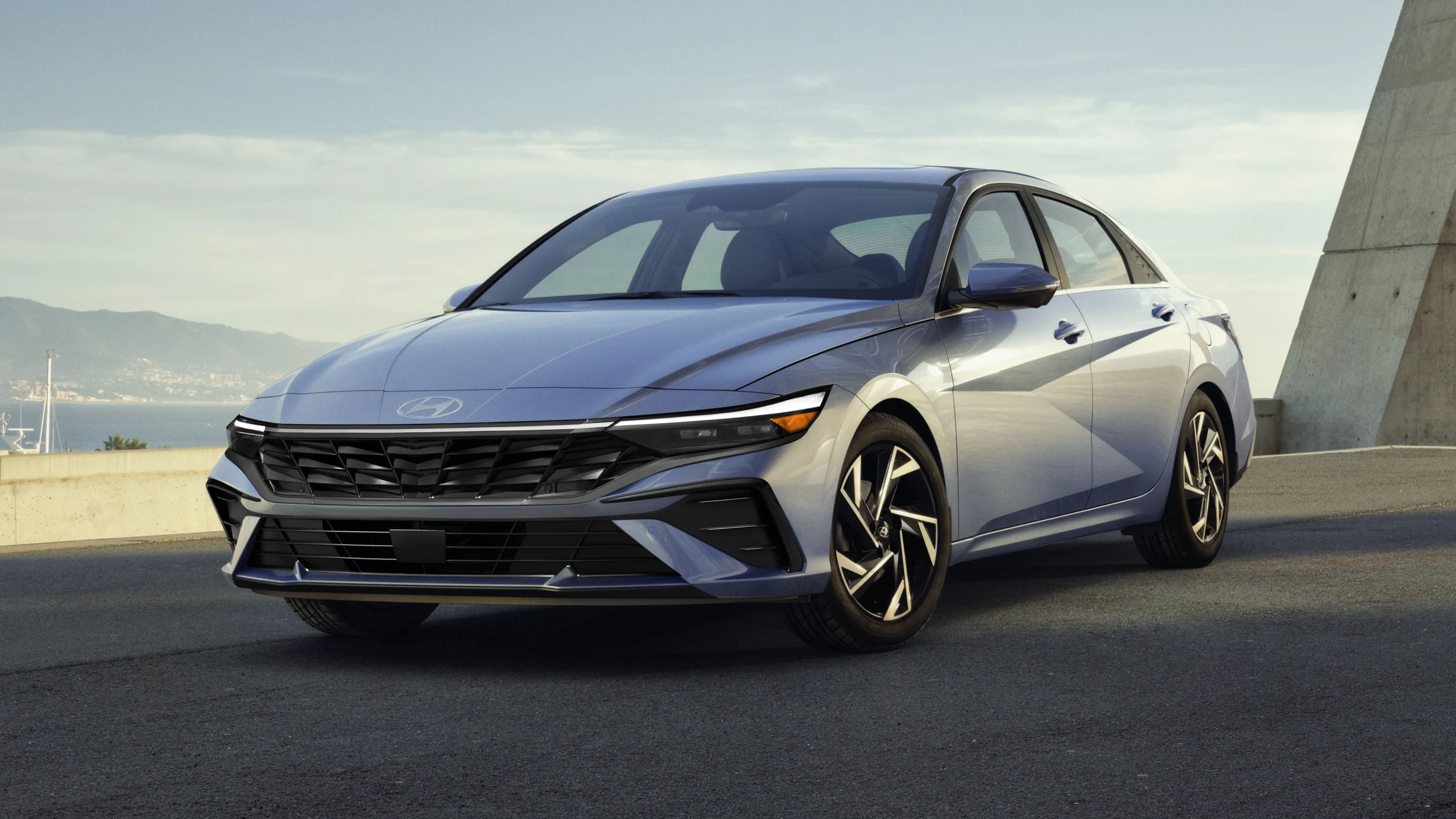
3. Hyundai Elantra
The Hyundai Elantra offers Android Auto support that feels refined and user-friendly from the moment the car turns on. The system establishes the connection quickly, avoiding delays that could frustrate drivers who are rushing to begin their day. The main menu stays simple, allowing drivers to find their most used apps without scrolling through layers of settings.
The approach reflects Hyundai’s tendency to focus on convenience and comfort in daily usage. Whether someone is using Android Auto for navigation, communication, or entertainment, the Elantra maintains a steady and predictable behavior that reduces the mental load of interacting with technology while driving.
The bright panel remains visible even in strong sunlight, while nighttime settings soften harsh light to keep the display comfortable. These visual qualities make the Elantra’s infotainment unit suitable for long drives, where eye comfort becomes a major factor.
Android Auto remains highly stable inside the Elantra, which is important for those who rely heavily on their phone’s apps during travel. Wireless mode holds the connection with minimal interruptions, and wired mode provides equally strong performance.
Map updates continue smoothly, even when the route changes repeatedly due to shifting road conditions. Music applications maintain steady playback that supports long listening sessions without interference. This reliability helps the driver maintain confidence in the system. The steady behavior contributes to a calmer driving mindset, since the user is not constantly preparing for an unexpected disconnection.
The cabin layout of the Elantra supports ease of use by combining comfort and practical placement. The screen is angled slightly toward the driver, which improves readability during movement. The seats allow the driver to maintain an upright posture that keeps the display within a natural line of sight.
The surrounding buttons and climate controls are placed in logical positions that prevent confusion or accidental presses. This careful arrangement allows Android Auto to complement the car’s interior rather than feeling separate or forced. The harmonious relationship between hardware and software contributes to the Elantra’s strong reputation for user centered technology.
4. Kia Forte
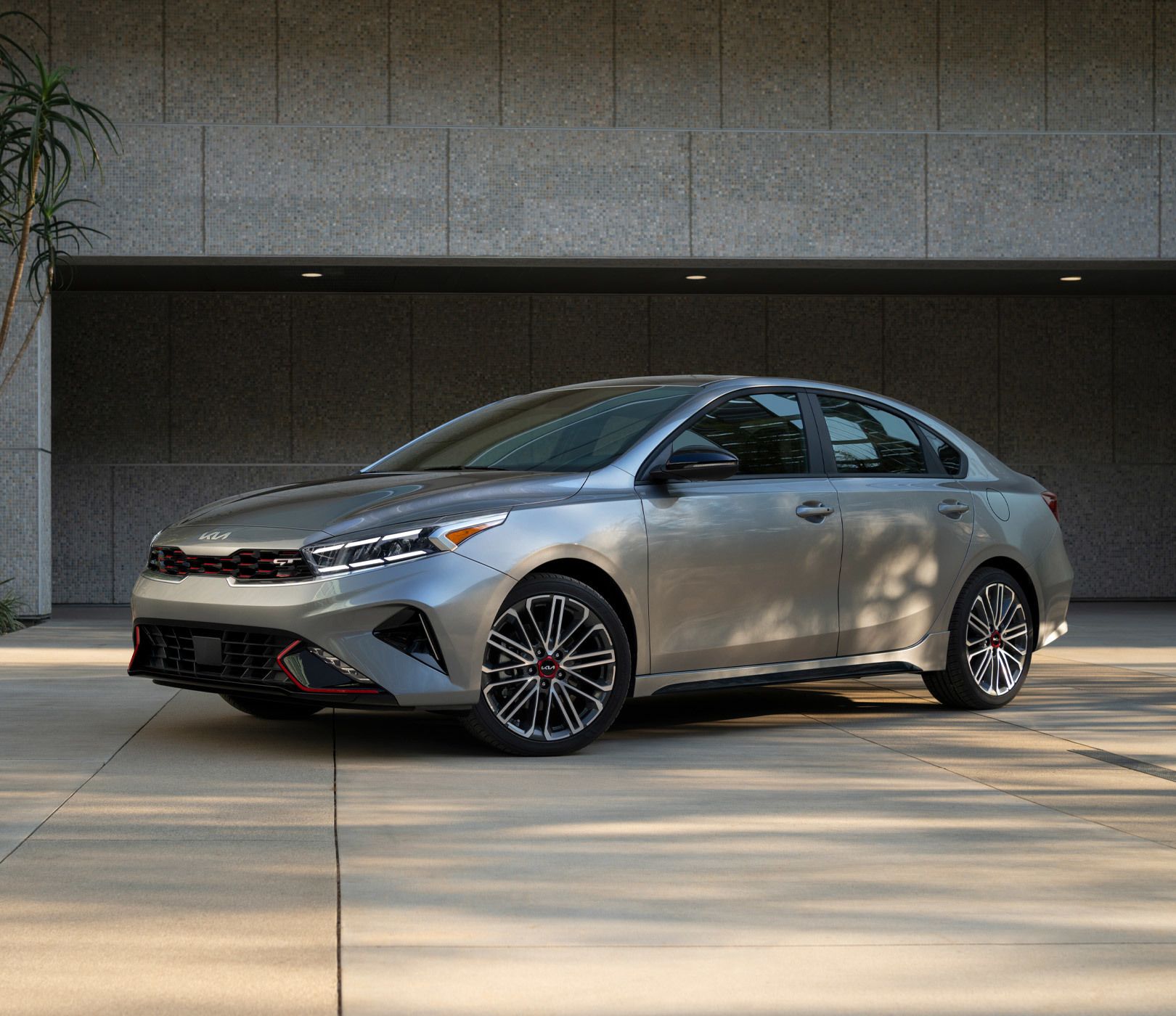
The Kia Forte presents Android Auto in a straightforward manner that appeals to drivers who value simplicity. The connection process is quick, and the system rarely hesitates when recognizing the device. This gives users immediate access to their apps, music, and calls without unnecessary loading times.
The Forte’s general cabin philosophy emphasizes directness and avoids overly complex menus. As a result, Android Auto appears as an easily reachable tool instead of a distraction that requires frequent adjustments. For everyday drivers who want reliable tech without fuss, this approach brings comfort and confidence.
The Forte’s touch screen offers a clean visual structure that makes Android Auto intuitive to operate. The spacing between icons reduces the chance of mistakes, while the panel’s responsiveness allows swift and smooth selections.
Daylight viewing is strong enough that the screen remains readable even during harsh sunlight, and the night mode offers a softer appearance that prevents eye strain. These visual elements bring a sense of calm to the interface. Drivers can glance at the screen without feeling overwhelmed or confused by unclear layouts.
One of the most appreciated qualities of the Forte’s Android Auto integration is its consistency. The system holds its connection without random drops, allowing the user to focus on driving rather than technical problems. Navigation instructions continue clearly, and media playback does not hit unexpected pauses that disrupt the moment.
For people who move through busy urban areas or often travel on unfamiliar roads, this reliability is especially valuable. It helps avoid the stress that arises when the driver must guess at the route because the system froze at the wrong moment.
The Forte’s interior plays an important role in making Android Auto pleasant to use. The seating position aligns well with the display, and the dashboard layout avoids clutter that might distract the driver. Buttons for climate and audio settings sit where the hand naturally reaches, providing alternative control options when the driver prefers physical adjustments.
These thoughtful design choices help Android Auto feel less like a separate feature and more like a natural extension of the car. The result is an atmosphere where technology enhances the trip instead of interrupting it.
5. Mazda3
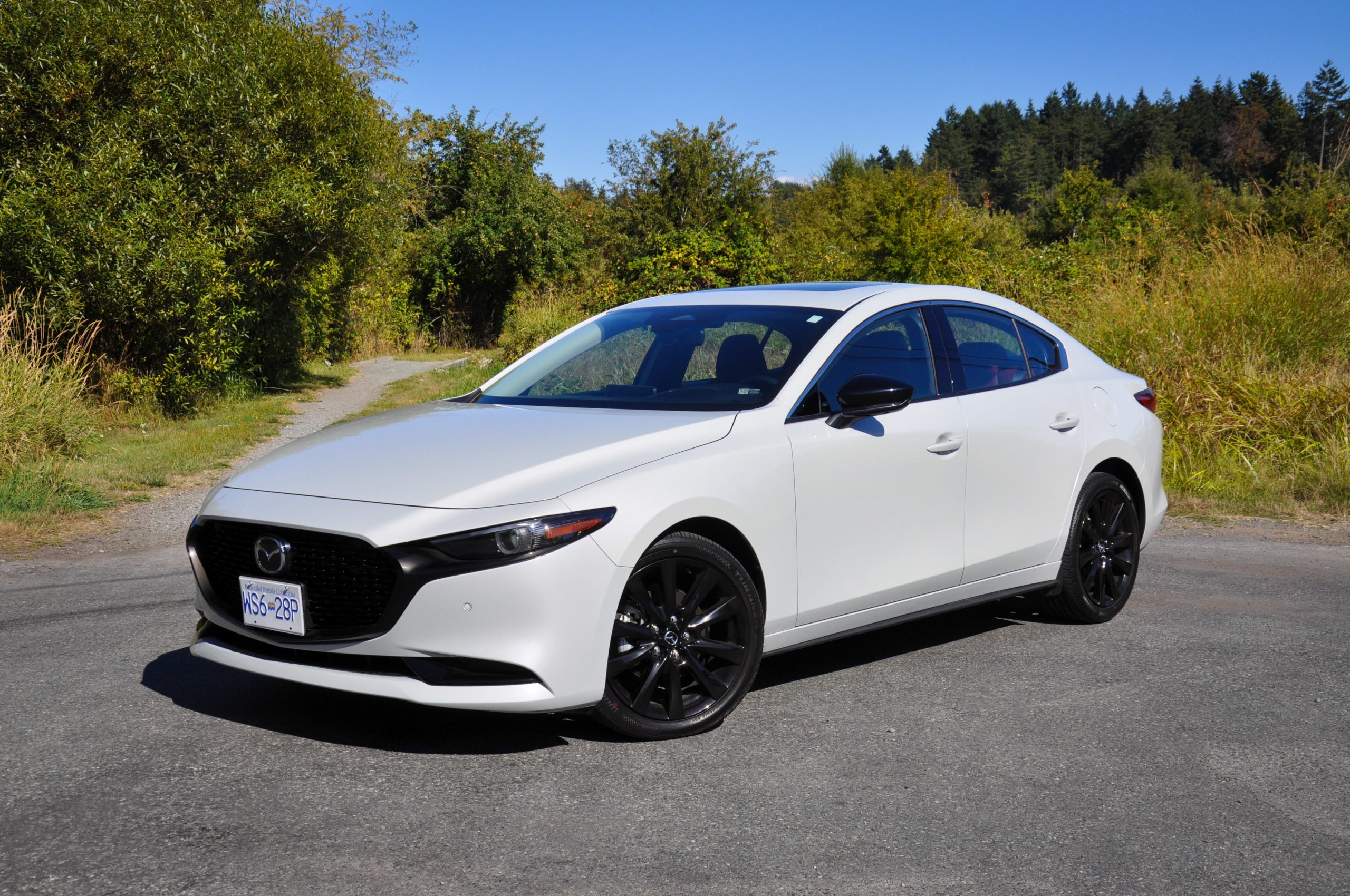
The Mazda3 offers a refined environment that supports Android Auto with dependable performance. The system connects quickly, giving users fast access to navigation and communication tools. Mazda’s design philosophy favors clarity and balanced visuals, and this shows in how Android Auto appears on the screen with steady structure.
Drivers who appreciate clean layouts and smooth interactions will feel at home with this setup. The system does not overwhelm the user with excessive menus, and even first time operators adapt without frustration. This contributes to a pleasant experience during both short drives and longer journeys.
The Mazda3 is known for its control knob setup in many trims, and this works well with Android Auto by offering an alternative method of navigation through the interface. This can be especially helpful for drivers who prefer tactile feedback or those who find touch controls less reliable on bumpy roads.
The system moves between screens with ease, maintaining a steady rhythm that avoids freeze ups. The graphics appear crisp and calm, allowing users to read map details or track information with little strain. The consistent design provides a sense of familiarity that builds driver confidence.
Android Auto in the Mazda3 delivers strong connection reliability whether the user chooses wired or wireless operation. Navigation apps load smoothly and retain accurate tracking throughout the drive. Audio apps maintain quality and clarity, avoiding skipped tracks or fading volume caused by connection faults.
This stability makes longer trips more enjoyable because passengers can listen to playlists or podcasts without disruption. Drivers who rely on efficient direction updates will appreciate how smoothly the system keeps pace even when route changes happen frequently.
The interior layout of the Mazda3 enhances Android Auto usage through careful attention to ergonomics. The screen is positioned higher on the dashboard so the driver can view it with minimal eye movement. The shape of the seats supports a posture that aligns naturally with the display.
6. Subaru Impreza
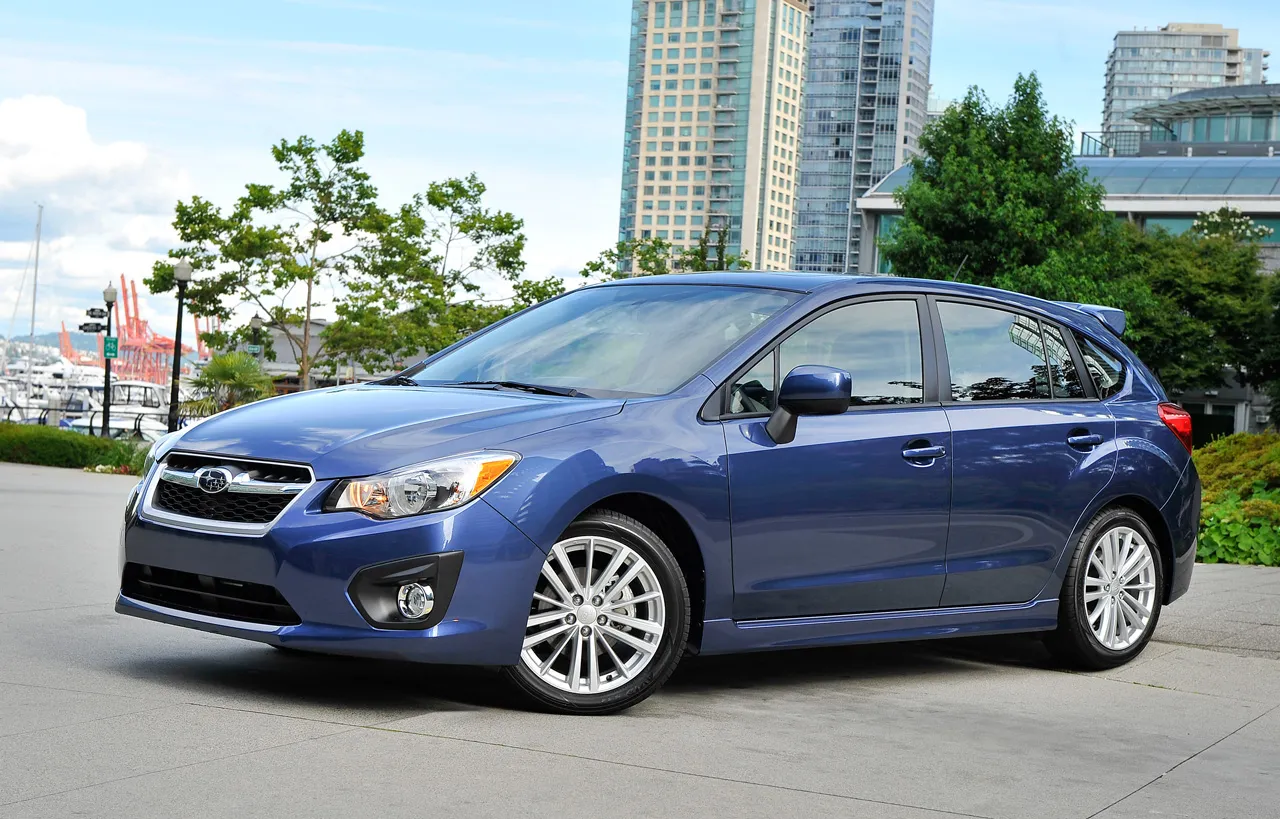
The Subaru Impreza provides Android Auto support that reflects the brand’s focus on practicality and steady performance. Drivers often appreciate how the system starts working with minimal steps, giving them fast access to maps, messages, and music without unnecessary delays.
The Impreza’s interface has a simplicity that reduces confusion for people who prefer direct operation. The menus remain arranged in a manner that guides the user’s eyes without overwhelming them with countless options. This approach benefits both experienced drivers and newcomers, giving them an infotainment feature that improves the trip rather than complicating it.
The touch screen in the Impreza offers clear spacing and natural icon placement, allowing Android Auto to appear steady and readable. Users can make quick selections without worrying about mis taps or cluttered layouts.
The Impreza maintains dependable Android Auto connectivity that stays active across varied driving conditions. Whether the user travels through dense traffic or quiet open roads, the connection behaves consistently. Navigation apps run without sudden interruptions, which is reassuring for drivers who follow turn-by-turn instructions.
Meanwhile, music and podcast streaming continue smoothly, supporting long sessions without frustrating pauses. This allows passengers to relax and enjoy entertainment while the driver remains confident that the system will not unexpectedly disconnect.
The interior arrangement of the Impreza contributes to the comfort of using Android Auto by keeping the screen within easy view while preventing distraction. The ergonomic seat height allows the driver to glance at the display naturally.
Buttons and knobs placed near the screen offer alternative methods of control for those who prefer a tactile experience. Subaru’s careful layout design ensures that the infotainment system blends with the rest of the cabin rather than standing out awkwardly. This makes the Impreza suitable for people who want their technology to feel dependable and easygoing.
7. Volkswagen Golf
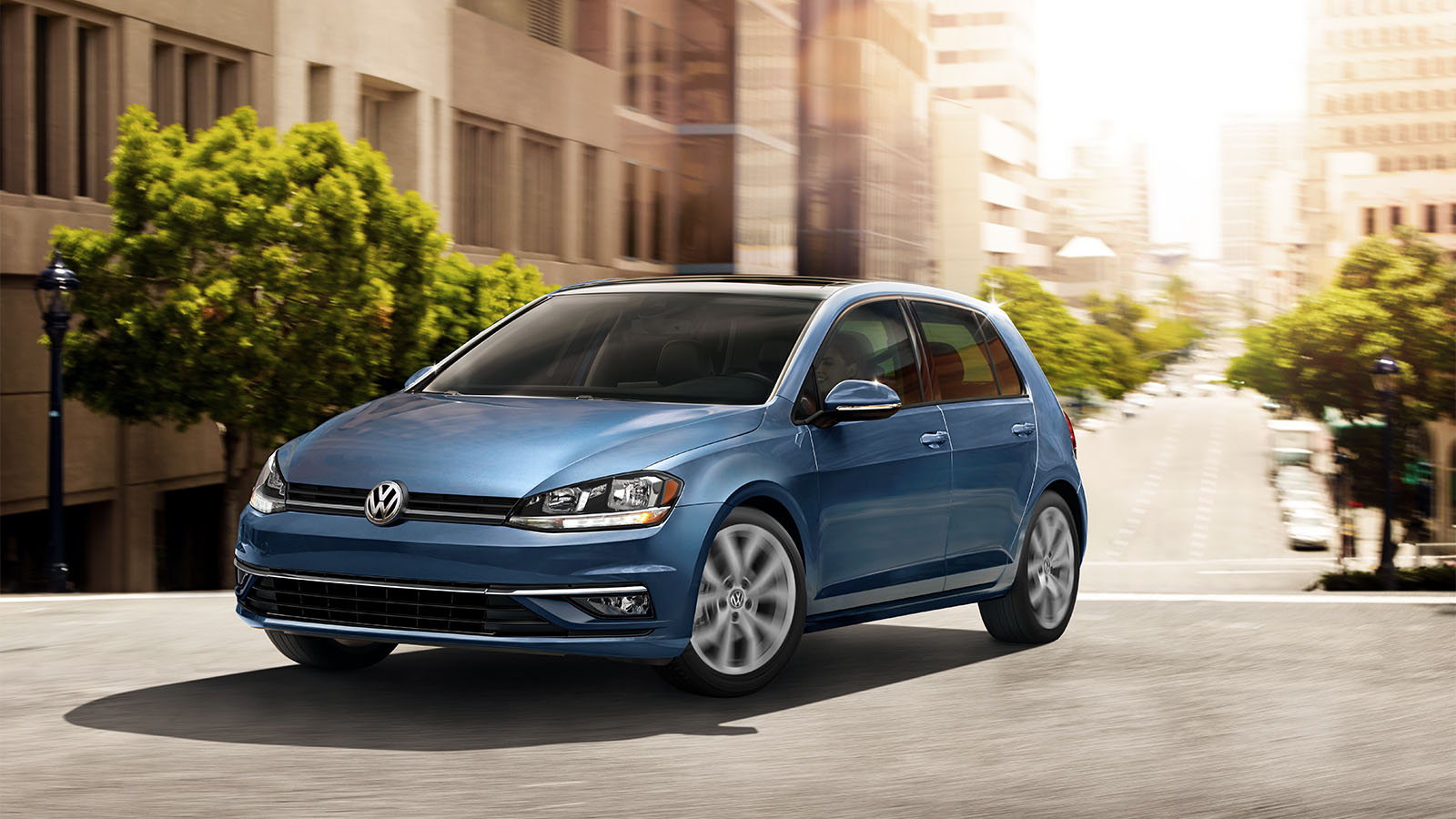
The Volkswagen Golf carries a sense of refinement that extends to its Android Auto integration. The system activates quickly once the driver connects the phone, delivering quick access to commonly used apps.
The Golf’s menu structure supports users who appreciate clear organization instead of scattered features. This reduces the amount of time spent searching for settings or functions, giving drivers more mental space to focus on the road. The experience suits commuters and weekend travelers who appreciate a calm, predictable system.
The Golf’s Android Auto connection remains steady during both short and long trips, offering reliability that supports a wide range of driving needs. Users benefit from constant access to navigation and entertainment features without sudden dropouts. When switching between apps, the system continues functioning without hesitation.
This consistent behavior helps reduce driver frustration and creates a sense of trust in the infotainment system. It becomes easier to depend on the technology when it behaves predictably in different environments.
The Golf’s interior layout enhances Android Auto usability by offering comfortable seating positions and intuitive control placement. The display sits at a practical angle, allowing easy glances without requiring the driver to adjust posture.
Buttons and controls are arranged logically, supporting instinctive interactions during high traffic or unexpected situations. This thoughtful layout reflects Volkswagen’s focus on harmony between the driver, the cabin, and the technology. The result is an experience where Android Auto functions as a natural part of the vehicle.
8. Ford Focus
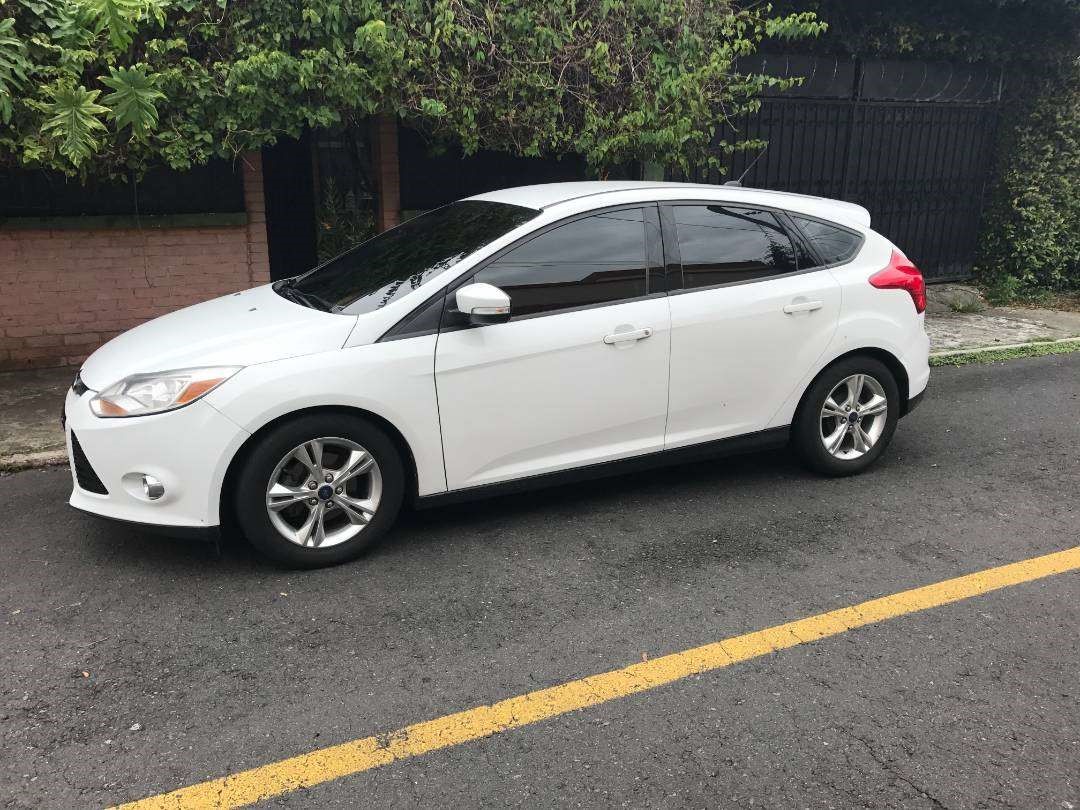
The Ford Focus offers Android Auto support that aligns with the car’s reputation for approachable technology. The system establishes a connection quickly, allowing users to begin their trip with minimal setup. The interface follows a pattern of clarity that benefits those who want direct access to the essentials.
Navigation, audio, and communication apps appear exactly where many users expect them. This gives the driver confidence in the system’s simplicity and helps avoid distraction during fast paced or congested driving situations.
Connection stability remains a strong feature within the Focus. Android Auto maintains its link even during long drives, allowing the user to rely on navigation and communication features throughout the journey.
Audio playback remains consistent, which supports relaxed or focused moods depending on the driver’s preference. The absence of random resets or dropouts reduces irritation and keeps the drive enjoyable. This predictable behavior is especially useful for drivers who depend heavily on real time directions.
9. Chevrolet Cruze
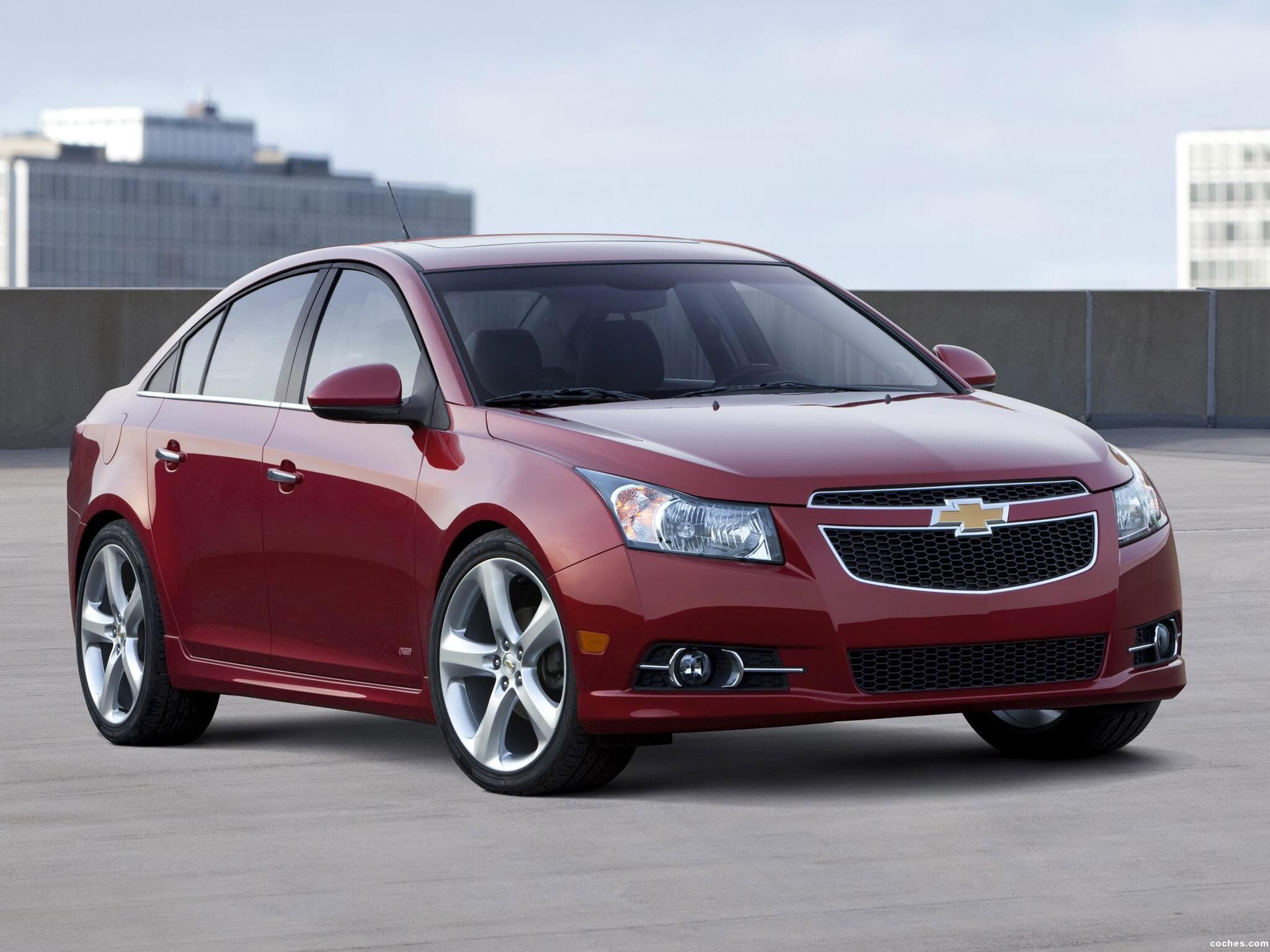
The Chevrolet Cruze includes Android Auto support that is appreciated for its ease of connection and clean interface structure. The system recognizes the phone quickly, reducing downtime and preparing the driver for immediate access to maps, music apps, or messages.
Its main menu keeps essential functions prominent while minimizing visual clutter, which is helpful for those who want a calm and readable layout. The Cruze’s infrequent need for reconfiguration adds a layer of comfort during daily use.
The touch screen responds with precision, offering steady performance for Android Auto apps. Navigation pages appear with clarity, helping drivers anticipate turns or lane changes with confidence. The display remains legible under strong sunlight and adjusts smoothly to evening conditions.
App transitions feel deliberate and fluid, allowing users to hop between tasks without hesitation or confusion. This steadiness makes the Cruze suitable for drivers who rely heavily on prompt responses from their infotainment system.
The cabin setup of the Cruze contributes to the ease of using Android Auto by providing clear sightlines and ergonomic control placement. The screen sits close enough for quick glances without being intrusive.
Buttons placed around the display give the driver extra methods for adjusting settings during bumpy conditions or high-speed situations. The arrangement feels natural and purposeful, making Android Auto an integrated part of the driving environment rather than an afterthought.

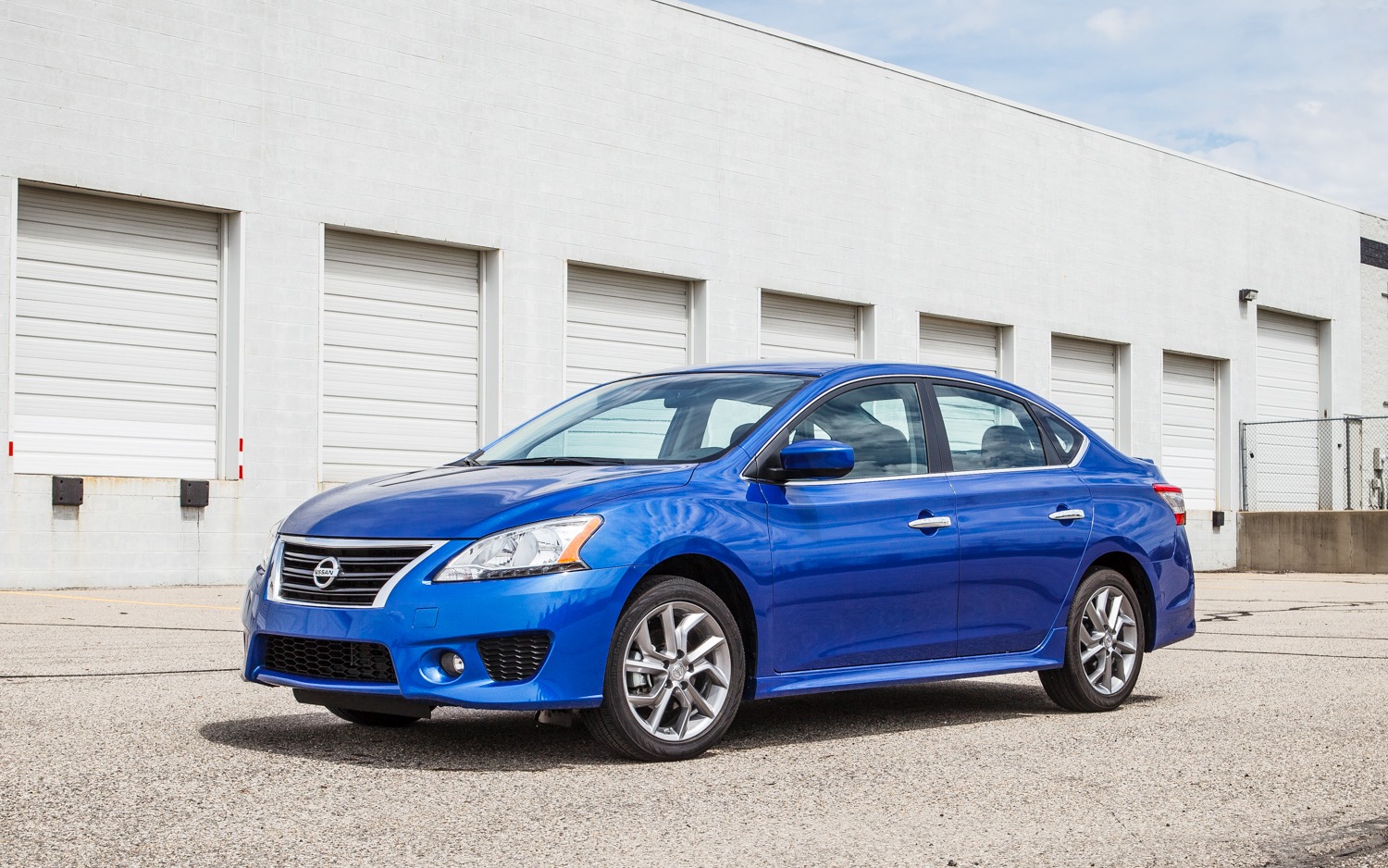
10. Nissan Sentra
The Nissan Sentra brings a simple and consistent Android Auto setup that appeals to drivers who want practicality. The system connects rapidly, allowing the driver to begin navigation or music playback with little to no delay.
The interface emphasizes clarity, providing a comfortable layout that is easy to understand even for those who are not highly familiar with digital systems. This contributes to a relaxed start for any trip and helps reduce the time spent adjusting settings.
The touch screen responds accurately to driver inputs, giving Android Auto a reliable environment. Icons remain visible under strong sunlight, and the display’s automatic adjustments make nighttime viewing comfortable.
Switching between apps feels smooth, supporting a natural flow of operation. These qualities allow the Sentra to serve both everyday errands and extended drives with equal ease, offering a technology experience that does not distract from the act of driving.
Connection stability stands out in the Sentra’s implementation of Android Auto. Maps load promptly and remain steady, even when route changes occur often.
Music streaming continues without unexpected pauses, helping the cabin stay lively or calm depending on the chosen playlist. Drivers appreciate the consistency, as it reduces the stress of having to restart the system during important navigation moments.