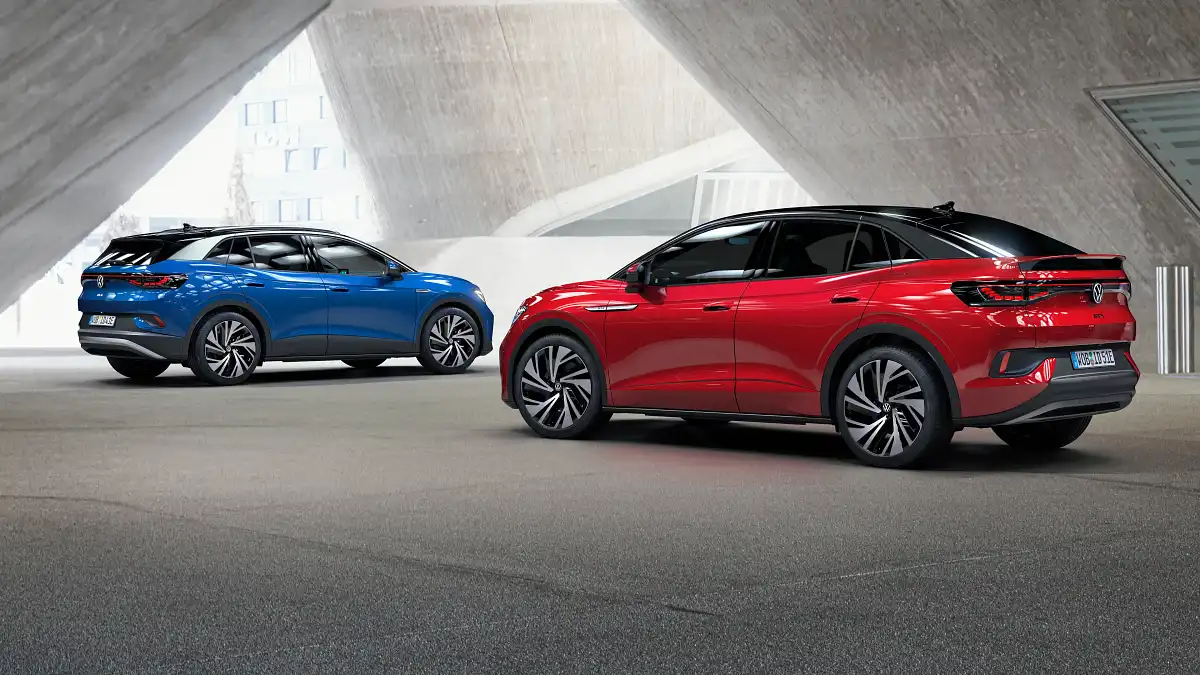
The modern automotive industry has shifted far beyond simple transportation. Cars are no longer just machines that move people from one place to another; they have become extensions of digital life. One of the most noticeable changes has been the proliferation of large touchscreens and infotainment systems.
These screens act as the hub for navigation, media, climate controls, and even vehicle settings. A responsive, well-designed interface can make driving smoother, more convenient, and even safer.
Drivers can access maps, make calls, adjust the temperature, and control music with minimal distraction when the system responds immediately to touch.
However, not all car screens deliver the same experience. Some are so sluggish that they feel like interacting with a device stuck in slow motion. Delayed responses, missed taps, and laggy scrolling can frustrate drivers and make even simple tasks feel tedious.
Screen responsiveness is not just about speed; it is also about reliability and intuitiveness. Cars with high-performing displays allow multiple functions to run simultaneously without noticeable slowdowns. This means switching between apps, dragging sliders for climate control, or pulling up a media playlist happens instantly.
In contrast, poorly optimized screens may ignore your input entirely or register a command only after repeated taps. Such inconsistencies can erode trust in the system, and in critical moments, can become distracting.
The difference between a smooth and laggy interface is often tied to the hardware powering the system, software optimization, and the integration of the touchscreen with other vehicle systems.
The trend toward larger screens has amplified the need for performance. Early automotive infotainment systems were simple, often limited to a small display for audio controls or navigation.
Today, full 12-inch and even 17-inch screens dominate dashboards in many premium models. The size allows for better visibility and more interactive features, but it also demands stronger processing power.
A small delay that might have been tolerable on a 5-inch display becomes glaringly obvious on a 15-inch panel. Manufacturers that focus on efficient software, fast processors, and high-quality touch sensors ensure their vehicles provide a satisfying experience, while others risk creating systems that feel outdated the moment they leave the showroom.
Finally, the presence of responsive screens enhances the perception of quality in a vehicle. Even if the car performs exceptionally in terms of engine, suspension, and safety, a laggy infotainment system can make the entire experience feel cheap or poorly engineered.
Conversely, a responsive, polished interface reinforces the feeling that every aspect of the vehicle has been thoughtfully designed. In a market where buyers increasingly judge cars not just on performance but also on technology, the quality of the touchscreen can play a decisive role in satisfaction.
With this context, it becomes clear why some cars have set the benchmark for responsiveness, while others remain notorious for frustrating drivers with tap-miss nightmares.
Cars with Screens That Don’t Lag
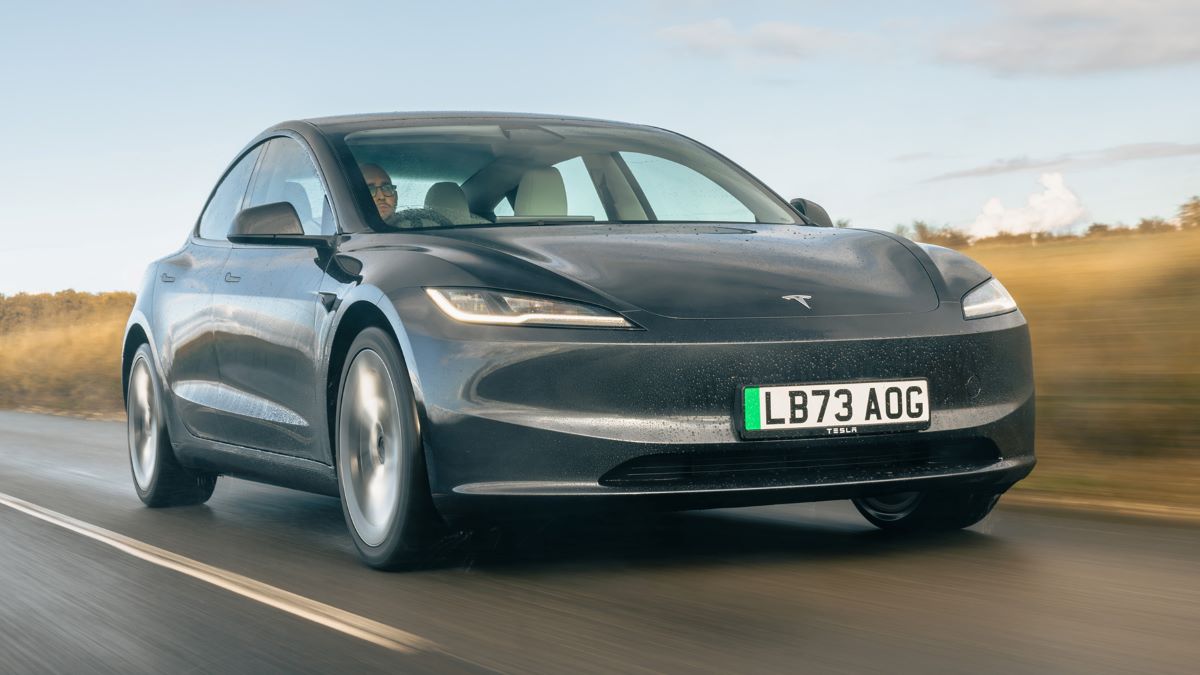
1. Tesla Model 3
The Tesla Model 3 is widely recognized for its touchscreen performance, which has become a benchmark in the electric vehicle market. Its central display handles nearly all vehicle functions, from climate control to autopilot settings, with remarkable speed and accuracy.
The system rarely misses a tap, and commands are executed almost instantly, which makes even complex operations feel effortless. Unlike older infotainment systems that often freeze or lag under heavy use, the Model 3’s display maintains fluid responsiveness regardless of multitasking demands.
The interface has been designed to feel intuitive, with large, clearly labeled icons that reduce the chance of mis-taps, even for first-time users. Additionally, the touchscreen is integrated seamlessly with the vehicle’s hardware, ensuring that every interaction feels natural and direct, avoiding the disconnection that can make some screens frustrating.
The large portrait-oriented screen enhances visibility, allowing the driver to access multiple functions simultaneously. Navigation, media, and climate controls can be viewed or adjusted side by side without constantly switching menus. The responsiveness contributes to a seamless user experience for both driver and passengers.
Complex operations, such as splitting the screen between navigation and entertainment, are executed without noticeable lag, providing immediate feedback that reinforces confidence in the system.
Even gestures like pinch-to-zoom on maps or swiping through media options work flawlessly, providing a tactile satisfaction similar to high-end smartphones and tablets. This fluid performance ensures that interactions with the car’s controls feel as natural and instantaneous as physical buttons or dials, removing the frustration often associated with digital systems.
Tesla’s advantage also comes from its consistent software ecosystem. Over-the-air updates continually refine the system, improving responsiveness, adding features, and patching issues that could cause delays. Unlike other vehicles that can slow down as new features are added, the Model 3’s interface maintains rapid responsiveness through careful optimization and efficient allocation of processing resources.
The touchscreen is supported by a powerful internal processor and ample memory, ensuring smooth performance even during heavy multitasking. This combination of hardware and software synergy allows drivers to rely on the system for daily tasks without experiencing the lag or stutter common in less optimized vehicles.
The effect is a user experience that feels effortless, reliable, and responsive. Navigation, media, and vehicle settings are instantly accessible, allowing drivers to focus on the road rather than fight with the touchscreen. The immediate feedback from every input reinforces trust in the system, making it easier to use in high-stress situations such as city traffic or long trips.
For drivers who expect smartphone-like responsiveness, the Model 3 delivers an experience that is satisfying and reassuring. It has set a high standard in the automotive industry, demonstrating how well-designed hardware, software, and interface design can combine to create one of the most responsive infotainment systems available today.
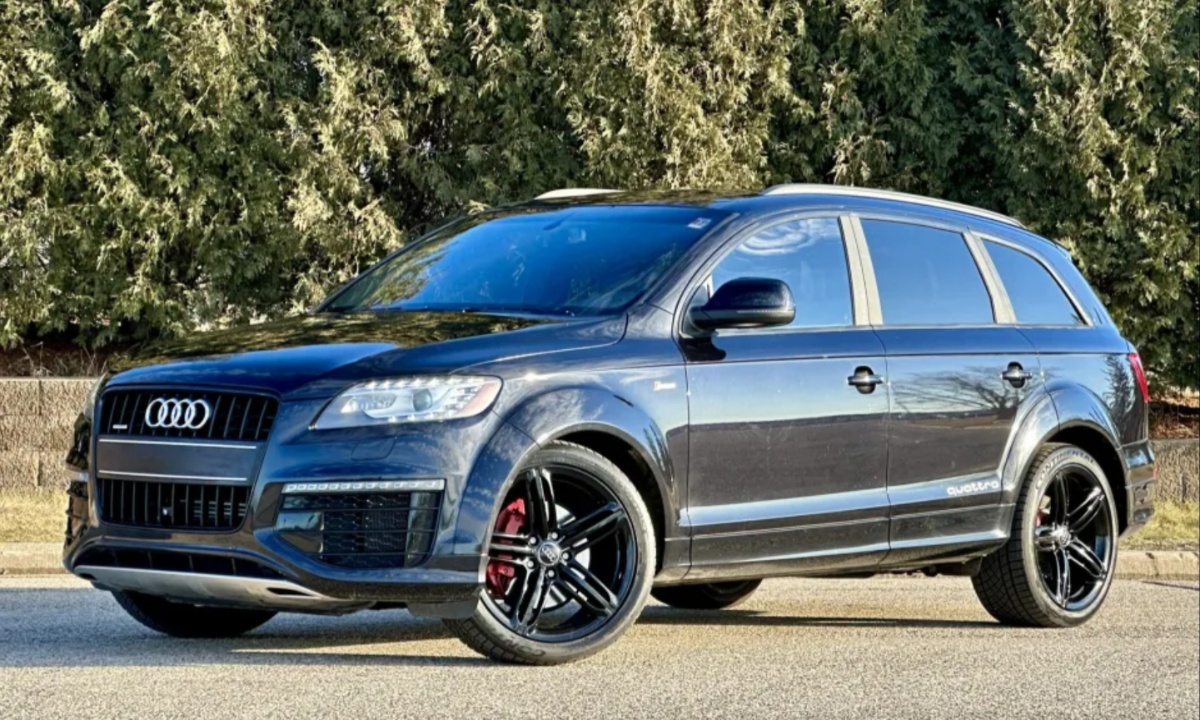
2. Audi Q7
The Audi Q7 provides a dual-screen setup that balances luxury and practicality, with both screens demonstrating excellent responsiveness under all conditions. The upper screen is primarily devoted to navigation and media, while the lower screen handles climate control, seat adjustments, and other vehicle functions.
Both screens react immediately to touch, providing consistent feedback that reduces frustration and enhances usability. Multi-finger gestures are fully supported, allowing intuitive scrolling, pinch-to-zoom, and drag operations without stutter or lag.
Audi’s MMI system integrates the software tightly with the hardware, ensuring that every command is registered accurately and instantly, even during heavy multitasking. The result is a driving experience where interacting with the digital interface feels natural and effortless, a stark contrast to lag-prone systems in other vehicles.
Responsive touchscreens in the Q7 are particularly beneficial for driver safety. When controls react immediately, drivers spend less time looking at the display and more time focusing on the road. Simple tasks, such as adjusting temperature or changing music, are completed quickly, avoiding the distraction that comes with unresponsive systems.
Even more complex operations, like switching navigation modes or accessing secondary menus, happen fluidly, maintaining the intuitive flow of interaction. This reliability helps drivers develop trust in the system, allowing them to interact confidently without second-guessing whether the system will register their input.
Audi has also invested in software optimization that makes interacting with the Q7’s interface a smooth experience. Menus are logically structured, with clear labeling and appropriately sized touch targets that minimize accidental taps. High-performance processors ensure that inputs are registered instantly, even when multiple functions are in use simultaneously.
Unlike screens that degrade over time or slow down under high demand, the Q7 maintains fast, reliable performance throughout its lifecycle. This demonstrates Audi’s commitment to combining high-end materials with equally sophisticated technology, resulting in a user experience that matches the vehicle’s premium nature.
Passenger convenience is another strength of the Q7’s responsive screens. Rear-seat occupants benefit from intuitive media controls and climate adjustments, all executed without noticeable lag. Multi-user functionality is particularly important in family or group travel, where several people may want to interact with the system at once.
By ensuring rapid responsiveness across all screens, Audi has created a vehicle that supports a seamless, enjoyable, and distraction-free experience for everyone on board. The Q7 exemplifies how careful design, robust hardware, and optimized software can make automotive touchscreens feel polished, reliable, and truly integrated into the driving experience.
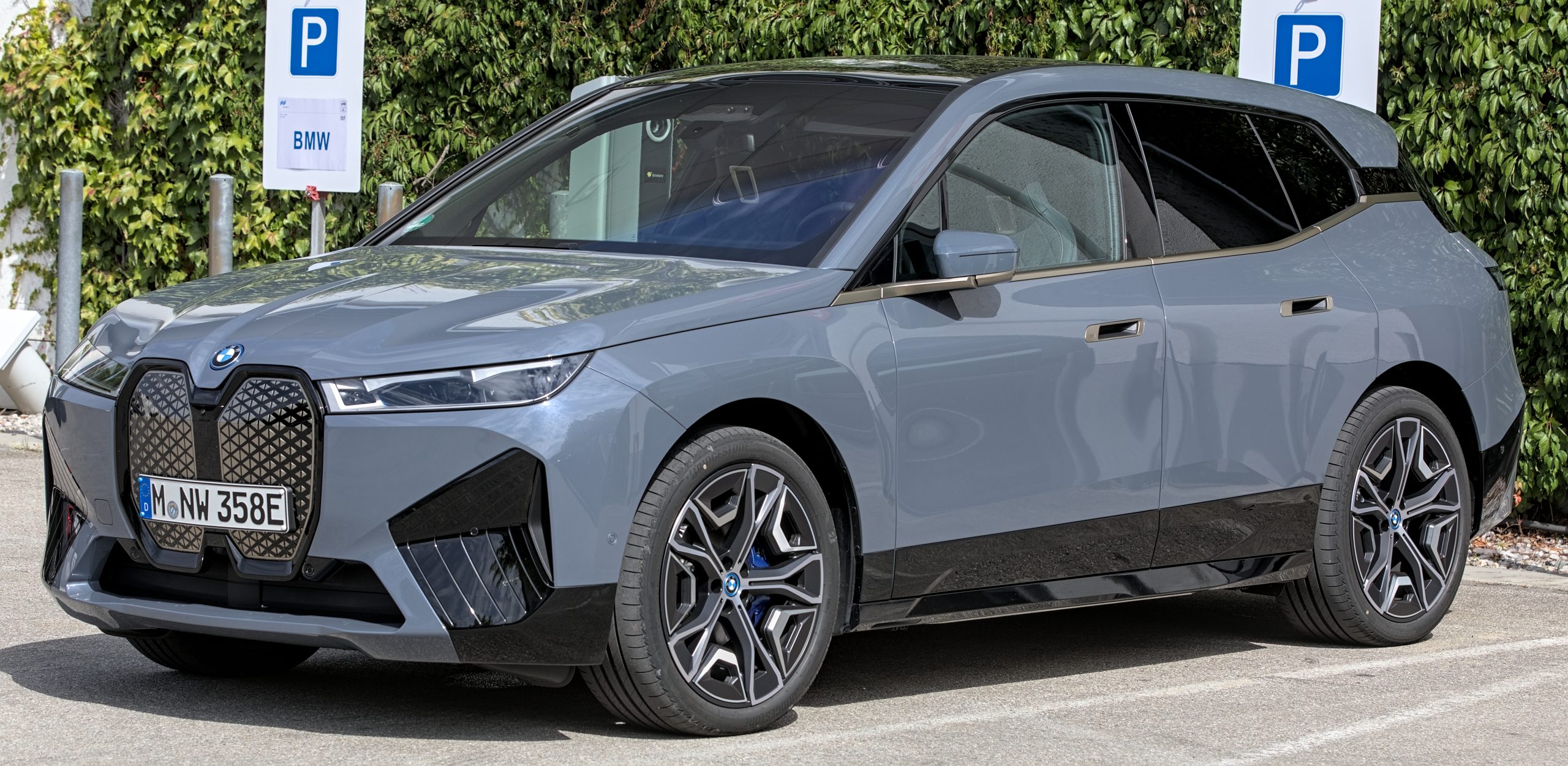
3. BMW iX
BMW’s iX electric SUV features a wide curved display that combines digital instrumentation with central touchscreen functionality, providing both elegance and precision. The system’s responsiveness is immediate, with smooth transitions, scrolling, and menu changes that create a fluid experience.
Even heavy multitasking, such as using navigation while adjusting entertainment or climate controls, is handled seamlessly, without noticeable slowdowns.
BMW’s integration of hardware and software ensures that the touchscreen reacts instantly to both taps and gestures, providing an interaction that feels tactile, deliberate, and satisfying. Unlike some competitors, the iX rarely suffers from misregistered commands or delays, which can undermine user confidence.
The iX’s ability to multitask without performance loss is a significant advantage. Drivers can interact with multiple functions simultaneously, such as checking navigation directions while browsing playlists, without experiencing lag. The system supports high-resolution graphics, fluid animations, and rapid menu transitions that enhance the sense of control and reliability.
This smooth performance is particularly valuable on long trips, where multiple adjustments may be needed in succession, and a laggy system could become a source of stress. BMW’s focus on real-time responsiveness ensures that every touch is registered accurately and executed immediately.
Customization is another area where the iX shines, thanks to the responsive touchscreen. Drivers can personalize the display, configure driving modes, adjust ambient lighting, and manage vehicle settings with ease. The system’s immediate feedback allows users to experiment with settings without frustration, enhancing the sense of control over the vehicle.
BMW’s interface design focuses on clear visual hierarchies, logical layouts, and large interactive elements, all of which support responsive interaction. This combination of responsiveness and design sophistication reinforces the perception of high-quality engineering and attention to detail.
Passenger experience is similarly enhanced by the iX’s performance. Rear-seat infotainment systems remain responsive even under heavy usage, allowing multiple occupants to interact with the vehicle simultaneously.
The smooth, lag-free interface ensures that every adjustment, media selection, or input is executed reliably, reinforcing the sense of a technologically advanced and user-friendly cabin.
The BMW iX demonstrates that a modern car touchscreen can combine aesthetic appeal, advanced functionality, and reliable responsiveness, creating an interface that feels as intuitive as it is sophisticated.
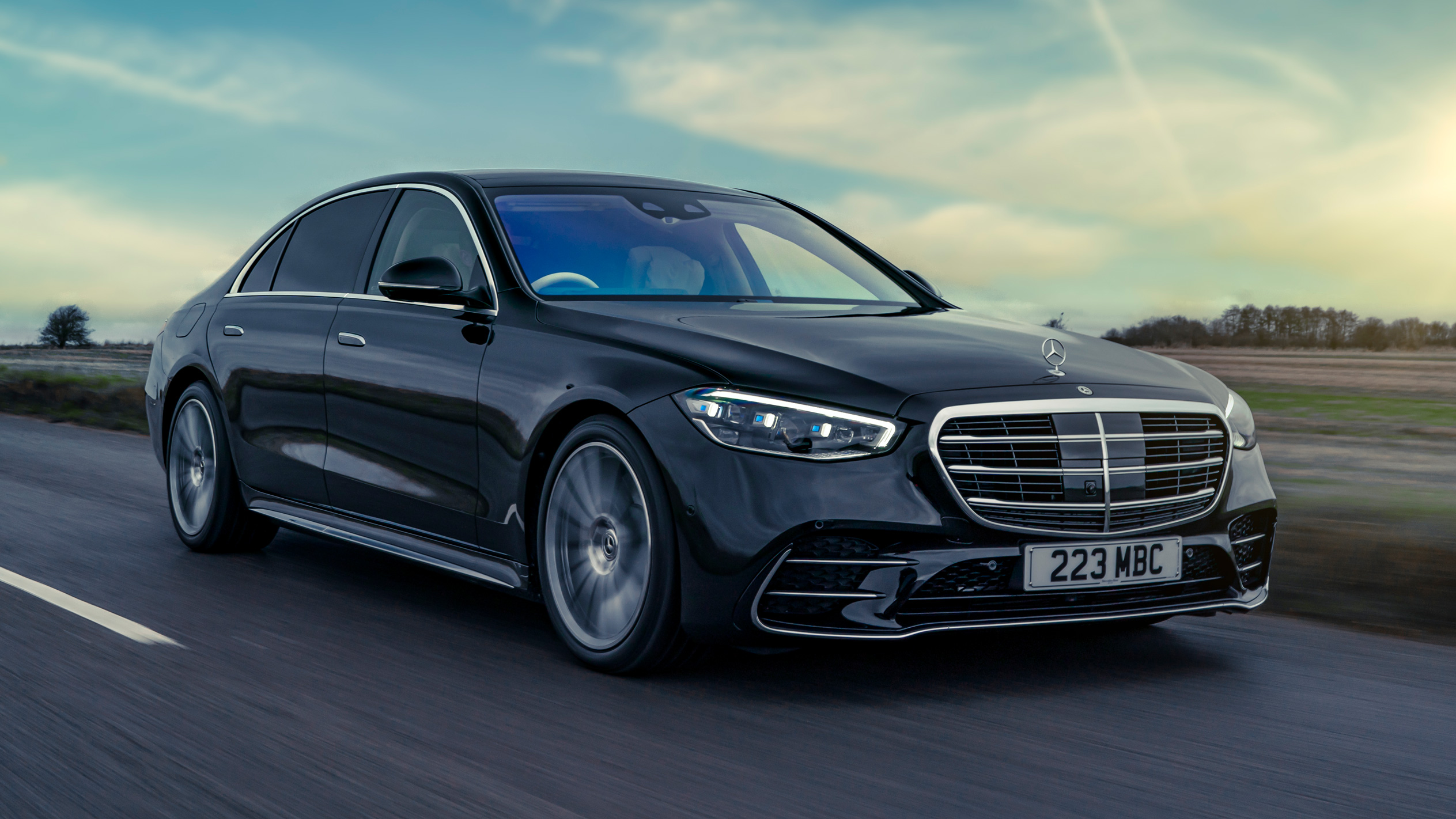
4. Mercedes-Benz S-Class
The Mercedes-Benz S-Class continues its tradition of luxury with a pair of large, high-resolution displays that dominate the dashboard. Both screens respond instantly to touch, providing immediate feedback that reduces frustration and enhances control.
The system integrates media, navigation, climate, and vehicle settings seamlessly, allowing multiple functions to operate simultaneously without noticeable lag. This level of responsiveness ensures that drivers can adjust settings quickly, without being distracted by delays or unregistered inputs, creating a sense of confidence and precision during every journey.
Mercedes achieves this performance through a combination of software optimization and robust hardware. High-accuracy touch sensors and powerful processors ensure that every input is captured reliably.
Menus and interactive elements are carefully designed to support quick selection, and even subtle gestures, such as swiping or scrolling, are executed smoothly.
The system handles complex operations, like configuring driver assistance features while accessing media controls, without hesitation. This attention to performance creates an interface that feels fluid, reliable, and thoroughly integrated into the vehicle.
Software updates further enhance the S-Class touchscreen, maintaining rapid responsiveness over time. Mercedes ensures that new features do not compromise performance, balancing innovation with user experience.
This continuous improvement process helps the S-Class retain a modern, high-performing interface even years after purchase, contrasting with systems that become sluggish as they age. The result is an infotainment experience that aligns with the brand’s reputation for engineering excellence and technological sophistication.
Passenger usability is also prioritized in the S-Class. Rear-seat displays are synchronized with the main system, providing responsive access to media, navigation, and climate controls. Multiple users can interact with the system simultaneously without lag, supporting a comfortable, convenient, and enjoyable experience for all occupants.
By combining large, visually striking screens with immediate touch response and thoughtful software design, the S-Class demonstrates how a premium vehicle can deliver a touchscreen experience that is not only impressive but genuinely functional and satisfying.
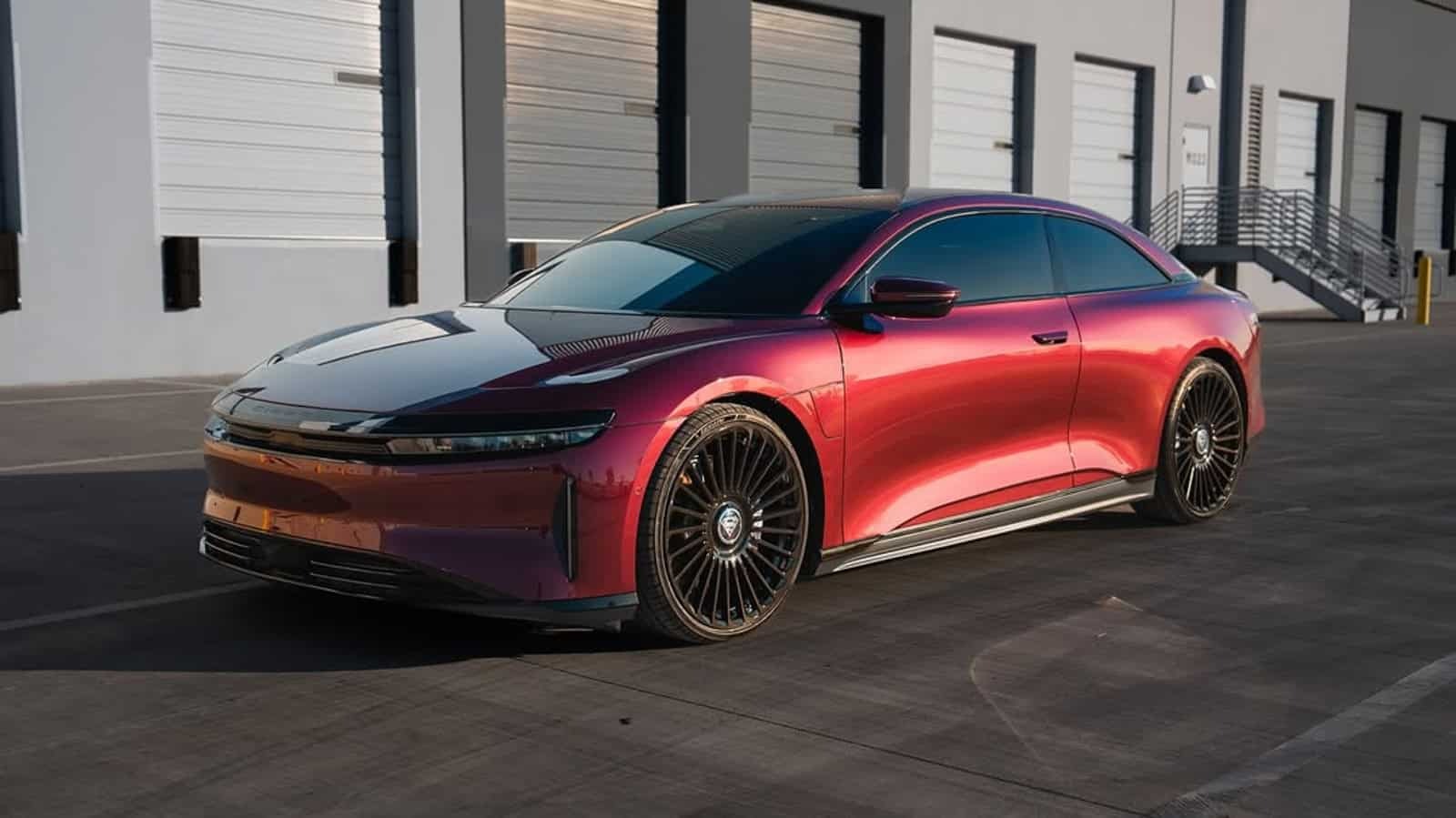
5. Lucid Air
The Lucid Air combines cutting-edge electric performance with one of the most advanced infotainment systems currently available. Its massive curved display stretches across the driver’s side and central console, delivering a visually immersive experience while remaining highly responsive to touch.
Commands, whether adjusting climate, navigating menus, or controlling media, register instantly with minimal latency. The system’s speed allows drivers to perform multiple tasks simultaneously without interruption, making complex operations feel natural and effortless. The touchscreen’s responsiveness is further enhanced by high-quality touch sensors that accurately detect every input, reducing errors and the need for repeated taps.
Multitasking in the Lucid Air is seamless, allowing users to manage navigation, media, and vehicle settings simultaneously. The interface supports split-screen functionality and customizable widgets, enabling drivers to tailor the display to their preferences while maintaining rapid access to essential functions.
High-resolution graphics, smooth scrolling, and immediate response times create a sense of precision and control, comparable to interacting with high-end tablets or smartphones. Even during heavy usage, the system maintains stability, avoiding the stutters or delays seen in many other vehicles.
The Lucid Air’s software is continuously refined to optimize performance and responsiveness. Over-the-air updates allow the system to evolve without compromising speed, ensuring that added features or refinements do not introduce lag.
The underlying hardware, including powerful processors and ample memory, is designed specifically for automotive demands, enabling the touchscreen to remain responsive under all conditions. Drivers can rely on the system to execute commands consistently, reinforcing trust and confidence in the interface.
Passenger experience is equally impressive. Rear-seat entertainment and additional controls are fully integrated and respond immediately, supporting multi-user interaction without lag. The system’s intuitive layout, combined with its reliable responsiveness, ensures that all occupants enjoy a smooth, distraction-free experience.
The Lucid Air demonstrates that advanced technology, when properly engineered and optimized, can deliver both sophistication and practicality. Its touchscreen sets a high benchmark for the electric vehicle segment, showing that style, usability, and responsiveness can coexist without compromise.
Tap-Miss Nightmares
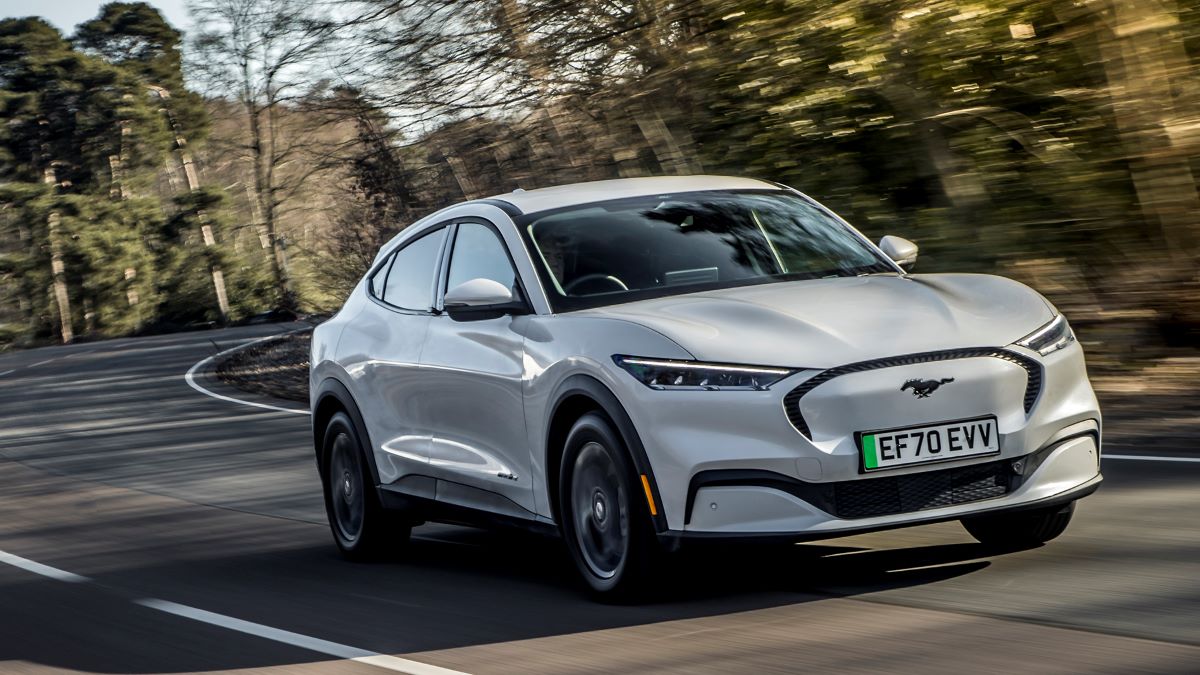
1. Ford Mustang Mach-E
The Ford Mustang Mach-E offers impressive driving performance, but its touchscreen system can feel inconsistent and frustrating in daily use. Many drivers report delayed responses when switching between navigation, media, or climate controls, making even simple interactions feel cumbersome.
The touchscreen occasionally ignores input, forcing repeated taps to achieve the desired function. This inconsistency can disrupt workflow, especially during city driving, where frequent adjustments are required. The frustration grows when the screen stutters during multitasking, such as adjusting the temperature while pulling up directions, creating a sense that the system cannot keep up with real-time demands.
The software design of the Mach-E contributes to this lag. The interface attempts to combine visually rich graphics with a wide range of functions, but the result is sometimes sluggish performance. Heavy animations, large icons, and dynamic menus can slow the responsiveness, causing hesitation between the user’s input and the system’s reaction.
Even basic gestures, such as scrolling through playlists or swiping through navigation menus, may require multiple attempts. This inconsistency reduces confidence in the interface and can force drivers to rely more on voice commands or physical controls to avoid repeated tap errors.
Passenger experience is equally affected. Rear-seat entertainment options or secondary controls often reflect the same lag, preventing simultaneous use by multiple occupants.
Multi-user interactions become cumbersome when the system cannot respond accurately, limiting the utility of digital features that are intended to enhance convenience and comfort. Families or groups of passengers may find the infotainment system less helpful, which diminishes the enjoyment of the vehicle.
Despite the Mach-E’s strengths in performance and styling, the touchscreen experience significantly affects daily usability. Drivers who expect instantaneous responsiveness from modern interfaces are likely to notice the lag, which can detract from the otherwise advanced electric vehicle experience.
The tap-miss behavior emphasizes that even in high-performance cars, the quality of software and touch responsiveness plays a critical role in perceived value and satisfaction.
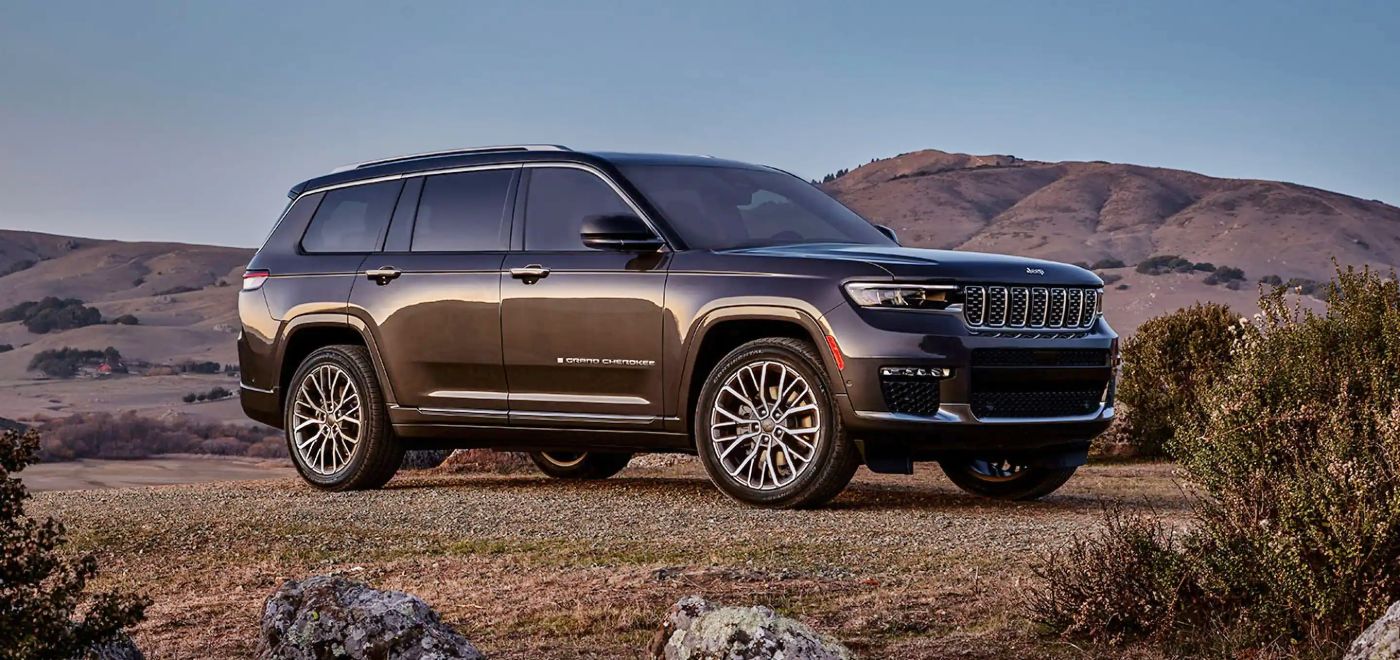
2. Jeep Grand Cherokee
The Jeep Grand Cherokee incorporates a large touchscreen intended to modernize the cabin experience, but its responsiveness can be unreliable. Delays in registering taps or gestures are common, causing frustration when trying to adjust climate settings, media playback, or navigation.
Drivers may find themselves repeatedly tapping buttons to complete simple actions, which can be distracting and mentally taxing, especially during shorter trips where quick adjustments are essential. The screen’s performance is inconsistent, meaning a function that works flawlessly one moment may require multiple inputs the next.
Even software updates cannot completely eliminate these issues. While occasional improvements are made, lag and tap-miss behavior have persisted across certain model years.
Drivers may feel that the interface is less reliable than traditional physical buttons, which still provide predictable and immediate control. This inconsistency can encourage a return to conventional controls, undermining the intended convenience of the digital system.
Passenger usability is similarly affected. Rear-seat displays and entertainment options may lag, limiting multi-user interactions and reducing the cabin experience. The Grand Cherokee demonstrates that touchscreen size and visual appeal alone cannot guarantee a positive user experience.
Without smooth responsiveness and consistent input recognition, even a well-designed system can feel frustrating and outdated compared to competitors that prioritize performance and efficiency.
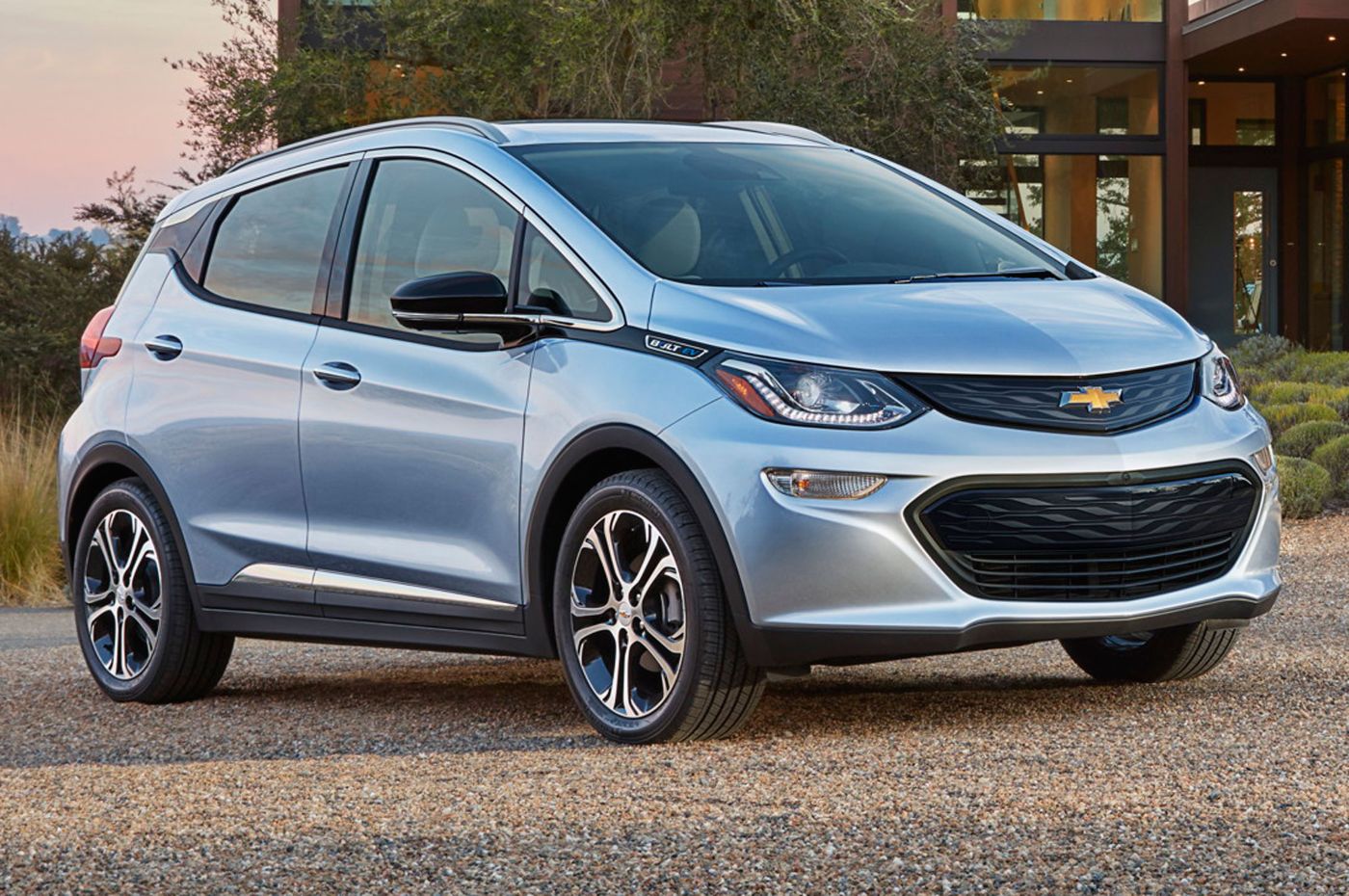
3. Chevrolet Bolt EV
The Chevrolet Bolt EV is a practical and efficient electric vehicle, but its touchscreen can feel sluggish, especially when performing multiple tasks simultaneously. Drivers frequently encounter delays when switching between navigation, media, and climate controls, sometimes requiring repeated taps to achieve the desired function.
Even routine actions, like changing radio stations or adjusting cabin temperature, can become tedious, creating frustration in everyday driving. The tap-miss behavior interrupts the natural flow of interaction, making it feel as though the system is fighting the driver rather than assisting them.
Passengers also feel the effects of the laggy system. Rear-seat entertainment or auxiliary control options are hindered by delayed response times, limiting the ability for multiple occupants to interact with the system simultaneously. This compromises the vehicle’s usability for families or groups, as digital controls become less predictable and more frustrating to use.
The Chevrolet Bolt EV demonstrates how screen responsiveness can impact the perception of a vehicle. While it excels in energy efficiency and practicality, the laggy touchscreen experience undermines the sense of modernity and technological sophistication. For many drivers, the tap-miss behavior highlights a key area where user experience falls short, despite the vehicle’s other strengths.
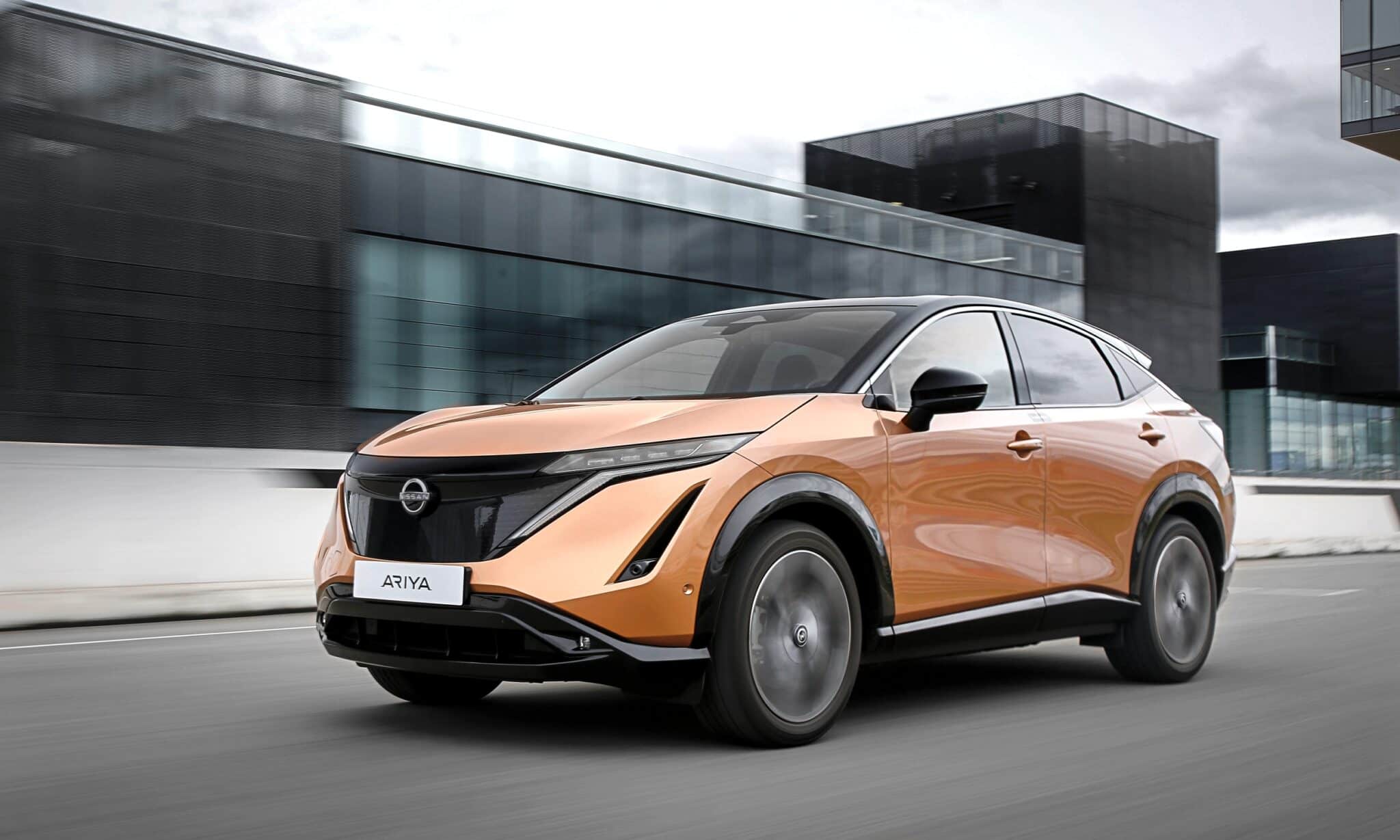
4. Nissan Ariy
The Nissan Ariya presents an ambitious dual-screen layout that combines futuristic styling with digital functionality, but its responsiveness can be inconsistent. Drivers report that commands may fail to register immediately, and gestures like scrolling or swiping often require multiple attempts.
Adjusting climate, accessing navigation, or switching media can be frustrating, as the system sometimes delays processing input. The inconsistent responsiveness interrupts workflow and adds cognitive load, forcing the driver to divide attention between the road and the interface.
Passenger interaction is similarly compromised. Rear-seat displays and digital controls for climate or entertainment can lag, limiting simultaneous use and reducing convenience for families or groups traveling together. The interface’s inconsistent responsiveness detracts from the intended modern, high-tech cabin experience.
While the Ariya offers strong design, styling, and electric performance, the touchscreen’s lag undermines these advantages. The system emphasizes aesthetics over usability, creating a gap between visual appeal and practical functionality.
This illustrates that without careful optimization, large screens and futuristic interfaces can become sources of frustration, particularly when responsiveness fails to meet user expectations.
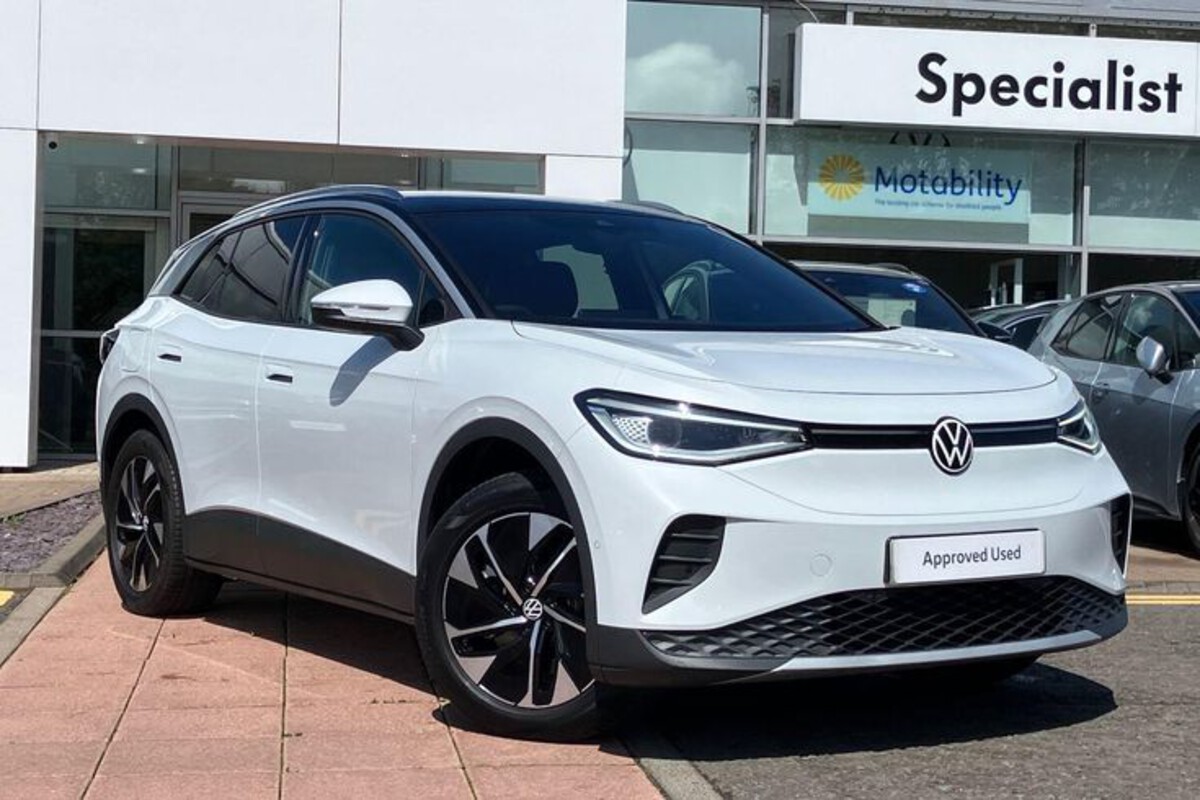
5. Volkswagen ID.4
The Volkswagen ID.4 is a modern electric SUV with a sleek, minimalistic interior dominated by a large touchscreen. However, its touchscreen performance has drawn criticism for lag and tap-miss behavior. Drivers frequently experience delays when attempting to navigate menus, adjust climate settings, or switch media options.
Commands may not register on the first attempt, forcing repeated inputs that disrupt the driving experience. This lag can be especially noticeable during short, frequent trips or in situations requiring rapid adjustments, creating frustration and distraction.
Passenger experience is affected as well. Rear-seat or secondary controls reflect the same responsiveness issues, making simultaneous use by multiple occupants less effective.
Multi-user interaction becomes cumbersome, undermining the utility of digital features intended to enhance convenience. Families or groups in the vehicle may encounter frustration when the system fails to react consistently to input.
Despite the ID.4’s strengths in efficiency, design, and driving performance, the lagging touchscreen significantly affects daily usability. The tap-miss behavior diminishes the sense of modernity and technological sophistication, emphasizing that smooth responsiveness is critical for satisfaction.
The ID.4 demonstrates that even with stylish design and innovative features, poor interface performance can overshadow other strengths, reminding manufacturers that functionality must match aesthetics in modern vehicles.