Modern vehicles have become more than just modes of transportation. They now integrate sophisticated technology that enhances both safety and convenience, with infotainment systems being at the center of this transformation. Infotainment systems serve as the bridge between drivers and their digital worlds, offering navigation, communication, entertainment, and connectivity all in one interface.
As vehicles have become more connected, the need for systems that are simple to operate, intuitive, and responsive has grown significantly. Drivers now expect seamless access to apps, touchscreens that react promptly, voice commands that understand natural speech, and interfaces that do not distract from the road.
A user-friendly infotainment system can drastically improve the driving experience. Systems that are easy to navigate allow drivers to access necessary functions with minimal effort, reducing the likelihood of errors or distractions. Features like large, clearly labeled icons, customizable menus, and consistent layouts contribute to an effortless interaction.
Beyond convenience, these systems influence safety as they minimize the time drivers spend looking away from the road. In addition, connectivity features such as smartphone integration, wireless updates, and app compatibility enhance both daily commuting and long journeys, allowing drivers to stay informed and entertained without extra complexity.
Automakers have increasingly invested in refining their infotainment systems, recognizing that a confusing or laggy interface can frustrate users and impact brand reputation. Consumer feedback often highlights the importance of ease of use over flashy graphics or numerous features.
Brands that prioritize clarity, responsiveness, and reliability in their infotainment systems are frequently praised in automotive reviews. As a result, vehicles with well-designed systems often stand out in the market, attracting tech-savvy buyers as well as those seeking a simpler driving experience.
Moreover, user-friendly infotainment systems reflect broader trends in digital technology. People are accustomed to smartphones and tablets that respond instantly, anticipate user needs, and integrate smoothly with other devices.
Vehicles that mirror these expectations create a more harmonious experience, making drivers feel comfortable with technology rather than overwhelmed by it. The best systems manage to balance advanced functionality with straightforward operation, allowing drivers of all ages and tech familiarity levels to interact confidently.
This article highlights ten vehicles that are recognized for offering some of the most user-friendly infotainment systems currently available. These selections are based on interface design, response speed, ease of navigation, integration with other devices, and accessibility for drivers.
By examining each vehicle, readers can gain insight into which systems provide the best combination of technology, simplicity, and practicality. Whether the goal is daily commuting convenience, long-distance travel enjoyment, or driving satisfaction, these vehicles represent a standard for intuitive infotainment design.
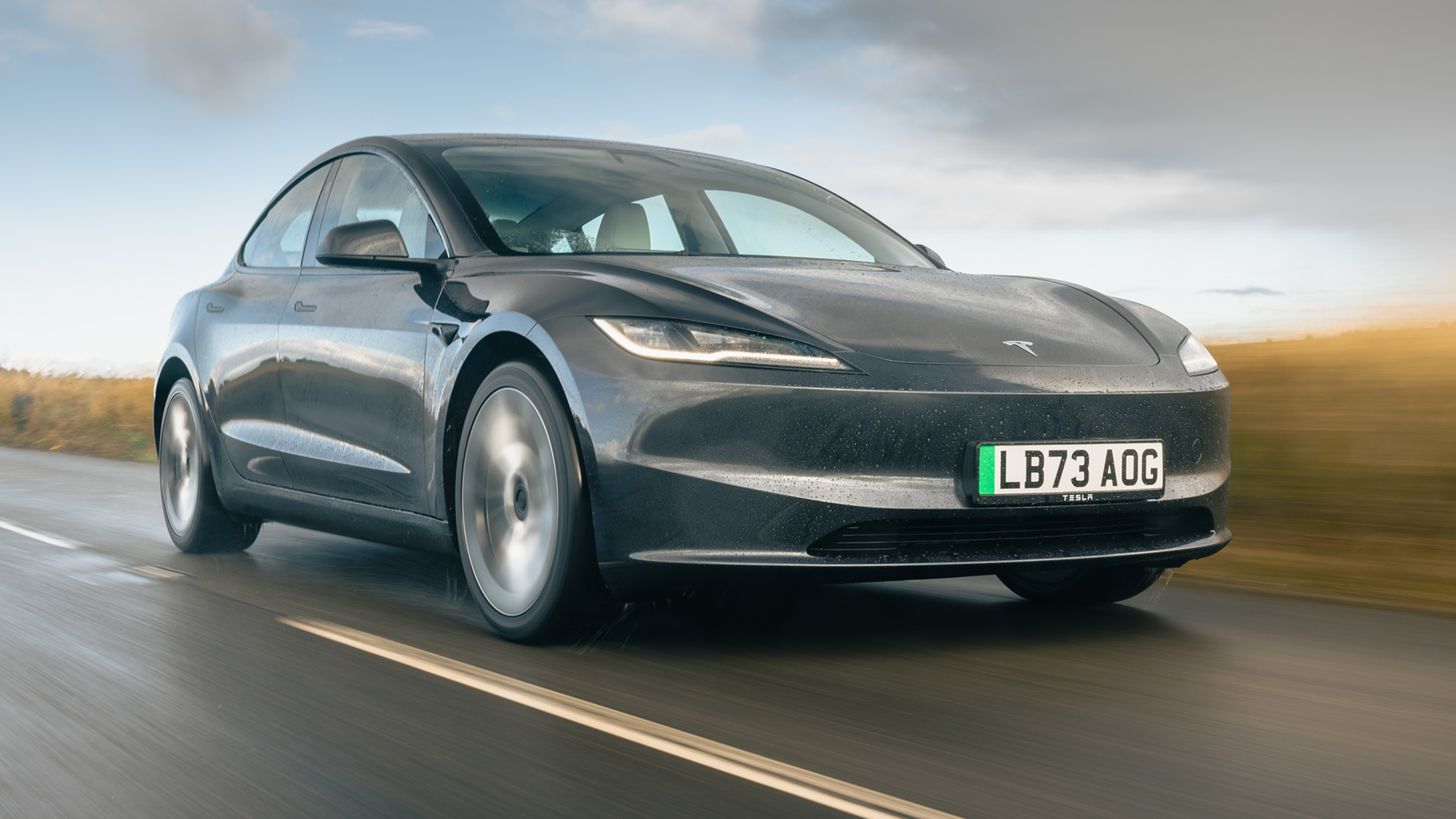
1. Tesla Model 3
The Tesla Model 3 is widely recognized for its minimalist interior and large central touchscreen that controls almost all vehicle functions. This single display simplifies operation by reducing the number of physical buttons and providing a consistent interface across different features. Drivers can manage navigation, climate, media, and vehicle settings without switching between multiple menus.
One of the key strengths of the Model 3’s system is its responsiveness. The touchscreen reacts instantly to touch and gestures, providing immediate feedback and reducing user frustration. The system also supports over-the-air updates, ensuring that software improvements and new features are added without requiring a dealer visit. This capability keeps the vehicle current with evolving technology standards.
Voice commands further enhance the user-friendly nature of Tesla’s interface. Drivers can perform tasks such as adjusting temperature, changing music, or setting navigation routes using natural language. The voice recognition is highly accurate, allowing for hands-free operation that maintains focus on driving.
Additionally, the display offers clear and concise visuals. Maps, media, and car settings are presented in a clean format, avoiding clutter or confusing icons. The intuitive arrangement allows drivers to quickly find the functions they need without distraction, supporting a safer driving environment.
Tesla’s integration with mobile apps also contributes to the system’s usability. Owners can monitor charging, precondition the cabin, and control other vehicle features remotely. This seamless connection between the car and smartphone extends convenience beyond the physical cabin, creating a more holistic experience.
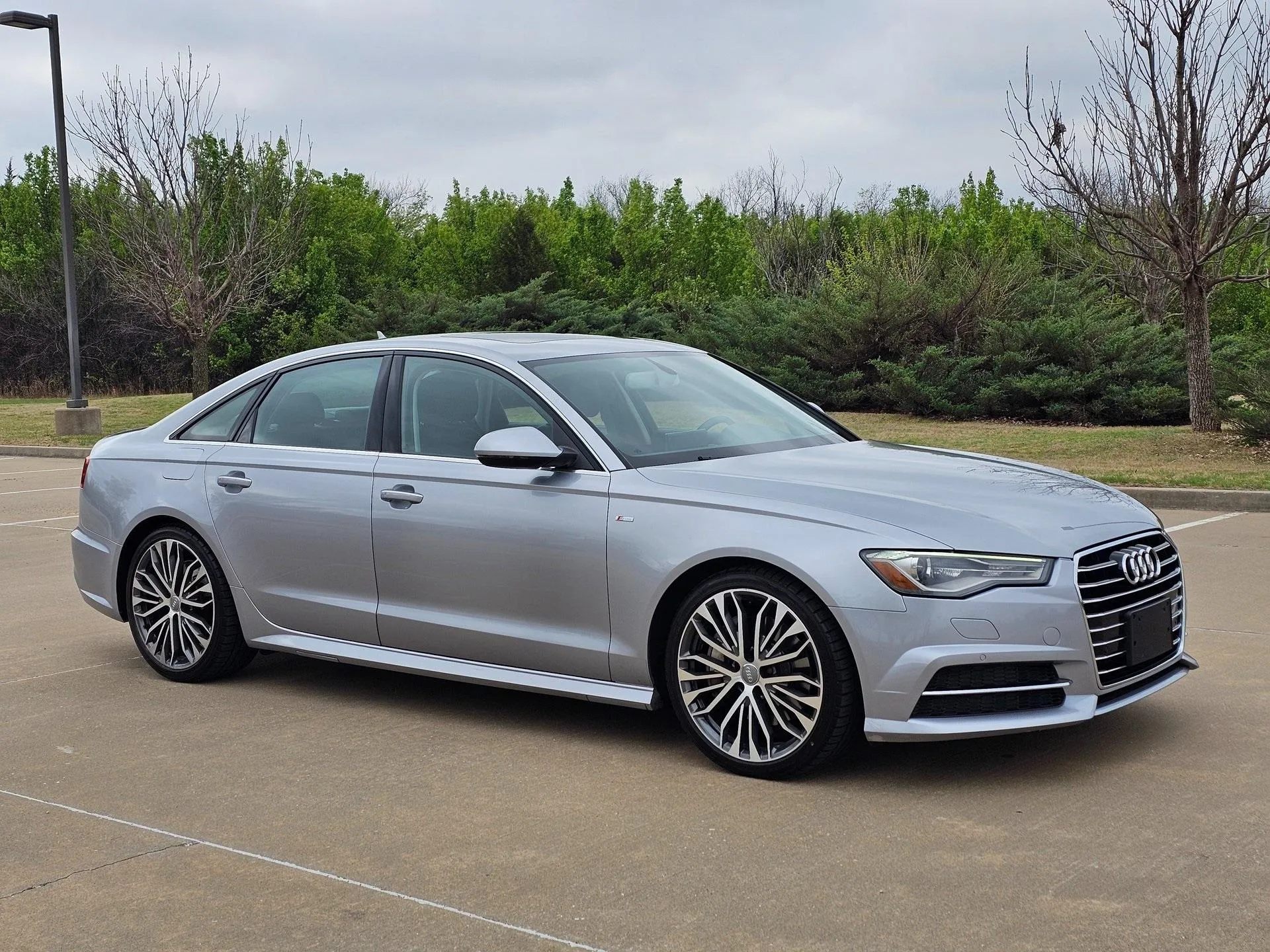
2. Audi A6
Audi’s A6 comes equipped with the MMI Touch Response system, which blends dual touchscreens with tactile feedback for a highly intuitive interface. The upper screen handles primary functions like navigation and media, while the lower screen manages climate and secondary controls. This division prevents confusion and allows users to focus on the most important tasks.
The system emphasizes simplicity through clear labeling and responsive touch surfaces. Swipes, taps, and pinch gestures are immediately recognized, making menu navigation effortless. Audi also incorporates haptic feedback, providing a tactile response when selecting options, which reduces reliance on visual confirmation.
Voice control in the A6 supports conversational commands. Drivers can operate features using natural language rather than rigid phrases, making the interaction more fluid and less stressful. Integration with online services, including real-time traffic updates and weather information, enhances the driving experience.
Customization is another advantage. Drivers can arrange favorite functions on the home screen, access frequently used settings quickly, and adjust display themes according to preference. This level of personalization supports a sense of control and comfort for different users.
Finally, the system is supported by high-resolution graphics that are both aesthetically pleasing and functional. Information is presented clearly without overwhelming the user, ensuring that drivers can find critical data at a glance. This balance between form and function is a hallmark of Audi’s infotainment design philosophy.
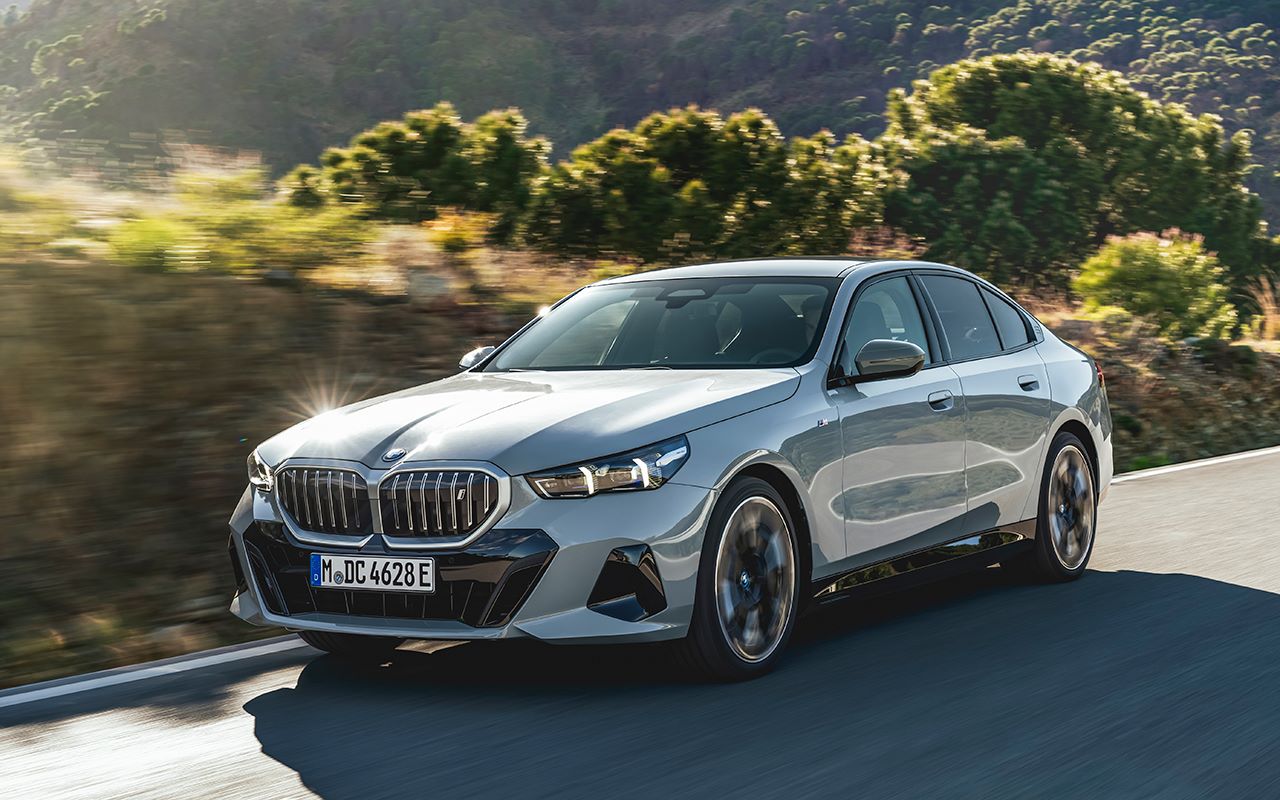
3. BMW 5 Series
The BMW 5 Series offers the iDrive 7.0 system, known for combining rotary control with touchscreen functionality. The controller allows precise navigation through menus while the touchscreen provides direct interaction for intuitive use. This dual approach caters to drivers who prefer physical input as well as those comfortable with touch gestures.
The iDrive interface is organized logically, with clear sections for media, communication, navigation, and vehicle settings. Icons are straightforward, and nested menus are minimized to reduce complexity. Consistent layouts make it easier for drivers to remember the location of commonly used functions.
BMW has also improved voice control, allowing commands to be given conversationally. The system can understand context and follow-up requests, which reduces the need to repeat instructions. This functionality helps drivers keep attention on the road while performing tasks within the infotainment system.
Integration with smartphones through Apple CarPlay and Android Auto adds another layer of convenience. Drivers can access familiar apps and services directly from the display, reducing the learning curve for new users. Wireless connections enhance ease of use, avoiding the need for constant cable management.
The 5 Series also benefits from over-the-air updates, ensuring that software improvements are applied automatically. This ongoing refinement keeps the interface current, adds new capabilities, and maintains high responsiveness over the vehicle’s lifespan.
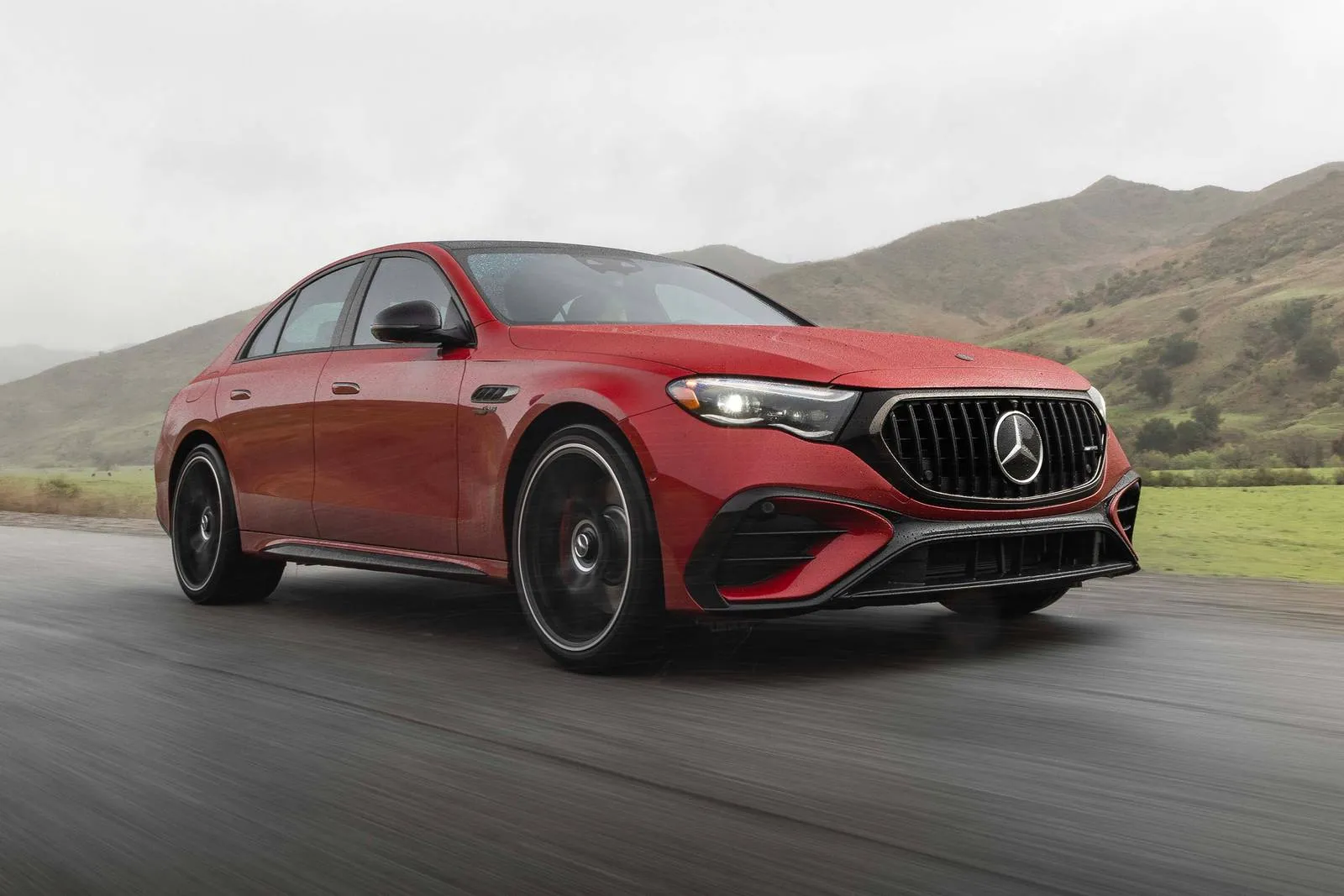
4. Mercedes-Benz E-Class
The E-Class is equipped with the MBUX infotainment system, which emphasizes natural interaction through voice, touch, and gesture controls. The system can recognize speech starting with the phrase “Hey Mercedes,” allowing hands-free operation of nearly every function. This voice interface reduces distraction and improves accessibility for all drivers.
Touchscreen operation is complemented by a touchpad and steering wheel controls. Users can interact with the system in multiple ways depending on preference, creating flexibility and convenience. The layout of menus and options is consistent, minimizing confusion when navigating between functions.
MBUX also features AI-driven suggestions, predicting destinations, music, and frequently used settings. These recommendations simplify common tasks and reduce the need for extensive manual input. Drivers can adapt the system to their habits over time, resulting in a highly personalized experience.
High-quality graphics and animations improve readability and user understanding. Icons are visually distinct, text is clear, and relevant information is displayed prominently. These design choices enhance quick comprehension and allow drivers to respond promptly without distraction.
Additionally, smartphone integration with wireless Apple CarPlay and Android Auto extends functionality seamlessly. Users can access messaging, maps, and media apps directly from the display, maintaining familiarity and convenience while driving.
5. Volvo XC90
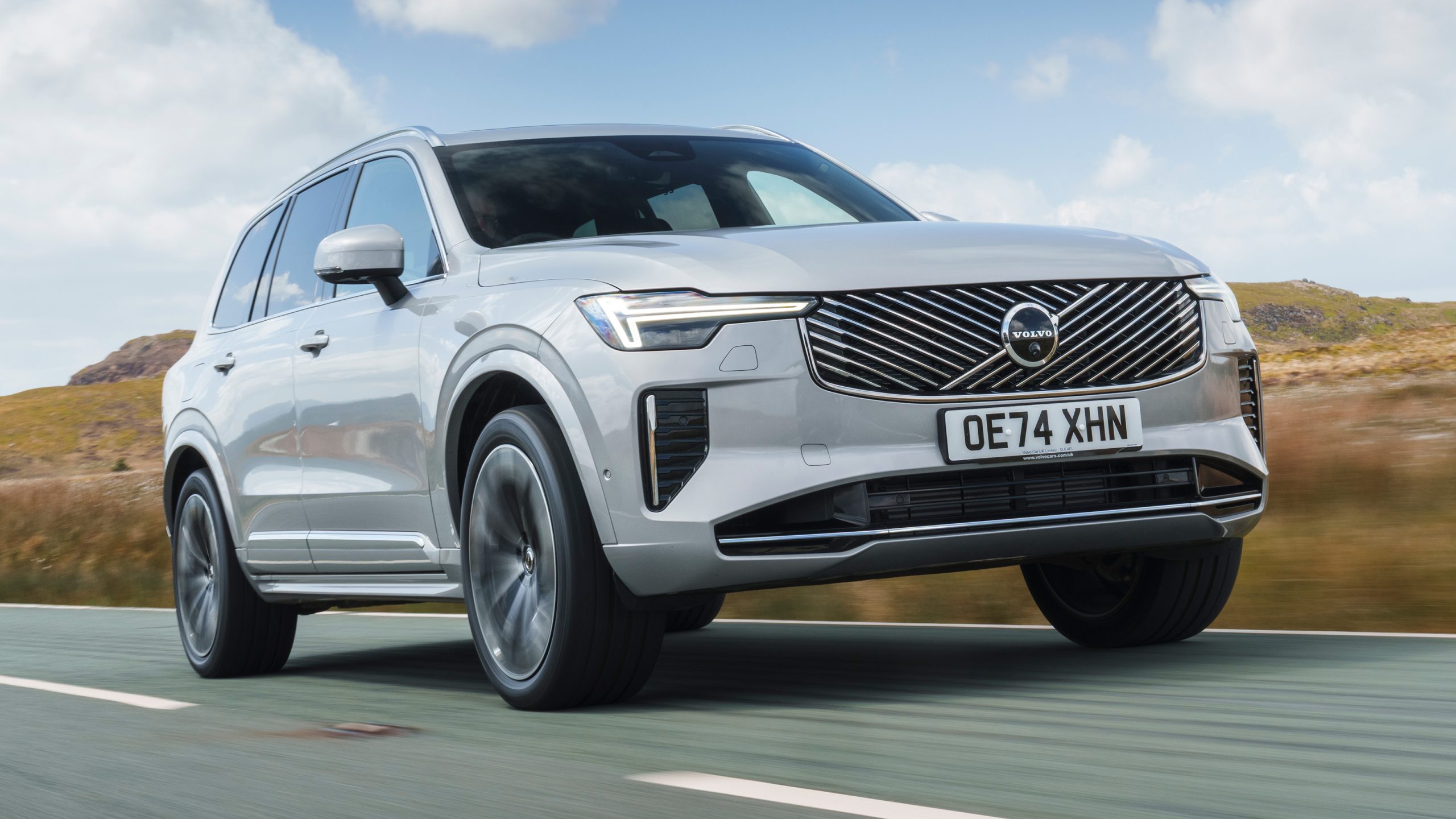
Volvo’s XC90 features a portrait-oriented touchscreen with a simplified interface inspired by tablet design. This layout makes scrolling and swiping natural for users, while offering a clear division of functions like navigation, media, and climate control. The vertical screen also allows more information to be visible at a glance.
The system is designed with minimal clutter, presenting icons and menus in a logical hierarchy. Drivers can navigate without confusion, and important functions are accessible within one or two taps. Volvo prioritizes usability over unnecessary visual complexity.
Voice commands in the XC90 respond accurately to natural language, handling tasks such as route adjustments, media selection, and climate settings. This capability supports hands-free operation, reducing distraction and promoting safety.
Integration with smartphones is seamless, allowing Apple CarPlay and Android Auto access directly from the main display. Wireless connectivity ensures a straightforward setup, with familiar interfaces enhancing comfort for new users.
Frequent software updates keep the XC90 system current. Volvo continues to improve functionality and responsiveness, making long-term ownership more satisfying. The combination of intuitive design and consistent updates ensures a smooth and enjoyable experience for drivers.
6. Lexus RX
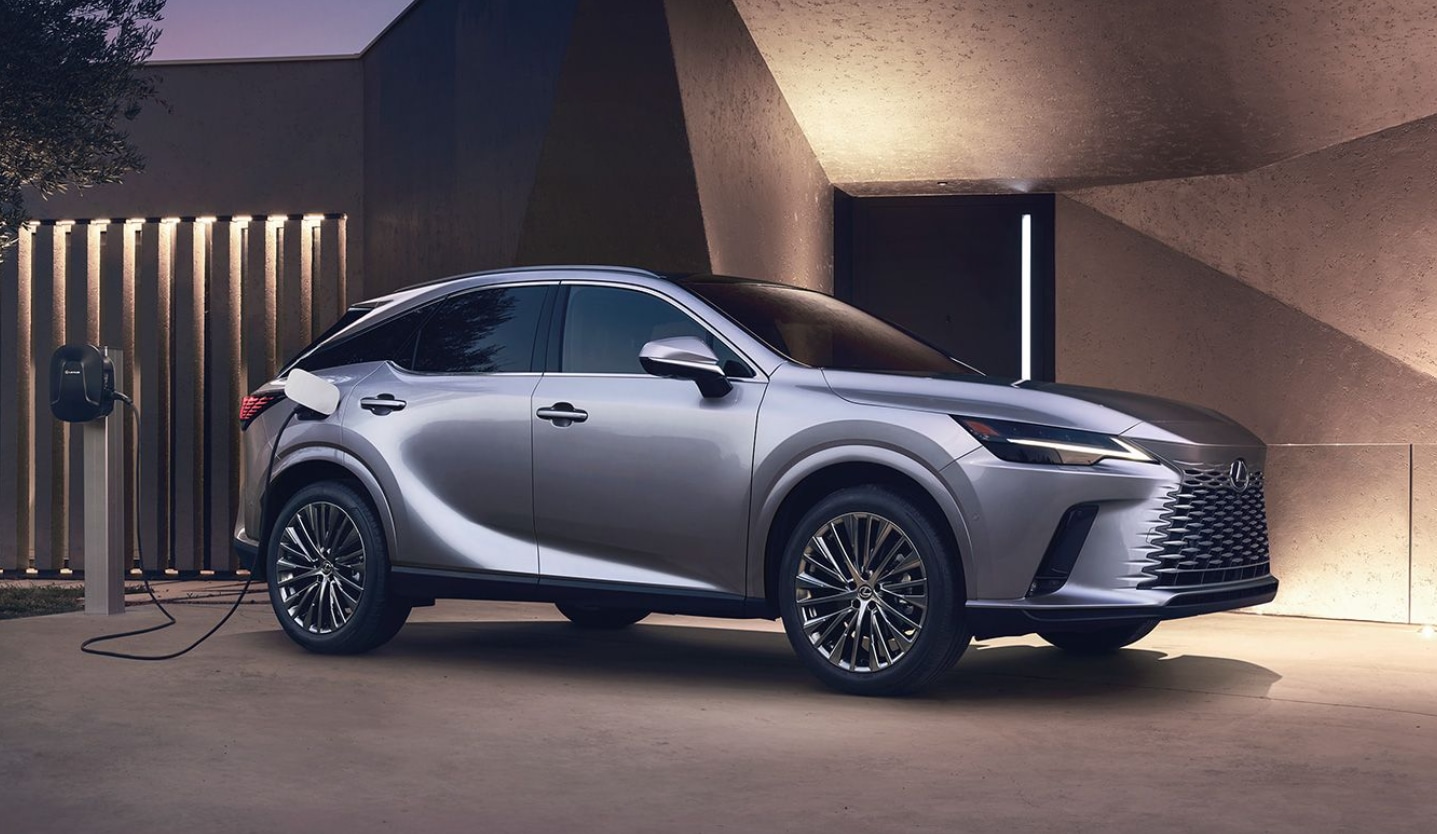
The Lexus RX comes with the Lexus Enform system, designed for clarity and ease of operation. The interface combines a touchscreen with a remote touchpad controller, allowing drivers to select whichever method is most comfortable. The touchpad is positioned ergonomically, reducing hand strain during use.
Menus are logically organized, with clearly labeled sections for media, navigation, climate, and vehicle settings. Icons are large, and screens respond quickly to inputs, which minimizes the time needed to access critical functions. The consistent design helps drivers anticipate where each feature is located.
Voice control allows drivers to issue natural commands for music selection, route planning, and adjusting settings. The system interprets context and follow-up requests, creating an intuitive experience that feels less like operating a machine and more like communicating with a digital assistant.
The infotainment system integrates seamlessly with Apple CarPlay and Android Auto, providing familiar interfaces for messaging, music, and apps. Wireless connectivity allows devices to sync without cables, keeping the cabin clutter-free and reducing setup time for passengers.
Over-the-air updates and software enhancements maintain responsiveness and introduce new features over time. Lexus focuses on minimizing glitches and improving user interaction, ensuring that the system continues to feel modern and practical throughout the vehicle’s life.
7. Porsche Cayenne
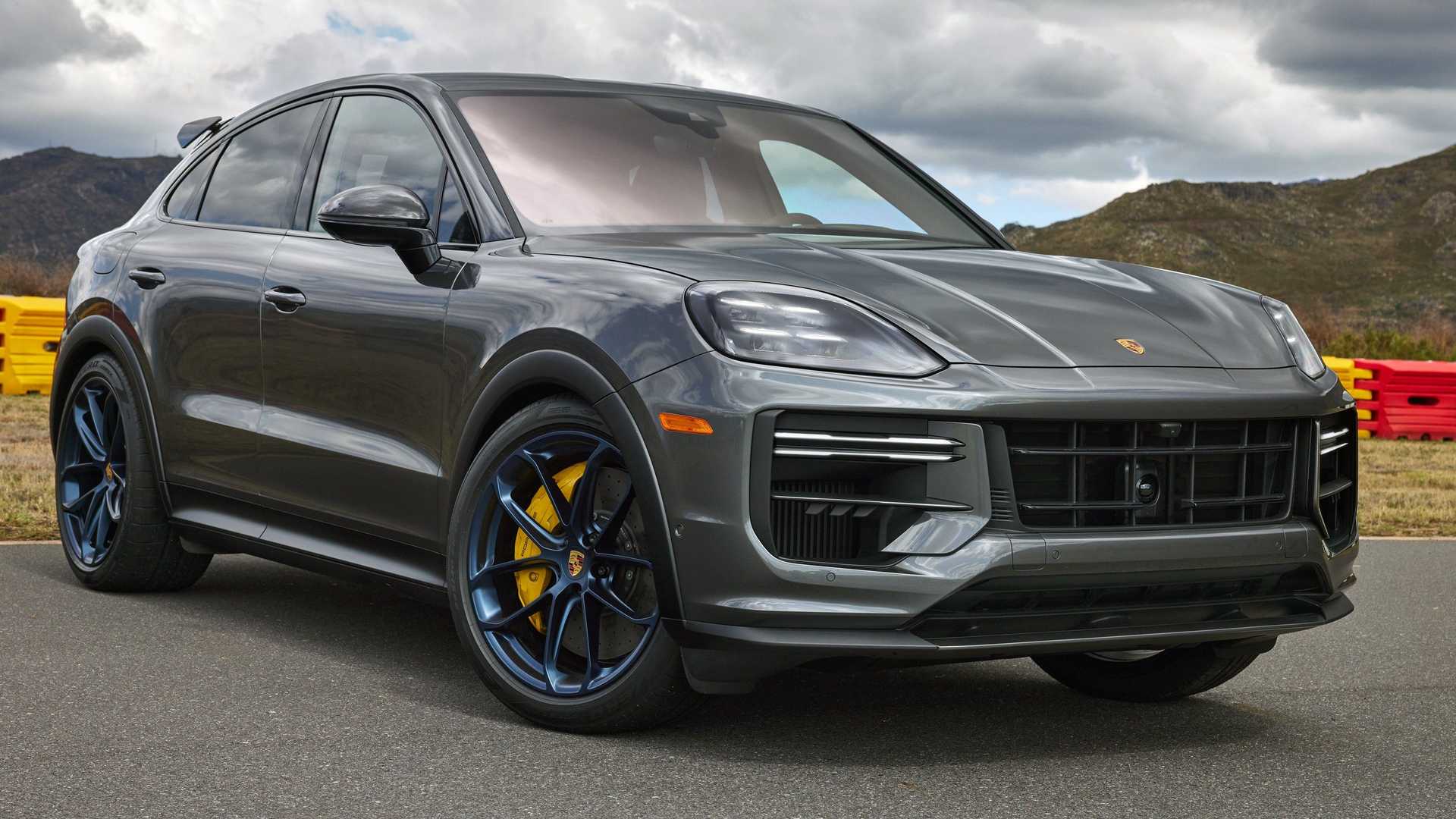
The Porsche Communication Management system in the Cayenne is designed for precision and simplicity. The central touchscreen features a high-resolution display that responds instantly to taps and swipes. Physical buttons are included for critical functions, ensuring quick access without relying entirely on touch controls.
Menus are clearly divided between navigation, media, and vehicle controls. Each screen avoids unnecessary clutter, presenting only relevant information. Drivers can quickly glance at the display to find what they need, minimizing distraction while driving on busy roads.
Voice commands are straightforward, allowing spoken requests for navigation destinations, radio stations, or climate adjustments. The system recognizes conversational phrases, reducing frustration and the need to repeat instructions. This hands-free functionality improves safety by allowing the driver to focus on the road.
Smartphone integration extends the infotainment experience. Apple CarPlay and Android Auto can be used wirelessly, and the system allows users to save favorite destinations or playlists. This synchronization ensures that familiar apps are easily accessible, enhancing convenience during long drives.
Porsche emphasizes continuous improvement through software updates. New features and interface refinements are delivered regularly, keeping the system responsive and modern. This commitment to ongoing enhancement ensures a consistent, high-quality experience for all Cayenne owners.
8. Honda Accord
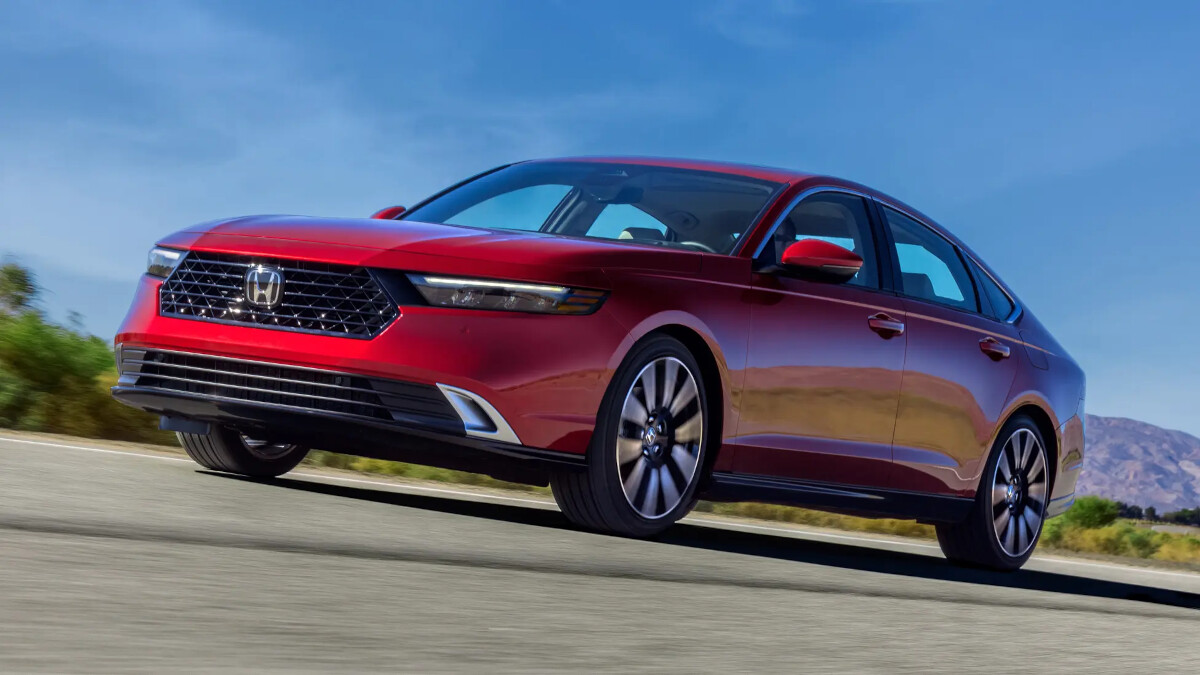
The Honda Accord is equipped with a straightforward infotainment system that balances functionality with simplicity. A centrally positioned touchscreen is complemented by physical buttons for key features such as volume and climate, creating a familiar interface for new and experienced drivers alike.
Menus are organized logically, allowing quick access to music, navigation, and communication. Icons are clearly labeled, and the system’s responsiveness ensures minimal lag, even when switching between multiple functions. Honda prioritizes clarity over excessive customization to reduce driver distraction.
Voice recognition allows natural commands for calling, texting, or navigating. The system responds reliably to conversational speech, enabling drivers to maintain focus on the road while accessing essential functions. This voice capability is particularly helpful during longer trips.
Apple CarPlay and Android Auto integration makes it simple to connect smartphones for media streaming, navigation, and app access. Wireless connectivity is available in newer models, reducing cable clutter and simplifying the experience for passengers and drivers alike.
Honda also provides regular software updates to improve stability and responsiveness. By combining a simple interface with functional enhancements, the Accord’s infotainment system remains practical, accessible, and user-friendly for drivers of all experience levels.
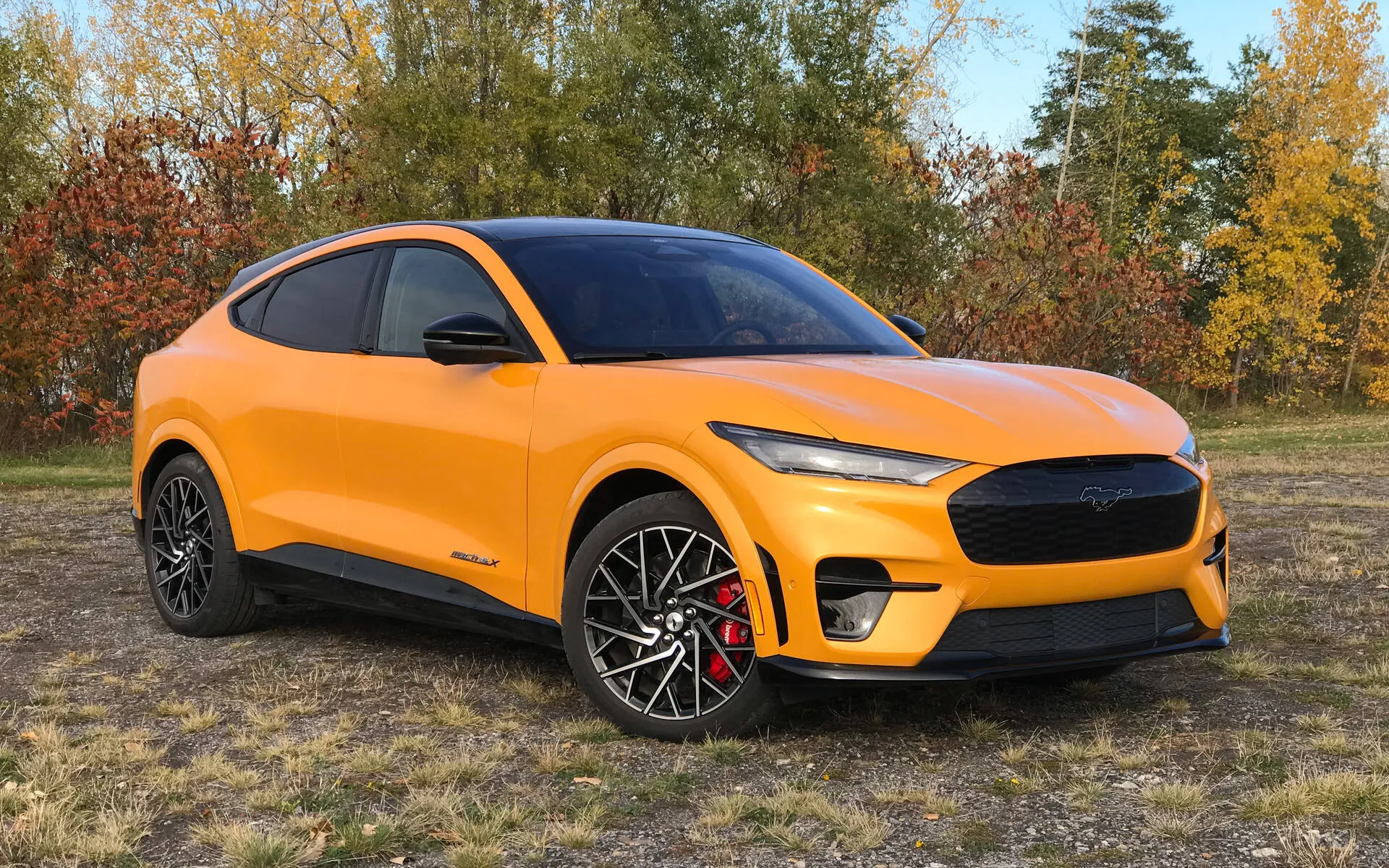
9. Ford Mustang Mach-E
The Mustang Mach-E features the SYNC 4A system, which includes a large vertical touchscreen and voice recognition designed for minimal distraction. The touchscreen responds instantly to inputs and provides clear, high-resolution visuals for navigation, media, and vehicle settings.
Menus are easy to navigate, with distinct sections for frequently used functions. Drivers can customize the home screen to prioritize their preferred apps and shortcuts. This personalization improves efficiency and reduces the time spent searching for essential controls.
Voice commands are highly accurate, understanding natural language requests for navigation, climate, and media. The system learns user preferences over time, making interactions smoother and reducing repetitive input. This adaptive functionality creates a more enjoyable driving experience.
Integration with Apple CarPlay and Android Auto allows seamless access to favorite apps. Wireless connectivity simplifies the setup process, letting drivers quickly pair their devices without cables. This feature is particularly useful for passengers who may switch devices frequently.
Over-the-air updates ensure that the system stays current and responsive. Ford continues to refine software performance and interface design, making the Mach-E’s infotainment system one of the most user-friendly options in its class for both short commutes and long-distance trips.
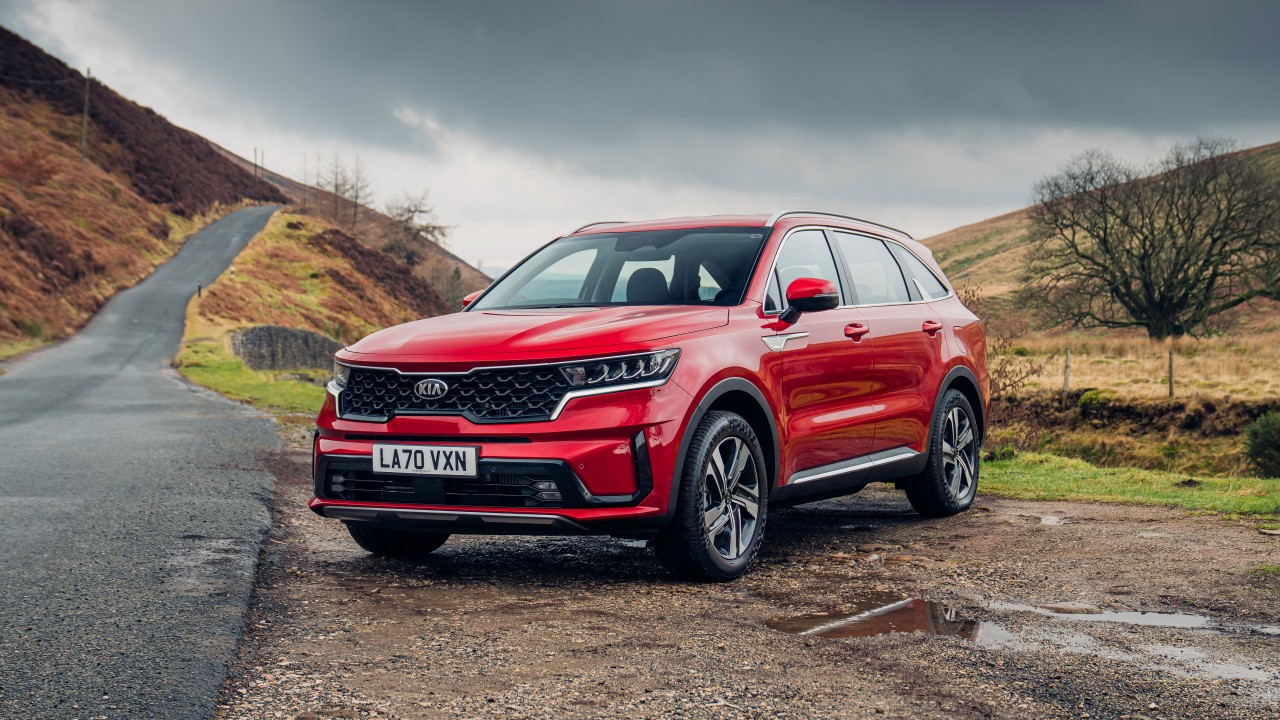
10. Kia Sorento
The Kia Sorento offers a modern infotainment system with a large touchscreen that emphasizes clarity and responsiveness. Physical buttons for essential controls such as volume and climate are included to allow quick adjustments without relying solely on the touchscreen interface.
Menus are arranged logically, with clear labeling for navigation, media, and vehicle settings. Large icons and minimalistic design make it simple to access desired functions. Drivers can find what they need without distraction, supporting safe operation at all times.
Voice commands recognize natural speech patterns, allowing drivers to perform tasks without taking their hands off the wheel. Navigation, audio, and climate control can all be managed through voice, providing a hands-free solution that enhances safety and convenience.
Apple CarPlay and Android Auto integration provides seamless smartphone connectivity. Users can access apps, messages, and media without adjusting to a new interface. Wireless connections reduce clutter and improve usability for both driver and passengers.
Kia continually releases updates to improve system responsiveness and functionality. This commitment to refinement ensures that the Sorento’s infotainment system remains modern, intuitive, and practical. Drivers benefit from a system that is simple to use yet powerful enough to meet a wide range of daily needs.