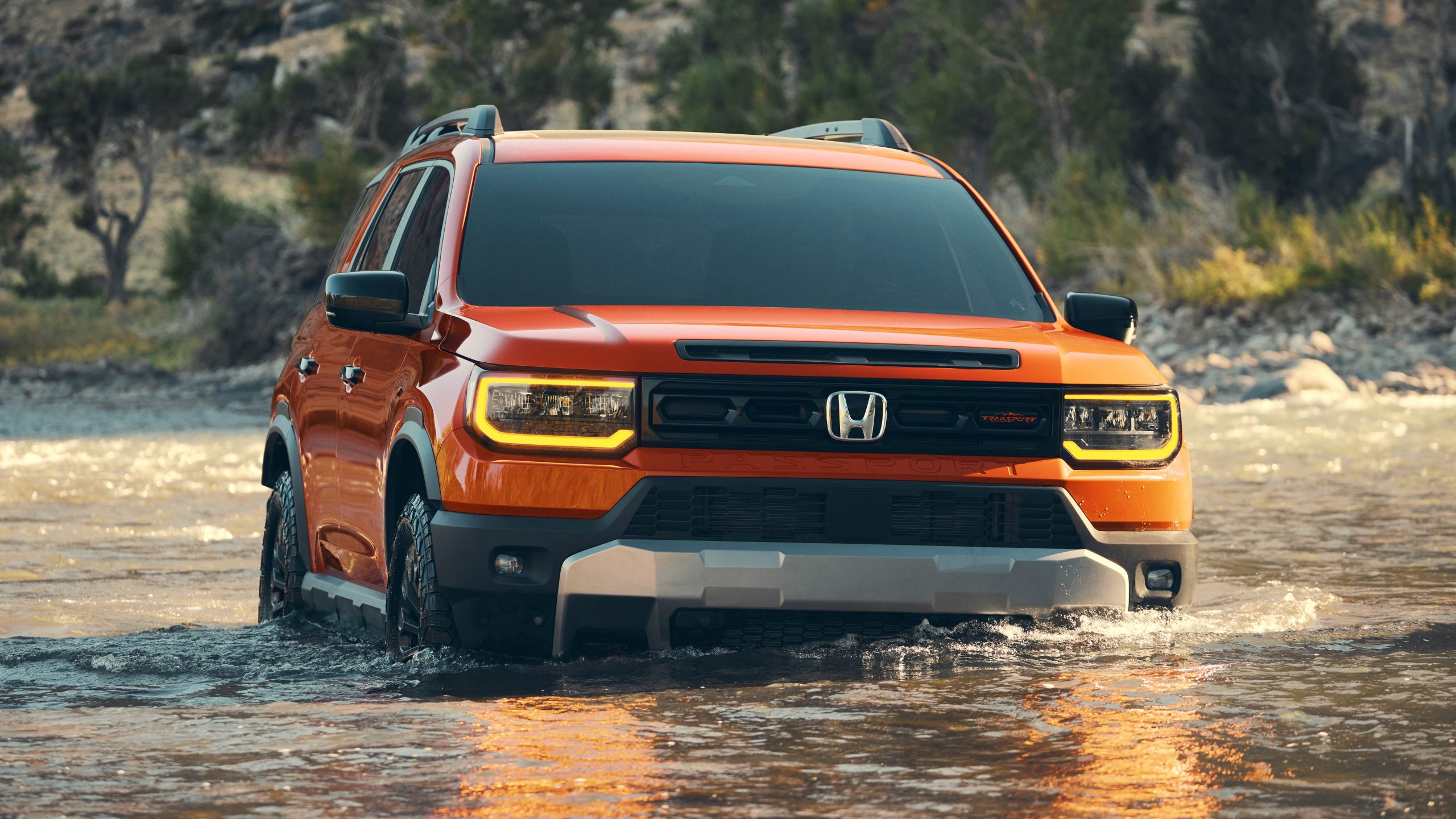
Used cars have become increasingly popular among buyers who want value for money and a decent feature set without paying full price for a new vehicle. One of the key selling points in modern vehicles is the infotainment system, which can include navigation, media controls, smartphone connectivity, and vehicle settings.
However, not all infotainment systems in used cars are created equal, and some have developed reputations for instability and frequent crashes that frustrate owners. Understanding which models are known for these issues can help used car shoppers make better decisions before committing to a purchase.
Knowing the trends, common failure points, and what to test during a test drive can save time, money, and prevent buyer’s remorse. This article highlights ten used cars whose infotainment systems are prone to crashing, freezing, or requiring frequent resets, based on documented owner experiences and common industry reports.
Car infotainment systems combine software, touchscreens, connectivity modules, and integrated vehicle data to deliver a seamless user experience.
Problems often arise when software is not optimized for the hardware, updates are inconsistent, or legacy systems were not thoroughly tested before release. In some vehicles, these problems became so pervasive that dealerships issued technical service bulletins or even extended software support to mitigate them.
In other cases, owners have resorted to aftermarket fixes, frequent resets, or workarounds to maintain functionality. When vehicles age, software incompatibilities with newer smartphones or services can worsen the situation.
Buyers who understand which systems have known issues can make more informed choices, potentially avoiding frequent annoyance and costly repairs associated with unstable infotainment systems.
The cars listed in this article span several model years and automotive brands. Some were praised for their driving dynamics and comfort but fell short in the software department. Others may have decent systems in later model years but problematic ones in earlier production runs.
The focus is on infotainment crashes rather than hardware defects like faulty screens or audio failures. Infotainment crashes include freezing, unexpected reboots, loss of Bluetooth connections, or navigation errors due to software instability.
Each heading that follows will cover a specific model, outlining why its infotainment system has struggled, what owners have experienced, and what to look for if you test a used version of that vehicle.
By the end, you’ll have clearer insight into which used cars may come with infotainment systems that can be a source of frustration, and how to assess these systems before buying.

1. Ford
Infotainment issues in early Ford Sync systems have long been discussed among owners of used SUVs and crossovers. These systems often freeze during use, especially when paired with smartphones for music streaming.
Owners have reported complete system resets while driving, which can interrupt navigation and media playback without warning. The root of these problems is often attributed to outdated software that was not updated regularly by previous owners or dealers.
Bluetooth connectivity in these Ford Sync systems can be inconsistent and may disconnect repeatedly during calls or audio streaming. This results in drivers repeatedly pairing devices, which adds inconvenience on a daily basis.
Some owners also note delayed response times when selecting functions on the touchscreen, leading to repeated presses and potential input errors. Over time, these problems have become more widespread as earlier Sync platforms aged faster than expected.
Navigation features within the older Ford Sync versions have also demonstrated instability, particularly when routes are loaded or reloaded during travel.
The system may crash just when a turn is approaching, forcing drivers to rely on their smartphone maps instead. In cases where the infotainment system includes vehicle settings, those menus can become inaccessible after a crash, requiring a full system reboot. Such behavior is clearly frustrating for anyone accustomed to reliable technology.
Dealers and third‑party mechanics sometimes provide software updates or resets that can temporarily improve stability, but these are not always long‑lasting. Owners interested in used Ford SUVs with Sync systems should ask for proof of the most recent software updates before purchasing.
It’s also wise to test every feature of the system during a test drive, from voice commands to navigation and Bluetooth performance. Understanding these limitations helps set expectations and allows buyers to decide if they can live with periodic glitches.
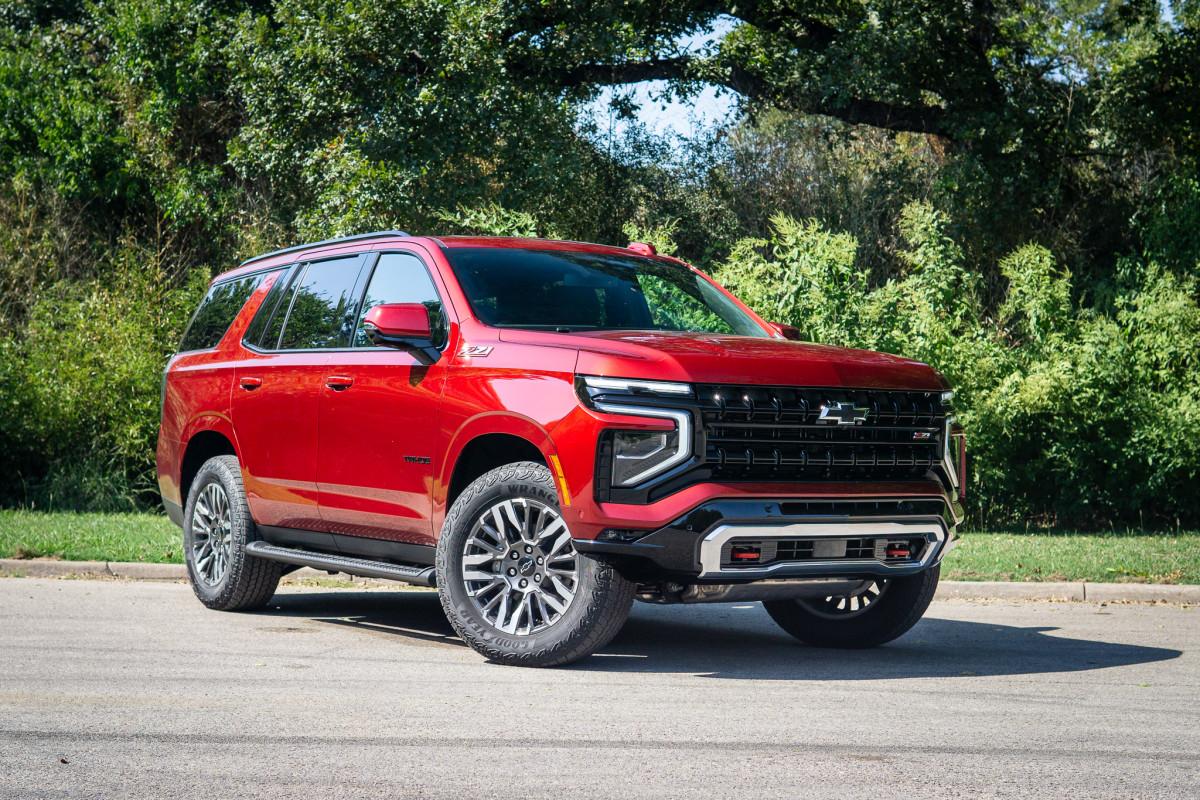
2. Chevrolet
Chevrolet’s MyLink infotainment system experienced a number of stability complaints, particularly in compact sedans from certain model years. Owners often describe occasional touch latency, where selecting icons yields slow or no response from the display.
In several cases, entire screens have gone blank only to reboot after several seconds. It’s worth noting that these symptoms tend to show up more frequently as the vehicles age and associated firmware falls further behind industry standards.
Media playback can also suffer from abrupt stops or skips when paired with external devices. Users report that music streaming via Bluetooth can cut out without warning, forcing reconnection of devices multiple times per trip. Even USB connections do not always eliminate these disruptions, suggesting deeper software inefficiencies. These interruptions are particularly problematic during long drives or commutes, where consistent audio performance is expected.
Navigation stability in MyLink also varies significantly, with some owners experiencing system lag during route recalculations. In extreme cases, the entire interface becomes temporarily unresponsive when switching between navigation and audio functions.
Road trips can become stressful when the system fails to provide timely directions or freezes near critical turns. Owners often resort to smartphone navigation as a more reliable alternative.
User settings and customization options in MyLink can vanish after a reset triggered by a crash. This includes saved radio presets or paired devices that must be reconfigured each time the system reboots. While some of these issues can be addressed through software updates, older vehicles may never receive the necessary patches. Prospective buyers should test these elements meticulously before committing to a used sedan with this system.
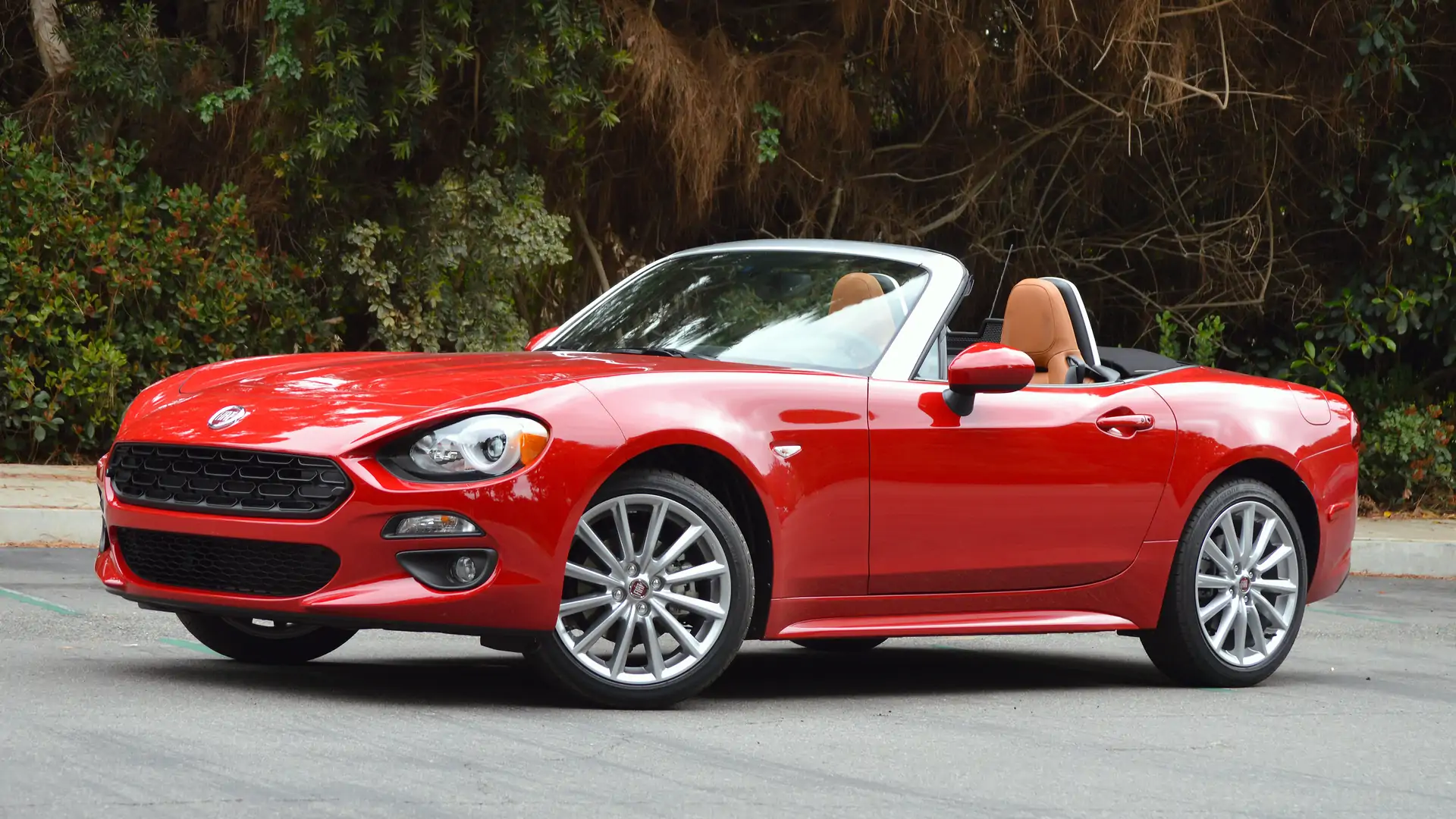
3. Fiat
Uconnect was once celebrated for its user interface, but certain mid‑size vehicles equipped with earlier versions of this software have crashing complaints.
Frequent freezing and unresponsiveness are common themes reported by owners who depend heavily on in‑car tech. The situation is exacerbated when multiple functions such as navigation, climate control, and audio converge on the touchscreen interface.
Bluetooth functionality in affected Uconnect systems can be unreliable, contributing to dropped calls and interrupted music streams. The issue becomes especially evident when pairing multiple devices over time, as the system can become confused and restart unexpectedly.
Screen freezes often happen during phone interactions, leaving drivers unable to use hands‑free features. This has led many users to disconnect their devices entirely to avoid disruptions.
Navigation with Uconnect has also been inconsistent, particularly when routes require complex changes or recalculations. The system can become slow or unresponsive precisely when accurate guidance is critical. Even after a crash, maps may reload incorrectly or display outdated guidance cues that confuse drivers. Owners therefore often bring their own navigation alternatives to ensure travel reliability.
Routine software updates for Uconnect exist, but many used examples have not received them due to lapses in maintenance by previous owners. This leaves the system vulnerable to outdated protocols and poor performance.
When testing a used vehicle, asking for update history and attempting to pair devices and use navigation is essential. Engaging these aspects under real conditions reveals whether the system is fit for regular use.
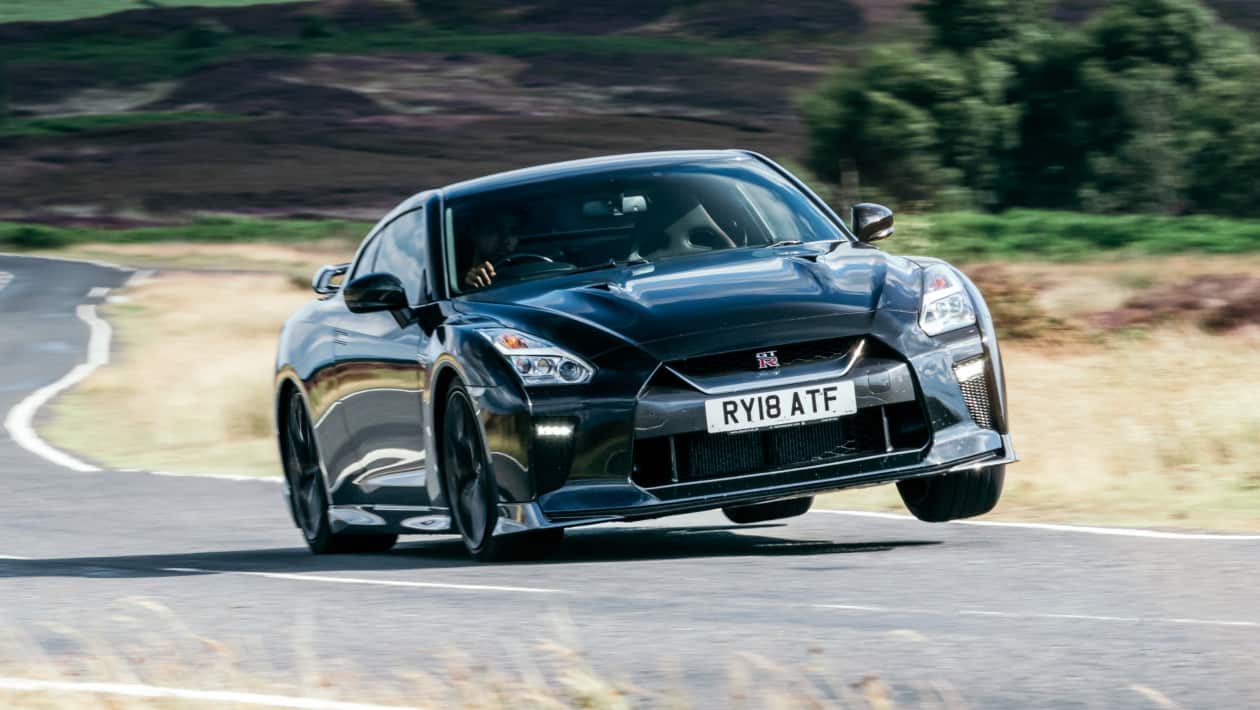
4. Nissan
Nissan Connect infotainment systems in certain compact SUV models have gained attention for crashing tendencies and inconsistent performance.
Owners frequently report touch input that fails to register commands, forcing repeated attempts that waste time during operation. When combined with a heated environment inside the vehicle, system responsiveness can degrade further, amplifying the frustration experienced on every drive.
Bluetooth connections in these units often suffer from frequent disconnections that interrupt calls and media playback. This becomes particularly noticeable when using voice assistants or relying on hands‑free calling while commuting.
The system may restart on its own when reconnecting devices, leading to moments of silence or inability to communicate until the reboot completes. Over time, owners may avoid using such connected features entirely.
Navigation stability also faces criticism in impacted Nissan Connect systems, especially when plotting routes with multiple waypoints.
Sudden freezes can force drivers to switch to smartphone maps, undermining the value of the built‑in feature. In some instances, the system fails to load updated maps properly, compounding navigational confusion. This issue tends to be more frequent in earlier generation models.
Additional problems manifest in settings menus and display brightness controls that disappear after a crash, requiring a complete restart to regain access. These interruptions can affect secondary vehicle functions that are integrated into the infotainment display.
Buyers looking at used Nissan compact SUVs with Connect systems should insist on a thorough test of every feature, and check for the latest software version. These steps reveal the practical usability of the system before purchase.
5. Toyota
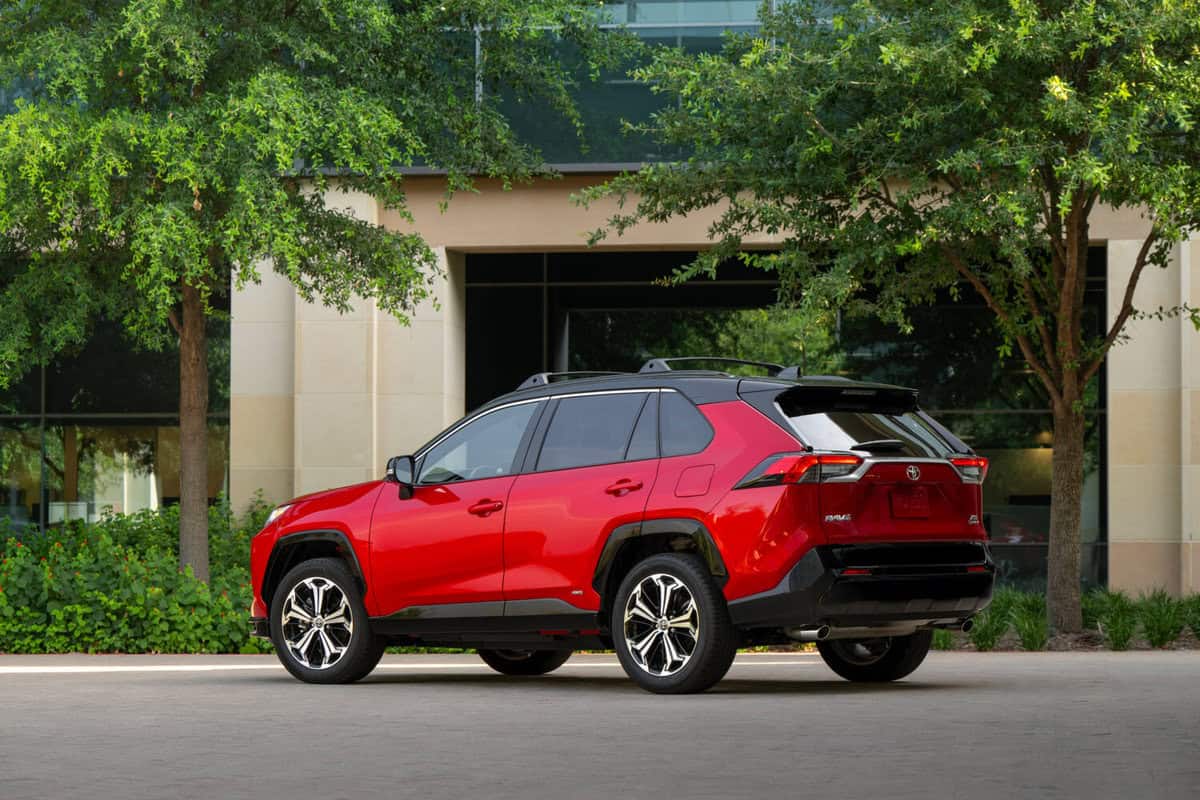
Toyota’s Entune infotainment system in earlier mid‑range cars is another example where usability issues have been documented among used vehicle owners. While Toyota generally earns high reliability marks for its mechanical systems, Entune has been less consistent.
Owners describe screen freezing, slow response times, and occasional spontaneous resets that disrupt Bluetooth connections. These glitches are often noticed during tasks as simple as selecting a radio station or adjusting media volume.
The Bluetooth module in Entune can disconnect unexpectedly, interrupting music or phone calls in a way that feels intrusive and unplanned. Re‑pairing devices sometimes becomes necessary despite previous successful connections.
This recurring need to reconnect adds friction to simple everyday use. The problem is not universal but is often reported enough that prospective buyers should test it during evaluation drives.
Navigation features linked with Entune can also be unstable, particularly when switching between audio sources and map views. The system may take multiple seconds to respond, or stall until it completes an internal task.
In situations where timing is important, such lags can detract from the convenience of having a built‑in navigation feature. Drivers accustomed to seamless smartphone navigation may find the experience underwhelming.
Entune’s integration with external apps and services sometimes fails to maintain stable sessions, leading to forced closures or reboot requirements. These interruptions reduce the appeal of connectivity features that buyers expect to work reliably.
While software updates exist, many used vehicles have not received them, making these issues persistent. Checking for update history and conducting hands‑on testing are essential steps for anyone considering a used Toyota with Entune.
6. Hyundai
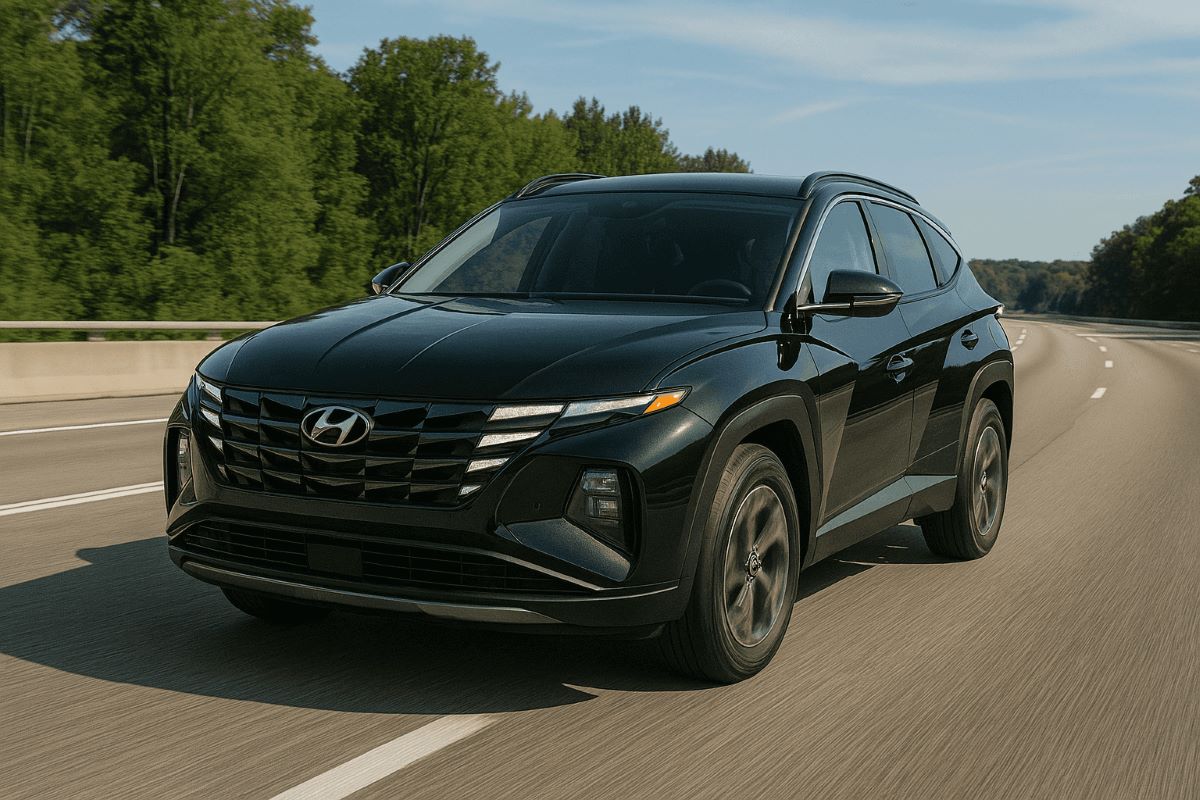
Hyundai Blue Link infotainment systems were designed to offer comprehensive connectivity and advanced services for drivers, yet certain model years have had recurring reports of instability.
Owners often note that the system’s touchscreen can freeze during use, particularly when switching between navigation and media playback. The consequences are not limited to minor inconvenience but extend to practical frustration when basic features are unresponsive.
Bluetooth performance with Blue Link can also be erratic, with connections dropping without warning and requiring reconnection mid‑trip. This interrupts audio and call functions, making the experience feel inconsistent and unreliable.
The problem seems to occur more frequently when multiple Bluetooth profiles have been paired over time, suggesting memory management issues within the software. Rebooting the system sometimes clears the issue temporarily, but it often returns.
Navigation functions in affected Blue Link units have also shown a tendency to lag, especially during dynamic route recalculations.
The system may hesitate before registering touch input, creating a gap between user intention and system response. In areas with complex intersections or highways, this delay can feel particularly unwelcome. Users often defer to external navigation solutions as a workaround.
Other integrated services, such as vehicle health reports and remote features, occasionally fail to load or display inaccurate information in Blue Link systems plagued by software crashes. Owners expecting seamless service may be disappointed when features do not load consistently.
Prospective used car buyers should perform a comprehensive test of these functions during evaluation to understand how often they crash and whether they meet personal usability standards.

7. Volkswagen
Volkswagen’s Modular Infotainment Platform (MIB) is used in several premium hatchbacks and compact models, but some iterations have been vulnerable to software instability.
Owners have pointed out that the system can freeze when operating simple tasks like audio source switching or navigation zoom. Unlike systems that only glitch occasionally, problematic MIB units exhibit frequent unresponsiveness that undermines confidence in daily use.
Bluetooth connectivity in MIB can be similarly unstable, dropping paired devices mid‑stream without apparent cause. This disrupts calls and music playback, forcing reconnection procedures during driving.
Drivers who rely heavily on connected features find this behaviour inconvenient and distracting. Even with the latest updates applied, some users report persistent issues that remain unresolved.
Navigation performance also suffers when the system attempts to handle real‑time route updates or recalculations. The MIB touchscreen might lag or stop responding while processing complex map data.
This creates a situation where drivers must wait for the system to catch up before continuing navigation. Owners frustrated with these delays often end up using dedicated navigation devices instead.
Integrated vehicle settings accessed through the MIB interface can also vanish after software crashes, requiring a restart to restore access. These repeated interruptions reduce the perceived quality of an otherwise well‑built vehicle.
If you are considering a used Volkswagen hatchback with MIB, make sure to test every feature vigorously. This helps determine whether the infotainment system meets your expectations for stability and performance.
8. Mazda
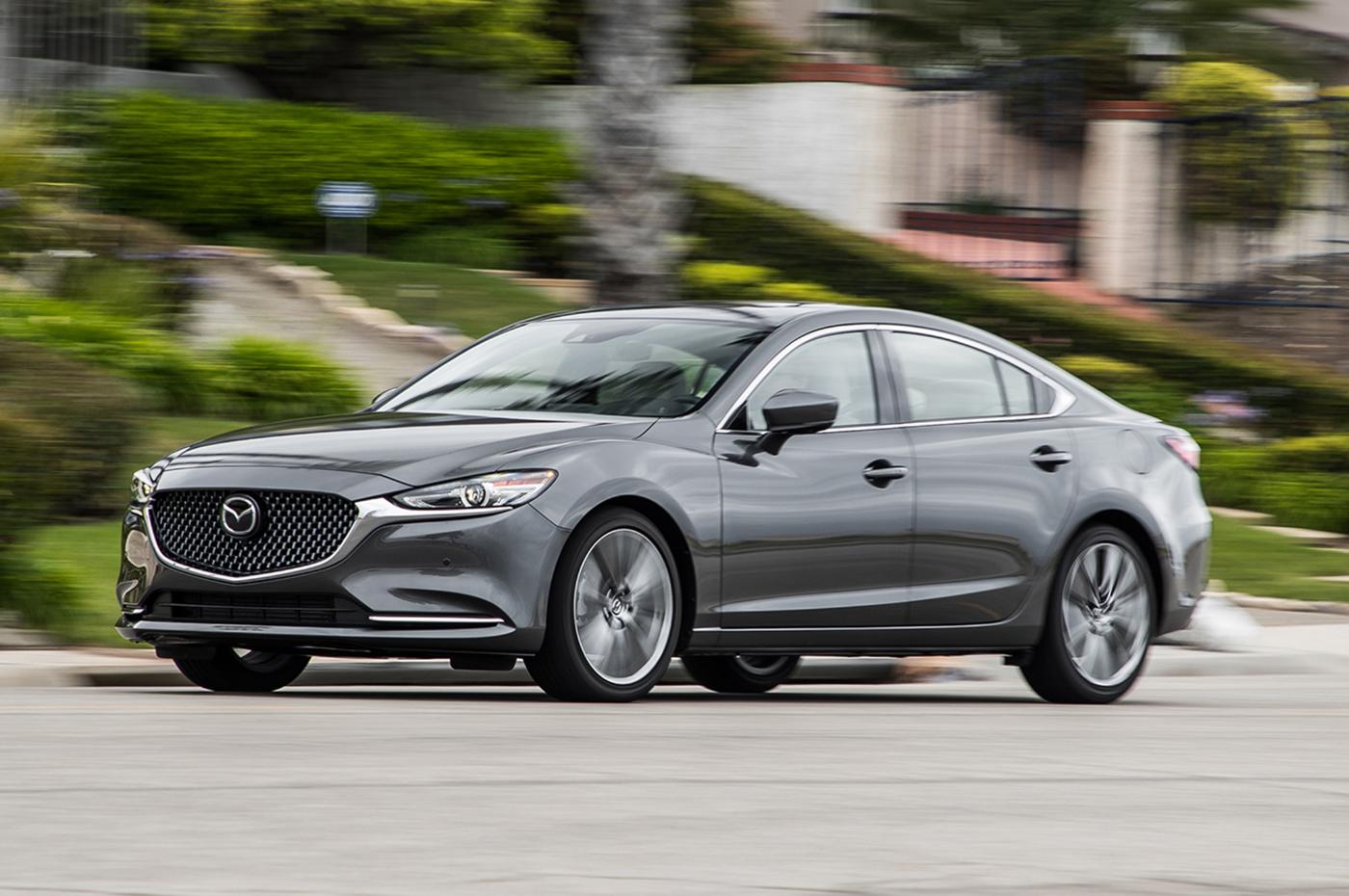
Mazda Connect infotainment systems have been praised for their minimalistic design, yet certain sporty models equipped with earlier software versions show patterns of instability. Owners report recurrent freezing, particularly when toggling between navigation and entertainment features.
Although Mazda’s human‑machine interface aimed to reduce distractions, the underlying software has not always been robust enough to support seamless operation.
Bluetooth connections in Mazda Connect systems are another source of complaints, with devices frequently disconnecting without warning. This interrupts playlists and hands‑free calls in ways that owners find disruptive.
Frequent reconnection attempts can become part of the routine, especially when multiple devices are used regularly. This erodes the convenience expected from integrated infotainment features.
Navigation functionality can also falter, especially when routes are updated dynamically or when interfacing with real‑time traffic data. The system may lag or drop out mid‑calculation, forcing users to rely on their smartphones instead.
This defeats the purpose of having a built‑in navigation option and highlights the software’s limitations. Drivers on long trips may find this instability particularly problematic.
Settings and customization menus in Mazda Connect can disappear after a crash, requiring system restarts that take time and patience. These interruptions affect the user experience and decrease confidence in the system’s reliability.
If you are examining a used Mazda with this system, make sure every function is tested carefully before purchase. Doing so reveals how often crashes occur and whether you can live with the occasional glitch.
9. Kia
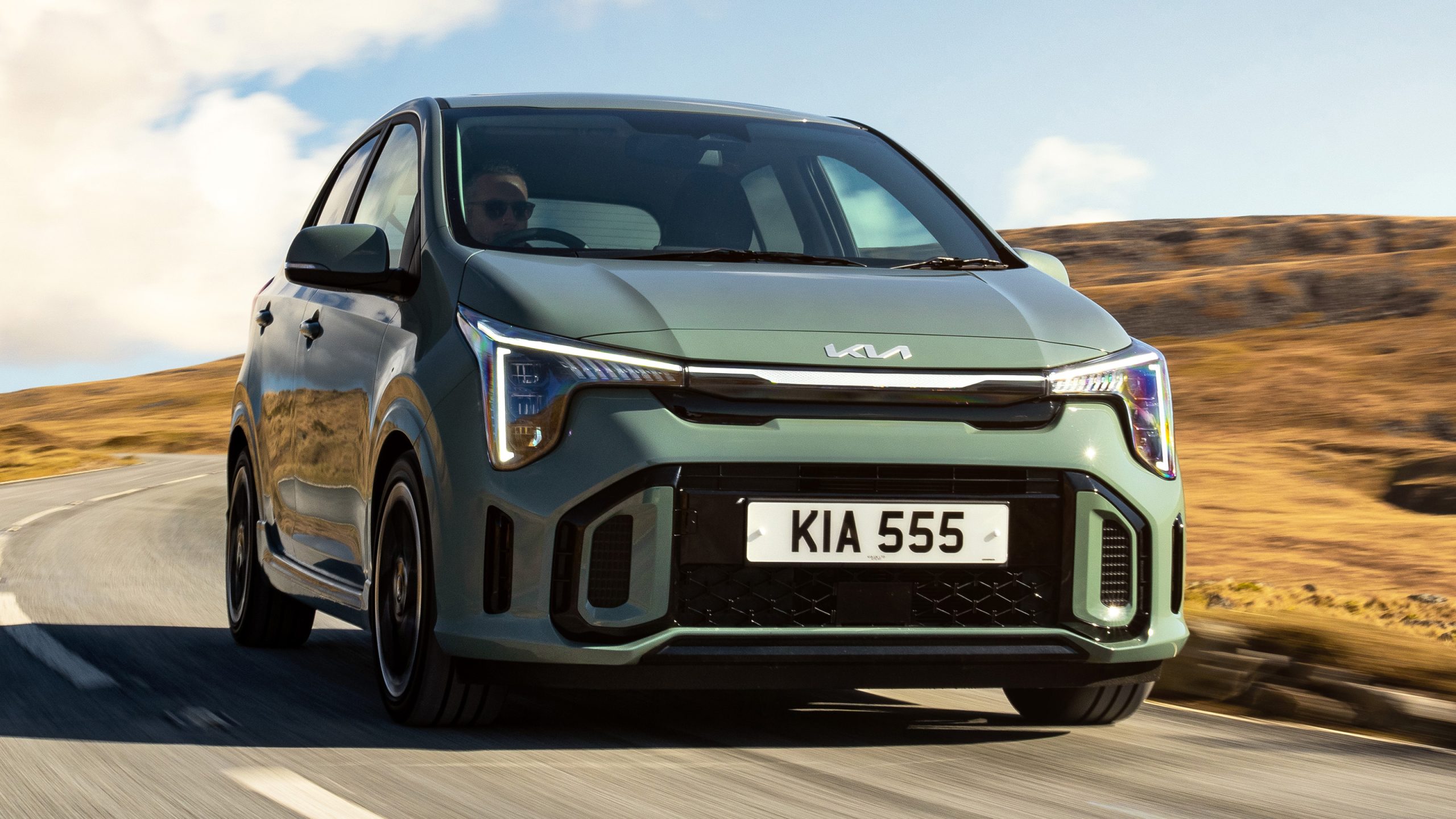
Kia’s UVO infotainment platform in certain family sedans has developed a reputation for periodic crashes and sluggish response.
Owners have observed that simple tasks like switching radio stations or adjusting climate settings via the touchscreen can cause a temporary lockup. These interruptions detract from the otherwise pleasant driving experience and can be frustrating over time.
Bluetooth performance in UVO systems is another concern, with frequent disconnects that interrupt media and calls. Re‑pairing devices may become a repeated chore, particularly if the system forgets paired connections after an unexpected reboot.
This inconsistency reduces the convenience expected from modern car technology. Users often resort to hard resets in hopes of stabilizing the system temporarily.
Navigation challenges also appear when the UVO system attempts complex routing or recalculations. The interface may lag or fail to register inputs promptly, causing drivers to miss turns or wait for the system to respond.
In these moments, relying on smartphone navigation becomes a more efficient alternative. The built‑in system’s performance does not always meet the expectations of tech‑savvy buyers.
Other integrated services accessible through UVO, such as vehicle diagnostics or apps, can fail to load or crash unexpectedly. These interruptions limit the usefulness of features designed to enhance convenience and connectivity.
Prospective buyers should test these functions thoroughly during evaluation drives, ensuring they understand how the system behaves under everyday use conditions. This knowledge helps inform purchase decisions.
10. Honda
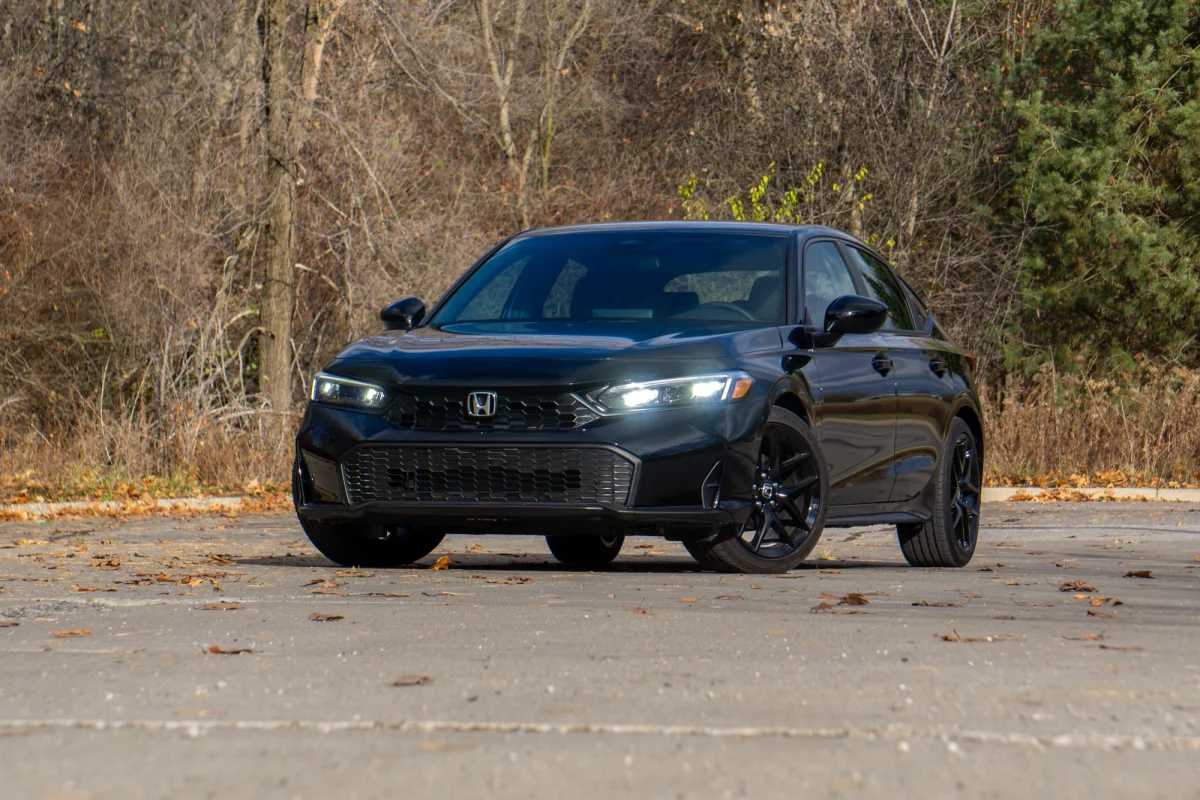
HondaLink infotainment systems in certain mid‑size sedans have attracted attention for occasional software crashes that affect usability.
Owners report screens freezing during media playback or while accessing navigation menus, requiring system restarts to restore function. These episodes undermine the expectation of smooth tech interaction that many buyers seek in a used vehicle’s cabin features.
Bluetooth connections in HondaLink systems can also be inconsistent, leading to frequent disconnections that interrupt phone calls and music streaming.
Users may find themselves repeatedly pairing devices, which becomes tiresome over time. The problem seems to appear more frequently in older model years, where software support has become outdated compared to current connectivity standards.
Navigation modules may lag when processing route updates or when interacting with touchscreen controls. The system’s responsiveness can be slow, causing frustration when rapid input is needed mid‑drive.
Drivers commonly fall back on their own navigation apps to avoid this inconvenience. Built‑in maps therefore fail to serve their intended purpose reliably.
Additional features, such as access to vehicle data and integrated apps, can crash spontaneously, requiring system reboots to function again. These interruptions disrupt what should be seamless interaction between driver and car.
If you plan to buy a used Honda sedan with HondaLink, spend time testing all aspects of the infotainment system. This ensures you understand its limitations before making a purchase decision.