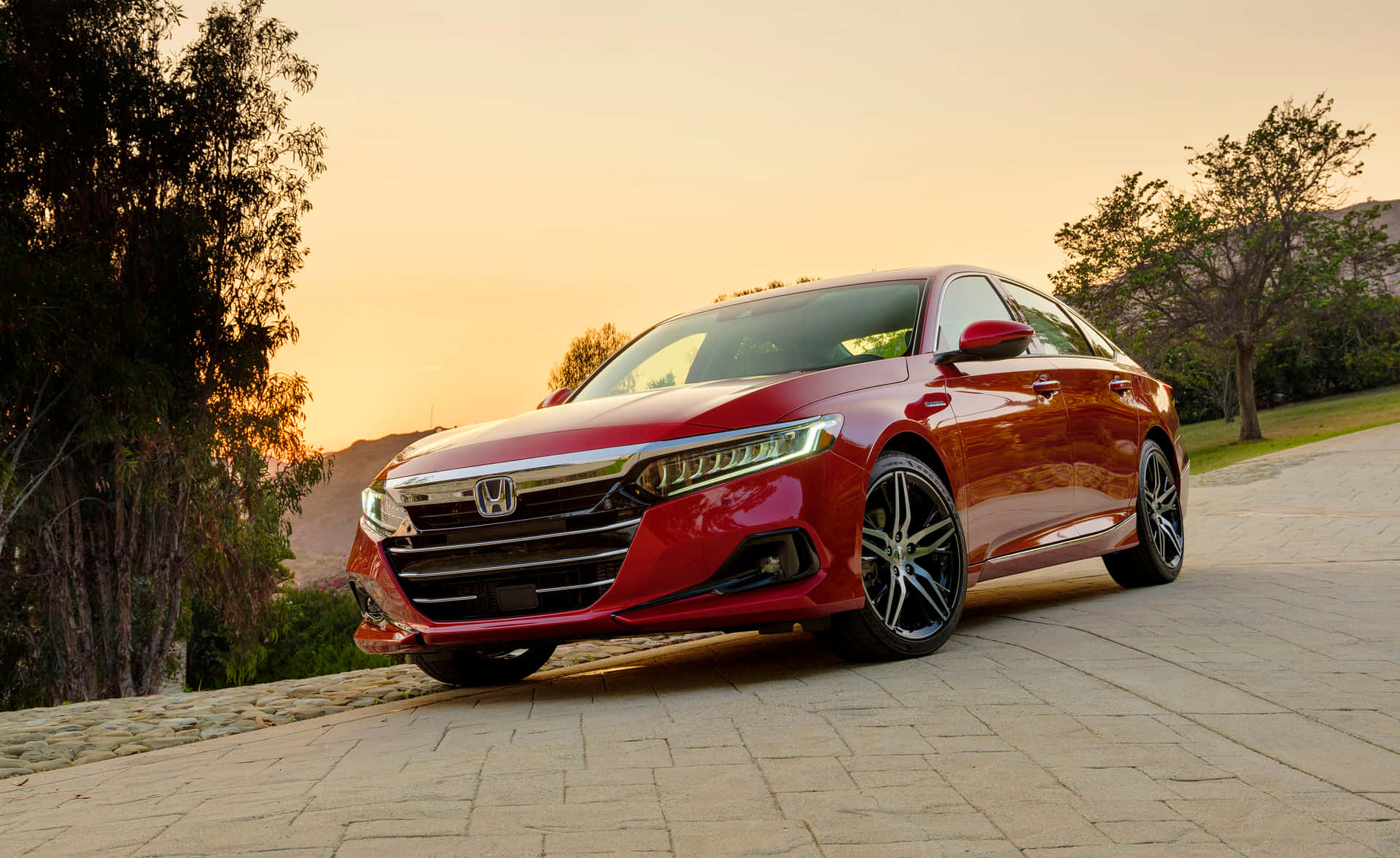
The modern automotive industry is going through one of its most noticeable design shifts in decades. What used to be a simple and familiar driving environment filled with knobs, switches, and dedicated buttons is now being replaced in many vehicles by large central touchscreens.
This change is especially visible in midsize sedans, a segment that has always balanced comfort, affordability, and practicality for everyday drivers. As manufacturers compete to offer more digital features, the cabin experience is increasingly defined by software-driven interfaces rather than physical controls.
For many drivers, this transition feels like a major change in how they interact with a car. In earlier generations of sedans, adjusting temperature, changing radio stations, or controlling airflow could be done without taking eyes off the road. Each function had a dedicated physical control that could be located by touch alone.
Today, in many newer models, those same tasks are embedded within menus on a touchscreen, requiring visual attention and multiple steps to complete. This shift has sparked ongoing debate among drivers, safety researchers, and automotive designers.
One of the main reasons for this transformation is design efficiency and cost reduction. A single screen can replace dozens of physical components, simplifying manufacturing and allowing automakers to update features through software. It also creates a clean, modern interior aesthetic that appeals to tech focused buyers.
However, this approach has tradeoffs. Studies and user feedback indicate that screen dependent controls can increase distraction while driving, especially when basic functions are buried inside digital menus rather than available instantly.
At the same time, regulations and safety organizations have started paying closer attention to this trend. In recent years, there has been growing concern that excessive reliance on touch interfaces may not be ideal for driving tasks that require quick reactions.
As a result, some manufacturers are now reintroducing physical buttons for essential functions, creating a hybrid approach that combines both digital screens and tactile controls. This reversal highlights how the industry is still experimenting with the right balance between technology and usability.
In the midsize sedan category, this divide is especially clear. Some vehicles maintain traditional layouts with physical climate controls, volume knobs, and shortcut buttons, offering a familiar and intuitive experience.
Others have adopted minimalist interiors where nearly all functions are routed through a central display. Both approaches have their supporters, but they represent two very different philosophies about how drivers should interact with their cars.
This article compares five midsize sedans that still prioritize physical buttons with five models that rely heavily on touchscreen systems. It highlights how each approach affects usability, safety perception, and everyday driving convenience. The goal is to give a clear understanding of how interior design choices impact the driving experience in today’s automotive market.
Midsize Sedans That Still Use Physical Buttons
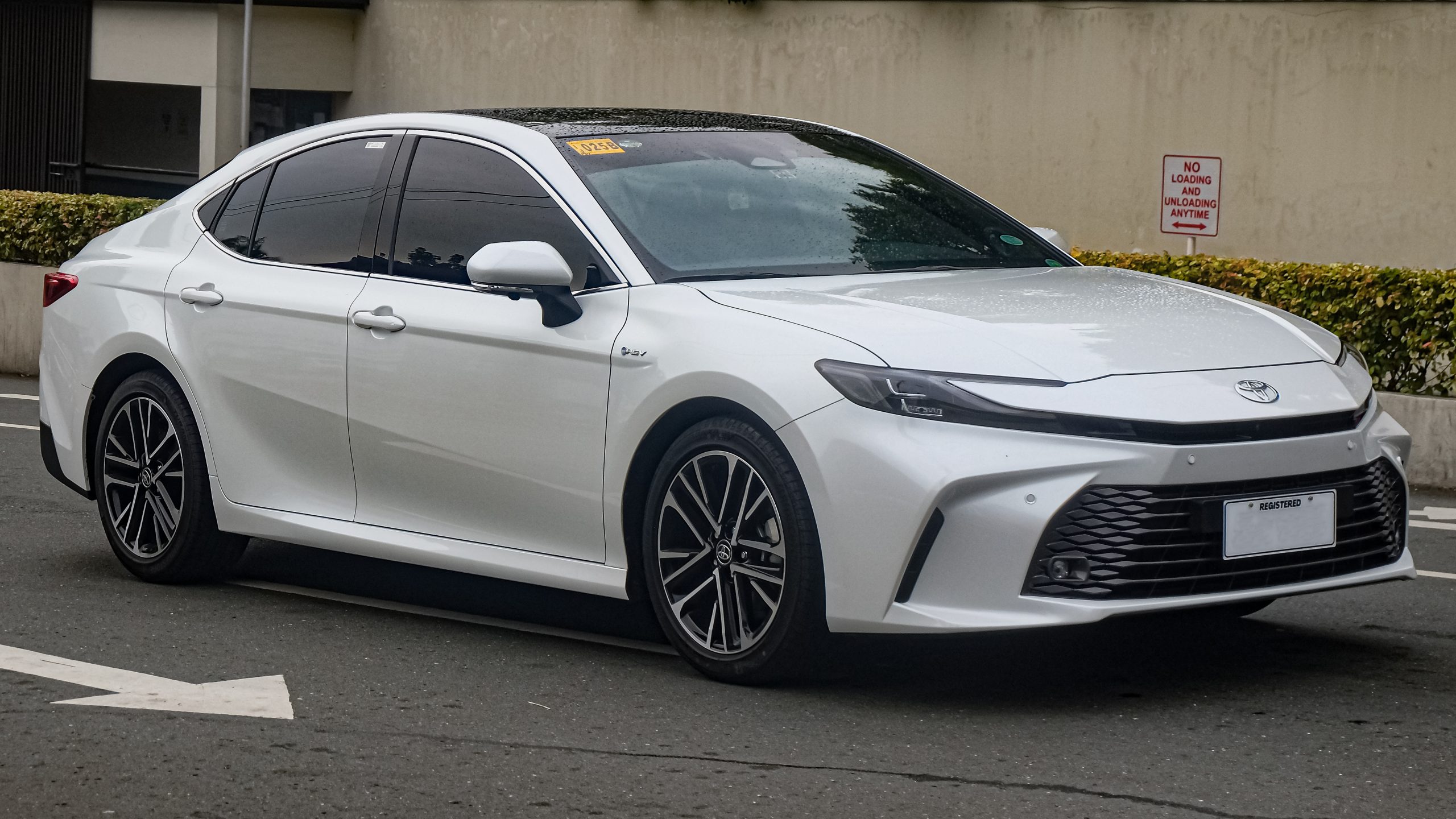
Toyota Camry
The Toyota Camry continues to be one of the most balanced midsize sedans in terms of interior usability. While it does include a central touchscreen for infotainment and navigation, it retains a strong set of physical controls for essential functions. Climate settings, audio volume, and drive adjustments are still handled through tactile buttons and knobs.
This layout helps drivers maintain focus on the road because frequently used features can be adjusted without navigating through menus. The Camry’s design prioritizes practicality over minimalism, which appeals to long term owners who value consistency and reliability. Even as newer models incorporate more digital features, Toyota has been careful not to remove too many physical inputs.
The dashboard layout is designed with clear separation between screen based controls and physical controls. This ensures that the driver does not need to rely entirely on visual input for basic operations. It is one of the reasons the Camry remains popular among commuters and families.
The interior also reflects Toyota’s long standing philosophy of durability and simplicity. Buttons are large, clearly labeled, and positioned within easy reach. This reduces the learning curve for new drivers and improves accessibility.
The Camry represents a balanced approach where technology supports driving rather than replacing traditional interaction methods.
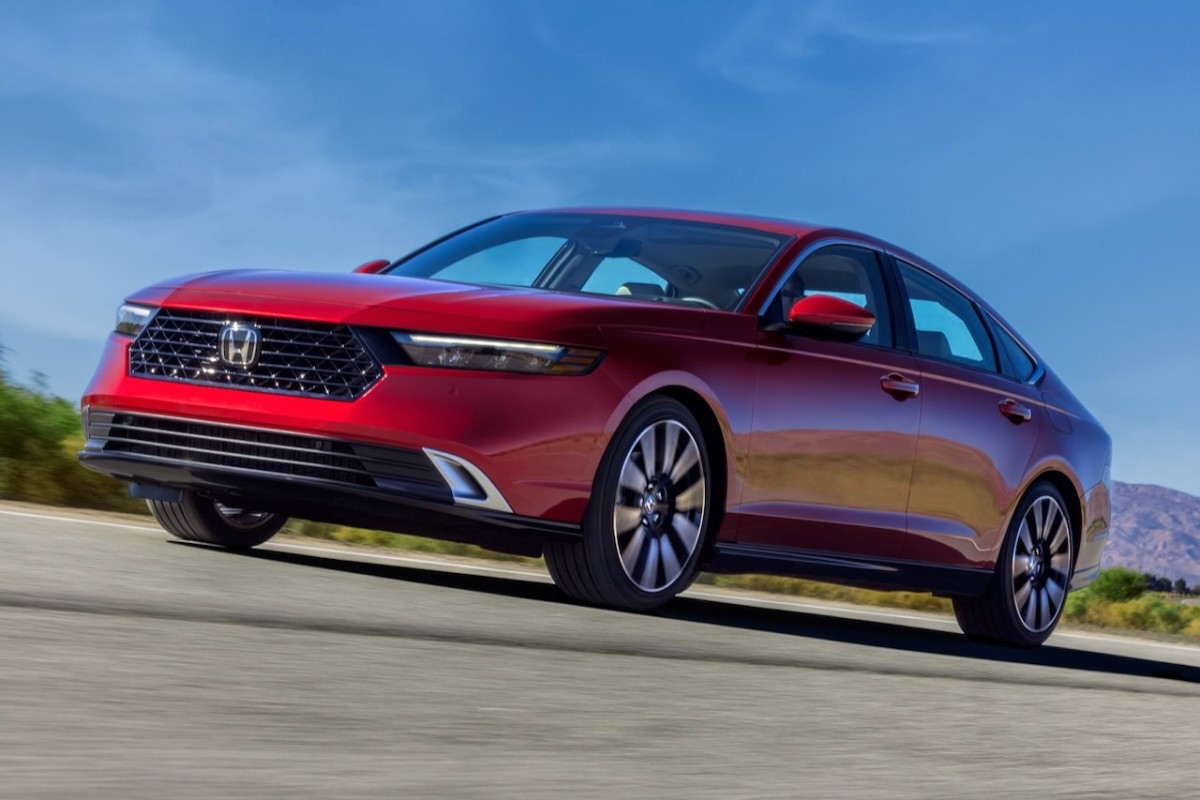
Honda Accord
The Honda Accord offers a similar philosophy, blending modern infotainment features with a strong set of physical controls. While it includes a large touchscreen, Honda has preserved knobs for volume and climate adjustments, along with physical shortcut buttons for commonly used settings.
One of the strengths of the Accord’s interior is its intuitive layout. Drivers can quickly adapt to the controls without needing extensive familiarity with the system. The physical interface is designed to minimize distraction and reduce time spent interacting with screens while driving.
Honda has also focused on ergonomic placement of controls. Buttons are grouped logically and placed within natural reach zones, allowing drivers to operate them without shifting focus away from the road. This makes the Accord particularly comfortable for daily commuting and long distance travel.
The combination of digital and physical controls creates a hybrid system that appeals to a wide audience. Tech oriented drivers still get access to modern features, while traditional users benefit from tactile interaction.
The Accord continues to be one of the most user friendly sedans in its class due to this balanced design approach.
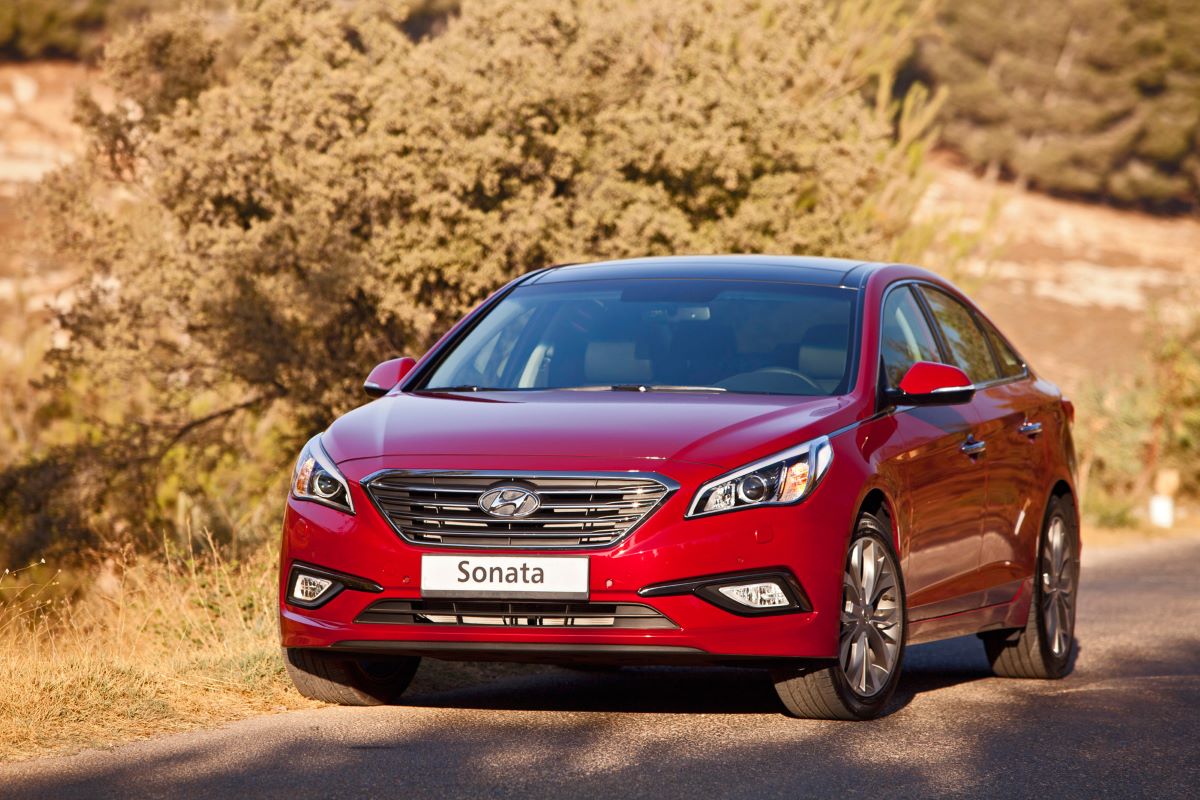
Hyundai Sonata
The Hyundai Sonata incorporates a mix of futuristic styling and practical usability. While it features a modern infotainment display, Hyundai has retained physical buttons for climate control and other essential functions.
The cabin design focuses on reducing driver distraction by keeping frequently used controls separate from screen based menus. This approach helps maintain a safer driving experience, especially in urban traffic conditions where quick adjustments are often needed.
Hyundai has also experimented with touch sensitive controls, but many markets still receive versions with physical buttons for core functions. This reflects ongoing feedback from users who prefer tactile feedback while driving.
The Sonata’s interior layout emphasizes clarity and simplicity. Controls are arranged in a structured format, making it easy for drivers to locate what they need without confusion.
This model demonstrates how manufacturers can modernize interiors without fully eliminating physical interaction points.
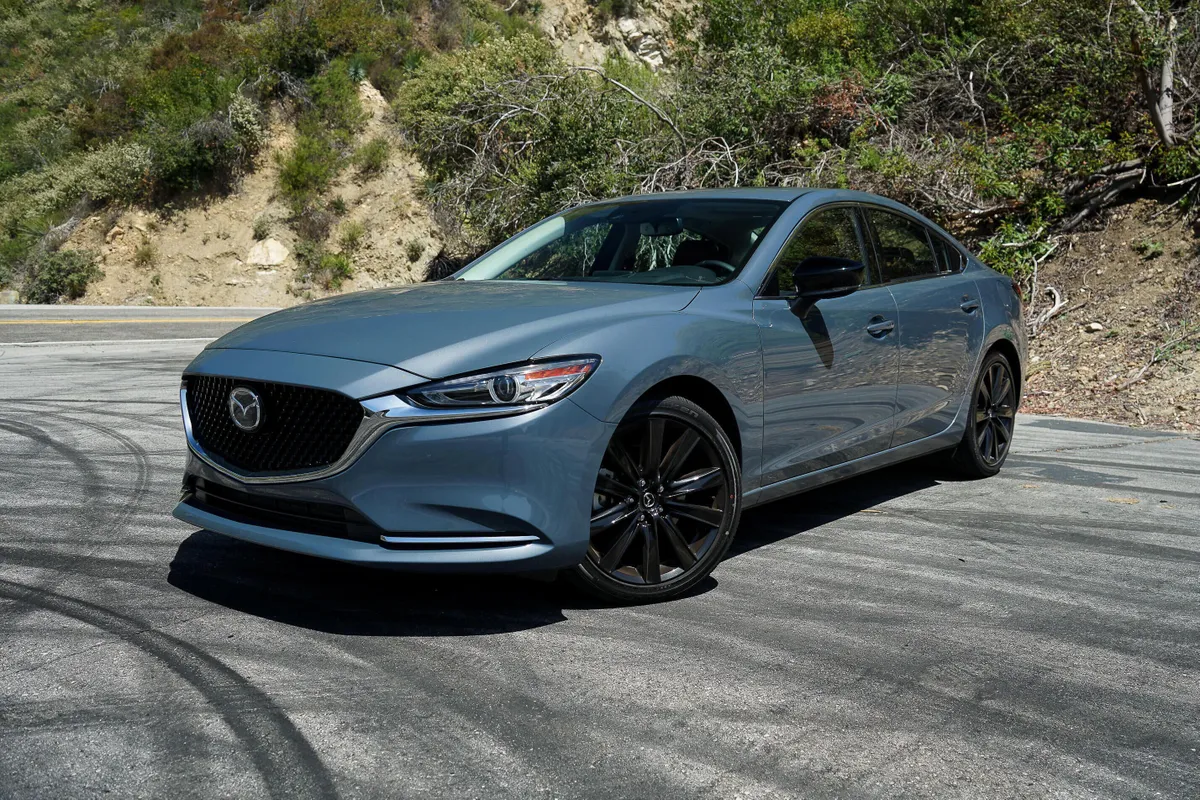
Mazda 6
The Mazda 6 is known for its driver focused design philosophy, and this extends to its control layout. Mazda has consistently resisted the trend of fully screen based interiors, instead maintaining a combination of physical knobs, rotary controllers, and buttons.
One of its standout features is the rotary infotainment controller, which allows drivers to navigate menus without directly touching the screen. This reduces finger smudging and helps maintain focus while driving.
Climate and audio controls remain physical, ensuring that essential functions are always accessible. Mazda prioritizes ergonomics, making sure that controls are placed in natural hand positions.
The brand’s philosophy centers around creating a connected driving experience without overwhelming digital complexity. This makes the Mazda 6 particularly appealing to drivers who prefer simplicity.
The interior layout is often praised for its clean separation between entertainment and driving controls.
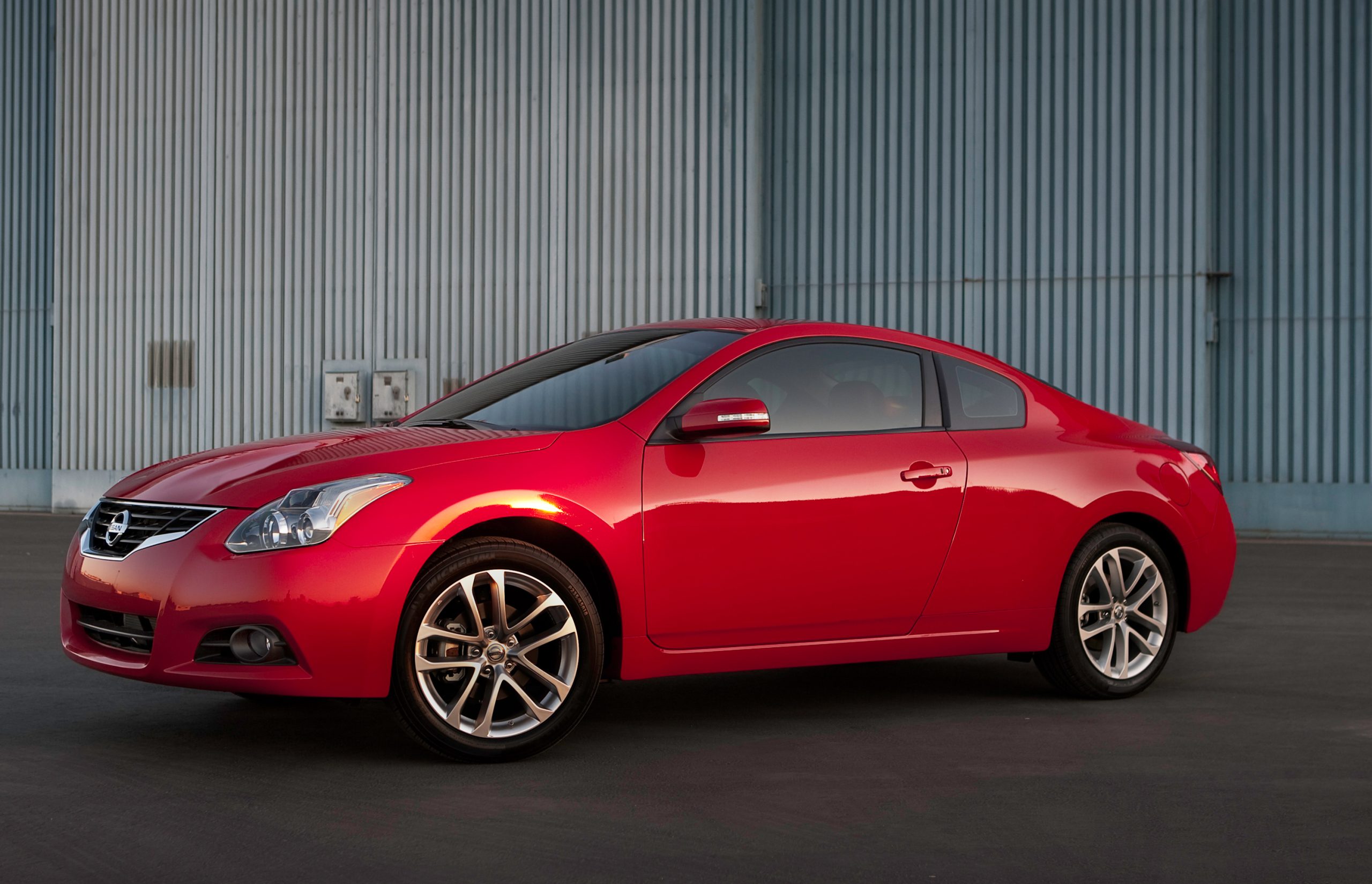
Nissan Altima
The Nissan Altima continues to use a traditional control layout for many of its core features. While it includes a modern touchscreen system, it still retains physical buttons for climate control and essential driving functions.
The layout is designed to reduce dependency on the screen for everyday adjustments. This makes it easier for drivers to operate the vehicle without distraction.
Nissan has focused on keeping the interface straightforward, ensuring that even first time users can quickly understand how to operate the system.
Physical controls are positioned centrally for easy access, and they provide tactile feedback that helps prevent accidental inputs.
The Altima demonstrates a conservative but effective approach to interior design in the midsize sedan segment.
Midsize Sedans That Moved Most Controls Onto Screens
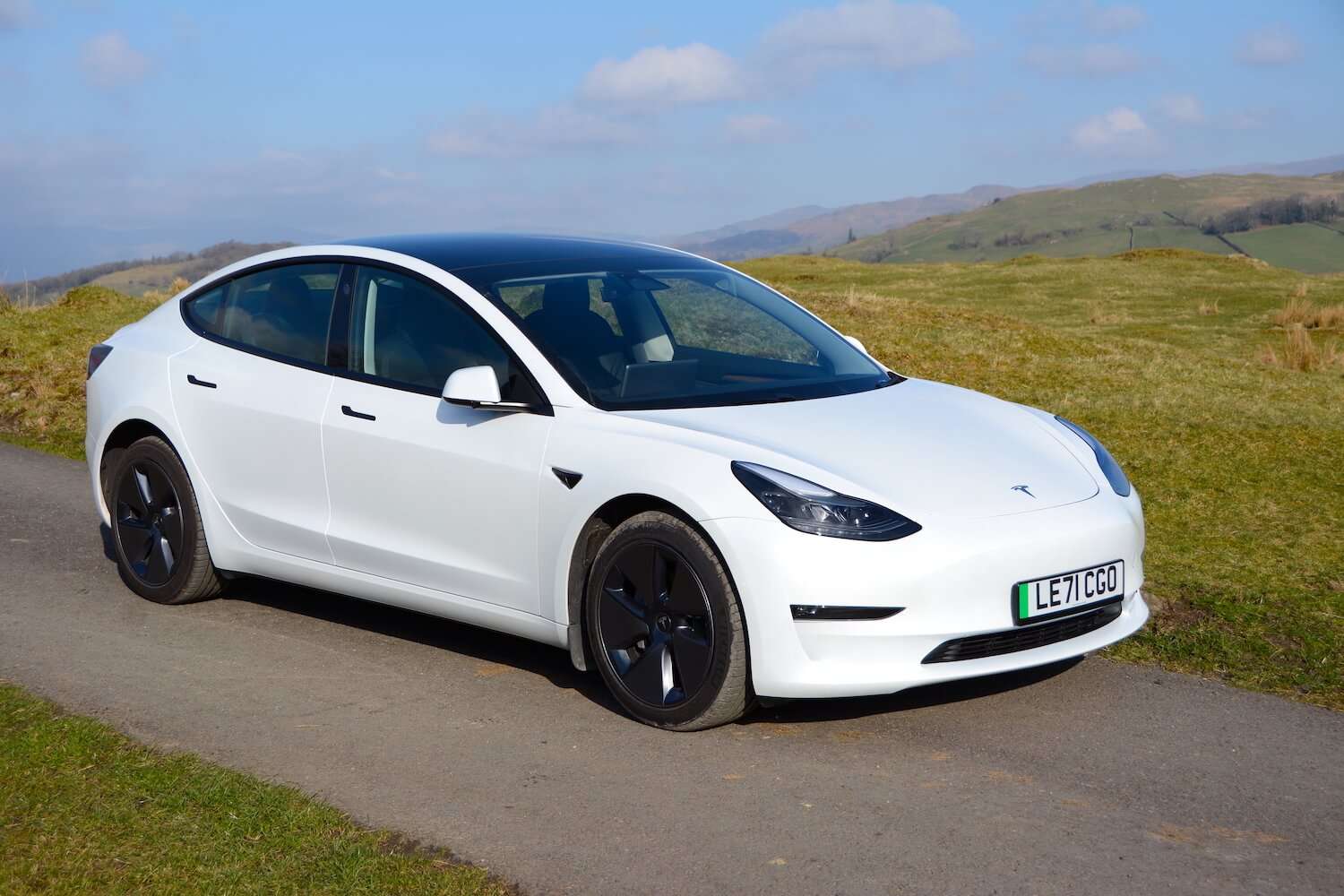
Tesla Model 3
The Tesla Model 3 represents one of the most extreme examples of a screen dominated interior in the midsize sedan segment. Almost every core function of the vehicle is controlled through a single large central touchscreen, which replaces the traditional instrument cluster, physical climate controls, and most shortcut buttons.
This design choice reflects Tesla’s software centered philosophy, where the car is treated as a continuously evolving digital product rather than a fixed mechanical interface. Instead of physical interaction points, drivers rely on layered menus, on screen icons, and gesture based navigation to manage nearly all driving related functions.
The absence of traditional buttons creates a very clean and minimalist cabin layout, which is one of the most recognizable aspects of the Model 3 interior. However, this simplicity comes with a learning curve.
Drivers who are used to physical controls often need time to adapt to the touchscreen based system, especially when performing basic tasks like adjusting air conditioning, changing fan speed, or modifying mirror settings. These functions are not immediately accessible in the same way as physical switches, and they often require a few taps and visual confirmation before execution.
Tesla has designed its interface around responsiveness and frequent software updates, which allows the system to improve over time without hardware changes. Features such as navigation, media, and driving settings can be updated remotely, giving the vehicle a constantly evolving digital experience.
While this is a strong advantage in terms of innovation, it also means that drivers are fully dependent on the screen for system interaction. If the display is slow to respond or if attention is divided, even simple adjustments can take longer than expected compared to traditional button based systems.
Another key aspect of the Model 3 design is the relocation of driving information. Instead of a traditional instrument cluster behind the steering wheel, all speed, range, and driving data are displayed on the central screen.
This forces the driver to glance sideways rather than straight ahead for key information, which changes the natural driving eye movement pattern. Tesla argues that this simplifies the cockpit, but it also creates a unique driving adaptation requirement that differs from most conventional sedans.
The Model 3 stands as a clear example of how far the industry can move toward full screen dependency. It prioritizes digital integration, software control, and minimalist design, but it also highlights the tradeoffs in usability and physical interaction that come with removing traditional controls entirely.
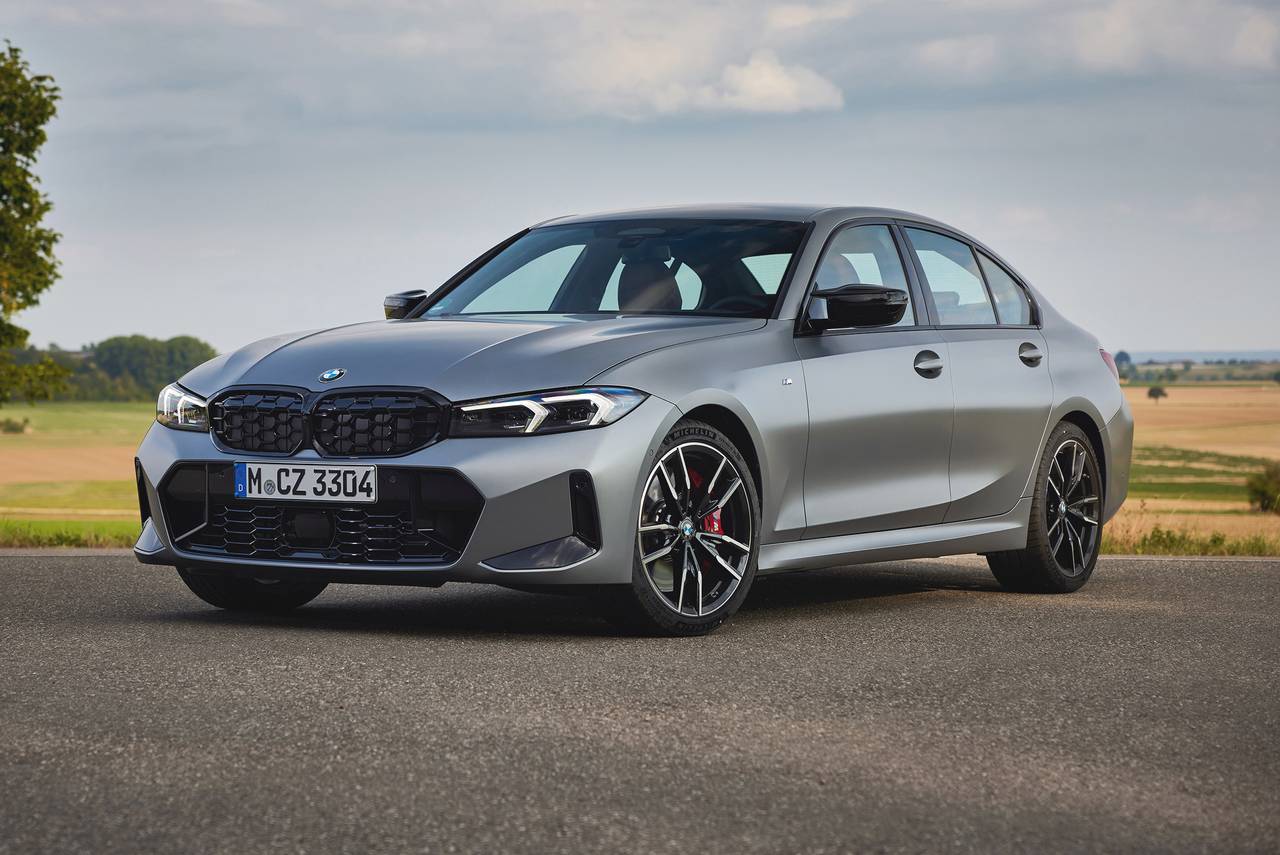
BMW 3 Series
The latest BMW 3 Series reflects a major shift in BMW’s interior design strategy, moving away from heavily physical control layouts toward a more screen centered digital cockpit.
While it still retains a few physical inputs such as the iDrive controller in some configurations, a large portion of the vehicle’s functionality is now managed through a central infotainment display. This includes navigation, media control, vehicle settings, and driver assistance configurations, all of which are consolidated into a software driven interface that reduces reliance on tactile buttons.
The cabin design of the modern 3 Series focuses heavily on visual cleanliness and digital sophistication. BMW has reduced the number of physical switches on the dashboard to create a more streamlined and modern appearance.
This approach aligns with the broader industry trend of simplifying interiors by shifting complexity into software layers. As a result, the dashboard appears less cluttered, but the interaction model becomes more dependent on screen navigation and menu structures.
One of the main effects of this design is that drivers must spend more time interacting visually with the infotainment system. Even functions that were once instant, such as adjusting climate temperature or switching drive modes, now often involve navigating through touchscreen menus or digital panels.
BMW has attempted to mitigate this with shortcut buttons and voice controls, but the core interaction still relies heavily on the screen interface.
The digital system itself is highly advanced, offering customization options, detailed vehicle analytics, and integrated smartphone connectivity. It supports multiple user profiles and adapts settings based on driver preferences, which adds a layer of personalization not possible with traditional controls. However, this level of complexity also introduces more dependency on software stability and interface familiarity.
In essence, the BMW 3 Series represents a transitional stage where traditional driving engagement is still present but increasingly mediated through a digital system. It maintains some physical controls for usability, yet the direction clearly leans toward a screen dominant cabin experience.
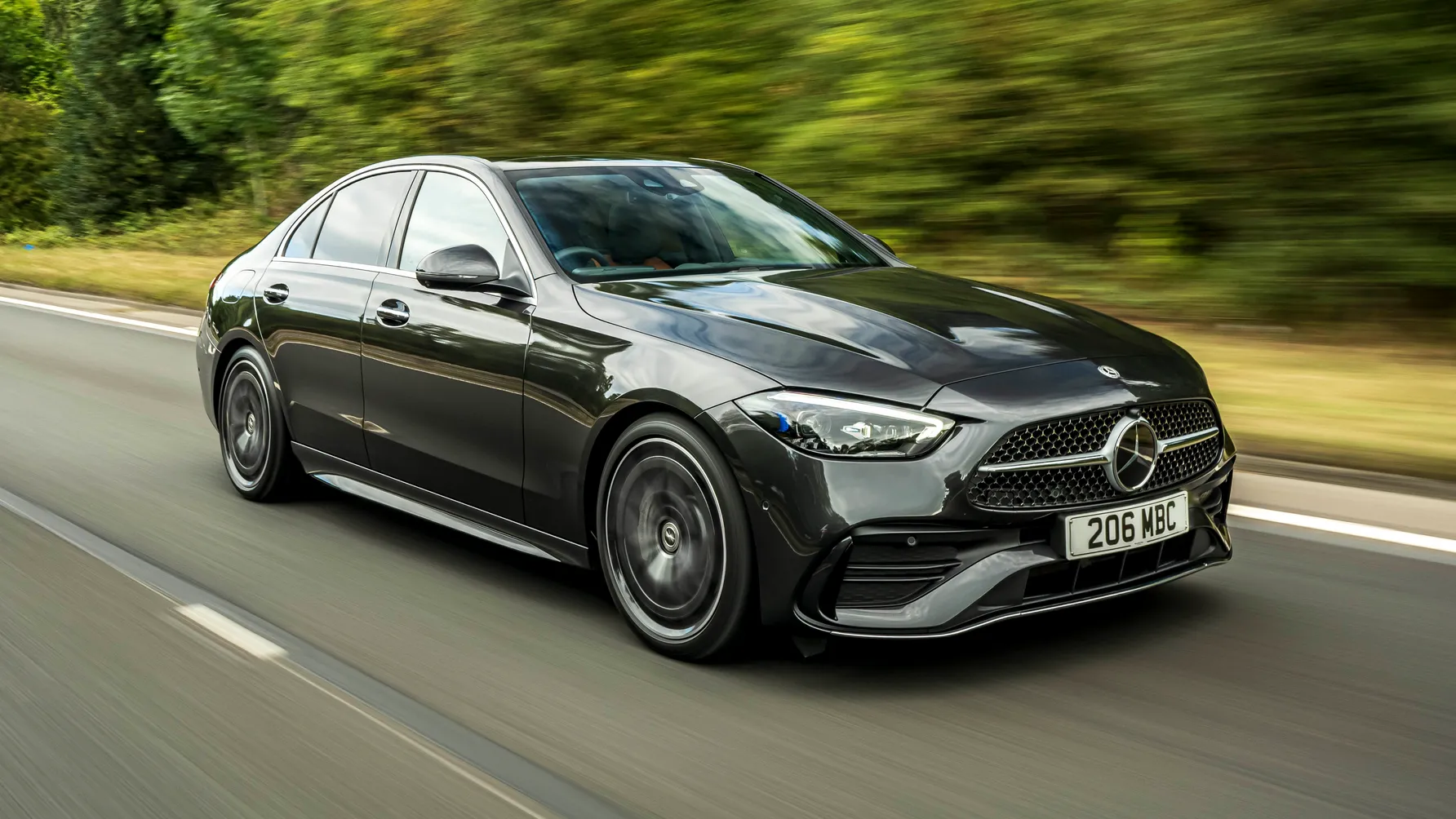
Mercedes-Benz C-Class
The Mercedes-Benz C-Class has undergone one of the most noticeable interior transformations in the midsize luxury sedan segment, shifting toward a highly digital, screen centered cockpit design.
The dashboard is dominated by a large vertical infotainment display that controls most of the vehicle’s core functions, including navigation, entertainment, climate settings, and vehicle customization options. This screen acts as the primary interface between the driver and the car, replacing many of the physical buttons that were present in earlier generations.
The interior layout is designed to create a futuristic and high tech atmosphere, with smooth surfaces and minimal physical interruptions. Mercedes has intentionally reduced the number of tactile controls to emphasize visual appeal and software integration.
As a result, many traditional functions that were previously controlled by knobs or switches are now accessed through layered menus and touch inputs. This creates a more unified digital environment but also changes how drivers interact with basic vehicle systems.
One of the defining characteristics of the C-Class interface is its emphasis on visual feedback and animation driven menus. The system is designed to be visually engaging, offering smooth transitions and graphical representations of vehicle settings. While this enhances the premium feel of the cabin, it also increases the time required to complete simple tasks compared to physical controls that provide instant feedback.
Mercedes has integrated voice assistance and steering wheel touchpads to partially compensate for the reduction of physical buttons. These tools allow drivers to interact with the system without directly touching the main screen. However, most advanced settings still require navigation through the central display, reinforcing the screen dependent nature of the vehicle.
The C-Class demonstrates how luxury manufacturers are prioritizing digital experience and interior design consistency over traditional tactile interaction. While it delivers a refined and modern user environment, it also highlights the ongoing challenge of balancing aesthetics with ease of use in real world driving conditions.
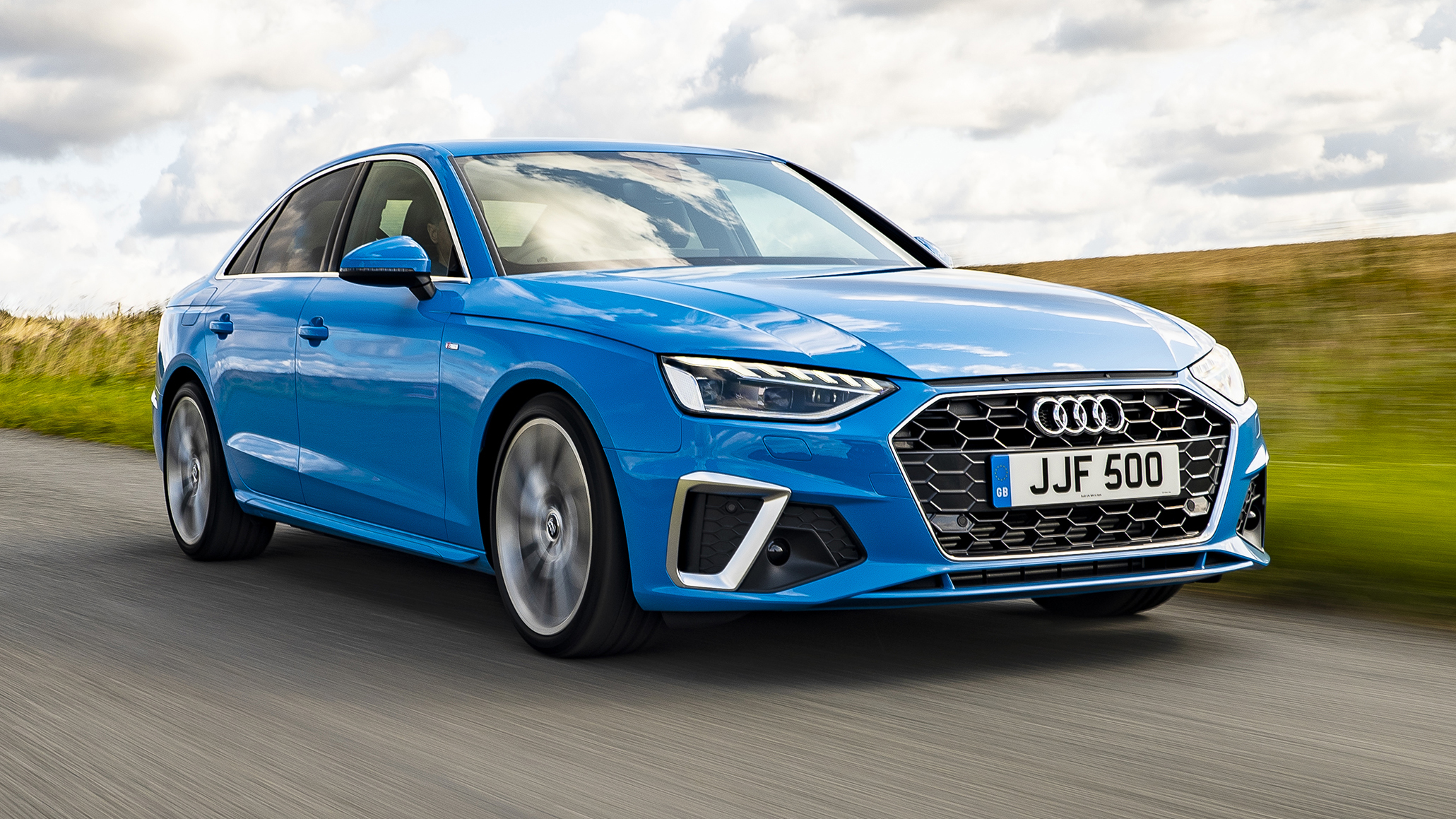
Audi A4
The Audi A4 in its latest generations has embraced a fully digital dashboard philosophy, significantly reducing physical controls in favor of integrated touchscreen systems. The cabin features a dual screen setup, with one display dedicated to infotainment and another for climate and vehicle settings. This replaces many of the traditional buttons and knobs that were previously spread across the center console and dashboard.
Audi’s design approach focuses on clean lines, minimal physical clutter, and a high level of technological integration. The removal of physical controls allows for a more uniform and modern interior appearance, which aligns with Audi’s broader design identity. However, this shift also means that drivers must interact with layered digital menus for functions that were once accessible instantly.
Climate control, seat adjustments, navigation, and media playback are all managed through touch based interfaces. While the system is highly responsive and visually polished, it requires more visual attention compared to physical switches. This increases the cognitive load on the driver during routine adjustments, especially in situations where quick changes are needed.
Audi has attempted to improve usability by incorporating haptic feedback and structured menu layouts. These features help guide user interaction and reduce accidental inputs, but they do not fully replicate the immediacy of tactile buttons. As a result, the driving experience becomes more dependent on familiarity with the interface.
The Audi A4 illustrates how premium sedans are moving toward integrated digital ecosystems inside the cabin. While it delivers a sleek and technologically advanced environment, it also reflects the broader industry challenge of maintaining usability as physical controls continue to disappear.
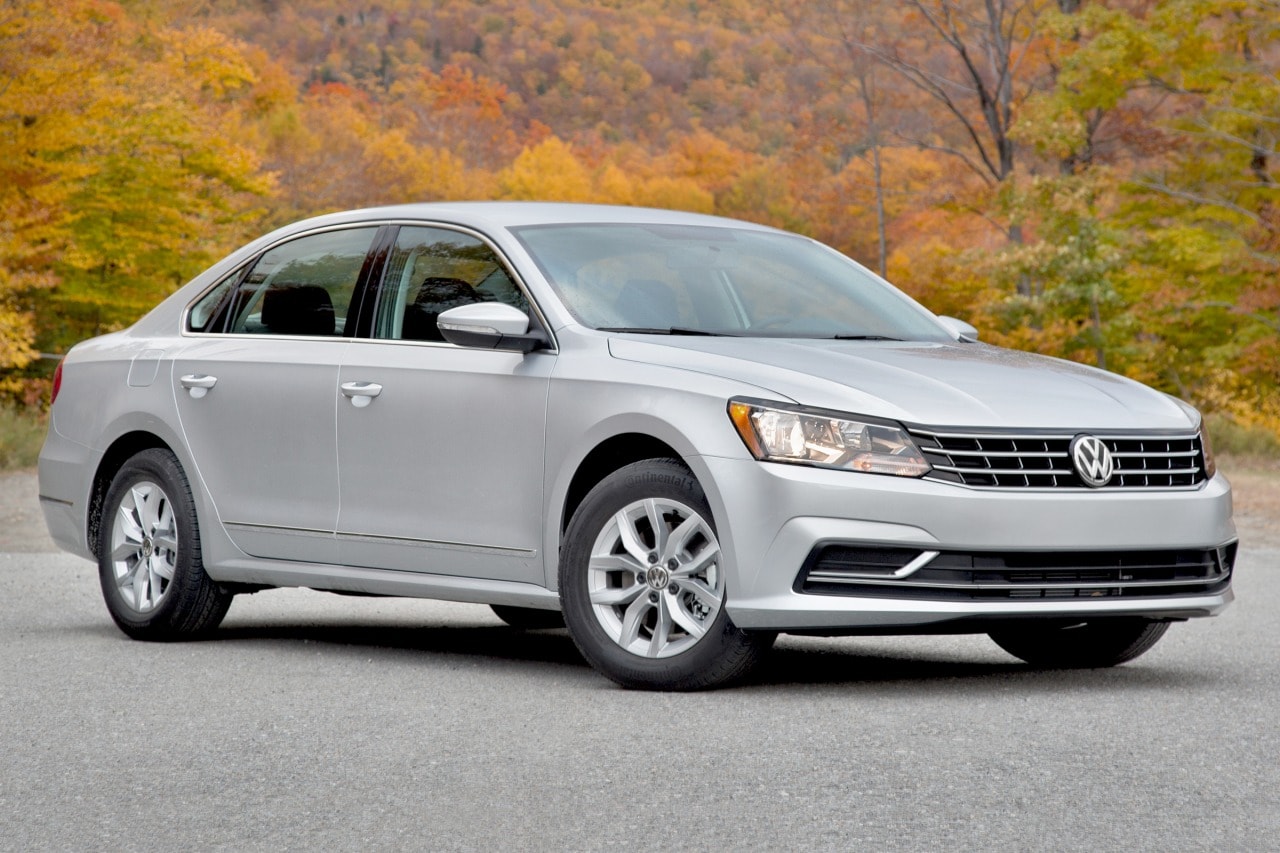
Volkswagen Passat
The Volkswagen Passat has gradually transitioned toward a touchscreen heavy interior layout in recent models, replacing many traditional physical controls with digital interfaces.
The central infotainment screen now serves as the main hub for controlling navigation, media, climate settings, and various vehicle configurations. This shift is part of Volkswagen’s broader strategy to modernize its lineup and align with current digital design trends in the automotive industry.
The removal of physical buttons has allowed Volkswagen to simplify the dashboard structure and reduce manufacturing complexity. However, it has also changed the way drivers interact with essential functions. Instead of adjusting settings through tactile knobs or switches, users must now rely on on screen menus, which often require multiple steps for tasks that were previously instantaneous.
One of the key challenges in the Passat’s design is the learning curve associated with the digital interface. While the system is capable and feature rich, drivers who are accustomed to physical controls may find it less intuitive at first. Functions such as temperature adjustment or seat heating control are no longer directly accessible through dedicated buttons, which can increase interaction time while driving.
Volkswagen has incorporated shortcut areas and touch sensitive panels to improve accessibility, but the reliance on screen based navigation remains significant. This creates a more unified digital environment but also reduces the tactile reassurance that physical controls provide during operation.
The Passat reflects a broader industry shift toward software driven vehicle interiors, where digital systems replace mechanical simplicity. While this approach offers flexibility and modernization, it also highlights the ongoing tension between technological advancement and practical usability in everyday driving scenarios.