Modern vehicles use driver-monitoring systems to detect distraction, fatigue, and unsafe driving behaviour. These technologies range from steering-wheel sensors to cameras that track eye movements and head position. For drivers, understanding which features can be disabled is important when choosing a vehicle, adjusting personal settings, or learning how safety technology works.
However, the available controls vary by manufacturer, model, production year, and country. This guide explains 10 common driver-monitoring systems and how selected automotive brands handle them, including the differences between temporary adjustments, permanent settings, and legally required safety functions.
1. Driver Attention Monitoring
Driver attention monitoring evaluates signs that a motorist may not be concentrating on the road. Depending on the vehicle, it can analyse steering inputs, driving patterns, road position, and camera information. The system may issue a visual message, an audible alert, or a recommendation to take a break.
Ford offers Driver Alert on selected vehicles, with an on/off control in the driver-assistance settings. The precise menu and whether the setting remains off after restarting depend on the model. Some Ford manuals state that the system retains its previous selection.
Toyota provides driver-monitoring features on selected newer vehicles. Depending on the model, settings may distinguish camera monitoring from warning sensitivity. Turning off an alert does not necessarily deactivate every function that uses the camera, so owners should check the vehicle handbook before changing settings.
Hyundai also provides driver-assistance menus on equipped vehicles. The available controls can include warning sounds, haptic feedback, and individual assistance functions. Drivers should distinguish an attention warning from lane assistance or collision avoidance, since those features have separate purposes and may have separate controls.
Can you switch it off? Sometimes. Ford documents a direct Driver Alert control on supported models, while other manufacturers may offer sensitivity adjustments or limited warning controls instead. Check the exact model year, market, and trim before assuming the same option exists in every vehicle.
2. Driver Drowsiness Detection
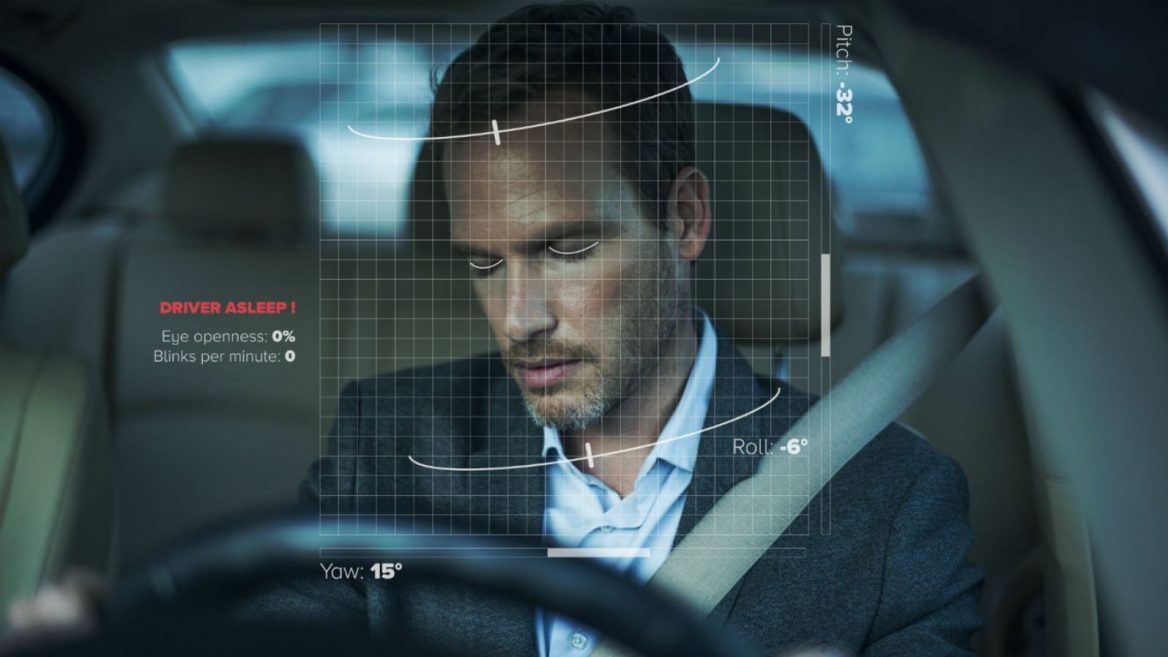
Driver drowsiness detection aims to identify signs of fatigue before a driver loses control. Some systems assess steering corrections and driving duration, while camera-based versions may examine eyelid movement, eye closure, head position, and facial behaviour. Their purpose is to prompt a driver to stop and rest.
Ford’s Driver Alert system is a relevant example. Depending on the model, drivers may be able to switch the feature off through the driver-assistance menu. The owner’s manual is the best source for determining whether the control affects fatigue warnings alone or additional attention-related functions.
Nissan offers driver-monitoring and intelligent driver-alertness functions on selected vehicles. The 2025 Nissan LEAF owner’s manual describes Driver Monitoring settings with Off, Standard, and Advanced options. It also states that monitoring can return to an active setting when the vehicle is restarted.
Some systems do not provide a permanent off setting. A driver may be able to lower the warning sensitivity, silence an alert, or select a different monitoring mode, yet the vehicle may restore the default after a new journey. These differences matter when comparing cars.
Can you switch it off? In some models, yes. Nissan’s documented settings demonstrate that an off selection can be available, with automatic reactivation after restart. Never assume that a setting will remain disabled indefinitely, and do not use a fatigue warning’s absence as proof that you are fit to drive.
3. Camera-Based Driver Monitoring
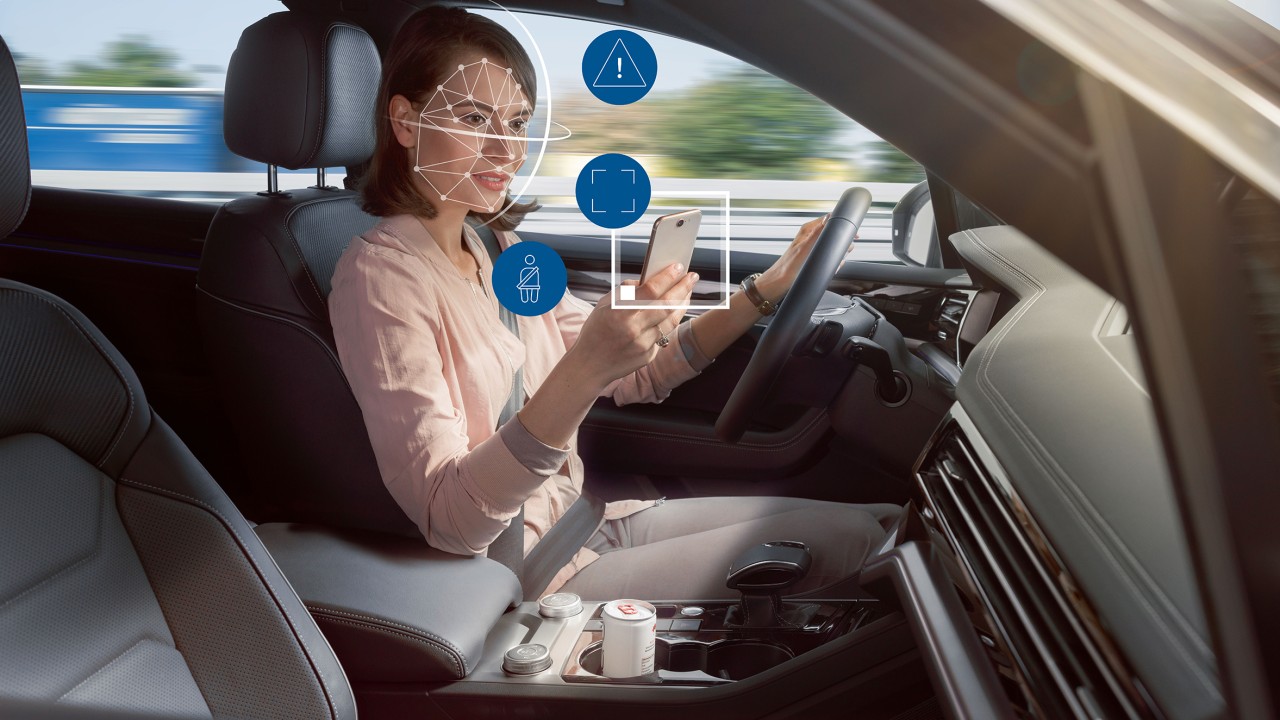
Camera-based driver monitoring uses an inward-facing camera to assess where the driver is looking and, in some systems, whether the driver’s eyes appear open or closed. Infrared illumination may help the camera operate in low light. Depending on the design, the camera may support several assistance functions.
Toyota describes a driver-monitor camera that can assess face direction, eye state, and signs of drowsiness. The company also explains that certain driving-support functions use the camera’s assessment of the driver’s condition. Disabling the monitor can therefore affect more than a single dashboard notification.
Mahindra’s Eyedentity driver and occupant monitoring system, available on equipped vehicles covered by its documentation, includes driver-drowsiness and distraction detection. The manual describes a control in the vehicle’s application menu that can disable the monitoring features. Face recognition can also be managed separately.
Camera privacy is an important consideration for some owners. A driver should look for manufacturer-provided privacy settings and read the privacy documentation to understand what is processed, stored, or transmitted. A camera’s presence does not, by itself, establish that video is continuously uploaded or saved.
Can you switch it off? The answer depends on the vehicle. Mahindra documents a switch for the equipped EyeSight system, while Toyota’s camera can support functions beyond warnings. Use the designed menu rather than covering the lens, because an obstruction may trigger faults or interfere with safety features.
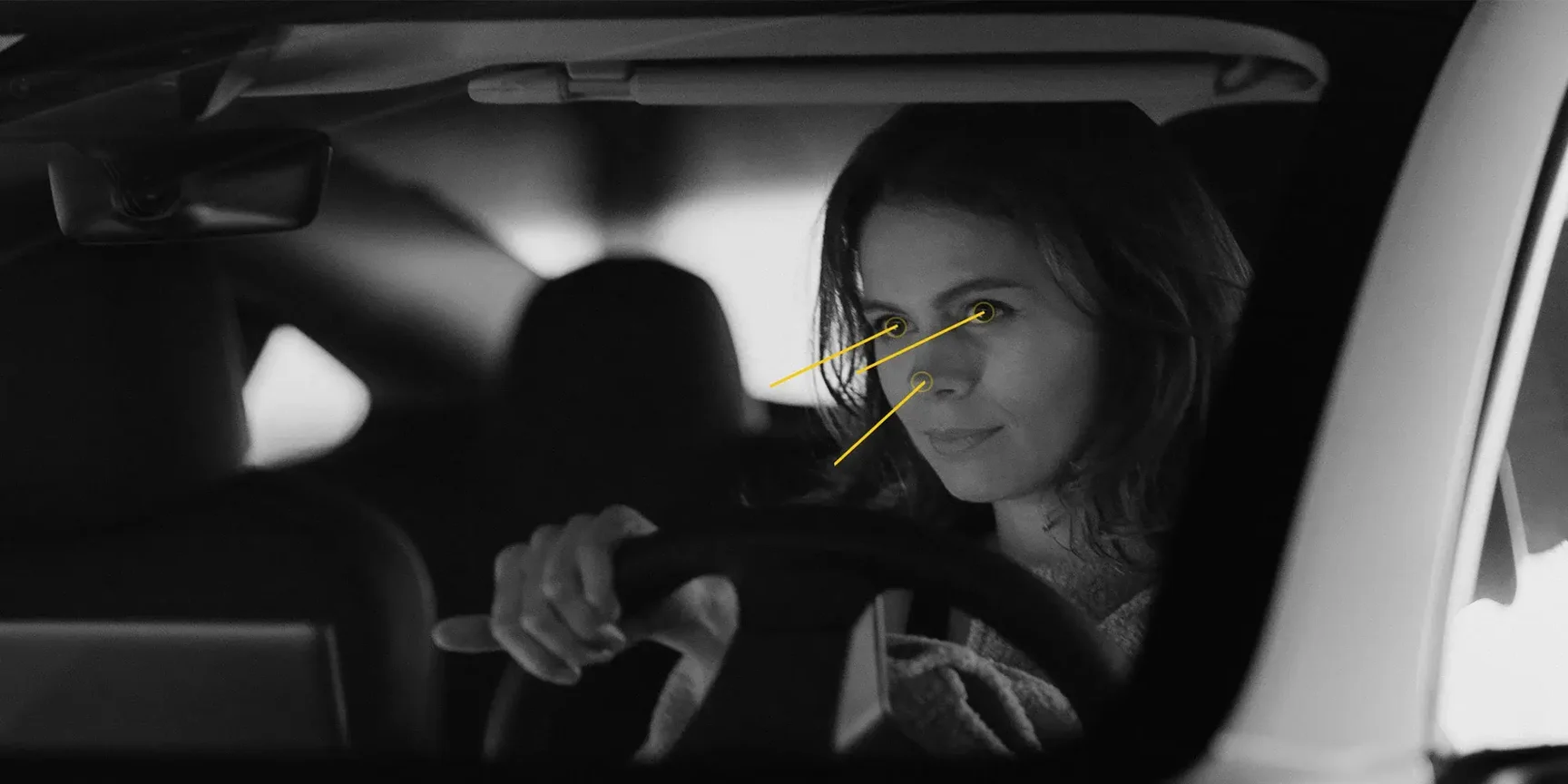
4. Driver Distraction Warnings
Distraction warnings respond to behaviour that suggests the driver’s attention has shifted away from driving. Camera-based systems may recognise prolonged downward glances or attention directed away from the road. Other systems infer distraction from driving behaviour. The exact detection method varies considerably between manufacturers.
Mahindra’s documented Eyedentity system includes driver-distraction detection on equipped vehicles. Its owner documentation explains how the broader driver and occupant monitoring system can be disabled through the vehicle interface.
Since the switch affects multiple monitoring features, owners should not assume that distraction detection has an independent control.
Toyota’s driver-monitor camera can also assess the direction in which the driver is facing. Certain assistance features use this information to determine whether the driver appears attentive. Disabling camera monitoring may therefore influence supported functions, depending on the vehicle’s configuration and software.
Some cars allow drivers to adjust warning sensitivity rather than deactivate the underlying monitoring hardware. This arrangement can be useful when alerts occur too frequently, but the adjustment must be understood correctly. A quieter warning does not necessarily mean the camera has stopped monitoring, and a disabled alert does not mean other assistance systems have stopped working.
Can you switch it off? Some vehicles provide a full system toggle, while others separate warning behaviour from camera functions.
Read the relevant menu description carefully. If distraction warnings seem inaccurate, check camera visibility, seating position, software updates, and the manufacturer’s troubleshooting guidance before deciding that disabling the feature is appropriate.
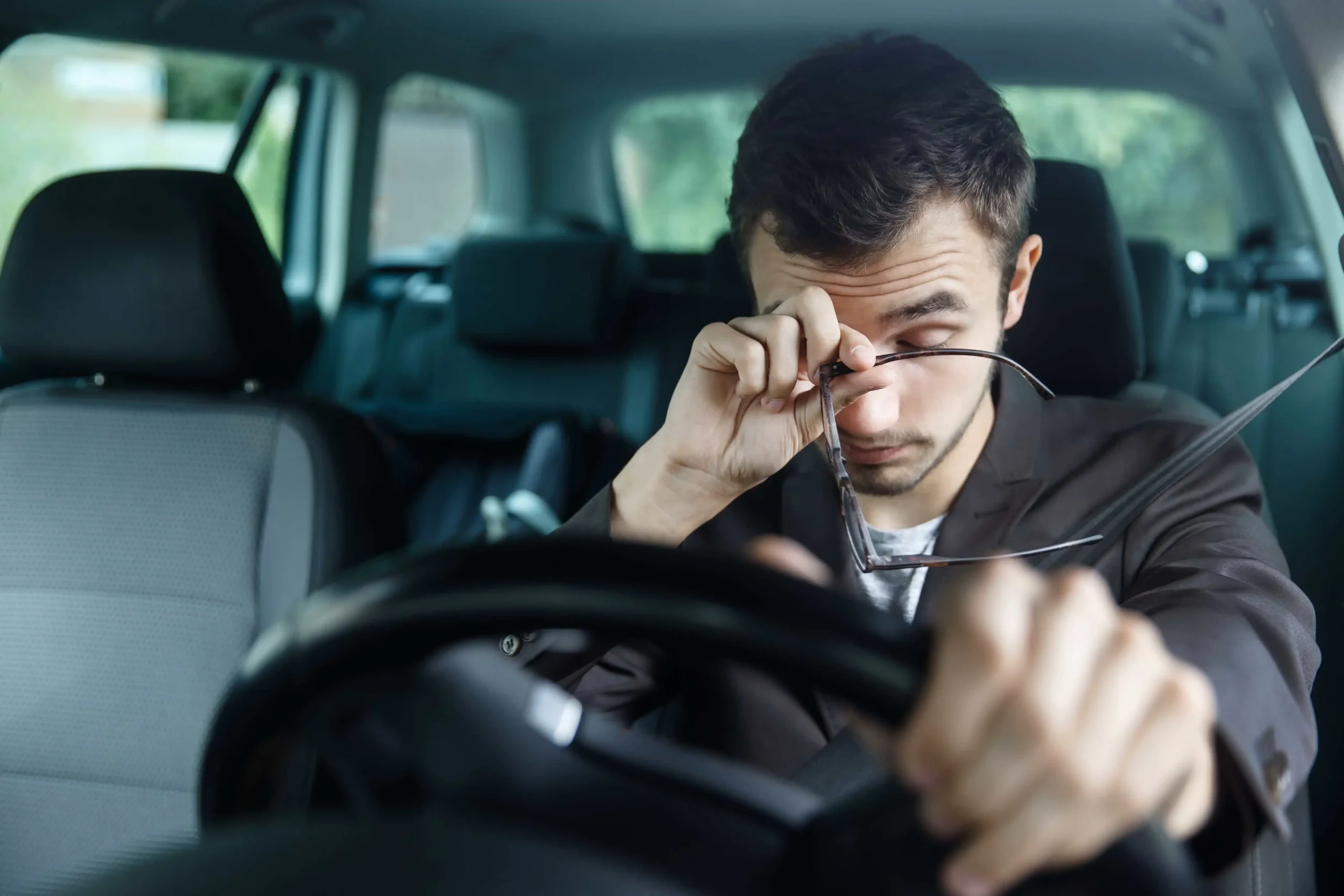
5. Steering-Based Fatigue Detection
Steering-based fatigue detection looks for patterns that may indicate reduced concentration. These can include frequent small corrections, unusual steering movements, or extended periods of inconsistent lane positioning. Such patterns are only indicators, not medical measurements, and road conditions can influence what the system detects.
Ford’s Driver Alert illustrates how attention monitoring can be integrated into a vehicle’s assistance settings. The documented control allows supported vehicles to switch Driver Alert on or off. The exact detection hardware and related functions depend on the vehicle, so the brand name alone cannot establish how a particular model works.
Steering-based monitoring should not be confused with lane-keeping assistance. Fatigue detection evaluates patterns to warn the driver, whereas lane-keeping systems may actively steer or intervene when the vehicle approaches a lane boundary. The two functions may share sensors or data, but their controls and consequences can differ.
Drivers may find alerts more frequent on winding roads, uneven surfaces, or routes with inconsistent lane markings. A warning can also appear when the system has limited information.
The right response is to consult the manual and assess the driving conditions, rather than assuming every alert represents fatigue.
Can you switch it off? A separate fatigue-warning setting may be available, as Ford’s documented Driver Alert control demonstrates. However, the ability to disable steering assistance or lane-departure warnings must be checked separately. Never assume that turning off fatigue monitoring disables every feature connected to the steering system.
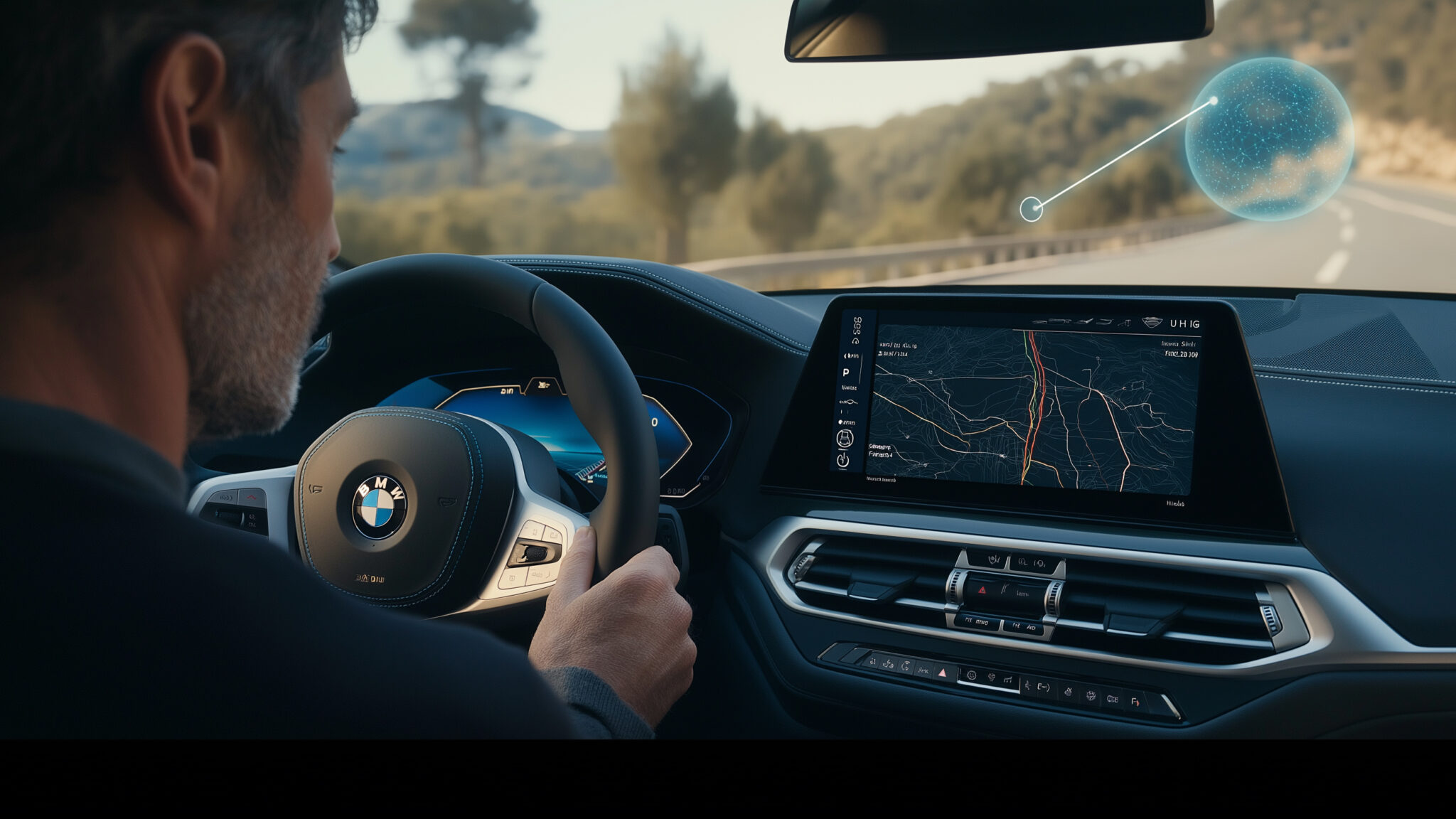
6. Eye-Tracking and Gaze Detection
Eye-tracking systems assess where a driver appears to be looking. Depending on the technology, a camera may monitor eye direction, eyelid closure, or the duration of a glance away from the road. The system uses these observations to estimate attention and decide whether a warning is needed.
Toyota’s driver-monitoring documentation describes a camera that detects the position and direction of the driver’s face, along with whether the eyes are open or closed. The system can provide warnings when it detects inattention or drowsiness. Available controls differ by vehicle and can influence related driving-support functions.
Nissan’s 2025 LEAF manual provides Off, Standard, and Advanced choices for its Driver Monitoring system. This is useful because it demonstrates that a manufacturer can offer different monitoring modes instead of a simple permanent switch. The system may return to an active setting when the vehicle restarts.
Eye-tracking technology can be affected by sunglasses, reflections, camera obstruction, head position, and lighting conditions. These limitations vary by system. Drivers should check the manufacturer’s guidance if warnings appear inconsistent, rather than assuming that the camera is malfunctioning or that a warning can safely be ignored.
Can you switch it off? Some vehicles provide an off option, while others offer only sensitivity or monitoring-mode adjustments. Confirm what the control changes. If eye tracking also supports hands-free driving or traffic assistance, disabling it may make those features unavailable or restrict their operation.
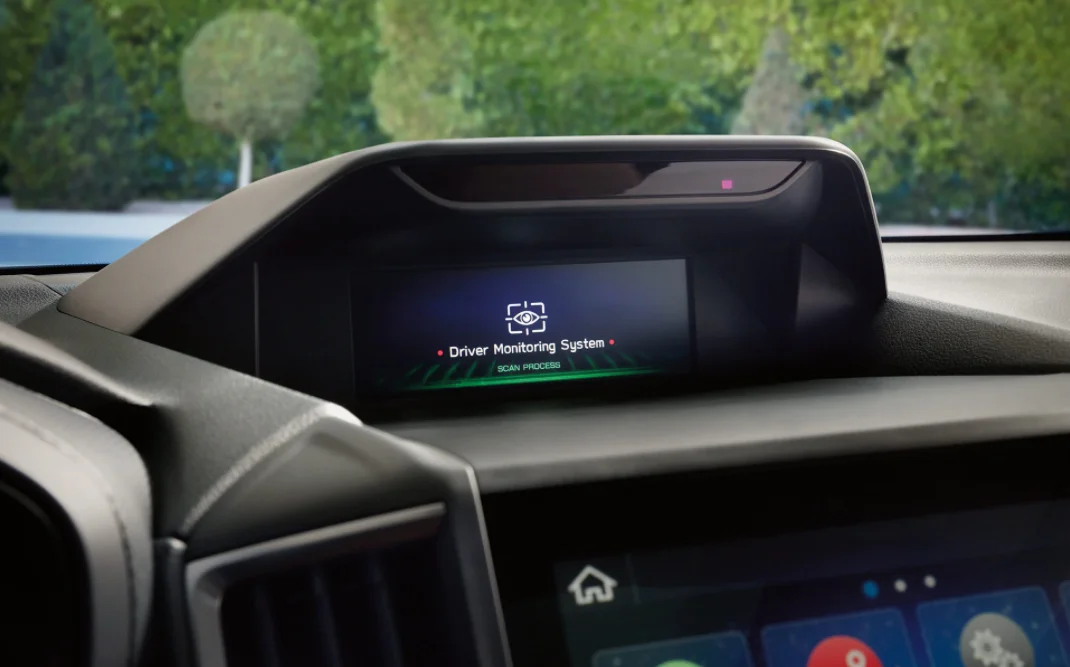
7. Driver-Facing Infrared Cameras
Infrared driver-facing cameras are designed to observe the driver in conditions where ordinary cabin lighting may be inadequate. Depending on the design, infrared illumination helps the camera capture information about eye movement, facial direction, or alertness at night. The system’s capabilities depend on its camera hardware and software.
Several manufacturers use camera-based monitoring in selected models, but features and names differ by market. Toyota documents camera-based driver monitoring, while Mahindra describes its Eyedentity system as using an RGB and infrared camera. These examples show that camera monitoring can form part of a larger collection of cabin functions.
Covering a camera with tape or another object is not a reliable substitute for a proper software setting. It can generate obstruction warnings and prevent systems that depend on the camera from operating as intended. It may also make it difficult to distinguish a deliberate setting change from a hardware fault.
Can you switch it off? Some equipped vehicles offer a system-level toggle or separate privacy-related options. Others may rely on the camera for functions that cannot be independently disabled. Consult the owner’s manual to determine whether the control affects recording, identification, safety monitoring, or several functions together.

8. Hands-On-Wheel and Driver Engagement Monitoring
Driver engagement monitoring checks whether a motorist remains involved in controlling the vehicle. Depending on the system, it may assess steering-wheel contact, steering inputs, driver-facing camera information, or a combination of signals. These checks are particularly important when a vehicle offers advanced steering assistance.
Steering-wheel contact detection and camera-based attention monitoring are different technologies. A capacitive steering wheel may detect hands through electrical contact, while a camera can assess gaze or head position. Some vehicles combine both methods to determine whether the driver is ready to take control when required.
BMW offers several driver-assistance features whose operation depends on the specific vehicle and software. Its controls are organised by function, meaning a setting for parking or drive-off monitoring should not be mistaken for a control that disables driver engagement monitoring during road travel.
Engagement monitoring is especially relevant when using adaptive cruise control, lane-centering assistance, or approved hands-free features. A vehicle may request steering-wheel contact or driver attention even when it controls speed and direction. Ignoring these requests can cause the assistance feature to disengage or prompt an urgent takeover.
Can you switch it off? There is no universal answer. Some vehicles permit adjustments to specific assistance features, while others require the driver to remain monitored whenever particular functions are active. Do not attempt to defeat a hands-on-wheel requirement or use an accessory to imitate driver contact.
9. Driver Monitoring in Advanced Cruise Control
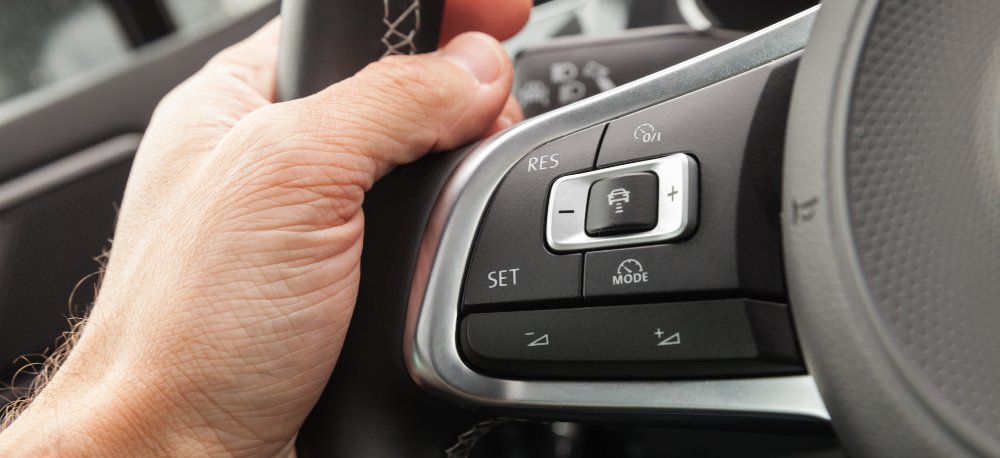
Advanced cruise-control systems can regulate speed and distance from the vehicle ahead. Some also support lane centering or limited hands-free operation under defined conditions. Where driver monitoring is integrated, the vehicle may use a camera or other sensors to check whether the person behind the wheel is paying attention.
Toyota explains that its driver-monitor camera can support selected driving-assistance functions. Its documentation describes links between monitoring and systems such as traffic assistance, pre-collision functions, and lane-related assistance on applicable vehicles. The exact relationship depends on the model and equipment.
BMW’s driver-assistance menus are organised around particular functions and vehicle configurations. Its official guidance for drive-off monitoring, for example, provides a dedicated menu path and notes that the feature switches on again at the next drive. This illustrates why an individual setting’s restart behaviour should be checked rather than assumed.
Some driver-monitoring alerts can be adjusted while keeping cruise control active. However, turning off a camera or driver-engagement feature may cause certain advanced driving systems to stop working. Before changing any settings, owners should understand the difference between standard adaptive cruise control, lane-centering assistance, and hands-free driving technology.
Can you switch it off? You may be able to disable a specific cruise-control or attention-warning function, but the choices depend on the model. If the vehicle requires monitoring while a feature is active, that requirement must remain satisfied. Cruise control is not a substitute for observing traffic and being ready to brake or steer.
10. Lane-Departure Warning and Lane-Keeping Assistance
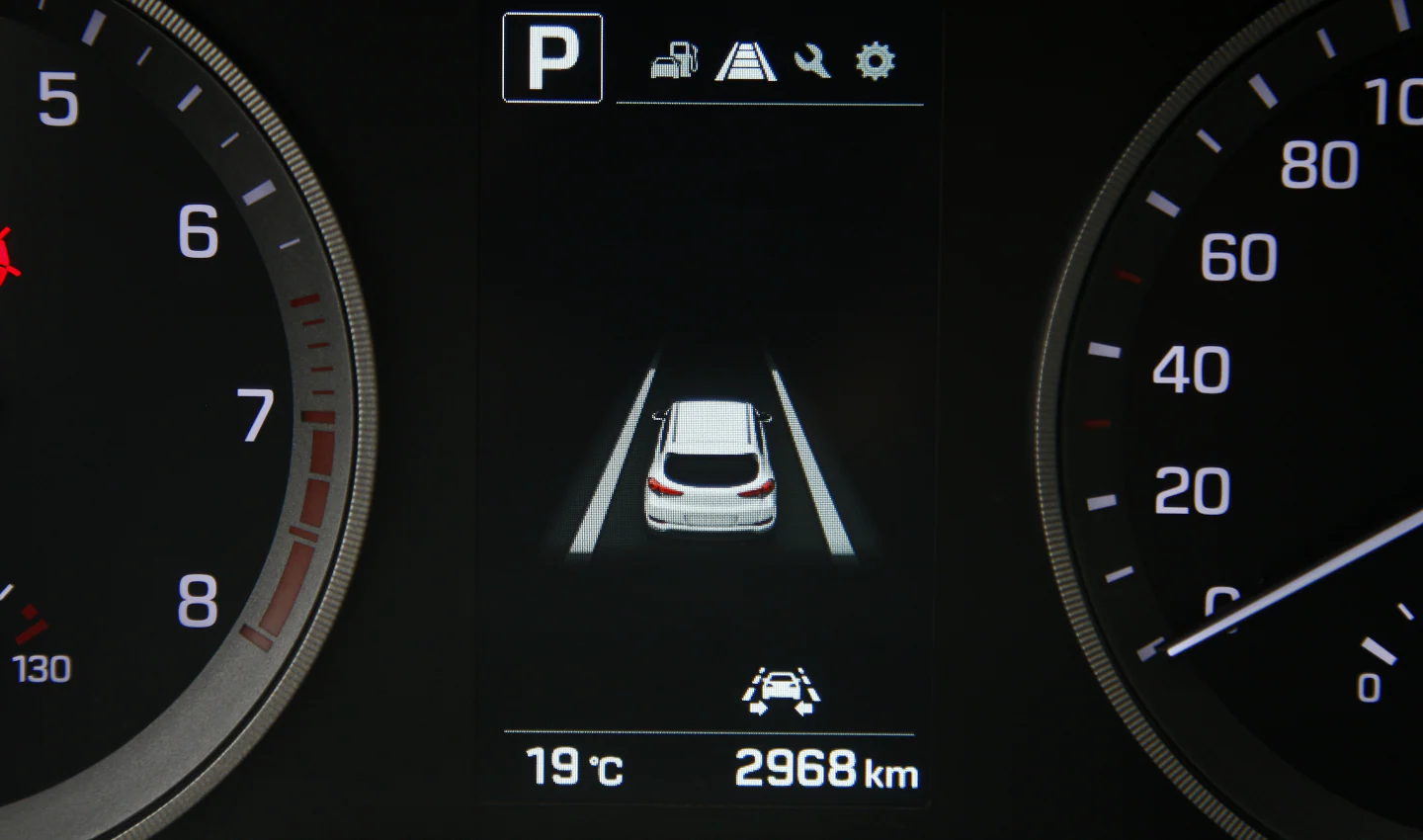
Lane-departure warning alerts the driver when the vehicle appears to drift out of its lane without a deliberate manoeuvre. Lane-keeping assistance can go further by applying corrective steering or other intervention. Manufacturers may combine these functions in a single menu, yet the warning and intervention settings are not necessarily identical.
Hyundai’s driver-assistance documentation describes separate controls for lane-safety warning sounds and other warning methods. It also explains that the settings available depend on vehicle specifications and software. A driver may therefore be able to adjust the sound without turning off the lane-safety function itself.
Toyota documents lane-departure and lane-prevention functions among the features that may use information from its driver-monitor camera. This is a reminder that monitoring systems can interact. Turning off a camera or changing its settings may influence assistance behaviour beyond the driver-facing warning.
Lane-related systems can struggle when road markings are faded, obscured by rain, covered in snow, or difficult to distinguish at construction sites. Drivers should learn how the vehicle signals a warning and how steering intervention feels. A feature’s limitations do not remove the driver’s responsibility to remain within the correct lane.
Can you switch it off? Many vehicles offer some control over lane warnings or lane-keeping assistance, but the available options vary. Check whether the menu refers to a sound, a warning, steering intervention, or the complete function. In markets with mandatory safety requirements, the available controls may be restricted.