Touchscreen technology has become a central feature in modern cars, replacing physical knobs and buttons in many vehicles. Automakers now compete to deliver not just performance and comfort, but also digital experiences that match or exceed what drivers expect from their smartphones or tablets.
A smooth, responsive infotainment system can transform your daily car interactions, making navigation, media, and even climate control intuitive and satisfying.
On the other hand, a clunky or unresponsive display can be a major source of frustration. Nothing breaks the rhythm of a drive more than tapping a screen that doesn’t register commands, delays responses, or buries functions behind multiple menus that are hard to access on the move.
Car manufacturers face a serious challenge when it comes to software. It’s not just about size and appearance of the screen; the speed, interface design, and system reliability matter just as much, if not more.
Cars with well-integrated, lag-free touchscreens are often praised not only for the hardware itself, but for thoughtful engineering that ensures software updates, smooth navigation transitions, and voice control features that work properly.
These systems tend to mimic the responsiveness of premium tablets or phones. Meanwhile, laggy or poorly organized displays make even simple actions like adjusting the volume or changing the station unnecessarily complicated. In some cars, it’s not clear whether the display was added for convenience or just to check a box in a features list.
This article covers five vehicles that excel in touchscreen performance and five that fail to meet expectations. The ones that succeed do so through a combination of efficient software and practical design.
Those that fall short may appear impressive at first glance, but reveal sluggish response times, awkward interfaces, or confusing layouts that hinder the driving experience. Let’s begin by looking at the five cars that get it right.
Cars With Touchscreens That Never Lag
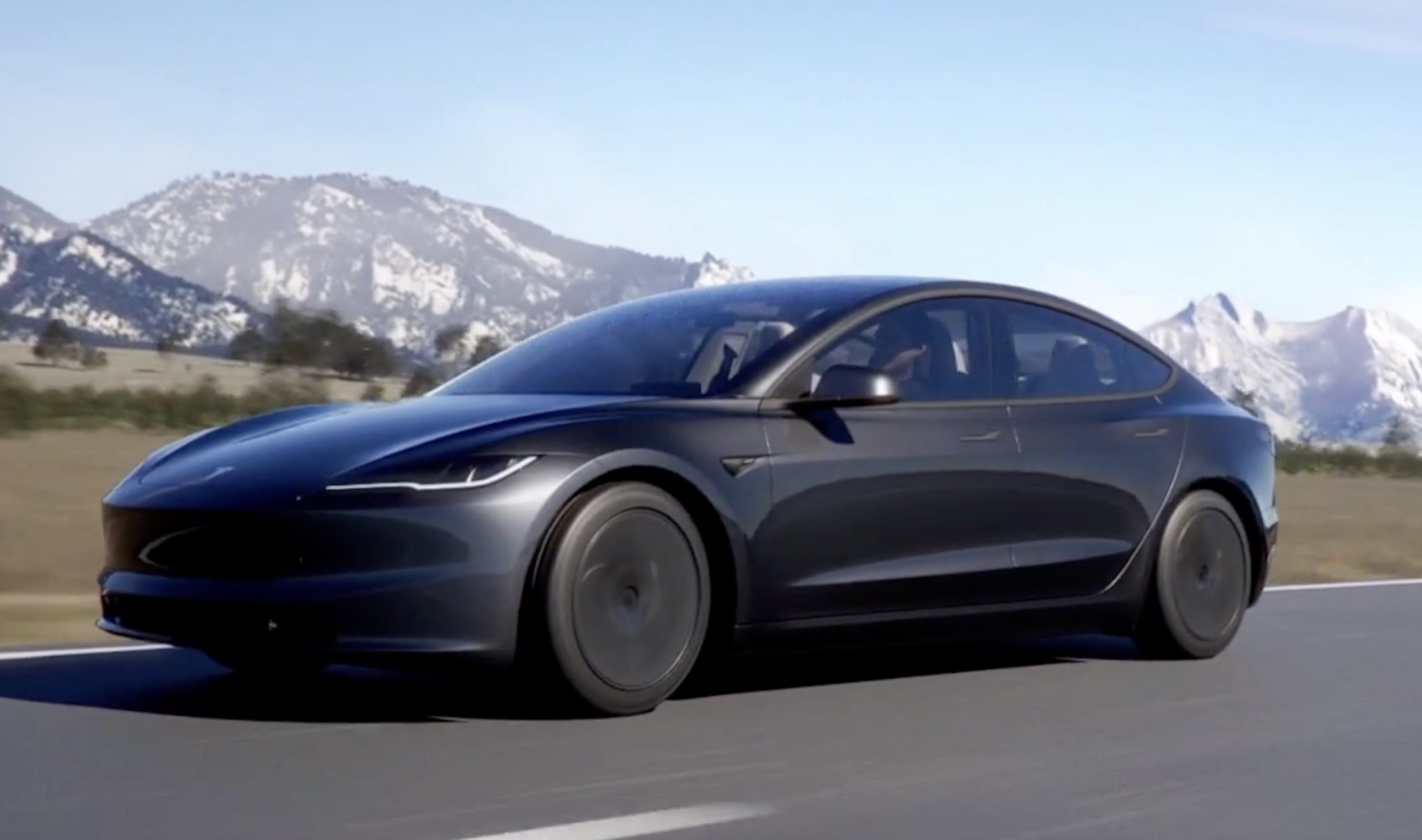
1. Tesla Model 3
The Tesla Model 3 is known for its central touchscreen that controls nearly every aspect of the car, from media to climate to driving settings. The display is large, bright, and positioned in a way that feels natural to glance at while driving. What makes it stand out, though, is how quickly it responds to input.
Whether you’re swiping between menus or adjusting the air conditioning, the feedback is instant. This level of responsiveness comes from Tesla’s in-house software, which is continuously updated through over-the-air updates, often bringing new features or improving existing ones without requiring a visit to a dealership.
One of the key advantages of the Model 3’s interface is that it avoids unnecessary clutter. Icons are large, easy to understand, and placed in logical positions. It’s clear that usability was a top priority during development. There’s no noticeable lag when switching between apps like navigation, music, or settings.
Even with multiple functions running, the system maintains its speed. Unlike some manufacturers that rely on third-party software, Tesla keeps everything under one umbrella, allowing for better control and optimization.
The system also includes voice commands that work well, making it possible to perform tasks without taking your hands off the wheel. Whether you’re asking for directions, adjusting the climate, or calling someone, the system usually gets it right.
Tesla also utilizes a custom processor specifically designed for automotive tasks, which contributes to the seamless experience. This is one of the few systems that feels futuristic without being overcomplicated.
Another point worth noting is the constant improvement. Owners often report that their cars feel better a year after purchase due to regular software enhancements. These improvements usually target both functionality and speed, keeping the interface fast and current. The Tesla Model 3 shows how a touchscreen can become the core of the vehicle when it’s done correctly.
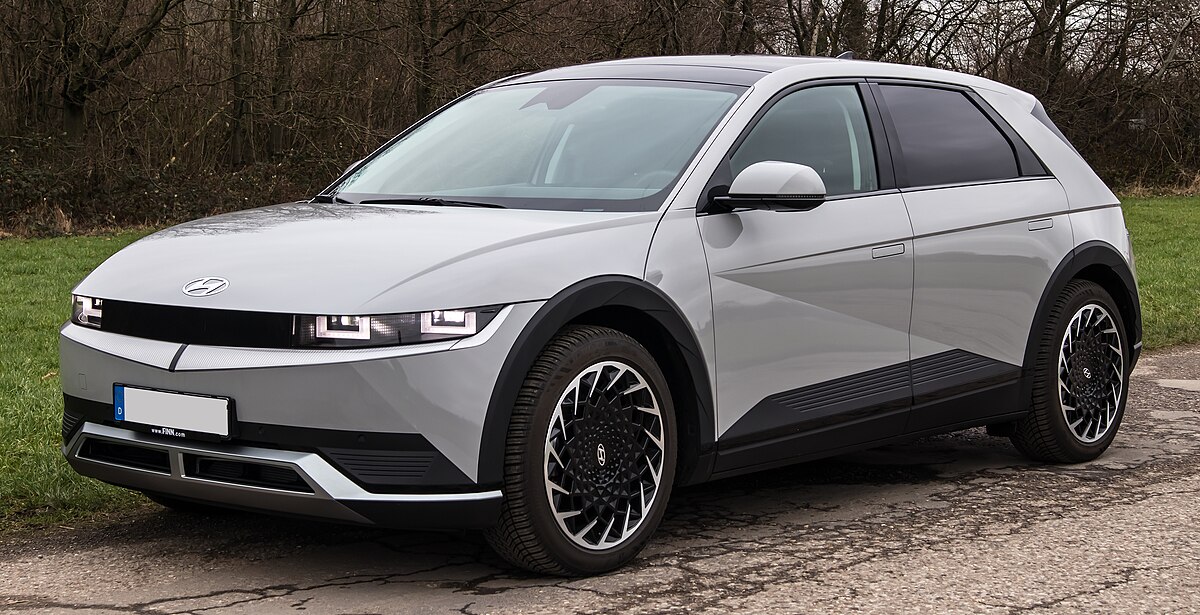
2. Hyundai Ioniq 5
Hyundai’s Ioniq 5 features one of the most polished infotainment systems in the industry. The touchscreen is quick, intuitive, and never feels like it’s lagging behind your inputs.
From the moment you interact with it, it’s clear the system was built with usability in mind. The graphics are sharp, transitions are smooth, and loading times are minimal. It feels like a modern interface rather than a repurposed one from older systems.
The Ioniq 5 also benefits from smart layout decisions. Rather than forcing all controls into the screen, it provides some physical buttons for quick access to essential features like temperature and audio volume.
This balance of touchscreen and tactile feedback helps keep your attention where it belongs: on the road. While many automakers push for full-screen control, Hyundai maintains a practical design that considers real-world usage.
Functionality in the Ioniq 5’s system is enhanced by thoughtful shortcuts and customizable menus. You can set up quick-access screens for frequently used apps or functions, reducing the time spent scrolling through submenus. Wireless Apple CarPlay and Android Auto work smoothly, connecting quickly and without hiccups.
The display also adjusts brightness well depending on lighting conditions, staying visible in sunlight and not being too bright at night.
Another strong point is how the interface handles navigation. Zooming, dragging, and inputting destinations are all fast and reliable, without stutter or delay.
Even under heavy use, like streaming music and running navigation simultaneously, the system doesn’t show signs of slowing down. Hyundai has invested in solid hardware and efficient software, and it shows. The Ioniq 5 offers a system that enhances the driving experience without trying to overshadow it.
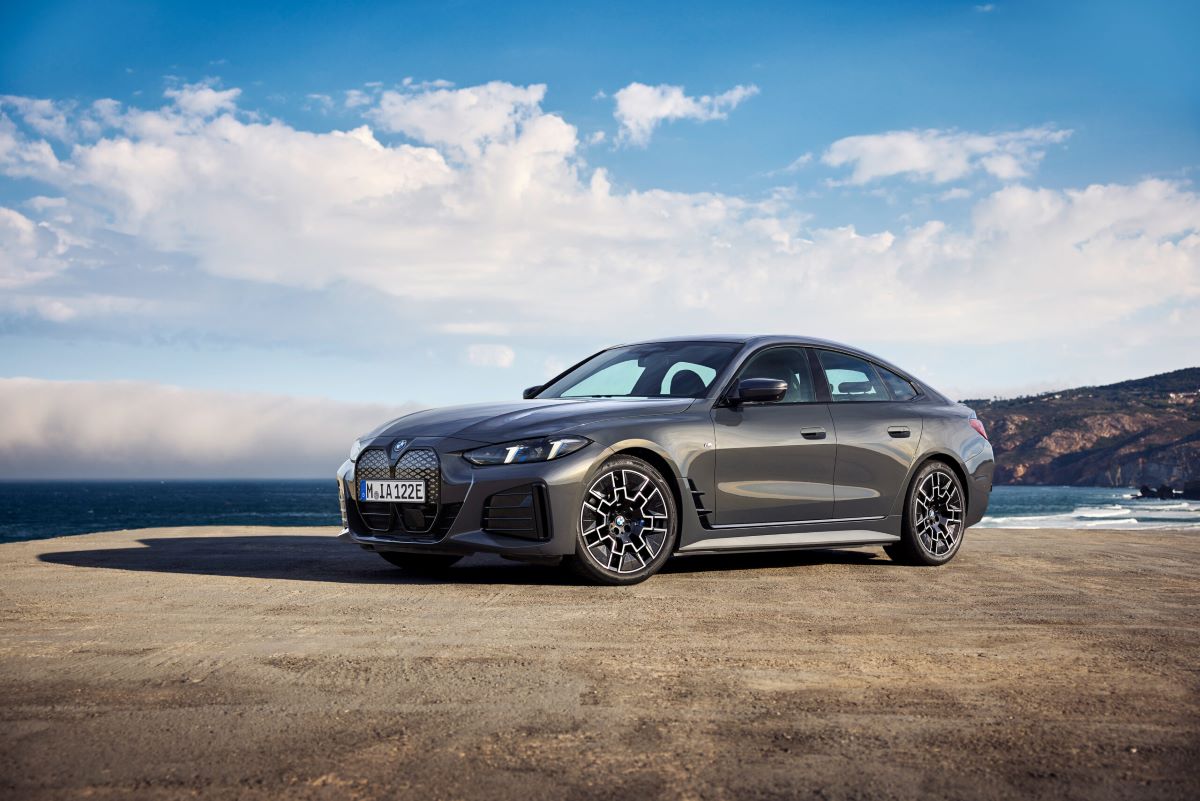
3. BMW i4
BMW has steadily improved its infotainment systems, and the i4 represents a high point in both performance and responsiveness. The display is wide, clear, and positioned slightly toward the driver, creating a cockpit-like environment.
One of the biggest strengths of BMW’s latest setup is how quickly it reacts to touch. There’s no perceptible lag, even when moving between complicated menus or using advanced functions like gesture control.
The menu structure is well-organized and tailored for those who are used to smartphone-style interfaces. The swipe and scroll gestures feel natural and don’t require repeated attempts.
Whether adjusting the audio settings, changing driving modes, or interacting with the map, each action is completed without delay. BMW has clearly focused on delivering a fluid experience that doesn’t distract from driving.
Voice commands in the i4 are also effective and respond quickly. You can speak naturally rather than using strict commands, which adds to the ease of use.
Unlike older systems that required slow and deliberate speech, this one understands context and even accents fairly well. Updates are handled wirelessly, allowing new features and refinements to be added without requiring a visit to the dealer.
The feeling in the BMW i4 is one of control and comfort. The technology complements the driving experience rather than becoming the centerpiece.
Everything works when you need it to, and the system never feels overburdened by its own features. This is a good example of a premium brand using technology to enhance, rather than overcomplicate, the interior environment.
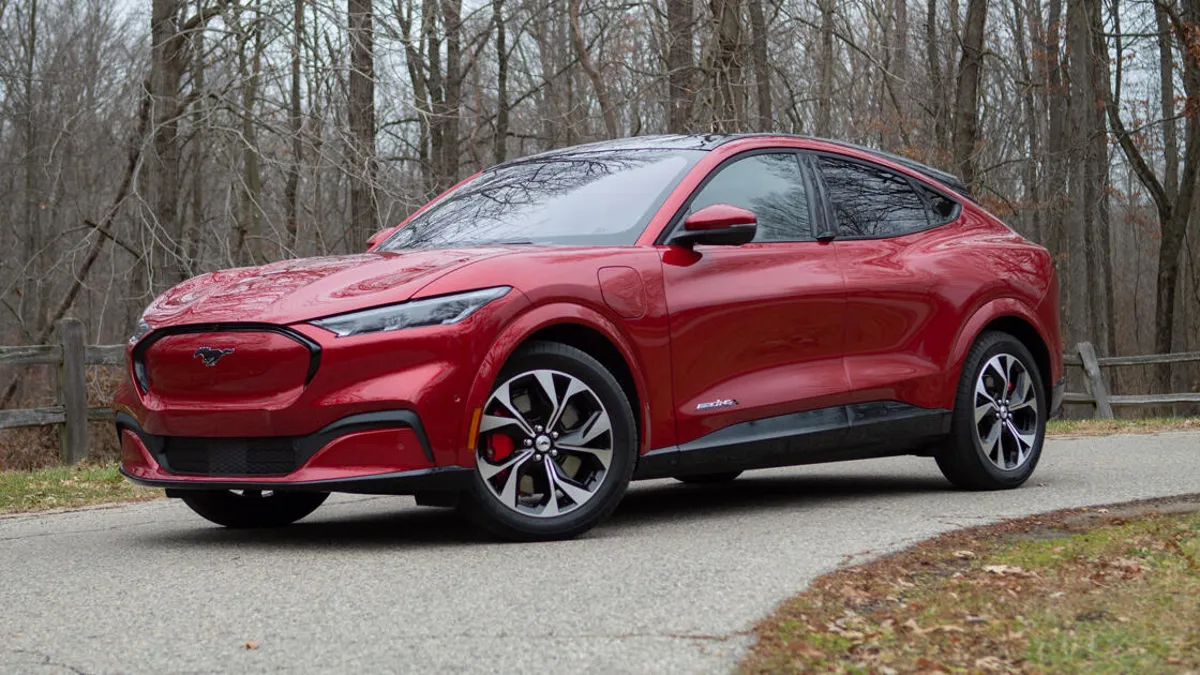
4. Ford Mustang Mach-E
Ford has stepped into the EV market with a touchscreen interface that stands out for its smooth performance and user-focused design. The Mustang Mach-E features a large vertical display, clearly influenced by mobile device trends, but it avoids the pitfalls that often come with oversized screens. It reacts quickly to every tap and swipe, and menus load almost instantly.
What’s particularly impressive is how well the system manages multiple layers of functionality. The home screen can be customized to your preferences, and switching between navigation, audio, and climate controls is fast.
The interface uses a clean design with large icons and legible fonts, avoiding the crowded look that affects many rival systems. You don’t have to dig through endless submenus just to find a simple setting.
Another strength is the integration of smartphone features. Apple CarPlay and Android Auto are wireless and launch immediately once you start the car.
There’s no awkward delay or connection errors. The touchscreen also works well even when your hands are wet or cold, something that seems minor but matters during daily use. Ford also includes software updates that can be done at home, improving long-term usability.
Ford’s system doesn’t try to do too much. It gives you essential controls and apps in a layout that makes sense. When systems become too feature-heavy, they risk slowing down or becoming difficult to navigate.
That’s not the case here. Whether adjusting the cabin temperature, searching for a charging station, or answering a call, the Mustang Mach-E’s screen responds fast and reliably every time.
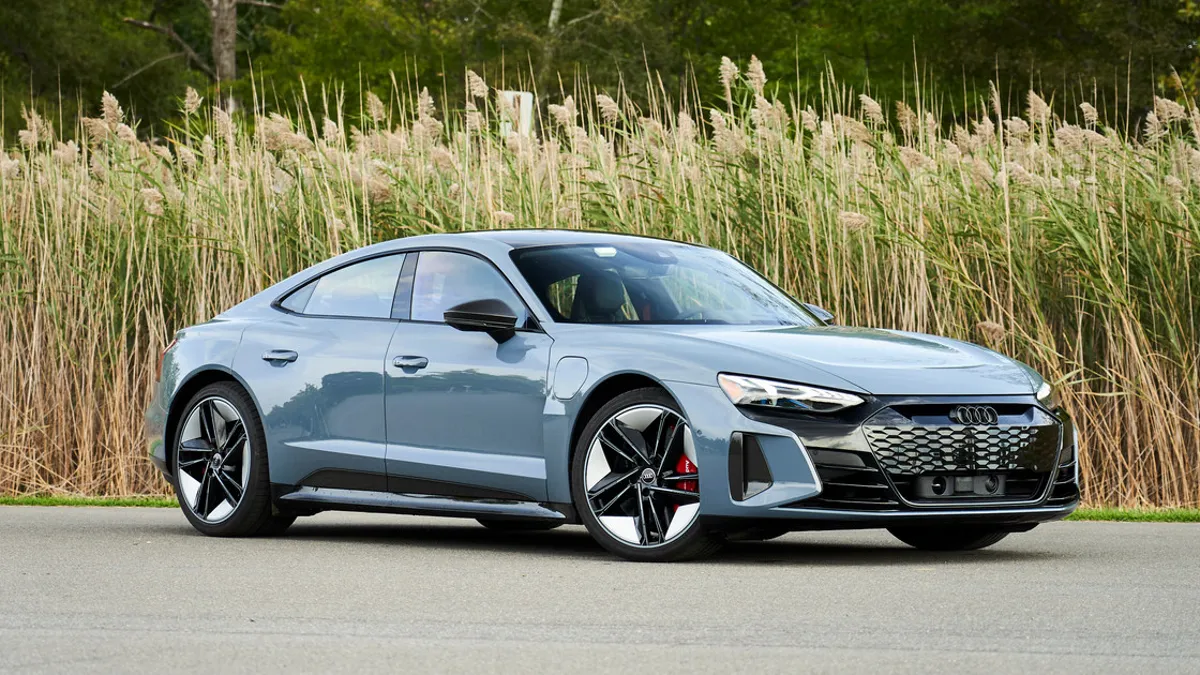
5. Audi e-tron GT
The Audi e-tron GT stands out not only for its impressive electric performance but also for its refined and highly responsive touchscreen system. Audi has long been praised for combining luxury with technology, and the e-tron GT’s dual touchscreen setup exemplifies this commitment.
The vehicle features two high-resolution displays: a primary screen angled toward the driver for navigation, media, and vehicle settings, and a secondary lower screen dedicated primarily to climate controls and quick-access functions. Both screens react swiftly and smoothly to touch inputs, eliminating any sense of lag or delay that could distract or frustrate drivers.
Audi’s user interface is crafted to prioritize clarity and ease of use without sacrificing sophistication. Menus are logically structured, and the transition between different screens is seamless, with no noticeable pauses or freezing.
The system also supports multi-touch gestures such as pinch-to-zoom and swipe, which respond fluidly, much like a high-end smartphone or tablet. This intuitive control scheme allows drivers to operate complex functions with confidence, reducing the time spent navigating menus and helping maintain focus on the road.
In addition to speed and precision, Audi’s infotainment system integrates advanced voice control that understands natural language commands. This feature works reliably and quickly, allowing users to adjust settings, change music, or get directions without lifting a finger.
The e-tron GT also supports wireless Apple CarPlay and Android Auto, both of which connect immediately upon pairing and maintain stable connections throughout the drive. The integration is seamless, allowing drivers to access familiar apps and services without any lag or interruption.
One of the strengths of Audi’s approach is continuous improvement through software updates delivered over the air. These updates regularly enhance the system’s functionality, security, and speed, ensuring that the touchscreen remains modern and efficient throughout the vehicle’s life.
Audi also uses powerful processors and optimized software architecture, meaning the system can handle multiple tasks simultaneously like streaming music, running navigation, and adjusting cabin settings without any performance degradation.
The e-tron GT’s touchscreen setup is a clear example of how luxury carmakers can deliver technology that not only looks stunning but also performs flawlessly in daily driving scenarios.
Cars With Useless Displays
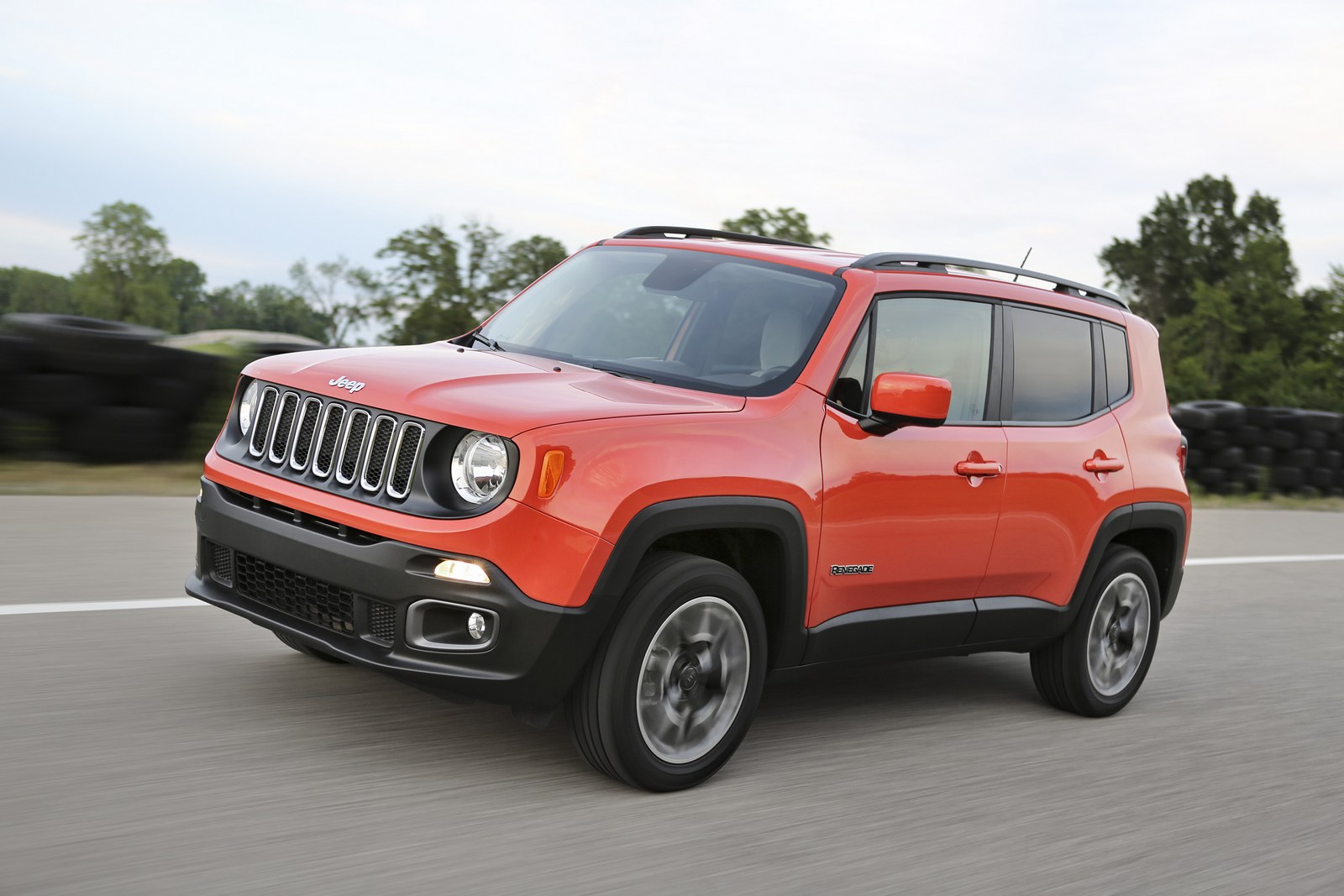
1. Jeep Renegade
The Jeep Renegade’s touchscreen system is a clear example of technology that falls short of modern standards. Even though the vehicle itself is designed to evoke a rugged, adventurous spirit, the infotainment system feels outdated and sluggish, which creates a disconnect between the vehicle’s intended personality and its user experience.
The screen is relatively small compared to what competitors offer in the same segment, and this limited size only highlights the lack of responsiveness. Basic commands, such as switching radio stations or toggling Bluetooth, often experience several seconds of lag before reacting.
For drivers, this delay may seem minor on paper, but in real driving conditions, it creates a frustrating and potentially dangerous distraction as one’s eyes and attention must linger on the screen longer than necessary.
The startup time is another significant issue. Upon starting the car, the touchscreen can take an uncomfortably long period before it becomes operational, which can be particularly aggravating when trying to use navigation or adjust audio settings quickly before hitting the road.
This delay is even more inconvenient on short trips or in stop-and-go traffic, where every second counts. The sluggishness extends to voice commands as well.
The voice recognition system is often inconsistent, sometimes failing to activate or misinterpreting commands, which forces drivers to resort to manual controls. This defeats one of the main purposes of voice controls hands-free convenience and diminishes safety.
Navigation through the menus feels cumbersome and unintuitive. Critical features, such as the equalizer settings or switching audio inputs, are hidden deep within nested menus. Accessing these requires multiple taps with noticeable pauses, which increases the risk of distraction.
The small screen size compounds this problem because buttons and icons are cramped and often difficult to press accurately while driving. The combination of slow response and poor layout makes it clear that the infotainment system was not designed with driver usability at its core.
Hardware performance also detracts from the experience. The touchscreen’s responsiveness decreases in cold weather, where it sometimes becomes unresponsive for short bursts. In bright sunlight, glare on the screen further limits visibility, making it hard to read important information.
This unreliability is disappointing, especially given Jeep’s reputation for creating vehicles suited for challenging environments. The Renegade’s touchscreen serves as a reminder that even in a vehicle geared toward exploration, the technology that drivers rely on every day can be a weak link that undermines enjoyment and safety.
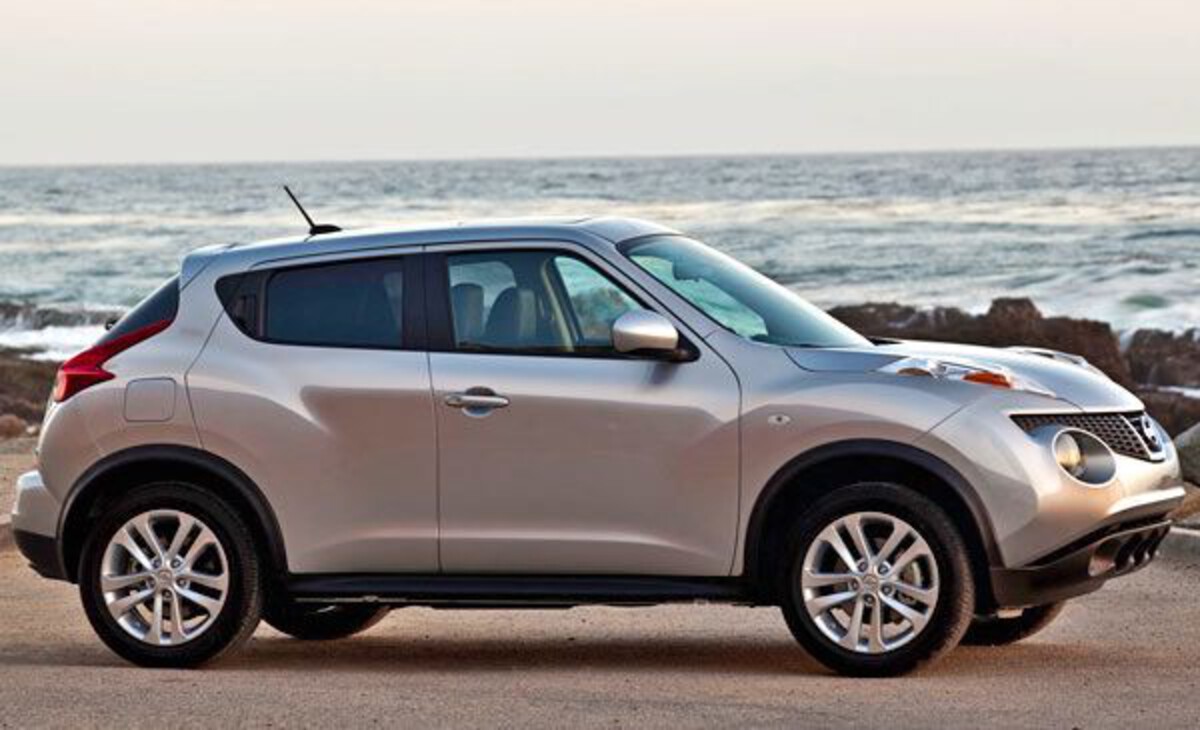
2. Nissan Juke
The Nissan Juke’s touchscreen system is a textbook example of appearance over substance. While it presents a modern face with a glossy screen and sleek bezel, the performance does not live up to expectations. The system frequently lags, creating a noticeable delay between the user’s touch and the screen’s response.
This lag can feel particularly distracting in city driving or when quickly trying to adjust settings on the fly. In practice, users often find themselves tapping multiple times before the system registers an input, which quickly leads to frustration and a loss of confidence in the display’s reliability.
One of the more problematic aspects of the Juke’s infotainment system is its inability to handle multitasking efficiently. Running multiple applications, such as navigation alongside music streaming, causes the system to slow further, sometimes freezing temporarily.
This forces drivers to wait for the system to catch up before continuing to use it, which is inconvenient and can be unsafe when attention should be focused on driving.
Compounding this issue is the rarity of software updates. Nissan’s infrequent software support means that bugs and sluggishness often persist long after the vehicle is purchased, leaving owners stuck with a frustrating experience.
The interface design itself contributes to the system’s shortcomings. Small buttons are packed closely together, increasing the chances of mis-taps. This can be particularly dangerous on busy roads, where precision is essential. The navigation of menus is convoluted, requiring multiple taps to reach commonly used functions.
Some features are hidden behind obscure layers, which further delays access and adds to driver distraction. The layout feels inconsistent and poorly thought out, creating an impression that the system prioritizes style rather than ease of use.
Nissan’s approach with the Juke seems focused on aesthetics rather than functionality. The screen looks attractive when the vehicle is parked, but on the move, its poor responsiveness and confusing interface diminish its usefulness. For drivers who expect technology to simplify their daily commutes and journeys, the Juke’s touchscreen system often becomes a source of annoyance rather than a helpful tool.
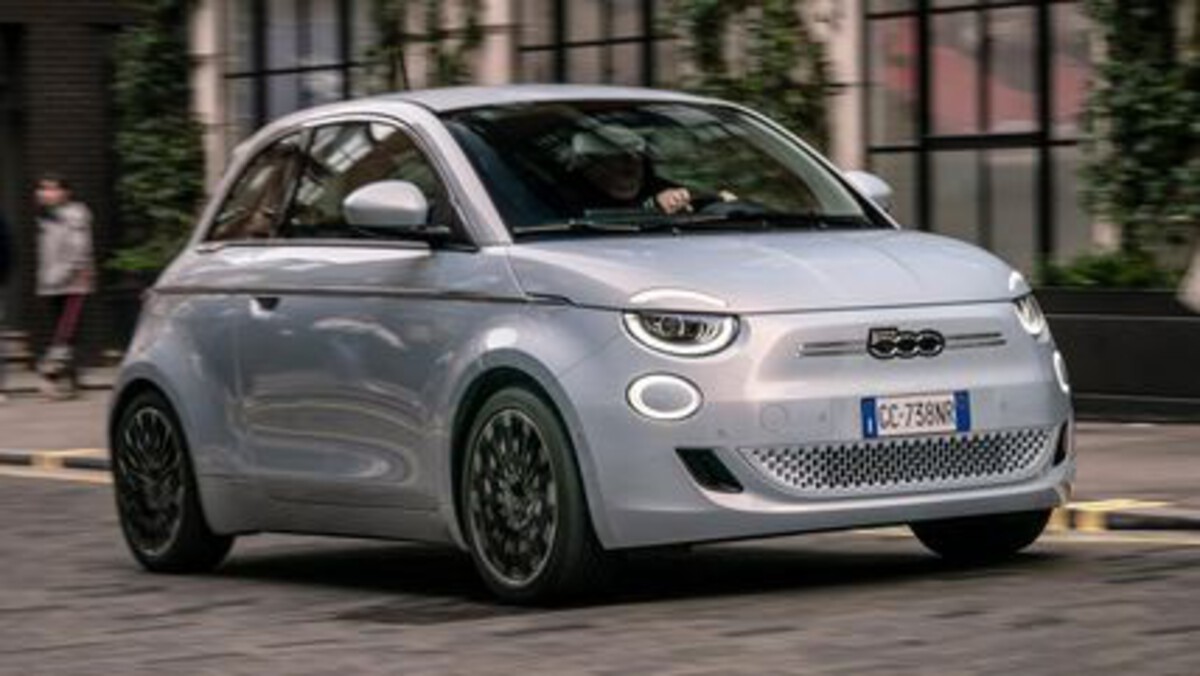
3. Fiat 500
The Fiat 500’s touchscreen infotainment system feels noticeably behind the curve compared to contemporary vehicles in its class. Though the screen is of a reasonable size, its performance leaves much to be desired. Inputs are slow to register, and it is common for taps to be missed altogether or require repeated attempts.
This sluggishness is particularly apparent during simple tasks like adjusting the climate controls or switching between media sources. The delay is not just a minor inconvenience it interrupts the driver’s rhythm and can lead to more frequent glances at the screen, increasing distraction risk.
In addition to its slow response times, the system exhibits stability issues that can significantly degrade the user experience. The interface is known to reboot unexpectedly, sometimes resetting user preferences back to factory defaults.
This means that drivers may find their radio presets, seat preferences, or other customized settings erased without warning, forcing them to redo configurations every time the vehicle restarts. Such instability damages trust in the system and discourages users from relying on it.
Menu navigation is another weak point. Functions are buried deep within layers of menus that lack clear hierarchy or labeling. This results in a need for excessive taps and more time spent searching for desired controls.
The icons used are often small and ambiguous, making it harder to quickly identify and select the correct option, which again increases the chance of distraction while driving. The interface lacks the modern clarity and efficiency found in more successful infotainment systems.
Furthermore, smartphone integration is limited and unreliable. Wireless connections tend to drop frequently or fail to establish altogether, forcing drivers to use wired connections if they want to access Apple CarPlay or Android Auto.
This undercuts the convenience factor that wireless integration promises and can frustrate users accustomed to seamless connectivity. Fiat’s focus on style seems to have come at the cost of practical functionality, leaving the 500’s touchscreen as more of a liability than a helpful feature.
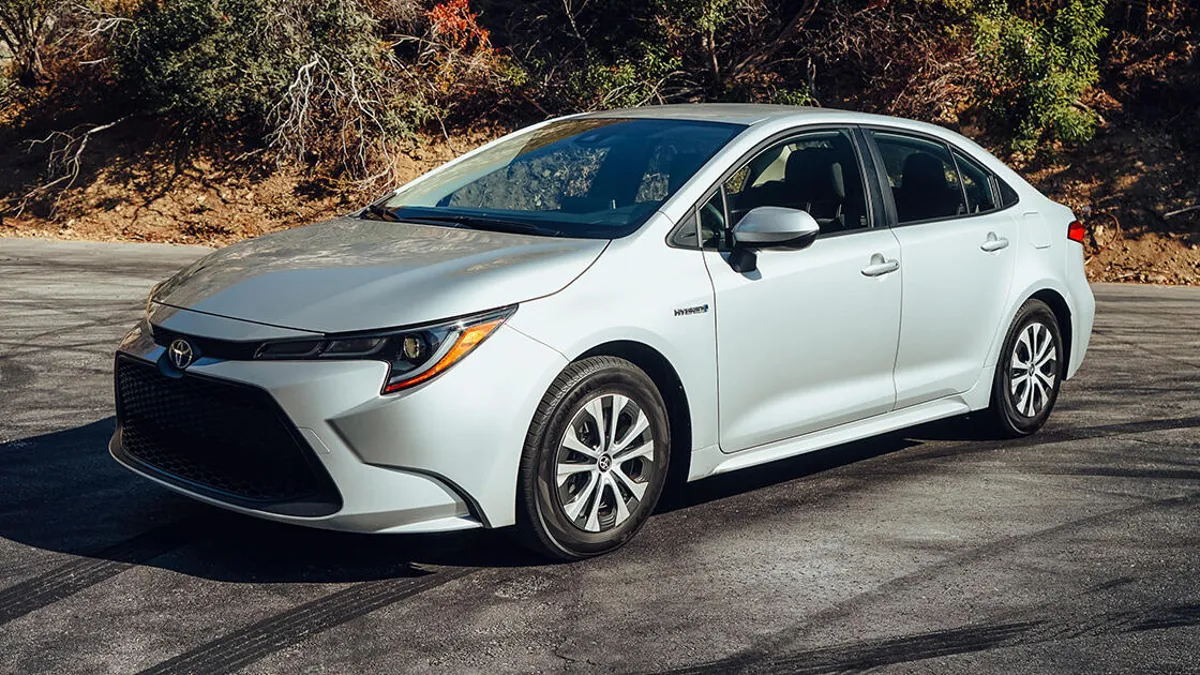
4. Toyota Corolla (Older Models)
While Toyota has made great strides in refining infotainment systems in its newer models, some older Corolla variants continue to suffer from slow, laggy touchscreen technology. These older systems are characterized by sluggish response times that can make even the simplest tasks frustrating.
Changing radio stations, switching apps, or entering destinations into the navigation system can take several seconds longer than expected, creating a disjointed and annoying user experience.
This delay is not just inconvenient; it can pose a safety risk as drivers spend more time looking away from the road trying to operate the screen.
The interface itself feels dated and poorly organized. Buttons and icons are small and positioned close together, making precise inputs difficult. Many frequently used functions are hidden behind several layers of menus, forcing drivers to spend unnecessary time navigating.
The touchscreen can freeze temporarily during menu transitions, which interrupts the flow of interaction and tests the user’s patience. This lack of polish contributes to the impression that the infotainment system was an afterthought rather than a well-integrated feature of the vehicle.
Connectivity issues further compound the problems. Bluetooth connections are prone to dropping unexpectedly, and Apple CarPlay or Android Auto integrations can be slow to initiate or disconnect without warning. These recurring glitches disrupt what should be seamless connectivity between the driver’s phone and the car’s system.
Updates to the software are infrequent and often require dealer intervention, leaving many bugs unresolved for long periods.
Despite Toyota’s reputation for mechanical reliability and longevity, the infotainment systems in these older Corolla models highlight how software and interface design were not prioritized at one time.
Drivers seeking a smooth, lag-free experience with responsive controls will find these older models disappointing, especially compared to the much-improved systems in newer vehicles or those offered by competitors.
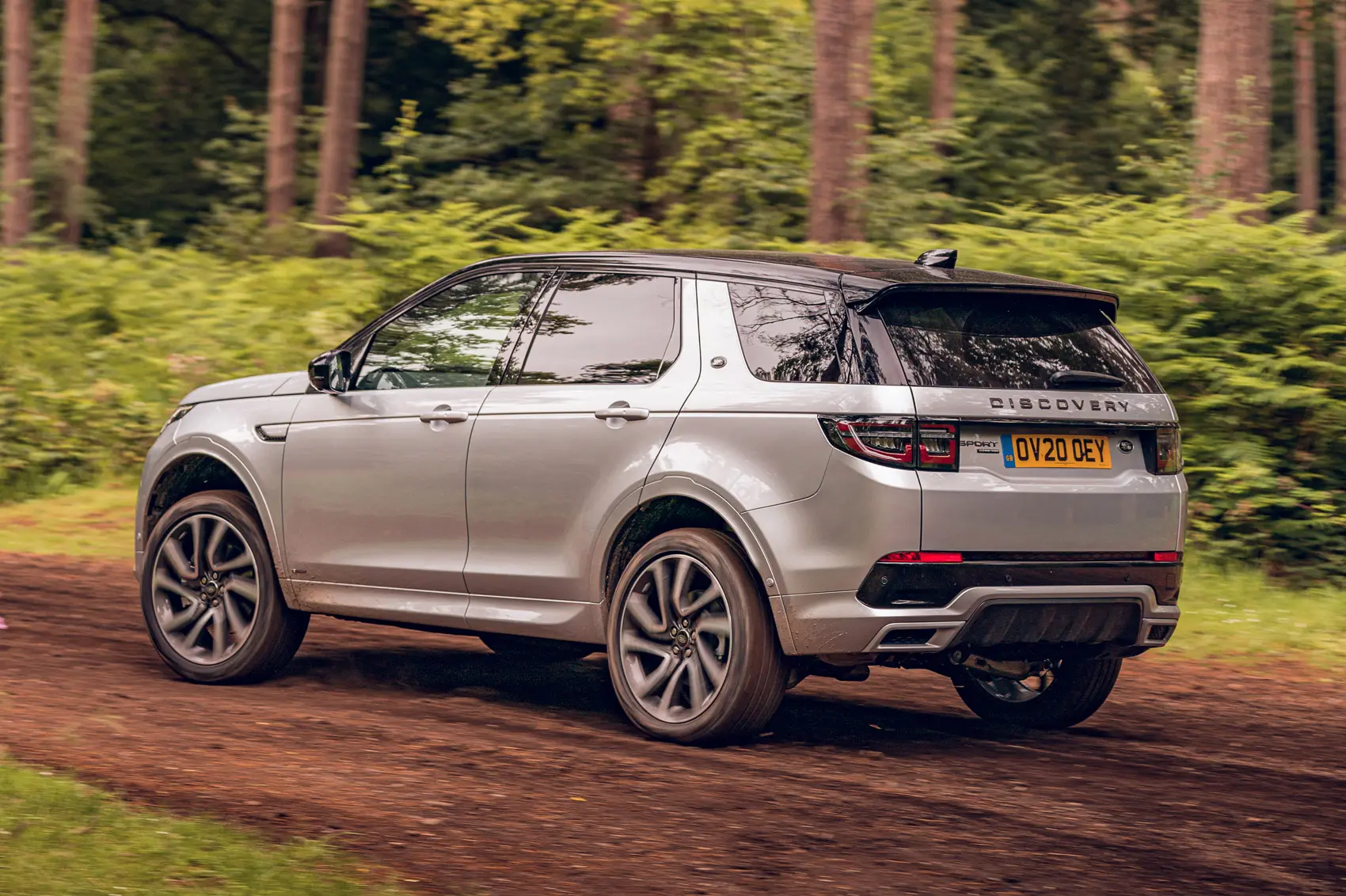
5. Land Rover Discovery Sport (Early Models)
Early models of the Land Rover Discovery Sport were equipped with a touchscreen infotainment system that earned widespread criticism for poor performance and confusing design. The system frequently lags when switching between applications or attempting to adjust settings, sometimes becoming temporarily unresponsive.
This sluggishness creates frustrating moments during driving, when quick adjustments should be seamless. The slow screen response undermines the vehicle’s luxury image, making the technology feel outdated despite the vehicle’s premium price point.
The user interface itself suffers from clutter and a lack of logical flow. The screen is packed with small icons, many of which are similar in appearance, making it difficult for drivers to quickly identify the function they need.
Navigating through the menus requires numerous taps and can be confusing, especially for drivers who are new to the system. Voice commands, which are meant to serve as a convenient hands-free option, often fail to recognize spoken instructions accurately or respond slowly, limiting their effectiveness and leading users to rely on manual input.
Hardware constraints also contribute to the poor performance of this system. The touchscreen becomes less responsive in extreme temperatures, whether very cold or hot and glare from sunlight can make it difficult to see details.
While software updates have been released to address some of these issues, they have been infrequent and not always easy to apply, resulting in many users being stuck with a slow and glitchy system. This situation is disappointing for a vehicle that otherwise offers a luxurious and capable driving experience.
The contrast between Land Rover’s reputation for premium quality and the Discovery Sport’s subpar touchscreen is stark. It illustrates that no matter how refined the mechanical components of a vehicle are, poor user interface design and laggy technology can seriously undermine the driving experience and customer satisfaction.