In recent years, the automotive industry has undergone a dramatic transformation in the way drivers interact with their vehicles. The rise of touchscreen technology has redefined the driving experience, particularly in the compact SUV segment.
Once limited to a few luxury models, touchscreens are now a standard or highly desirable feature, serving as the central hub for vehicle operation, entertainment, and connectivity. A high-quality touchscreen is more than just a screen; it is a gateway to a safer, more convenient, and more enjoyable driving experience.
Drivers rely on it to access navigation systems, connect smartphones, control audio and climate, and even monitor vehicle health. When designed well, a touchscreen allows drivers to complete these tasks with minimal distraction, responding instantly to touch and presenting information in a clear, organized manner.
Compact SUVs are uniquely positioned to showcase this technology. They attract a diverse set of drivers, from urban commuters seeking efficient daily transportation to families needing space and versatility, and even adventure enthusiasts who demand reliability and control.
Integrating a flawless touchscreen into these vehicles ensures that all these drivers can interact with the car intuitively, whether on short city trips or long highway journeys.
A strong touchscreen system combines multiple qualities: it must be responsive to touch, readable under sunlight, intuitive for first-time users, and seamlessly integrated with external devices like smartphones. When these qualities come together, the vehicle feels modern, capable, and connected, enhancing the ownership experience.
This article highlights ten compact SUVs that have stood out for their exceptional touchscreen systems. Each vehicle was selected based on screen performance, responsiveness, interface clarity, and integration into the vehicle’s technology ecosystem.
Beyond just features, the focus is on practicality: how easy it is for drivers to operate the system safely while on the road. From well-established brands with a history of technology innovation to newer models pushing the envelope, these SUVs illustrate how touchscreens can elevate both convenience and driving confidence.
These vehicles demonstrate that a well-designed touchscreen can be transformative. It can turn what might be an ordinary driving experience into one that is engaging, connected, and stress-free.
By focusing on reliability, visibility, and user-friendliness, these SUVs prove that technology can complement practicality and style, offering drivers a sense of control and sophistication with every touch. The following list provides an in-depth look at the top choices for drivers who prioritize an outstanding touchscreen experience in a compact SUV.
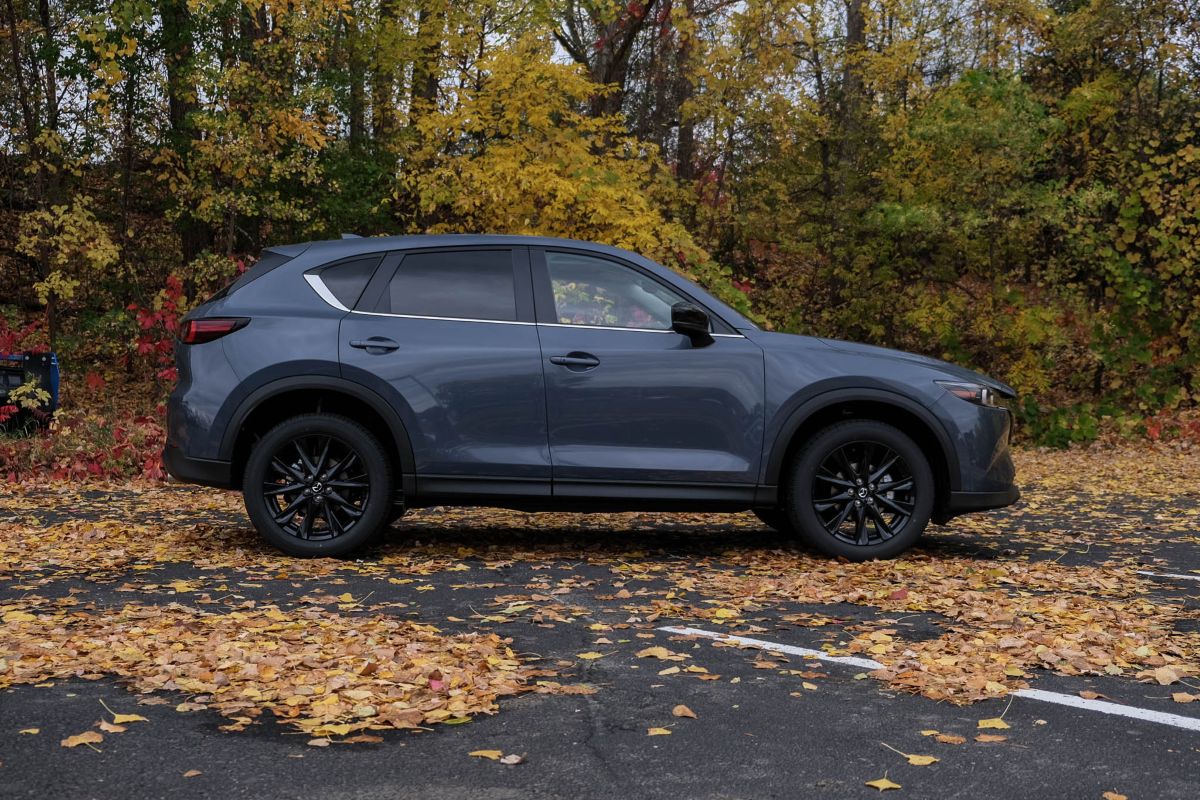
1. Mazda CX-5
The Mazda CX-5 has consistently impressed drivers by blending driving enjoyment with refined interior design, and its touchscreen is a significant part of this appeal. Unlike many systems that feel sluggish or unintuitive, the CX-5’s infotainment display is precise and highly responsive.
Whether scrolling through menus, adjusting climate controls, or switching between apps, the touchscreen reacts instantly, providing immediate visual feedback.
This responsiveness reduces driver frustration and makes controlling multiple functions easier. Its placement is also carefully considered: mounted at a comfortable eye level, it allows drivers to glance at information without significantly diverting attention from the road, balancing visibility and safety.
The interface itself is deliberately minimalistic. Essential functions are prominently displayed on the home screen, while secondary menus are tucked away for those who want more detailed control. This avoids clutter and makes it easy to find the desired function without overloading the driver with options.
Apple CarPlay and Android Auto are seamlessly integrated, allowing users to access navigation, streaming services, and voice-activated controls with a single connection. Voice commands are accurate, minimizing the need for manual interaction, which is particularly beneficial during long drives or city commuting when hands-free operation is essential.
The screen is not just functional but also visually appealing. The glass surface is smooth, resistant to fingerprints, and easy to clean, maintaining a professional look even with frequent use. Sunlight visibility has been carefully optimized, allowing the display to remain readable even on bright days when glare can be an issue in other vehicles.
The combination of durability, clarity, and responsiveness makes the CX-5’s touchscreen one of the most user-friendly in the compact SUV segment.
Mazda also incorporates safety and convenience features into the touchscreen system. Navigation provides clear lane guidance and real-time traffic information, while audio controls are logical and intuitive. The system’s integration with other vehicle technologies, such as driver-assist features, ensures that users can access important information quickly.
By prioritizing a balance of aesthetics, usability, and performance, the Mazda CX-5 demonstrates how a compact SUV can offer both driving enjoyment and advanced technological convenience in one complete package.
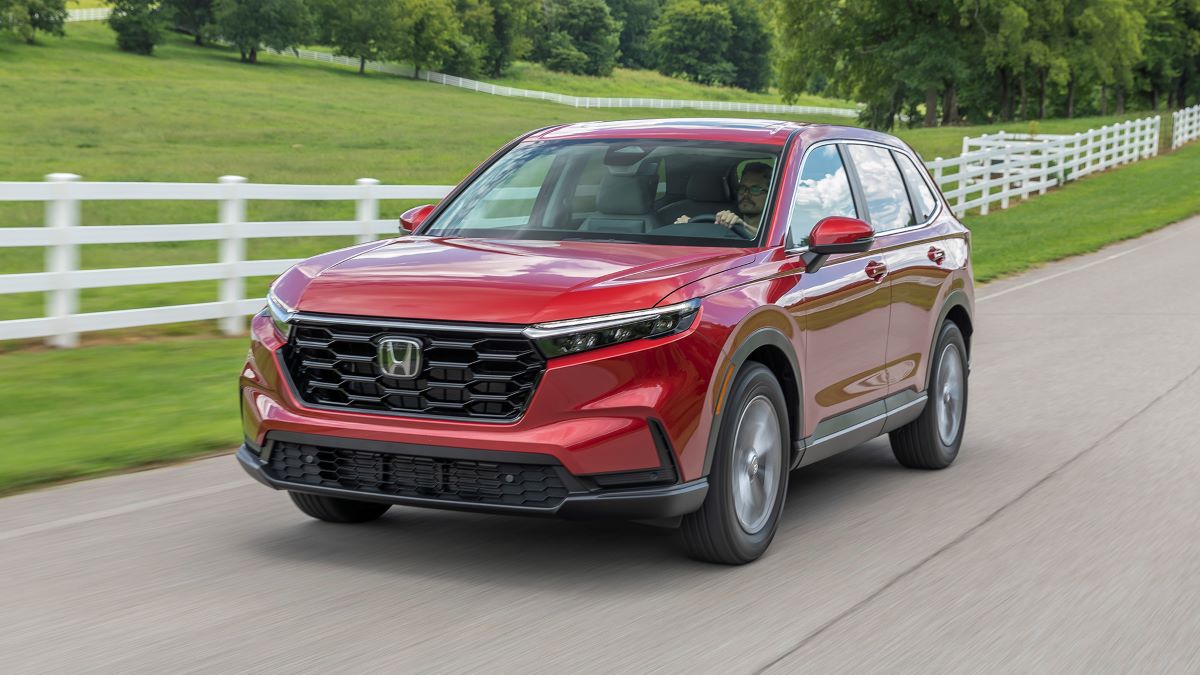
2. Honda CR-V
The Honda CR-V has earned a reputation as one of the most practical and reliable compact SUVs on the market, and its touchscreen system complements this reputation perfectly. The infotainment display is mounted at a slight angle, which reduces glare and makes it easier to view at a glance while driving.
Its responsiveness is one of its standout features; taps and swipes are met with immediate reactions, reducing the frustration that can arise from slow or inaccurate touchscreens. This smooth operation is particularly valuable for drivers who may be less familiar with technology, ensuring that interactions feel natural rather than cumbersome.
Honda has also placed significant emphasis on usability. The system’s layout is clean and logical, with frequently used functions like audio, phone, and navigation immediately accessible from the home screen. Secondary menus allow access to more detailed vehicle settings without cluttering the main interface.
Integration with Apple CarPlay and Android Auto is simple, enabling drivers to connect their smartphones quickly and access familiar apps directly on the screen. Voice command functionality is also accurate, allowing hands-free operation for safer, distraction-free driving.
The display quality further enhances usability. The screen offers vibrant colors, sharp text, and strong contrast, making it easy to read in a variety of lighting conditions. Honda has minimized lag, creating a sense of reliability that inspires confidence, even for users who frequently switch between apps and menus.
This responsiveness is particularly important for navigation or multimedia controls, where delays can be frustrating or unsafe while driving.
Beyond these technical strengths, the CR-V touchscreen contributes to the driving experience by integrating convenience and safety features. Navigation provides real-time updates, including traffic conditions and lane guidance, while audio and climate controls are accessible without excessive interaction.
The combination of performance, clarity, and intuitive design ensures that the CR-V continues to meet the needs of drivers who want technology that is both sophisticated and approachable in a compact SUV package.
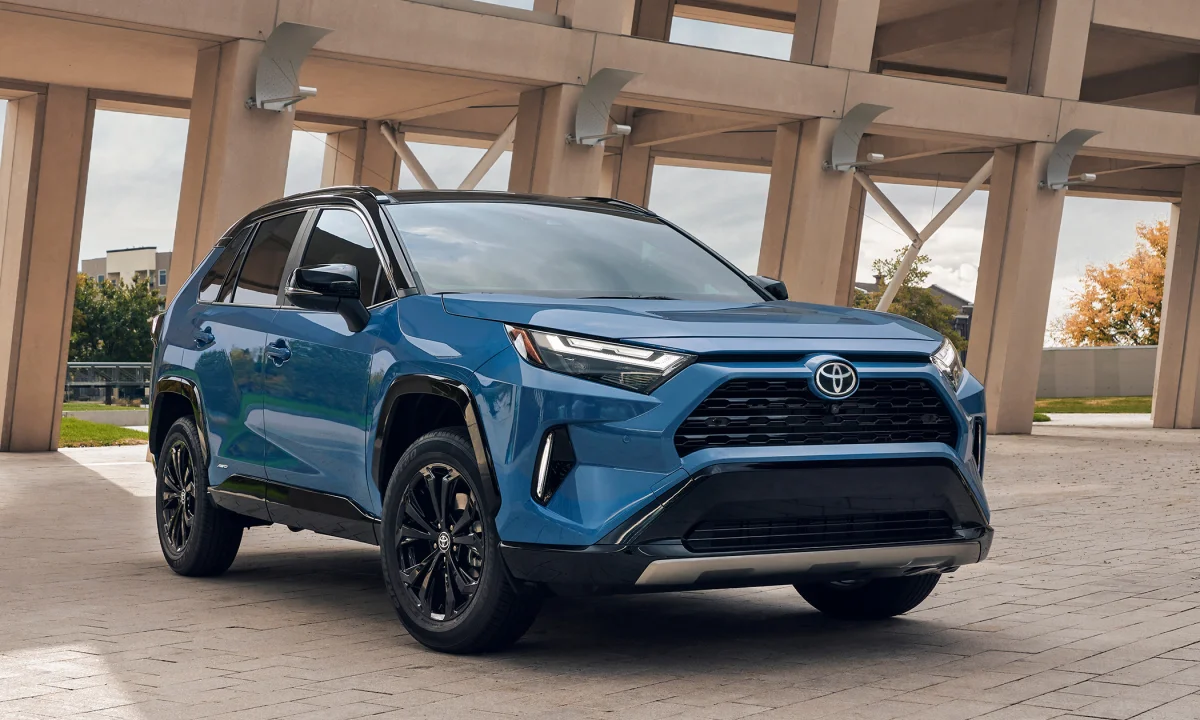
3. Toyota RAV4
The Toyota RAV4 is a strong contender in the compact SUV segment, and its touchscreen system plays a key role in its widespread appeal. The screen itself is large enough to display multiple functions clearly, yet compact enough to avoid overwhelming the dashboard.
Responsiveness is excellent, allowing quick adjustments to music, navigation, and vehicle settings without frustrating lag. This immediate feedback is essential for drivers who want a seamless, distraction-free experience while managing multiple systems simultaneously. The placement of the screen is optimized for both driver and passenger visibility, making it convenient for shared journeys.
Toyota’s interface focuses on simplicity and efficiency. Essential functions, including audio, navigation, and phone connectivity, are always visible on the home screen, while secondary menus are neatly organized for deeper customization.
Apple CarPlay and Android Auto are fully supported, allowing drivers to mirror familiar smartphone apps for maps, music, and messaging. Voice commands are well-calibrated, allowing hands-free operation for tasks such as placing calls, sending messages, or setting navigation destinations, further reducing driver distraction.
The display quality is impressive, with vibrant colors, high resolution, and excellent contrast. It remains readable even under direct sunlight, ensuring that the driver always has access to important information. Toyota also enhances usability with physical knobs and buttons for frequently adjusted functions like volume and temperature, giving drivers a tactile option when touch inputs are less convenient or precise.
Safety is another area where the RAV4 touchscreen excels. The system integrates with features such as the backup camera, parking sensors, and lane departure alerts. The navigation system provides clear guidance, including upcoming traffic hazards or road changes.
Together, these qualities make the RAV4 a model for combining technology, safety, and usability in a compact SUV, ensuring that drivers can focus on the road while still enjoying a sophisticated infotainment experience.
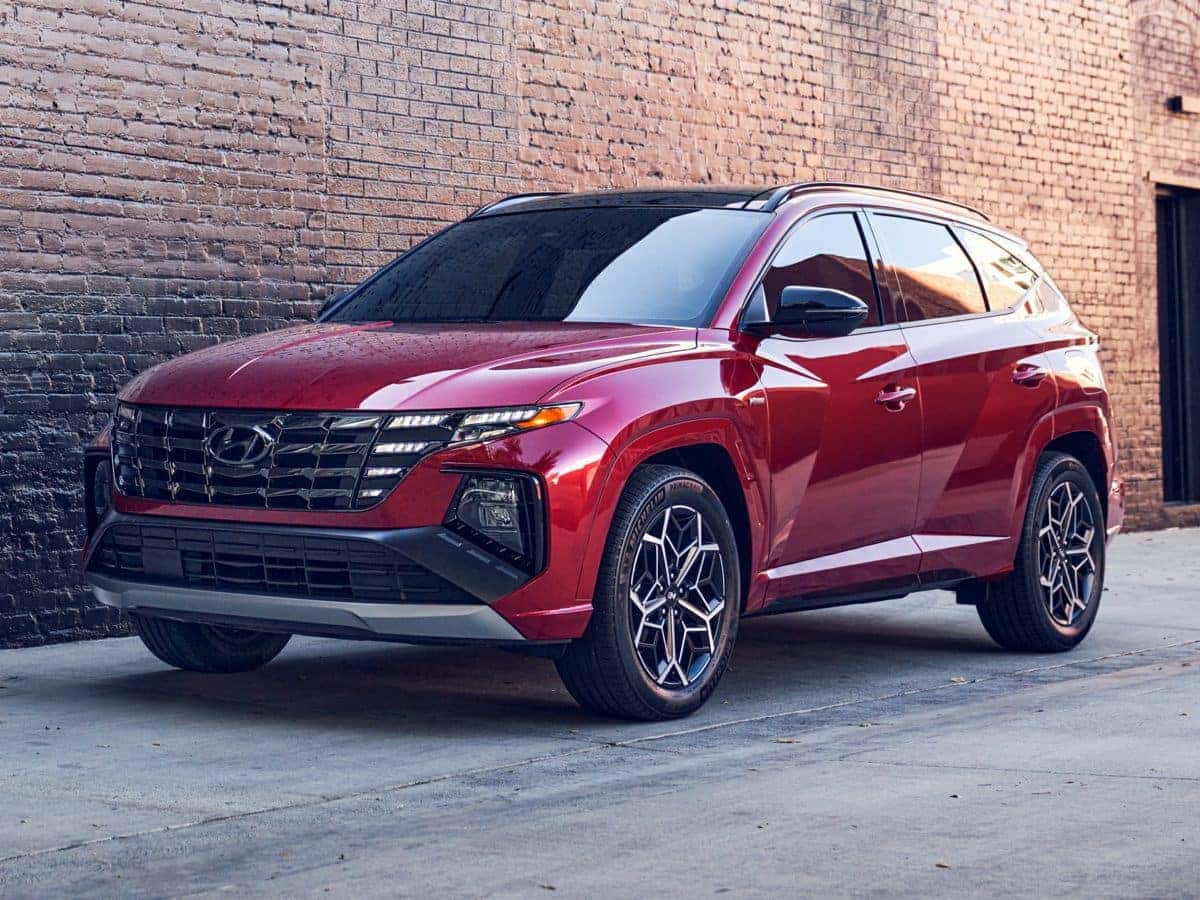
4. Hyundai Tucson
The Hyundai Tucson’s touchscreen system has become one of its most talked-about features, reflecting the brand’s commitment to interior technology and driver convenience. The screen is mounted at an ergonomic height, making it easy to see without taking eyes off the road for long periods.
Its responsiveness is exceptional, with precise detection of taps, swipes, and pinch gestures. This ensures that navigation, media, and climate controls can be operated smoothly, even while the driver is multitasking. The interface is visually clean, with large icons, clear labels, and logical menus that prioritize usability over flashy graphics.
Customization is a major strength of Tucson’s system. Users can arrange the home screen to display frequently accessed functions, tailoring the interface to individual needs. Integration with Apple CarPlay and Android Auto is effortless, allowing drivers to project apps and use smartphone features safely.
The touchscreen also supports voice commands, enabling hands-free operation for messaging, phone calls, and navigation tasks, which is crucial for maintaining focus while driving.
Display quality is a highlight, with bright, vibrant colors, sharp text, and strong contrast. The screen remains easily readable under varying lighting conditions, including harsh sunlight.
Hyundai has also minimized touchscreen lag, creating a smooth, fluid experience that responds quickly to user input. This contributes to both convenience and safety, as drivers can operate the system confidently without repeated attempts or errors.
In addition to technical performance, the Tucson touchscreen enhances the driving experience through well-integrated functionality. Navigation is clear, providing real-time traffic updates and accurate lane guidance.
Audio controls are intuitive, and the system works seamlessly with steering wheel buttons for additional convenience. By combining responsive technology, usability, and thoughtful design, the Hyundai Tucson demonstrates how a compact SUV can deliver both comfort and advanced technological capability, making daily drives more enjoyable.
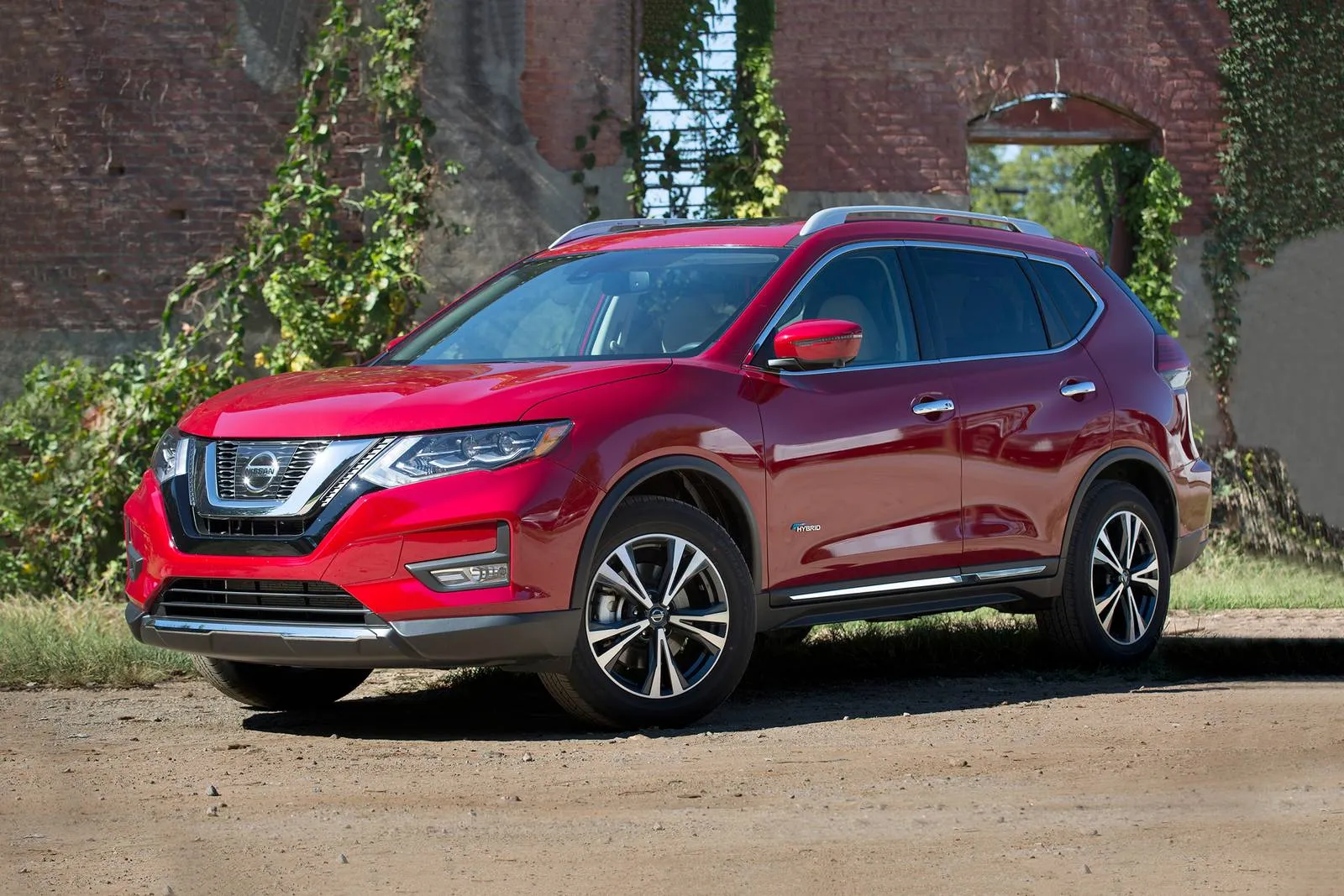
5. Nissan Rogue
The Nissan Rogue has evolved into a well-rounded compact SUV, and its touchscreen system is a central aspect of its modern appeal. The screen is sized generously for clear visibility and positioned in a way that is easy to glance at while driving.
Taps and swipes are registered instantly, and menus navigate smoothly without lag or stutter. This makes everyday functions such as controlling audio, adjusting climate settings, or checking navigation straightforward, reducing distraction and enhancing convenience.
The Rogue’s interface balances functionality and simplicity. Frequently used features are placed on the home screen, while additional menus are organized for deeper customization. Apple CarPlay and Android Auto integration is seamless, allowing drivers to access familiar apps such as navigation, streaming, and communication tools.
Voice commands work reliably, letting users make calls, send messages, and set destinations without lifting their hands from the wheel, which adds a layer of safety for daily commuting or long road trips.
The display is sharp, with vivid colors and clear text that remain legible in bright daylight or low-light conditions. The touchscreen’s glass surface is smooth and resistant to fingerprints, maintaining a clean, professional look inside the cabin. Responsiveness and display quality together create a user-friendly system that can appeal to tech-savvy users and those who prefer simplicity alike.
The Rogue also integrates the touchscreen with safety and driver-assist features. Navigation includes lane guidance and traffic alerts, while the screen can display backup camera feeds and parking assistance information clearly.
This combination of usability, responsiveness, and safety features ensures that the Nissan Rogue provides one of the most well-rounded touchscreen experiences in its segment, making it an attractive choice for drivers seeking both technology and practicality.
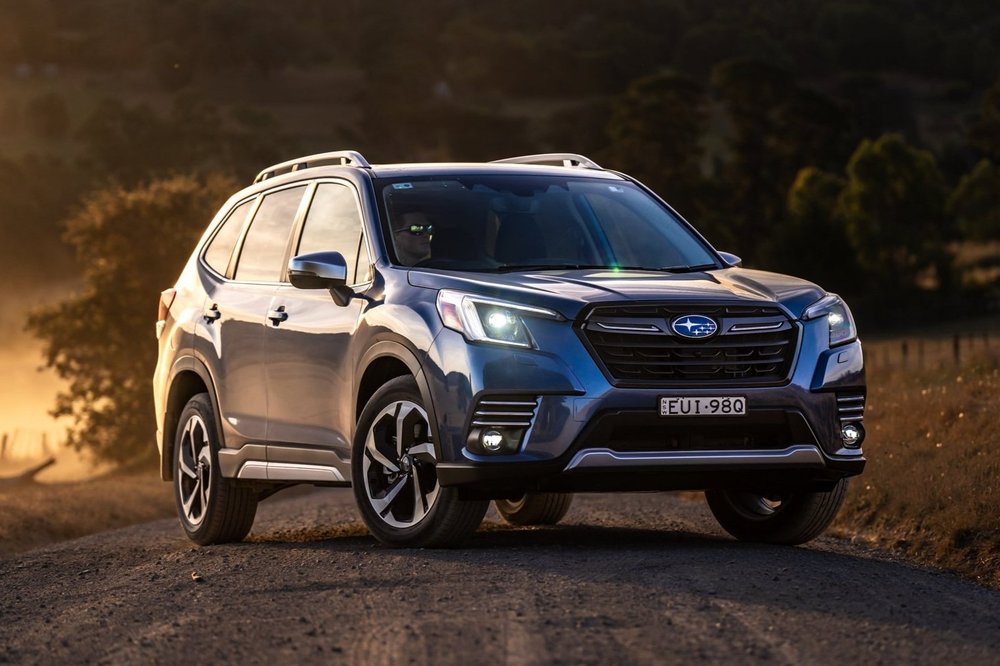
6. Subaru Forester
The Subaru Forester is well-regarded for its combination of practicality, safety, and off-road capability, and its touchscreen system contributes significantly to its appeal. The display is positioned at a natural eye level, allowing drivers to quickly reference information without taking their focus off the road.
Touch responsiveness is excellent, registering commands immediately and minimizing frustration when navigating menus or adjusting settings. The interface is designed to be intuitive, ensuring that even drivers who are less comfortable with technology can operate the system efficiently. The combination of speed and simplicity creates a user-friendly experience that supports safe, distraction-free driving.
Subaru’s interface is designed to prioritize functionality over unnecessary complexity. The main home screen features essential functions such as audio controls, navigation, and climate settings prominently, while deeper menus allow access to less frequently used features.
Apple CarPlay and Android Auto are seamlessly integrated, allowing users to access smartphone apps like maps, music streaming, and messaging directly on the touchscreen. Voice commands are accurate and responsive, allowing hands-free operation of critical functions, which enhances safety, particularly in urban or highway driving conditions.
The screen offers high-resolution graphics, sharp text, and vibrant colors, making it easy to read in all lighting conditions, including bright sunlight.
The glass surface is resistant to fingerprints, and the system has minimal lag, ensuring that interactions feel precise and reliable. These qualities make the Forester’s touchscreen enjoyable to use daily, whether adjusting settings during a short commute or managing multiple tasks on a long road trip.
Beyond functionality, the Forester touchscreen integrates safety and convenience features that enhance the driving experience. Navigation includes clear turn-by-turn directions and real-time traffic updates, while the screen also displays driver-assist features such as blind-spot monitoring, rear cross-traffic alerts, and lane-keeping assistance.
By combining intuitive operation, high display quality, and seamless integration with vehicle technology, the Subaru Forester proves that a compact SUV can offer both rugged practicality and advanced technological convenience in one package.
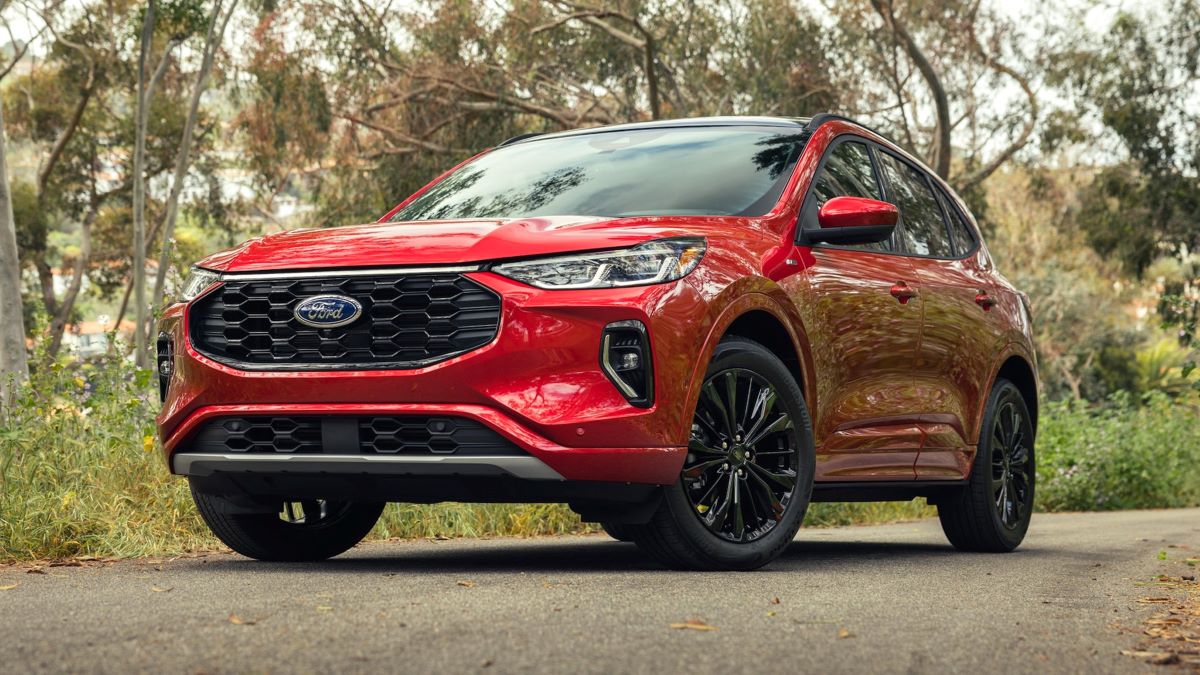
7. Ford Escape
The Ford Escape is a standout in the compact SUV segment due to its combination of dynamic driving characteristics and advanced technology, and its touchscreen system is a key contributor to its appeal. The display is mounted at an optimal height for visibility, reducing the time a driver’s eyes are off the road.
The system is highly responsive, allowing precise input with minimal effort. Whether scrolling through music playlists, adjusting climate settings, or switching between apps, the touchscreen provides immediate feedback, making interactions feel fluid and natural. This responsiveness is crucial for drivers who value both convenience and safety.
The Escape’s interface is thoughtfully organized, with a clear home screen that prioritizes the most frequently used functions such as audio, navigation, and smartphone connectivity. Secondary menus provide access to less commonly used settings without cluttering the main screen.
Integration with Apple CarPlay and Android Auto is seamless, enabling drivers to project apps directly from their phones for navigation, messaging, or entertainment. Voice recognition is effective, allowing hands-free operation and minimizing distractions during driving.
The display quality is another strong point. The screen is bright, with sharp text and vibrant colors that remain legible in various lighting conditions, including direct sunlight.
Physical controls for volume and temperature complement the touchscreen, providing tactile feedback that some drivers find helpful during operation. Additionally, the surface resists fingerprints and smudges, maintaining a clean appearance even with frequent use.
Safety and convenience are integrated into the Escape’s touchscreen system as well. Navigation provides real-time traffic information and lane guidance, while the screen can display feeds from the rearview camera or parking sensors.
The interface also links to driver-assist features like adaptive cruise control and collision warning, presenting information clearly and intuitively. By combining reliability, responsiveness, and usability, the Ford Escape delivers a touchscreen experience that matches its versatility as a compact SUV, making it a well-rounded choice for both urban and long-distance driving.
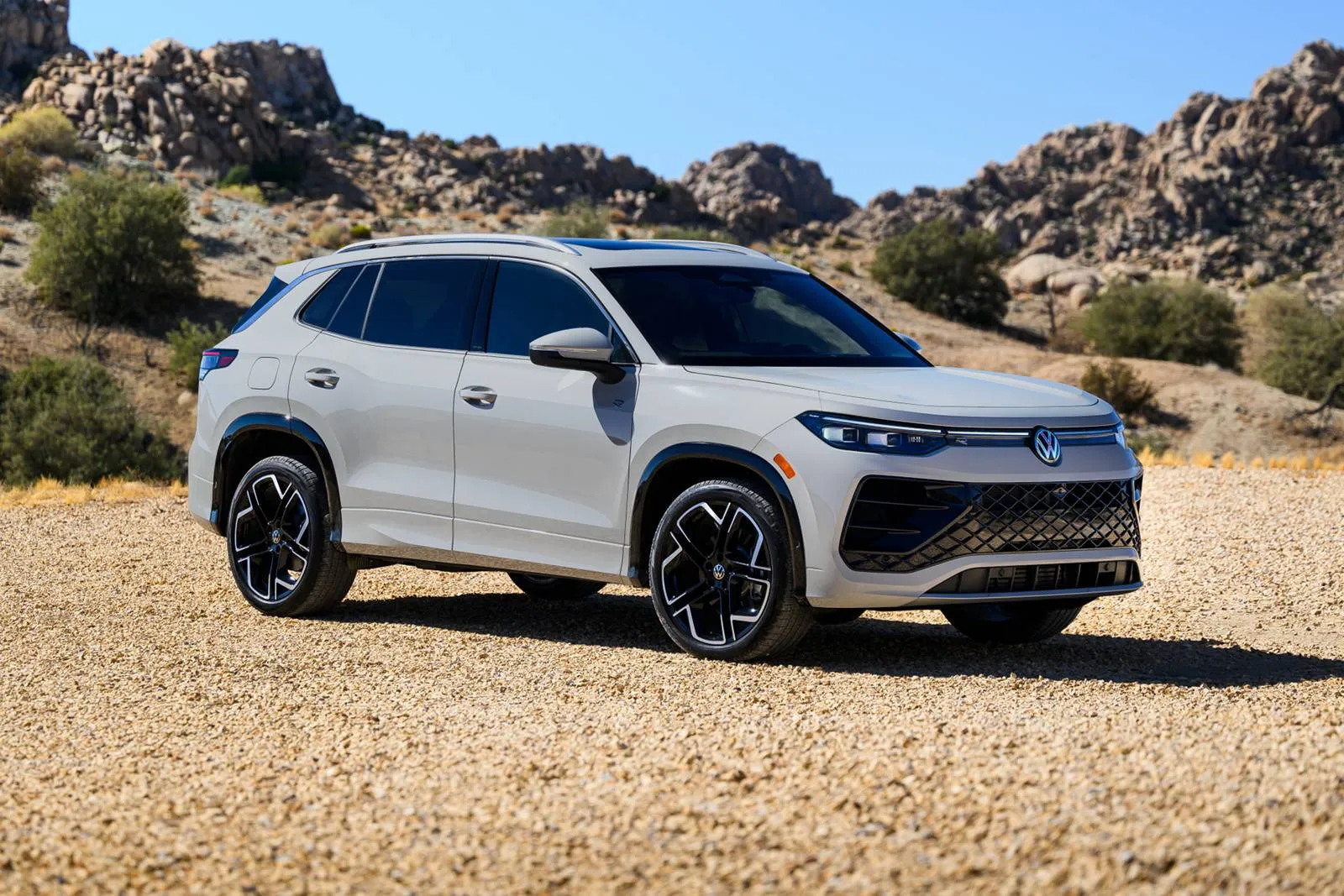
8. Volkswagen Tiguan
The Volkswagen Tiguan is known for its European-inspired design and refined driving experience, and its touchscreen system plays a significant role in creating a modern cabin environment. The display is mounted at an ideal height, ensuring that critical information is visible without distracting the driver.
Touch inputs are highly responsive, with minimal lag, making it easy to navigate menus, adjust climate controls, or interact with entertainment features efficiently. The system combines precision with intuitive design, reducing the learning curve for new users and creating a satisfying user experience.
Volkswagen’s interface emphasizes clarity and organization. The home screen features major functions like navigation, media, and vehicle settings prominently, while less frequently used options are easily accessible through secondary menus.
Apple CarPlay and Android Auto integration is smooth, allowing drivers to use familiar smartphone apps directly on the touchscreen. Voice command functionality further enhances convenience, enabling hands-free control of calls, navigation, and messaging, which is especially useful in heavy traffic or during long journeys.
The Tiguan’s screen quality is impressive. The display offers sharp text, vibrant colors, and excellent contrast, ensuring readability in bright daylight and nighttime conditions alike. The touchscreen is resistant to smudges and fingerprints, maintaining a sleek and professional appearance.
Volkswagen has also focused on minimizing system lag, providing fast, consistent responses to touch inputs, which increases both usability and driver confidence.
Beyond entertainment and connectivity, the Tiguan touchscreen integrates with advanced safety and driver-assist systems. Navigation includes real-time traffic updates and lane guidance, while the display also shows information from parking sensors and rearview cameras.
This integration makes it easier for drivers to operate the vehicle safely and efficiently. By blending precision, reliability, and sophisticated design, the Volkswagen Tiguan offers a compact SUV experience that balances technological advancement with practical usability.
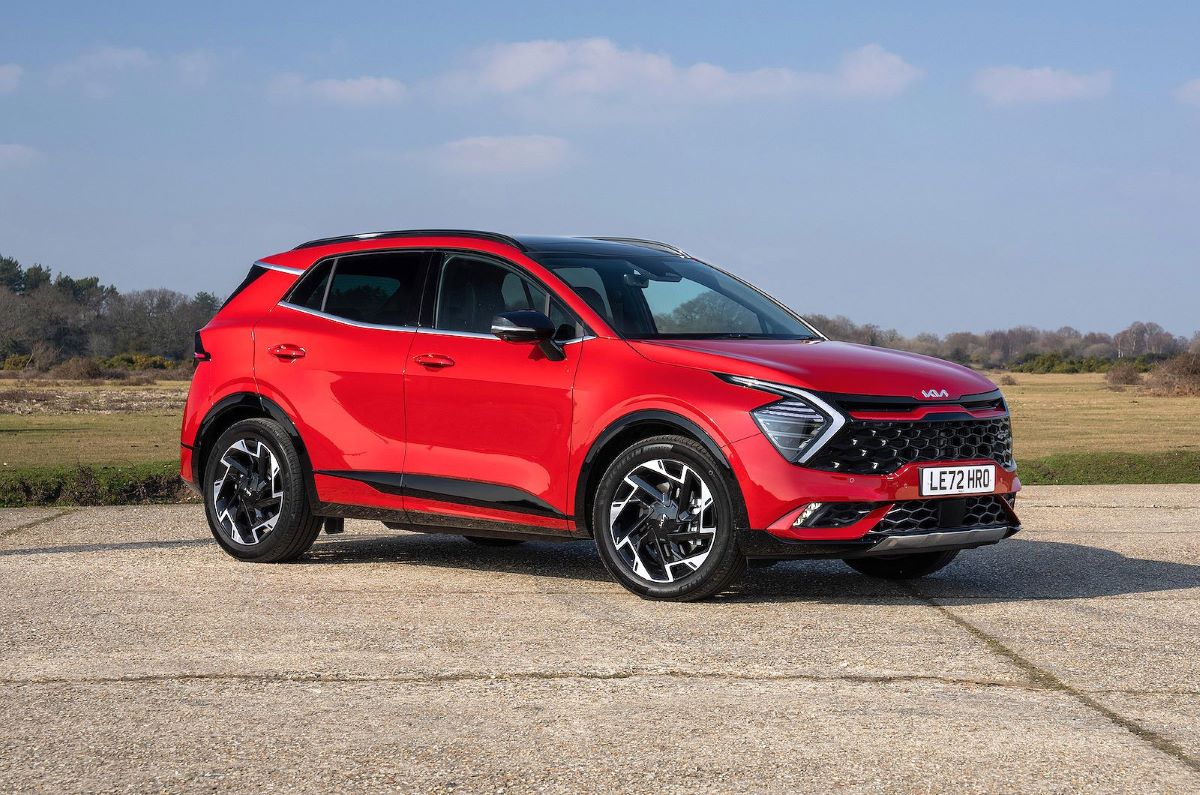
9. Kia Sportage
The Kia Sportage has long been praised for its combination of style, comfort, and technology, and its touchscreen system exemplifies this blend. The display is placed at a comfortable height, allowing drivers to monitor information quickly without significant distraction.
Responsiveness is a highlight; taps, swipes, and gestures are recognized instantly, making interactions smooth and intuitive. The touchscreen supports multitasking effectively, allowing users to switch between audio, navigation, and vehicle settings without lag or delay, which enhances both convenience and safety.
Kia’s interface is designed for accessibility. The home screen prioritizes the most frequently used functions, while secondary menus offer detailed customization for vehicle settings and preferences. Integration with Apple CarPlay and Android Auto is seamless, enabling drivers to project smartphone apps directly onto the touchscreen.
Voice command functionality is well-calibrated, allowing hands-free control of navigation, audio, and messaging, which helps minimize distractions while driving.
The screen itself is vibrant and clear, with high resolution, strong contrast, and excellent visibility even in bright sunlight. The touchscreen surface is smooth and resistant to fingerprints, maintaining a clean, modern appearance even with regular use. Kia has also focused on minimizing system lag, ensuring that all interactions feel responsive and predictable, which is essential for a positive user experience.
The Sportage touchscreen also supports safety and driver-assist features. The screen can display navigation guidance, parking sensor information, and rearview camera feeds clearly, while integrating with advanced systems like blind-spot monitoring and lane-keeping assistance.
By combining performance, usability, and thoughtful design, the Kia Sportage delivers a touchscreen experience that enhances the driving experience, making it a top choice in the competitive compact SUV market.
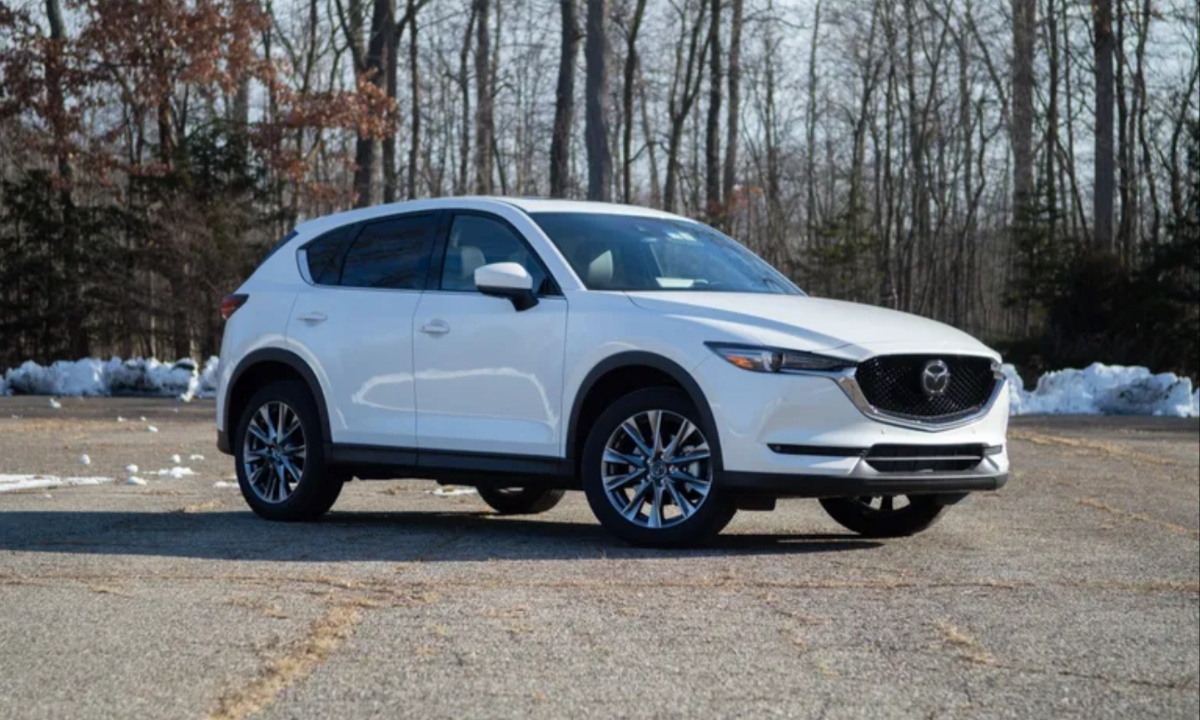
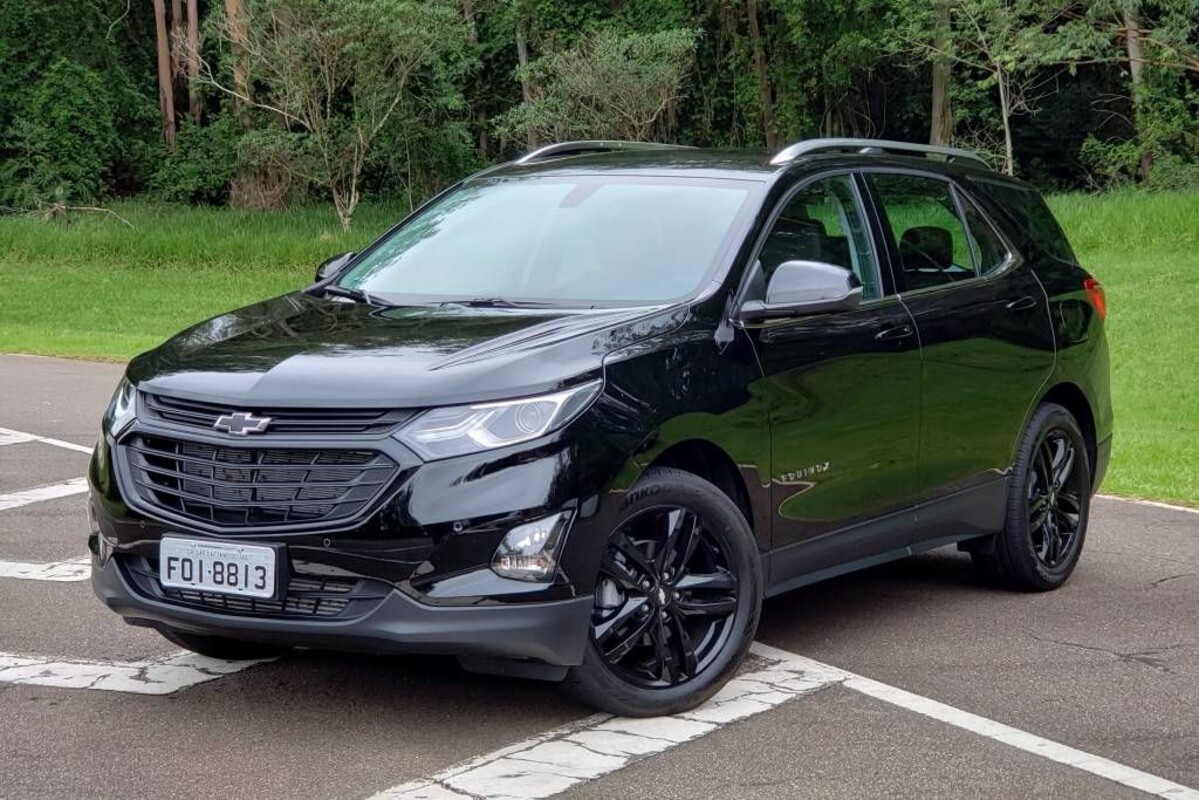
10. Chevrolet Equinox
The Chevrolet Equinox is a popular choice for compact SUV buyers, and its touchscreen system is central to its modern, driver-focused cabin. The screen is generously sized, making it easy to see and interact with quickly. Responsiveness is excellent, allowing users to navigate menus, adjust climate settings, and control media effortlessly.
The interface provides immediate visual feedback, reducing frustration and ensuring that drivers can operate the system efficiently, even in high-pressure traffic situations. Its placement is well-considered, ensuring good visibility without forcing the driver to take their eyes off the road for extended periods.
Chevrolet’s interface emphasizes usability. Frequently used functions such as navigation, media, and phone connectivity are prominently displayed on the home screen, while deeper menus provide access to less commonly adjusted settings.
Apple CarPlay and Android Auto integration is smooth and reliable, allowing users to project familiar apps for music, navigation, and communication directly onto the screen. Voice commands are accurate, enabling hands-free operation that supports safer driving habits, particularly during long trips or congested city driving.
The Equinox’s display is sharp, vibrant, and easy to read under varying lighting conditions, including direct sunlight. The glass surface is resistant to smudges, keeping the cabin looking clean and polished.
Touch interactions are responsive, creating a smooth, reliable user experience that reduces frustration when switching between multiple functions. Physical controls complement the touchscreen, allowing quick adjustments for volume and temperature when tactile input is preferred.
Safety and convenience are integrated into the touchscreen system. Navigation provides real-time traffic updates and lane guidance, while the screen also displays information from parking sensors and rearview cameras.
The Equinox system can also communicate alerts from advanced safety features like forward-collision warnings and lane-departure monitoring, helping the driver maintain control in a variety of driving conditions. By combining usability, clarity, and integrated safety features, the Chevrolet Equinox offers a top-tier touchscreen experience in the compact SUV segment, making it both practical and technologically advanced.