Driving safely requires constant attention, and the design of a car’s controls plays a crucial role in minimizing distractions. Many modern vehicles rely heavily on touchscreen interfaces, which can demand drivers to look away from the road.
Physical controls, by contrast, allow the driver to operate essential functions through touch, keeping eyes on the road and hands on the wheel. Vehicles with well-designed knobs, buttons, and switches create a more seamless connection between the driver and the car, promoting both safety and confidence.
Drivers benefit when audio, climate, and navigation functions are accessible without searching through multiple menus. Cars with intuitive physical controls also reduce cognitive load, allowing the driver to focus on traffic conditions rather than system operation.
The placement of controls, their size, and tactile feedback contribute to how instinctive a vehicle feels. Some manufacturers prioritize ergonomic layouts, ensuring common functions are within easy reach, while others offer a combination of physical buttons and minimal touchscreens for optimal balance.
The experience improves when the controls are logically grouped, making it easier for drivers to operate them without hesitation. Even drivers unfamiliar with a model can quickly understand the functions, thanks to consistent design and clear labeling.
Physical knobs for volume, climate sliders, and buttons for seat adjustments or drive modes enhance usability in ways that touchscreen-only interfaces often cannot. These controls become especially valuable in high-stress or dynamic driving conditions, such as heavy traffic or inclement weather, where glancing at a screen could result in dangerous delays.
This article examines ten cars that have been praised for their intuitive physical controls, offering a combination of safety, usability, and driver-focused design. From luxury sedans to compact hatchbacks, each vehicle demonstrates how careful engineering can create a distraction-free environment.
Understanding these features helps prospective buyers prioritize vehicles that are designed for attention and comfort, rather than simply technology for technology’s sake. The following sections highlight models that succeed in providing clear, accessible, and tactile control options, making the act of driving smoother, safer, and more enjoyable.
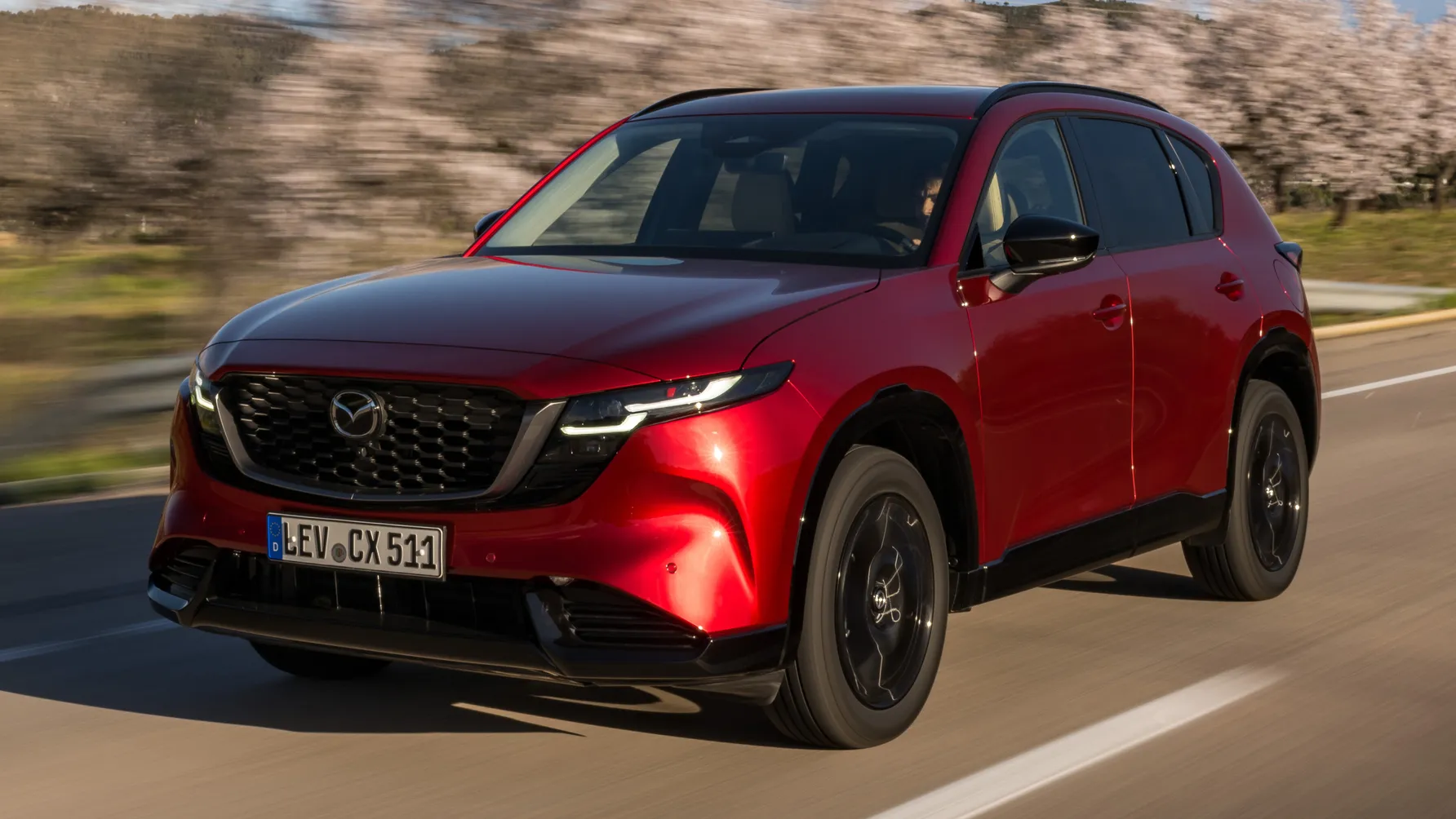
1. Mazda CX-5
The Mazda CX-5 integrates physical controls with a simple, uncluttered layout that emphasizes driver convenience. Its center console features large knobs and buttons for volume, climate, and infotainment adjustments.
The tactile feedback from these controls allows drivers to operate them without glancing away from the road. The steering wheel also houses intuitive buttons for cruise control and audio functions. Every control is positioned with ergonomics in mind, minimizing hand movement.
The climate control knobs in the CX-5 are clearly labeled and operate with precise resistance, so drivers can adjust temperature without guessing. The infotainment system complements physical controls, offering a rotary dial that mimics traditional knobs.
This combination reduces touchscreen reliance while maintaining modern connectivity. Controls are spaced to avoid accidental activation, ensuring deliberate use. Even under sunlight glare, buttons remain visible and accessible.
Audio adjustments are simplified with a rotary volume knob and preset buttons, reducing distractions during long drives. Physical tuning controls for the radio allow for quick changes without navigating menus. Bluetooth and media playback can also be managed via steering wheel buttons, keeping hands within a safe range. The integration of these controls ensures smooth operation even while driving at highway speeds.
Mazda designers focused on consistent feedback for all knobs and buttons, creating a sense of reliability and confidence. Drivers become familiar with the layout quickly, which reduces hesitation. The responsiveness of the controls also enhances the perception of control over the vehicle. Every interaction feels deliberate and intuitive. This approach helps maintain attention on driving rather than system management.
The layout of the CX-5 balances simplicity with modern technology, making it suitable for drivers who prioritize safety. Physical controls dominate frequently used functions, while minimal touch input handles less critical tasks. This separation keeps the driving experience focused and distraction-free. The result is a cabin that encourages natural, confident operation of vehicle systems.
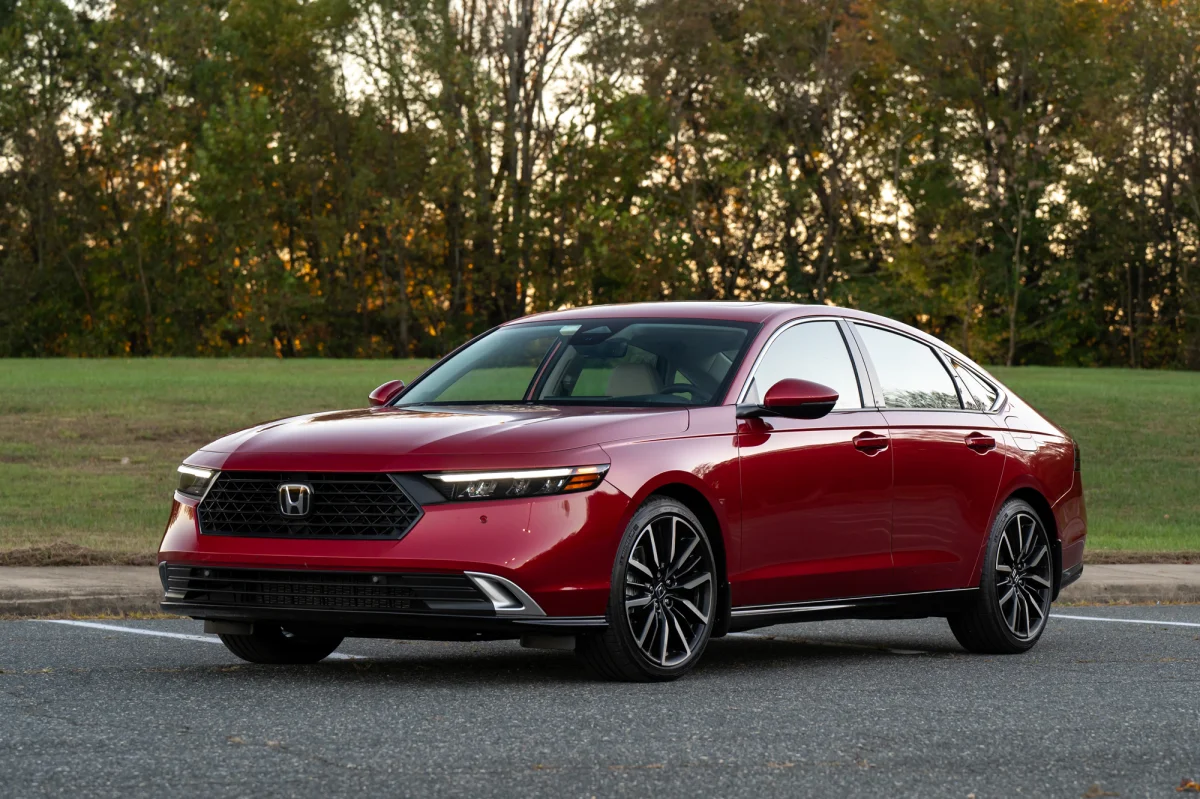
2. Honda Accord
The Honda Accord’s interior focuses on user-friendly control placement for essential functions. Its climate and audio knobs are large and centrally located for easy reach. Buttons for seat heating, defrost, and drive modes are intuitively arranged.
The steering wheel integrates commonly used controls, reducing the need to interact with the center console. Each control provides tactile feedback that communicates successful activation.
Volume and media selection can be adjusted with a combination of steering wheel buttons and center knobs. The tuning knob allows quick access to radio channels without visual attention. Climate controls include simple rotary dials for temperature and fan speed, reducing the complexity of digital menus. Drivers can make adjustments instinctively, even in high-pressure situations.
Honda designers emphasize ergonomics, ensuring controls are reachable from the natural hand position. The logical arrangement groups functions according to usage frequency. This layout minimizes unnecessary movement or stretching while driving. Each button and knob has a distinct shape, aiding identification without looking.
The Accord also uses feedback through subtle clicks and resistance in the knobs, ensuring drivers recognize input without confirming visually. Buttons for key functions are raised or textured differently for tactile differentiation. This attention to detail contributes to safer, distraction-free driving.
The Accord provides a harmonious blend of physical controls and touchscreen features. Essential functions are predominantly physical, keeping the driver engaged with the road. Less frequently used options are accessible through the touchscreen. This prioritization ensures that interaction with vehicle systems does not compromise safety.
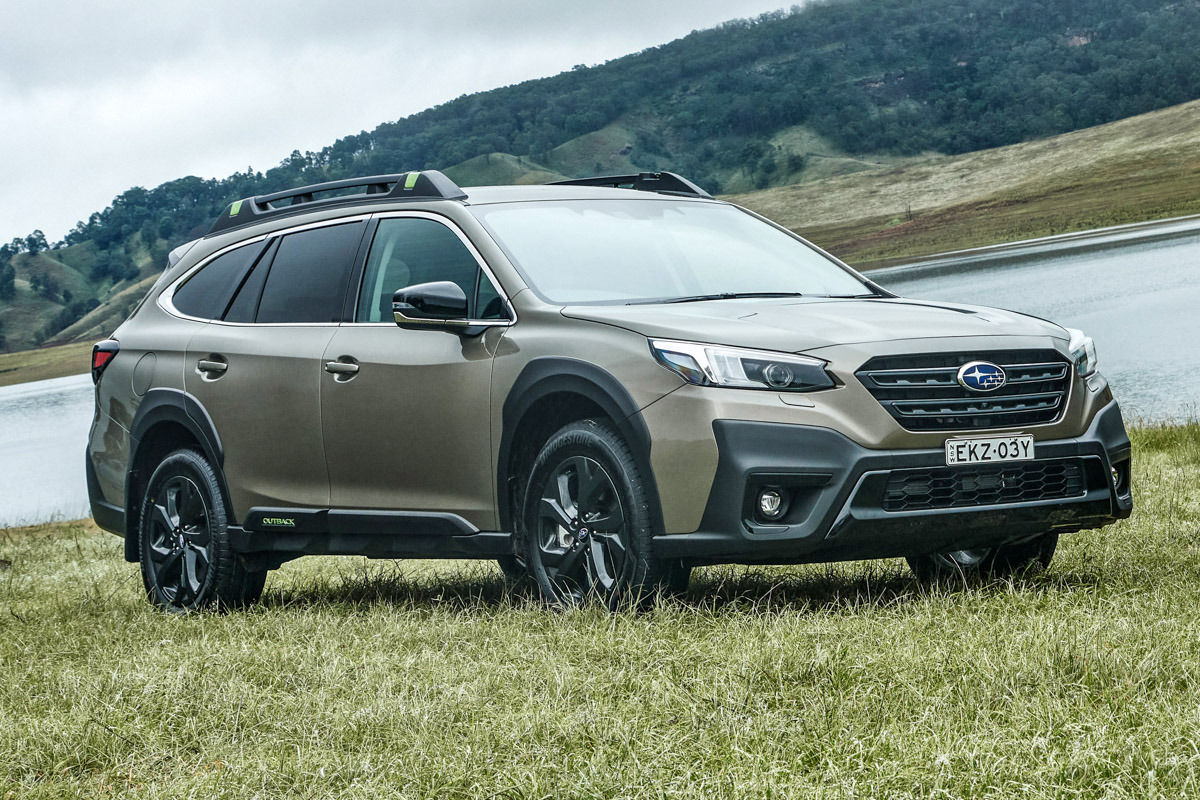
3. Subaru Outback
The Subaru Outback emphasizes rugged practicality with physical controls that are simple and accessible. Large knobs dominate the center stack, controlling volume, tuning, and climate functions.
Buttons for heated seats and drive modes are clearly labeled and easily distinguished. Steering wheel buttons supplement central controls, keeping frequently used functions within reach. The layout reduces driver distraction significantly.
Climate control dials are logically arranged and provide firm tactile feedback. Drivers can adjust temperature, fan speed, and airflow direction with minimal visual attention. The rotary audio controls allow smooth, accurate adjustments during motion. Physical separation of controls prevents accidental activation of multiple functions.
Subaru places particular focus on feedback from each button, which clicks or resists motion appropriately. This allows the driver to know whether a command is executed. The Outback also uses distinct shapes and sizes to help differentiate controls by touch alone. Drivers can operate systems confidently even in poor lighting.
Steering wheel buttons for volume, phone, and cruise control maintain the driver’s focus on the road. Media playback can be controlled without reaching for the center console. Subaru prioritizes placement for ease of access rather than purely aesthetic design. This ensures controls serve their primary purpose efficiently.
The combination of tactile, ergonomic design and intuitive layout makes the Outback a model for distraction-free driving. Drivers can operate nearly all functions without glancing down. Subaru’s approach emphasizes driver confidence and road safety. The controls reflect a practical philosophy rather than overcomplicated technology.
4. Toyota Camry
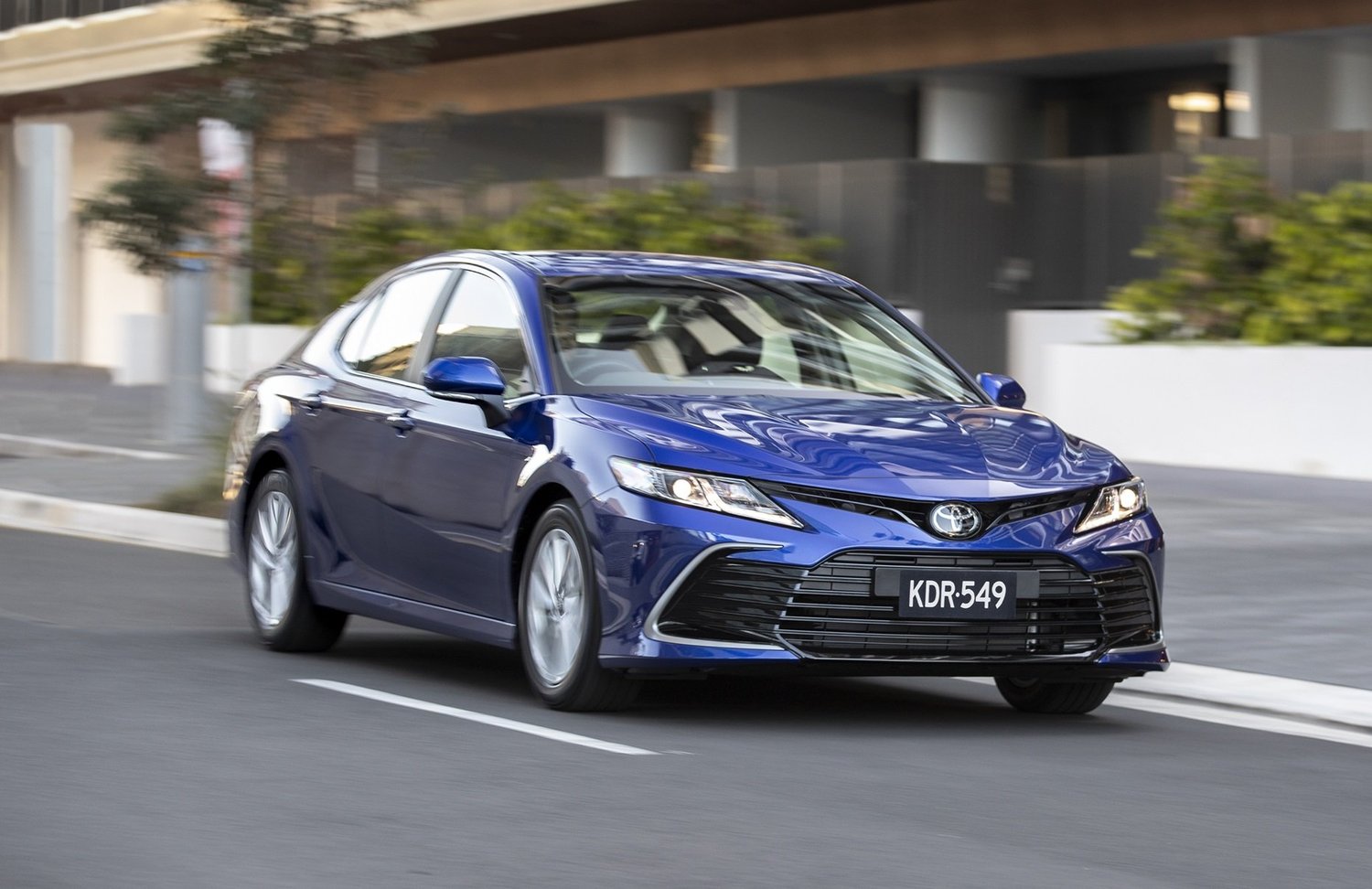
The Toyota Camry uses a mix of rotary knobs and physical buttons for a balanced, intuitive interface. Climate controls are positioned centrally and clearly labeled. Audio functions have separate rotary dials for volume and tuning. Steering wheel controls include audio, phone, and adaptive cruise buttons. This layout encourages minimal visual distraction.
Temperature and fan speed dials are sized for easy handling, and buttons for defrost and seat heating are logically grouped. Tactile feedback ensures the driver is aware of adjustments without confirmation. Controls have distinct textures, making identification by feel possible. This reduces the need to divert attention from the road.
Audio control is simplified with volume and tuning knobs, and steering wheel buttons allow seamless media management. Minimal touchscreen reliance prevents distraction during quick adjustments. Essential functions are kept physical, while infotainment features remain secondary.
Toyota designers focus on ergonomics, placing controls within natural reach. Drivers can operate knobs and buttons intuitively. The consistency of feedback in knobs and switches promotes confidence. The design allows both new and experienced drivers to manage systems instinctively.
By emphasizing physical interfaces for frequently used functions, the Camry provides a safer, distraction-free experience. The balance between modern technology and tactile controls helps maintain focus on driving. Every interaction is straightforward, reliable, and accessible.
5. Volkswagen Golf
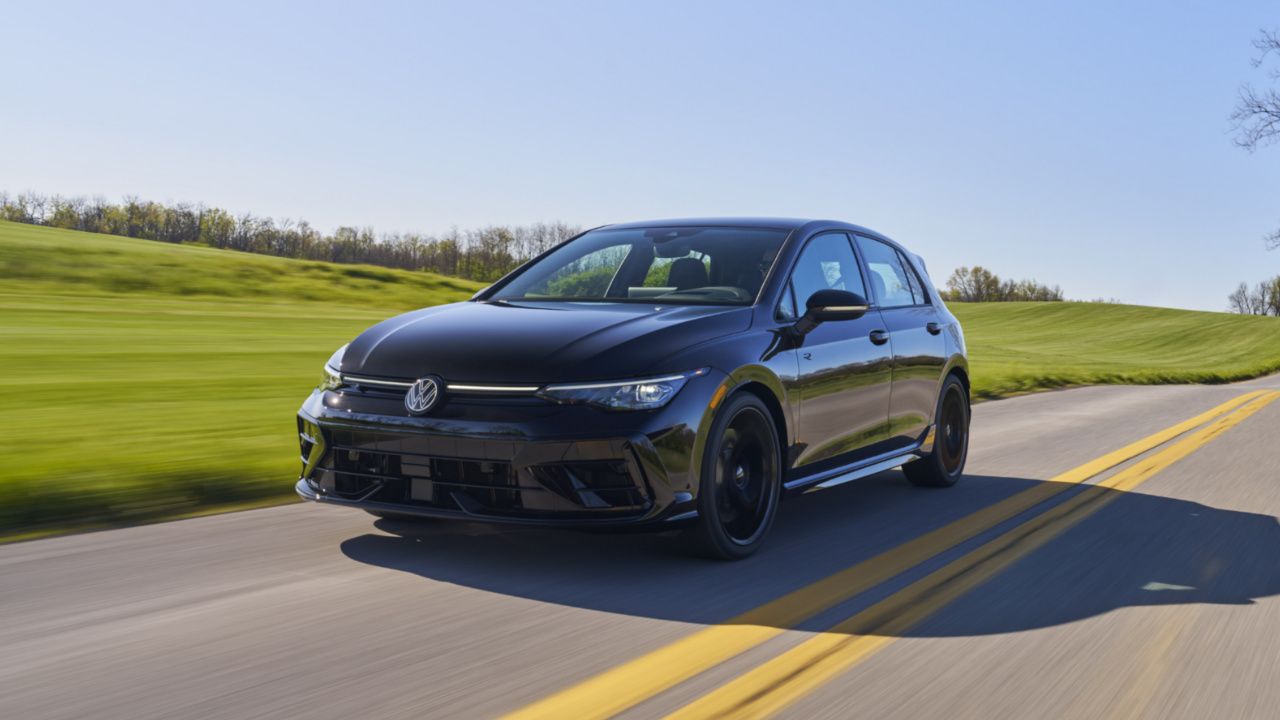
The Volkswagen Golf integrates physical controls with a driver-focused layout to maintain attention on the road. The central stack includes rotary knobs for climate, with clearly marked buttons for auxiliary functions. Steering wheel controls handle media, phone, and driver assistance features. The combination ensures intuitive operation during driving.
Climate knobs are large, easy to turn, and spaced adequately. Buttons for seat heating, defrost, and recirculation are tactile and quickly identifiable. The feedback from these controls communicates successful activation without visual confirmation. Drivers can adjust settings without distraction.
Media management includes a rotary volume knob and steering wheel buttons for track selection. Radio tuning and preset selection are simple and responsive. Minimal touchscreen dependency ensures that adjustments do not compromise attention.
The Golf also employs ergonomic positioning, ensuring controls are within a natural hand range. Each button and knob has a unique feel for tactile recognition. This allows the driver to operate the car without searching for specific functions.
Volkswagen’s approach blends practical design with modern technology. Frequently used functions remain physical, while touchscreen functions are secondary. The Golf exemplifies how careful control placement improves focus and confidence while driving.
6. BMW 3 Series
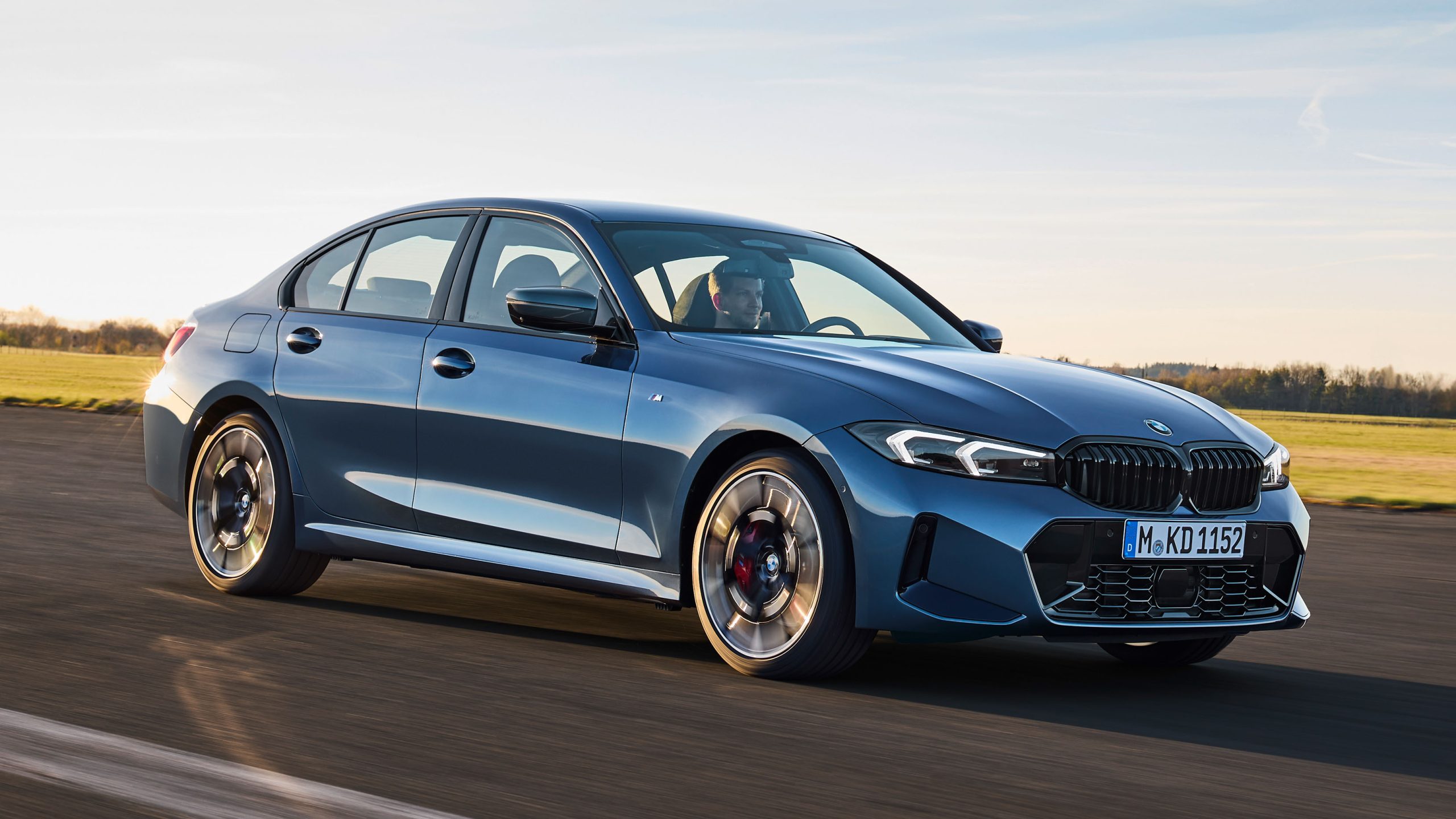
The BMW 3 Series emphasizes driver-centric design with controls that balance precision and tactile feedback. The center console features large, clearly labeled knobs for audio and climate control, ensuring the driver can adjust settings without diverting attention from the road. Buttons for heated seats, defrost, and drive mode selection are placed logically and are within natural reach.
Steering wheel buttons handle cruise control, phone, and media functions, maintaining seamless interaction while driving. BMW prioritizes ergonomics so that every frequently used control is intuitively accessible, minimizing cognitive load during operation.
Climate controls in the 3 Series are thoughtfully designed with firm rotary dials and precise resistance, allowing temperature adjustments with confidence. Fan speed, airflow direction, and temperature are controlled without relying on touchscreen menus.
Distinct textures and spacing between knobs prevent accidental activation of adjacent functions. Even during dynamic driving conditions, drivers can confidently operate these controls using tactile memory rather than visual confirmation.
Audio controls are simplified with a large rotary volume knob and preset buttons for quick tuning. Steering wheel controls offer additional functionality, enabling the driver to manage phone calls, media playback, and voice commands effortlessly.
BMW combines these physical elements with minimalistic digital menus, ensuring touchscreen usage is secondary and nonessential for basic operation. This prioritization reinforces a distraction-free experience, particularly in high-speed or congested driving scenarios.
Every button, switch, and dial in the 3 Series is designed to communicate activation through tactile feedback. The click of a knob or press of a button is distinct, confirming an action has occurred without requiring the driver to check a display.
BMW engineers also pay attention to placement consistency, so drivers can learn the layout quickly and operate the vehicle instinctively, even during first use. This consistency reduces the cognitive effort required for routine operations.
The 3 Series integrates physical controls in a way that harmonizes luxury with usability. Drivers experience a sense of precision and control while keeping attention on the road. Essential functions remain tactile, while touchscreen features are reserved for infrequent adjustments or infotainment exploration. This approach demonstrates BMW’s commitment to safety, driver engagement, and intuitive vehicle interaction.
7. Audi A4
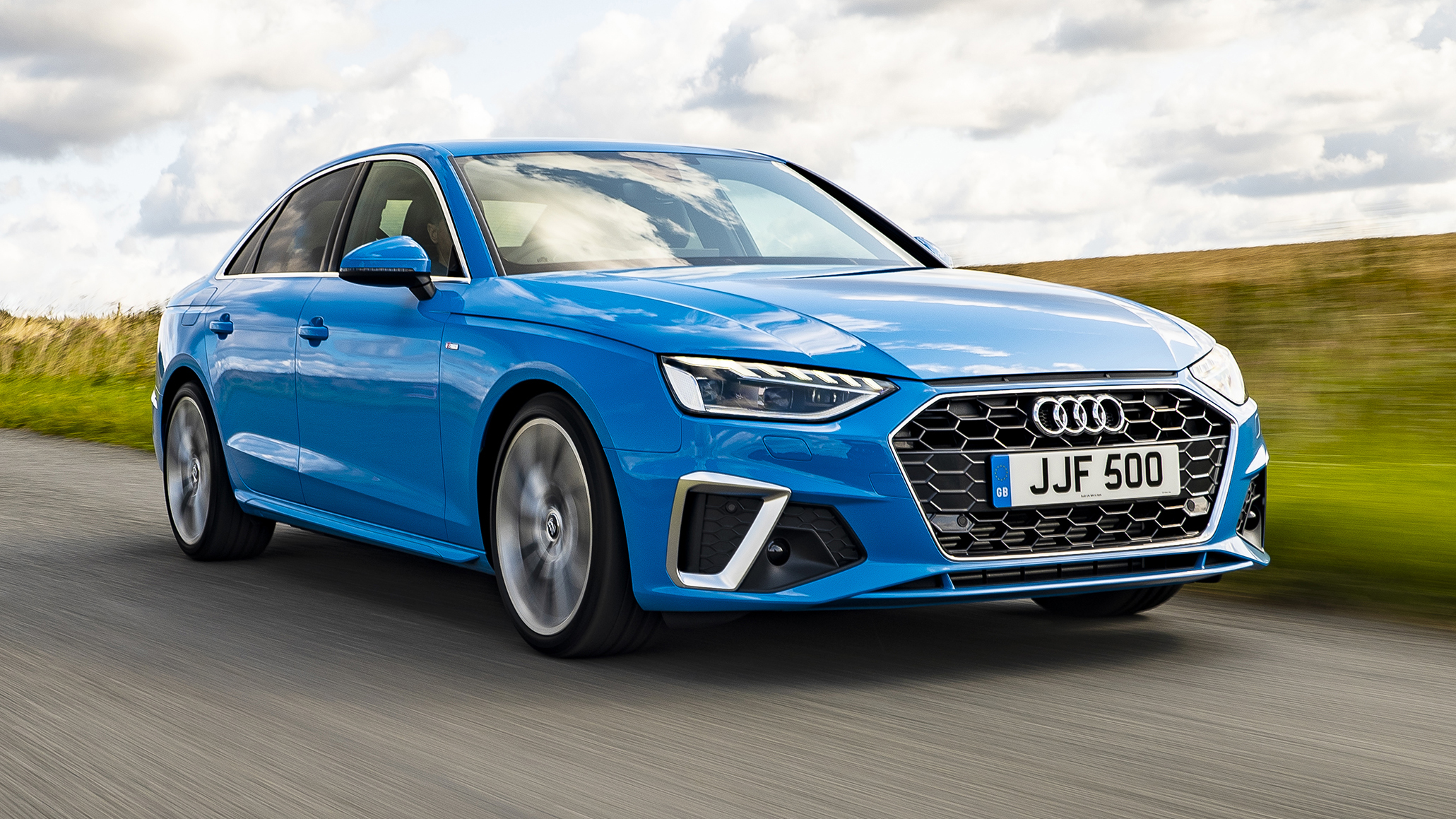
The Audi A4 combines clean interior design with logical, tactile control placement for everyday usability. Its physical controls dominate frequently used functions, including climate, audio, and drive modes.
Large rotary dials for temperature, fan speed, and audio volume allow drivers to adjust settings without looking down. The steering wheel integrates buttons for phone, media, and adaptive cruise control, keeping critical functions close at hand. Audi focuses on creating a layout that minimizes distractions while maximizing precision.
Climate control knobs provide clear tactile feedback and are easy to differentiate by touch. Adjusting temperature or fan speed can be done instinctively, which reduces reliance on touchscreen menus. Separate buttons for seat heating, air circulation, and defrost are distinctly shaped and spaced for quick access. Even under glare or low-light conditions, the controls remain intuitive and reachable.
Audio control in the A4 is designed for simplicity, using a rotary volume knob and tactile buttons for tuning. Steering wheel buttons allow navigation of media, calls, and voice commands without reaching across the center console. This separation between frequently used physical controls and touchscreen options keeps driver focus intact. Audi’s approach prevents visual distraction and ensures quick, confident adjustments.
The layout emphasizes ergonomic efficiency, with each button placed according to usage frequency. Distinct textures, spacing, and feedback allow the driver to operate multiple functions without conscious thought.
Audi engineers prioritize a sense of control, making the cabin feel intuitive and natural even for new users. Physical controls contribute to a seamless interaction experience that reduces mental strain.
By balancing tactile controls with minimal digital menus, the A4 achieves a distraction-free environment for daily driving. The physical interface complements the vehicle’s technology rather than competing with it. Drivers enjoy a cabin that encourages safe operation while maintaining the luxury and sophistication expected from Audi.
8. Volvo XC60
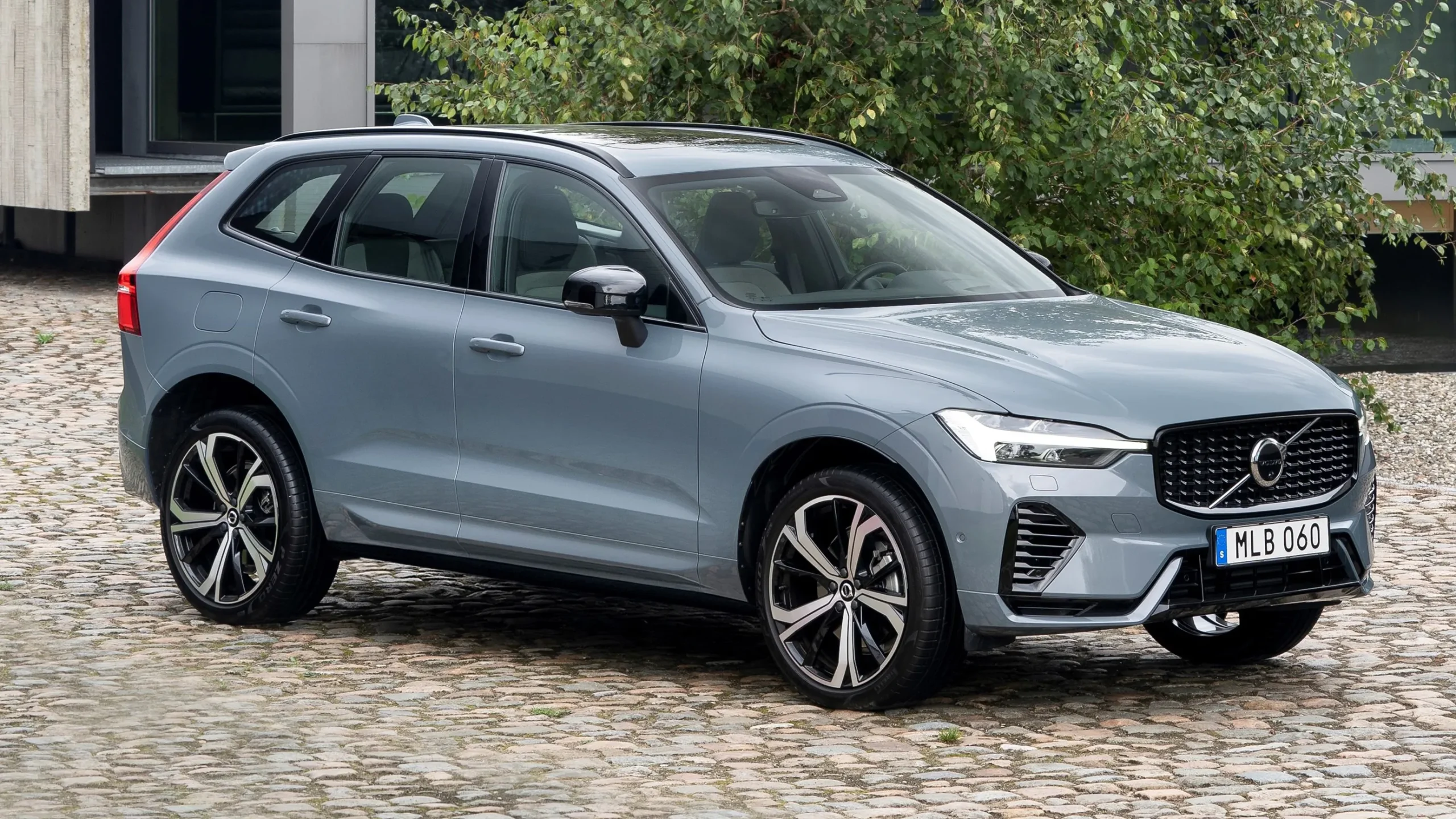
The Volvo XC60 focuses on ergonomic simplicity and tactile reliability for everyday driving. Physical controls for climate, audio, and essential vehicle functions are centrally located, providing intuitive reach from the driver’s seat. Buttons and knobs are clearly labeled, with distinct textures to differentiate functions by touch alone.
Steering wheel buttons support media control, phone operation, and driver assistance features, reducing the need for visual engagement. Volvo emphasizes safety and distraction reduction through logical control placement.
Climate control in the XC60 features tactile rotary knobs with firm resistance, ensuring the driver can operate temperature and fan settings confidently. Seat heating and ventilation buttons are clearly separated and respond with noticeable feedback. Adjustments can be made instinctively, even during complex driving situations. This tactile approach reduces dependency on the central touchscreen for frequently used functions.
Audio adjustments rely on a combination of physical volume knobs and steering wheel controls. Drivers can switch radio stations, playlists, and volume without diverting attention from traffic. The design minimizes reliance on touchscreens for day-to-day interactions, promoting safer driving habits. Volvo prioritizes functionality over excessive interface complexity.
The XC60’s physical control layout is reinforced by ergonomic design principles. Every button and dial is positioned based on natural hand movements, ensuring minimal reach and maximum comfort. Feedback from each control provides reassurance that an input has been successfully registered, enhancing driver confidence. Tactile differentiation allows drivers to operate multiple controls without visual confirmation.
Volvo balances technology and physical controls to maximize safety and usability. Frequent functions remain tactile, while touchscreen operations are secondary for less critical adjustments. The XC60 demonstrates how thoughtful design can combine luxury, ergonomics, and driver-centric control without sacrificing safety or comfort.
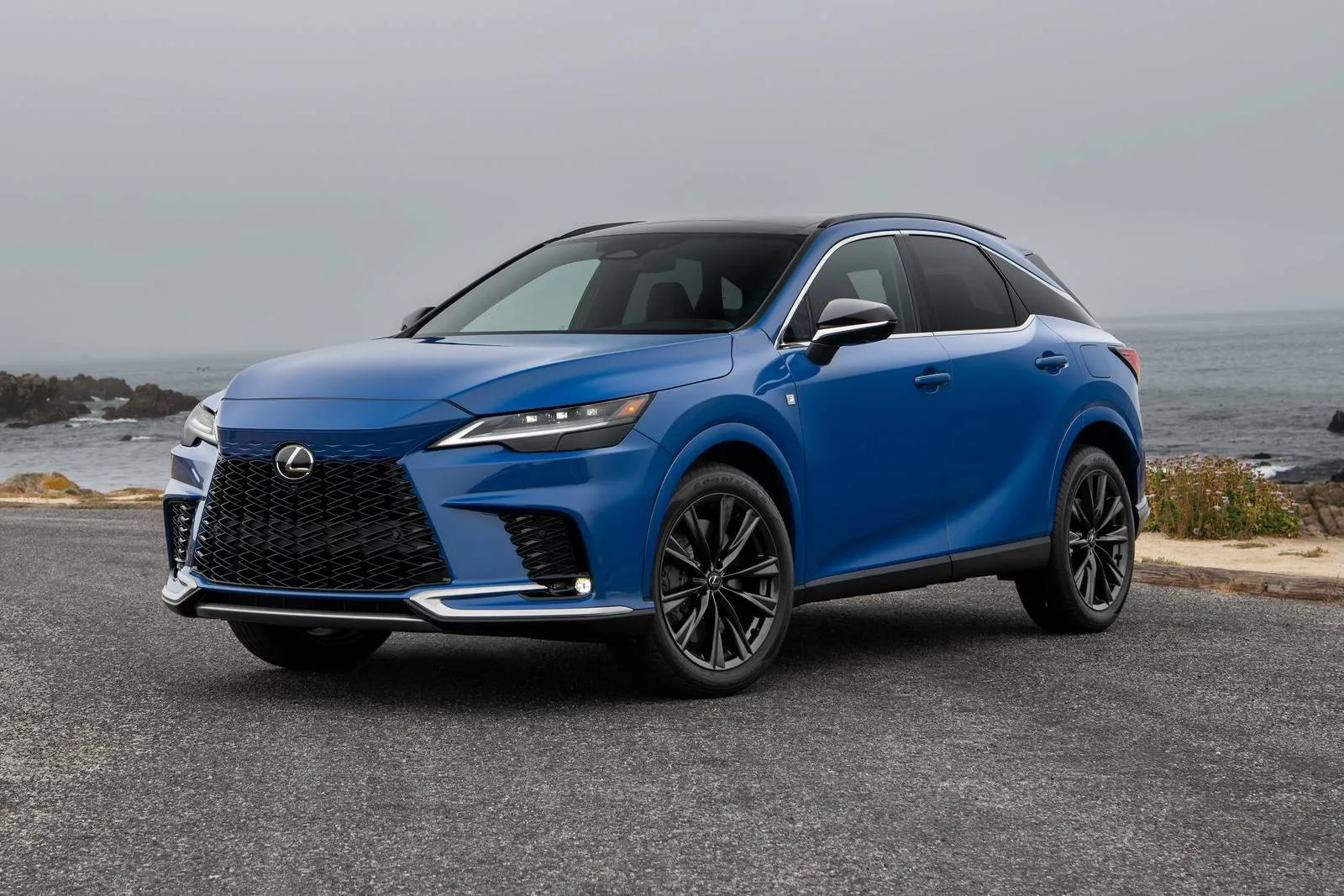
9. Lexus RX
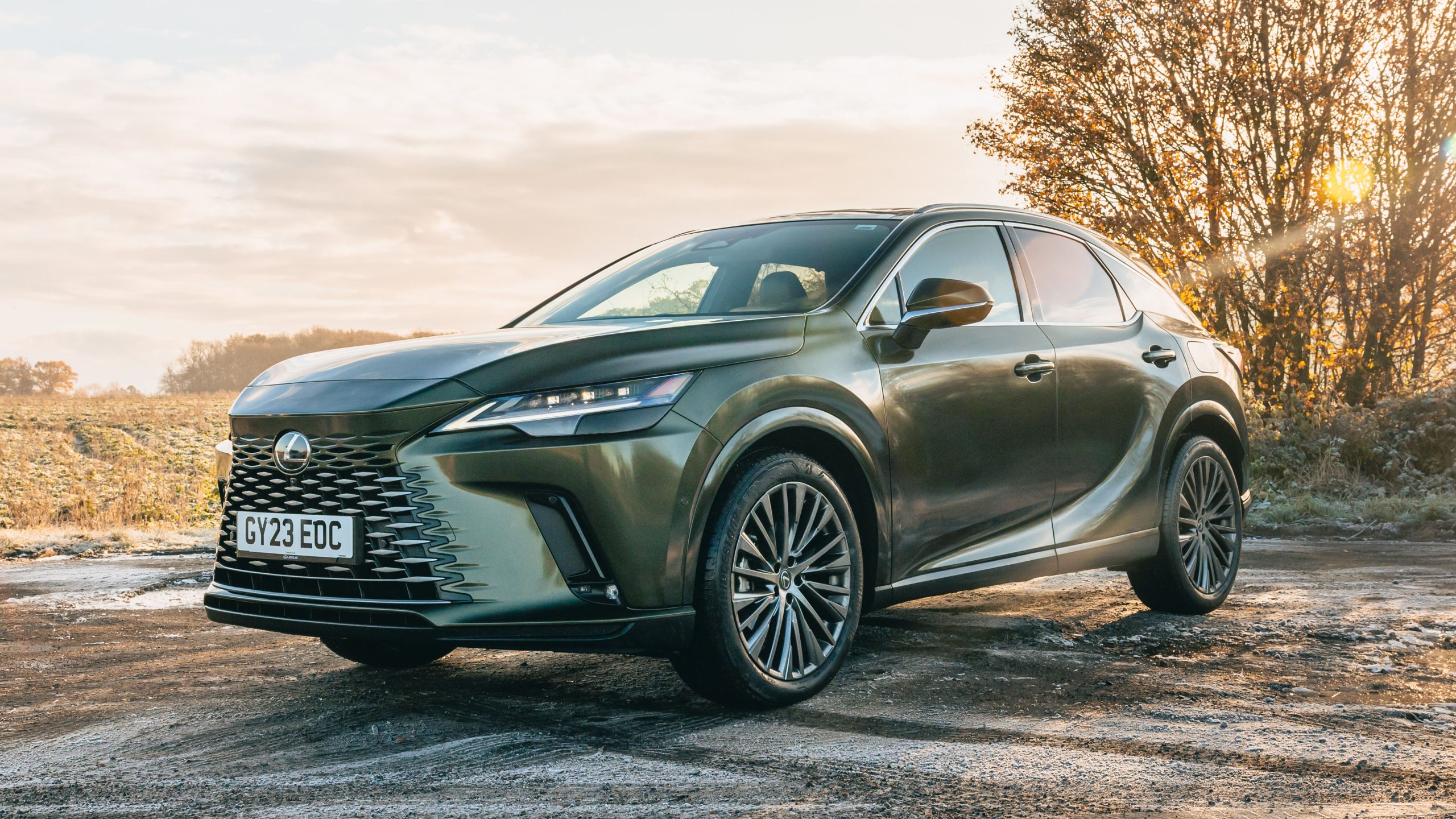
The Lexus RX combines intuitive physical controls with a premium interior layout. Climate and audio controls are dominated by knobs and buttons that are large, clearly labeled, and tactilely distinct. Steering wheel buttons control phone, media, and adaptive cruise functions, allowing drivers to keep their focus on the road.
Lexus prioritizes ergonomic positioning, placing all frequently used controls within comfortable reach. This layout minimizes distraction and encourages instinctive operation.
Climate knobs provide precise resistance and feedback, enabling adjustments without visual attention. Fan speed, temperature, and airflow direction can all be modified intuitively. Buttons for seat heating, defrost, and recirculation are spaced logically and distinguished by shape. Drivers can make routine adjustments confidently, even under challenging driving conditions.
Audio controls include a large rotary volume knob, tactile preset buttons, and steering wheel media management. Adjusting media playback does not require touchscreen navigation, keeping interaction simple. Lexus also integrates minimal digital menus for secondary functions, maintaining a clear separation between physical and touchscreen controls.
Ergonomic design ensures all physical controls are within easy reach. Distinct textures and button layouts allow the driver to differentiate between functions by touch. Feedback from each button or dial confirms successful input, reducing mental load and enhancing driving focus. Lexus ensures that frequent operations feel natural and instinctive.
The RX demonstrates how luxury can coexist with usability. Physical controls dominate essential functions, while touchscreen menus handle less critical options. Lexus’ approach ensures that the driver remains attentive, confident, and distraction-free. The design prioritizes safety, ergonomics, and ease of use without compromising aesthetic appeal.

10. Porsche Macan
The Porsche Macan prioritizes driver engagement with a cockpit designed for tactile feedback and intuitive operation. Climate and audio functions feature prominent knobs and buttons, allowing adjustments without looking away from the road. Steering wheel buttons handle media, phone, and driver assistance functions.
Porsche emphasizes physical controls for frequently used features, while digital menus remain secondary. Ergonomics guide the placement of each element for minimal movement.
Climate controls are easily distinguishable and provide precise feedback through firm rotary knobs. Seat heating, ventilation, and airflow direction are managed via tactile buttons that require minimal visual confirmation. These physical controls allow drivers to make adjustments confidently, even during high-speed driving. Porsche engineers focus on consistency, ensuring each control feels predictable and reliable.
Audio management includes a rotary volume knob and steering wheel buttons for track selection and call management. Physical controls for frequently accessed media reduce reliance on the touchscreen, promoting safe interaction. The combination of tactile input and logical layout encourages distraction-free operation.
Every button and knob is designed to convey input through resistance or clicking feedback. Drivers can identify functions by touch, and ergonomic positioning reduces hand travel across the cockpit. The Macan’s controls feel intentional, allowing drivers to focus on road conditions rather than system operation. Porsche’s approach reinforces driver confidence and reduces cognitive effort.
The Macan’s interior exemplifies how luxury, performance, and intuitive physical controls can coexist. Essential functions are tactile, accessible, and well-organized. Touchscreens are reserved for secondary operations, ensuring drivers remain focused and distraction-free. This design philosophy highlights Porsche’s commitment to precision, usability, and a driver-focused experience.