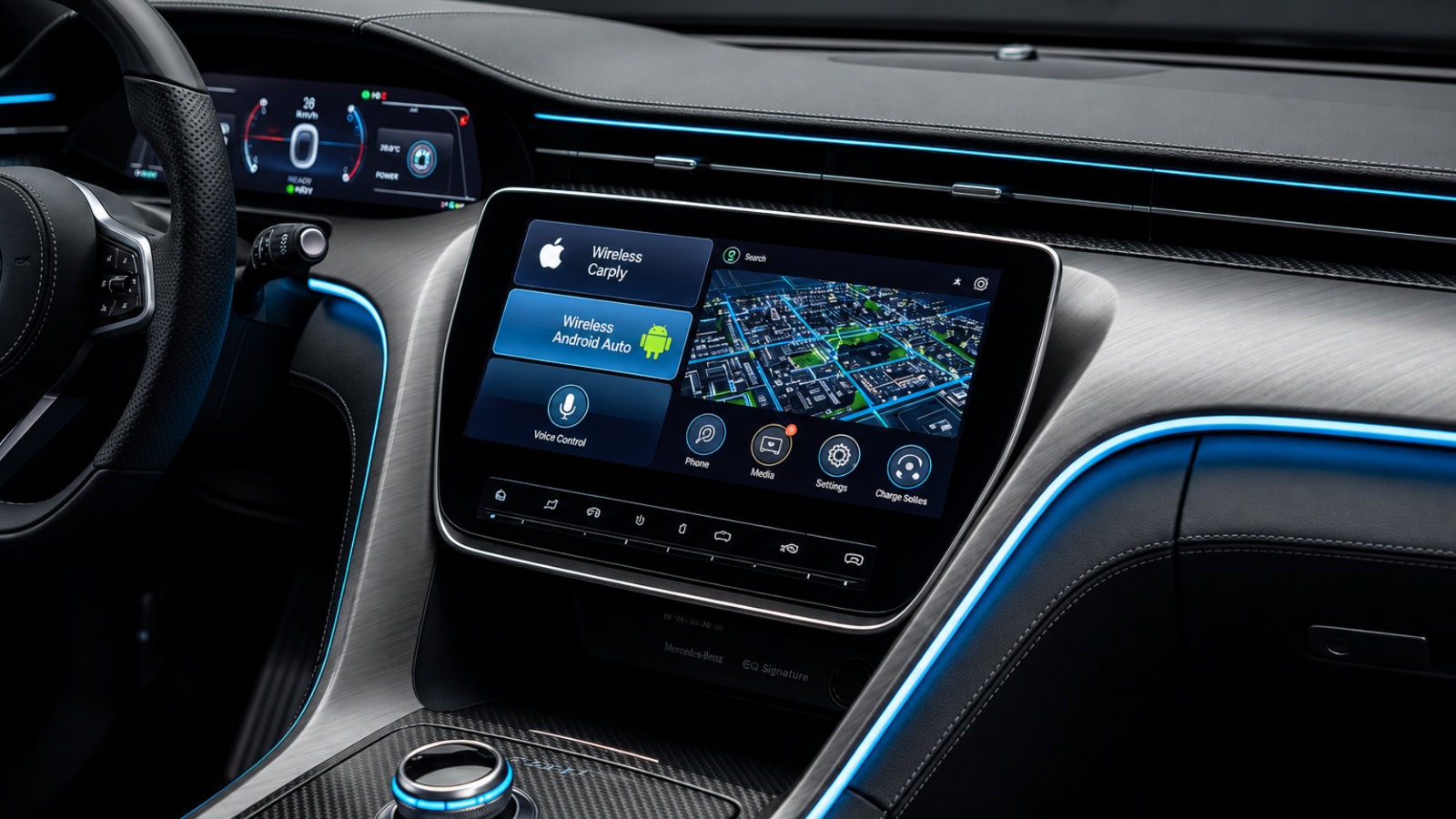
Modern cars are not just machines anymore. They are rolling computers with cellular modems, sensors, and cloud connections built in. Most drivers never notice this happening.
The transmission is silent and constant. It happens through a modem called a Telematics Control Unit, or TCU, that most new vehicles carry by default. Unlike a phone, you cannot easily turn this off with one tap.
Today’s vehicles collect vast amounts of data from dozens of onboard sensors, and some of it, like GPS or tire pressure data, makes practical sense. But other streams are harder to justify. This includes location history, driver behavior scores, and sometimes even cabin audio.
By 2026, roughly 95% of new cars collect data on braking, acceleration, and location, and much of it flows onward to data brokers and insurers. Below are ten concrete, checkable signs that your car is transmitting data right now, and what each one actually means.
1. Your Insurance App Is Requesting Phone or OBD-II Access
If your insurer’s app asks to track your phone’s motion sensors or plug into your car’s diagnostic port, that’s usage-based insurance in action. It is one of the clearest, most direct data pipelines a car can have.
Telematics devices are small gadgets that plug into your car’s diagnostic port, and many insurers offer them as part of usage-based insurance programs. They track your speed, hard braking, and driving hours.
That data goes directly to the insurer’s servers. If you drive safely, you might get a discount, but speeding or hard braking can push your rates up instead.
App-based programs tend to collect the most. App-based programs create the biggest privacy footprint because they combine trip detection, phone sensors, route data, and phone-use signals. Plug-in dongles collect less phone data but still capture plenty.
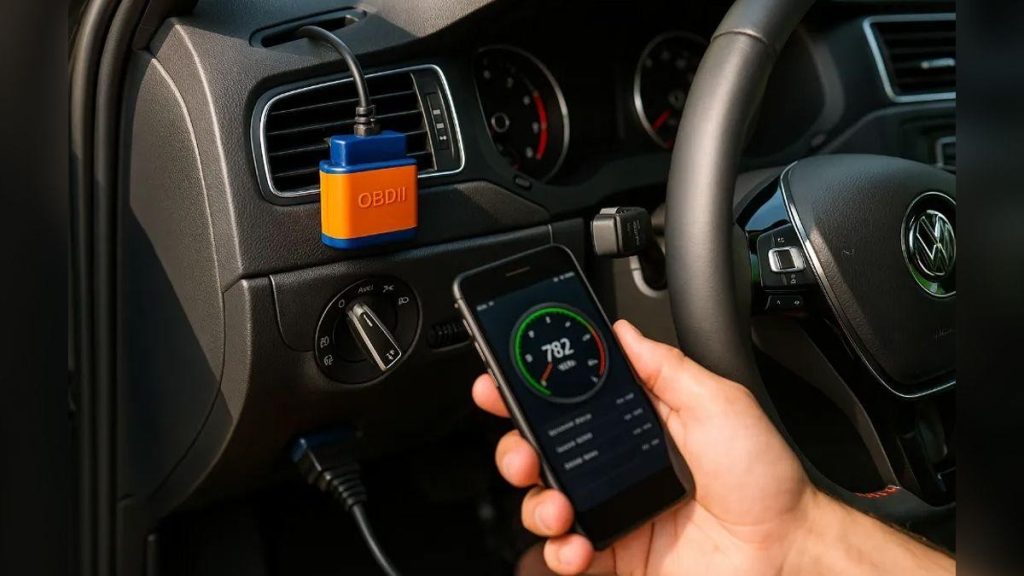
Plug-in devices often collect less phone-related behavior but can still track speed, trip timing, braking, and mileage. Neither method is silent or passive.
The safest way to check is simple. Open your insurer’s app and look for a “Drive Safe,” “Snapshot,” or “DriveWise”-style program you enrolled in, even unknowingly during quoting.
Many drivers accept these programs for a discount without reading what’s collected. The participation agreement usually spells out exactly what leaves your car and how long it’s kept.
The participation agreement defines what data the insurer collects, how long they keep it, and whether they share it with third parties. Few people ever open that document.
If you see a live “trip in progress” indicator or driving score updating after every drive, your car or phone is actively reporting to that insurer. This is happening in real time, not in a monthly batch.
2. Your Infotainment Screen Has a “Data & Connectivity” Menu
Nearly every modern touchscreen buries a settings page labeled Privacy, Data & Connectivity, or something similar. This menu is the control panel for what your car sends home.
In a Tesla Model 3 or Ford Mustang Mach-E, this menu sits under Privacy or Data & Connectivity, with checkboxes for Product Improvement and Third-Party Partners. Those boxes are often checked by default.
“Product Improvement” sounds harmless. In practice, it usually means raw driving and usage telemetry gets sent to the manufacturer’s servers for analysis.
“Third-Party Partners” is the more concerning toggle. Leaving something like Insurance Connect switched on means you are consenting to ongoing monitoring by outside companies.
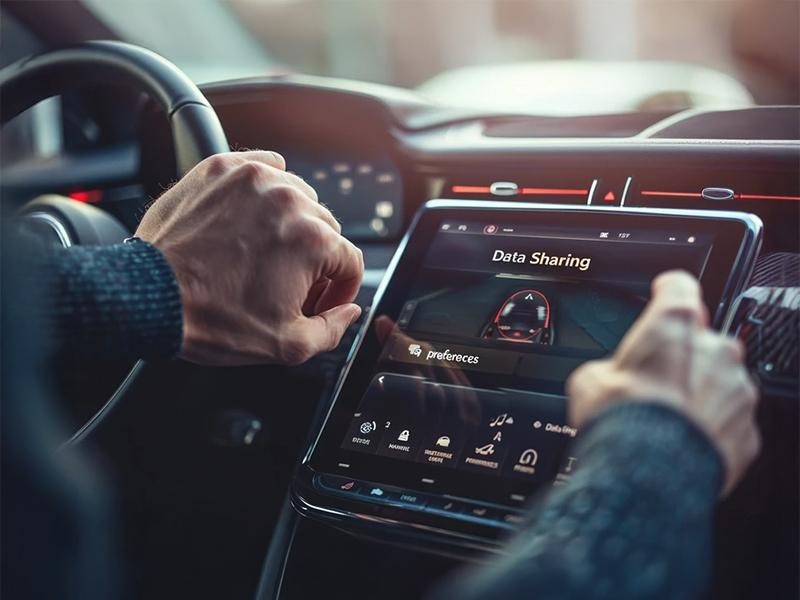
This isn’t a fringe practice at one automaker. Somewhere between the dealership finance office and the first drive home, cars start collecting more than 100 different data points.
A landmark study confirmed how widespread this is. The Mozilla Foundation tested 25 car brands and gave every single one its “Privacy Not Included” warning label, calling cars the worst product category it had ever reviewed.
That’s a striking benchmark. Mozilla ranked cars below sex toys and mental health apps for privacy protection, categories people assume are far more sensitive.
If you find this menu and multiple boxes are checked, your car has likely been transmitting telemetry since day one. The presence of the menu itself is proof the capability exists and is active by default.
3. You Receive Over-the-Air Software Update Notifications
If your car has ever prompted you to install a software update overnight or while parked, it has a persistent internet connection. That same connection carries data in both directions.
Over-the-air, or OTA, updates require the car to check in with manufacturer servers regularly. This check-in itself transmits identifying information like your VIN, mileage, and software version.
This two-way link isn’t limited to niche software checks. Telematics systems in 2026 can alert drivers to lane departures, detect fatigue, and automatically notify emergency services after a collision, all of which require constant connectivity.
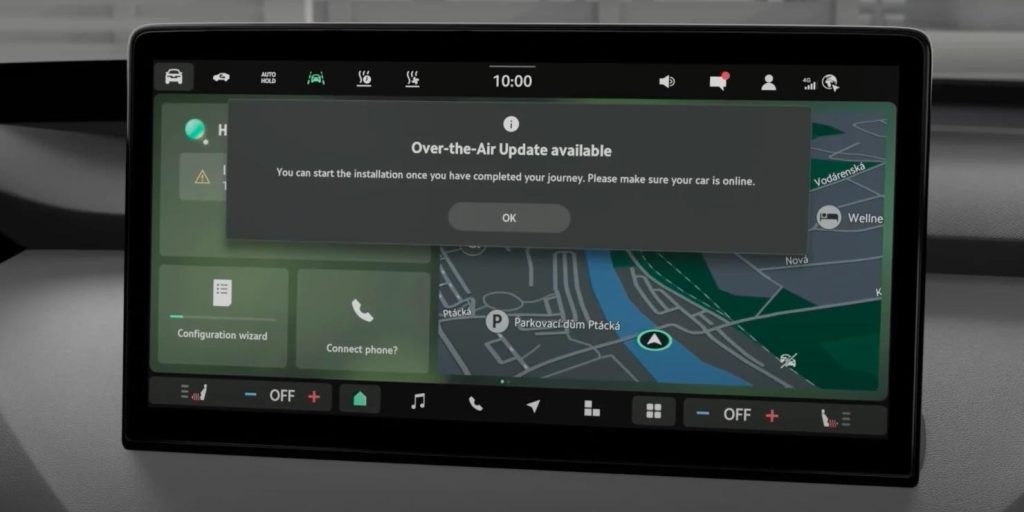
That level of responsiveness only works if the car is always listening and reporting. A one-way, offline system could never detect a collision in real time and dial for help.
Manufacturers frame this positively, and often it genuinely helps. Vehicles increasingly talk to each other and to surrounding infrastructure, enabling more responsive safety features and potentially lower premiums tied to driving behavior.
But the same pipeline used for safety alerts is also used for behavioral scoring. There is no technical separation between “safety data” and “commercial data” once it leaves your dashboard.
If update notifications appear without you ever plugging in a cable, that confirms an active cellular or Wi-Fi link. Your car is online whether you asked for it or not.
4. There’s a Persistent Cellular or LTE Icon on Your Dashboard
Some vehicles display a small signal-strength or antenna icon on the instrument cluster or infotainment screen. This indicates the embedded modem, the TCU, is actively connected to a cellular network.
This modem is a small computer with its own SIM card, separate from your phone entirely. It’s built into the vehicle at the factory and usually cannot be removed without professional intervention.
The hardcore fix for stopping this connection involves Faraday bags for keys and physically disconnecting the cellular modem, since these are described as the only ways to go truly offline. That should tell you how deeply embedded this connectivity is.
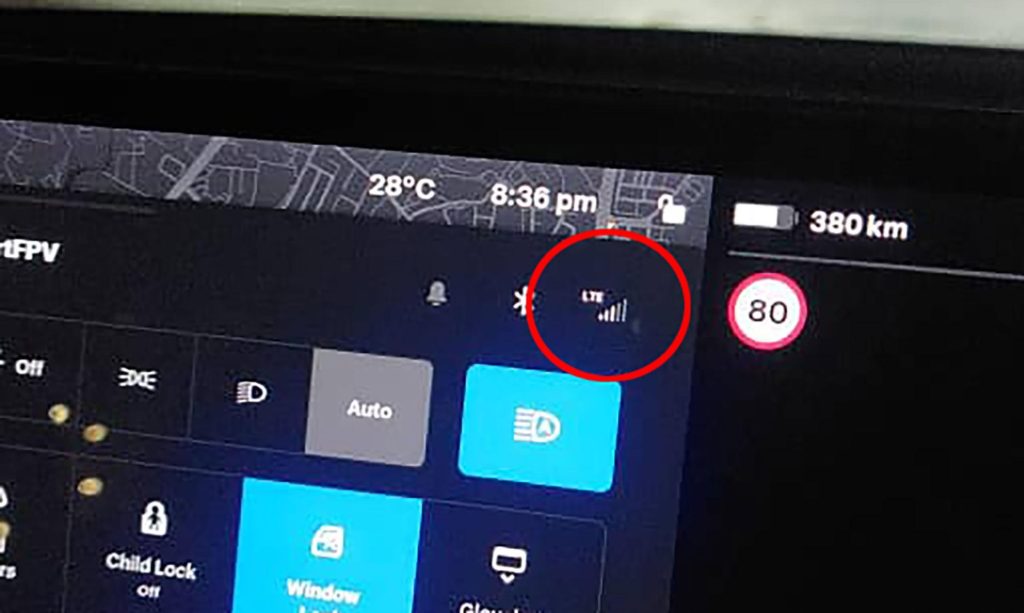
This isn’t hidden or accidental engineering. It is required by regulation in many markets and treated as a baseline feature, not an add-on. This connected framework traces back to the Biden-era Infrastructure Bill from 2021, which also introduced the vehicle “kill switch” provision that remains active. Connectivity and control are now bundled together.
The modem operates independently of your infotainment screen being on or off. Even with the car parked and the screen dark, the TCU can maintain its connection and send scheduled reports.
If you’ve ever lost cell service in a dead zone and noticed a “connectivity lost” warning on your dash, that confirms the modem was actively linked moments before. It reconnects automatically once signal returns.
Also Read: 10 Boxes Never to Tick at the Dealer Desk
5. Automatic Crash or Emergency Notification Features Are Enabled
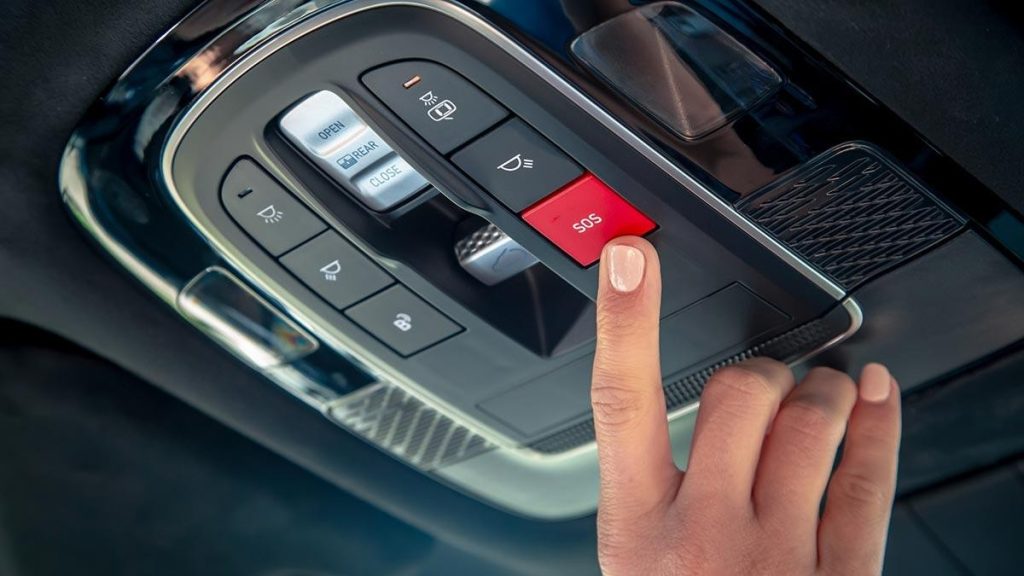
Features branded as OnStar, SOS Call, or Automatic Collision Notification rely on constant location tracking. They only work because your car already knows where it is at all times.
These systems are marketed purely as safety tools, and the safety benefit is real. But the underlying mechanism is continuous GPS logging paired with a live cellular link.
This same infrastructure has been misused in well-documented cases. In January 2026, the Federal Trade Commission finalized an enforcement order against General Motors and its OnStar subsidiary for collecting precise geolocation and driving behavior data and selling it to consumer reporting agencies without meaningful consent.
The financial penalty was substantial. By June 2026, California had fined GM $12.75 million, Honda $632,500, and Ford as well, over similar telematics violations.
Regulators were blunt about how this happened. Senators alleged automakers used “dark patterns,” deceptive interface designs that nudge users toward data-sharing, to manipulate consumers into joining these programs.
OnStar’s privacy policy reportedly never disclosed that driving data would be sold to insurance-related data brokers like Verisk and LexisNexis. Drivers had no real way to know.
If your dashboard shows an active “Emergency Services” or “Connected Safety” subscription, that same channel is very likely also logging your trips, speed, and location history in the background, not just during emergencies.
6. Your Voice Assistant or Navigation Asks for “Always” Location Access
When setting up in-car navigation or a voice assistant, you’re often given a choice: allow location “while using” or “always.” Choosing “always” means your car reports position continuously, not just mid-trip.
This single permission is often the most consequential one in the entire settings menu. Continuous location data reveals home address, workplace, daily routines, and even places of worship or medical visits.
Some data streams include precise location history, and this may be stored and transmitted to manufacturers or third-party data brokers well beyond what’s needed for turn-by-turn directions. Navigation is the excuse, not the limit.
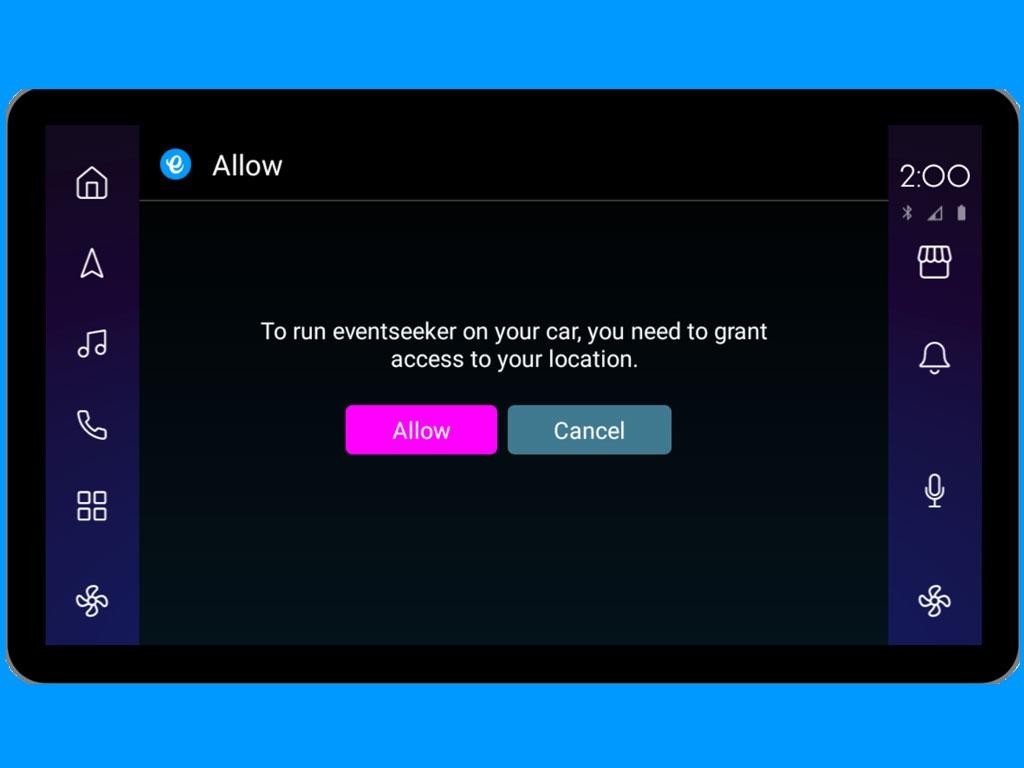
Regulators have specifically flagged this granularity as a problem. The GM enforcement action centered specifically on precise geolocation data being gathered and monetized without adequate consumer consent.
Precise location is treated differently than approximate location under most privacy frameworks. It’s precise, continuous GPS tracking that made this practice a federal enforcement priority.
Insurance telematics compounds this further. Many app-based programs depend on location services, and some plug-in device or connected-car programs also use location-related data even when marketed as usage-based discounts only.
If your assistant setup defaulted to “always allow” location, and you never changed it, your car has been building a continuous location trail since the day you drove it off the lot.
7. A Companion Smartphone App Shows Your Trip History
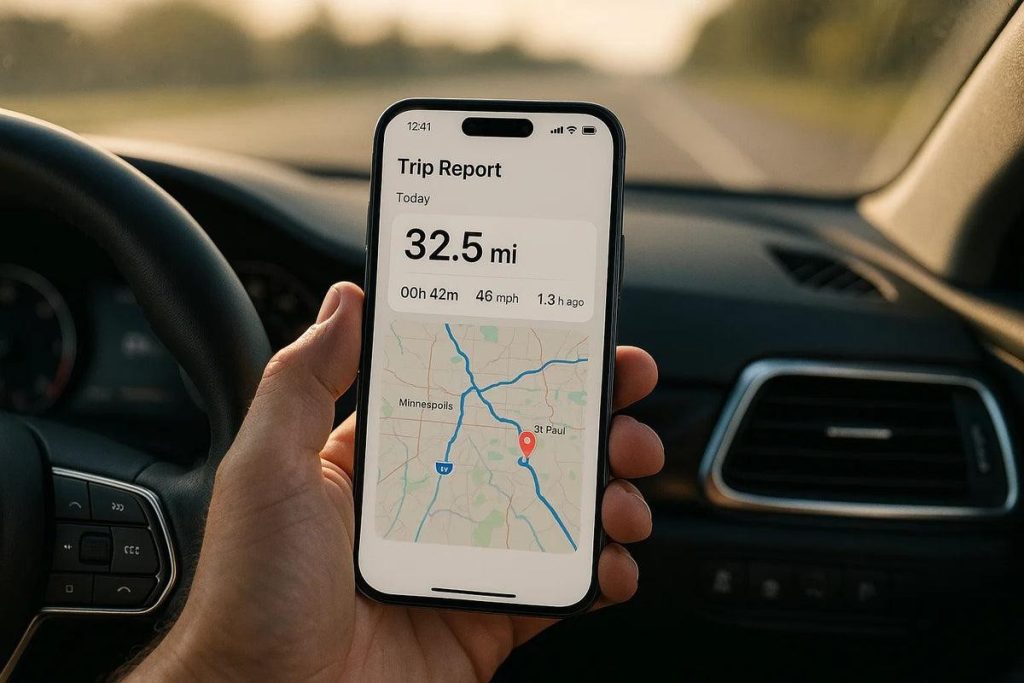
Apps like FordPass, MyChevrolet, or similar brand-specific apps often display a trip log: past routes, average speed, and even hard-braking events. If this feature exists, the data had to leave your car first.
Your phone app isn’t pulling this information locally over Bluetooth in most cases. It’s retrieving it from the manufacturer’s cloud servers, meaning the car already uploaded it there.
This is functionally identical to a dedicated insurance telematics program, just rebranded. Whether the data goes through a plug-in device or a manufacturer’s connected system, the effect is the same: your driving behavior is now on record somewhere outside the vehicle.
Fleet and commercial telematics operate on the exact same principle, just at scale. Telematics provides real-time insights on location, fuel use, and vehicle health that companies use to cut costs by up to 20% through better route optimization.
The consumer version of this app is a smaller, personal-scale mirror of that same system. Your trip history, fuel efficiency, and driving events are being logged the same way a delivery van’s would be.
If you can open an app right now and see yesterday’s drive mapped out with a start and end pin, that trip data already made a round trip through a manufacturer’s servers before appearing on your screen.
8. Dealership Visits Pull Remote Diagnostic Reports Before You Arrive
If a service advisor greets you with details about a fault code before you’ve even described the problem, the dealership already pulled diagnostic data remotely. Your car reported the issue before you did.
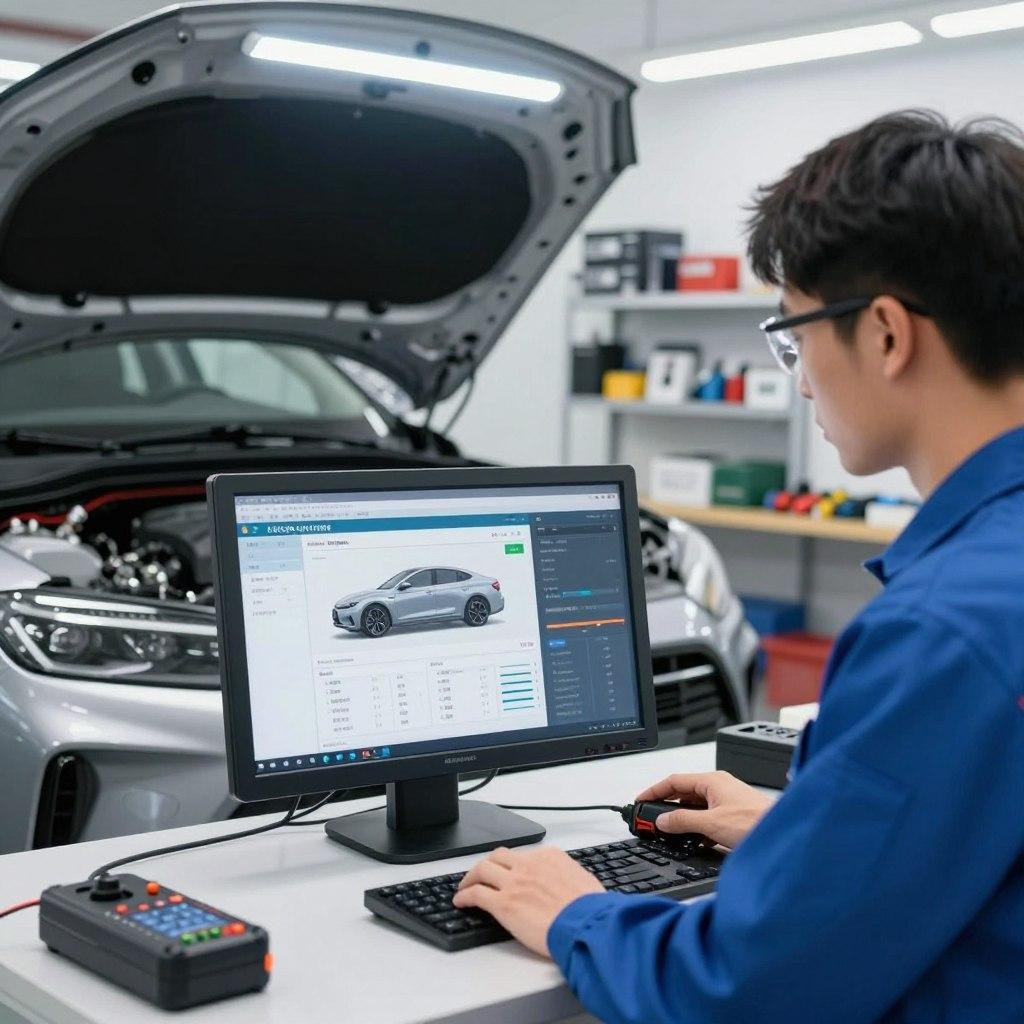
This is increasingly standard in service departments. Remote diagnostics let dealers see fault codes, battery health, and mileage without a technician ever plugging into your car physically.
Even after opting out of telematics programs, data may still be collected when a vehicle visits a dealership, since service interactions create their own separate collection point. Opting out rarely applies here.
This creates a real gap in consumer control. Regulators have found that “friction,” meaning any unnecessary difficulty in exercising an opt-out, itself counts as a violation under current enforcement standards.
That standard exists precisely because dealership-level collection has proven so hard to escape. Even privacy-conscious owners who disable every toggle they can find still get scanned at service time.
The Connecticut Privacy Protection Agency’s 2025 settlement with Honda required the company to redesign its opt-out flow with a dedicated UX designer, specifically because the original process was too difficult to complete. That’s a strong signal about how deliberately obscured these settings had been.
If your service history shows diagnostic notes you never personally reported, that confirms remote reporting was active well before your appointment even began.
9. You Notice In-Car Microphone Activity Outside Voice Commands
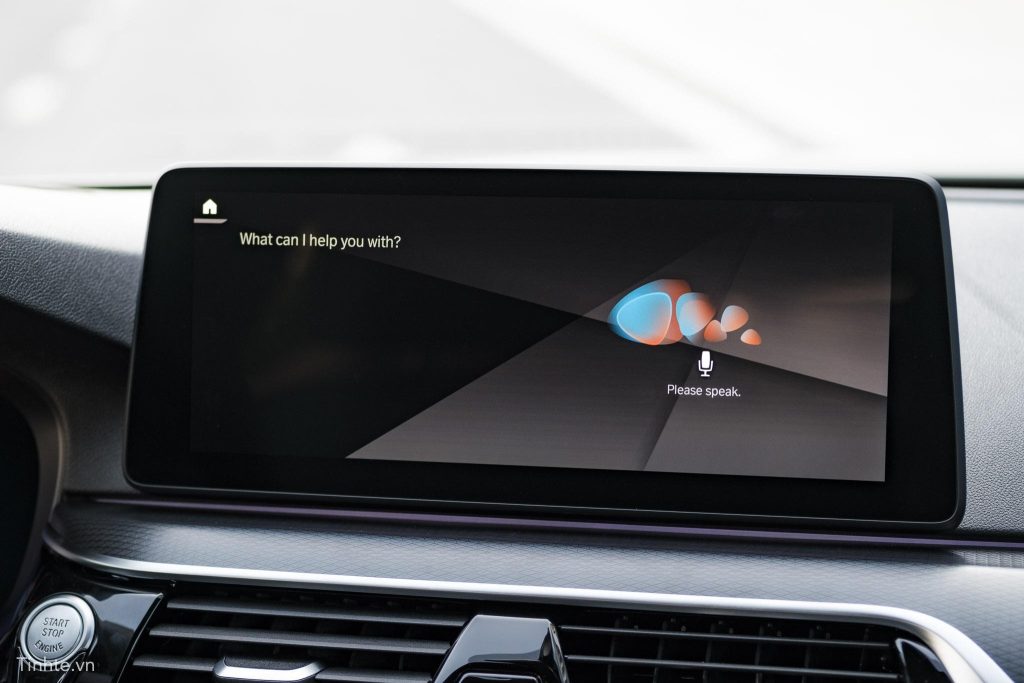
Some drivers report their assistant light or microphone indicator activating briefly outside of an intentional “Hey [Assistant]” prompt. This is worth watching closely, since always-on listening capability exists in many systems.
Voice assistants require some background listening to detect wake words at all. The concerning part is what happens to audio after that detection, and how long it’s retained.
In-car microphone recordings are among the data types that may be stored and transmitted to manufacturers or third-party data brokers, alongside location and driver behavior data. This isn’t limited to navigation requests.
Manufacturer privacy policies rarely spell this out clearly. Vague language like “vehicle health data” or “telematics” is used to cover a wide range of collection types in a single, unhelpful phrase.
Your car’s privacy policy will describe this only in broad terms like “vehicle health data” and “telematics,” without itemizing what’s actually captured. That vagueness is by design, not oversight.
Bluetooth phone calls made through your car’s system pass through this same microphone hardware. Even if audio isn’t stored long-term, metadata about call timing and duration often is.
If you’re unsure whether your microphone is truly off during a call setting labeled “microphone disabled,” treat that setting with skepticism unless your manufacturer explicitly documents what “disabled” means in their privacy policy.
10. You Start Seeing Insurance Offers That Reference Your Driving Habits
If you receive an unsolicited insurance quote or renewal notice that references specific driving patterns, like frequent night driving or hard-braking events, your data has already reached a broker or insurer. This is the visible endpoint of the entire pipeline.
By this stage, data has moved from your car through a manufacturer, often through a broker, and into an underwriting decision. It’s the clearest real-world proof that the earlier nine signs were not hypothetical.
This data is commonly sold to data brokers like LexisNexis and then to insurance companies, which use it to justify raising premiums. The chain from sensor to surcharge is now well-documented.
Police, too, can access this connected-car data, and in many jurisdictions can do so without a warrant, extending the reach of this data well past insurance pricing alone.
Enforcement is catching up, but slowly. The FTC’s 2025 settlement required GM to delete data collected from drivers who had not given express consent, and barred misleading statements about its privacy practices going forward.
Some states now offer real tools to push back. As of January 2026, Oregon residents can use a Universal Opt-Out Signal that applies broadly across covered businesses, including automakers advertising to Oregon residents.
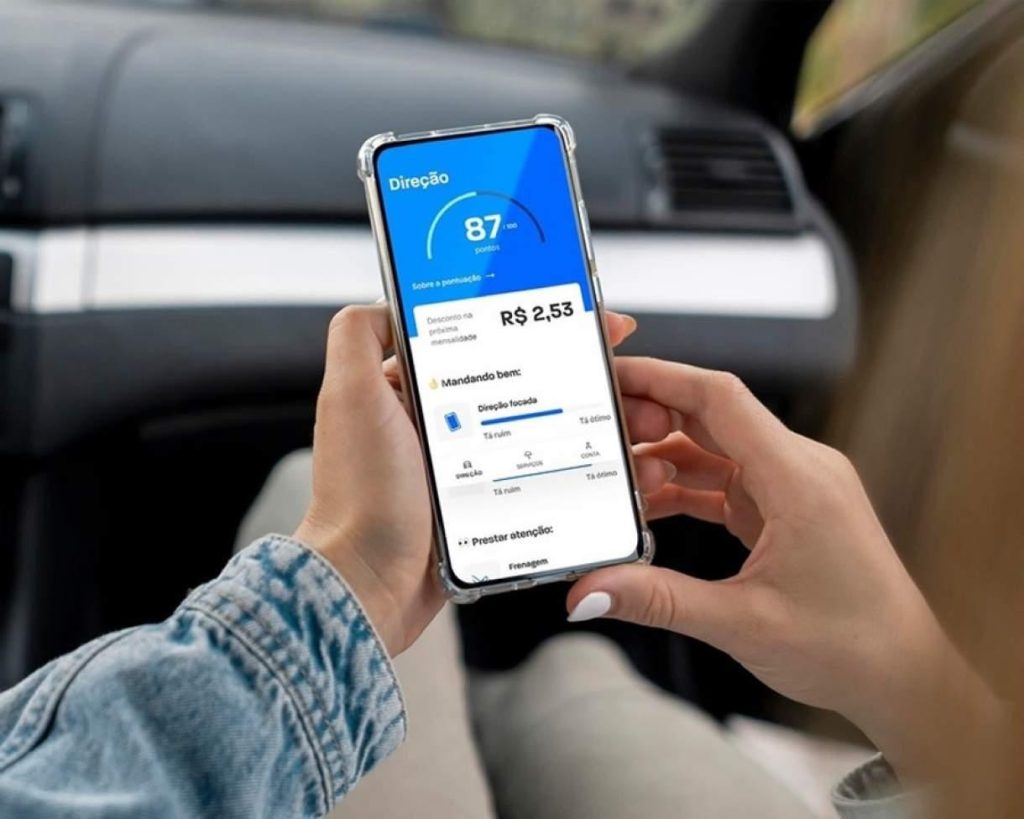
If a quote ever mentions your “driving score” or cites braking patterns you never manually reported, that confirms the full data cycle: collection, transmission, sale, and pricing impact- has already completed at least once with your specific driving history.
Also Read: 10 Boxes Never to Tick at the Dealer Desk