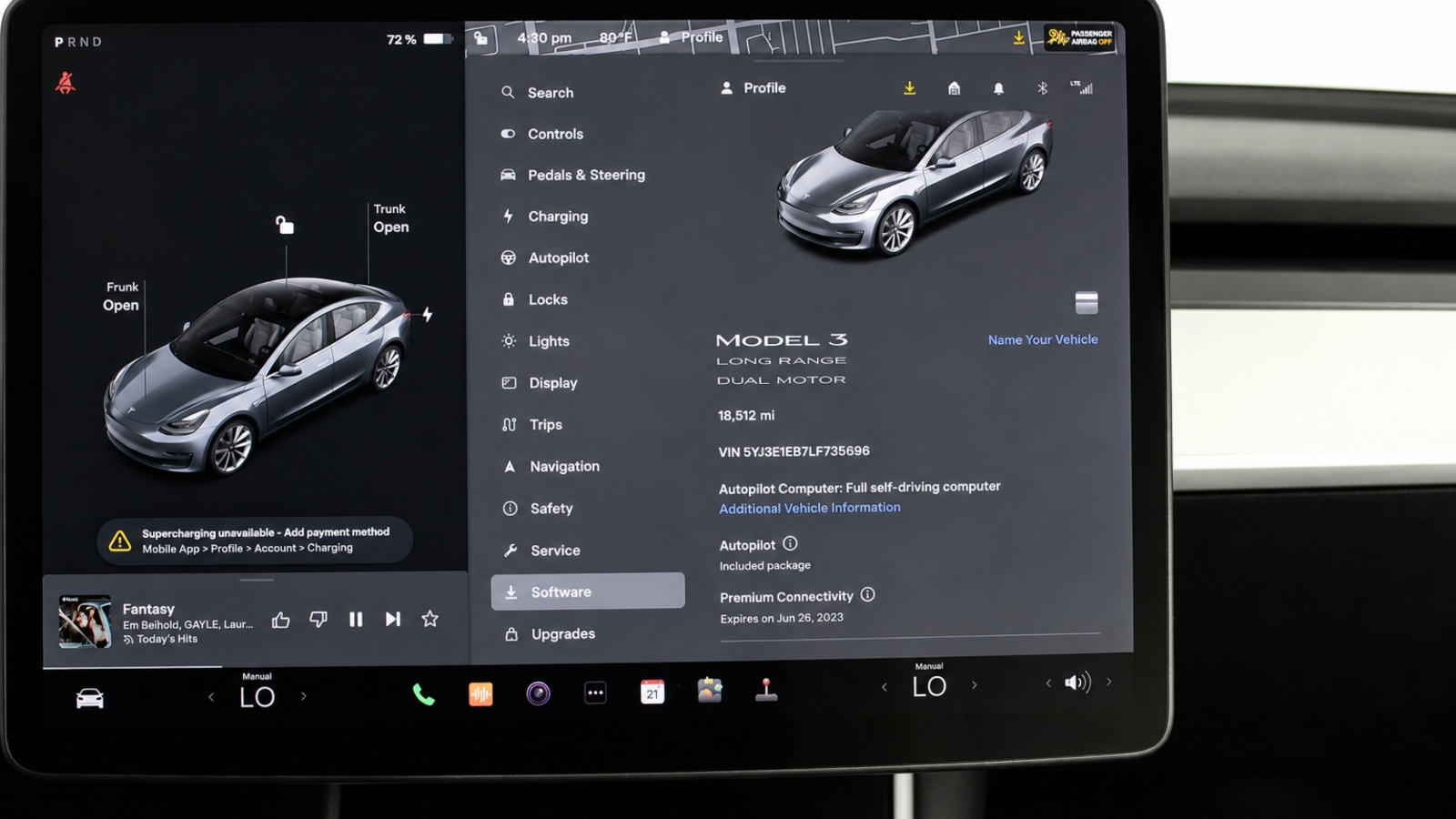
Selling an electric vehicle involves much more than signing over the title, handing the buyer the key fobs, and removing your belongings from the cabin. Modern EVs function as connected devices that can store phone pairings, digital keys, navigation history, charging records, saved addresses, payment credentials, subscriptions, driver profiles, and remote-access permissions.
If these connections remain active after the sale, the previous owner may continue receiving vehicle information while the buyer could gain access to personal data that should have been erased.
The safest approach is to treat an EV much like a smartphone or laptop before giving it to someone else. Personal information should be removed from both the vehicle and the associated cloud accounts. Because manufacturers handle account transfers differently, sellers should follow the instructions for their specific make and model.
Still, the same general process applies to most connected EVs: disconnect devices, erase personal data, sign out of services, remove payment information, resolve subscriptions, factory-reset the vehicle, transfer ownership, and verify that access has actually ended.
1. Remove Phones, Bluetooth Devices, and Digital Keys
Begin by removing every phone, tablet, smartwatch, and other personal device that has been paired with the EV. Modern electric vehicles do much more with a connected phone than stream music.
A paired device may allow access to contacts, messages, recent calls, calendar information, voice commands, navigation destinations, and other personal data. In some EVs, a smartphone can also operate as the primary key, allowing the driver to unlock, start, or remotely control the vehicle.
Open the vehicle’s connectivity or Bluetooth settings and examine the complete list of paired devices. Delete every phone belonging to you, your spouse, family members, friends, or anyone else who has used the vehicle. Even an old device that has not connected for months should be removed because authorization may remain stored in the car.
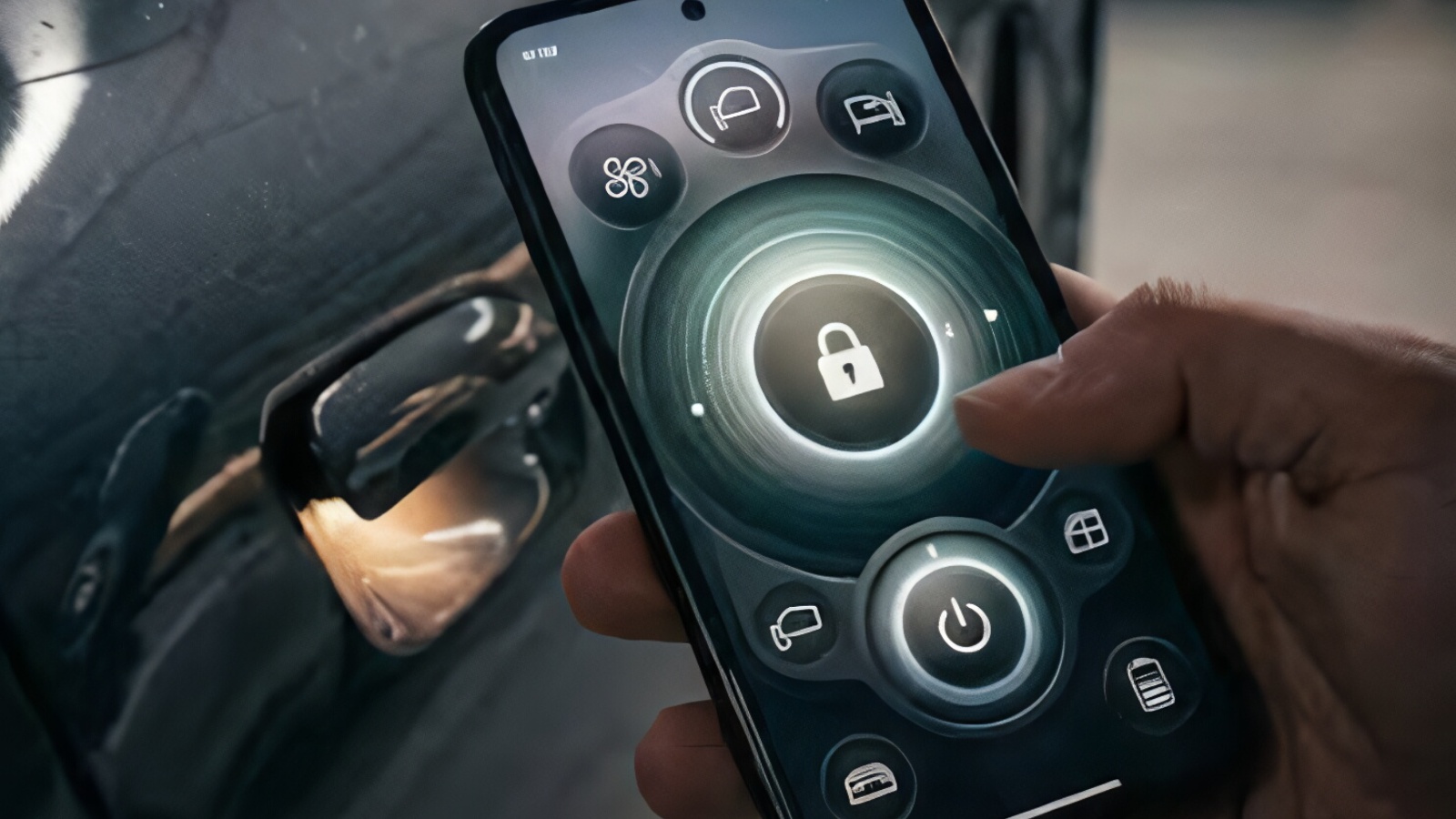
Digital keys require additional attention. Manufacturers increasingly use Bluetooth, NFC, and ultra-wideband technology to turn smartphones into keys. If you shared a digital key with another person, revoke that person’s access as well. Check both the vehicle settings and the manufacturer’s mobile application because some driver permissions are managed through the cloud rather than directly from the dashboard.
After removing devices from the vehicle, perform the reverse process on your phone. Delete the EV from the phone’s Bluetooth settings and remove any stored digital car key from Apple Wallet, Google Wallet, or the manufacturer’s application when applicable.
Do not assume uninstalling the manufacturer’s app is enough. Removing an app from your phone does not necessarily revoke your authorization on the manufacturer’s servers. The purpose of this step is to terminate device access deliberately before the vehicle changes hands.
2. Delete Driver Profiles, Addresses, and Navigation History
The next step is removing the information stored inside the vehicle’s infotainment system. A modern EV may contain a detailed record of where you travel, who drives the vehicle, and how each person configures it. This information can remain visible even after you take your phone out of the car.
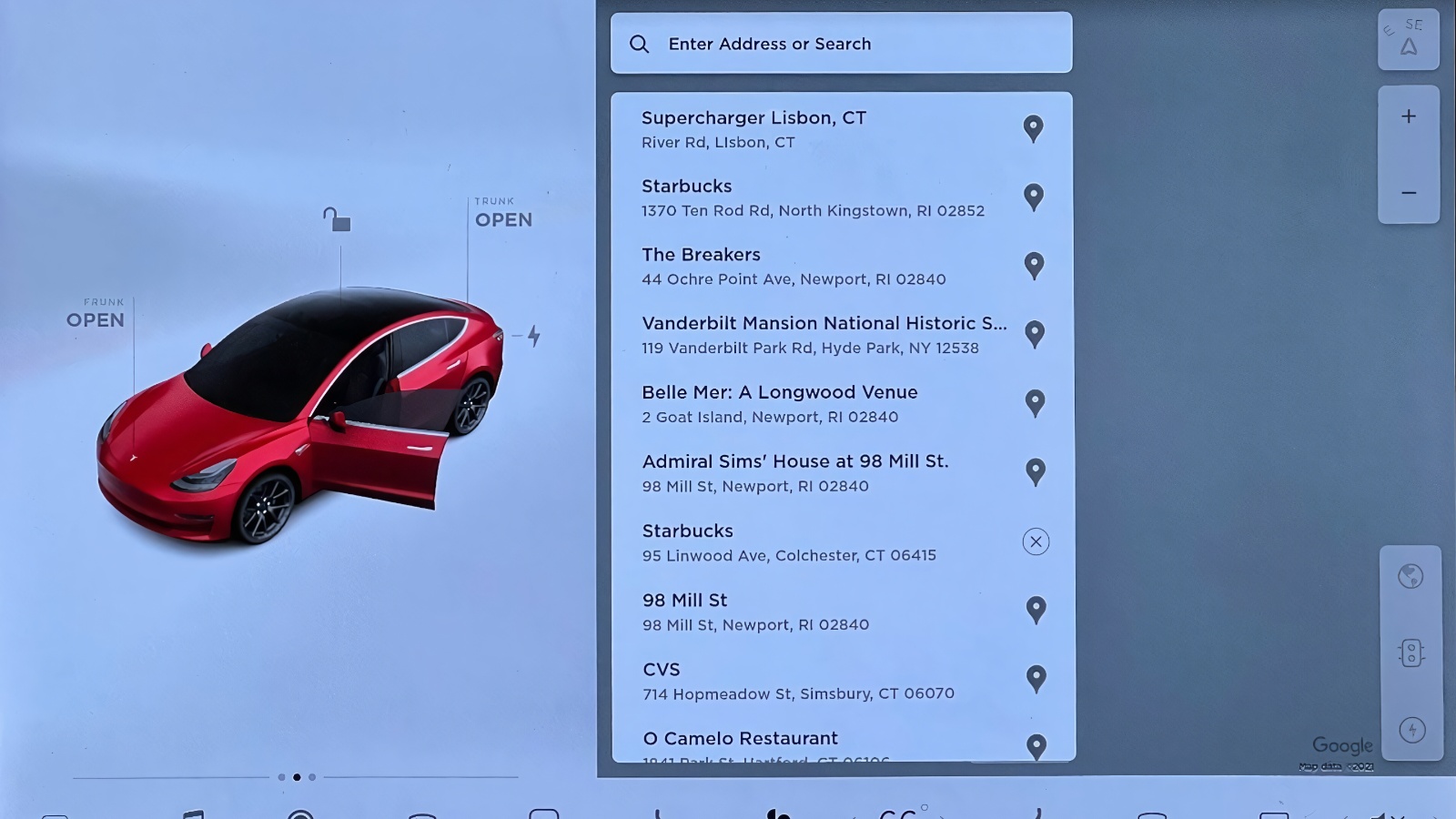
Begin with navigation. Delete stored Home and Work addresses, favorite destinations, recent searches, saved charging stations, frequently visited locations, and route history. A home address is especially sensitive because it can immediately identify where the previous owner lives. Workplaces, schools, relatives’ homes, and other frequently visited locations can reveal just as much.
Driver profiles should also be removed. Many EVs allow several drivers to maintain separate configurations for seat position, mirrors, steering wheel, climate control, regenerative braking, driving modes, audio settings, ambient lighting, and other preferences. Some profiles are also connected to cloud accounts, which means they may synchronize personal settings across vehicles.
Check whether the infotainment system imported contacts, call logs, messages, or calendars from your phone. Removing the phone connection may delete some of that information automatically, but it is worth checking manually.
Saved Wi-Fi networks should be erased too. Connected EVs often remember home, office, dealership, or public Wi-Fi networks. There is no reason those credentials should remain with the car after the sale.
Before deleting everything, save any vehicle data you actually want to keep. Charging histories, efficiency records, maintenance information, mileage logs, or service documentation may be useful later. Some of that information may become unavailable once the vehicle is reset.
The buyer should receive a vehicle ready to create a new digital identity, not one that contains a detailed history of the previous owner’s routines.
3. Sign Out of Streaming and Third-Party Services
Many EV infotainment systems now operate almost like built-in tablets. Drivers can sign into streaming services, music platforms, navigation accounts, video applications, voice assistants, parking services, charging networks, and other third-party apps. These accounts should be disconnected individually rather than relying entirely on the vehicle’s final factory reset.
Review the complete application list. Look for music services, video platforms, satellite-radio accounts, navigation services, cloud-based assistants, parking apps, charging apps, and any other service that required you to enter a password, scan a QR code, or authorize the vehicle through your phone.
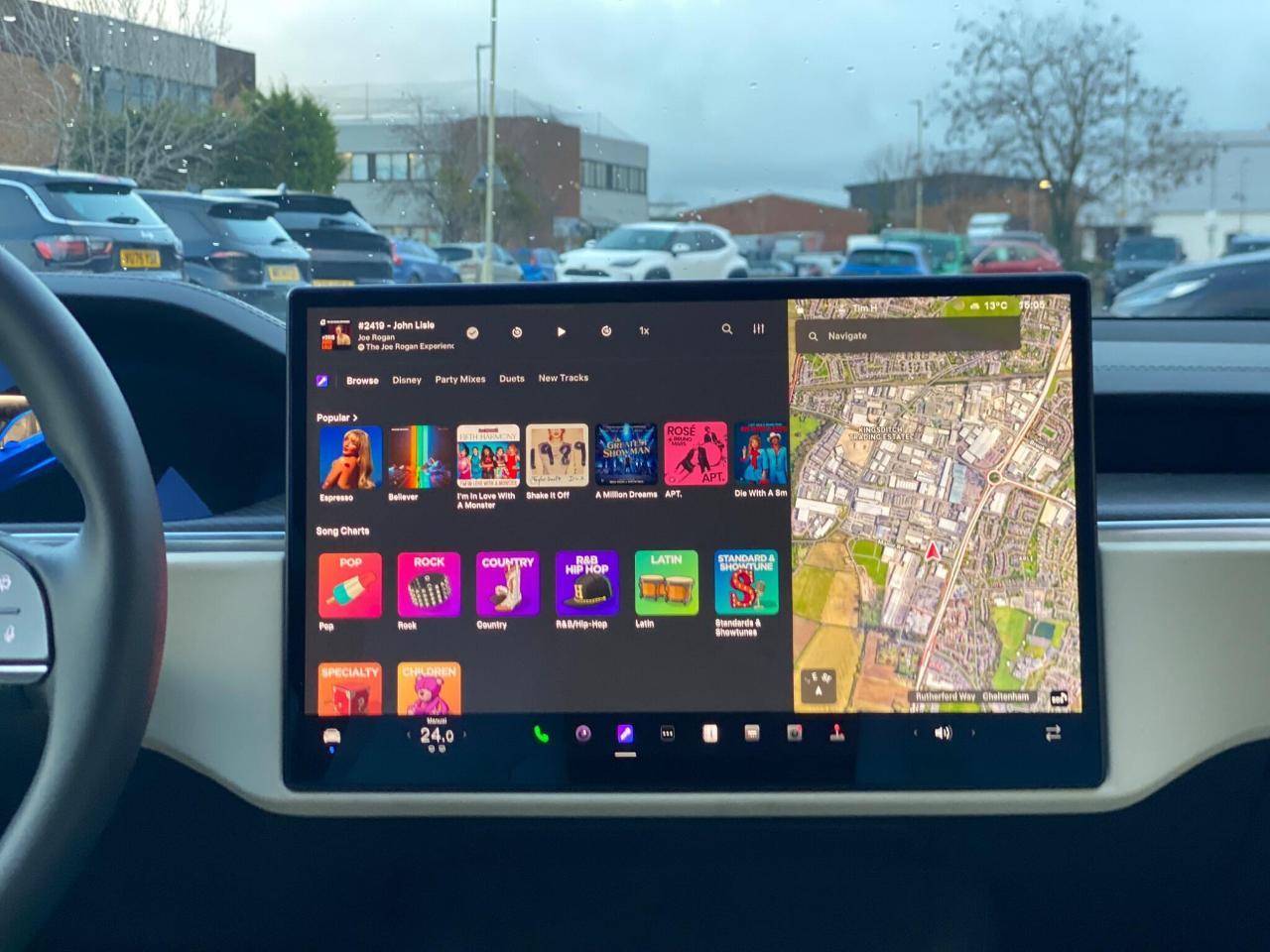
Whenever possible, use the actual Sign Out, Log Out, Disconnect Account, or Remove Account option. Simply deleting an application may not invalidate the login session stored on the provider’s servers. A deleted app can sometimes be reinstalled and automatically restore a previous session if authentication tokens remain active.
Vehicles with built-in Google services deserve particular attention. A Google account may be connected to Maps, Assistant, media recommendations, contacts, search activity, and other services. Remove the account itself rather than merely clearing the navigation history.
After signing out inside the vehicle, check important accounts from your phone or computer. Many online services include a page listing authorized devices. If the vehicle appears there, remove it manually.
If the vehicle includes a browser, clear its history, cookies, saved sessions, and autofill information. Any stored passwords should also be deleted.
This process provides a second layer of protection beyond the eventual factory reset. The reset handles information stored locally, while signing out addresses the cloud side of the relationship. Both are important because the goal is not simply to make the dashboard look empty. The vehicle should no longer be recognized as an authenticated device for any personal service.
4. Remove Payment Methods and Charging Authorizations
Payment information requires special attention because EVs can interact directly with charging networks and other paid services. If billing relationships are left active after the sale, the new owner could unintentionally create charges on the previous owner’s account.
Start with the manufacturer’s mobile app or online account. Review stored credit cards, charging billing information, subscription payment methods, and any manufacturer-specific wallet. Determine which services are linked directly to the vehicle and which are tied only to your personal account.
Do not immediately delete a card if recent transactions are still pending. Some charging sessions take time to finalize. Make sure legitimate charges have settled or that the account can still process any outstanding balance before removing the vehicle.
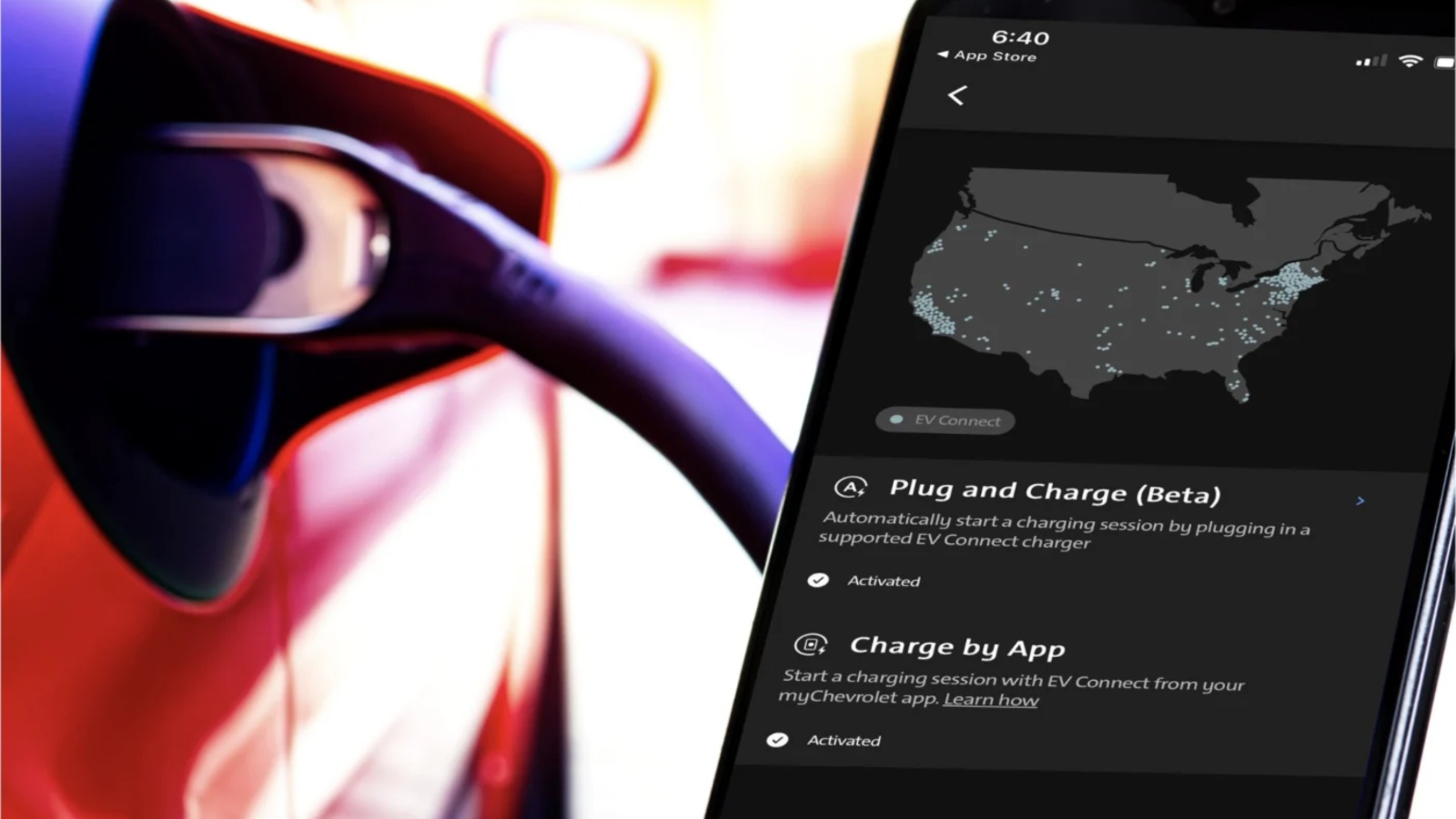
Next, review every public-charging network you used. Depending on the network, the vehicle may be linked through its VIN, an RFID card, a mobile application, or a Plug & Charge certificate. Remove the EV from those accounts wherever possible.
Plug & Charge deserves particular attention because compatible EVs can automatically identify themselves at a charger and authorize payment without requiring the driver to open an app. That convenience becomes a problem if the authorization remains connected to your card after the vehicle has been sold.
Check your home charging equipment too. A smart home charger may store vehicle-specific schedules, charging limits, access permissions, or usage records. Remove only the settings associated with the sold EV if you plan to continue using the charger with another vehicle.
Parking, tolling, and related services may also be connected to the car. Review them if your vehicle supports integrated payment.
Keep records of recent charging sessions and the date of sale until you are certain the billing transition is complete. If an unexpected charge appears later, documentation will make it easier to identify whether the transaction occurred before or after the vehicle left your possession.
Also read: 10 Cars Holding Location History No Owner Can Erase
5. Review and Cancel Connected-Vehicle Subscriptions
Connected EVs often carry several subscriptions that owners forget about because the services run automatically in the background. Premium connectivity, Wi-Fi hotspots, navigation packages, roadside assistance, advanced driver-assistance features, security services, charging memberships, streaming plans, and remote-access services may all have separate billing arrangements.
Before canceling anything, determine whether each service belongs to you or to the vehicle. This distinction matters. Some subscriptions are attached directly to your personal account and should end when you sell the EV. Others remain with the vehicle identification number and may transfer to the next owner. A prepaid service could continue for the buyer even after ownership changes.
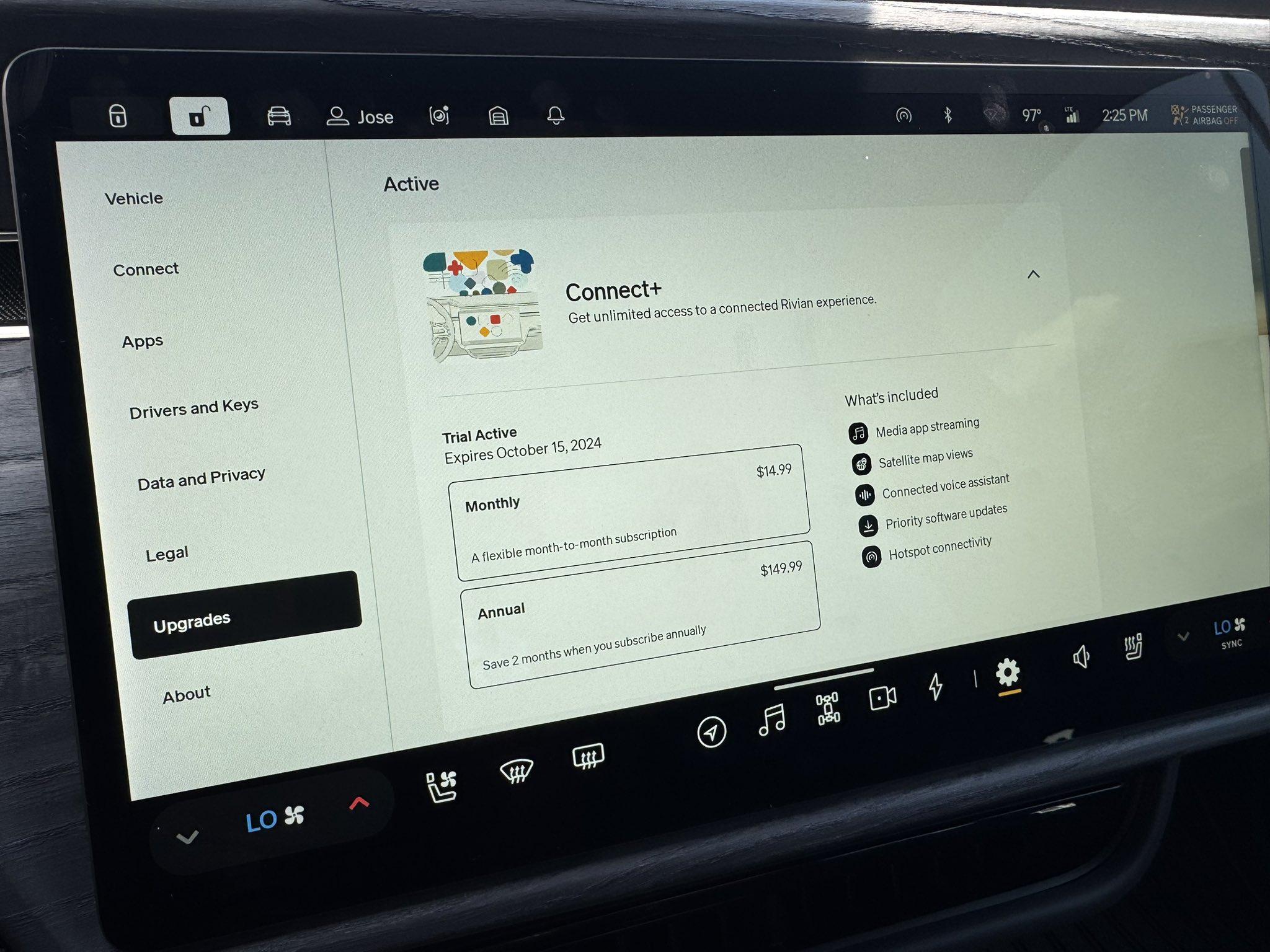
Create a list of active services. Include the renewal date, price, payment method, and whether the subscription appears to be account-based or vehicle-based. This avoids accidentally canceling something that should legitimately transfer with the car.
Premium connectivity is a common example. Some manufacturers include it for a trial period and then charge the owner monthly or annually. If your credit card is being billed, verify whether transferring ownership automatically cancels future renewals.
Driver-assistance features may follow different rules. One feature could be purchased permanently and remain attached to the vehicle, while another operates as a monthly subscription tied to your account. Do not assume all software options behave the same way.
Roadside assistance and telematics services can also vary. Some are included for a fixed number of years from the vehicle’s original sale date, while others depend on the current owner’s subscription.
If you promised the buyer that a particular service is included, confirm that it will actually remain after the account transfer. Likewise, make sure the buyer understands which features will expire.
Reviewing subscriptions protects the seller from continuing charges and prevents the buyer from discovering that a feature advertised during the sale disappears immediately after ownership changes.
6. Perform the Manufacturer’s Official Factory Reset
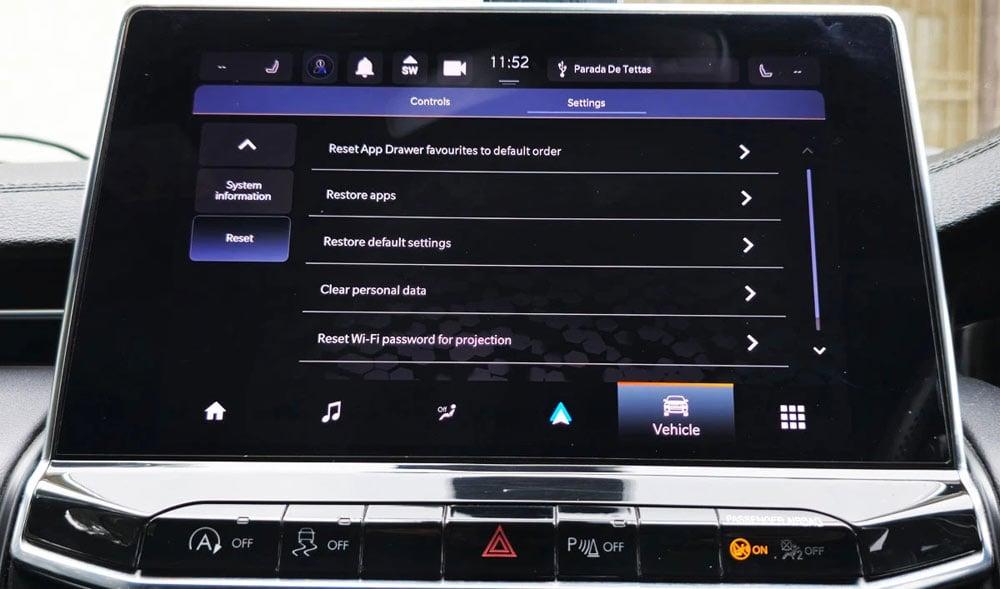
Once devices, profiles, accounts, and billing information have been reviewed, perform the vehicle’s official factory reset. This is the primary method for erasing personal data stored locally inside the EV.
Use the instructions for your specific manufacturer, model, model year, and software version. Do not rely on a reset sequence intended for a different vehicle because menu locations and procedures can change through software updates. Look in the owner’s manual or the infotainment settings for options such as Factory Reset, Erase Personal Data, Restore Factory Settings, Reset Vehicle, or Delete All Profiles.
Before starting, make sure you have completed any actions that require your existing account. Some vehicles require the primary profile, an owner PIN, password, mobile app, key card, or physical key to authorize a complete reset.
A proper factory reset should typically erase paired devices, navigation history, stored addresses, Wi-Fi networks, driver profiles, infotainment preferences, application data, and personal information stored locally. Exact behavior varies by manufacturer, which is why sellers should verify what the reset actually removes.
Allow the process to finish completely. The infotainment system may restart several times. Avoid turning the vehicle off or interrupting the process unless the owner’s manual instructs otherwise.
When the reset finishes, inspect the vehicle as though you were the buyer. The startup screen should generally ask for basic configuration such as language, account setup, phone pairing, or creation of a new driver profile.
Search for anything that should have disappeared. Check navigation history, Bluetooth devices, saved profiles, contacts, applications, Wi-Fi networks, and personalized settings. If your name, phone, home address, or account remains visible, additional cleanup may be necessary.
Remember that a factory reset mainly affects the vehicle itself. Your manufacturer’s cloud account may still recognize you as the owner, so account removal must be handled separately.
7. Transfer Ownership and Remove the EV From Your Account
After wiping the physical vehicle, complete the manufacturer’s official digital ownership-transfer process. This step is critical because a reset dashboard does not necessarily mean the manufacturer’s servers have stopped associating the EV with you.
Open the manufacturer’s application or online account and look for options such as Remove Vehicle, Transfer Ownership, Sold Vehicle, End Ownership, Change Owner, or Remove From Garage. The exact terminology differs between brands.
Some manufacturers allow the previous owner to initiate the entire transfer. Others require the buyer to claim the VIN and provide proof of ownership. Registration documents, a bill of sale, driver’s license information, or dealership documentation may sometimes be required before the new account becomes active.
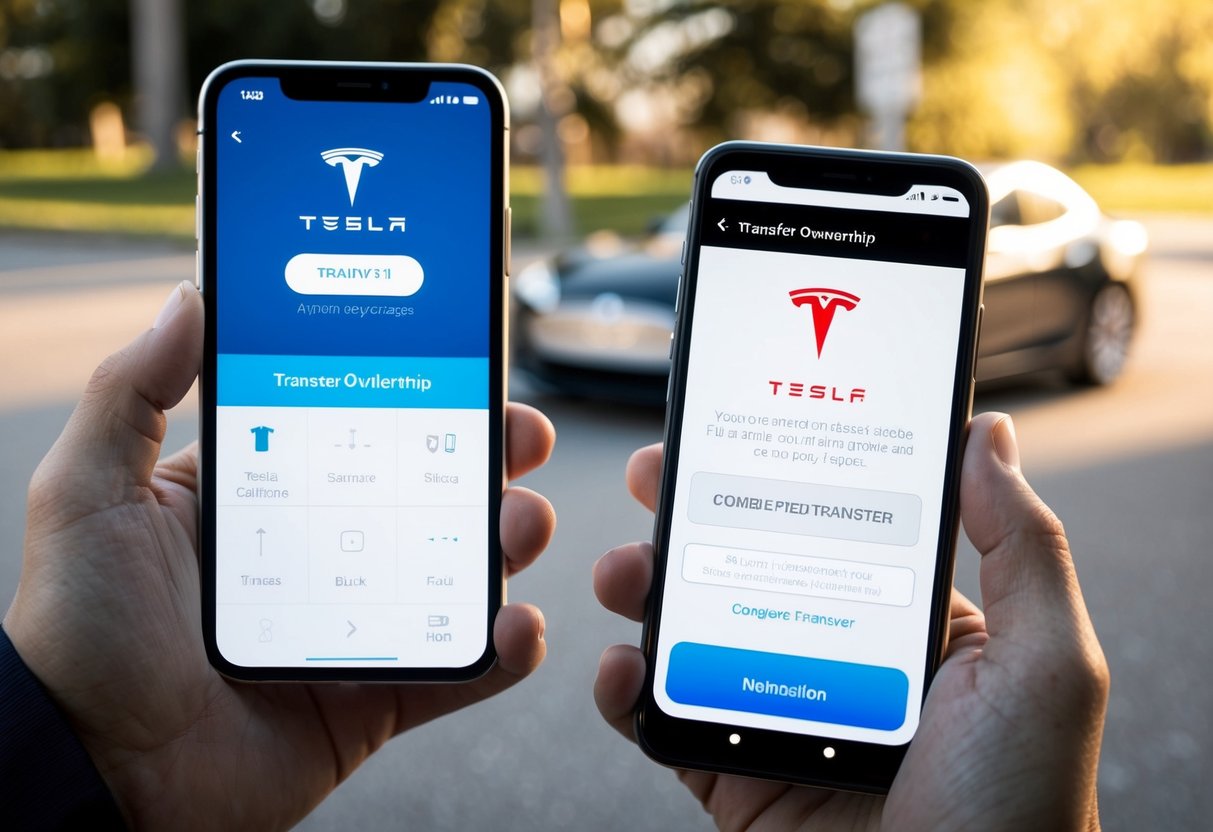
Timing is important. Do not transfer ownership before the legal and financial transaction is complete. Once you remove the EV from your account, you may immediately lose the ability to unlock the car remotely, check its location, manage charging, or access other features. Ending ownership too early can create complications if the buyer has not yet paid or the sale falls through.
At the same time, do not leave the vehicle attached to your account after the buyer has taken possession. Continued access can create privacy problems for both parties.
If you are trading the EV to a dealership, ask whether the dealership handles the digital transfer. Do not simply assume it will. Dealerships may process the title but still expect the owner to remove the vehicle from the manufacturer’s app.
Save confirmation that the transfer occurred. An email, screenshot, reference number, or app notification can help if subscriptions continue billing or the vehicle unexpectedly reappears in your account.
Physical ownership and digital ownership are separate. A connected EV has not been fully transferred until both have changed hands.
8. Verify That Remote Access Is Completely Gone
The final step is checking that everything actually worked. Once the vehicle has been sold and the manufacturer’s transfer process has had enough time to complete, review your accounts again.
Open the automaker’s application. The EV should either be gone completely or clearly marked as no longer belonging to you. You should not continue seeing its battery percentage, charging status, location, climate settings, lock status, cameras, or other remote information.
Do not send commands to the vehicle simply to test whether your access still works. The buyer now owns it. If remote-control buttons remain available, contact the manufacturer and ask them to verify that the ownership relationship has been terminated.
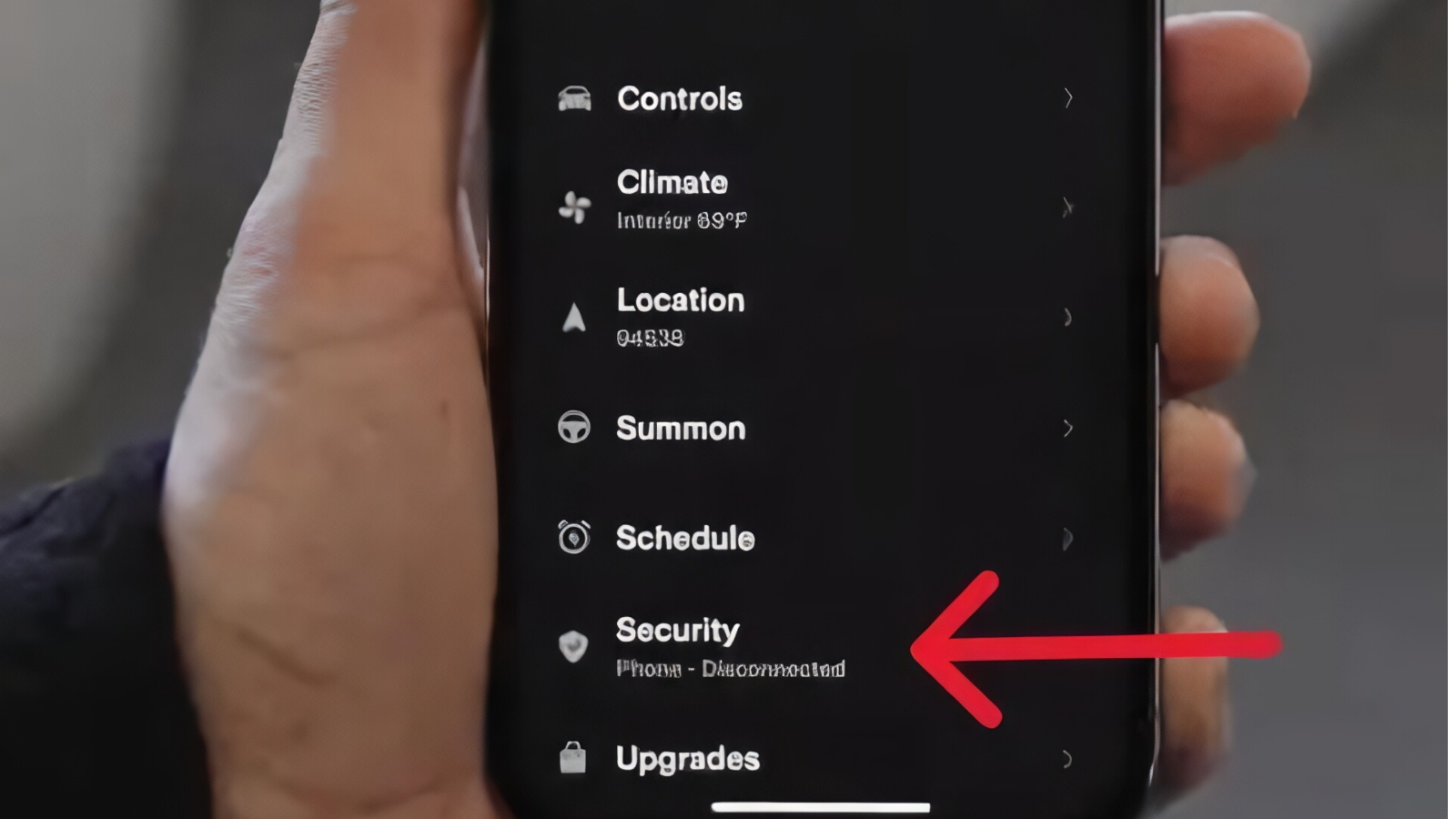
Check your charging accounts again. The sold vehicle should no longer appear as an authorized Plug & Charge vehicle or be able to create charging transactions using your saved payment method. Review your credit-card statement during the next billing cycle for unexpected charging or subscription fees.
Look at your phone’s Bluetooth list, digital wallet, widgets, manufacturer apps, and saved digital keys. Remove any remaining references to the EV.
It is also wise to keep all sale-related documentation together for a while. Retain the bill of sale, ownership-transfer confirmation, title documentation, mileage disclosure, and relevant screenshots. Those records can establish exactly when the car stopped being your responsibility if a dispute or unexpected charge appears later.
This final verification is what separates a vehicle that merely looks reset from one that has truly been disconnected. Selling a modern EV requires two transfers: the physical vehicle and the digital identity attached to it.
The process is finished only when your personal data has been erased, your billing methods are disconnected, subscriptions have been resolved, digital keys are gone, and the manufacturer’s systems recognize the buyer rather than you as the vehicle’s owner.
Also read: 5 Cars With Cheap Window Regulators and 5 Over $600