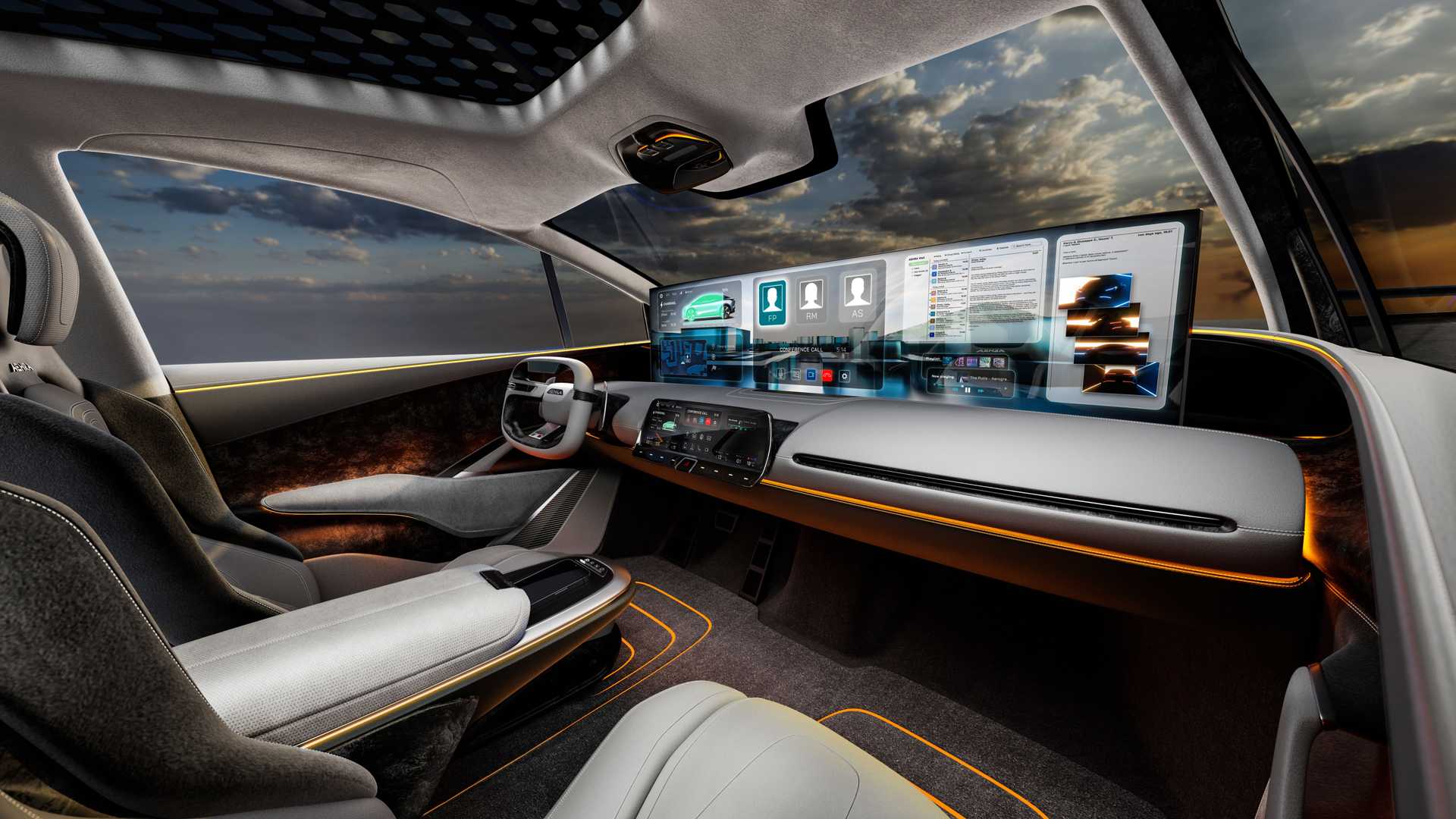
Modern cars are becoming more technologically advanced every year, yet more technology does not automatically mean fewer problems. The 2026 J.D. Power U.S. Tech Experience Index shows a striking difference between features that quietly perform useful tasks and those that add another layer of complexity.
Smart ignition recorded just 2.4 problems per 100 vehicles, while passenger displays reached 21.3 problems per 100 vehicles. The gap shows why some features feel almost invisible during ownership while others regularly attract complaints.
The difference is not simply reliability. Usefulness, simplicity, frequency of interaction, and the amount of hardware and software involved can all shape the ownership experience.
5 Car Features That Never Break
1. Smart Ignition
Smart ignition is perhaps the clearest example of technology becoming almost invisible when it works properly. Instead of requiring the driver to insert a traditional key and manually operate an ignition switch, the vehicle recognizes an authorized key, fob, or digital credential and allows the engine or powertrain to start.
J.D. Power’s 2026 TXI study recorded only 2.4 problems per 100 vehicles for smart ignition, the lowest problem rate highlighted in the study. That number is particularly impressive because starting the vehicle is not an occasional activity.
It happens every time the owner drives. Yet when the system works correctly, the driver rarely thinks about the processors, sensors, or authentication technology operating in the background.
That is exactly what good automotive technology should accomplish. A successful feature does not need to impress the driver with a large display. It can simply eliminate an old inconvenience. Smart ignition removes the need to physically insert a key, turn it, and operate a mechanical ignition cylinder.
Some systems can also recognize an authorized key while the vehicle remains locked, allowing the driver to unlock the doors, enter the cabin, and start the vehicle with minimal interaction.
There are still potential failure points, including a weak key-fob battery, damaged credentials, electrical fault, or communication problem. However, the extremely low problem rate reported by J.D. Power suggests these issues are relatively uncommon during the initial ownership period measured by the study.
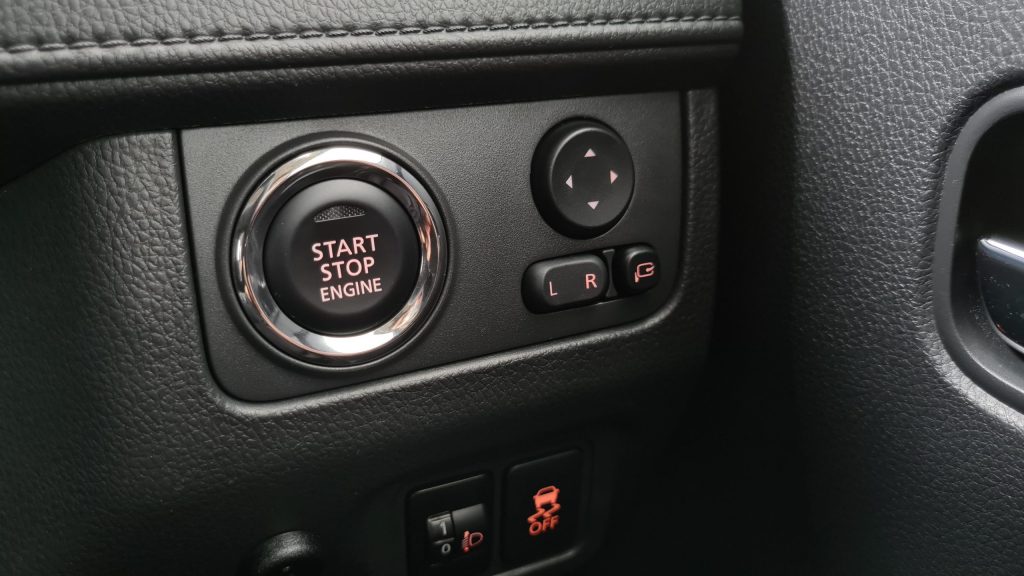
Smart ignition succeeds because it performs one simple task without asking the driver to learn a complicated interface or constantly interact with another screen. It recognizes the authorized user and allows the vehicle to operate, making simplicity one of its greatest strengths.
2. Smart Climate Control
Smart climate control can quietly improve ownership without demanding much attention. Instead of requiring the driver to constantly adjust fan speed, temperature, and airflow, intelligent climate systems can automatically manage those settings according to conditions inside the cabin.
Automatic climate control has existed for decades, but modern systems use more sophisticated sensors and software. They can monitor cabin temperature, sunlight intensity, and other conditions before making adjustments, while some vehicles can remember preferences or provide different settings for occupants.
That matters because climate control is one of the most frequently used comfort systems in a vehicle. Drivers generally do not want to spend every journey making small adjustments just to maintain a comfortable temperature.
The strongest systems therefore work in the background. The driver selects a desired temperature while the system handles smaller decisions, responding when sunlight heats the cabin or when the interior becomes cooler than the selected setting.
This approach is different from technology that forces the driver through multiple menus. Temperature is easy to understand, and a well-designed system can combine automatic operation with straightforward manual controls, allowing the driver to override the computer when necessary.
Smart climate control also has a clearly defined purpose. It regulates temperature and airflow rather than trying to perform numerous unrelated tasks.
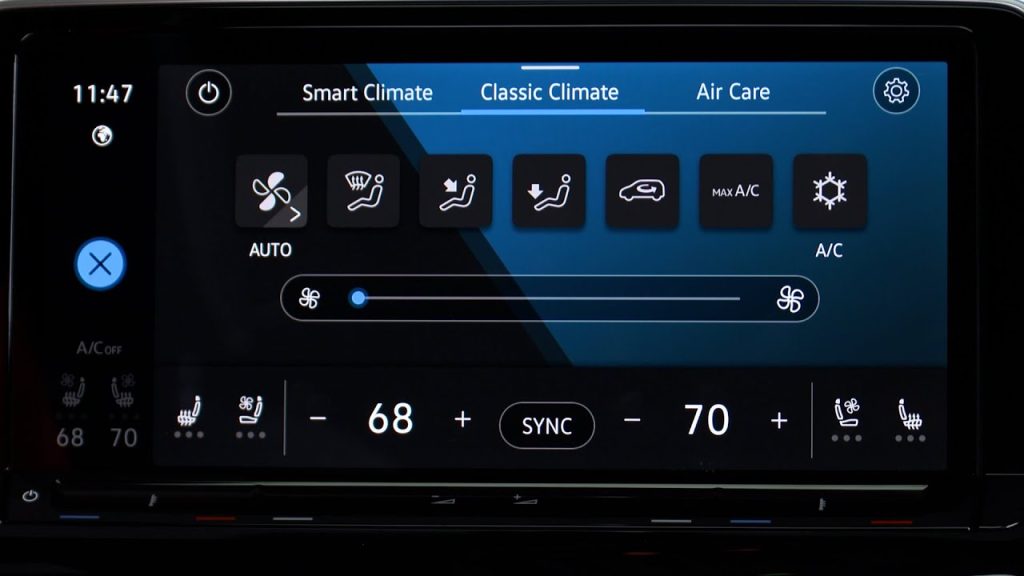
J.D. Power identified smart climate control among the technologies producing strong satisfaction, reinforcing the idea that consumers appreciate automation when it removes repetitive work instead of creating another digital task.
The feature may not attract attention like a huge display or advanced driver-assistance system, but that is part of its strength. Once the cabin reaches a comfortable temperature, the driver can simply stop thinking about the system.
3. Driver Preference Memory
Driver preference memory succeeds because it remembers something the owner would otherwise have to repeat manually. Different drivers often prefer different seating positions, mirror angles, steering-wheel positions, and climate settings.
Without memory functions, switching between drivers can mean spending several minutes returning the vehicle to the preferred setup.
A preference system stores those settings and recalls them when the appropriate driver is identified. In a household where two people share one vehicle, the benefit becomes obvious. One driver may prefer the seat farther forward and higher, while another may sit lower and farther back.
Their preferred climate settings can also differ. If the vehicle remembers those preferences, changing drivers becomes almost automatic.
The technology does not need to dominate the cabin. It can operate through buttons, a digital profile, or a connected key. Once configured, the owner does not need to think about the system again.
That makes it different from features that demand repeated interaction. Ideally, automotive technology should require more attention during setup than during everyday use, and driver preference memory follows that formula.
There is also a practical safety benefit. A driver entering a vehicle adjusted for someone else may need to move the seat or mirrors before driving. Having the correct position restored automatically reduces that distraction.
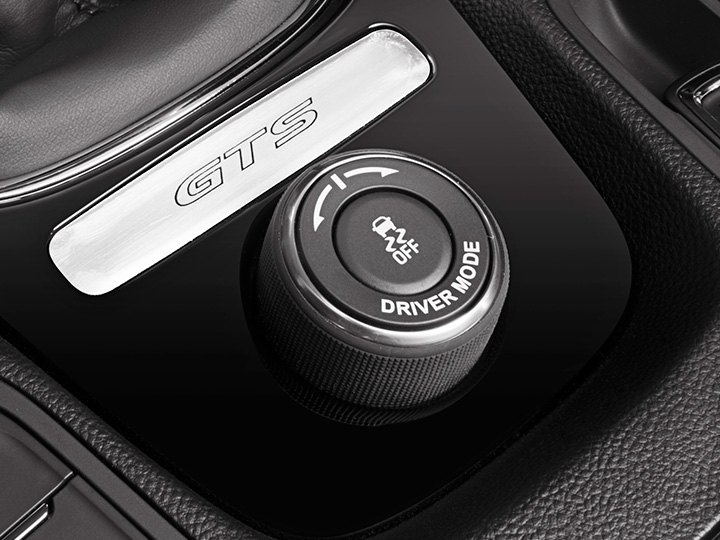
The feature is also easy to understand. The driver saves a position, assigns it to a profile or key, and expects the vehicle to reproduce it later.
There is little ambiguity about what the feature should accomplish. That simple promise and predictable result are exactly what make driver preference memory such a useful piece of automotive technology.
4. Digital Vehicle Key
Digital vehicle keys take a feature that traditionally depended on a physical object and move it into a smartphone. An authorized phone or compatible digital device can act as the vehicle key, allowing the owner to lock, unlock, or start the vehicle without carrying a conventional key fob, depending on the system.
The concept is attractive because smartphones are already part of most people’s daily routines. A digital key does not necessarily require the owner to carry another object, and some systems allow an owner to provide another person with controlled access without physically handing over a spare key.
That can be useful for families, employees, or temporary vehicle users. The strongest digital-key systems are designed so the owner does not constantly think about the technology. Once the credential is configured, access can become nearly automatic.
This is another example of advanced technology reducing complexity from the user’s perspective even though the underlying system may be sophisticated.
There are obvious risks. A dead phone, incompatible device, software problem, or authentication issue could interfere with access. Cybersecurity is also important because a digital key has to prevent unauthorized use.
However, the concept remains attractive because the phone is already something most people carry. The technology replaces a separate object rather than simply adding another screen to the cabin.
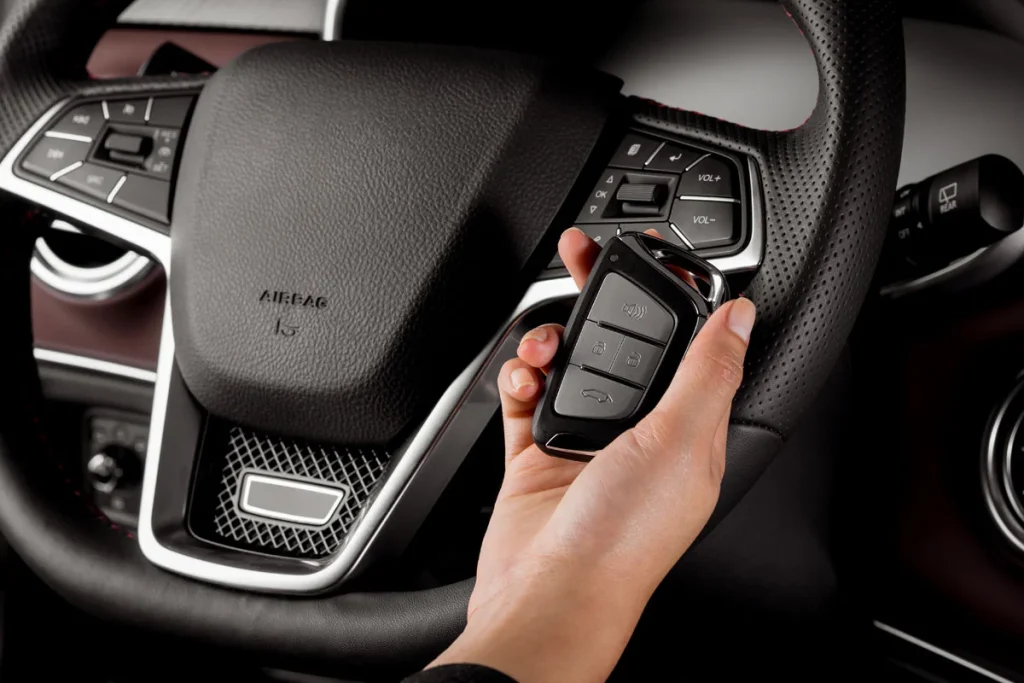
Consumers are also becoming more comfortable with digital credentials in other areas of daily life, so the concept can work well when manufacturers make it reliable and easy to configure.
Unlike entertainment technology, a digital key does not need to be used continuously to provide value. Its benefit appears when accessing the vehicle becomes easier. That ability to work quietly in the background makes it another strong example of useful automotive technology.
5. Camera-Based Rear Visibility
Camera-based rear visibility systems demonstrate how technology can solve a physical limitation rather than simply adding another digital function.
A conventional mirror provides a direct optical view, but passengers, cargo, bodywork, or vehicle design can restrict that view. A camera can provide an alternative image when the traditional line of sight is obstructed.
This can be particularly useful in vehicles carrying significant cargo or several passengers. The system can also provide a wider field of view than a traditional mirror by using an external camera and placing the image where the driver can see it. That creates a meaningful safety and convenience advantage.
Another strength is that the purpose is immediately obvious. A driver sees the camera image and understands what information it provides without learning a complicated sequence of menus.
Camera-based visibility systems can also coexist with conventional mirrors, giving drivers a choice rather than forcing them to completely change how they judge what is behind the vehicle.
That flexibility matters because different conditions can favor different viewing methods. A camera can be particularly useful when the rear window is blocked, while a conventional mirror may feel more natural in other circumstances. The feature therefore improves an existing function instead of replacing the entire concept.
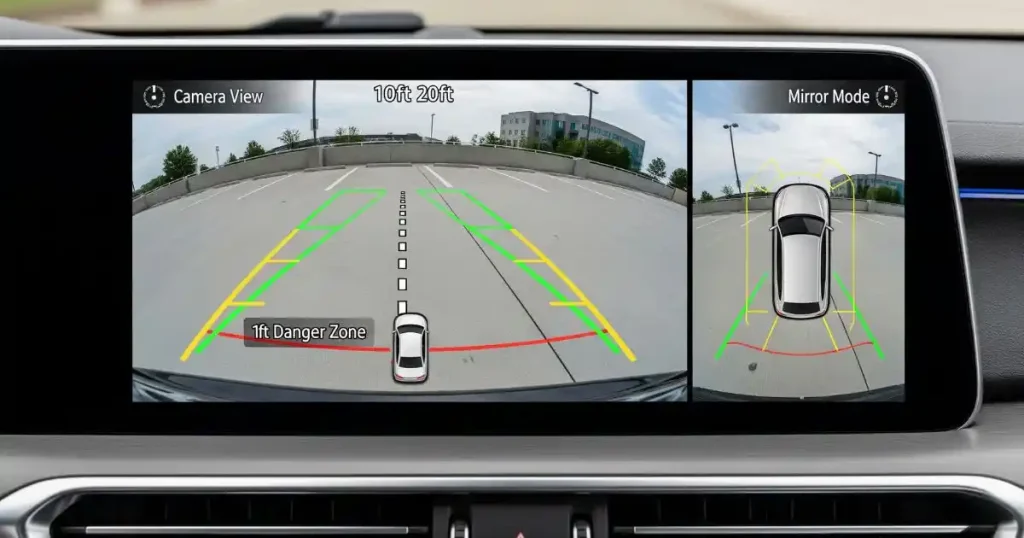
J.D. Power’s 2026 TXI awards recognized camera rear-view mirror technology in both premium and mass-market categories, demonstrating that the concept has gained acceptance across different parts of the market.
Visibility is fundamental to driving, so technology that improves the driver’s ability to see what is happening around the vehicle has an obvious purpose.
5 Car Features That Always Do
1. Passenger Displays
Passenger-facing displays are a good example of an automotive feature whose practical benefits remain uncertain for many owners. The idea is to give the front passenger a dedicated screen for entertainment, navigation details, and other information while allowing the driver to focus on the road.
It sounds attractive, especially in luxury vehicles and during long journeys, yet J.D. Power’s 2026 TXI research found 21.3 problems per 100 vehicles for passenger displays, one of the highest problem rates highlighted in the study.
The usage figures make the result more interesting. Thirty-five percent of owners with a passenger display said they had never used it during their first 90 days, while only 6% said they used it every time they drove.
Those numbers suggest that the problem may not simply be technical reliability. The feature itself may not be useful enough for a large portion of owners.
A passenger display requires additional hardware, software, connectivity and interface design. The more components a system contains, the more opportunities exist for something to behave unexpectedly. There is also a practical question about passengers.
Not every trip includes someone who wants to use the screen. Some passengers may prefer their smartphone, while others may simply want to talk, sleep or look outside.
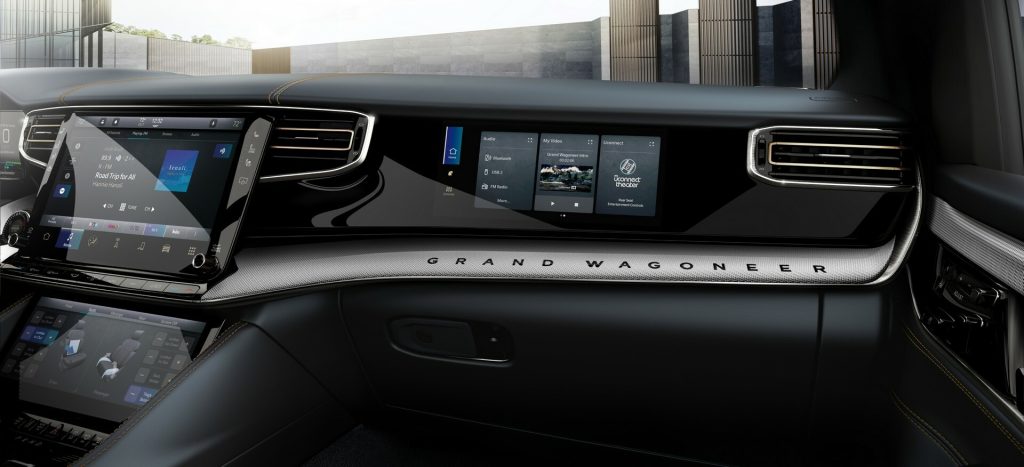
That means the screen can remain unused for long periods, making its value harder to justify when it introduces additional complexity. The feature can still be useful on long journeys, particularly when passengers want entertainment or information without interacting with the driver’s screen.
However, J.D. Power’s findings suggest automakers should think carefully before treating another passenger screen as an automatic improvement. More screen space does not necessarily produce more satisfaction.
2. Gesture Control
Gesture control allows drivers and passengers to operate certain vehicle functions through hand movements instead of traditional buttons, switches, or touchscreen inputs. Although the technology aims to create a more futuristic driving experience, recognizing gestures accurately can be challenging and may make controls less predictable in everyday use.
A physical button provides a direct connection between the driver’s action and the vehicle’s response. The driver knows where the button is, what it does, and how much pressure is required.
Gesture control must first recognize the movement, determine whether it was intentional, identify which gesture was performed and then connect it to the correct command.
That process creates opportunities for misinterpretation. A driver may move a hand for an unrelated reason and accidentally trigger a function, while the system may also fail to recognize a deliberate command.
The issue becomes more important while driving because motorists should not have to repeat a gesture several times to make the vehicle understand them. That can create distraction.
The fundamental question is whether gesture control is genuinely easier than the physical control it replaces. In some situations it can be useful, such as when a passenger wants to adjust a function without reaching across the cabin, but its convenience depends heavily on recognition accuracy.
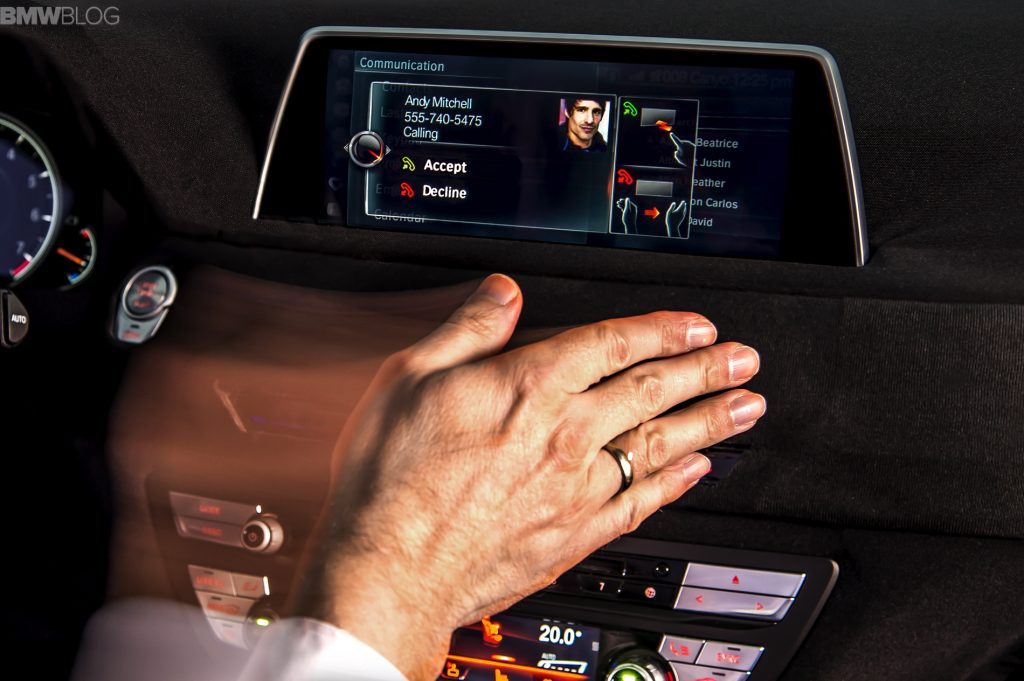
Gesture systems also require drivers to remember which movements correspond with which functions, creating a learning curve that many conventional controls do not have. Innovation should reduce effort, not merely change the method.
If a gesture is faster, more reliable and easier to remember than a button, it has a strong case. If the driver has to think about it, repeat it or check whether the system understood, the advantage becomes questionable.
3. Level 2 Driver Assistance
Level 2 driver-assistance systems have become common because they can reduce the workload of highway driving. These systems typically combine adaptive cruise control with lane-centering assistance, allowing the vehicle to maintain a selected speed, adjust following distance and help keep the vehicle positioned within its lane.
The technology can be genuinely useful, but it creates a unique challenge: the driver remains responsible. The system therefore has to communicate its limitations clearly. Drivers need to know when it is active, when it has disengaged and when intervention is required.
J.D. Power’s 2026 findings show that Level 2 systems recorded 14.3 problems per 100 vehicles, considerably higher than the 2.4 PP100 reported for smart ignition. The difference makes sense when the complexity is considered.
Smart ignition has a relatively narrow task, while driver assistance must interpret the road, monitor lane markings, identify vehicles and continuously adjust the vehicle’s behavior.
Road conditions are also unpredictable. Rain, faded lane markings, construction zones, unusual traffic patterns and sharp curves can challenge driver-assistance systems, creating more opportunities for warnings and unexpected behavior.
Sometimes the technology is not malfunctioning at all. It may be correctly disengaging because conditions have moved outside its operating parameters.
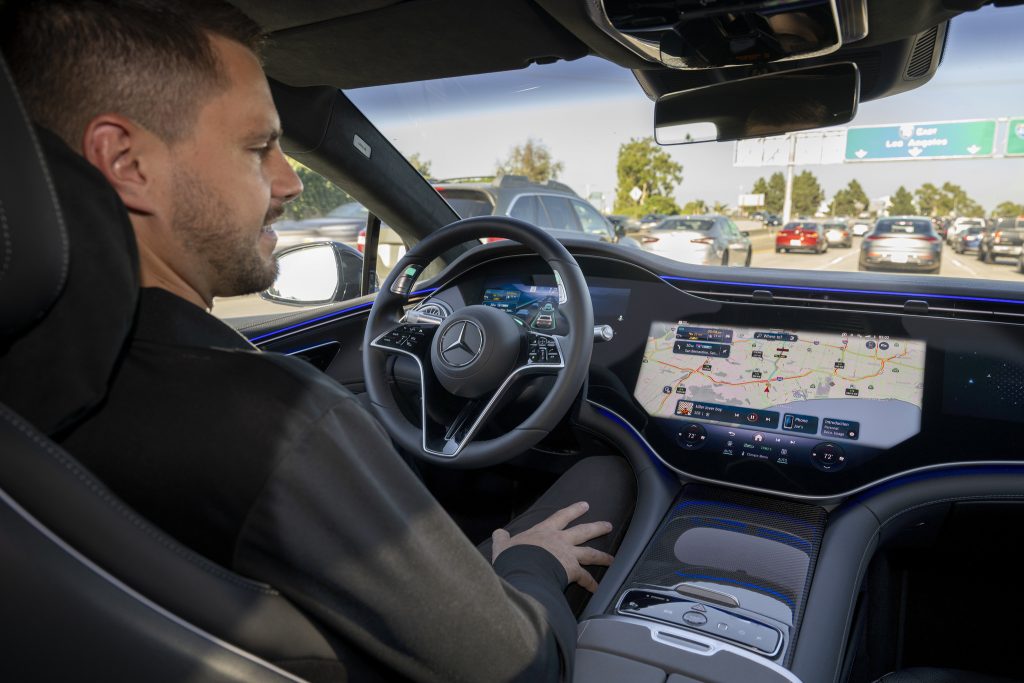
From an owner’s perspective, however, a feature that repeatedly asks for intervention can still feel frustrating. Reliability is not simply whether a computer component has failed. It is also whether the system behaves consistently enough for the driver to trust it.
Level 2 systems can be valuable, but their usefulness depends on drivers understanding exactly what they can and cannot do.
4. Level 2+ Hands-Free Assistance
Level 2+ systems take the same concept further by allowing hands-free operation under specific conditions. That sounds like an obvious improvement because the vehicle can maintain speed, control steering, and monitor the driving environment. Yet additional capability also increases expectations.
J.D. Power’s 2026 study found that Level 2+ systems reported 13.8 problems per 100 vehicles, slightly fewer than the 14.3 PP100 recorded by Level 2 systems. At first glance, that might suggest Level 2+ is the better technology.
However, the study showed that traditional Level 2 systems performed better in execution and user experience. This highlights an important distinction, as reporting fewer problems does not necessarily mean drivers are more satisfied with the technology.
A hands-free system must communicate its boundaries extremely well. The driver needs to know when hands-free operation is permitted, whether the system has detected sufficient attention and when control must be returned.
The system also depends on cameras, sensors, software and road information, so disagreement among those systems can affect the experience.
Another concern is that drivers may misunderstand the capabilities of hands-free assistance systems. The name can suggest that the vehicle operates independently, even though the driver must remain attentive and responsible for controlling the vehicle.
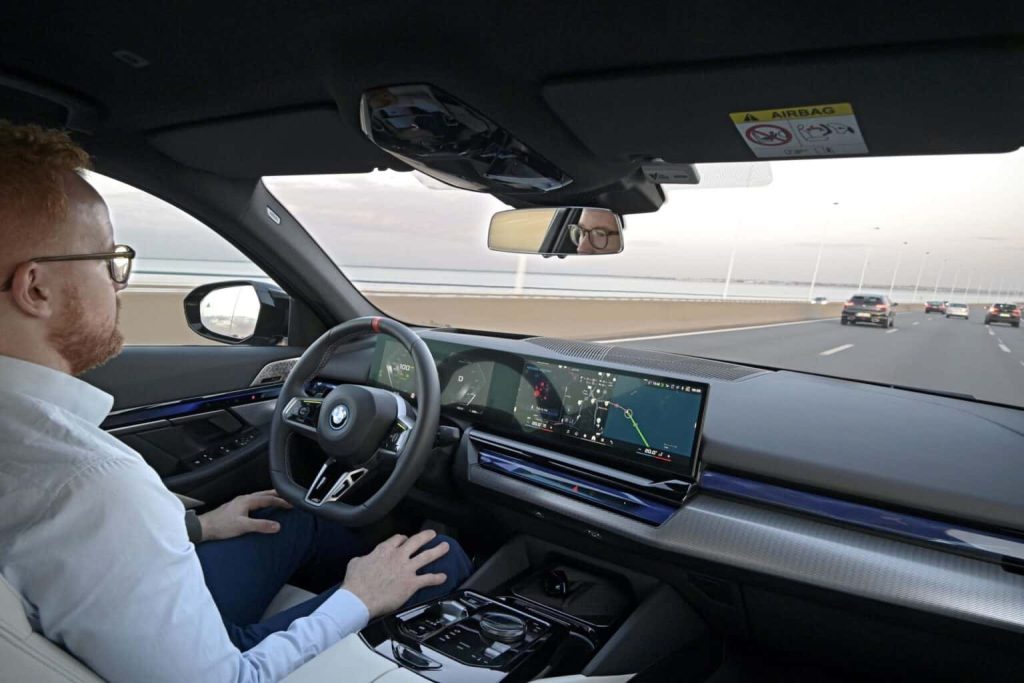
That makes human-machine communication extremely important. A system can be technically capable yet still create problems if the driver misunderstands its role.
Level 2+ therefore represents an impressive advancement while also demonstrating how increasing automation creates challenges that simpler convenience technologies do not face. The goal should not simply be to make the vehicle capable of doing more. The system must clearly communicate what it is doing and why.
5. Advanced In-Cabin Screens
Large multifunction displays are now central to many modern vehicle interiors. They can control navigation, audio, climate settings, vehicle preferences, connectivity and numerous other functions.
The advantage is obvious because one display can replace many separate controls, but the drawback is that the driver may have to navigate menus for tasks that once required a physical switch.
That creates an unusual reliability problem. A physical control can wear out, but its operation is generally straightforward. A touchscreen depends on software, processing speed, interface design and the display itself.
If the system freezes, becomes slow or experiences a software problem, several unrelated functions can become difficult to operate at the same time.
This matters most for frequently used functions. Climate control is a good example. If changing the temperature requires navigating through a screen, the driver may spend more time looking away from the road than when using a physical knob.
Large displays also create opportunities for software updates to change the interface. An update may improve functionality, but it can also move menu locations or alter how familiar commands work, forcing the owner to adapt to the vehicle again.
The problem becomes more noticeable when multiple functions are placed behind the same interface. A driver may need the screen for navigation, audio and climate settings, so a display problem can affect much more than entertainment.
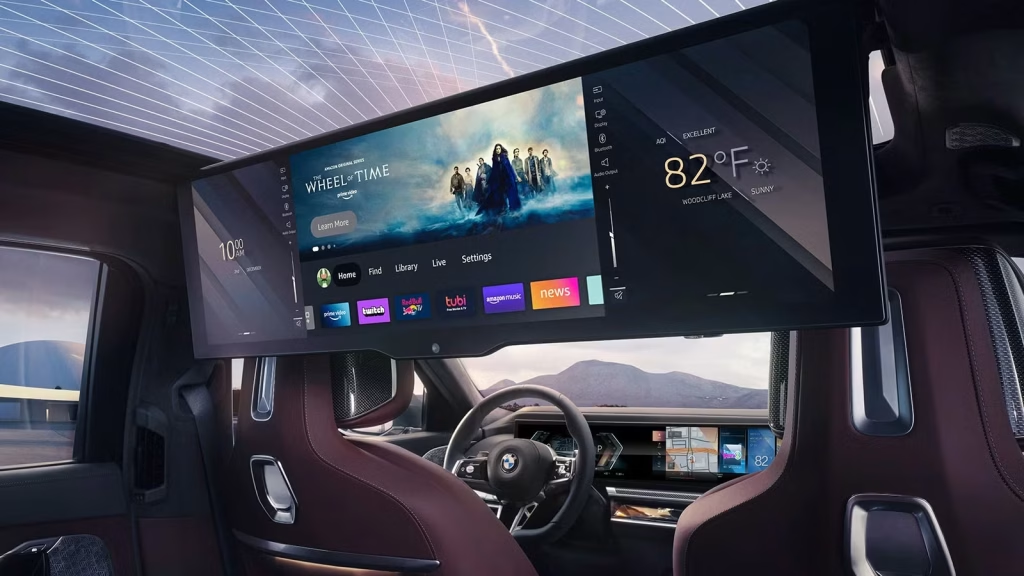
The technology is capable of doing more than a traditional control panel, but greater capability does not necessarily mean greater usability.
The lesson is not that touchscreens are bad. They can be extremely useful for maps, media and information that benefits from a large visual interface. The problem begins when a screen becomes the only practical way to perform basic tasks.
The strongest interior designs may therefore combine digital displays with simple physical controls, allowing technology to handle complicated information while keeping essential functions immediately accessible.