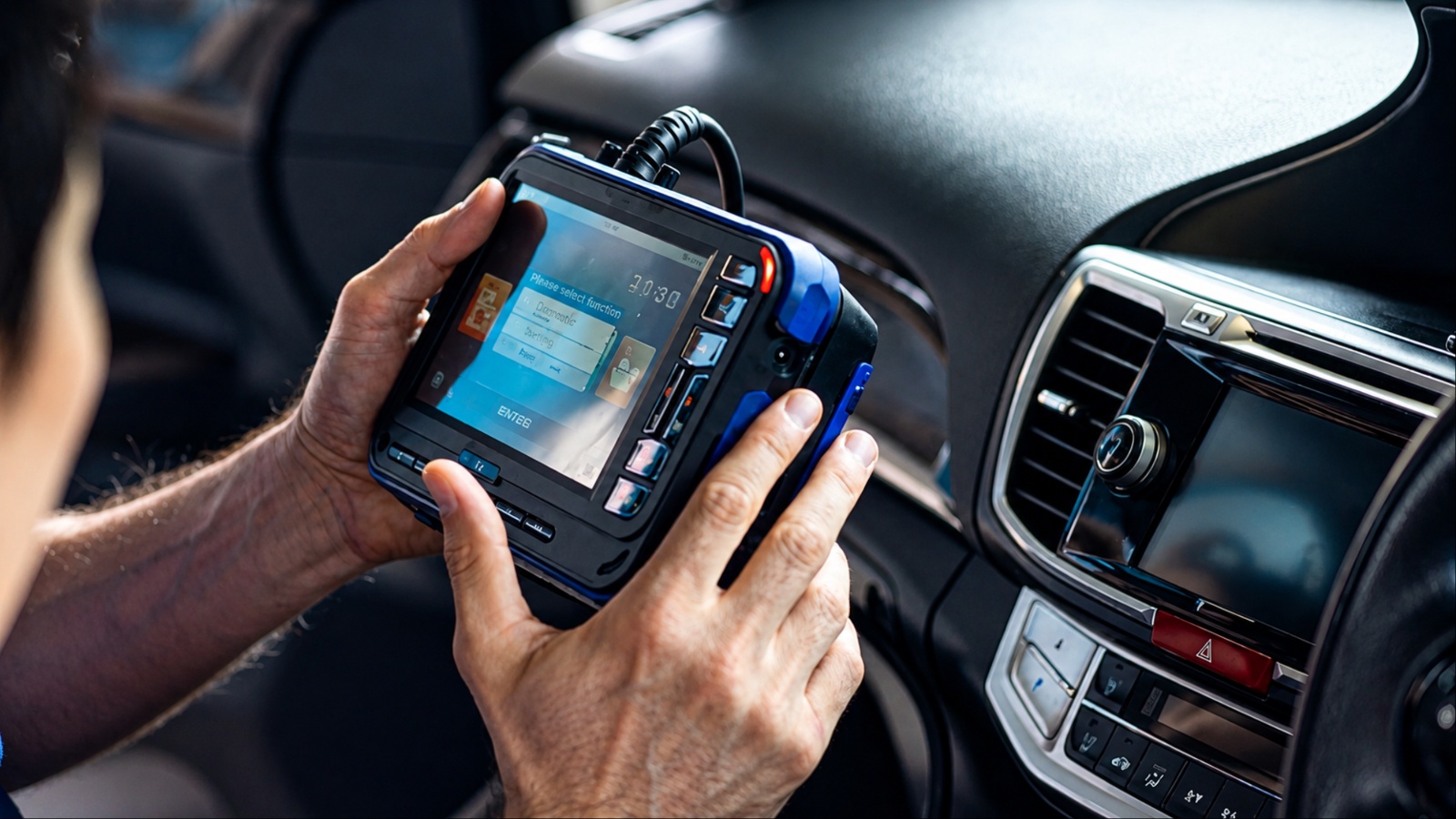
Selling a modern car means transferring more than metal, glass, and mechanical parts. Connected vehicles can retain phone contacts, call histories, navigation destinations, Bluetooth pairings, driver profiles, garage-door information, and links to manufacturer apps.
The Federal Trade Commission warns that this information can remain accessible to the next owner if sellers do not remove it properly.
A factory reset is useful, but it is not always the final step. Different manufacturers handle stored information and connected accounts differently, and some data exists outside the infotainment screen.
Before handing over the keys, sellers should therefore treat the vehicle like a smartphone and systematically disconnect accounts, erase stored information, and verify that their digital access has ended.
1. Delete Every Paired Phone and Bluetooth Device
Start with the simplest source of personal information: the devices you previously connected to the vehicle. Modern infotainment systems can store more than the name of a smartphone.
Depending on the vehicle and the permissions granted during pairing, the system may retain contacts, recent calls, messages, device identifiers, and other information associated with your phone.
The Federal Trade Commission specifically recommends removing paired devices and personal information before selling or donating a vehicle.
That matters because deleting the vehicle from your phone is not necessarily the same thing as deleting the phone from the vehicle. The car may continue displaying the device in its Bluetooth history even after you have stopped using it.
Open the vehicle’s Bluetooth or connected-device menu and review the complete list. Do not delete only the phone you currently use. Older phones, tablets, and other devices can remain stored if they were previously paired with the infotainment system.
Also check Apple CarPlay or Android Auto connections where applicable. Remove your phone from the vehicle’s saved device list, then remove the vehicle from the phone’s Bluetooth settings. This creates a cleaner separation between the two systems.
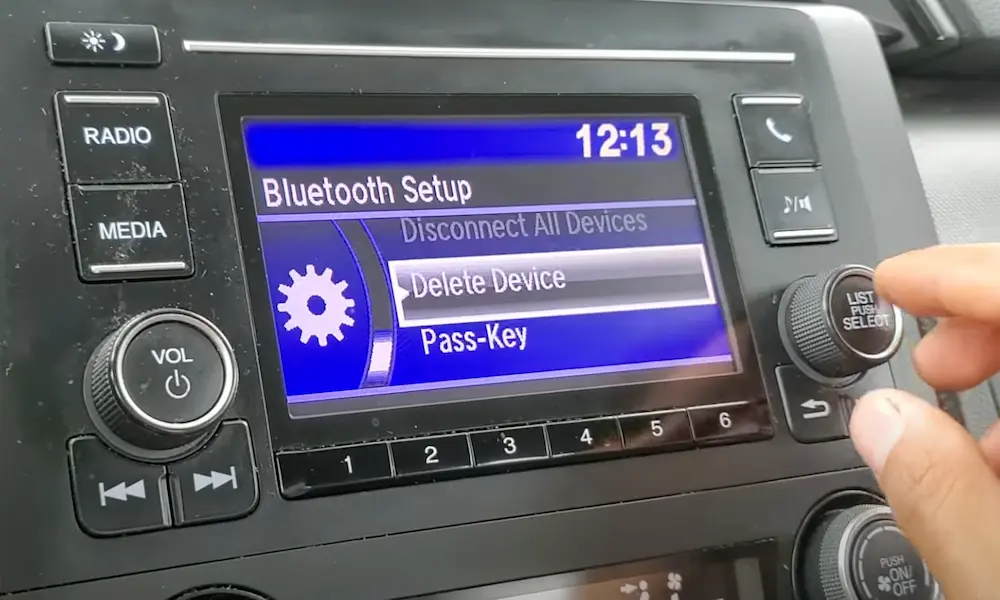
If multiple family members used the car, repeat the process for every device. A factory reset may remove this information on some vehicles, but manufacturers do not all use identical systems, so manually checking the device list provides an additional layer of protection.
Once everything has been deleted, restart the infotainment system and confirm that no familiar devices or contacts remain. Do not reconnect your phone afterward just to test the system.
2. Erase Saved Navigation Destinations and Location History
Navigation data can reveal surprisingly personal information, making it one of the most important categories to remove before selling a connected vehicle.
A built-in navigation system may contain your home address, workplace, frequently visited locations, recent destinations, and favorite places. Even if the next owner cannot access your phone, those locations may remain stored inside the vehicle.
The Federal Trade Commission specifically warns sellers that navigation systems can retain addresses and routes associated with home, work, and favorite destinations. That information should therefore be treated as personal data rather than simply as navigation preferences.
Begin by opening the navigation system and checking saved destinations, favorites, recent destinations, and address-book entries. Delete individual locations if the system provides that option. If the vehicle offers a dedicated “delete personal data” function, use it as well.
Some older systems provide separate controls for navigation history and personal information. Toyota’s owner documentation, for example, describes systems with a specific personal-data deletion function that can remove memory points, previous destinations, route traces, and other stored information.
Newer Toyota multimedia systems also provide a system-reset option that restores the multimedia system to its factory state.
Do not assume that deleting your home address is enough. Check workplace addresses, favorite restaurants, relatives’ homes, and any other locations you regularly entered.
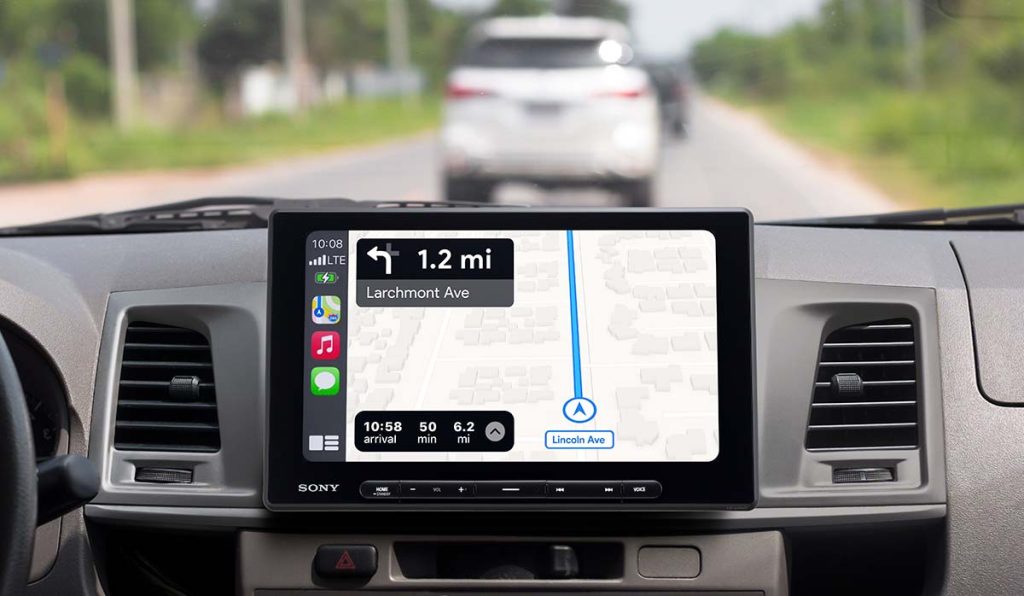
Afterward, examine the map screen again and make sure recent destinations and saved locations have disappeared. If the vehicle has multiple user profiles, check each profile individually.
The goal is simple: when the buyer drives away, the navigation system should provide no easy record of where you lived, worked, or regularly traveled.
3. Remove Your Manufacturer App and Disconnect the Car From Your Account
Deleting information from the infotainment screen is only part of the process in a connected vehicle. If you use a manufacturer’s smartphone application to lock the doors, locate the vehicle, check fuel or battery status, schedule service, or perform other remote functions, the vehicle may still be associated with your account after you erase its local data.
The Federal Trade Commission specifically warns sellers to disconnect manufacturer apps from the vehicle before transferring ownership. A factory reset does not necessarily cancel or remove those cloud-based connections.
Start by opening the manufacturer’s app and looking for an option to remove, delete, or transfer the vehicle. If the app supports multiple vehicles, make sure you are removing the correct VIN rather than deleting your entire account.
Toyota, for example, uses driver profiles and Toyota accounts in some of its newer multimedia systems. Its ownership-transfer guidance explains that a system reset restores the multimedia system to its factory state, while profile management separately controls saved driver information.
After removing the vehicle from the app, sign out of the infotainment system if it offers an account function. Then restart the system and check whether your name, profile, or account still appears.
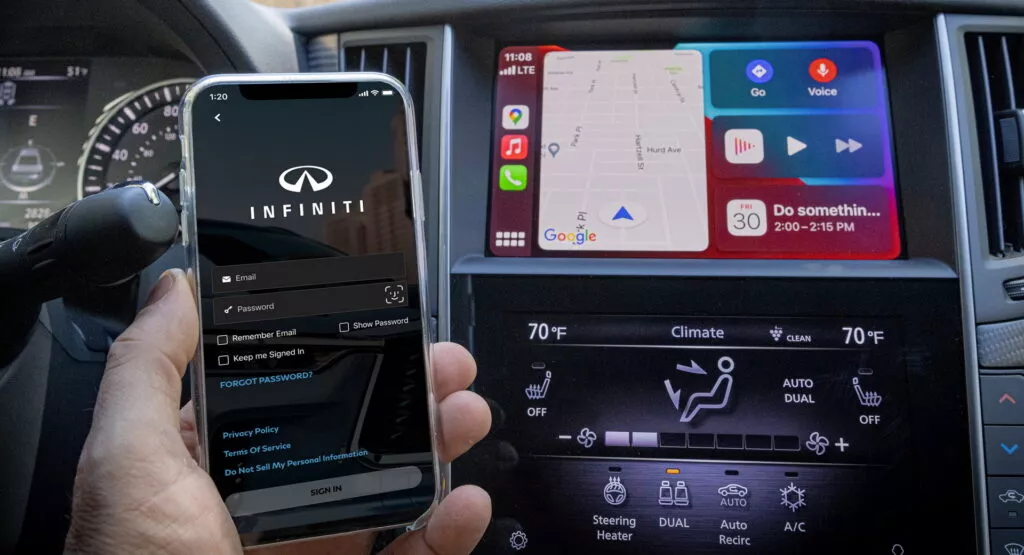
Do not simply delete the app from your phone. That removes the application from the phone but does not necessarily disconnect your account from the vehicle.
If the manufacturer requires a dealer or customer-service process to transfer ownership, complete that step before handing over the keys. This is especially important with vehicles that have remote-access capabilities.
4. Perform the Vehicle’s Factory Reset
Once individual information has been removed, use the vehicle’s official factory-reset function if one is available. This is one of the most effective ways to clear multiple categories of stored information at once, but it should not be treated as a universal solution for every connected service.
The FTC says some cars have a factory-reset option that returns settings and data to their original state. It also warns that a reset may not disconnect subscription services or other external accounts, which means additional steps can still be necessary.
The exact procedure varies considerably by infotainment system. Ford’s SYNC 3, for example, has a master reset function that returns the system to factory settings and erases personalized information. Ford instructs owners to make note of addresses, routes, and destinations before resetting because those items will be erased.
Toyota’s newer Audio Multimedia systems similarly provide a system-reset function that restores the multimedia system to its factory form before enrollment. Toyota also separately provides options for deleting saved driver profiles.
Before pressing reset, make sure you have saved anything you legitimately want to keep, such as personal records or preferred settings. Then follow the procedure in the owner’s manual for your exact vehicle and infotainment version.
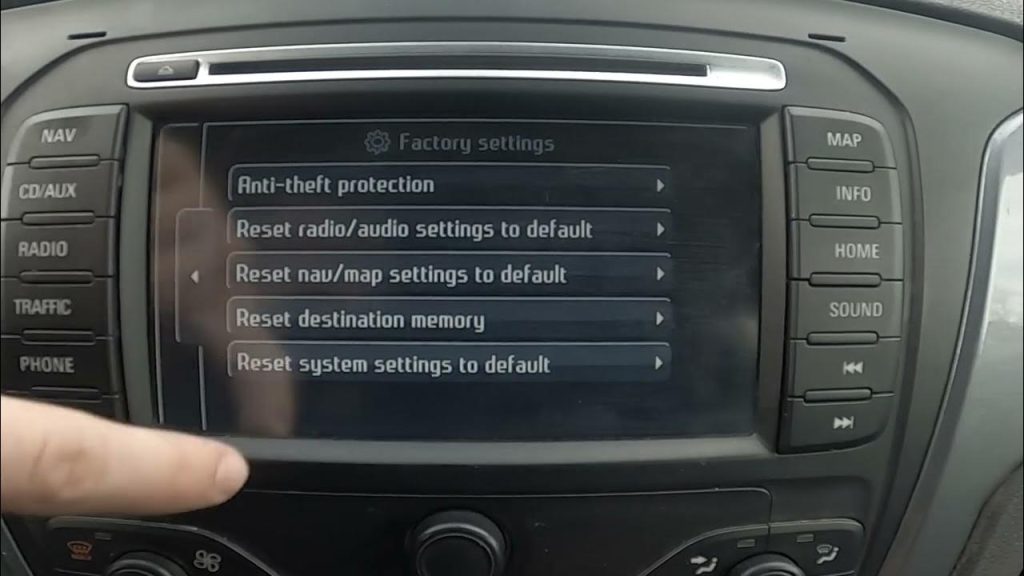
After the reset finishes, restart the system and inspect the opening screen. It should behave like a vehicle being configured for a new owner rather than one continuing to recognize you.
The reset is an important final cleanup step, but it should come after you have disconnected your external accounts and manufacturer applications.
5. Delete Garage Door Codes and Home Access Information
A connected vehicle can sometimes contain information that has nothing to do with driving but can still create a security concern after the car changes hands. Garage-door programming is a good example. If your vehicle has an integrated garage-door opener, the system may still be programmed to operate the door at your home unless you erase or reset it before selling.
This is different from deleting a Bluetooth phone or navigation destination because the information can potentially provide physical access to your property. The FTC advises sellers to remove personal information and connected-device access from vehicles before transferring ownership.
If your vehicle uses an integrated garage-door opener such as HomeLink, check the system’s programming menu and follow the manufacturer’s procedure for clearing all programmed buttons.
HomeLink’s official instructions state that a full factory reset can erase all previously programmed garage door and other device information. Some systems also allow individual buttons to be cleared without resetting every setting.
Do not assume that removing the vehicle from your smartphone application will erase garage-door programming. The opener can be stored directly in the vehicle.
Also check whether the vehicle contains other programmed access systems. Depending on the model, these may include gate openers, security systems, or other compatible home automation devices.
After clearing the system, press each garage-door button to confirm that it no longer activates the programmed device. If you are selling the vehicle locally, this is especially important because the buyer may receive the car before you have changed other access credentials.
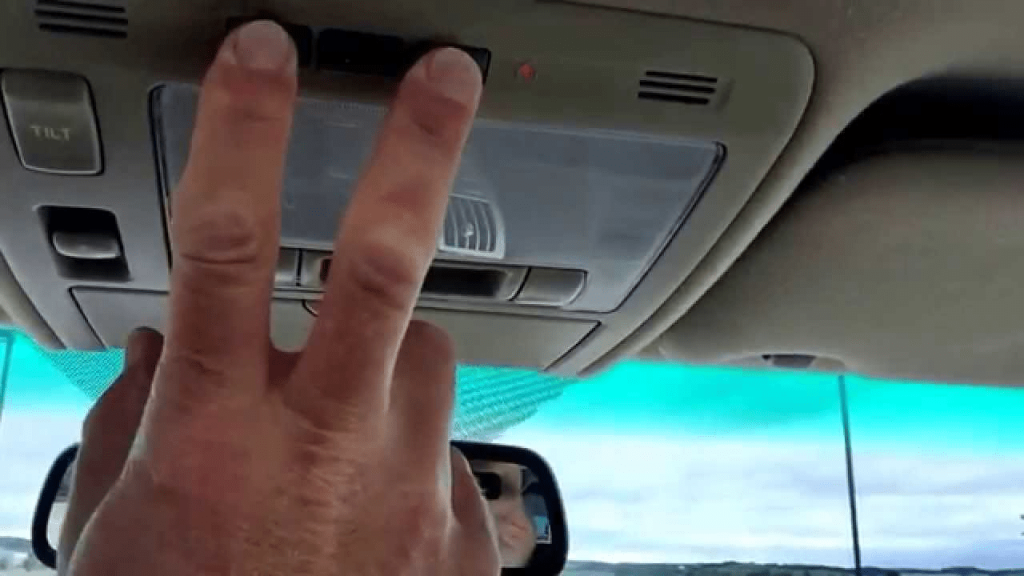
If the vehicle is being traded in, complete this step before leaving it at the dealership. Dealership employees may move the vehicle around the property, but there is no reason for your home-access information to remain stored inside it.
A clean digital handoff should leave the buyer with an unprogrammed system rather than access to devices connected to your previous home.
6. Remove Your Toll Transponder and Check Toll Account Connections
Toll-road equipment is easy to overlook because it often sits quietly on the windshield and has little connection to the vehicle’s infotainment system. However, leaving your toll transponder inside a car after selling it can create unnecessary account and billing problems.
A toll transponder is generally associated with an individual toll account rather than simply with the vehicle. If the buyer drives through a toll facility while your transponder remains installed, the transaction could potentially be associated with your account.
The Federal Trade Commission’s broader guidance on selling connected vehicles recommends removing devices and personal information that can remain associated with the vehicle. A toll transponder falls into that category even though it is not normally part of the vehicle’s factory electronics.
Remove the physical transponder before handing over the car. If your toll agency requires the device to be deactivated, transferred, or returned, complete that process according to its instructions. Do not assume that removing the transponder from the windshield automatically closes the associated account.
You should also review your toll account and make sure the vehicle’s license plate is no longer associated with your account if you will no longer own it. This is particularly important when the same account contains multiple vehicles.
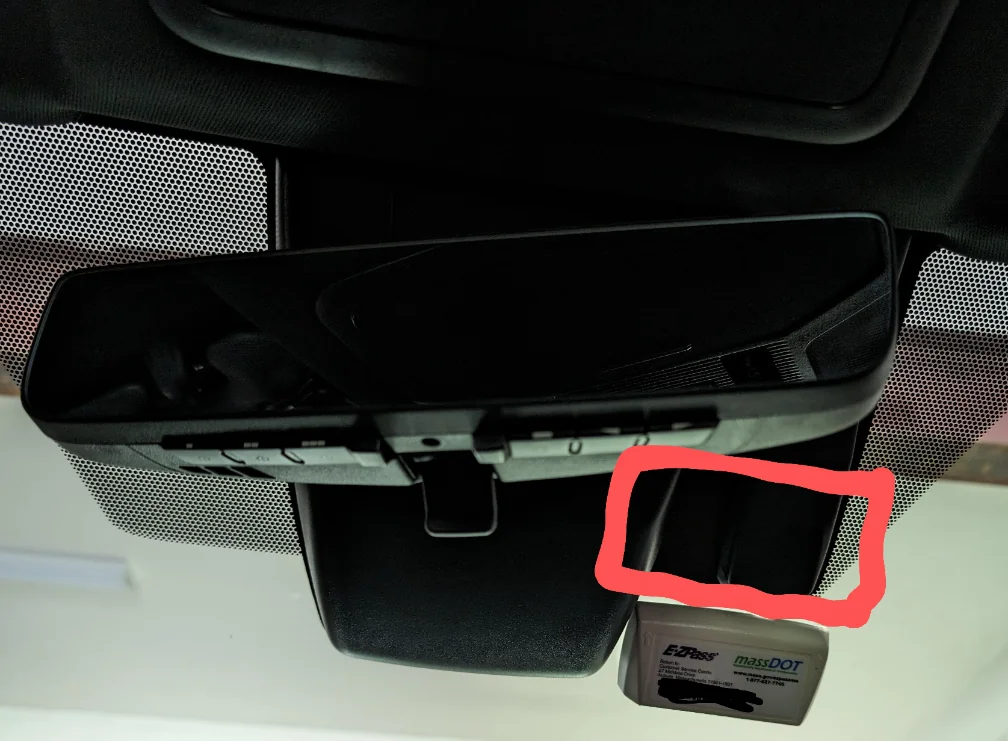
If your state or toll system uses a sticker-based electronic tolling system rather than a removable transponder, check the provider’s ownership-transfer procedure. Some systems may require the sticker to be removed or the account association to be changed.
Before completing the sale, photograph the vehicle’s license plate and keep the sales documentation showing the date and time ownership transferred. That documentation can become useful if a toll charge appears after the vehicle has left your possession.
Removing the physical transponder and updating the toll account creates a much cleaner separation between you and the vehicle’s future road use.
7. Remove Your Personal Driver Profile
Many modern vehicles allow different drivers to create individual profiles that store preferences and settings. Depending on the vehicle, a profile can remember seat and mirror positions, climate preferences, radio presets, navigation information, phone connections, and other personalized settings.
Before selling the car, check whether your vehicle has a driver-profile system and remove your profile rather than simply switching to another user.
Toyota’s ownership-transfer documentation, for example, specifically describes deleting driver profiles separately from resetting the multimedia system. That distinction matters because a factory reset and profile deletion are not necessarily identical operations.
Look through the infotainment menu for sections labeled “Users,” “Profiles,” “Driver Profiles,” “Personalization,” or similar terminology. Delete every profile associated with you or other household members. If the vehicle permits multiple accounts, make sure you remove all of them.
This is particularly important if the vehicle uses personalized settings connected to a manufacturer account. Deleting the profile from the screen may not necessarily cancel the associated online account, so complete both processes where applicable.
After removing the profiles, restart the infotainment system and check whether the vehicle displays a generic setup screen. If your name, initials, avatar, or personalized settings still appear, the deletion process is incomplete.
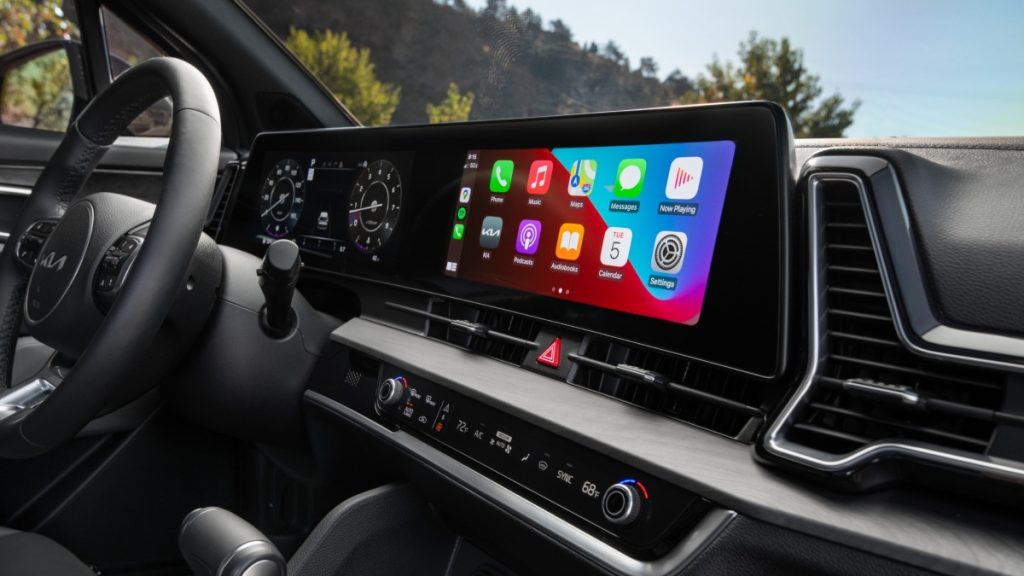
Do not forget physical memory functions. Some vehicles store seat or mirror positions independently from the infotainment profile. If those settings can reveal which position you used, reset them to the vehicle’s default configuration.
A profile may seem harmless compared with financial or navigation information, but removing it gives the next owner a cleaner starting point and reduces the amount of personal information transferred with the vehicle.
8. Disconnect Digital Keys and Smartphone-Based Vehicle Access
Digital keys require special attention because they can allow a smartphone or smartwatch to unlock or start a vehicle without a traditional key. Simply deleting the manufacturer’s application from your phone may not remove the vehicle from every digital-key service.
Before selling, open the vehicle’s digital-key settings and identify every phone, watch, or other device authorized to access it. Remove each one individually where the system allows it.
The exact process depends on the manufacturer. Some systems manage digital keys through the vehicle’s infotainment screen, while others use a smartphone wallet or dedicated manufacturer application. The Federal Trade Commission advises sellers of connected vehicles to remove digital access and personal information before transferring ownership.
Apple and Google-based digital vehicle keys can also involve settings outside the vehicle itself. If you previously added the car to a smartphone wallet, check that wallet and remove the key. Do the same for any smartwatch or secondary device that was authorized.
After removing the keys, test the vehicle with your primary phone to confirm that it can no longer unlock or authorize the vehicle. If the physical key remains available, keep it separate while testing.
Manufacturer cloud accounts should also be disconnected. A digital key can sometimes remain associated with an account even after the infotainment system has been reset.
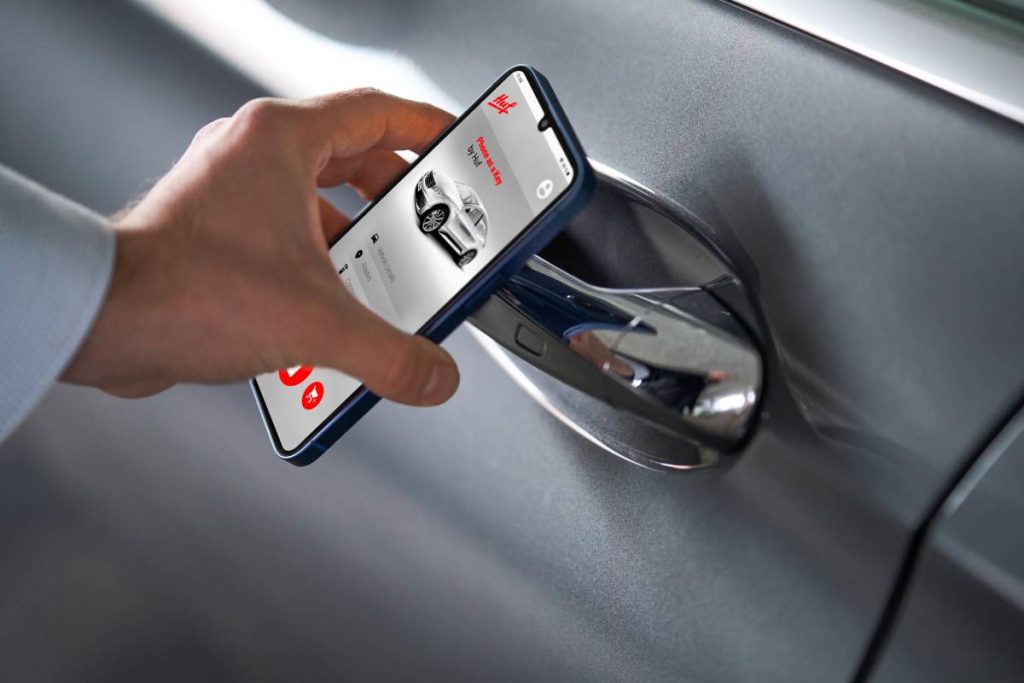
This step is especially important when selling privately. A dealership may have established procedures for transferring ownership, but a private buyer may receive the vehicle immediately.
The goal is to make sure the next owner receives only the access credentials you intentionally transfer. Once the sale is complete, your phone, smartwatch, and online account should have no remaining ability to unlock, locate, or control the vehicle.
9. Delete Saved Wi-Fi Networks and Hotspot Credentials
Connected cars can remember wireless networks and hotspot information used during ownership. If you regularly connected the vehicle to your home Wi-Fi, a phone hotspot, or another private network, those credentials may remain stored in the infotainment system even after other personal information has been removed.
Open the vehicle’s Wi-Fi or connectivity settings and look for saved networks, remembered connections, hotspot profiles, and stored passwords. Delete networks that belong to you rather than simply turning Wi-Fi off.
This is different from removing a paired smartphone. Bluetooth manages one type of connection, while Wi-Fi settings can contain separate network names and authentication information.
A factory reset may remove these records on some vehicles, but checking the Wi-Fi menu manually provides another way to confirm that your saved networks are gone.
Pay particular attention to a home network. A network name can sometimes reveal a household or location, while stored credentials could potentially allow the vehicle to reconnect when it comes within range.
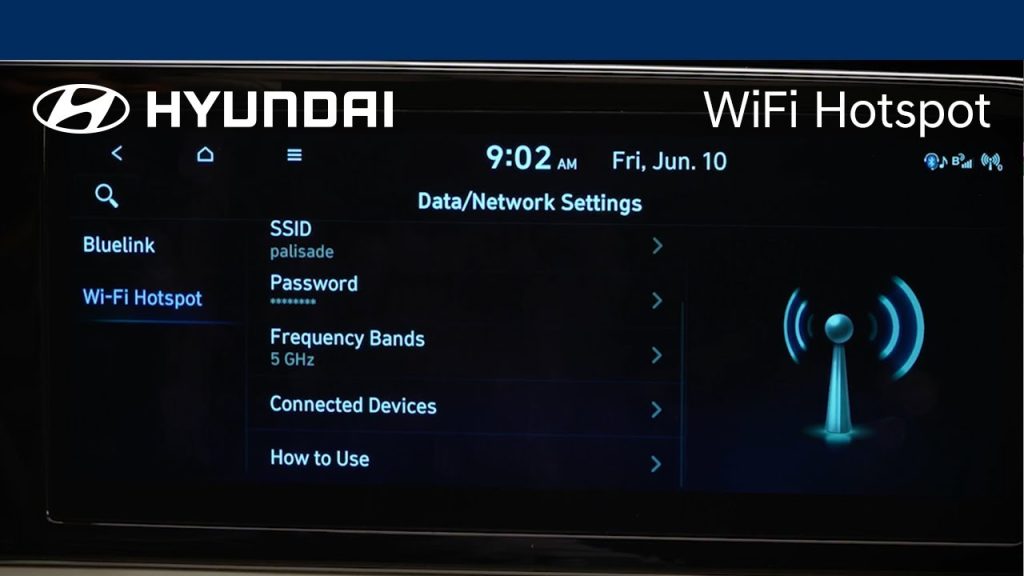
After deleting the saved networks, restart the infotainment system and check the Wi-Fi list again. Your previous networks should no longer appear as remembered connections.
The next owner can configure their own connectivity after taking possession. There is no practical reason to leave your private wireless network information behind with the vehicle.
10. Remove Stored Payment and Subscription Information
Some newer vehicles connect drivers to subscription services, in-car purchases, charging services, or other digital accounts. If you entered payment information or established an account through the vehicle’s infotainment system, check whether those credentials or account associations remain before completing the sale.
Start by reviewing the vehicle’s settings for sections such as subscriptions, connected services, marketplace, payments, or account management. Remove payment methods where the system provides that option and cancel subscriptions that you no longer need.
Do not assume that performing a factory reset automatically cancels every service associated with your account. The Federal Trade Commission warns that connected-car information can exist outside the vehicle’s local infotainment system, which is why sellers should separately disconnect accounts and services before transferring ownership.
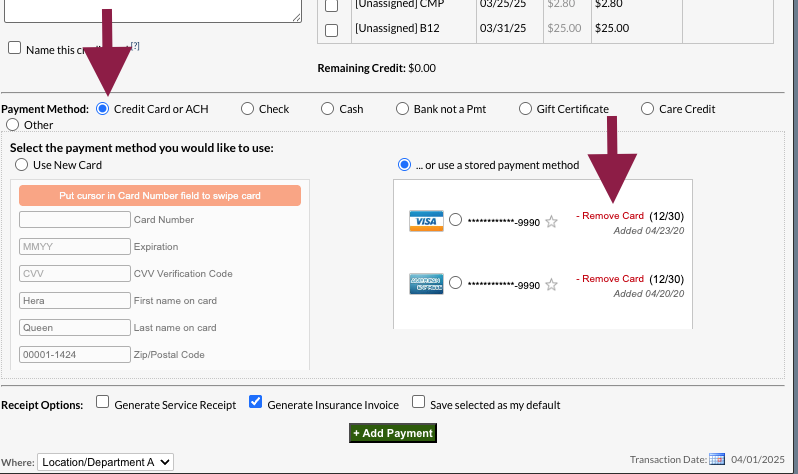
Also check the manufacturer’s website or smartphone account for active subscriptions linked to the vehicle. If a service is tied to the VIN rather than just the physical infotainment system, removing local data may not terminate the account relationship.
Finally, review your bank or credit card statements after the sale for any vehicle-related recurring charges.
The objective is to ensure the buyer receives a clean vehicle without access to your payment details, subscription accounts, or billing relationships.