Selling a car used to mean handing over keys and a title, nothing more. Today, that same handshake can leave behind a digital trail most sellers never think to erase. Modern infotainment systems quietly store phone contacts, call logs, home addresses, garage door codes, and even location history long after the original owner drives away in something new.
Unless someone takes the extra step of performing a factory data reset, all of that personal information stays parked inside the car for its next owner to stumble upon. Here are ten popular models where this kind of leftover data has become a genuine concern, along with what makes each one worth a careful wipe before the title changes hands.
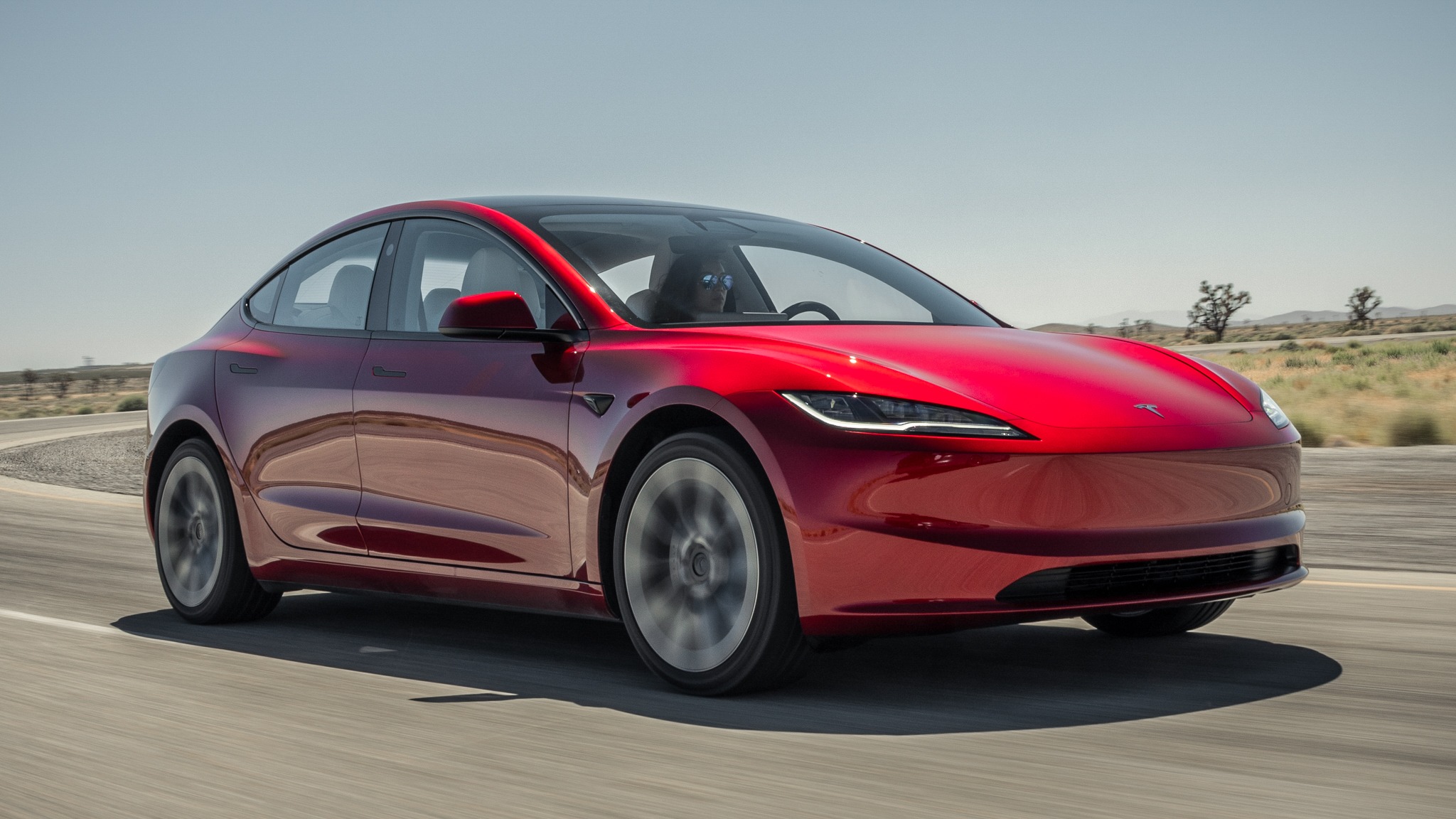
1. Tesla (Model 3 Baseline)
- Engine: Single Electric Motor (RWD)
- Horsepower: 271 hp
- Torque: 310 lb-ft
- Size: 185.8″ Long x 72.8″ Wide
Selling a modern sedan involves more than transferring the title and handing over the keys. Many owners forget that the vehicle may still contain a surprising amount of personal information collected during everyday use. Connected phones, stored Wi-Fi passwords, browser activity from the built-in internet browser, and records of charging stops can remain inside the system long after the sale is complete.
If those details are left behind, the next owner could gain access to information that was never meant to be shared. Another area that deserves attention is the camera system. Dashcam recordings and Sentry Mode clips are usually saved to a connected USB drive, and those files may include private moments recorded around the vehicle.
A buyer who inserts the drive into a computer can view videos the previous owner never intended anyone else to see. Driving history stored in the navigation system can also reveal regular destinations, including home, work, and other places visited frequently.
Before selling the vehicle, take a few minutes to erase every trace of personal data. Perform a full factory reset through the car’s settings instead of relying on signing out of the mobile app. The vehicle stores information separately, so logging out does not remove everything.
It is also important to remove any USB drive used for camera recordings before handing the car to its next owner. Spending a little time clearing this information helps protect your privacy and prevents a stranger from accessing details about your daily routine and personal activities.
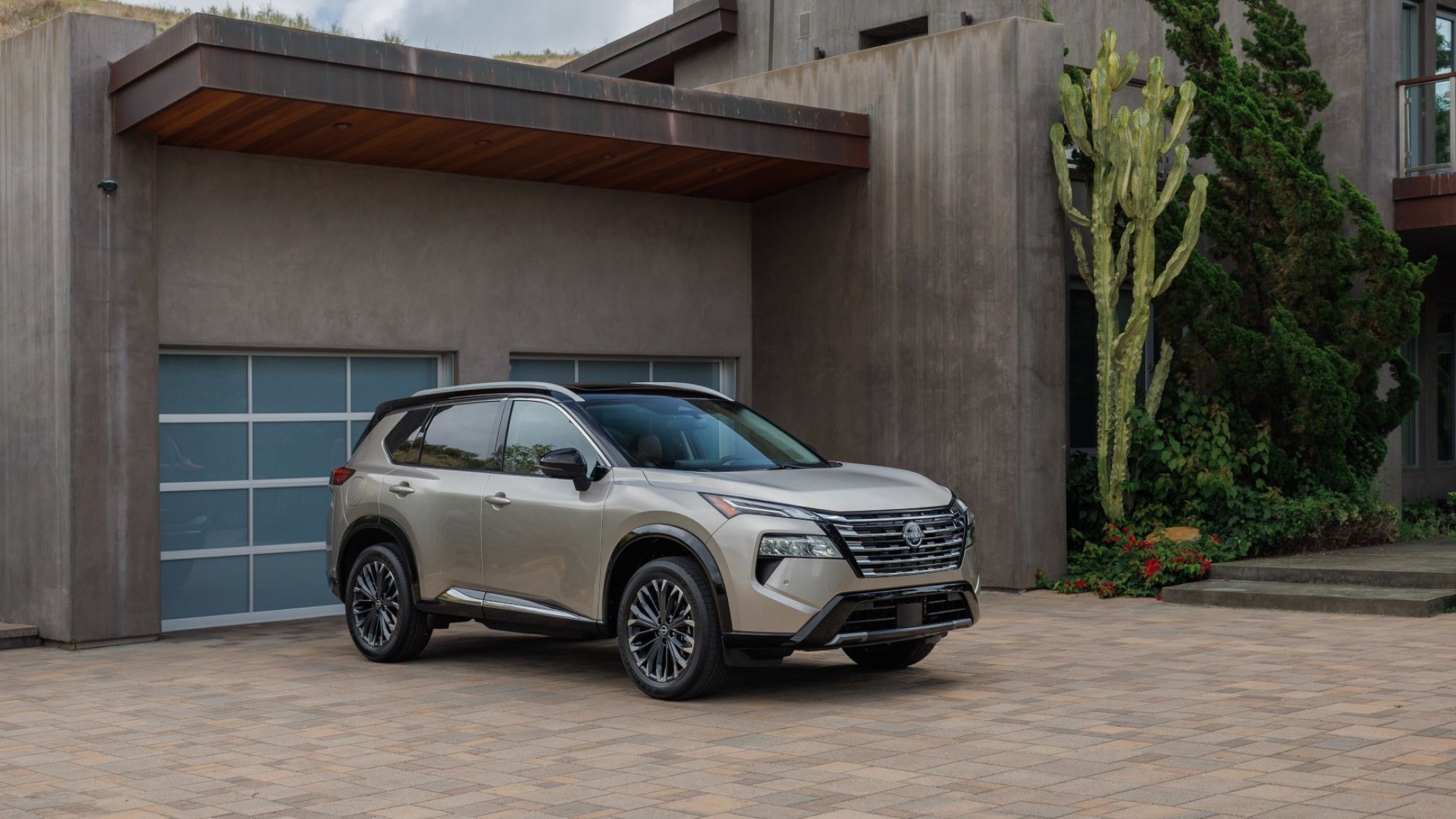
2. Nissan (Rogue Baseline)
- Engine: 1.5L Variable Compression Turbo Inline-3
- Horsepower: 201 hp
- Torque: 225 lb-ft
- Size: 183.0″ Long x 72.4″ Wide
This compact SUV pairs its infotainment system with smartphone integration that quietly stores more than most drivers realize. Once a phone connects through Bluetooth, contact lists and recent call logs often transfer directly into the vehicle’s internal memory, staying there even after the phone itself has been unpaired or replaced.
Favorite destinations saved through the navigation system persist in the same way, building a record of frequently visited addresses that a new owner could scroll through without much effort. Nissan’s system does include a reset option buried within the settings menu, but it is not something the dashboard prompts a seller to use before handing over the keys.
Many owners trade in or sell this SUV assuming that removing their phone from the paired devices list handles everything, when in reality the underlying data often remains untouched. Dealerships processing trade-ins do not always perform this reset automatically either, meaning the responsibility falls entirely on the original owner.
A few extra minutes spent locating the reset function before finalizing a sale prevents a stranger from inheriting a stored list of your regular contacts and destinations.
Also Read: 10 Menus That Hide the Data Sharing Toggle
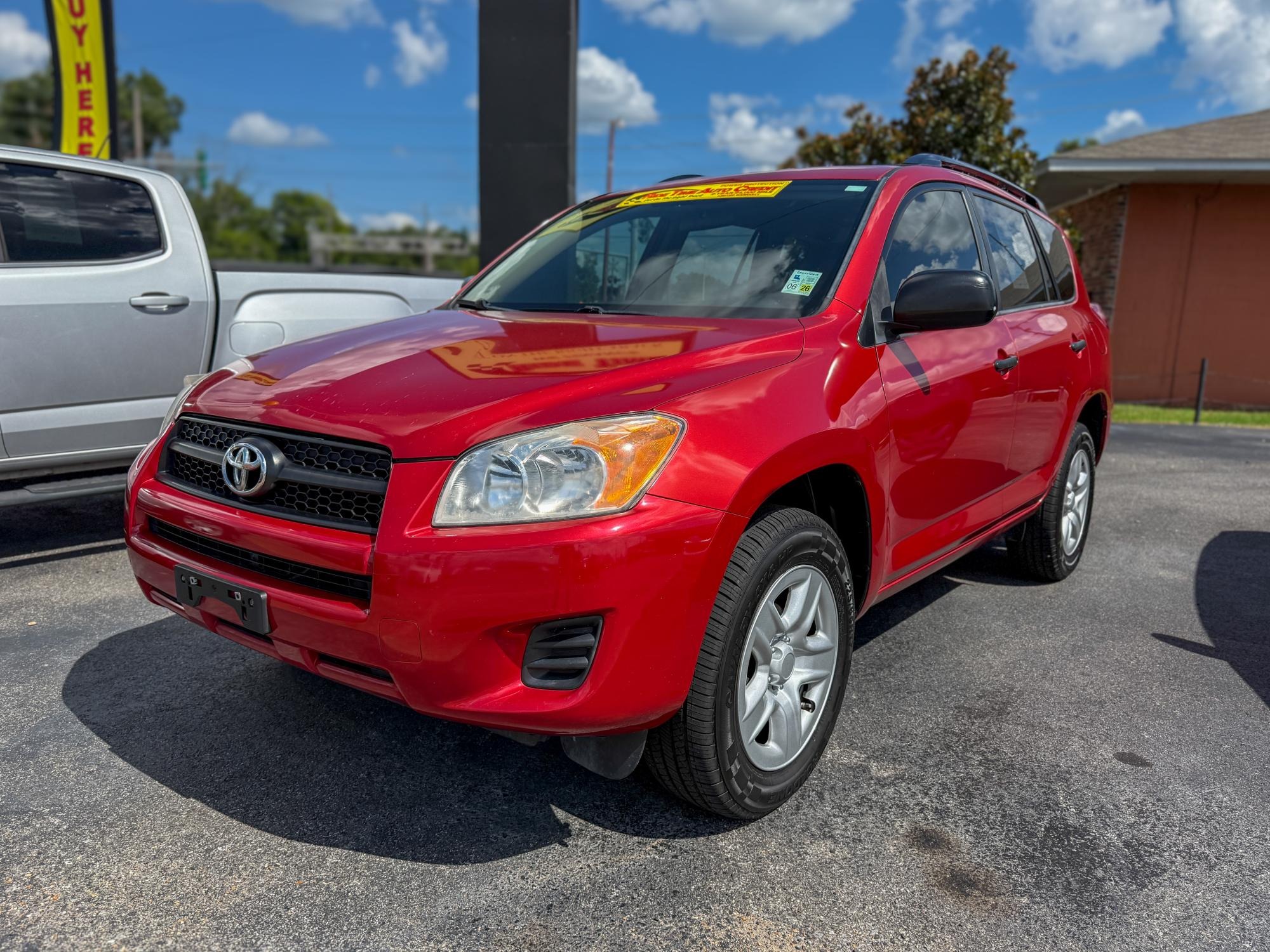
3. Toyota (RAV4 Baseline)
- Engine: 2.5L Naturally Aspirated Inline-4
- Horsepower: 203 hp
- Torque: 184 lb-ft
- Size: 180.9″ Long x 73.0″ Wide
Toyota’s compact SUV has become one of the best-selling vehicles in the country, which means an enormous number of these units change hands every year through trade-ins and private sales. That popularity makes its data retention habits worth paying attention to.
The infotainment system stores paired device information, recent destinations, and in some trims, a driving history tied to insurance telematics programs some buyers opt into when purchasing the vehicle.
Garage door codes programmed through the HomeLink system also remain stored in the vehicle’s memory, a detail easy to overlook since that feature lives outside the main touchscreen menu entirely. A new owner discovering an active garage code paired to their car has effectively been handed access to someone else’s home until that code gets manually cleared.
Toyota does provide reset instructions in the owner’s manual, though the process varies slightly depending on model year and trim level. Given how frequently this SUV passes between owners, taking a few minutes to walk through every stored feature, not just the touchscreen, matters more here than with less common vehicles.
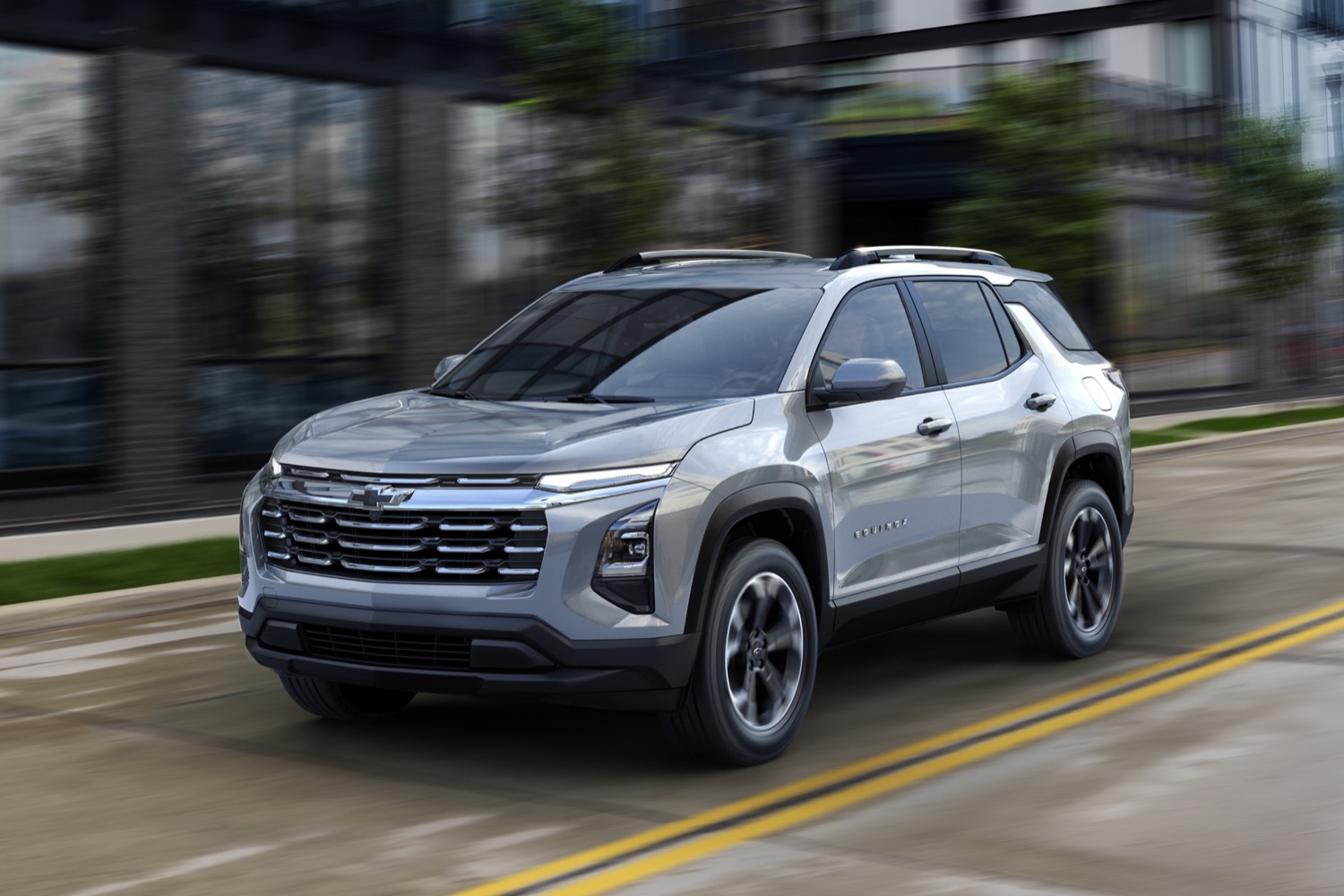
4. General Motors (Chevrolet Equinox Baseline)
- Engine: 1.5L Turbocharged Inline-4
- Horsepower: 175 hp
- Torque: 203 lb-ft
- Size: 183.2″ Long x 74.9″ Wide
Many people preparing to sell their SUV pay attention to its condition but forget about the personal information stored inside the infotainment system. Modern General Motors vehicles are designed to work closely with smartphones, making everyday driving easier while storing a variety of personal details.
Phone contacts, recent call records, saved addresses, and other information can remain in the system unless they are manually removed before the vehicle changes ownership. Another detail many owners overlook is the OnStar account. Once activated, the subscription is connected to the vehicle’s identification number instead of a specific mobile phone.
Because of this, the service may remain active after the sale if the account is not properly canceled or transferred. That situation can create unnecessary confusion for both the previous owner and the buyer. Even after the subscription is handled, the infotainment system still keeps its own stored information, which must be erased through the settings menu.
Anyone buying a used model should ask whether the previous owner has already canceled or transferred the OnStar service. This simple question can prevent future problems with account access and vehicle services. People selling the vehicle should also remember that clearing the infotainment system and dealing with the OnStar account are two different tasks.
Completing only one of them is not enough. Taking care of both before handing over the keys helps protect personal information, avoids unnecessary complications, and gives the new owner a clean start with the vehicle from the very first day.
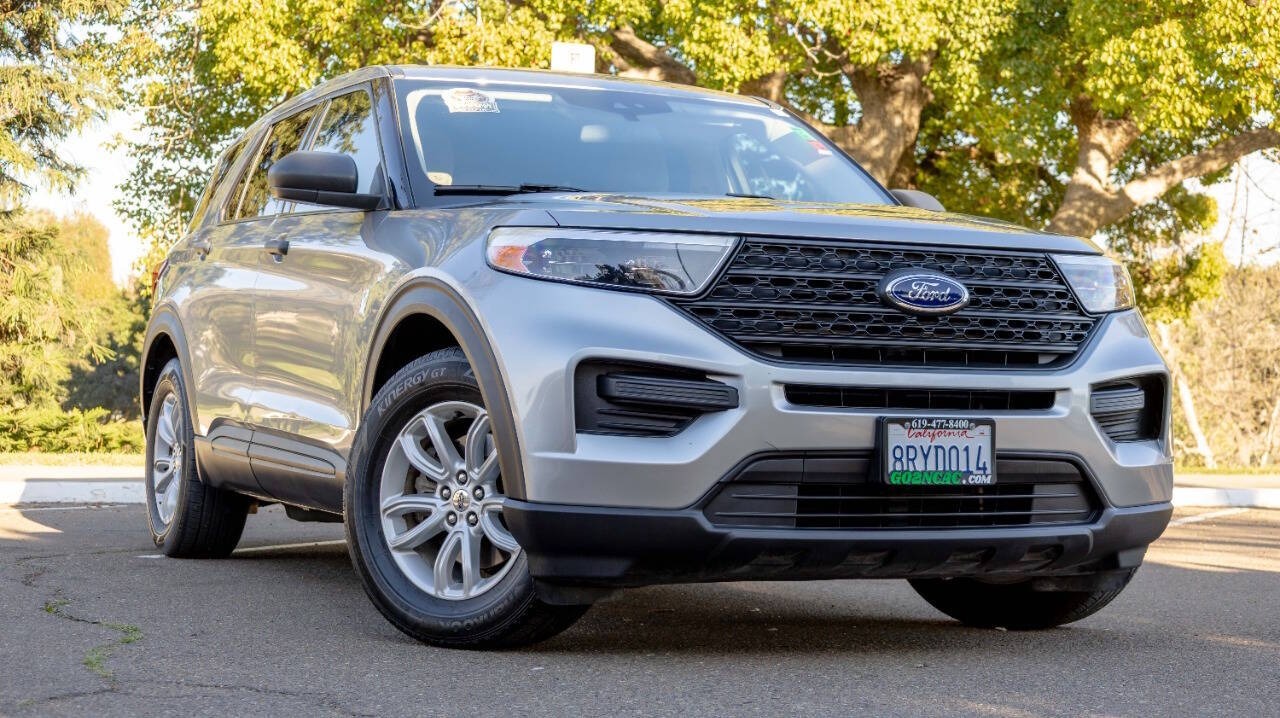
5. Ford (Explorer Baseline)
- Engine: 2.3L EcoBoost Inline-4
- Horsepower: 300 hp
- Torque: 310 lb-ft
- Size: 198.8″ Long x 78.9″ Wide
Three rows of seating usually means a family vehicle, and family vehicles tend to accumulate an especially rich store of personal information over years of use. This SUV’s SYNC infotainment system logs paired phones, call history, text message previews on some configurations, and a running list of navigation destinations that often includes schools, workplaces, and extended family addresses.
Ford’s system also supports profile-based settings, meaning multiple household members may have individually saved preferences and paired devices all sitting inside the same vehicle memory. Clearing just one profile is not the same as performing a complete factory reset, and sellers unaware of this distinction sometimes assume they have wiped everything when several accounts remain untouched.
The reset process itself is accessible through the settings menu, though locating every profile tied to a family vehicle can take longer than clearing a single-owner car. Given how many separate people and locations typically pass through a three-row SUV over its lifetime, a thorough walk-through of every saved profile before selling is worth the extra time it takes.
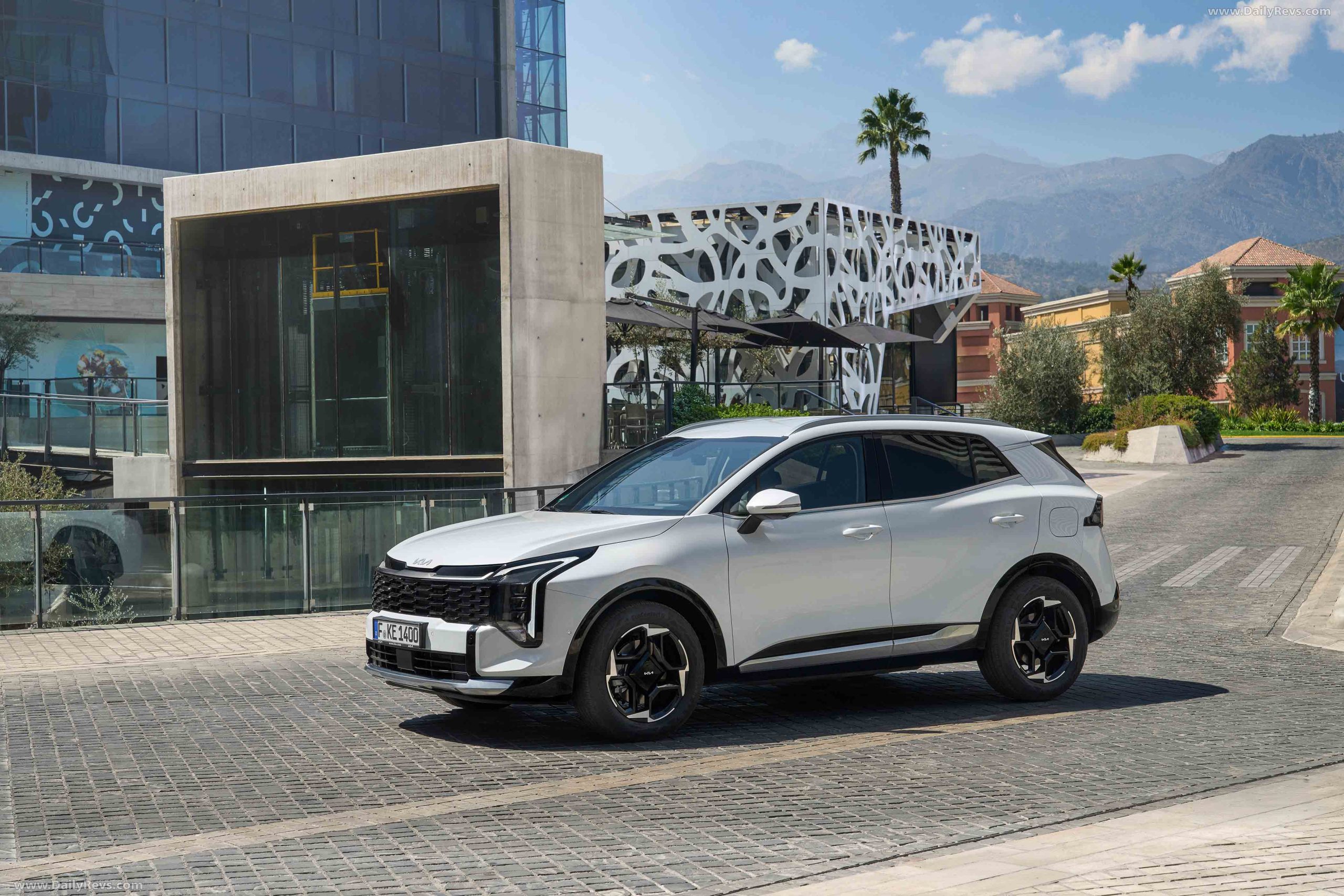
6. Kia (Sportage Baseline)
- Engine: 2.5L Inline-4
- Horsepower: 187 hp
- Torque: 178 lb-ft
- Size: 183.5″ Long x 73.4″ Wide
Selling a Kia compact SUV involves more than cleaning the interior and signing the ownership papers. The infotainment system stores a surprising amount of personal information, especially in newer models with improved smartphone support and connected services.
If this information is left behind, the next owner could access details that should have been removed before the vehicle changed hands. Inside the system, paired Bluetooth devices, recent call records, and saved navigation destinations remain stored even after a phone has been disconnected or replaced.
Many owners assume removing their phone is enough, but the vehicle often keeps copies of this information in its internal memory. Taking a few minutes to clear the infotainment system helps protect your privacy and prevents your personal details from remaining available to someone else.
The Kia Connect service also needs attention before the sale is completed. This remote access platform links the vehicle to the owner’s account, allowing access to certain connected features. If the vehicle is not removed from that account, the next owner may face problems while trying to activate their own Kia Connect profile.
That can delay setup and create unnecessary confusion during the first days of ownership. Before handing over the keys, make sure you complete both tasks separately. Reset the infotainment system to erase stored information, then remove the vehicle from your Kia Connect account.
Treating these as separate steps helps protect your personal data, avoids account conflicts, and allows the new owner to enjoy the vehicle without dealing with issues left behind by the previous owner after the sale is completed.
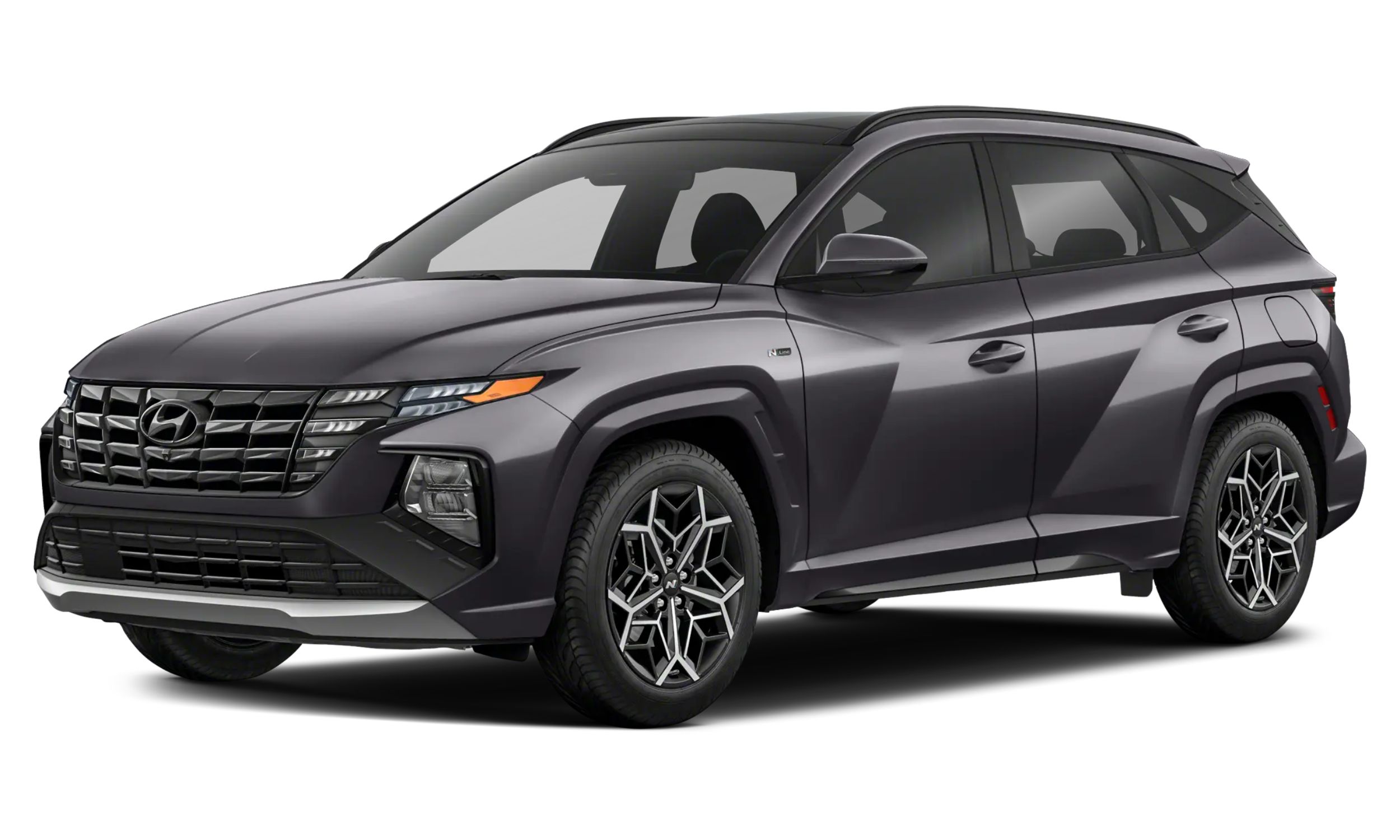
7. Hyundai (Tucson Baseline)
- Engine: 2.5L Inline-4
- Horsepower: 187 hp
- Torque: 178 lb-ft
- Size: 182.3″ Long x 73.4″ Wide
This SUV shares its infotainment technology with other models in the same group, and it stores personal information in much the same way. Paired phones can leave behind contact lists, call history, and other data, while the navigation system keeps saved destinations until they are manually erased.
If these details are not removed before the vehicle is sold, the next owner may still have access to them. The Hyundai Bluelink service also needs attention during the sale. Like many remote access platforms, it remains linked to the vehicle until the previous owner removes it from their account.
If that step is skipped, the former owner may still be able to access certain connected features, creating unnecessary concerns for the buyer. A factory reset through the infotainment system clears the information stored inside the vehicle, but it does not disconnect the Bluelink account.
These are separate tasks, and both must be completed before ownership changes. Whether the vehicle is sold privately or traded in at a dealership, taking a few extra minutes to erase stored data and remove the linked account helps protect your privacy, prevents account conflicts, and gives the new owner a clean start with the vehicle.
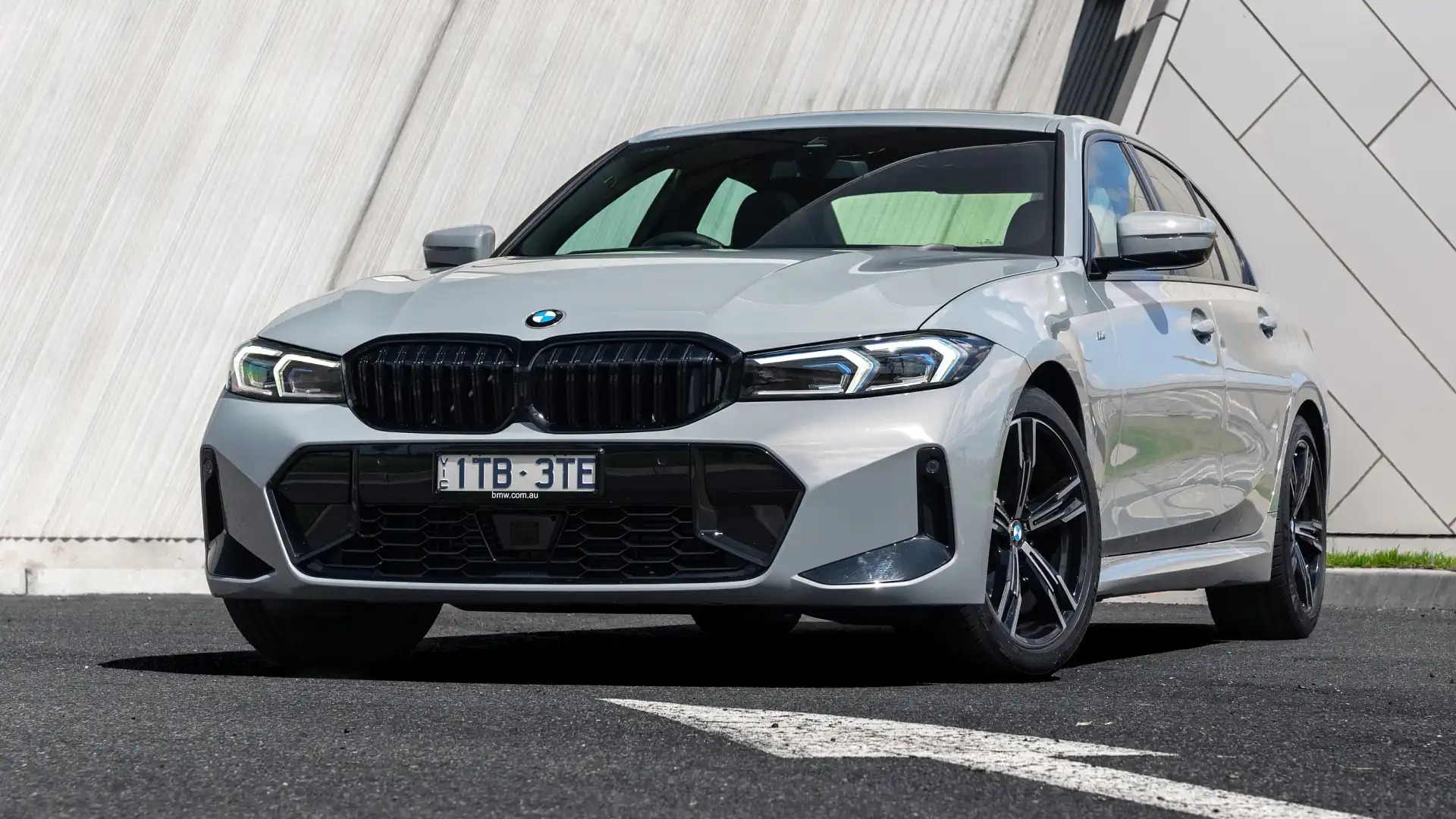
8. BMW (3 Series Baseline)
- Engine: 2.0L Turbocharged Inline-4 (330i)
- Horsepower: 255 hp
- Torque: 295 lb-ft
- Size: 185.7″ Long x 71.9″ Wide
Buying or selling a luxury BMW sedan involves more than checking its mechanical condition and completing the paperwork. These vehicles are packed with advanced technology that stores personal information during daily use. If that data is not removed before the vehicle changes ownership, the next owner could gain access to information that should have remained private.
The iDrive infotainment system keeps records such as paired mobile phones, saved navigation destinations, and personalised driving settings. Each regular driver can have an individual profile, allowing the system to remember preferences for future trips.
Many people believe deleting their phone connection is enough, but those profiles and other stored details can remain inside the vehicle until the system is properly reset. BMW’s connected services deserve equal attention before the sale is completed.
When the vehicle remains linked to the previous owner’s account through the BMW app, some remote functions may still be available. Depending on the active services, the account could still allow the vehicle to be located, locked, or unlocked. That is something neither the seller nor the buyer should ignore.
Many of these sedans are sold after lease agreements end or through dealership trade-ins. Because of that, a complete data reset is not always carried out before the vehicle is offered for sale again. Anyone buying a used model should confirm that no previous BMW account still has access.
Taking this simple step protects your privacy, improves security, and helps you enjoy the vehicle without unexpected problems after taking ownership.
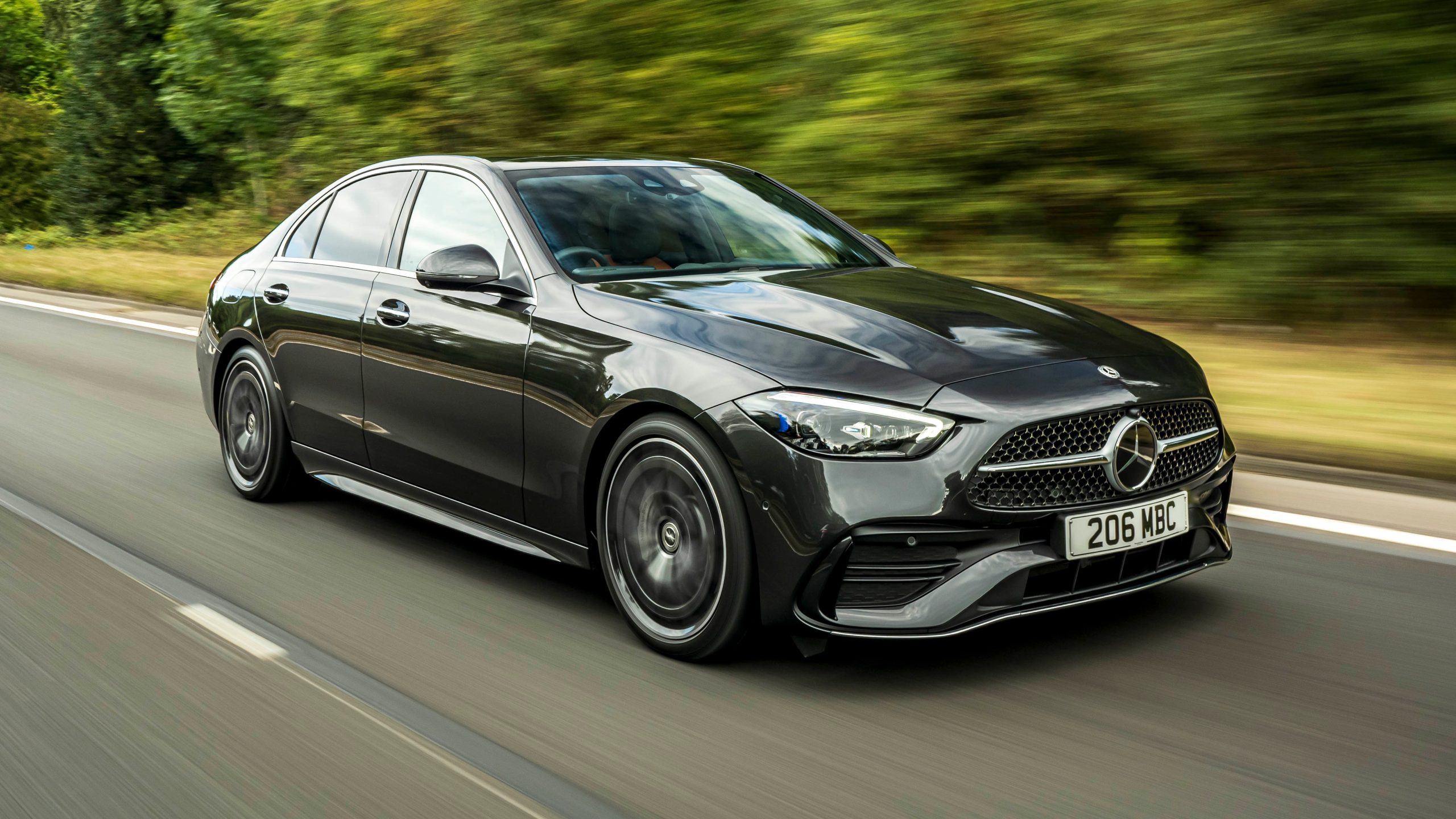
9. Mercedes-Benz (C-Class Baseline)
- Engine: 2.0L Turbocharged Inline-4 with Mild Hybrid (C 300)
- Horsepower: 255 hp
- Torque: 295 lb-ft
- Size: 187.0″ Long x 71.7″ Wide
Modern Mercedes-Benz sedans are designed to remember the people who drive them. The longer an owner keeps the vehicle, the more the MBUX infotainment system learns about personal preferences and daily habits. While this makes the driving experience more convenient, it also means personal information can remain stored long after the vehicle is sold if nothing is done to remove it.
The system can keep voice command history, paired mobile phones, saved destinations, and other personalised settings in its memory. Many owners believe disconnecting their phone is enough, but the infotainment system usually continues storing this information until a factory reset is performed through the settings menu.
Leaving those details behind allows the next owner to see information that should have been erased before the sale. Another part of the process involves the Mercedes me connected services account. This platform links remote features to the owner’s account, and those connections do not disappear automatically when the vehicle changes ownership.
Some people moving from one Mercedes-Benz to another assume the account transfer happens by itself, but the previous vehicle often remains linked unless it is removed manually. Before handing the vehicle to its new owner, complete both steps separately. Reset the MBUX system to erase the information stored inside the vehicle, then remove the car from the Mercedes me account.
Treating these as separate tasks helps protect your privacy, prevents unnecessary account issues, and allows the buyer to enjoy the vehicle without dealing with digital connections left behind by the previous owner.
Also Read: 8 Auction Grade Cars You Should Not Sell At Lower Price
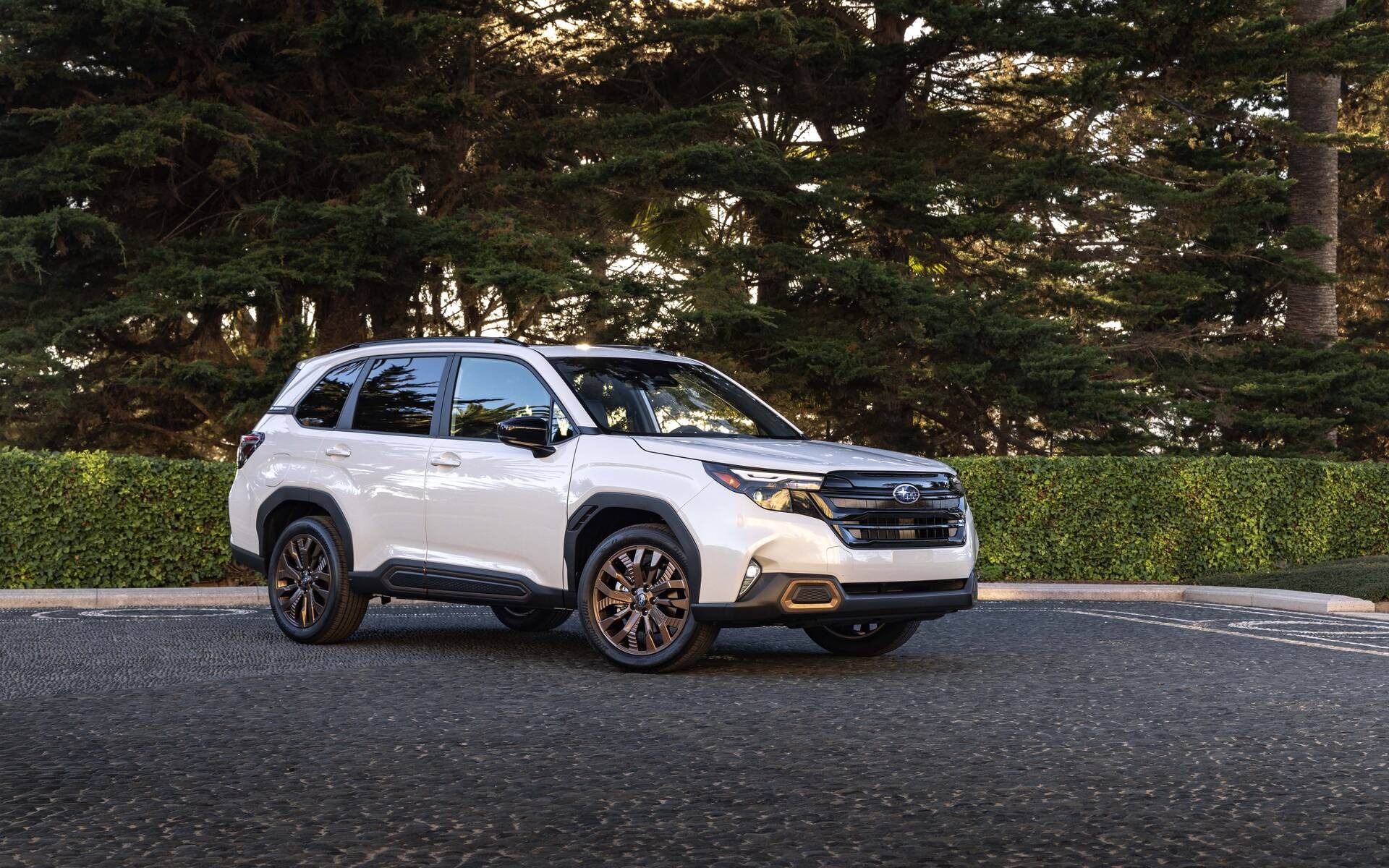
10. Subaru (Forester Baseline)
- Engine: 2.5L Naturally Aspirated Boxer-4
- Horsepower: 180 hp
- Torque: 178 lb-ft
- Size: 183.3″ Long x 72.4″ Wide
Subaru drivers tend to hold onto their vehicles longer than average, which means this SUV often accumulates a particularly deep well of stored data by the time it eventually changes hands. Years of paired phone connections, accumulated navigation history, and saved contacts can build up inside the infotainment system across a decade or more of ownership, far more than a car traded in after just a few years typically collects.
Subaru’s Starlink connected services platform operates similarly to competitors, keeping remote access features tied to an account that requires manual removal before a sale is truly complete. Given how long many owners keep this particular SUV, some may not have touched their infotainment settings in years, making the reset process feel unfamiliar by the time selling finally becomes a priority.
Locating the correct reset option, along with formally removing the vehicle from any linked Starlink account, becomes especially important here precisely because so much time has likely passed since either was last addressed.
A long ownership history is not a problem on its own, but it does mean more data has quietly accumulated, waiting to be cleared before the next owner takes the wheel.