Modern vehicles have become rolling computers, and nowhere is that more obvious than in their infotainment systems. For 2026, manufacturers have pushed larger screens, deeper software integration, and fewer physical buttons, aiming for a cleaner and more futuristic cabin experience.
However, this shift has also created a new set of problems. From lagging interfaces and confusing menus to complete system failures and missing smartphone integration, many cars now struggle to balance technology with usability. The result is a growing list of vehicles where the touchscreen, instead of improving the driving experience, becomes a source of distraction and frustration.
In this feature, “10 Cars With the Worst Touchscreens of 2026,” we look at models from brands like GMC, Tesla, Kia, Honda, and others that highlight the downsides of over-reliance on digital controls. While each system offers modern graphics and advanced features, they also reveal how software bugs, poor ergonomics, and button-free designs can negatively affect real-world driving comfort, safety, and reliability.
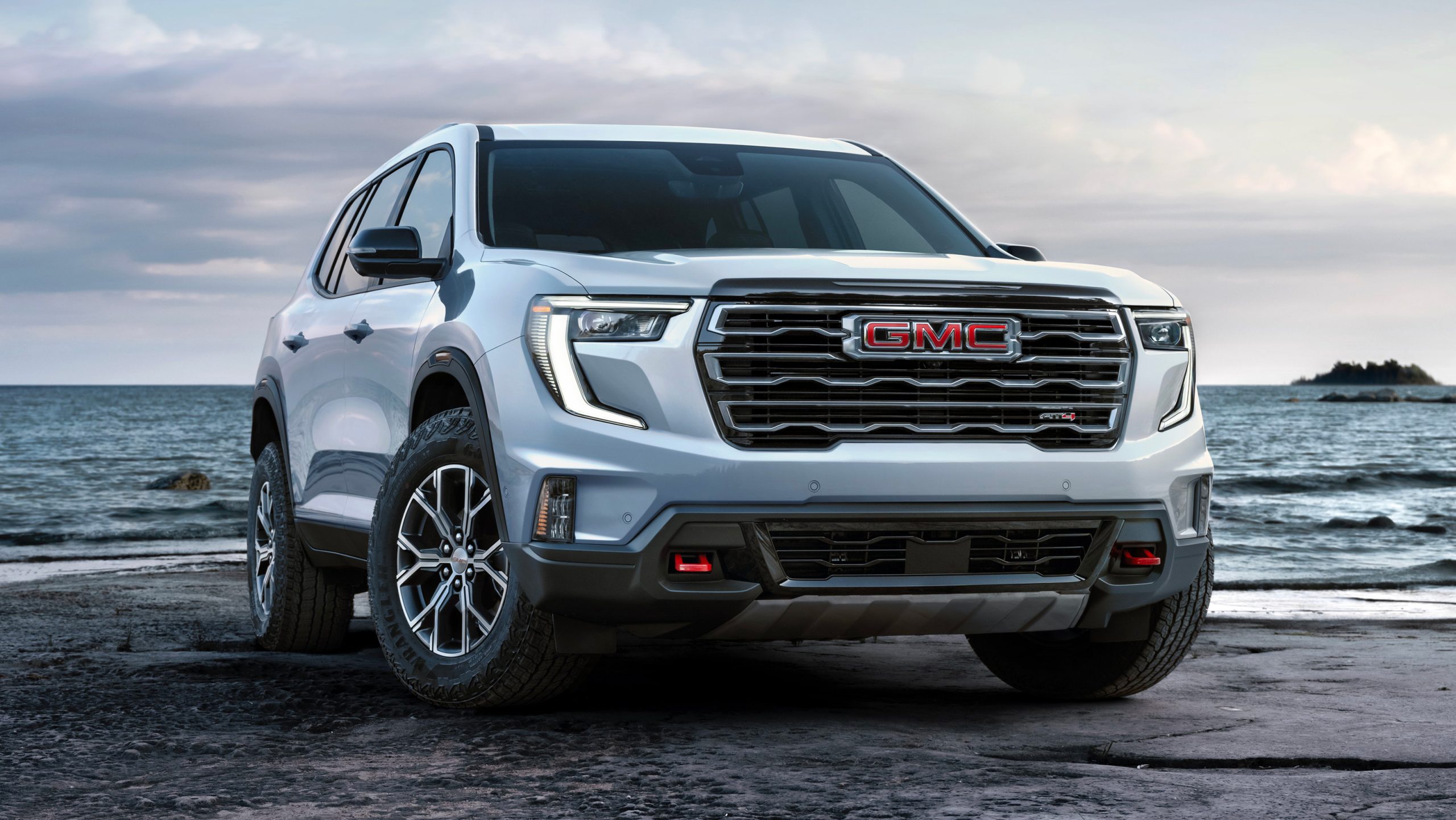
1. GMC Acadia
The GMC Acadia’s infotainment system is a major focal point of the vehicle, built around a large 15-inch portrait-oriented touchscreen. While this setup appears modern and technologically advanced, it has drawn significant criticism due to reliability issues and poor usability. A key problem is the system’s heavy reliance on touchscreen controls, with essential functions like climate settings, heated seats, and even the trip odometer buried in digital menus. The absence of physical buttons forces drivers to divert their attention from the road, creating a distracting and frustrating experience.
Performance-related issues further damage its reputation. Users report frequent system freezes, black screens, and delayed responses, sometimes requiring multiple taps to register a command. Particularly concerning are glitches affecting safety features, such as backup cameras failing, flickering, or not displaying properly.
Additionally, boot-up delays, especially when shifting into reverse, can hinder immediate access to critical visual information. Connectivity problems, including Bluetooth errors and failed over-the-air updates, have also led to system instability and repeated disconnect loops. These persistent faults have contributed to broader reliability concerns, occasionally requiring full system resets or replacements.
Despite these drawbacks, the Acadia’s infotainment system does offer some strengths. It includes Google built-in features such as Google Maps and Google Assistant, along with wireless Apple CarPlay and Android Auto. An 11-inch digital instrument cluster complements the system, creating a cohesive digital cockpit. Voice controls are also effective, helping reduce manual interaction with the screen. Higher trims enhance the experience with premium Bose sound systems and additional tech like a head-up display.
While the system is feature-rich and visually impressive, its software bugs, overreliance on touchscreen input, and inconsistent performance significantly undermine usability and driver confidence.
2. Rivian R1T
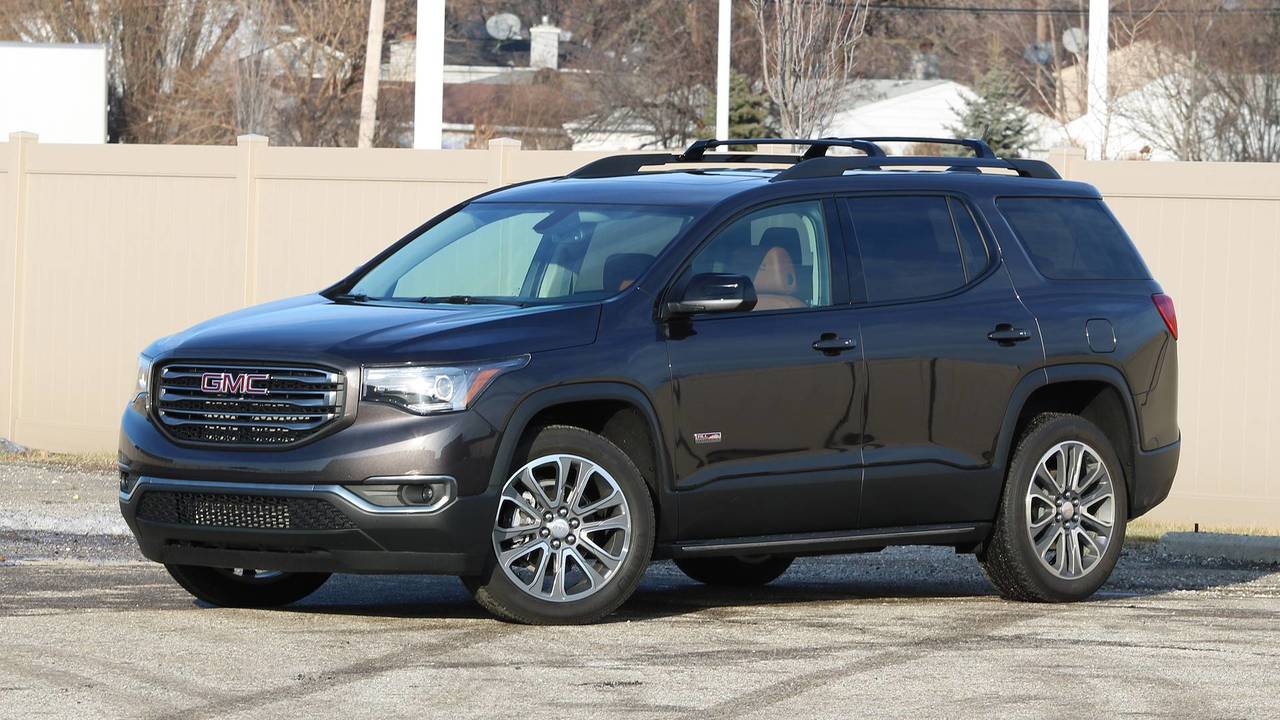
The Rivian R1T presents a futuristic interior built around a large 15.6-inch central touchscreen and a 12.3-inch driver display. This minimalist design replaces nearly all traditional buttons with digital controls, creating a clean and modern look. However, this approach has raised usability concerns because essential functions such as climate adjustments, steering wheel positioning, and even opening compartments must be accessed through on-screen menus. This increases driver distraction and adds mental effort during routine driving tasks.
A major issue lies in the interface design. While the system is visually appealing and fast, it can feel overly complex. Simple actions like adjusting audio settings or airflow direction often require multiple steps within layered menus. Without physical knobs or switches, these interactions become less intuitive and more time-consuming, especially when quick adjustments are needed. The lack of tactile feedback further contributes to difficulty in using the system without looking away from the road.
Software stability has also been questioned. Reports from 2026 indicate that over-the-air updates sometimes introduce new bugs instead of improving performance. Users have experienced screen freezes, lag, and occasional system reboots. Some glitches affect important features, including cameras going black and phone-as-key functions failing, which may require manual resets.
In addition, the absence of Apple CarPlay and Android Auto limits connectivity options, forcing drivers to rely entirely on Rivian’s built-in system. Alternative access methods such as key cards and smartphone entry have also been described as slower and less reliable than traditional key fobs.
Despite these concerns, the system delivers sharp graphics, responsive performance, and a premium feel. Many users find it easy to learn with time, though the strong reliance on touchscreen controls remains a key drawback.
3. Chevrolet Blazer EV
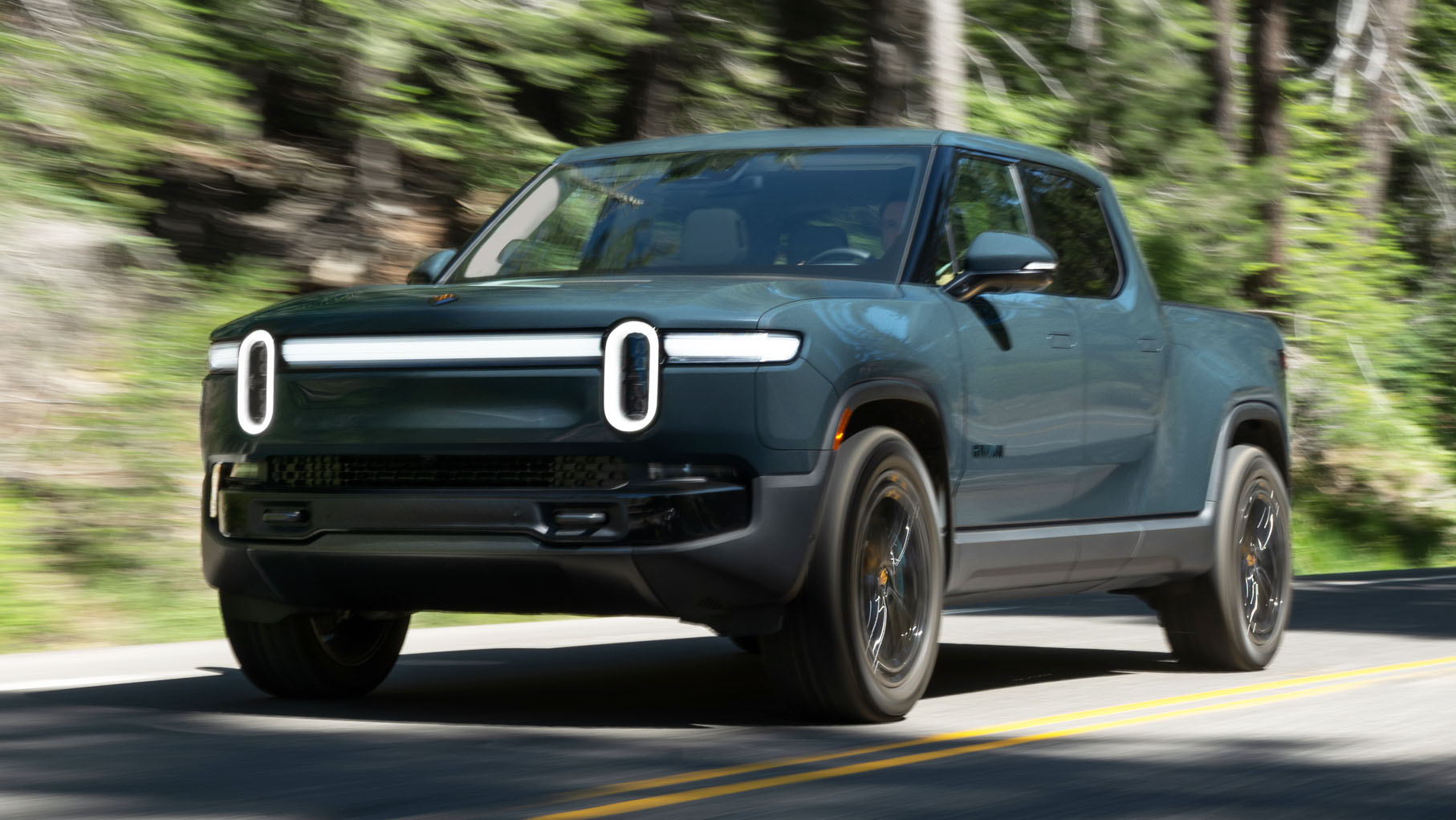
The Chevrolet Blazer EV places its infotainment system at the center of the driving experience, built around a large 17.7-inch touchscreen powered by GM’s Google Built-In platform. While the display is sharp and feature-rich, it has attracted criticism for prioritizing digital controls over usability and for removing widely used smartphone integration features.
A major drawback is the absence of Apple CarPlay and Android Auto. Drivers are required to rely entirely on GM’s native apps for navigation, media, and communication. This shift has been unpopular because it removes familiar phone-based interfaces and introduces dependence on built-in services that some users find less flexible.
Reliability issues are a frequent complaint. Reports describe screen freezes, blackouts, and lag during regular operation. In some cases, the system requires a manual reboot using steering-wheel controls to restore functionality. More severe failures have been linked to over-the-air updates, which can cause boot loops, drain the low-voltage battery, or even leave the vehicle unable to start. There are also accounts of system-wide malfunctions that trigger multiple error messages and temporarily disable key features.
Usability is another concern. Despite the large screen size, the interface is often described as crowded, with small icons and dense layouts that can be difficult to use quickly. Most vehicle functions, including climate control, lighting, and power management, are handled through the touchscreen. While there are a few physical controls, they are limited and not always positioned for easy access. Some users also report the screen becoming warm during extended use.
On the positive side, the system delivers strong graphics, integrated Google Maps, and a built-in Wi-Fi hotspot. A separate digital gauge cluster also helps reduce reliance on the central display. Even so, the combination of software instability, missing smartphone mirroring, and heavy screen dependence has led to widespread criticism of its real-world usability.
4. Mazda CX-90 and PHEV
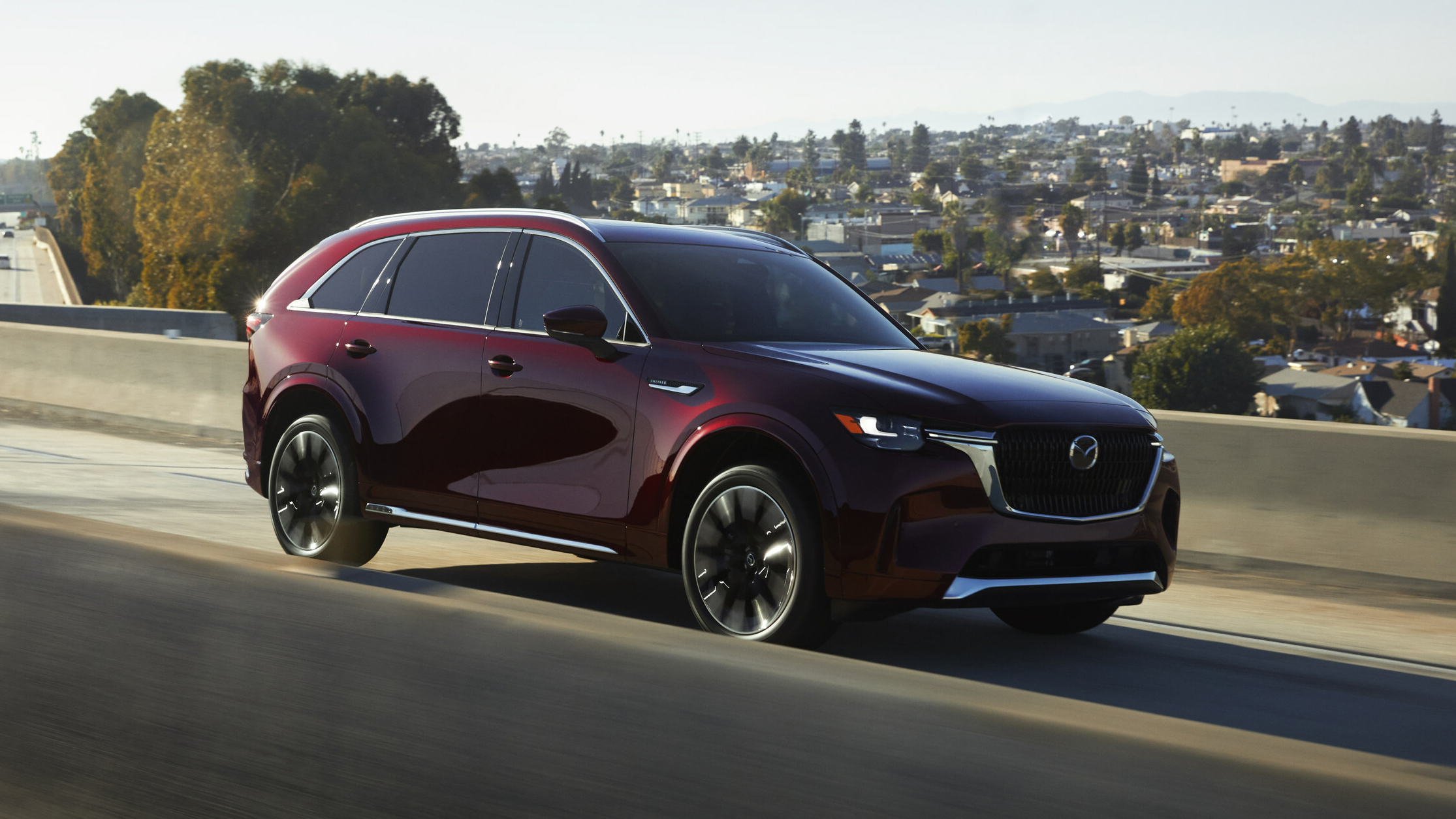
The 2026 Mazda CX-90 and its PHEV variant take a different approach to infotainment by prioritizing a driver-focused layout that limits direct touchscreen interaction. The system uses a 12.3-inch high-resolution display paired with Mazda’s rotary “HMI Commander” dial, which controls most in-car functions. While the design aims to reduce distraction and promote safety, it often results in slower and more demanding interactions compared to modern full-touch systems.
A key limitation is the restricted touchscreen functionality. The display only supports touch input when using Apple CarPlay or Android Auto, while all native menus must be controlled through the rotary dial. This makes simple tasks such as changing audio tracks, entering navigation destinations, or adjusting settings more time-consuming. The scrolling and selection process through the dial can feel inefficient, especially when dealing with complex menus or long lists.
Ergonomics also presents challenges. The screen is mounted high on the dashboard, making it less accessible by hand, which reinforces dependence on the rotary controller. While intended to keep attention on the road, the system can require extended visual focus to confirm selections, which some users find more distracting than direct touch input.
Smartphone integration introduces additional friction. Although wireless Apple CarPlay and Android Auto are supported and do allow touch interaction, switching between phone-based and native Mazda menus can feel inconsistent. Some users also report connectivity issues or delays in pairing.
There are occasional software concerns as well, including system freezes, reboots, and glitches in driver recognition features that can reset personalized settings. For plug-in hybrid versions, the system does provide useful energy flow and charging information, which is well presented and easy to read.
Despite its premium visuals and solid build quality, the infotainment system is widely viewed as less intuitive than competitors, with many users preferring more direct touchscreen-based interfaces.
5. Genesis GV60
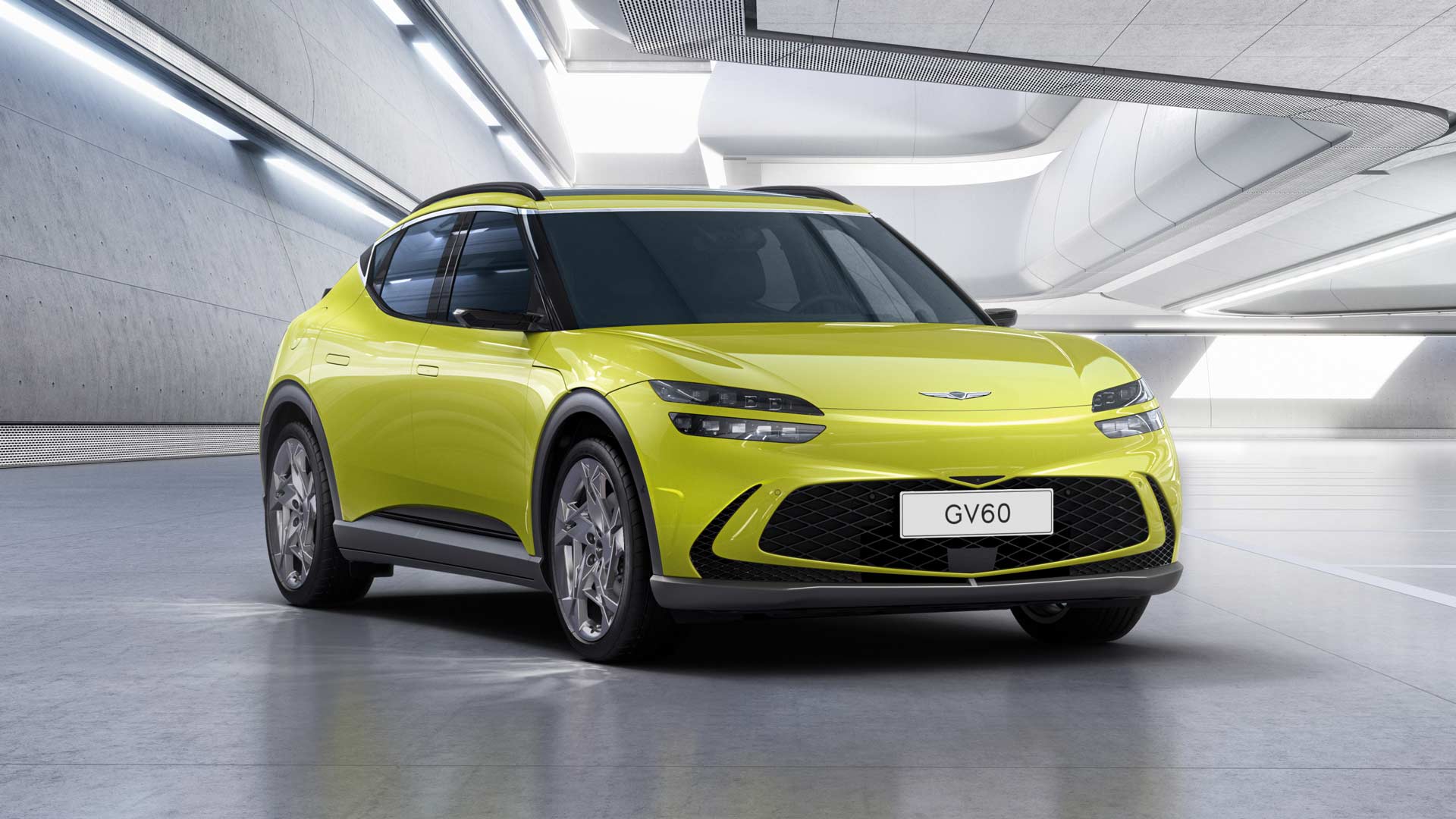
The 2026 Genesis GV60 features a premium 27-inch OLED panoramic display that combines the instrument cluster and infotainment system into a single seamless interface. While the design delivers a highly modern and luxurious appearance, it has also drawn criticism for software instability and a complex user experience that can feel overwhelming during everyday driving.
One of the most serious concerns is software reliability. A major 2026 recall affected tens of thousands of Genesis vehicles, including the GV60, due to a system fault that could cause the screen and digital cluster to shut down or reboot while driving. This issue temporarily removes access to critical information such as speed and gear selection, raising safety concerns. In addition, users have reported recurring glitches, including screen freezing, slow response times, and unreliable smartphone connectivity through Apple CarPlay and Android Auto.
The interface itself has also been described as overly complex. The system contains multiple layers of menus, which can make simple tasks like adjusting climate settings or changing audio sources more time-consuming. Some users find the graphics and icons too small or sensitive, leading to accidental inputs or difficulty selecting the correct option while driving. Even with the large display, portions of the screen can be partially blocked by the steering wheel, depending on driving position.
Despite these issues, the system is not without strengths. It offers sharp visuals, smooth graphics, and a responsive feel when functioning properly. It also supports both touchscreen and rotary controller input, giving users flexibility in how they interact with the system. Physical climate control buttons remain available, which helps reduce reliance on the screen for essential functions. Wireless smartphone integration is also supported and generally works well when stable.
While the hardware design is widely praised, most criticism centers on software refinement and interface clarity rather than the physical layout itself.
Also read: 10 Cars With the Most Expensive Total Ownership Cost
6. Kia EV9
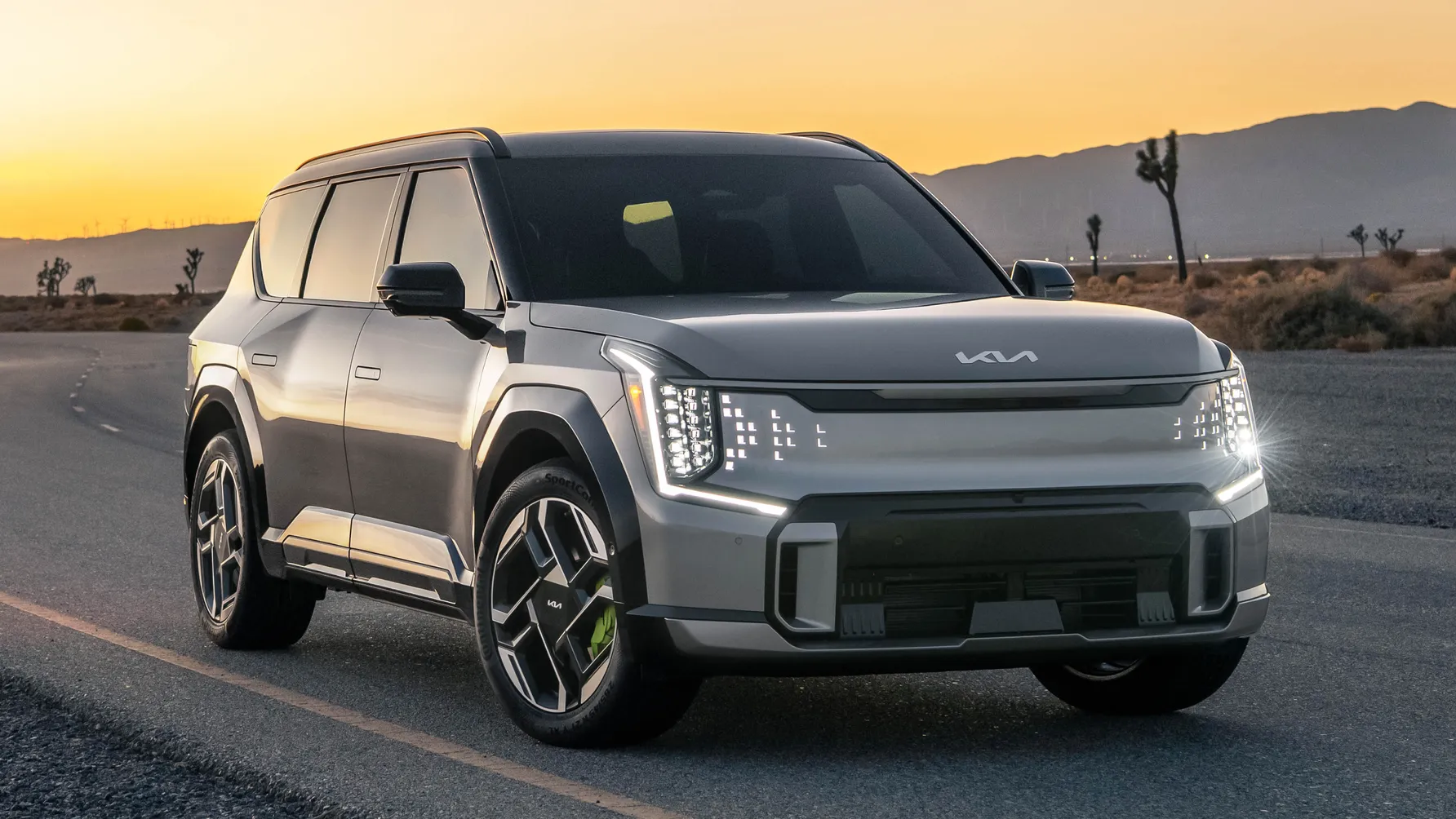
The Kia EV9 uses a wide panoramic dual-screen layout that integrates a 12.3-inch digital instrument cluster and a 12.3-inch infotainment display across the dashboard. The system delivers a modern, high-tech appearance with crisp graphics and generally fast performance, but real-world usability has drawn criticism due to design and software shortcomings.
A major issue is the placement of the climate control interface. Instead of using physical buttons or integrating controls into the main screen, Kia places climate functions on a small 5-inch display positioned between the two main screens. This panel is often partially blocked by the steering wheel, making it difficult for drivers to view or adjust settings without shifting their posture. This layout is widely seen as inconvenient and distracting during driving.
Software performance has also raised concerns. Early user feedback includes reports of screen freezes, lag, and occasional system reboots that interrupt normal operation. Some over-the-air updates have introduced temporary glitches such as unexpected warning indicators or inconsistent system behavior. These issues reflect the broader challenges of increasingly complex infotainment software in modern vehicles.
Menu design adds another layer of difficulty. Many essential functions are placed within multiple digital submenus instead of being accessible through direct physical controls. This structure increases the time required for simple adjustments and can divert attention away from the road. Industry studies on vehicle dependability also highlight infotainment and connectivity problems as common issues in newer models, especially electric vehicles.
Despite these drawbacks, the system has strong points. It offers sharp visuals, quick responsiveness, and supports wireless Apple CarPlay and Android Auto. Additional features, such as a head-up display and haptic shortcut buttons, help improve usability by providing alternative control methods. The design feels advanced and visually striking, but certain ergonomic decisions, especially around climate control access, reduce ease of use in everyday driving situations.
7. Kia EV6
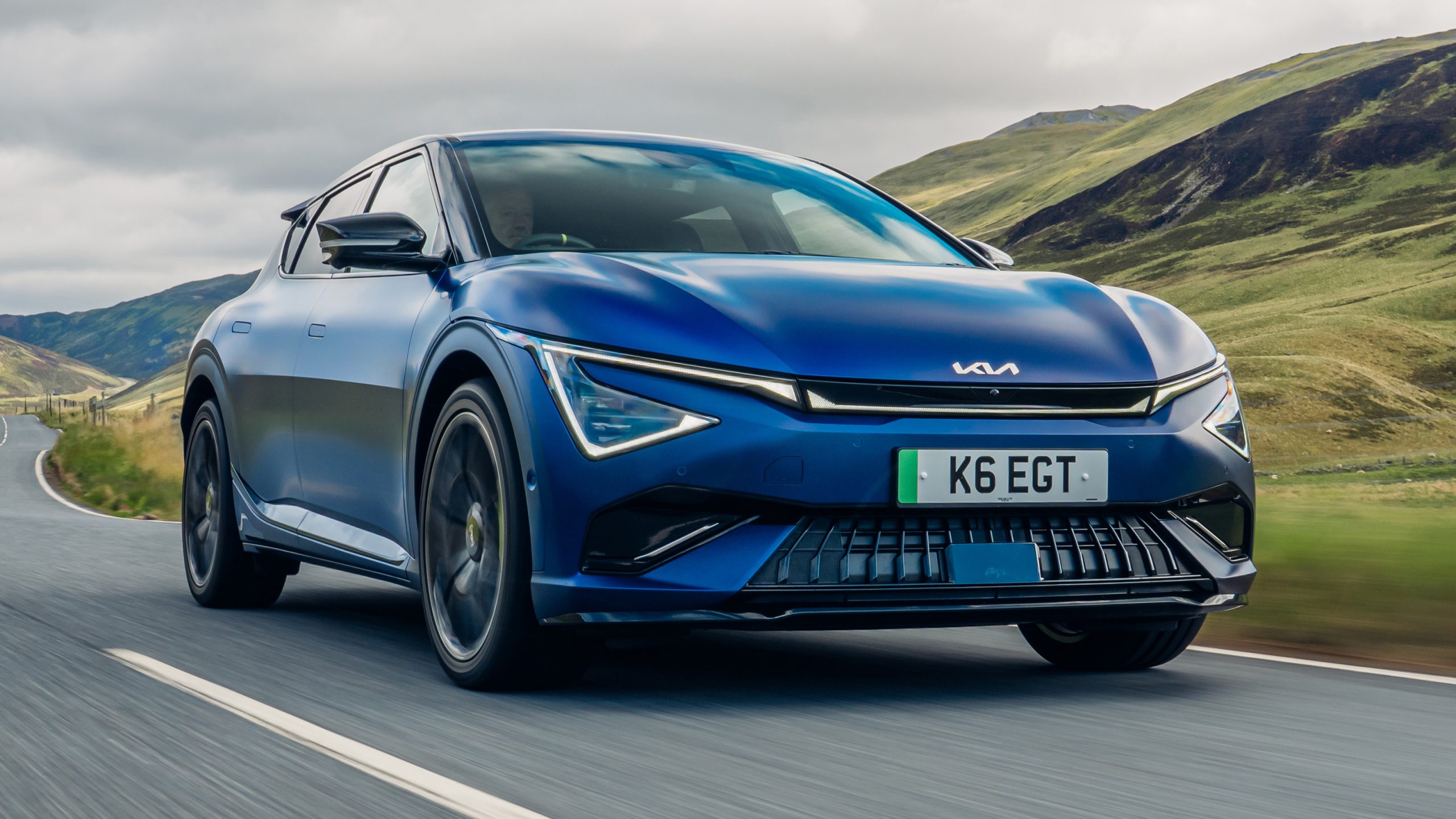
The 2026 Kia EV6 features a modern interior built around a curved dual-screen setup with two 12.3-inch displays for instrumentation and infotainment. The design is clean and visually striking, but its most debated feature is the slim capacitive control strip located below the main screen, which switches between climate controls and infotainment shortcuts depending on the selected mode.
This dual-function panel reduces the need for separate physical buttons, but it introduces usability challenges. Because the same touch-sensitive controls change function, drivers must constantly confirm what mode is active before making adjustments. This can lead to mistakes such as changing the cabin temperature when intending to adjust audio volume. The need for repeated visual checking can reduce ease of use during driving.
Ergonomic issues add to the difficulty. The central display is mounted high on the dashboard for visibility, but this placement can make it less comfortable to interact with directly. In some driving positions, the steering wheel partially blocks sections of the screen, further complicating interaction. The touch-sensitive strip can also register unintended inputs when a driver’s hand rests near it, occasionally activating functions like heated or cooled seats without intention.
Software performance is generally smooth, but not flawless. Some users report occasional lag, brief freezes, or delayed responses when switching between menus. The interface also contains layered menu structures that can make accessing certain settings, including climate and driver assistance features, more time-consuming than expected.
Despite these drawbacks, the system offers strong strengths. It delivers sharp graphics, supports wireless Apple CarPlay and Android Auto, and includes useful features such as an augmented reality head-up display and multiple charging and connectivity options. These elements contribute to a high-tech driving environment, even if the reliance on a multifunction touch strip remains a controversial design choice.
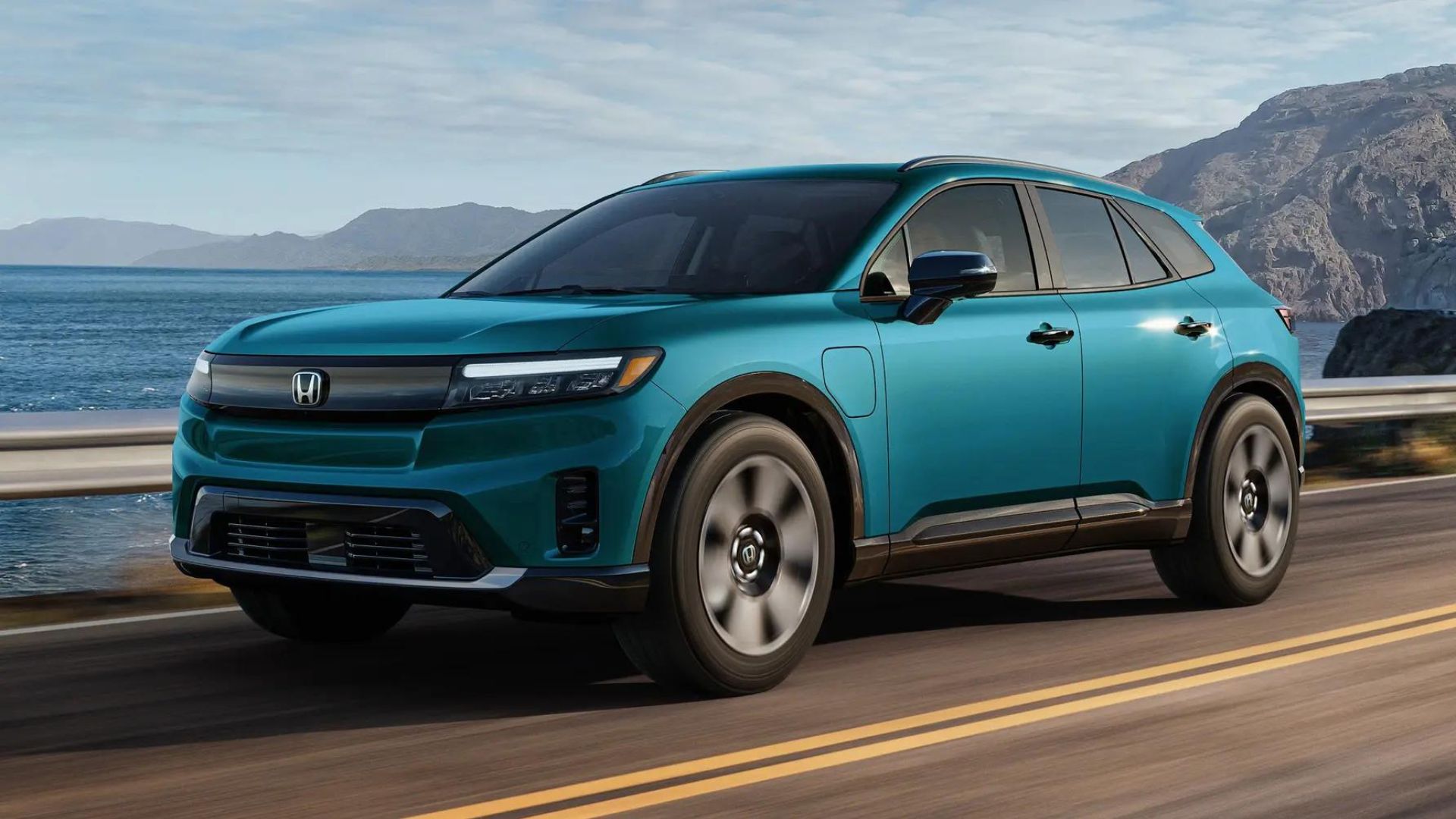
8. Honda Prologue
The 2026 Honda Prologue uses an 11.3-inch central touchscreen paired with an 11-inch digital instrument cluster, built on General Motors EV architecture. While the system is designed to be modern and intuitive, it has received mixed feedback due to recurring software issues and its reliance on GM-based infotainment software rather than Honda’s native system.
A major concern is system stability. Users report frequent screen freezes, blackouts, and slow response times, particularly when shifting into reverse or using navigation functions. In some cases, the infotainment display and instrument cluster can go completely dark, requiring a full system reboot that may take several minutes. Other glitches include unresponsive apps, random menu switching, and failures in recognizing key fobs or external inputs.
Performance delays are another common complaint. The interface is often described as slower than competitors, with noticeable lag when processing commands or loading navigation routes. Backup camera errors have also been reported, including instances where the camera feed remains active or fails to reset properly, requiring a restart. Software updates and companion app connectivity have also been criticized for being slow and inconsistent.
Despite these issues, the system does offer modern features such as wireless Apple CarPlay, Android Auto, and Google built-in services, including Maps and Assistant. The interface itself is generally considered visually clean and easy to understand, with good screen clarity and EV-focused information such as battery range and charging status displayed on the driver cluster. Physical controls are still present for some climate functions, although many secondary controls have been moved into digital menus.
While the system shows strong potential in design and features, persistent software instability and inconsistent performance have led to criticism of its reliability compared to other EV infotainment systems in its segment.
9. Chrysler Pacifica Hybrid
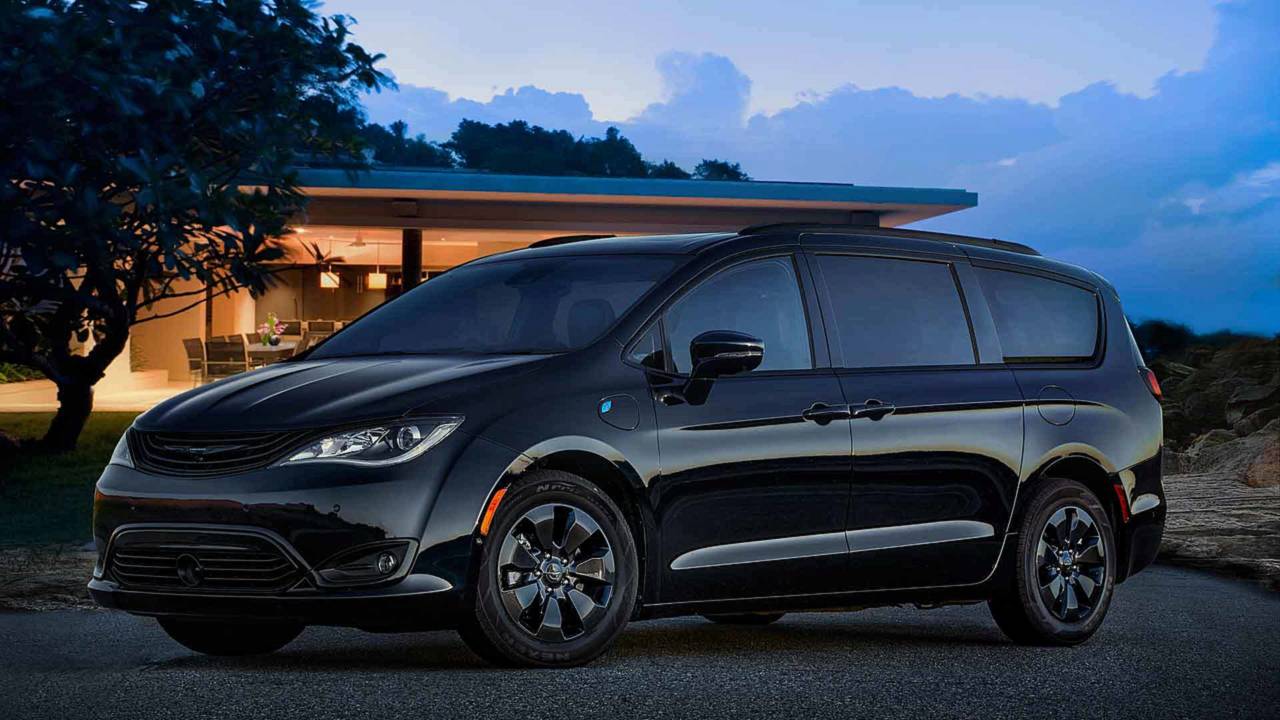
The 2026 Chrysler Pacifica Hybrid uses the long-running Uconnect 5 infotainment platform, centered around a 10.1-inch touchscreen. While the system is widely praised for its clean layout and family-friendly features, it has also faced criticism for software instability, lag, and inconsistent performance under real-world use.
A major issue reported by owners is system freezing and slow response times. The screen can become unresponsive during navigation or media use, sometimes requiring a full reboot. In more severe cases, the display may go completely blank, temporarily disabling access to essential vehicle functions. Because many controls, such as climate settings, camera views, and hybrid monitoring, are integrated into the touchscreen, any failure can significantly impact usability.
Safety-related concerns have also been highlighted. The backup camera system, which relies on the infotainment display, has been reported to freeze or fail, creating potential visibility issues. In addition, hybrid efficiency screens and energy flow graphics are sometimes described as confusing, making it harder for drivers to quickly interpret key information.
Another common complaint involves slow system performance. Menu transitions can lag, and inputs may take several seconds to register. This delay forces drivers to spend more time looking at the screen while waiting for responses, which can reduce convenience and increase distraction during driving.
Despite these drawbacks, the system offers strong features. It supports wireless Apple CarPlay and Android Auto, includes a built-in Wi-Fi hotspot, and provides an intuitive interface when functioning properly. The available rear-seat entertainment system with Fire TV integration is also highly valued by families. Features like FamCam and detailed hybrid monitoring tools further enhance practicality.
While the infotainment system remains one of the Pacifica Hybrid’s strongest selling points, its reliability issues and occasional performance problems prevent it from delivering a consistently smooth user experience.
10. Tesla Model S, Tesla Model X, Tesla Model 3, and Tesla Model Y
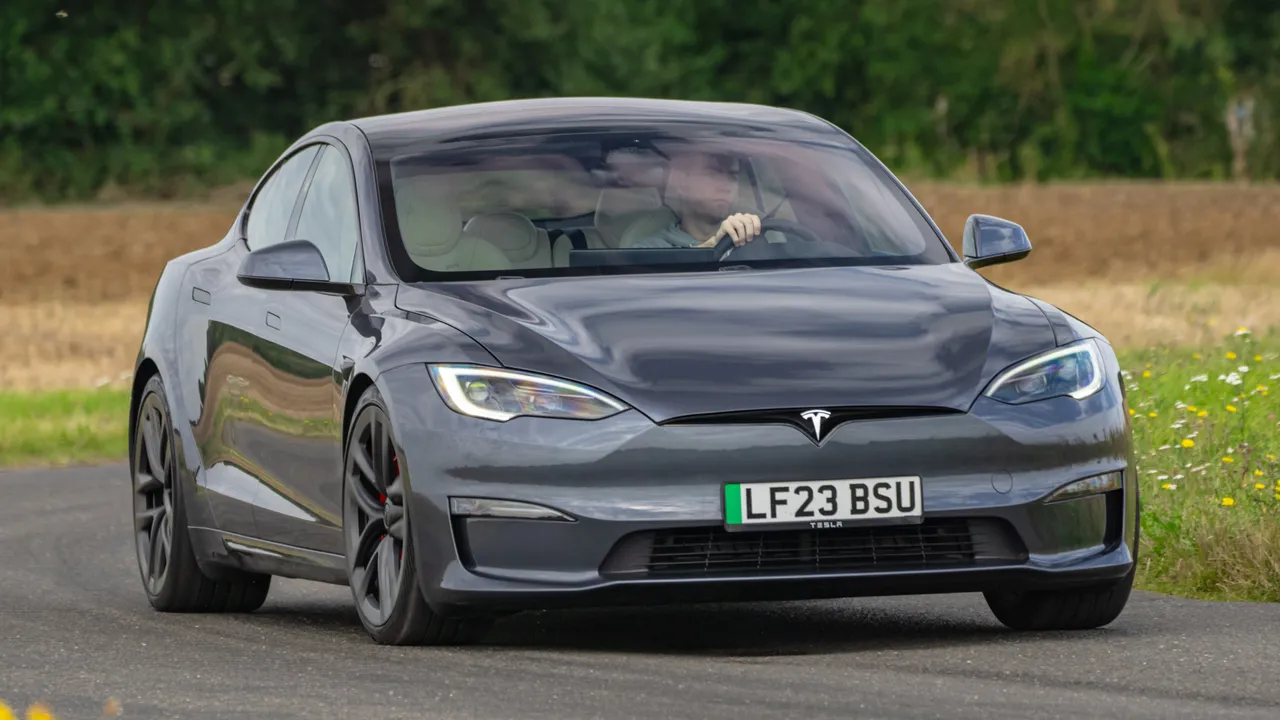
Tesla’s 2026 lineup continues its fully screen-centered philosophy, with large central touchscreens acting as the primary control hub for nearly all vehicle functions. From climate settings and wipers to gear selection and glovebox access, most operations are handled through digital menus rather than physical controls. While the system is known for its fast response, high-resolution visuals, and smooth performance, its extreme reliance on touch interaction has led to widespread criticism regarding usability and safety.
A major concern is the removal of traditional physical inputs. In the Model 3 and Model Y, even indicator stalks and gear selectors have been eliminated in favor of steering wheel buttons and screen-based controls. This forces drivers to look at the display for tasks that were previously handled by muscle memory, increasing distraction during everyday driving. The lack of tactile feedback means users must visually confirm every input, which can extend interaction time significantly.
Software issues also contribute to frustration. Users report occasional screen freezing, lag, and system reboots while driving, which can temporarily disable climate control, navigation, and audio functions. Backup camera failures, ghost inputs, and slow boot times after starting the vehicle have also been noted. Although over-the-air updates frequently improve performance, they do not fully address recurring usability concerns.
Ergonomic challenges are another factor. Many essential settings are buried in submenus, requiring multiple steps to access simple functions like adjusting fan speed. The large screen, while visually appealing, often demands extended eye movement and reaching, depending on the driver’s position. Hardware concerns such as screen glare, fingerprint buildup, and long-term display wear have also been mentioned.
Despite these issues, Tesla’s interface remains highly responsive and visually polished, with strong navigation and entertainment features. However, the heavy dependence on screen-only controls continues to divide opinion, particularly among drivers who prefer traditional tactile interfaces for safety and convenience.
The 2026 model year makes one thing clear: bigger screens do not always mean better usability. Across these ten vehicles, from the GMC Acadia to the Tesla Model Y, manufacturers continue to prioritize digital interfaces over physical controls, often at the expense of simplicity and reliability.
While these infotainment systems deliver sharp graphics, connected features, and advanced functionality, they also introduce recurring issues such as lag, software glitches, hidden menus, and distracting touch-only controls. In some cases, critical functions like climate settings, cameras, or navigation become harder to access when drivers need them most.
This list shows that innovation in automotive technology must be matched with practical design choices that support safe and intuitive use. As the industry evolves, the challenge ahead is not just building smarter screens, but ensuring they make driving easier, not more complicated or stressful in everyday conditions.
Also read: 10 Cars With Insurance Premiums Lower Than a Compact Sedan