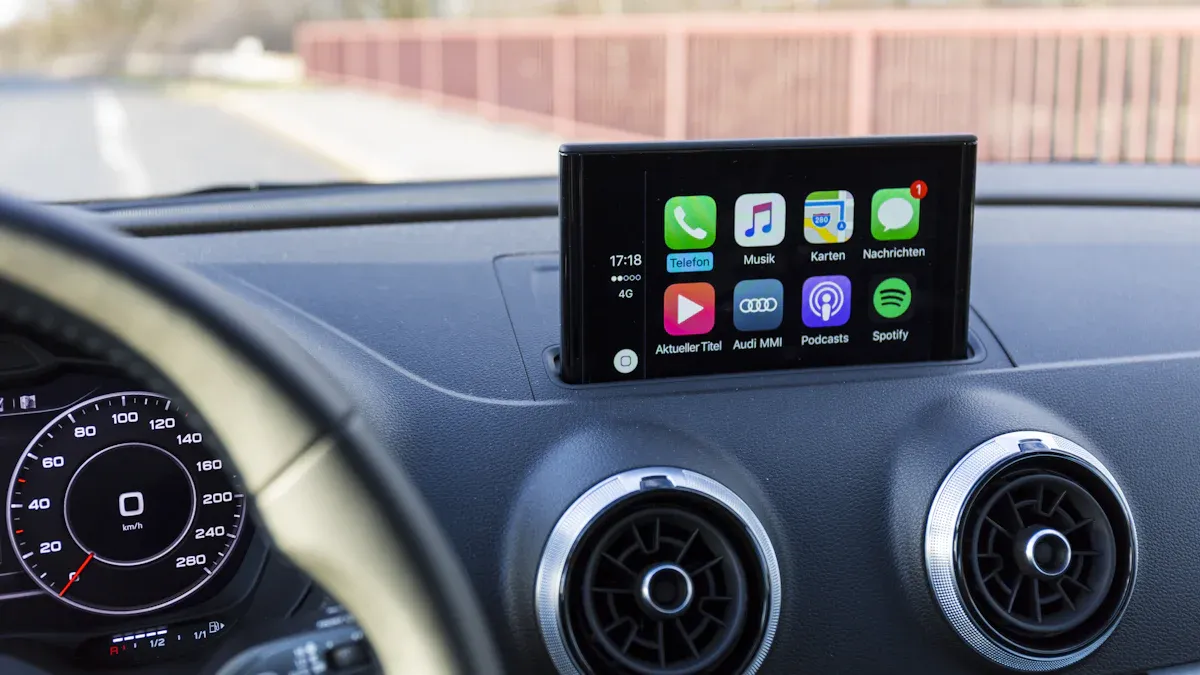
Selling a car requires more than cleaning the exterior, organizing paperwork, and setting a fair price. Modern vehicles store a significant amount of personal information through connected features, especially smartphone pairing systems.
A connected phone may leave behind call records, contacts, navigation history, saved locations, messages, and account details. Removing this information protects privacy and helps the next owner start using the vehicle without access to your digital data.
Properly disconnecting your phone also prevents future connection problems and ensures your devices are no longer linked to the car’s entertainment system.
Step 1: Check Your Car’s Infotainment System Before Removing Your Phone
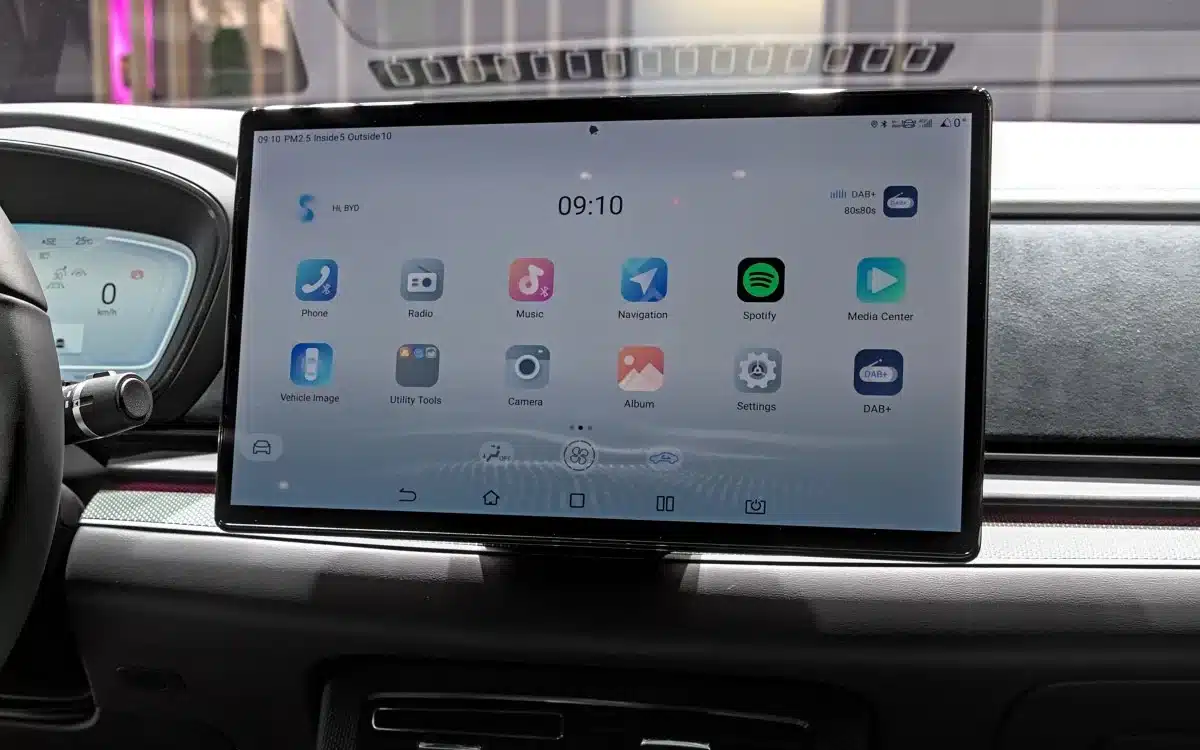
Before selling your vehicle, take time to understand how its infotainment system manages connected devices. Every car manufacturer designs its menus differently, so the location of Bluetooth settings, user profiles, and device management options can vary.
Some systems have a simple list of paired phones, while others include separate sections for driver profiles, connected applications, and cloud-based services. Knowing where these settings are located makes the removal process easier and reduces the chance of leaving personal information behind.
Start by turning on the vehicle and accessing the main display screen. Look for menus labeled Bluetooth, Phone, Connectivity, Settings, Devices, or User Management. These sections usually contain a list of phones previously connected to the car.
If your phone appears in the list, it means the vehicle still recognizes the device and may automatically connect whenever it is nearby. Removing the phone from this list is an important privacy step before transferring ownership.
Many newer vehicles store information beyond simple Bluetooth connections. The system may remember your favorite destinations, voice commands, media preferences, and application settings.
Some vehicles also allow multiple drivers to create personal profiles. These profiles can contain information linked to your identity, so they should be reviewed before the sale. Deleting a phone connection alone may not remove every saved detail.
Read your vehicle owner’s manual if you are unsure about the correct process. The manual often explains how to delete paired devices and reset personal settings.
Some manufacturers also provide digital manuals through official websites or mobile applications. Following the correct instructions prevents accidental changes to important vehicle settings while making sure your information is removed properly.
Checking the infotainment system first also helps you identify additional connected services. Features such as remote vehicle access apps, emergency assistance accounts, and subscription services may require separate steps.
A complete digital cleanup involves more than just removing Bluetooth. Taking a few extra minutes can protect your privacy and make the car ready for its next owner.
Step 2: Disconnect Your Phone From Bluetooth Pairing
Bluetooth pairing is the most common connection between smartphones and modern vehicles. It allows drivers to make hands-free calls, stream music, access contacts, and use voice commands. When selling a car, removing your phone from the Bluetooth device list ensures that your smartphone cannot automatically reconnect with the vehicle after ownership changes.
To begin, open the Bluetooth or connected device menu on the car’s touchscreen. Find your phone’s name in the list of saved devices.
The vehicle may display the phone model, a custom device name, or a shortened version of your phone’s identification label. Select the device and choose an option such as Remove, Delete, Forget Device, or Unpair. Confirm the action if the system asks for permission.
After removing the phone from the car, check your smartphone’s Bluetooth settings as well. Open your phone’s Bluetooth menu and look for the vehicle name under saved devices. Selecting the vehicle and choosing Forget This Device or Unpair removes the connection from your phone’s side. Completing this step on both devices ensures that the connection is fully removed.
Some cars store multiple phones at the same time. If family members or previous users have connected their devices, review the entire list and remove all unnecessary entries.
Leaving old devices connected may create confusion for the next owner and could allow unwanted automatic connections. A clean device list provides a better experience for whoever purchases the vehicle.
After unpairing, test the system by turning Bluetooth off on your phone and restarting the vehicle. Check whether your phone still appears in the car’s connected device list.
If it does, repeat the removal process or perform a system reset if required. Confirming the removal gives you confidence that your personal connection has been erased before handing over the keys.
Step 3: Remove Saved Contacts, Call History, and Messages
Many vehicles automatically download information from connected smartphones. When Bluetooth is active, the car may copy your contacts, recent calls, text messages, and other communication details into its internal memory. Before selling your vehicle, deleting this information prevents future users from viewing your personal communication records.
Begin by checking the phone menu within the infotainment system. Look for sections related to contacts, recent calls, or messages. Some systems provide separate delete options for each category, while others include a broader option to clear phone data. Remove all stored information associated with your smartphone before completing the sale.
Downloaded contacts can remain available even after a phone is unpaired in certain vehicles. This happens because the car may store a copy of the data instead of only displaying information directly from the phone.
Checking the contact list manually helps confirm that your names and numbers are no longer accessible through the vehicle screen.
Call history is another area that requires attention. Recent incoming and outgoing calls can reveal personal communication patterns. While this information may seem harmless, removing it is part of responsible vehicle ownership transfer. Clearing these records takes only a few moments and reduces unnecessary exposure of private details.
Messages and voice assistant data should also be reviewed. Some vehicles save text messages or voice command history to improve convenience. Delete these records if the option is available.
A thorough cleanup of communication data helps ensure that your digital footprint does not remain inside the vehicle after it changes hands.
Step 4: Remove Navigation History and Saved Locations
Modern vehicle navigation systems provide useful features such as route guidance, traffic updates, and location searches. However, these systems may also store personal information about places you visit regularly.
Home addresses, workplaces, favorite restaurants, frequently used routes, and recent destinations can remain saved inside the vehicle. Removing this information before selling a car helps protect your privacy.
Begin by opening the navigation menu on the infotainment display. Look for sections such as Recent Destinations, Favorites, Saved Places, Address History, or Navigation History.
Delete each stored location individually if the system requires it. Some vehicles allow users to clear all navigation data with a single option, making the process faster.
Home and work addresses deserve special attention because they provide direct information about your daily routine. Many drivers save these locations for quick access, but they are also among the most sensitive details stored by a navigation system. Make sure these entries are removed completely before the vehicle leaves your ownership.
Some vehicles use connected navigation services that store information through online accounts rather than only inside the car.
If your vehicle is linked to a manufacturer account, check whether saved destinations or preferences are synchronized online. Removing data from the vehicle may not be enough if information remains connected to your personal account.
After deleting navigation information, restart the infotainment system and check whether previous locations still appear. A quick review can confirm that the removal process worked correctly. Clearing navigation data creates a cleaner experience for the next owner and reduces the chance of your personal travel information being accessed.
Step 5: Sign Out of Connected Apps and Vehicle Accounts
Many newer vehicles include smartphone applications and online services that connect directly with the car. These features may allow remote locking, vehicle tracking, maintenance updates, charging information, fuel monitoring, or digital key functions.
Before selling your car, signing out of these accounts is an essential step to protect your information and prevent unauthorized access.
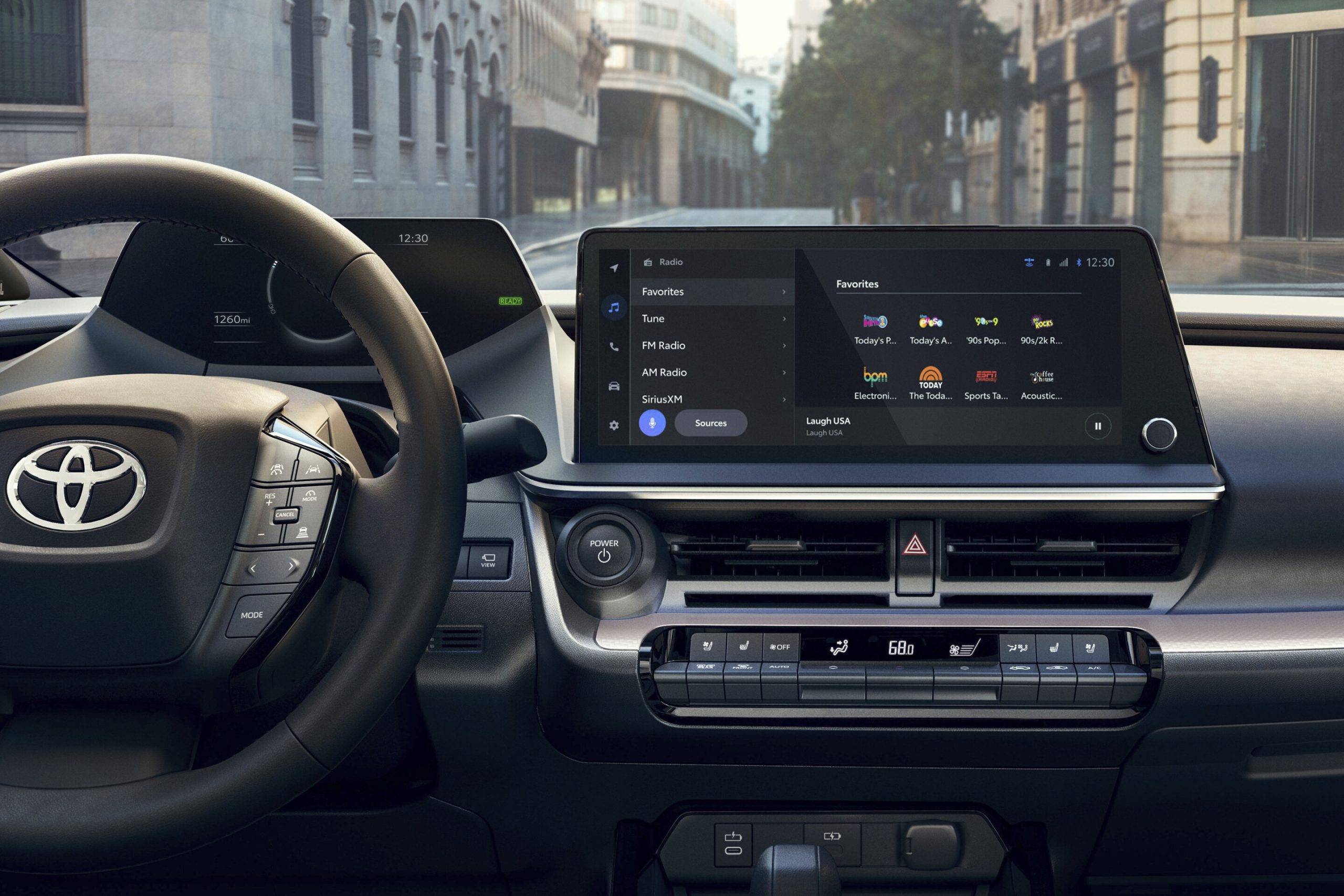
Start by checking the vehicle’s touchscreen for any connected applications. Some systems include built-in services that require an account login. Look through settings menus for options related to accounts, profiles, subscriptions, or connected services. Sign out of any accounts linked to your personal information.
Vehicle manufacturer apps on your smartphone should also be reviewed. Many owners use these apps to check vehicle status, schedule service appointments, or control certain features remotely.
Remove the vehicle from your account through the application settings. If the app provides a transfer ownership option, use that feature to disconnect yourself from the car.
Digital keys require extra attention because they may allow a smartphone to unlock or start the vehicle. If you have created a digital key through your phone’s wallet or a manufacturer application, delete it before completing the sale. Leaving a digital key active could create security concerns after the vehicle changes owners.
Subscription services connected to the vehicle should also be considered. Services related to navigation, entertainment, emergency assistance, or remote features may continue under your account if they are not properly removed. Cancel or transfer these services according to your needs before handing over the vehicle.
Step 6: Perform a Factory Reset on the Infotainment System
A factory reset is often the most effective way to remove personal information from a vehicle’s electronic system. This process returns the infotainment system to its original settings and deletes many stored details, including paired devices, user profiles, preferences, and saved data. It is especially useful when preparing a car for a new owner.
Before performing a factory reset, make sure you have removed important personal information and saved any settings you want to remember.
A reset usually cannot be reversed. Features such as radio presets, customized display settings, and connected preferences may return to default settings after the process is complete.
The factory reset option is usually found inside the system settings menu. Look for sections such as General Settings, System Information, Restore Settings, Reset Options, or Clear Personal Data. The exact wording depends on the vehicle manufacturer. Select the reset option and follow the instructions shown on the display.
Some vehicles require additional confirmation steps before deleting information. The system may ask for a security code or require the vehicle to remain parked during the process.
Follow the instructions carefully to avoid interruptions. A successful reset may take several minutes, depending on the complexity of the infotainment system.
After the reset finishes, restart the vehicle and check the display. The system should appear similar to how it looked when the car was first purchased. Verify that your phone, contacts, navigation history, and user profiles are no longer available. This final check ensures the reset removed your personal information successfully.
Step 7: Remove Your Phone From Other Vehicle Connections
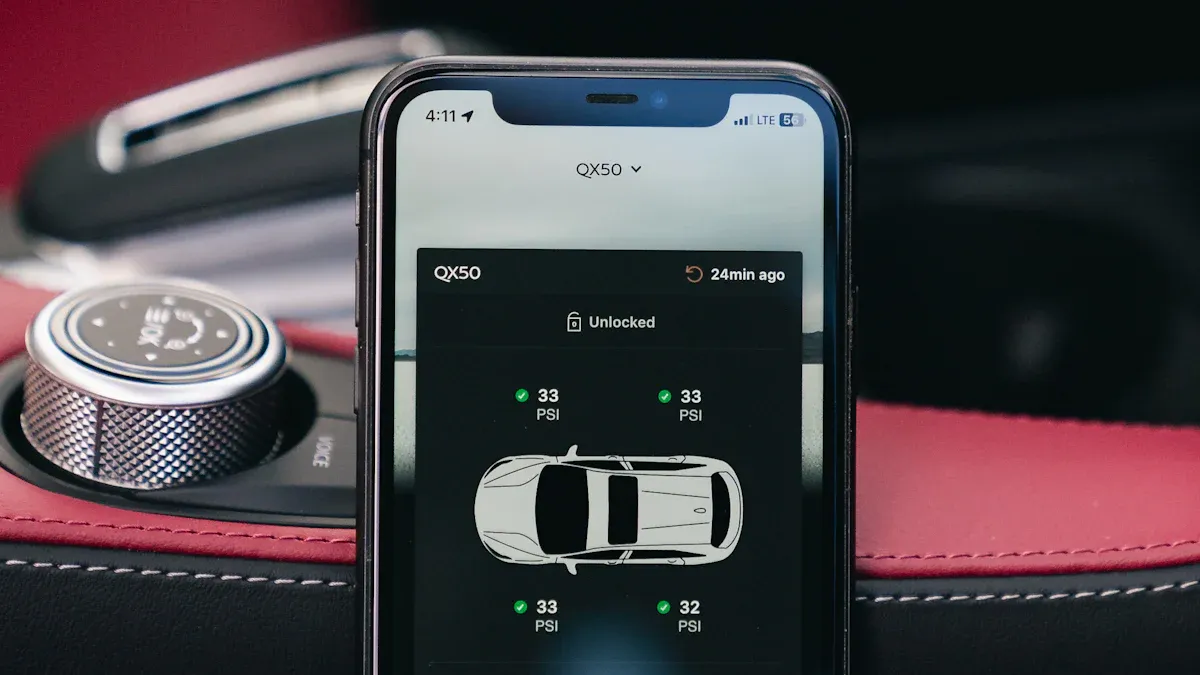
Bluetooth is not the only way a phone can connect with a modern vehicle. Many cars support systems such as smartphone integration platforms, wireless charging connections, USB data links, and cloud-based services. Before selling your car, check every possible connection point where your phone may still be recognized.
If you use smartphone integration features, remove the vehicle from your phone’s connected devices. Wired connections through USB cables may also store information depending on the vehicle system.
Delete any saved pairing information from your phone and remove the device from the car’s connected device list.
Wireless charging areas usually do not store personal data, but it is still worth checking for forgotten accessories. Remove phone holders, charging cables, memory cards, and personal USB devices from the vehicle. These items may contain photos, documents, music files, or other private information.
Some vehicles include built-in Wi-Fi systems that connect with smartphones and other devices. Check whether your phone is saved as a preferred device or whether your personal hotspot information has been stored. Remove unnecessary network connections before completing the sale.
Review any additional electronic accessories installed in the vehicle. Dash cameras, aftermarket entertainment systems, and smart tracking devices may have separate accounts or storage systems.
Disconnect these devices and clear their data if they contain personal information connected to your phone.
Step 8: Complete a Final Privacy Check Before Selling the Car
After removing your phone, deleting personal information, and resetting connected features, a final inspection helps confirm that the vehicle is ready for its next owner. Many sellers focus on cleaning the interior and preparing documents but forget that modern cars contain digital records. A few extra checks can prevent personal information from remaining inside the vehicle.
Start by turning on the infotainment system and reviewing the available menus. Check whether your phone name, contact list, previous destinations, or user profile still appears.
If any personal details remain visible, repeat the removal process or perform another reset. Different systems may require multiple steps to completely clear stored information.
Inspect physical storage areas inside the car as well. Remove USB drives, memory cards, charging cables, and any devices that may contain personal files.
Some vehicles allow media playback through connected storage devices, and leaving these items behind could expose private photos, documents, or saved files.
Check your smartphone one final time for connections related to the vehicle. Look through Bluetooth settings, connected applications, digital key features, and manufacturer apps. Removing the car from your phone prevents accidental reconnection and keeps your device organized after the sale.
It is also useful to provide the buyer with a vehicle that has a clean digital setup. A reset infotainment system allows the new owner to create their own profile and connect their own phone without dealing with previous user information. This creates a smoother ownership transition and reduces confusion.
A final privacy check takes only a few minutes but provides important protection. Cars have become connected devices with many stored details, so treating them like personal electronics is a smart approach.
Removing your digital information completes the selling process and ensures the vehicle is properly prepared for its next chapter.
Also read: 5 Cars With the Highest Theft Rates in Missouri, 5 With the Lowest