
Trading in a car involves more than handing over the keys and signing a few documents. Modern vehicles store a surprising amount of personal information through infotainment systems, connected services, mobile applications, and navigation features.
Your contacts, call history, saved addresses, garage codes, and account details may remain inside the vehicle even after ownership changes. Many drivers focus on removing personal belongings but overlook the digital records stored in different systems. Before completing a trade-in, it is important to understand where this information lives and how to remove it safely.
1. Infotainment System and Multimedia Settings
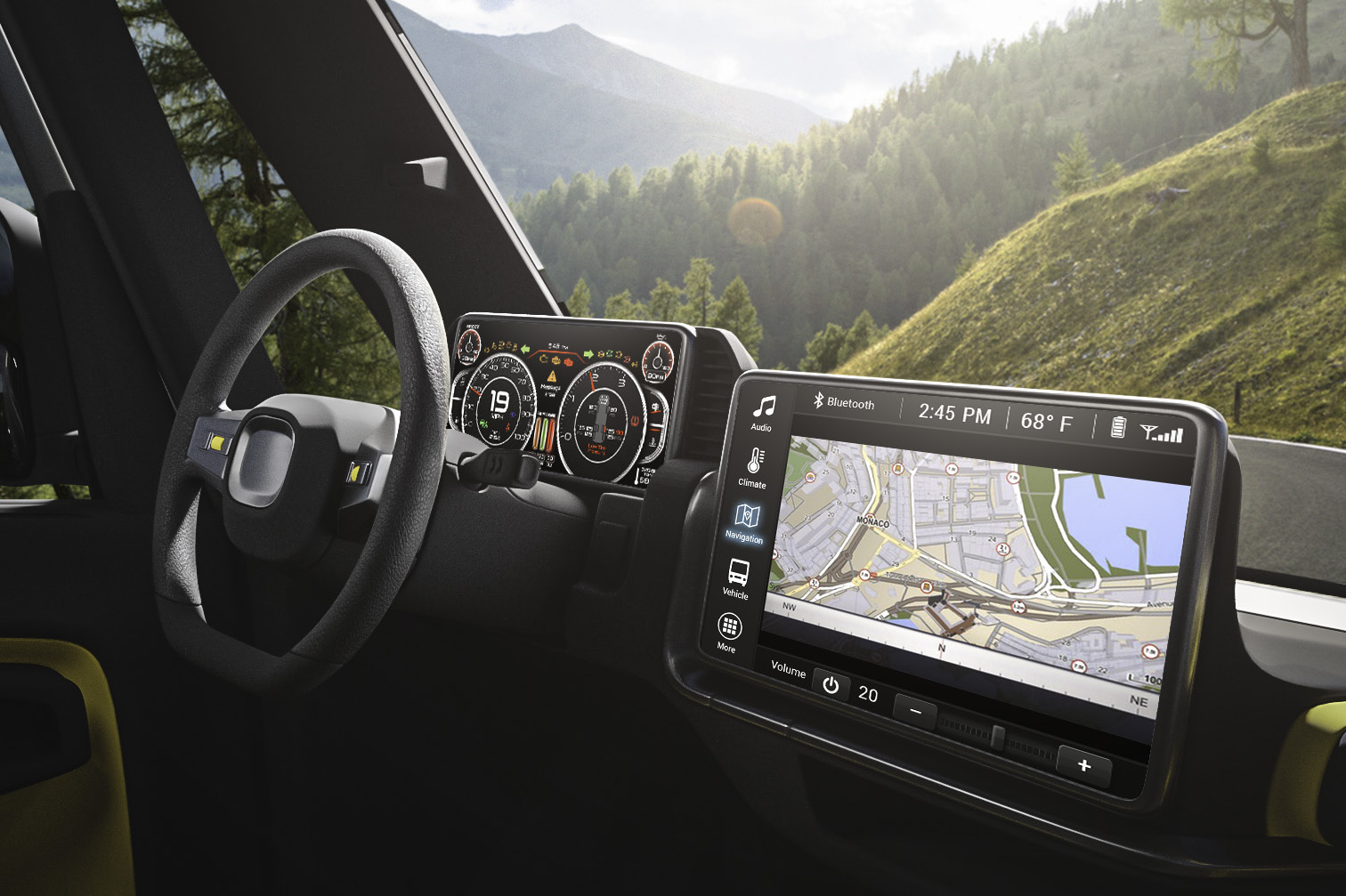
The infotainment system is usually the first place to check before trading in a vehicle. It connects various entertainment, communication, and convenience features, making it a common storage point for personal information. Depending on the vehicle, it may retain data even after a connected phone is removed.
Modern infotainment systems can save details about previously connected smartphones, preferred audio sources, user profiles, and personalized settings. These records can reveal information about the previous owner and their daily habits.
Some systems retain recently played media, paired device names, and application preferences. If your phone appears by name on the vehicle’s screen, that information may remain visible to the next driver.
Certain vehicles also support multiple driver profiles. Each profile may contain saved seat positions, mirror adjustments, climate preferences, and other personal configurations.
Removing your smartphone from the Bluetooth list does not necessarily erase the entire infotainment history. Other information may remain stored in separate menus or connected applications.
Drivers should locate the system’s privacy or factory reset settings before handing over the vehicle. The exact process depends on the manufacturer and model year.
A factory reset can remove many locally stored settings, but it may not disconnect cloud-based accounts or subscriptions. Those services often require separate action through the manufacturer’s website or mobile application.
Checking the infotainment system carefully helps prevent personal information from being passed to an unfamiliar driver. It also gives the new owner a cleaner starting point when setting up the vehicle.
2. GPS Navigation and Saved Home Addresses
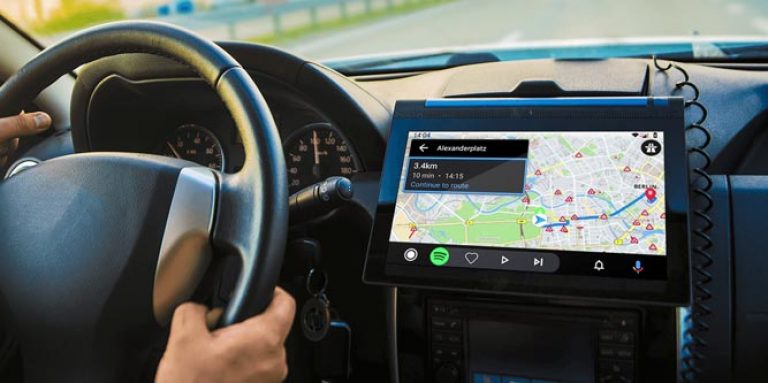
Built-in navigation systems frequently store personal locations. These records can include home addresses, workplace destinations, frequently visited places, and recently searched locations.
Your saved home address deserves particular attention. If someone accesses the navigation menu after the trade-in, they may be able to identify where you live.
Work addresses can also reveal details about your professional life. Saved destinations may include office buildings, business locations, schools, or other places connected to your routine.
Many navigation systems maintain a list of recent destinations. Even if you never saved a location permanently, previous searches may remain available in the system’s history.
Some vehicles also offer favourite destinations and shortcut buttons. These features make common journeys easier, but they can leave identifiable location information behind.
Drivers should open the navigation settings and review saved addresses, favourite destinations, and recent searches. Removing individual entries may be necessary if the system does not provide a complete reset option.
Connected navigation services may also synchronize location information with an online account. Deleting destinations from the dashboard might not remove records stored in the associated cloud service.
Before trading in the car, check the manufacturer’s instructions for clearing navigation data and disconnecting connected services. This helps reduce the possibility of personal travel information remaining accessible.
3. Bluetooth Pairing Records and Call History
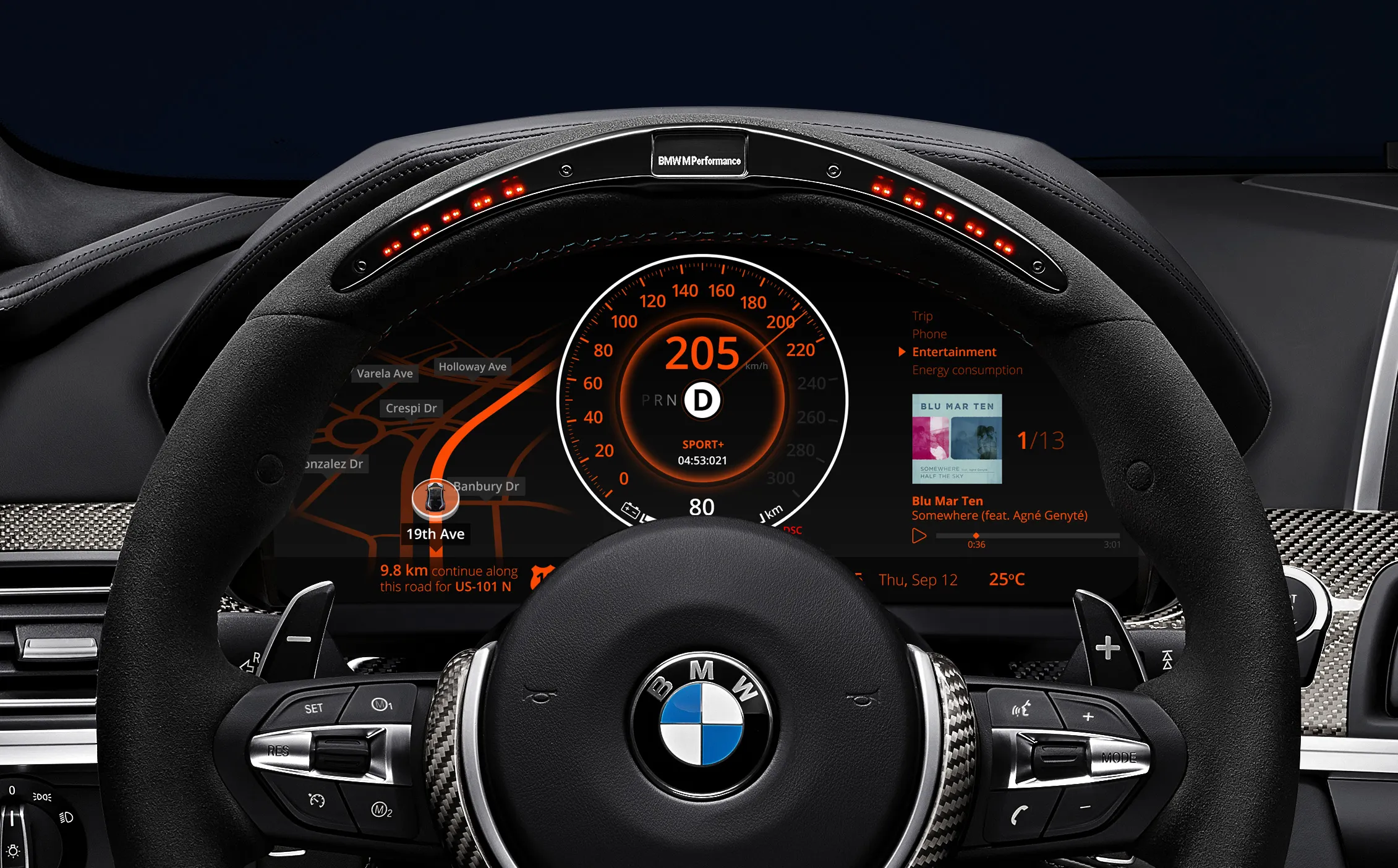
Bluetooth connectivity allows drivers to make calls, stream audio, and access smartphone features without handling their phones. However, this convenience can leave personal information inside the vehicle.
When a smartphone connects to a car, the system may request permission to access contacts and recent calls. If permission is granted, some of this information can be transferred to the infotainment system.
Call history is particularly sensitive because it can show recently contacted numbers, incoming calls, missed calls, and communication patterns.
Contact synchronization may also expose names and phone numbers. Depending on the vehicle, the system may download an entire address book or only selected contact information.
Deleting a paired phone does not always remove every related record. Some infotainment systems maintain separate lists for paired devices, downloaded contacts, and recent communications.
Check the Bluetooth settings for every connected device. Remove your smartphone, tablets, and any other personal devices that were previously paired with the vehicle.
It is also sensible to review the phone integration settings. Systems that support Apple CarPlay or Android Auto may retain connection preferences or related device information.
After removing the connections, inspect the call and contact menus to confirm that personal records are no longer displayed. A complete infotainment reset may be necessary for older vehicles with limited privacy controls.
4. Connected Car Accounts and Manufacturer Applications
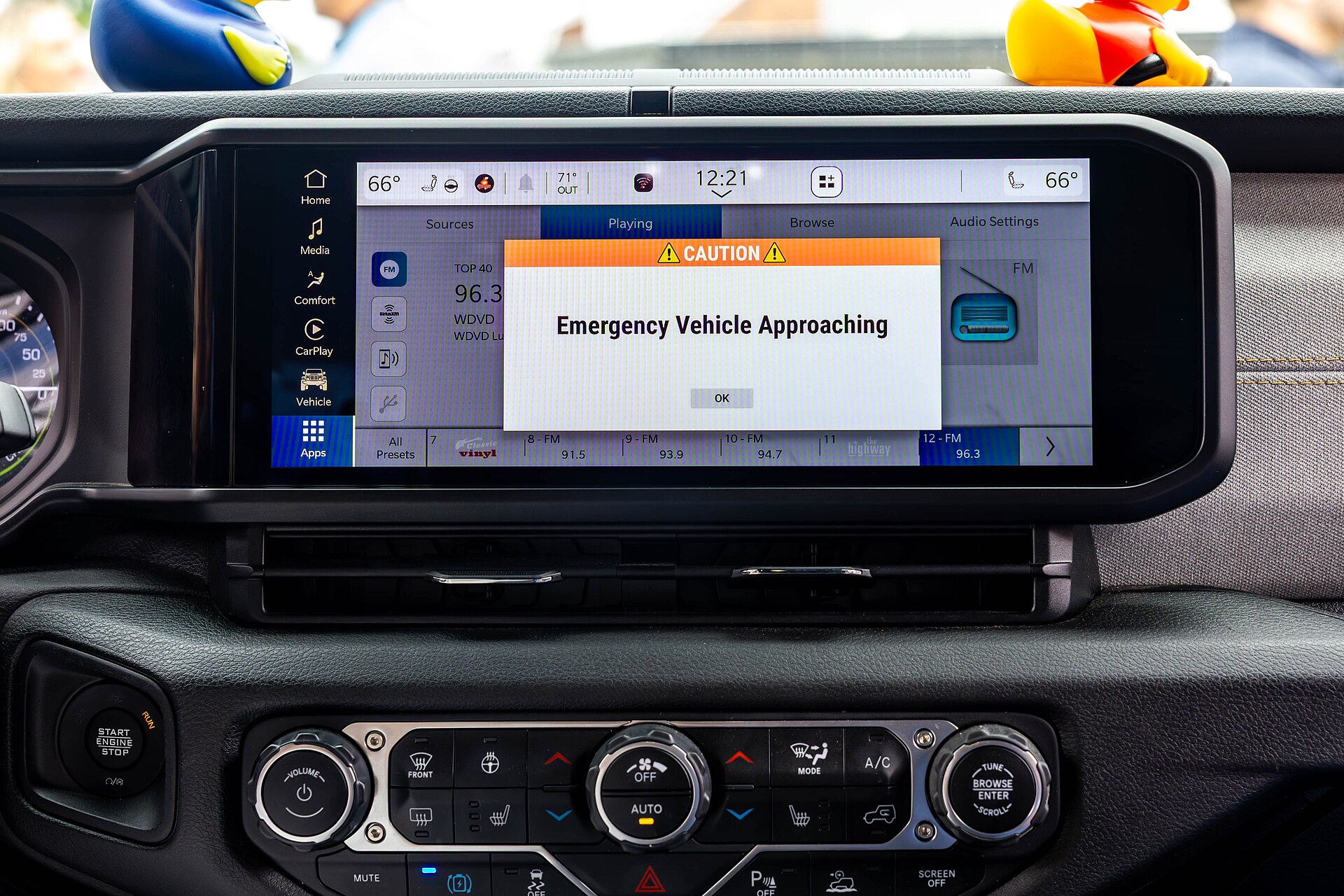
Many modern vehicles connect directly to manufacturer-operated online services. These platforms can provide remote locking, vehicle tracking, maintenance reminders, climate control, and other features through smartphone applications.
When you register a vehicle with a connected car service, the account may become associated with its identification number. This creates a digital relationship between the vehicle and your personal profile.
Depending on the service, account information may include your name, email address, phone number, vehicle details, and service preferences.
Some applications also display the vehicle’s location, fuel level, mileage, maintenance history, and recent status updates. These details can remain accessible through your account even after the physical vehicle changes hands.
Simply deleting the application from your smartphone does not cancel the account or remove the vehicle from the manufacturer’s system.
Before completing the trade-in, sign in to the relevant application or online account. Look for options to remove the vehicle, transfer ownership, or disconnect connected services.
Some manufacturers require an ownership transfer process before a vehicle can be linked to a new account. The dealership may assist with this procedure, but you should confirm that the previous association has been removed.
Also review any active subscriptions connected to the car. Cancel services that you no longer need and check whether billing arrangements are linked to the vehicle.
5. Saved Wi-Fi Networks and Hotspot Information
Many vehicles now include built-in Wi-Fi hotspots or allow passengers to connect personal devices through a wireless network. These features can store network names, connection preferences, and authentication information.
If you previously connected your home Wi-Fi network to the vehicle, its details may remain in the system. Some vehicles also remember mobile hotspots used during road trips.
Saved network information can reveal details about your personal technology setup. A network name may include a family name, business name, or other identifying information.
Vehicles with built-in cellular connectivity may also maintain hotspot configurations associated with an active subscription. These settings can remain available even when the original owner is no longer using the car.
Check the connectivity menu for saved networks and wireless settings. Remove personal Wi-Fi connections and review any stored hotspot credentials.
If the vehicle supports a personal hotspot feature, check whether your mobile data account is still associated with it. Contact the service provider if you need to cancel or transfer the subscription.
It is also worth reviewing connected devices. Some systems remember previously authorized phones, laptops, and tablets.
Removing wireless connections helps prevent the next owner from accessing outdated network information or accidentally using services associated with your personal account.

6. Garage Door Opener and Home Access Codes
Garage door opener systems are a frequently overlooked source of personal information. Many vehicles include built-in buttons that can operate compatible garage doors, gates, and other access-control systems.
These buttons are convenient because drivers can open their garage without carrying a separate remote. However, the programmed connection may continue working after the vehicle has been traded in.
If the car was programmed to operate your home garage, the new owner might be able to activate the door when within the system’s operating range.
Some vehicles also support connected home services. Depending on the equipment, these systems may communicate with smart garage controllers or other home automation devices.
The risk is not limited to garage doors. Vehicles used to access private parking facilities, residential gates, or workplace entrances may also contain programmed credentials.
Before handing over the vehicle, check the owner’s manual for instructions on clearing HomeLink or other built-in garage opener systems.
You should also consider resetting the corresponding garage receiver if you are unsure whether the vehicle’s remote access has been removed. Follow the manufacturer’s instructions for your particular opener.
If the vehicle was connected to a smart home application, remove its access through that application as well. This is especially important when the service allows remote operation through an online account.
Taking these steps helps ensure that vehicle-related access permissions do not remain active after the trade-in.
7. Dashcam Footage and External Memory Cards
Dashcams can record a considerable amount of information about a driver’s journeys. Depending on their settings, they may capture road footage, nearby vehicles, pedestrians, parking activity, and audio.
Many dashcams store recordings on removable microSD cards. Drivers sometimes forget to remove these cards when preparing a vehicle for resale or trade-in.
A memory card may contain footage from recent journeys, including visits to private addresses, workplaces, and other personal locations.
Some cameras also record audio inside the vehicle. If this feature was enabled, recordings may include private conversations or other sensitive information.
Dashcams with built-in storage can retain footage even when there is no removable memory card. Certain models also synchronize recordings with smartphone applications or cloud accounts.
Before trading in your vehicle, remove the memory card and check the camera’s internal storage. Save any footage you want to keep before formatting or resetting the device.
If the dashcam uses a dedicated application, disconnect the camera from your account and review its cloud storage settings. Remove the vehicle or camera from the account when appropriate.
Do not assume that deleting the camera application from your smartphone automatically clears stored recordings. The device and its memory card may retain information independently.
8. Electronic Toll Tags and Parking Accounts
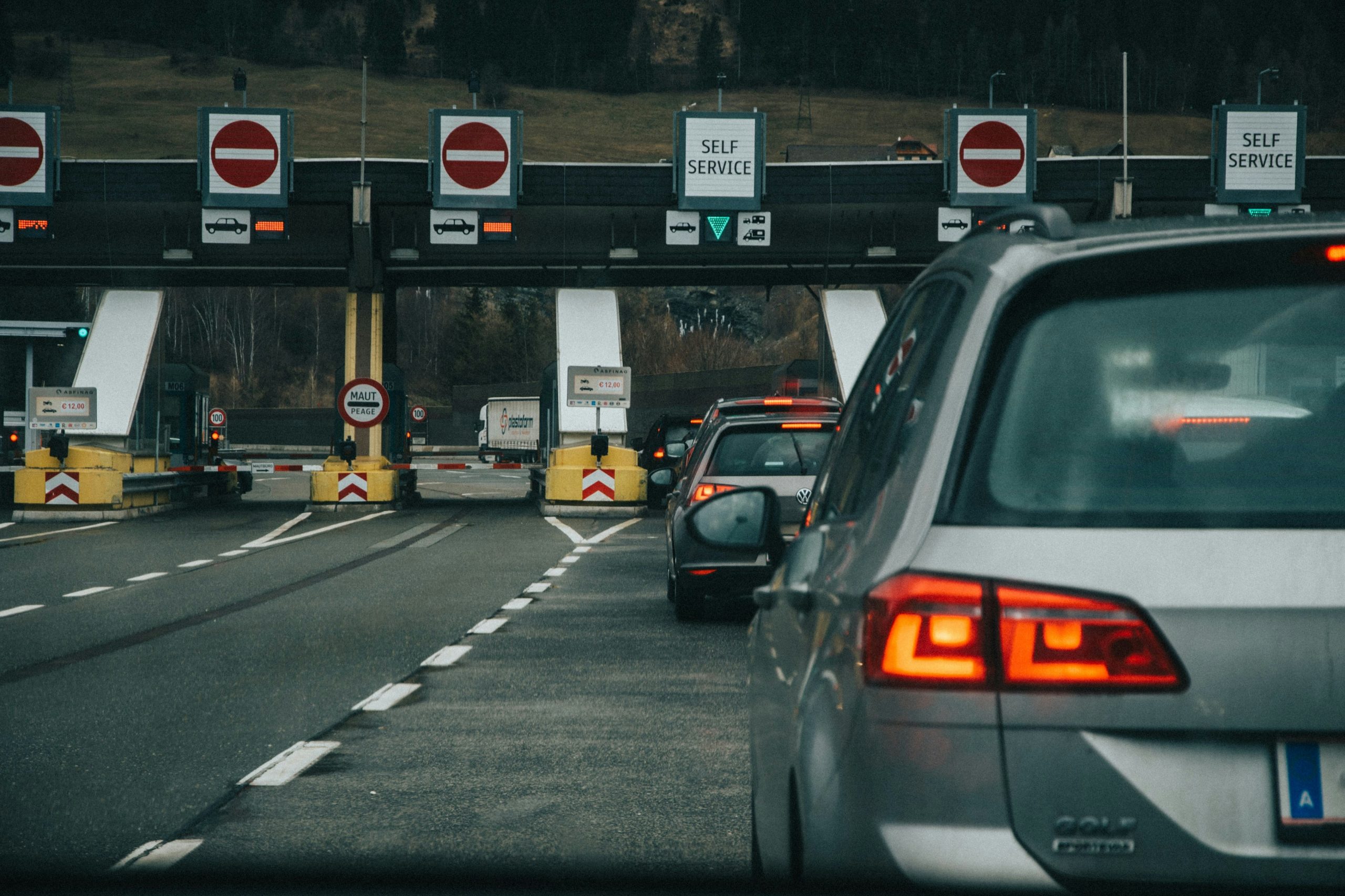
Electronic toll collection systems make road travel more convenient by allowing vehicles to pass through designated toll lanes without paying cash. However, toll tags and associated accounts can retain information linked to the previous owner.
In some regions, vehicles use removable electronic toll devices. Others rely on registration numbers or integrated identification systems.
A toll account may contain transaction histories, payment details, account identifiers, and records of roads or toll facilities used.
These records can provide information about travel patterns, especially when an account remains connected to a vehicle after ownership changes.
Parking applications can create similar concerns. Some vehicles store parking account details, saved payment preferences, or information about previously used parking services.
Drivers should remove physical toll tags before handing over the car if the device belongs to them. They should also review their online accounts to remove the vehicle’s registration number where required.
If the vehicle has an integrated toll payment feature, contact the relevant provider to understand how to deactivate or transfer it.
Review parking applications and connected payment services as well. Remove saved vehicle information and cancel any subscriptions that are no longer needed.
Keeping these accounts separate from the traded vehicle helps prevent billing confusion and protects transaction information.
9. USB Drives and Smartphone Data
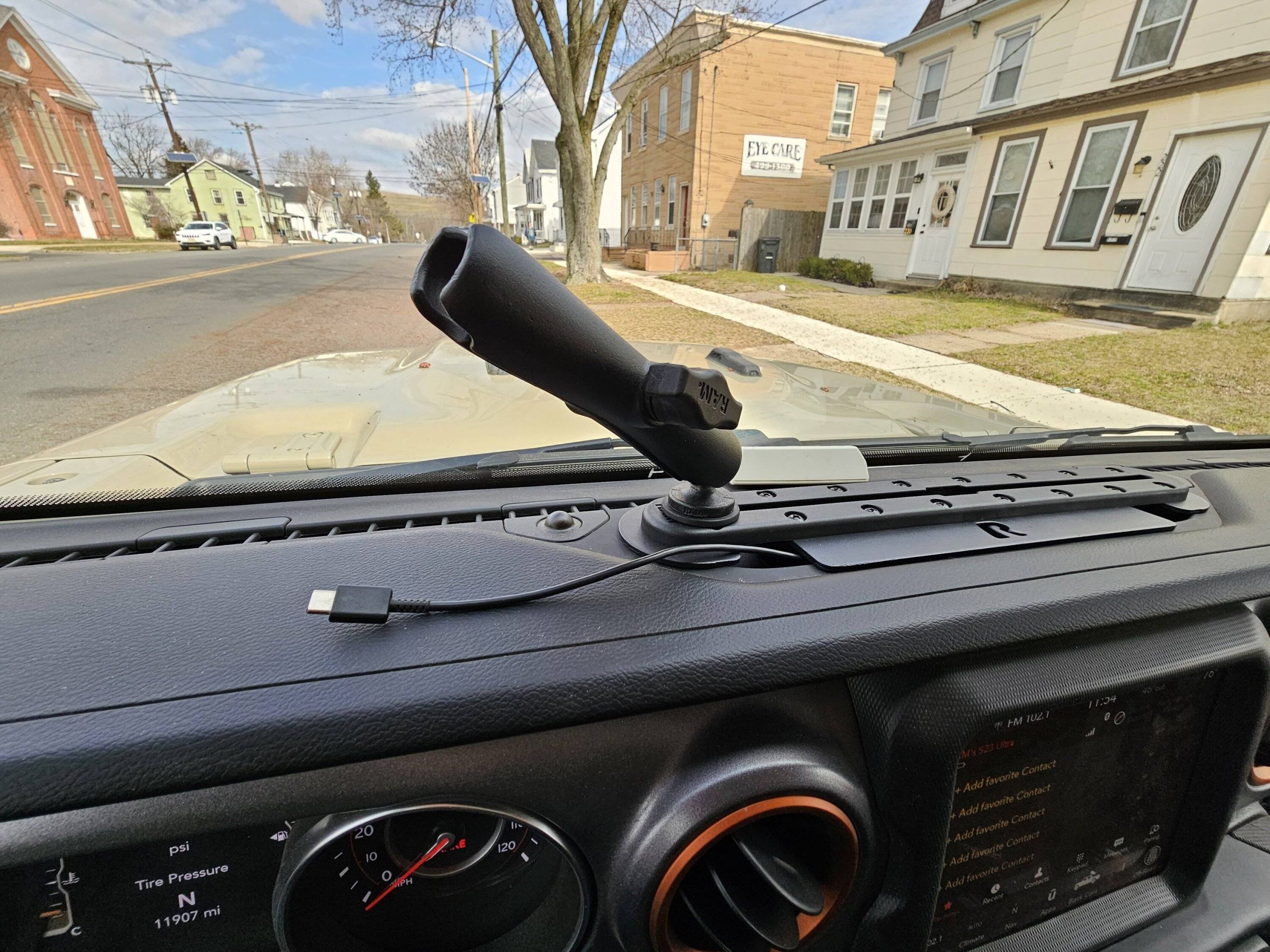
USB ports are standard equipment in many vehicles, providing a convenient way to charge smartphones, play music, and transfer media. However, drivers sometimes leave personal storage devices connected when trading in their cars.
A USB drive can contain documents, photographs, downloaded files, music collections, and other personal records. If left inside the vehicle, these files may become accessible to the next owner.
Some infotainment systems also import media information from connected storage devices. Depending on the system, details about previously accessed files may remain in its library.
Smartphones can create additional privacy concerns. Certain vehicle systems support direct data connections that allow media playback, contact synchronization, and smartphone integration.
Even after disconnecting a phone, downloaded media or cached information may remain in the infotainment system.
Check every USB port, including those inside the centre console, glove compartment, rear seating area, and storage compartments.
Remove memory cards, portable hard drives, charging accessories containing storage, and any other personal devices.
If your vehicle supports media libraries, clear the associated browsing history and stored files through the system’s settings. Consult the owner’s manual for the correct procedure.
It is also important to check the boot and hidden storage compartments. Small USB devices can easily be overlooked during a routine vehicle inspection.
10. Digital Keys and Smartphone-Based Access
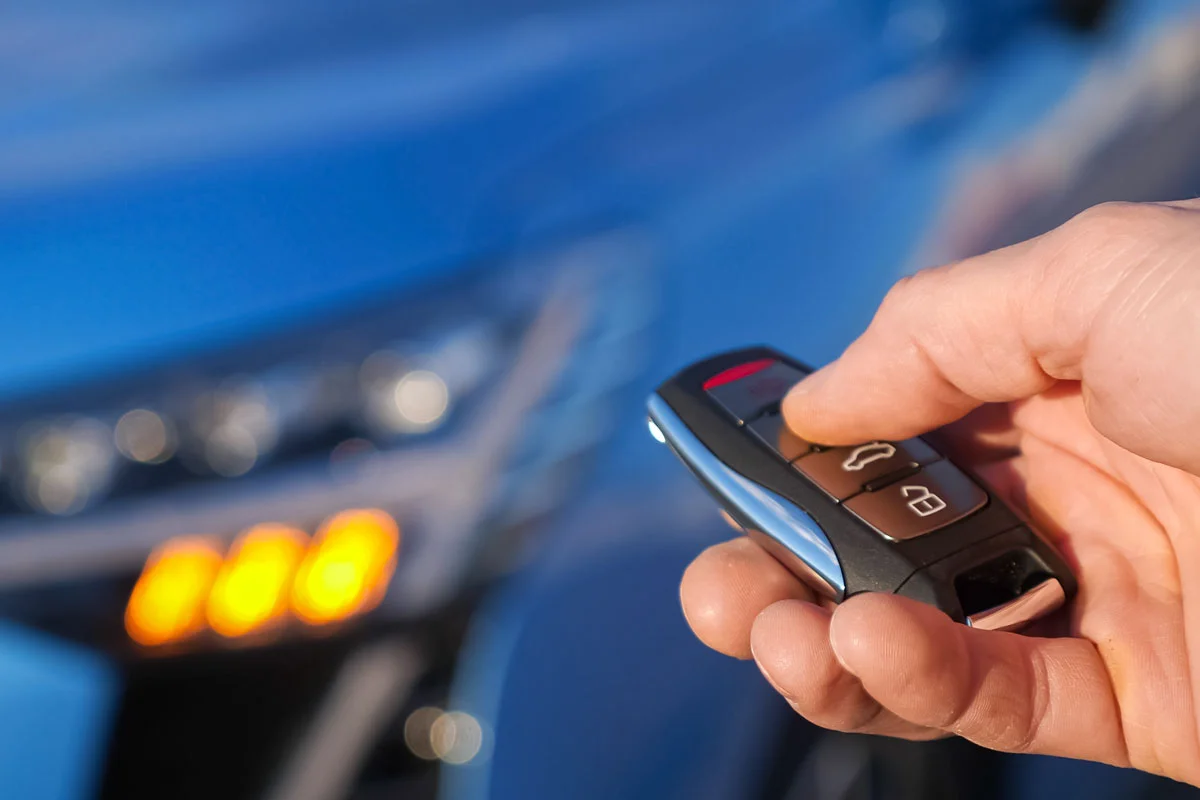
Digital keys allow drivers to lock, unlock, and sometimes start their vehicles using compatible smartphones or wearable devices. These systems are increasingly common in connected vehicles.
A digital key may be stored in a smartphone wallet, manufacturer application, or dedicated vehicle access platform.
Some systems also allow owners to share digital keys with family members, friends, or other authorized drivers. These permissions can remain active unless they are specifically revoked.
If you trade in a vehicle without removing its digital keys, an old access permission may continue to exist within the relevant application or account.
The exact behaviour depends on the manufacturer’s technology. Some digital keys are stored locally on devices, while others rely on account-based authorization.
Before handing over the vehicle, open the digital key settings and remove every personal device associated with it. Check for shared keys that were issued to other people.
You should also remove the vehicle from your smartphone wallet if it was added through Apple Wallet, Google Wallet, or a compatible platform.
Review the manufacturer’s application to confirm that the old vehicle is no longer listed under your account. If necessary, ask the dealership to complete the ownership transfer procedure.
Taking these precautions helps prevent old access permissions from remaining connected to a vehicle that you no longer own.