Modern trucks have evolved far beyond their original purpose of hauling and towing. Today, they double as daily drivers packed with advanced technology, digital dashboards, and large infotainment systems. While these upgrades bring convenience and customization, they also introduce a new challenge: readability.
For many drivers, especially those who rely on their trucks for work, being able to glance at the gauges and instantly understand critical information is more important than having flashy graphics or endless menus.
This is where the divide becomes clear. Some trucks are designed with clarity in mind, offering clean layouts, legible fonts, and intuitive gauge clusters that communicate essential data without distraction.
These setups reduce cognitive load, helping drivers stay focused on the road rather than deciphering complex displays. In contrast, other trucks lean heavily into digital screens that try to do too much at once. These cluttered interfaces can overwhelm users with information, burying key details under layers of graphics and menus.
The difference is not just about aesthetics. It directly affects usability, safety, and long-term satisfaction.
A well-designed gauge cluster allows drivers to quickly monitor speed, fuel levels, and engine performance, even in challenging conditions. On the other hand, a poorly organized screen can lead to frustration and even missed warnings.
This article takes a closer look at both sides. First, we highlight trucks that excel at delivering clear, easy-to-read gauges. These models prioritize function and simplicity without sacrificing modern features.
Then, we shift to trucks, where cluttered screens make the driving experience more complicated than it needs to be. Understanding these contrasts can help buyers choose a truck that truly supports their daily needs rather than distracting from them.
Also Read: 7 Cars With Seats That Cool Down Fast On Hot Days
7 Trucks With Easy-To-Read Gauges
Clarity in a truck’s instrument cluster is not just a design preference; it is a necessity. Drivers often rely on quick glances to gather important information, especially when towing, driving over rough terrain, or covering long distances. Trucks that get this right focus on presenting essential data in a straightforward and legible manner.
One of the defining traits of these trucks is simplicity in layout. Whether they use analog dials, digital screens, or a mix of both, the information is arranged logically. Speed, fuel, and engine data are easy to locate without searching through menus. This reduces distraction and allows drivers to stay focused on driving conditions.
Another important factor is contrast and visibility. Good gauge clusters use clear fonts, well-spaced indicators, and strong contrast so that information remains readable in different lighting conditions. From bright sunlight to nighttime driving, these trucks maintain consistent clarity.
We are focusing on these models because they represent practical design done right. Instead of overwhelming drivers with unnecessary details, they prioritize usability. Each truck listed here demonstrates a different approach to achieving that goal, whether through traditional layouts or well-executed digital displays.
1. Ford F-150
The Ford F-150 manages to strike a careful balance between modern technology and traditional readability. Its gauge cluster offers a clean layout that avoids overwhelming the driver, even when equipped with digital elements. The speedometer and tachometer remain clearly defined, ensuring that the most important information is always front and center.
One of the standout qualities is how the F-150 organizes its digital display. Instead of cramming multiple data points into one space, it separates information into distinct sections. This makes it easier for drivers to absorb details at a glance without needing to shift focus for too long. The interface feels deliberate rather than crowded.
Another strength lies in its adaptability. Drivers can customize certain aspects of the display, yet the system maintains a consistent structure. This ensures that even with personalization, the layout does not become confusing or cluttered. The balance between flexibility and clarity is handled with care.
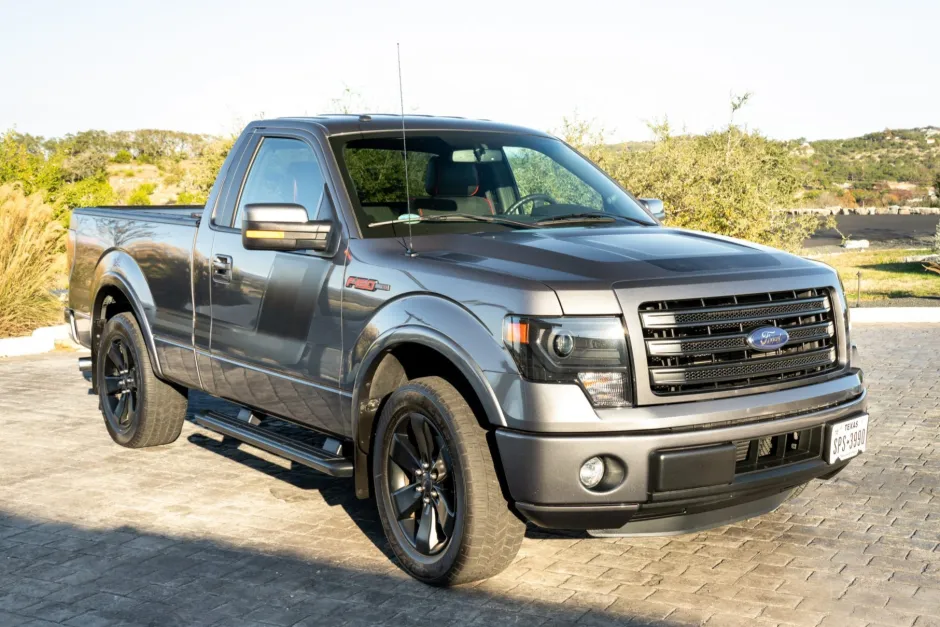
I am including the F-150 because it demonstrates how a high-tech truck can still prioritize usability. It proves that adding digital features does not have to come at the cost of readability. For drivers who want modern functionality without sacrificing clarity, this truck sets a strong example.
2. Ram 1500
The Ram 1500 takes a slightly different approach, blending analog gauges with a central digital display in a way that feels intuitive and easy to follow. The traditional dials provide a sense of familiarity, while the digital section adds useful information without overwhelming the layout.
What makes the Ram 1500 stand out is its restraint. The central screen delivers key data such as navigation prompts or vehicle status, but it does not dominate the entire cluster. This allows the driver to focus on essential metrics without distraction. The balance between analog and digital elements feels natural.
Visibility is another area where this truck performs well. The fonts are large and clear, and the contrast between different elements ensures that information remains legible in various lighting conditions. Whether driving during the day or at night, the gauges remain easy to read.
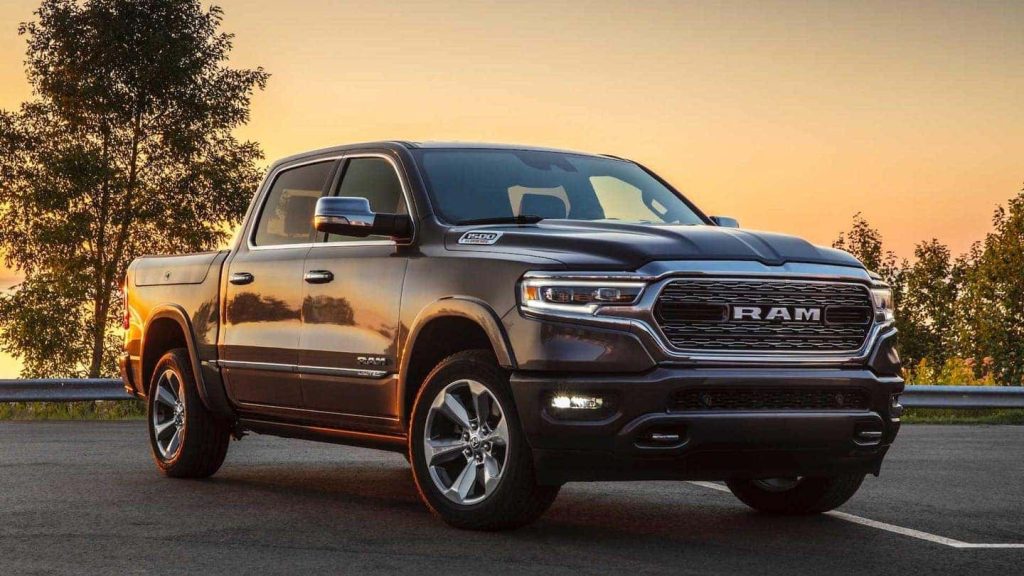
I chose the Ram 1500 because it highlights how combining old and new design philosophies can result in a user-friendly experience.
It does not rely on flashy visuals or excessive information. Instead, it delivers clarity and confidence, making it a strong contender for drivers who value straightforward functionality.
3. Toyota Tundra
The Toyota Tundra approaches gauge design with a sense of discipline that immediately stands out once you sit behind the wheel. Instead of chasing visual drama, it focuses on delivering information in a calm and structured manner. The layout feels grounded, with clearly separated sections that prevent any overlap or confusion.
A key strength of the Tundra lies in how it prioritizes hierarchy. Speed and engine data take visual precedence, while secondary information is positioned in a way that does not compete for attention.
This ensures that the driver’s eyes naturally fall on the most critical details first. It creates a rhythm where reading the cluster becomes instinctive rather than deliberate.
Another interesting aspect is how the Tundra handles digital integration. Even with a modern screen, the design avoids unnecessary animation or excessive graphics. The information appears stable and predictable, which is exactly what drivers need during long drives or when towing heavy loads.
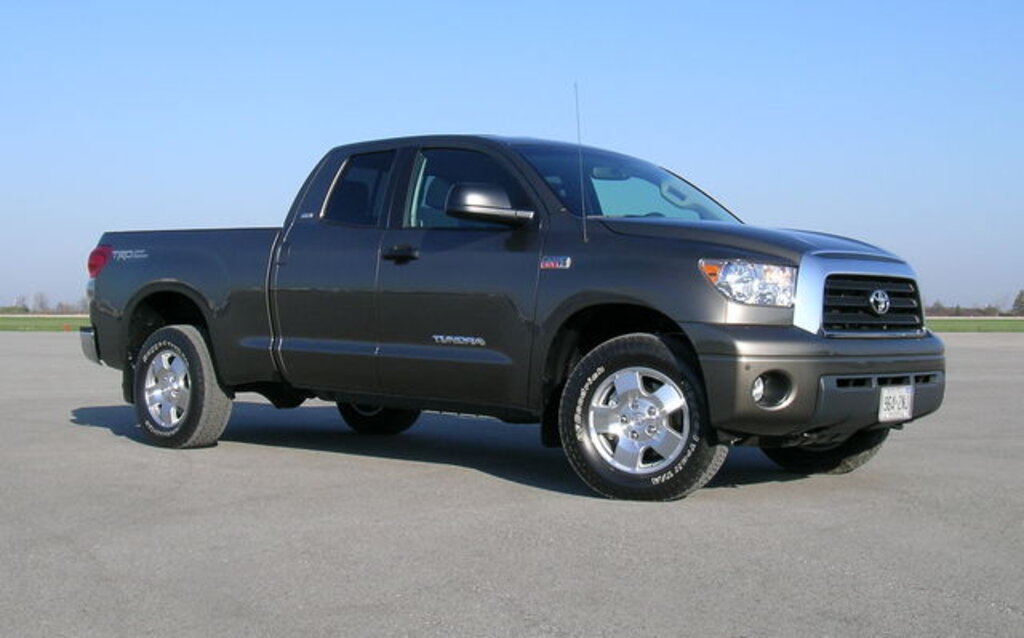
I am including the Tundra because it reflects a practical mindset. It shows that clarity does not require complexity. By focusing on structure and prioritization, it delivers a gauge cluster that feels dependable and easy to live with every day.
4. Chevrolet Silverado 1500
The Chevrolet Silverado 1500 presents its information in a way that feels direct and unambiguous. There is no sense of clutter or distraction, just a straightforward display that communicates what the driver needs to know. The gauges are laid out with a strong emphasis on spacing, which prevents elements from feeling cramped.
What makes the Silverado particularly effective is its use of contrast. Important indicators stand out clearly against the background, making them easy to identify even with a quick glance. This becomes especially useful during busy driving situations where attention needs to remain on the road.
The truck also benefits from a stable interface. Once you become familiar with the layout, it rarely surprises you with unexpected changes. This consistency builds confidence, as drivers do not have to relearn the display or search for information every time they get behind the wheel.
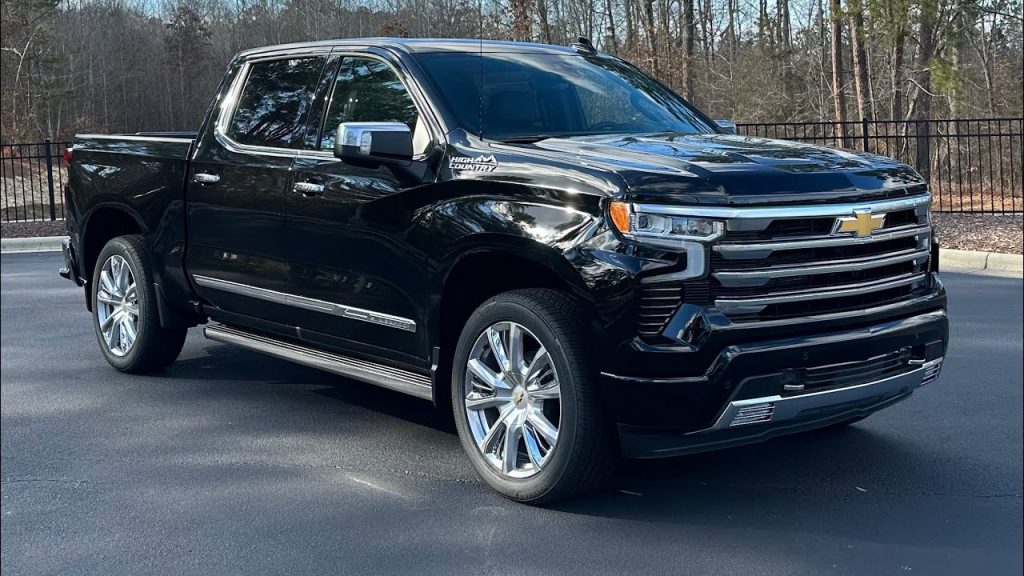
I chose the Silverado because it represents clarity through simplicity. It does not attempt to impress with complex visuals. Instead, it delivers a dependable and easy-to-read experience that supports the driver rather than distracting them.
5. Nissan Titan
The Nissan Titan takes a grounded, almost old-school approach to gauge design, and that is precisely what makes it effective. Instead of leaning heavily into digital experimentation, it sticks to a format that drivers instantly recognize. Large, clearly marked dials dominate the cluster, making it easy to read critical information without hesitation.
What stands out in the Titan is the sense of visual calm. There is no rush of competing graphics or layered menus trying to grab attention.
The layout gives each element enough breathing room, allowing the driver’s eyes to settle naturally on the information they need. This creates a driving experience that feels less demanding, especially during long hours behind the wheel.
Another strength is how the truck handles secondary data. The central display provides useful details such as trip information and vehicle status, but it does so in a restrained manner. It supports the primary gauges rather than competing with them, which keeps the entire cluster cohesive.
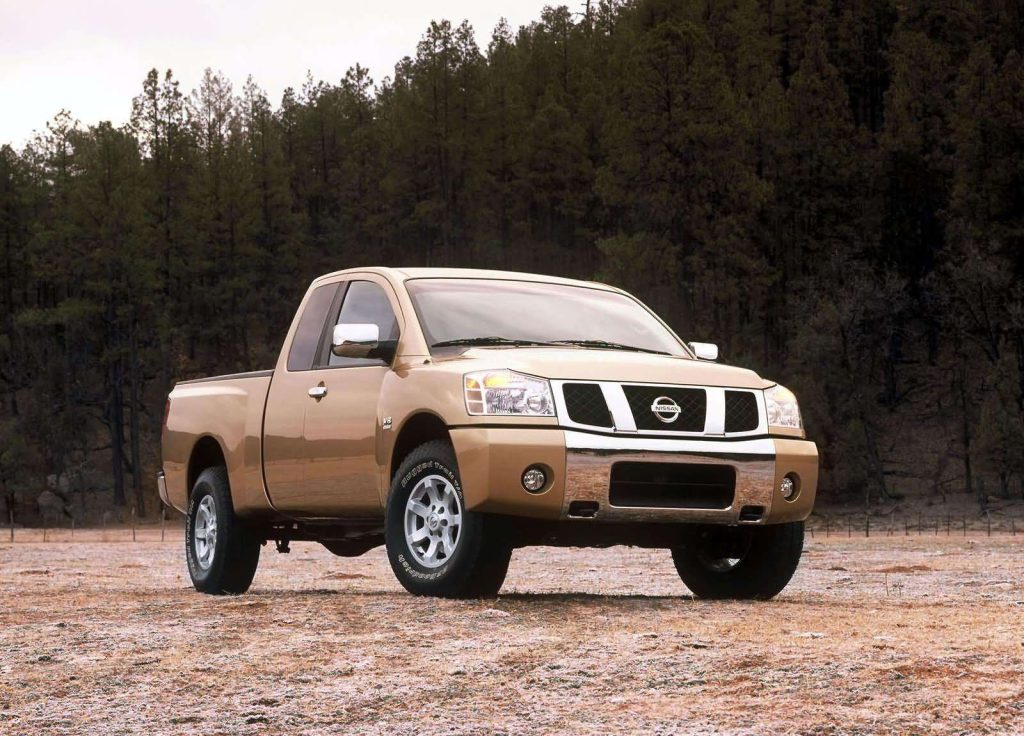
I am including the Titan because it shows the value of familiarity. In a time when many vehicles are becoming increasingly complex, it delivers a straightforward and reassuring interface. For drivers who appreciate clarity without unnecessary layers, this truck remains a solid choice.
6. GMC Sierra 1500
The GMC Sierra 1500 leans into a more refined interpretation of clarity, blending digital elements with a structured layout that feels easy to follow. The cluster does not overwhelm the driver with excessive customization options. Instead, it offers a carefully curated set of information presented in a logical order.
One of the defining traits of the Sierra is how it guides the driver’s attention. The arrangement of gauges and digital readouts creates a natural flow, making it simple to scan from one piece of information to another.
This reduces the effort required to interpret the display, which is particularly valuable during demanding driving situations.
The visual design also deserves attention. The fonts are crisp, and the spacing between elements prevents the cluster from feeling crowded. Even when additional data is displayed, it integrates smoothly without disrupting the full clarity.
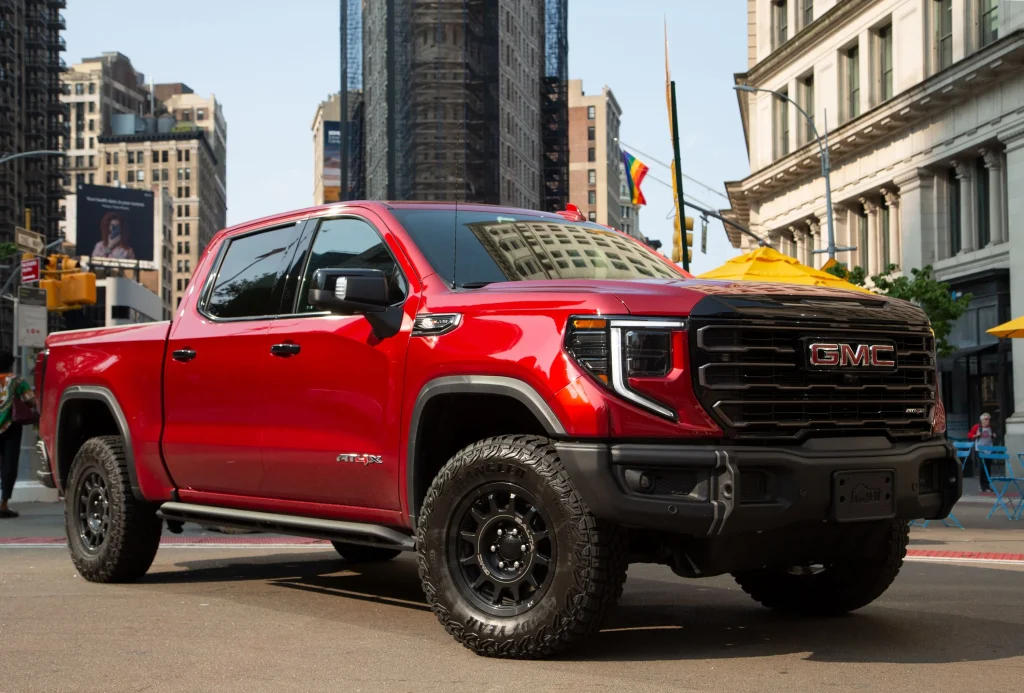
I chose the Sierra because it demonstrates how modern design can remain user-friendly. It incorporates digital advancements while maintaining a strong focus on readability. This balance makes it a compelling option for drivers who want a contemporary truck without sacrificing ease of use.
7. Honda Ridgeline
The Honda Ridgeline closes this section with a gauge cluster that feels refreshingly straightforward in a segment that often leans toward excess.
From the moment you look at the display, there is a sense of order that makes information easy to process. Nothing feels buried or overly stylized, which helps the driver stay focused on the essentials.
What makes the Ridgeline effective is its emphasis on clarity through restraint. The gauges are clearly defined, and the central display provides supporting information without dominating the layout. This creates a balanced composition where each element has a clear role, reducing the need for the driver to search for key details.
Another notable aspect is how consistent the interface feels. The layout remains predictable regardless of driving conditions or selected modes. This consistency builds familiarity over time, allowing drivers to rely on quick glances rather than extended attention.
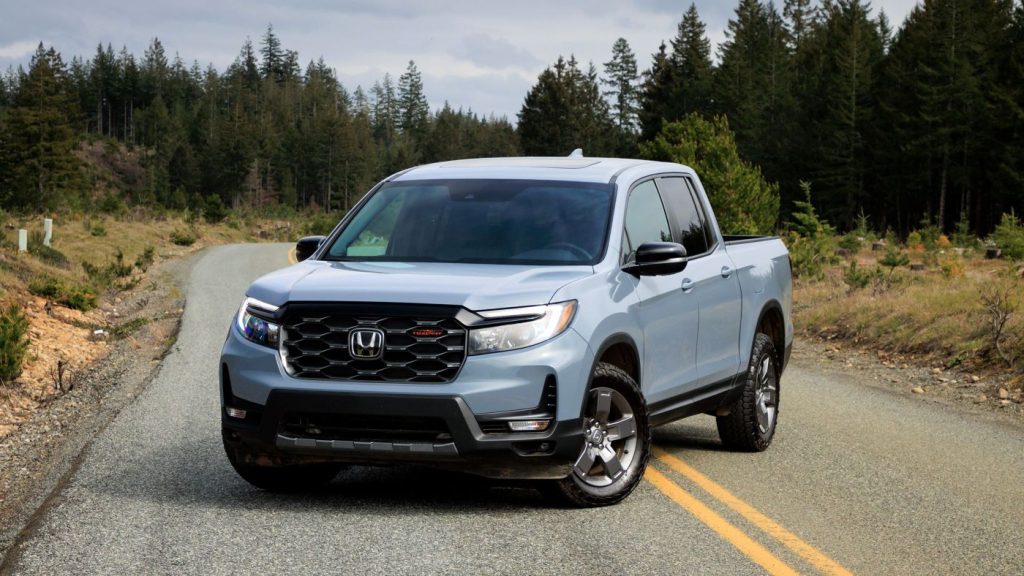
I am including the Ridgeline because it represents a thoughtful approach to usability. It does not try to impress with complexity or excessive features. Instead, it delivers a clean and dependable experience that supports everyday driving. For many users, that simplicity becomes a defining advantage.
7 Trucks With Cluttered Screens
Not every truck manages to balance technology with usability. As digital dashboards and large infotainment systems become more common, some manufacturers push too far in the direction of visual complexity. The result is a cluttered interface that can overwhelm drivers rather than assist them.
One of the main issues with these trucks is the amount of information displayed at once. Multiple data points compete for attention, often without a clear hierarchy. This makes it harder for drivers to quickly identify what matters most, especially in situations where focus should remain on the road.
Another factor is the use of layered menus and excessive customization. While flexibility can be useful, too many options can lead to confusion. Drivers may find themselves moving through multiple screens instead of simply glancing at a gauge, which defeats the purpose of having an easily readable cluster.
We are focusing on these trucks to highlight how design choices can impact real-world usability. Many of these models offer impressive technology, but their execution makes everyday driving more complicated than necessary.
1. Ford Super Duty
The Ford Super Duty introduces a highly digital instrument cluster that aims to deliver a wealth of information, but in doing so, it can feel overwhelming. The display often presents multiple data sets at once, which can make it difficult to focus on the most important details.
One of the challenges with this setup is the lack of clear prioritization. Speed, towing data, navigation, and other metrics can appear together, creating a busy visual environment. This can lead to moments where the driver needs an extra second to interpret the information, which is not ideal in demanding driving conditions.
The customization options also add to the complexity. While the ability to adjust the display can be useful, it introduces additional layers that require time to understand. For some drivers, this flexibility becomes a source of distraction rather than convenience.
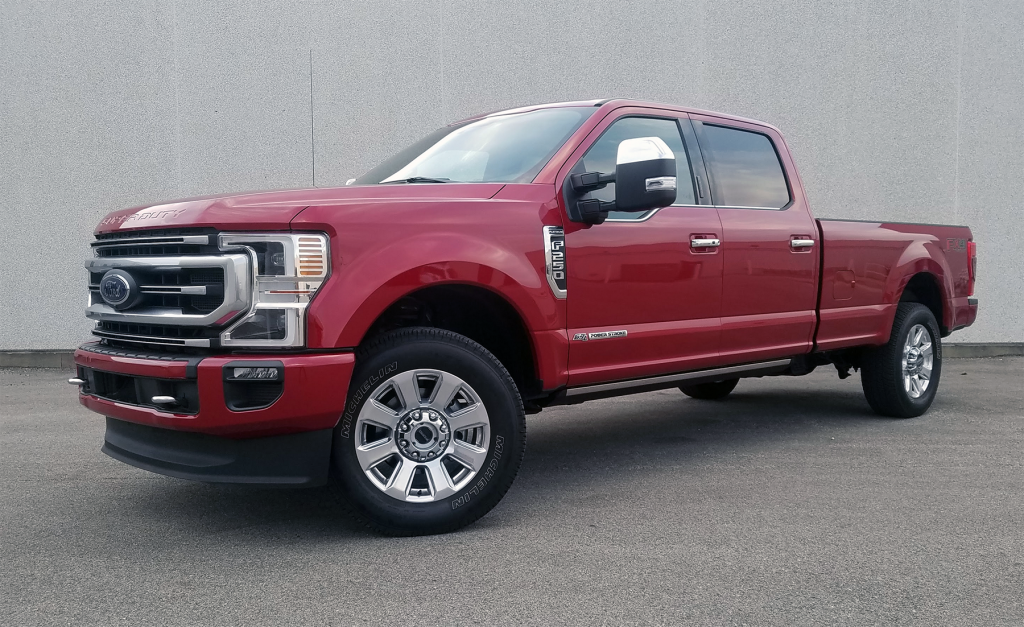
I am including the Super Duty because it highlights how too much information can reduce clarity. It offers powerful features, but the way they are presented can make the interface feel crowded. For drivers who prefer simplicity, this design may feel more like a challenge than a benefit.
2. Ram Heavy Duty
The Ram Heavy Duty takes a bold approach to digital displays, but that boldness comes with trade-offs. The instrument cluster and infotainment system work together to present a wide range of information, yet the sheer volume can make the interface feel dense and layered.
A noticeable issue is how different elements compete for attention. Bright graphics, multiple readouts, and detailed menus can create a sense of visual noise. Instead of guiding the driver’s focus, the system often demands more attention than necessary, which can be distracting during everyday use.
There is also a learning curve involved. New users may find it challenging to locate specific information quickly, as the layout does not always follow a simple or intuitive structure. This can lead to frustration, particularly when trying to access important data while driving.
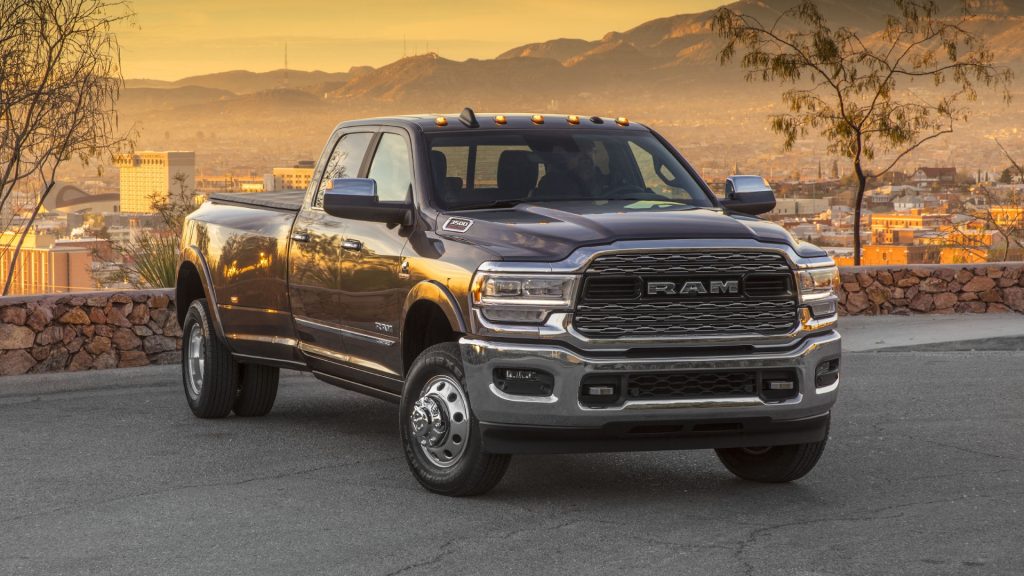
I chose the Ram Heavy Duty because it represents the risks of overloading a system with features. While it offers impressive capabilities, the presentation can feel excessive. For drivers who value quick and clear access to information, this complexity can become a drawback.
3. Chevrolet Colorado
The Chevrolet Colorado leans heavily into modern digital presentation, but in trying to deliver a tech-forward experience, it introduces a level of visual congestion that can distract more than assist. The instrument cluster and infotainment system often feel like they are competing rather than working together, which creates a fragmented experience for the driver.
At first glance, the display appears impressive with its sharp graphics and multiple data windows. However, once you begin driving, the lack of a clear hierarchy becomes noticeable.
Important information, such as speed and fuel levels, can get visually lost among secondary data, icons, and alerts. This forces the driver to spend more time interpreting the screen instead of simply glancing at it.
Another issue lies in how frequently the display changes. Notifications, menu transitions, and shifting layouts can interrupt the visual flow.
Instead of building familiarity, the system keeps presenting slightly different arrangements, which slows down recognition. This becomes particularly frustrating during longer drives, where consistency would make a big difference.
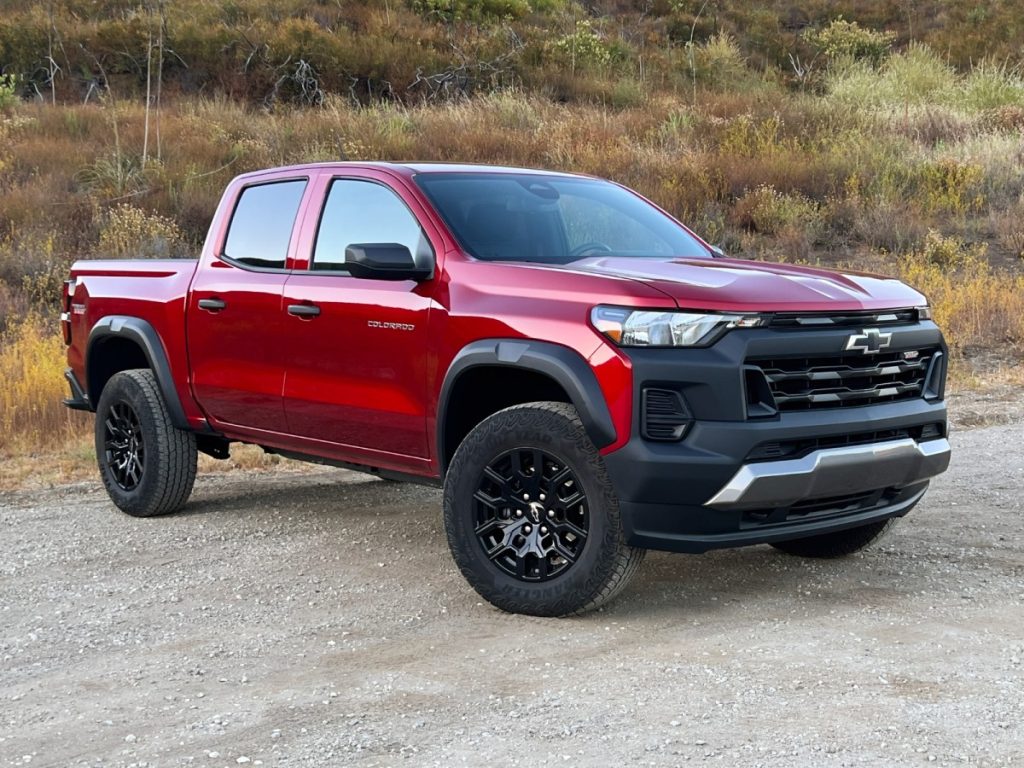
I am including Colorado because it highlights how visual appeal can sometimes overshadow usability. It is not that the truck lacks capability, but the way information is presented demands more attention than necessary.
For drivers who prefer a stable and easy-to-read interface, this constant activity can feel more like a distraction than a benefit.
4. Toyota Tacoma
The Toyota Tacoma introduces a mixed digital interface that tries to combine traditional elements with modern features, yet the execution results in a cluttered and somewhat disjointed display. While each individual component may work fine on its own, the full layout lacks cohesion, making it harder to read quickly.
One of the main concerns is how information is distributed across the screen. Instead of grouping related data logically, the display scatters it across different sections. This forces the driver to scan multiple areas to gather basic information, which increases the time spent looking away from the road.
The visual design also contributes to the cluttered feel. Smaller fonts, tightly packed indicators, and layered graphics create a sense of compression. Even though the system is trying to present useful data, the lack of spacing makes everything feel crowded. This reduces readability, especially in situations where quick interpretation is critical.
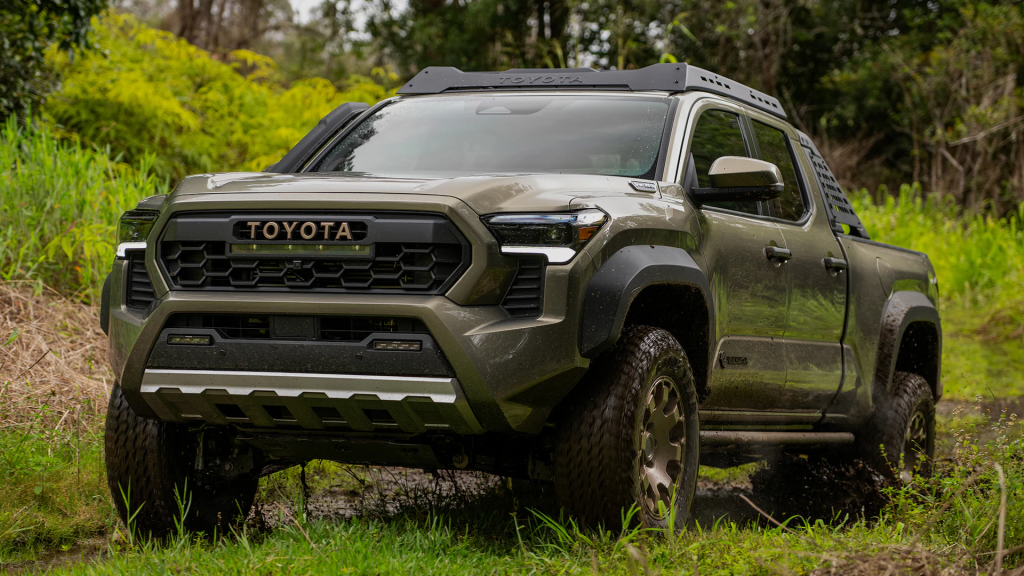
I chose the Tacoma because it represents how incremental updates can sometimes lead to complexity. By adding digital elements without fully rethinking the layout, the result becomes less intuitive. For drivers who value clarity and simplicity, this approach can feel unnecessarily complicated.
5. GMC Canyon
The GMC Canyon adopts a highly digital approach that initially feels modern and premium, yet the longer you interact with it, the more its complexity begins to show.
The instrument cluster is packed with information, but the way it is layered creates a sense of crowding that does not immediately resolve itself. Instead of guiding the driver’s eye, it often leaves you deciding where to look first.
One noticeable issue is how multiple data streams appear to share equal importance. Speed, driver assistance graphics, trip data, and system alerts are all presented in a way that competes for attention.
Without a strong visual hierarchy, the driver must mentally filter what matters most. That extra step might seem small, but it adds up during longer drives or in demanding traffic conditions.
The Canyon also leans heavily on animation and transitions. While these elements are visually appealing at first, they introduce slight delays in how information is perceived. A gauge that shifts or fades before settling can interrupt the quick glance drivers rely on. Over time, this dynamic behavior becomes less impressive and more distracting.
Another factor is customization. The system allows drivers to modify what they see, but with that flexibility comes complexity.
Moving through options and remembering preferred layouts can take effort, especially for those who just want a straightforward display. Instead of simplifying the experience, the customization sometimes makes it feel more involved.
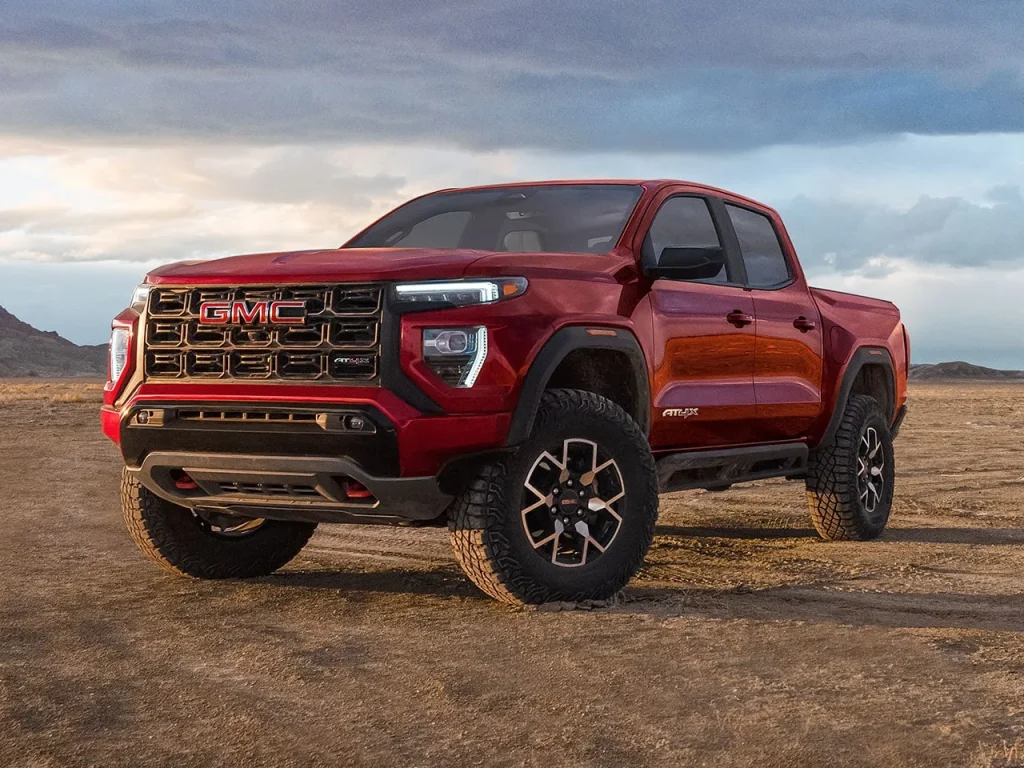
I am including the Canyon because it represents how ambition in design can lead to clutter. It offers advanced features and strong visual appeal, yet the execution makes everyday usability more demanding than it should be. For drivers who value clarity above all else, this truck can feel like it is trying to do too much at once.
6. Nissan Frontier
The Nissan Frontier brings a blend of traditional and digital elements, but the integration between the two does not feel as seamless as it could be. The result is a gauge cluster that appears busy, with different design styles coexisting in a way that lacks harmony. This creates a visual experience that requires more attention than expected.
One of the main challenges is the inconsistency in presentation. Analog-style gauges sit alongside digital panels that display additional data, yet the two do not always align in terms of layout or emphasis. This can make the cluster feel fragmented, as if it is divided into separate sections rather than functioning as a unified whole.
The digital portion of the display adds another layer of complexity. It introduces extra information, but not always in a way that is easy to process quickly. Smaller text, multiple icons, and varying brightness levels can make it harder to distinguish key details at a glance. This becomes more noticeable in changing lighting conditions.
There is also a sense that the system is trying to modernize without fully committing to a clean redesign. Instead of simplifying the interface, new elements are added on top of existing ones. This layered approach contributes to the cluttered feel and reduces the immediacy of the information being presented.
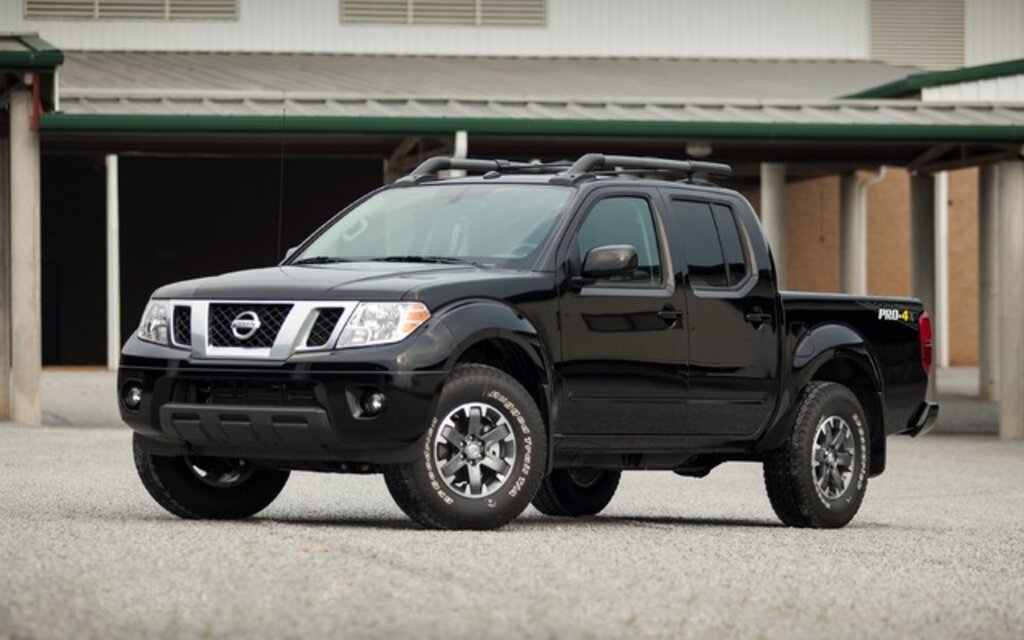
I chose the Frontier because it highlights how partial updates can impact usability. The truck offers useful features, but the lack of cohesion in its display makes it less intuitive. For drivers who prefer a clear and unified interface, this setup can feel more complicated than necessary.
7. Rivian R1T
The Rivian R1T takes a bold step into a fully digital future, replacing traditional gauges with large, high-resolution screens.
While this approach delivers a striking visual experience, it also introduces a level of complexity that can overwhelm drivers who are used to more conventional layouts. Everything is sleek and modern, but not always immediately clear.
A defining characteristic of the R1T is the sheer amount of information available at once. Vehicle status, navigation, terrain data, and system controls are all presented across expansive displays.
While this creates a sense of capability, it also means that the driver must sift through more data to find what they need. The absence of fixed reference points can make quick glances less effective.
The reliance on touch-based interaction adds another layer to the experience. Adjusting settings or accessing certain information often requires moving through menus, which can divert attention from driving. Unlike physical gauges that provide instant feedback, the digital interface demands more engagement.
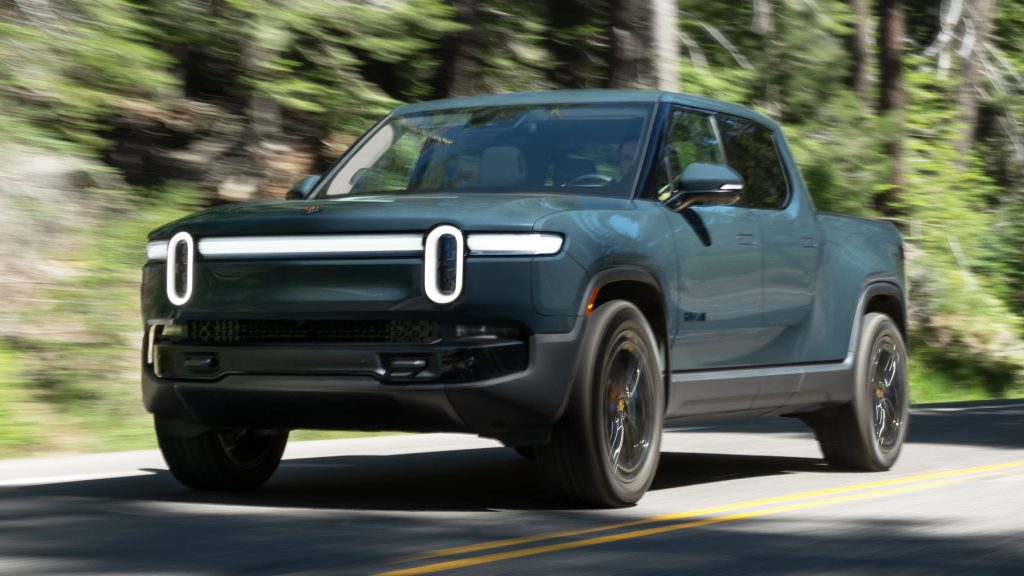
Visual design plays a role as well. The graphics are detailed and polished, but they can feel dense, especially when multiple elements are active at the same time. Without a strong separation between primary and secondary information, the display can appear busy despite its clean aesthetic.
I am including the R1T because it represents the extreme end of digital integration. It showcases what is possible with modern technology, yet it also demonstrates the challenges that come with it. For drivers who prioritize simplicity and quick readability, this level of complexity can feel like a step away from usability rather than toward it.
Also Read: 10 Cars With Sun Visors That Slide To Block Side Glare