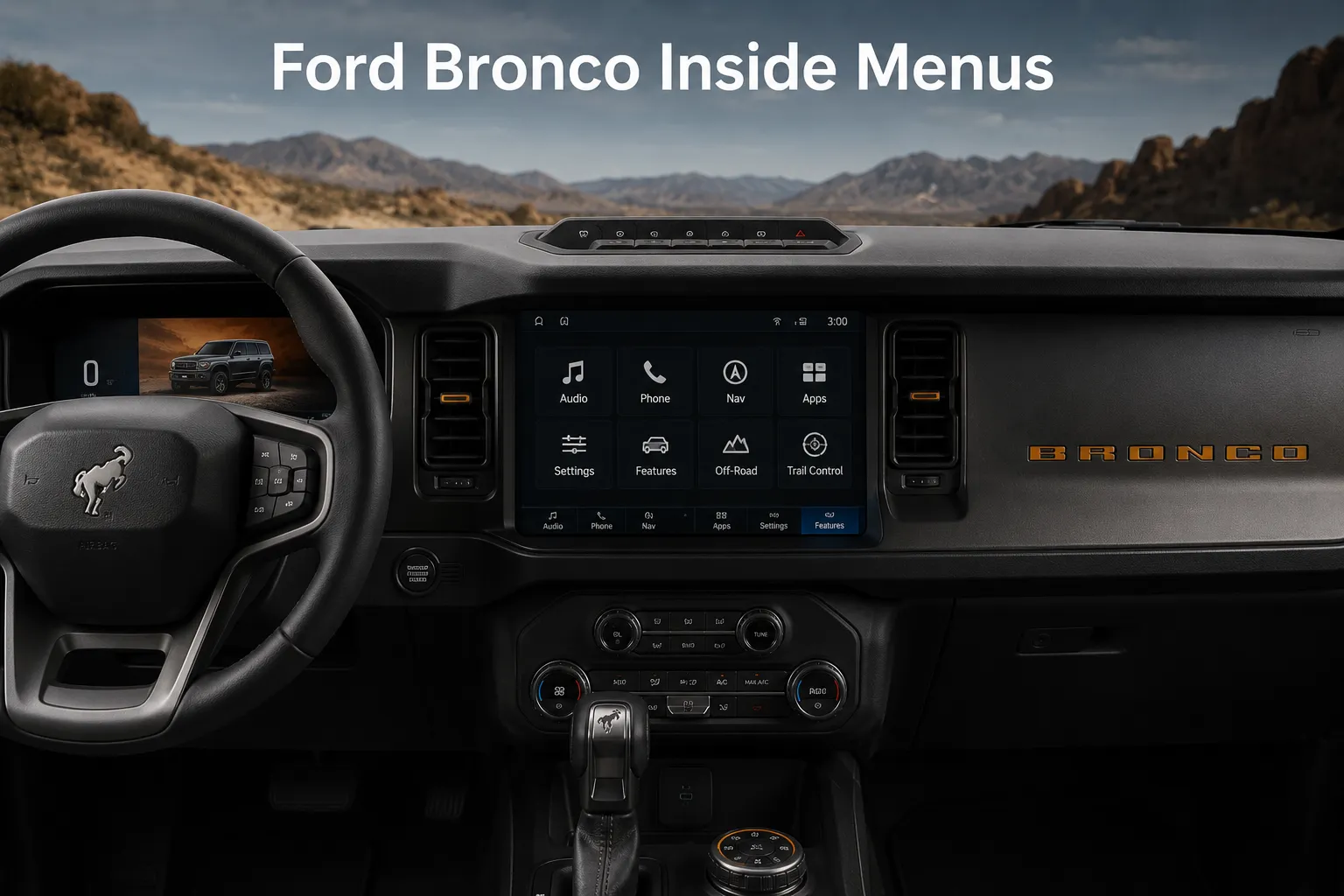
Most Ford Bronco owners know about the G.O.A.T. dial. They know about the removable doors and roof panels. They know the Bronco was built to go places that would stop most other SUVs cold. What a surprising number of owners do not know is how much capability Ford engineers buried inside the digital menus, hidden behind sub-screens and settings tabs that most people never bother opening.
Ford’s SYNC 4 infotainment system and the central instrument cluster on the Bronco contain a layer of software configurations, off-road tools, and automation shortcuts that can dramatically change how the vehicle performs on a trail, how convenient it becomes at a campsite, and how much control the driver has in genuinely difficult situations. These are not third-party mods or dealer-installed accessories. They are factory-built features that shipped with the vehicle and are sitting in the menus right now, waiting for someone to find them.
Whether you bought your Bronco for weekend trail runs, overlanding trips, or just the daily satisfaction of driving something built for more than pavement, these eight hidden menu features are worth finding. Here are the Bronco’s core specs for context, followed by every hidden feature and exactly where to find it.

1. Off-Road Turn Assist Mechanical Lock
How to Find It: Tap the physical button with the curving arrow icon on top of the dashboard, or go through the center screen under Features, then Off-Road, then Trail Turn Assist.
Trying to turn a large SUV on a tight dirt track can test anyone’s patience. You turn the wheel fully, ease forward, reverse slightly, and still find the vehicle refusing to rotate without brushing against bushes or rocks. Ford anticipated this challenge and quietly built a dedicated solution into the Bronco, though many drivers pass the control for it daily without realising its value.
This feature, called Trail Turn Assist, uses the vehicle’s braking system in a very deliberate way to shorten turning space. When the function is activated at low speed and the steering is held at full lock, the system applies brake pressure to the inside rear wheel. That wheel stops rotating while the others continue moving, allowing the vehicle to pivot around a tighter point rather than dragging through a wide arc. The effect is immediate and clear, cutting the turning circle by as much as forty percent.
Such a reduction matters most on narrow forest paths or tight campsite roads where reversing may not be safe or possible. In those moments, the difference between finishing a turn and getting stuck can depend on a few feet of space. Trail Turn Assist operates using factory stability and brake hardware, so no extra parts or upgrades are required.
The driver simply engages the function, turns sharply, and lets the system manage the movement. For anyone who regularly drives through narrow trails, this tool proves quietly helpful and practical.
2. Digital Pitch and Roll Angle Matrix
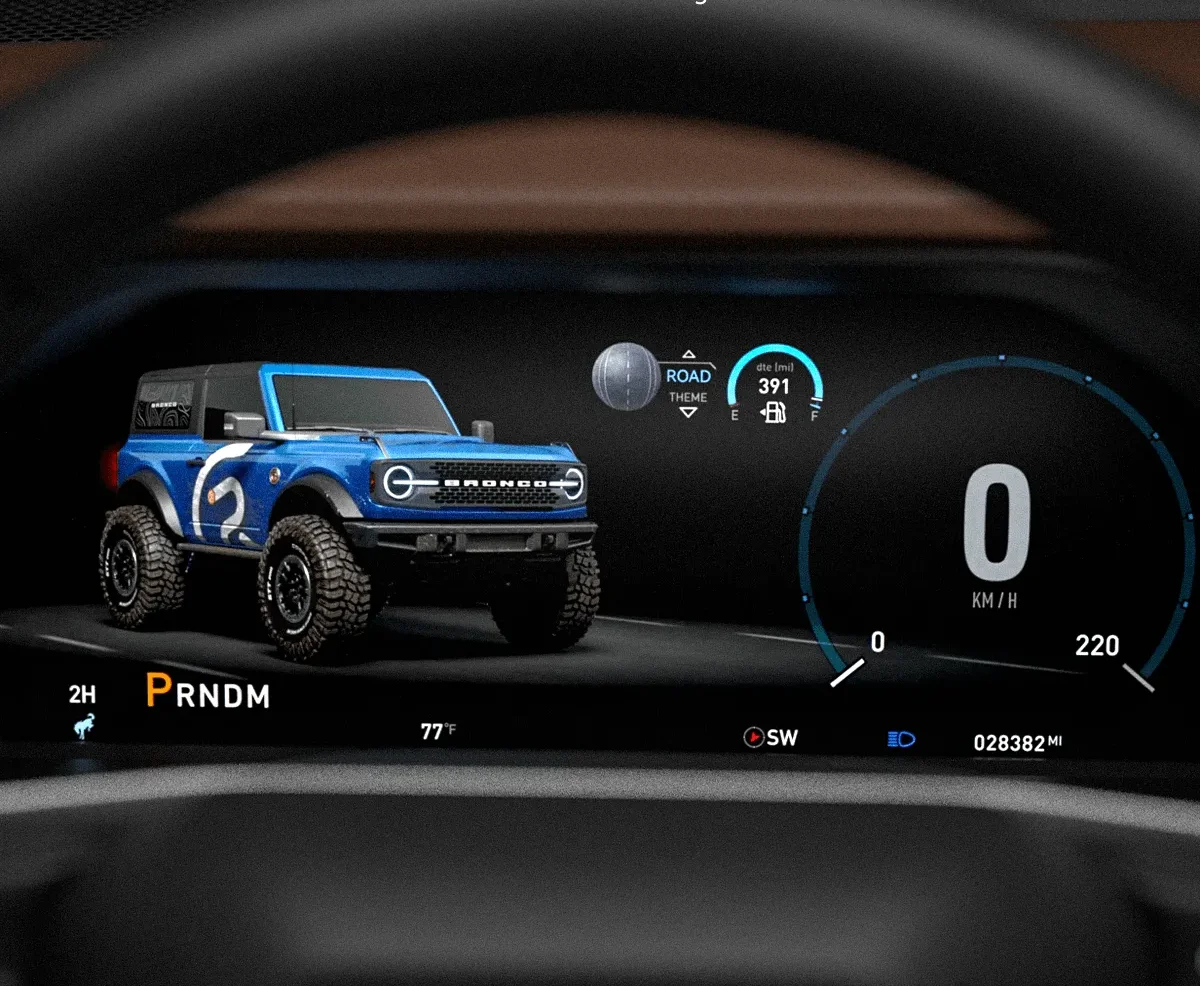
How to Find It: Use the steering wheel controls to open the driver display menu, scroll down to MyView, and select Off-Road Status.
Experienced off-road drivers develop an intuitive sense for when a vehicle is approaching a dangerous lean angle, built through years of trail experience and close calls that most people would prefer to avoid. For everyone else, the Ford Bronco’s hidden pitch and roll telemetry screen provides the kind of live angle data that previously required aftermarket inclinometer gauges mounted to the dashboard.
Activating the Off-Road Status display through the MyView customization menu brings up a live graphic overlay on the driver instrument cluster that shows your exact lateral roll angle, the side-to-side lean as you cross rutted trails or hillside traverses, and your longitudinal pitch angle, the front-to-back tilt as you ascend or descend slopes. Both measurements update in real time down to single-degree precision, giving you a continuously accurate picture of exactly how far from level your chassis is at any moment.
This matters because the Bronco, like any tall SUV, has a rollover threshold that depends on the combination of its center of gravity, load distribution, and the angle of the surface it is crossing. Without angle data, drivers typically use visual estimation and gut feeling to judge whether a hillside traverse is within safe limits.
Both are unreliable, particularly for newer off-road drivers or in low-visibility conditions where visual reference points are limited. With the pitch and roll display active on the instrument cluster, you can watch the numbers climb as you angle up a hillside and make the decision to back off before reaching a threshold that puts the vehicle in danger.
Ford calibrated this display specifically for the Bronco’s chassis geometry, which means the numbers you see reflect accurate, vehicle-specific margin information rather than generic inclinometer data. Finding this feature in the MyView menu and adding it to your standard driving display costs nothing and delivers a safety tool that trail drivers in vehicles without it would pay aftermarket money to install.
Also Read: 2026 Ford Bronco Sport Gets Leaner Feature List and Lower Starting Prices
3. Automatic Tailgate Perimeter Lighting Standby
How to Find It: On the main SYNC 4 touchscreen, go to Features, then Zone Lighting.
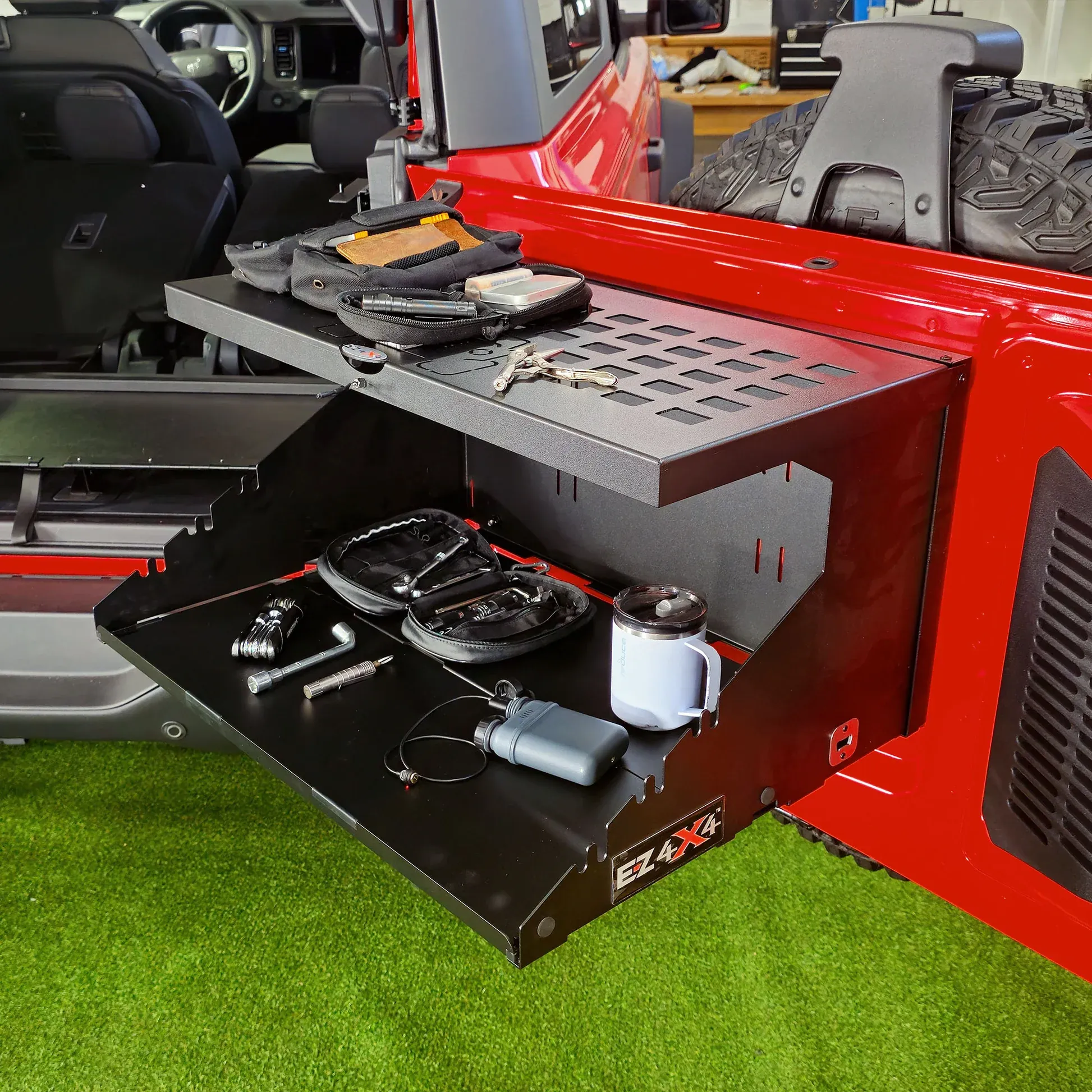
Camping and overlanding trips with the Bronco frequently end with the tailgate down, a camp table set up, and dinner being prepared behind the vehicle as the sun goes down. Getting adequate lighting for that setup without draining the battery through hours of headlight use, or without setting up an external lantern on a separate power source, is a practical problem that Ford’s Zone Lighting menu solves directly from the factory touchscreen.
Zone Lighting on the Bronco is not simply an on-off toggle for all exterior lights simultaneously. It is a digital layout that lets you isolate specific lighting zones independently, controlling which external LED lights are active while leaving others off entirely. For a campsite cooking setup, the most useful configuration activates only the downward-facing mirror lights and the tailgate area lighting, creating a fully illuminated workspace directly behind the cargo area without routing current to the headlights, fog lights, or front accent lighting that you do not need.
This localized lighting approach serves two practical purposes. First, it dramatically reduces the electrical draw compared to leaving full exterior lighting active, preserving battery voltage for the hours you need to spend at camp. Second, it directs light precisely where you are actually working rather than broadcasting it in every direction around the vehicle, which can be inconsiderate to other campers nearby and makes your own night vision worse by creating high-contrast light and shadow zones around the campsite.
Finding the Zone Lighting option in the Features menu requires less than thirty seconds of touchscreen navigation, and once you have used it for a single overnight trip, it becomes one of those features that feels indispensable every time you drop the tailgate after dark.
4. Factory Tire Pressure Units Recalibration
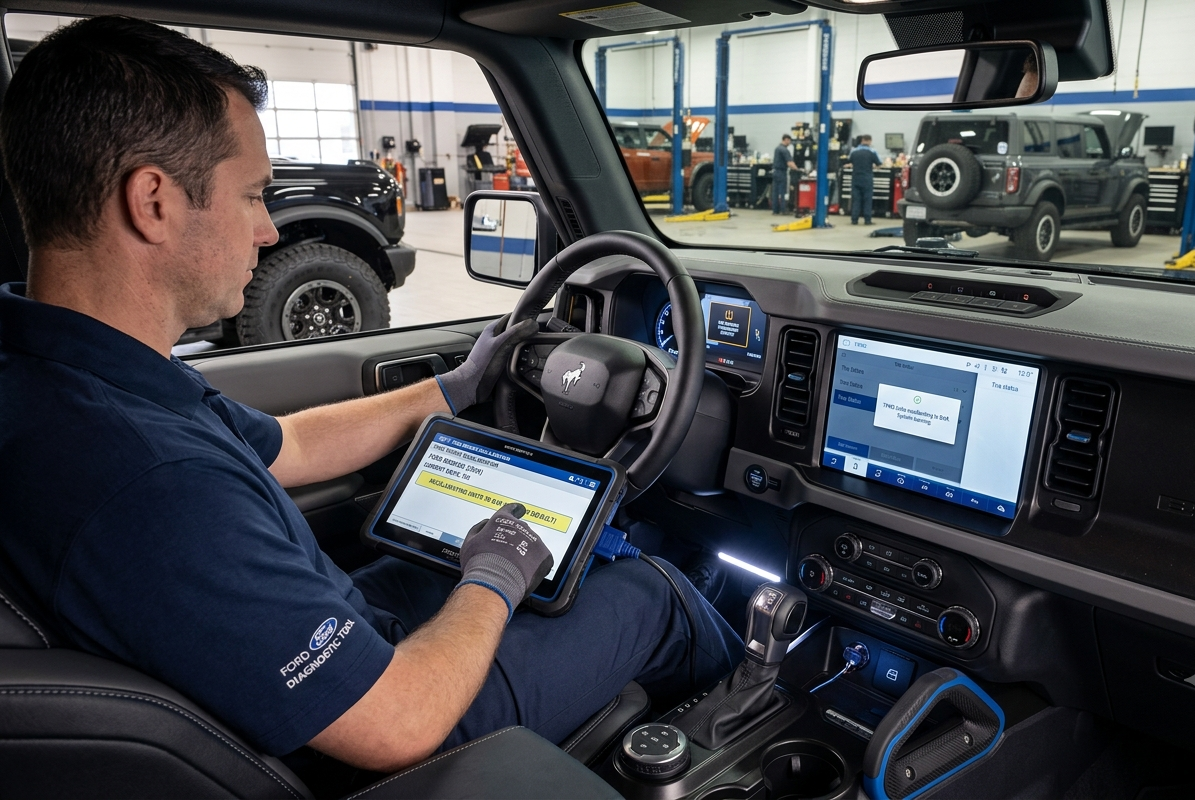
How to Find It: Scroll through the main screen to Settings, then Vehicle, then Tire Pressure.
Seasoned off-road drivers understand that reducing tyre pressure before tackling rough paths is part of proper preparation. Lowering pressure from normal road levels of about 35 to 40 PSI down to roughly 12 to 15 PSI allows the tyres to spread wider against uneven ground. This wider contact improves grip on rocks, tree roots, and loose soil far better than relying on four-wheel drive alone.
Once pressure drops that low, the factory tyre pressure monitoring system reacts as if something is wrong. The system only sees underinflated tyres and responds with warning lights and alert sounds. It does not recognise that the lower pressure is deliberate and necessary for trail driving. The constant alert can become irritating and distracting, especially when full attention should remain on the path ahead.
Few drivers realise that Ford quietly included a simple solution. Inside the vehicle settings menu, under tyre pressure options, there is a setting that allows the warning threshold to be adjusted manually. This option lets the system accept your chosen off-road pressure without triggering alerts.
Before heading out, adjusting the threshold to match your planned tyre pressure prevents unnecessary warnings during the drive. After returning to paved roads and reinflating the tyres, the setting can be returned to standard levels just as easily. No tools, keys, or service visits are required. This software feature was designed with trail users in mind, and knowing where to find it can make off-road outings calmer and more focused.
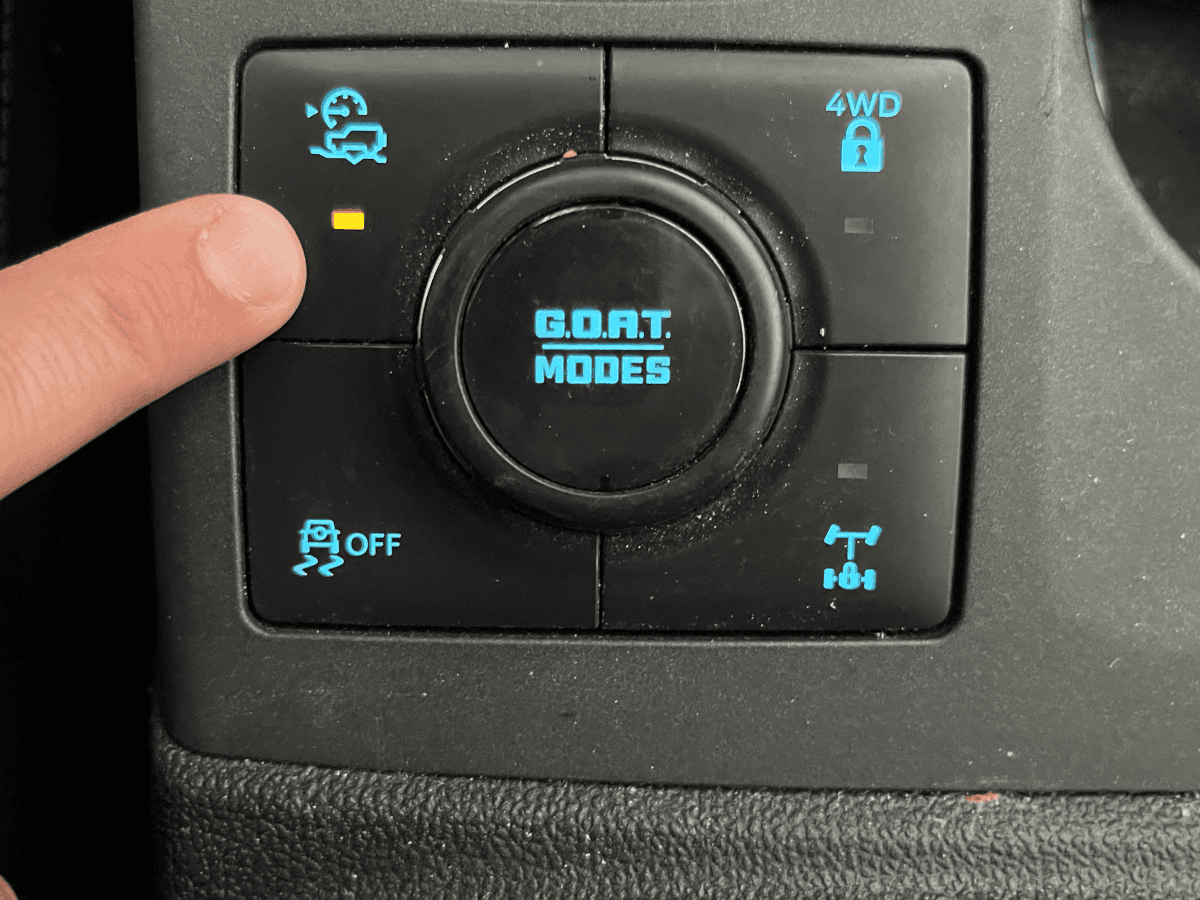
5. Trail Control Low-Speed Cruise System
How to Find It: Press the Trail Control button on the center console (or access it through the Off-Road screen on equipped models), then use the steering-wheel controls to set the desired speed.
Driving over rocky trails or loose terrain demands constant throttle adjustments. Applying too much power can break traction, while too little can leave the Bronco struggling to climb an obstacle. Ford developed Trail Control to remove much of that workload, yet many owners never use it beyond experimenting with it once.
Trail Control works like low-speed cruise control for off-road driving. Once activated, the driver selects a crawl speed, typically between 1 and 20 mph depending on terrain, and the Bronco automatically manages both throttle and braking to maintain that speed. Instead of constantly working both pedals, the driver can focus almost entirely on steering around rocks, ruts, or fallen branches.
The system is particularly useful on long, uneven climbs or descents where maintaining a consistent pace improves traction and reduces driver fatigue. Because the Bronco continuously adjusts engine output and brake pressure, it often delivers smoother progress than most drivers could achieve manually.
Trail Control also works in both forward and reverse, making it easier to back down steep obstacles with controlled speed rather than relying solely on brake modulation.
Although experienced off-road drivers may still prefer full manual control in certain situations, Trail Control provides an excellent balance of convenience and capability for technical trails, especially during long off-road trips. It is one of the Bronco’s most useful factory off-road technologies and is available on many four-wheel-drive models without requiring any aftermarket equipment.
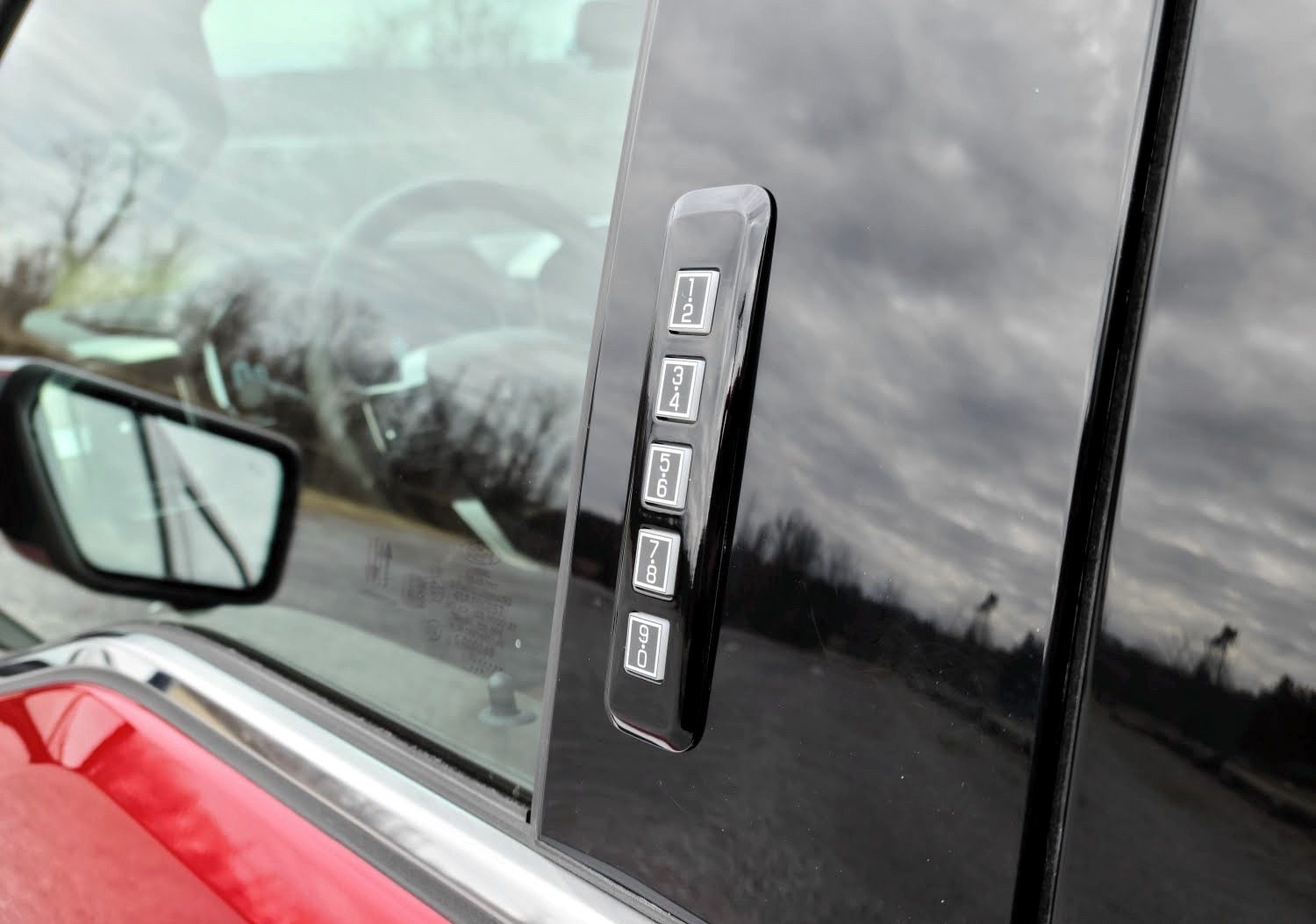
6. Keyless Keypad Master Access Code Retrieval
How to Find It: Ensure both factory key fobs are present inside the vehicle, turn the ignition fully on, and go to Settings, then Vehicle, then Keyless Entry Keypad.
Ford’s exterior door keypad is one of the most practical and convenient features on the Bronco for trail and camping use. Being able to lock your keys and wallet inside the vehicle while swimming, hiking, or doing something that makes carrying them impractical gives you real-world flexibility that most vehicles without a keypad cannot offer. The problem arises when you buy a used Bronco whose previous owner set a custom access code but did not leave that code documented anywhere, or when the small factory security card with the master code gets lost or left at home.
Without the master factory code, you cannot set a new custom code. Without custom code, the keypad essentially becomes a decorative feature. The standard solution is a dealership service visit, which involves booking an appointment, potentially waiting days, and paying a diagnostic fee for something that should take minutes.
Ford built a faster solution directly into the vehicle’s diagnostic settings. With both factory key fobs physically present inside the Bronco and the ignition switched to the full-on position, the hidden Keyless Entry Keypad screen within the Vehicle settings menu forces the master five-digit factory door code to display directly on the center touchscreen. No dealership scan tool required, no service appointment needed, no fee charged.
This diagnostic window exists because Ford’s security system requires confirmation that an authorized key holder is making the request, which is why both fobs must be present inside the vehicle. Once the code displays, you can use it to set whatever custom entry sequence you prefer through the standard keypad configuration process.
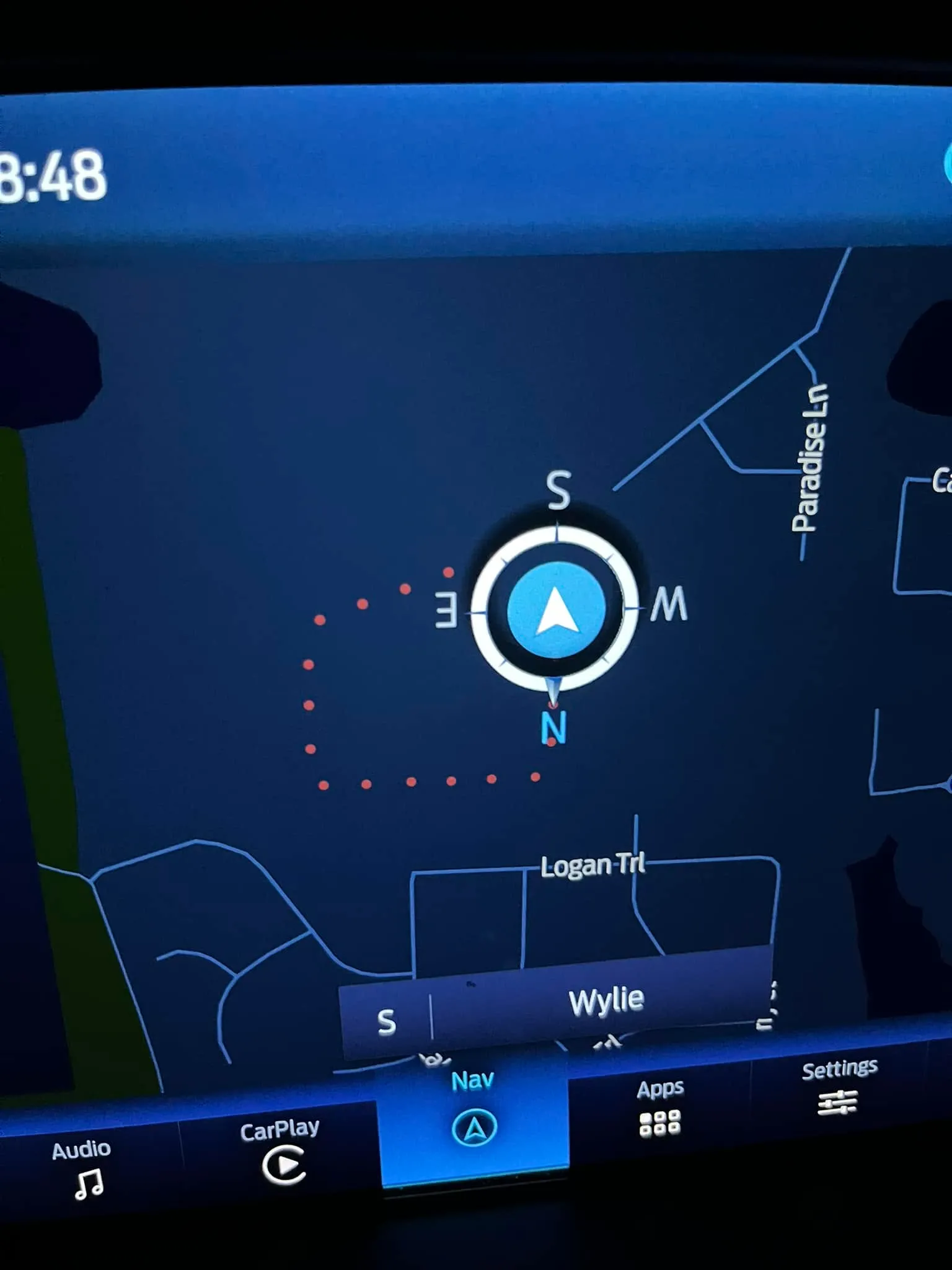
7. Intelligent Breadcrumb Trail Back-Tracking
How to Find It: Open the factory navigation display, tap the options gear icon, and enable Trail Breadcrumbs.
Cell coverage disappears faster than most drivers expect once a trail leaves the main road, and GPS mapping applications that require a data connection become useless the moment the signal drops. Dedicated offline mapping apps help, but they require advance planning and downloading map tiles before departure.
Ford’s breadcrumb navigation tool requires no advance planning, no data connection, and no external app. It activates through the factory navigation display and begins working immediately. Once Trail Breadcrumbs is enabled from the navigation options menu, the Bronco’s system begins automatically dropping small digital position markers at regular intervals along the path you have driven.
These markers are stored locally in the vehicle’s navigation system rather than on any cloud server, which means they remain accessible regardless of whether you have cellular coverage or a satellite signal strong enough to run a mapping application. As you move deeper into unmapped territory, the system builds a complete digital record of exactly how you got there.
If you reach a dead end, get disoriented after a series of similar-looking intersections, or simply need to return to the main road in deteriorating visibility or weather conditions, you reverse your direction and follow the marker trail backward to your starting point.
This feature is particularly valuable for desert riding, dense forest trails, and remote locations where visual landmarks are sparse or repetitive and where a wrong turn can add hours to a return trip. Trail Breadcrumbs does not replace proper navigation planning, but it provides a reliable fallback system that works precisely when all conventional navigation tools fail.
Finding it in the navigation options menu before your first remote trail run costs nothing and provides meaningful safety assurance on every outing that follows.
Also Read: 7 Ford Bronco Generations Ranked Worst to Best
8. Trail One-Pedal Acceleration Drive Profile
How to Find It: Engage 4-Low using the G.O.A.T. dial, then activate Trail One-Pedal Drive from the on-screen menu that appears.
Serious rock crawling places heavy demands on driver coordination, especially when throttle, brake, and steering must all be managed at the same time on unstable ground. Moving slowly over rocks often means feeding in power gently while staying ready to stop rollback instantly if traction changes. That balance takes practice, and mistakes can unsettle the vehicle quickly. Ford’s Trail One Pedal Drive reduces that workload by combining acceleration and braking into a single control.
Access to this mode is limited for a reason. It only becomes available after switching the G.O.A.T. system to 4 Low, keeping it reserved for proper off-road conditions rather than everyday driving. Once selected through the screen, the Bronco recalibrates throttle response and braking logic to work together as one system.
Pressing the accelerator moves the vehicle forward smoothly with controlled torque suited for crawling. Lifting off the pedal immediately triggers braking force instead of allowing free roll. The truck stays planted on level ground or steep inclines without the driver touching the brake.
New drivers benefit by avoiding difficult foot coordination during technical sections. Experienced trail users gain comfort too, as long as crawling stretches demand less effort and concentration across extended trail days routinely.