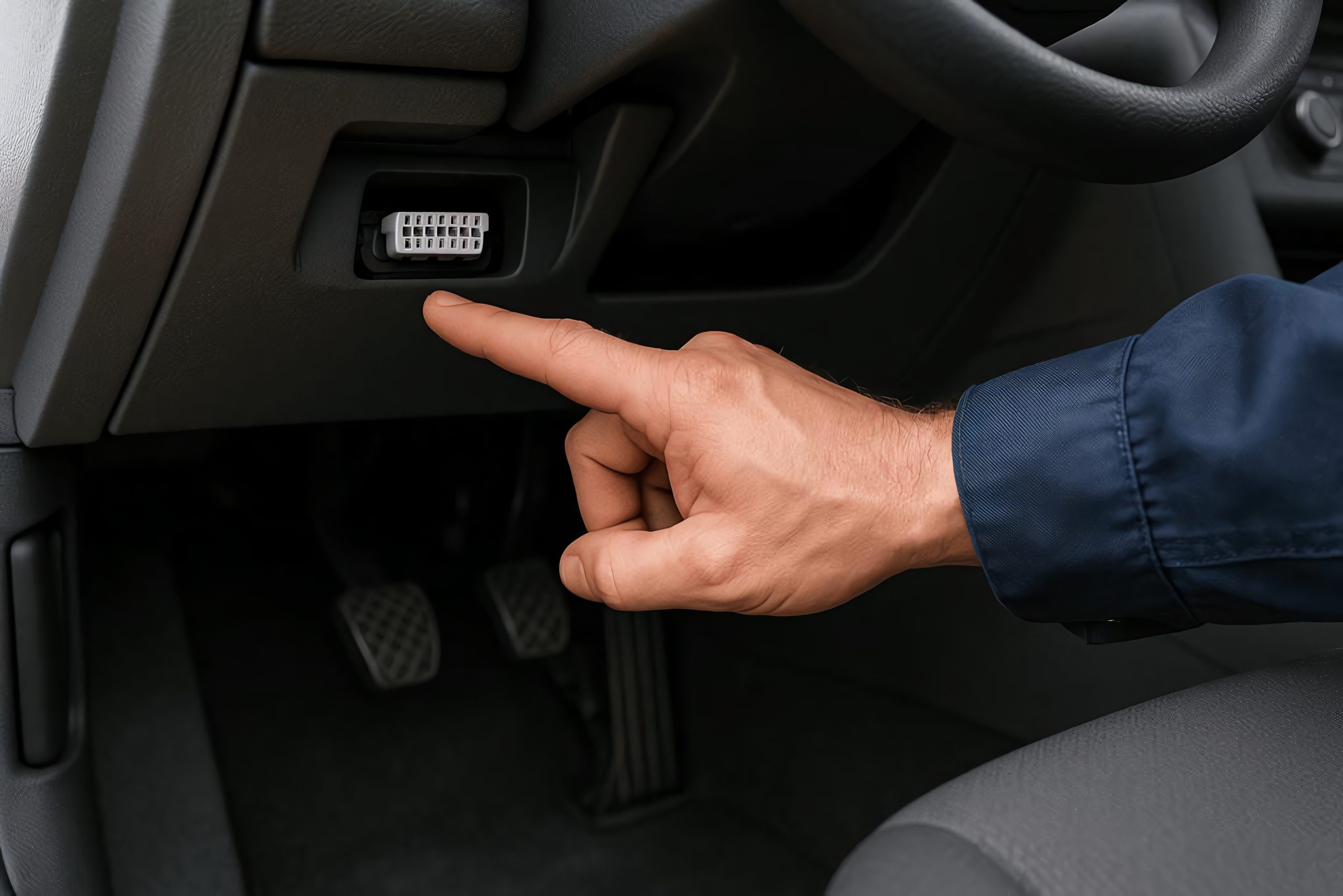
Connected cars can share driving data in several ways. These include an insurer’s telematics app, a Bluetooth beacon, a plug-in device, the automaker’s built-in modem, or an account connection approved by the owner.
The type of information collected depends on the program and may cover mileage, trip schedules, location, acceleration, braking, cornering, speed, and phone usage. Turning off one method does not prevent the others from continuing to collect data. Likewise, deleting an app does not usually end enrollment for the vehicle or the driver.
The safest approach is to withdraw consent through the company’s official process, then shut down the technology that supported the program. Drivers should expect possible consequences, including loss of an enrollment discount, a premium adjustment, or reduced connected-car features.
These steps are U.S.-focused and reflect official information available August 4, 2026. Menu names and cancellation rules vary by state, insurer, vehicle, software version, and policy, so confirm every change in writing before assuming reporting has ended.
1. Formally Leave the Insurer’s Telematics Program
The first step is to contact your insurance company instead of making changes on your phone. Call the insurer or your agent and request to withdraw from the usage-based insurance program and stop any future telematics data collection. Ask whether the request applies to every enrolled driver and vehicle on the policy.
The opt-out process varies by insurer. Travelers instructs IntelliDrive participants to call the company or their agent because deleting the app does not end enrollment. Liberty Mutual also requires RightTrack customers to contact its customer service team. State Farm advises customers to contact the company for assistance with the Drive Safe and Save program.

Request the effective date, confirmation number, and written explanation of the premium consequence. Ask whether a deadline applies and whether an existing score will remain attached to the policy. Leaving may remove an enrollment discount or allow a previously calculated score to affect a later renewal.
Travelers distinguishes withdrawals made within 45 days from those made later. Liberty Mutual also warns that timing and available driving data can affect how departure changes the policy. Do not assume that stopping uploads erases information already collected.
After the insurer confirms cancellation, sign in to the policy account and check whether the program still appears beside the vehicle or driver. Review the next declarations page or renewal documents. If the program remains active, send the confirmation to the insurer and request correction.
Formal withdrawal is essential because merely disabling permissions may be treated as incomplete participation rather than valid cancellation. Avoid unplugging, blocking, or tampering with equipment while enrollment is active. Complete the contractual exit first, then remove the supporting technology according to the insurer’s instructions.
2. Turn Off the App’s Location and Motion Permissions
Once formal cancellation is confirmed, review the insurer app’s phone permissions. Telematics apps commonly need background location, motion or physical-activity access, Bluetooth, and background operation to recognize trips. Progressive says Snapshot Mobile requires settings such as background app refresh and location-related permissions.
Google identifies Location, Nearby Devices, and Physical Activity, which includes driving, as separate Android permissions. Apple lets users change an app’s location access under Settings, Privacy & Security, and Location Services.
On an iPhone, open Settings, Privacy & Security, Location Services, and choose the insurance app. Set access to Never if the app no longer needs location, and review Precise Location.
Also check Motion & Fitness and Bluetooth. On Android, open Settings, Apps, select the app, and choose Permissions, or use Security & Privacy, Privacy, Permission Manager. Deny Location, Physical Activity, and Nearby Devices when no longer required. Wording can differ by manufacturer and operating-system version.
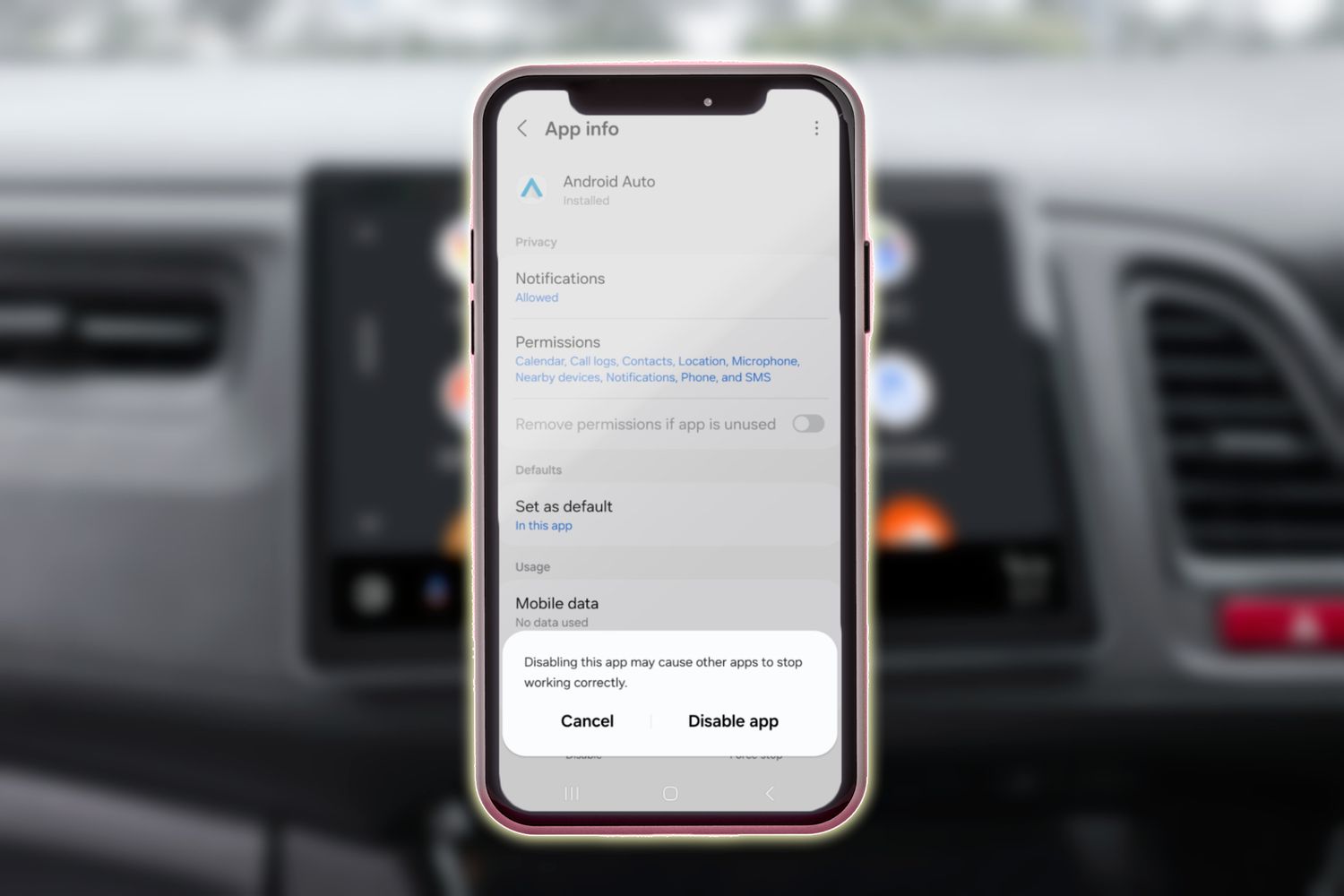
Do not use permission changes as a substitute for opting out. Some programs may treat missing data as nonparticipation, remove a discount, or apply stated premium rules. The app may also provide policy documents, payments, claims, or roadside assistance, so removing every permission can disable more than trip tracking. Reopen the app after making changes and reject prompts that would restore access.
Then return to the permission page to verify the final state. If you uninstall the app, first save proof of cancellation and any trip records needed to challenge a mistake. Deleting software does not necessarily close the insurer account, erase past data, or cancel a program attached to the policy.
3. Remove and Return the Beacon or Plug-In Device
A physical device can support a telematics program even after the phone app is closed. Depending on the insurer, the hardware may be a Bluetooth beacon attached inside the vehicle or a device connected to the diagnostic port. Wait until the insurer confirms that enrollment has ended, then follow its removal and return instructions.
State Farm says a cancelled Drive Safe & Save participant can remove the beacon from the windshield with a twisting motion. Liberty Mutual’s RightTrack terms say physical technology may have to be returned, and failure to return it in good condition can result in a fee.
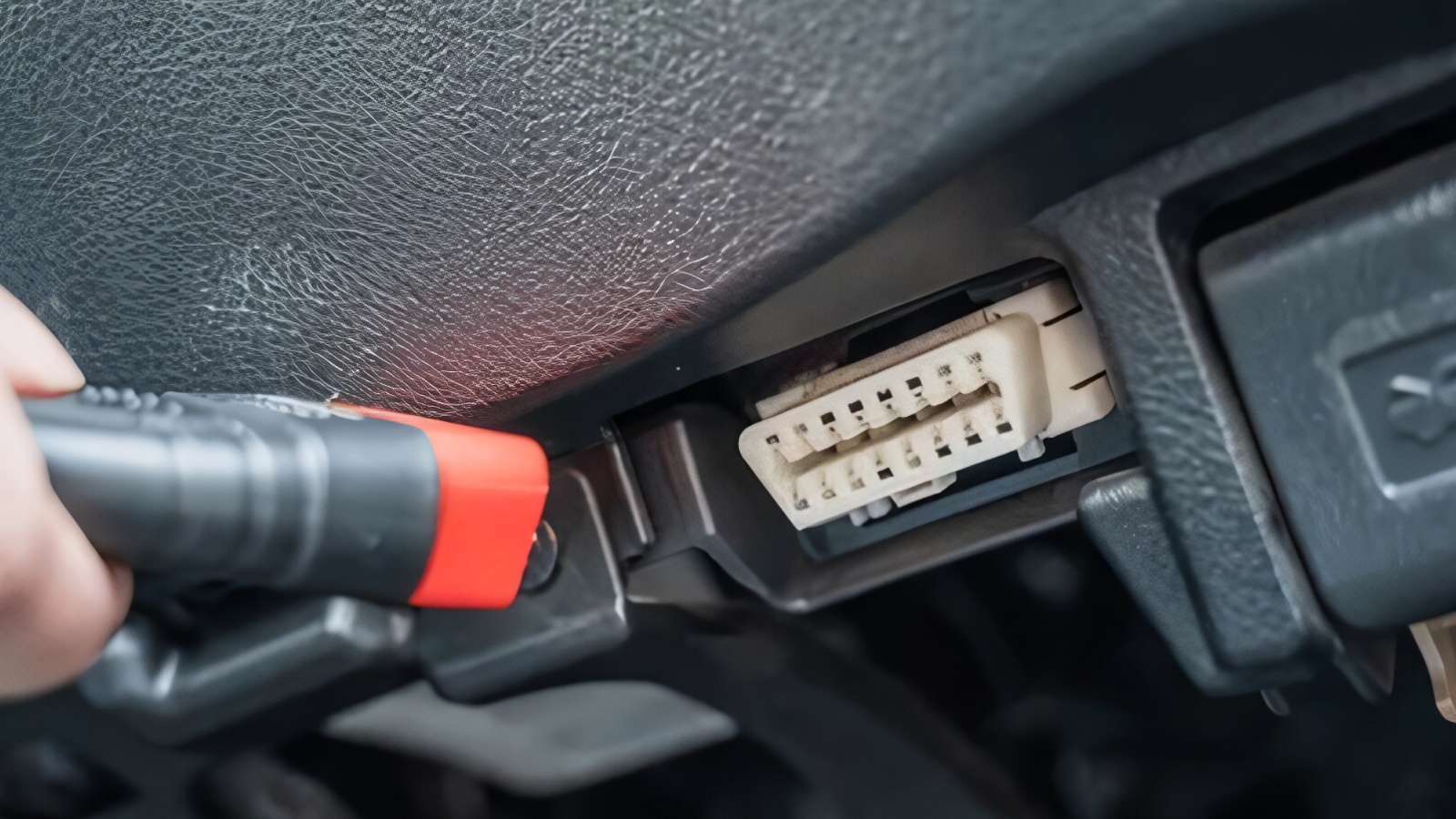
Unpair the beacon from the program inside the insurer’s app if that option remains available. State Farm notes that its beacon is assigned to a vehicle through the app. For a plug-in device, switch off the vehicle and remove it carefully from the diagnostic port. Use only the insurer’s instructions; do not dismantle, alter, shield, or damage the equipment.
Photograph the device, identifying number, and condition before mailing it. Use the supplied label or trackable shipping and save the receipt. Ask the insurer to confirm receipt and that the device is no longer assigned to your vehicle. If the company says the hardware may be recycled, follow its battery and electronics guidance.
Removing equipment does not delete trips already transmitted, and removing it before cancellation may be treated as failure to participate. The correct sequence is written withdrawal, confirmed effective date, hardware removal, and return or recycling. Finally, inspect the policy account to ensure the device is no longer listed.
4. Disable the Automaker’s Driving-Score Feature
The insurer may not be collecting directly from its own app. Some automakers operate a driving-score service that can send selected attributes to a data provider or participating insurer after the owner enrolls.
Kia says leaving its optional Usage-Based Insurance program stops sharing with participating insurers, but it does not disable the separate Driving Score or stop the underlying flow to LexisNexis Risk Solutions. To stop that sharing, Kia directs owners to contact the Kia Connect Call Center and request that Driving Score be disabled.
Open the automaker’s app and owner portal and search for Driving Score, Usage-Based Insurance, Insurance Offers, Safe Driving, or similar labels. Check whether the score and insurance enrollment are separate features. If they are, opt out of both. Ask the automaker to identify the recipient, effective date, and whether disabling the feature affects only future transmission or also triggers a deletion request.
Save screenshots before and after the change, along with the support case number. Recheck the page after the account updates. If a score remains visible, ask whether it reflects historical information or continuing collection. Do not assume that cancelling the connected-services subscription automatically disables every optional analytics or insurance feature.
Information already delivered to a consumer-reporting company may remain in its file. Use the broker’s consumer-disclosure process to inspect it separately. The CFPB lists LexisNexis C.L.U.E. and Telematics OnDemand and explains that consumers can request a free report and dispute inaccurate or incomplete information. This does not guarantee deletion of accurate historical data, but it helps verify whether reporting continued after the automaker confirmed the feature was disabled.
5. Switch Off Vehicle-Level Data Sharing
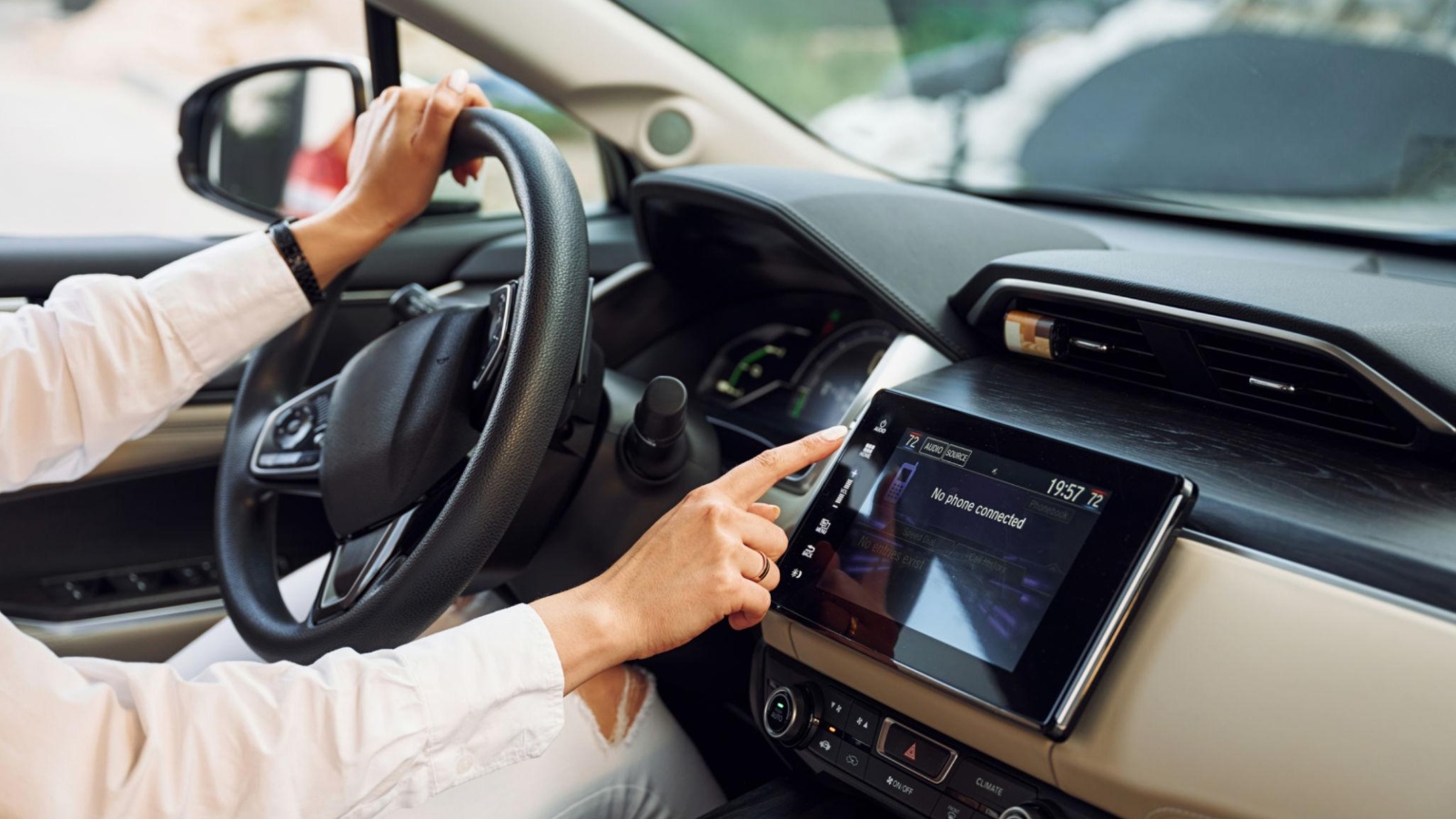
Some reporting begins inside the car, independent of the insurer’s app. Review the infotainment system for Connectivity, Privacy, Connected Vehicle, Data Sharing, Vehicle Data, or Location Sharing. Ford, for example, documents a SYNC route of Settings, Connectivity, Connected Vehicle Features, and Share Vehicle Data.
Ford Digital Experience uses Vehicle, Settings, Privacy, and Data Sharing with Ford. Toyota places vehicle transmission choices in the Toyota app’s Data Privacy Portal and says declining Vehicle Connectivity Consent turns off vehicle data transmission.
Read the warning before changing the switch. A broad connectivity shutdown may also disable remote start, vehicle status, navigation assistance, maintenance notifications, emergency services, software features, or other connected functions. A narrower option may limit only location or driving data. Record every original setting so you can distinguish a privacy choice from an accidental service failure.
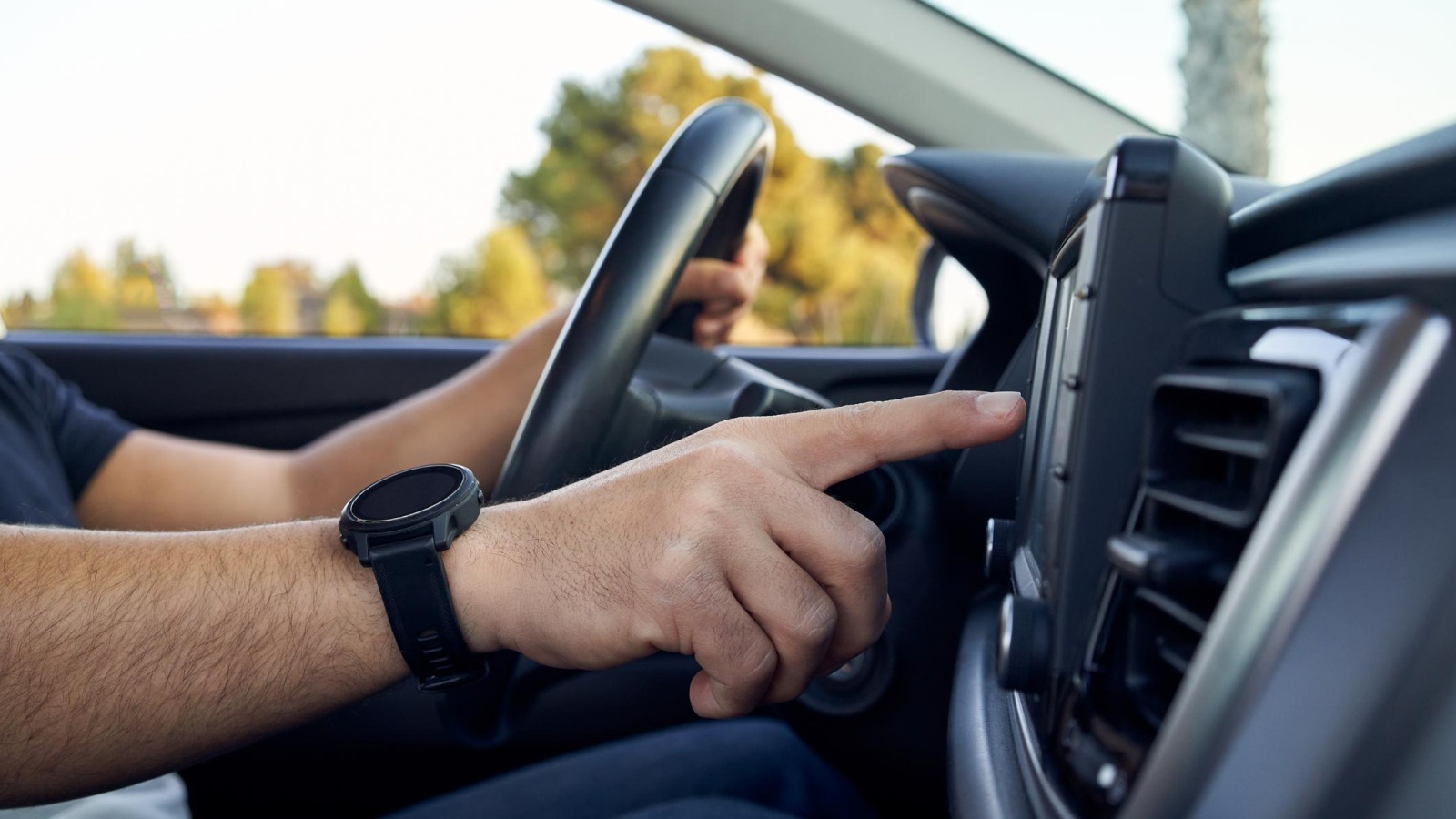
After turning off the relevant category, leave the menu, restart the vehicle, and reopen the page. Confirm that the switch remained off. Then inspect the automaker’s mobile app because account-level consents and vehicle-level settings may be separate. Remove any active insurance or driving-score feature.
Do not describe the result more broadly than the manufacturer does. A setting labelled Share Vehicle Data may stop or reduce connected transmission, but safety, legal, diagnostic, emergency, or service-related collection may continue under the applicable terms. It also does not recall information already sent to an insurer or broker.
Save a photo of the final screen, vehicle software version, and date. If the option is absent, use the official manual or contact the automaker with the VIN rather than following instructions for another model year.
Also read: 10 Cars With Microphones That Never Fully Switch Off
6. Revoke Third-Party Connected-Car Access
A vehicle can report through an account connection even when the dashboard menu looks correct. Insurers and other applications may receive vehicle information through an automaker-approved interface after the owner authorizes access. Tesla states that connected third-party apps receive only the data categories the owner consented to and that consent can be managed or revoked through the Tesla Account or through the outside app.
Sign in to the automaker account and look for Third-Party Apps, Connected Apps, Authorized Services, Account Access, Partners, or Permissions. Open every connection and identify what it can read. Revoke any insurer or unfamiliar application that no longer needs access. Then sign in to the third party and disconnect the vehicle there as well. Completing both sides reduces the chance that an authorization remains active.
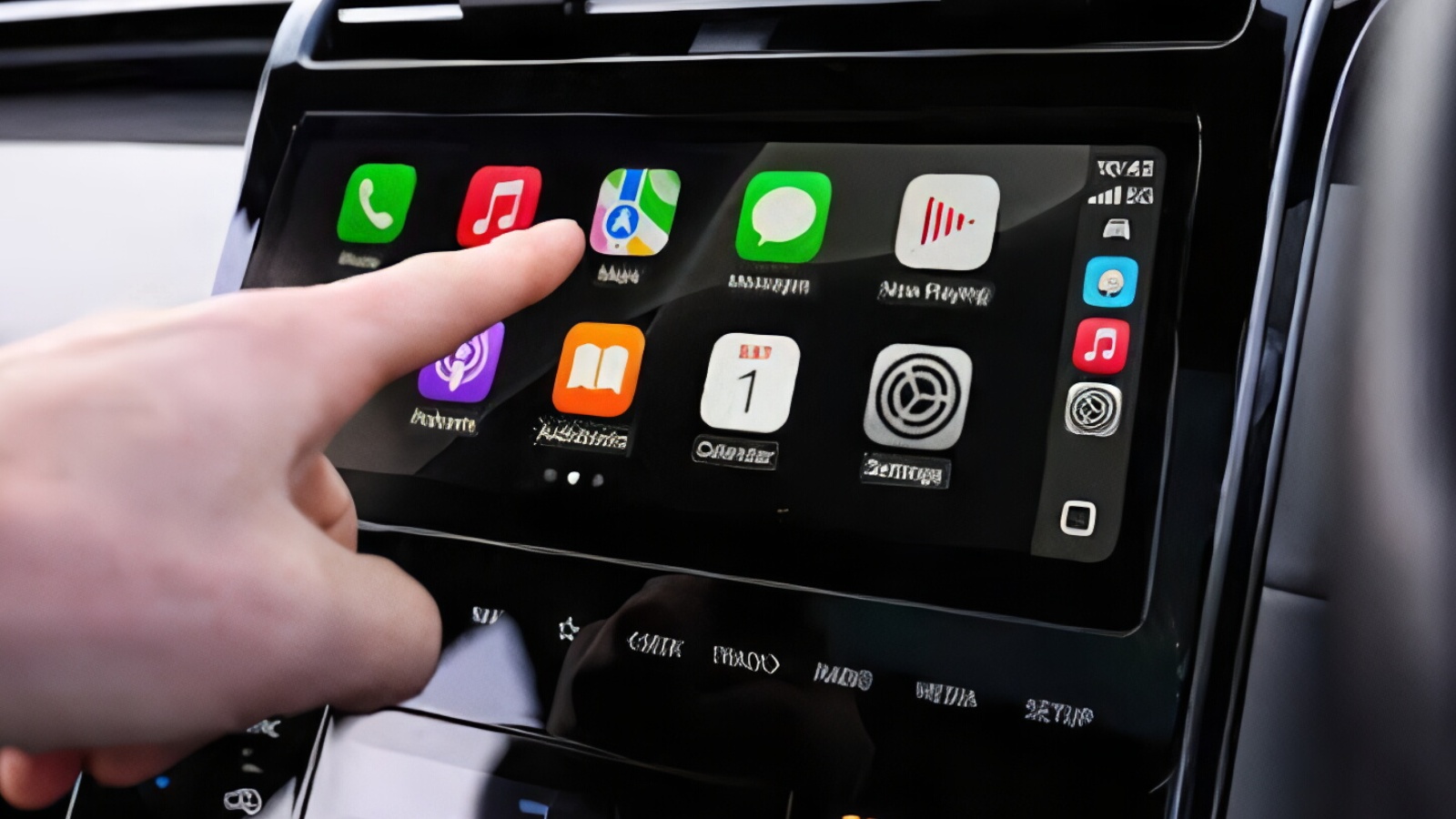
Changing the password is not a reliable substitute for revocation. Integrations may use authorization tokens rather than storing the account password, and the automaker’s permissions page is the authoritative place to withdraw access. After revoking, check whether the service disappears from the account list and whether the outside app can still refresh mileage, location, charging, or vehicle status.
This step stops an authorized account pathway; it does not necessarily turn off the car’s connection to its manufacturer. It also cannot retrieve data already transmitted. Save screenshots of the authorized-app list before and after removal.
If an insurer says it never used the connection, ask which vendor or data source supplied the driving information. That answer helps determine whether the remaining route is an insurer app, automaker program, broker file, or connected service rather than a third-party authorization.
7. Deactivate the Automaker’s Connected Services
When individual toggles do not provide enough control, ask the automaker to deactivate the vehicle’s connected-services subscription or remote transmission. Toyota says U.S. owners may opt out of Connected Services or request deactivation of data transmission through the SOS button or Toyota app.
Hyundai says cancelling Bluelink stops remote transmission and collection after the request is processed. GM says owners can disconnect a vehicle and unenroll from OnStar by contacting an advisor or pressing the blue OnStar button.
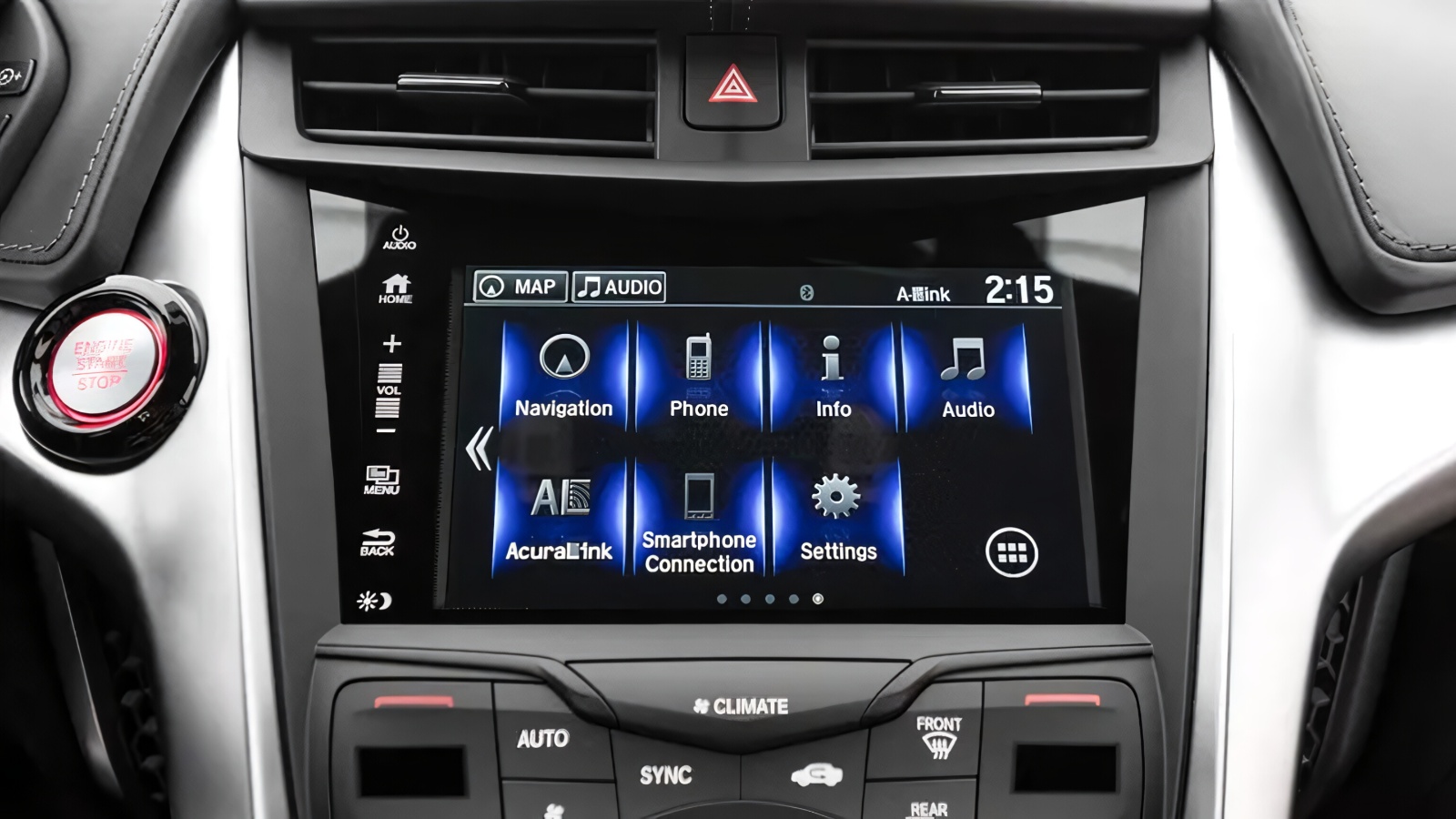
Ask exactly what deactivation covers. Request confirmation that routine driving, location, and vehicle-health transmission has stopped and whether exceptions remain for emergencies, battery safety, diagnostics, legal requirements, or service visits.
Hyundai explains that cancelling Bluelink does not stop the vehicle from generating or storing all information and that certain safety or diagnostic data may remain available during servicing. GM also describes limited circumstances in which information may still be collected after OnStar unenrollment.
Expect significant feature loss. Remote lock or start, vehicle location, stolen-vehicle assistance, app status, navigation support, maintenance alerts, or Wi-Fi may no longer work. Decide whether ending those services is necessary after first trying narrower insurance and data-sharing controls.
Obtain a case number and effective date, then test the result. Confirm that the vehicle no longer responds to remote commands and that the subscription appears inactive in the app.
Do not sell or transfer the car without clearing profiles, saved locations, paired devices, and account access. Connected-service cancellation is the broadest practical step, but it is not a promise that every piece of past data will be erased or that no safety-related transmission can occur.
8. Pull the Insurance Data File and Verify the Stop
The final step is verification. Ask the insurer, automaker, and identified data providers to confirm the date on which future telematics sharing ended. Then request the relevant specialty consumer report. The CFPB says insurance-focused reporting companies may collect claims and driving information that insurers use when deciding what policies to offer and what premiums to charge. Its current company list includes LexisNexis C.L.U.E., Telematics OnDemand, and Drivers History.
Compare the report with your cancellation records. Look for driving or vehicle information dated after the confirmed cutoff. A later report date does not by itself prove new collection because it may contain older data. Focus on event dates, source names, and update dates. Ask the reporting company to explain unclear codes and identify the source.

If information is inaccurate or incomplete, dispute it with both the reporting company and the organization that supplied it. The CFPB explains that consumers have the legal right to dispute such errors and that companies must conduct a reasonable investigation without charging for it. Attach the written opt-out confirmation, screenshots, policy records, and evidence supporting the dispute.
A privacy request or security freeze may restrict certain uses where available, but it is not a universal deletion command. It also may not block information obtained through another lawful source.
Keep the original report, dispute packet, delivery proof, results, and corrected disclosure together. Recheck the insurer account at renewal. The process is complete only when enrollment is closed, technical routes are disabled, and later records do not show unexplained reporting beyond the confirmed stop date.
Also read: 5 Cars Where Trade-In Beats Private Sale vs 5 Where It Doesn’t